

Silkland 80Gbps Right Angle USB 4 Cable for Thunderbolt 5: a high‑speed USB‑C video and power link
Product description
What this is and what it aims to solve
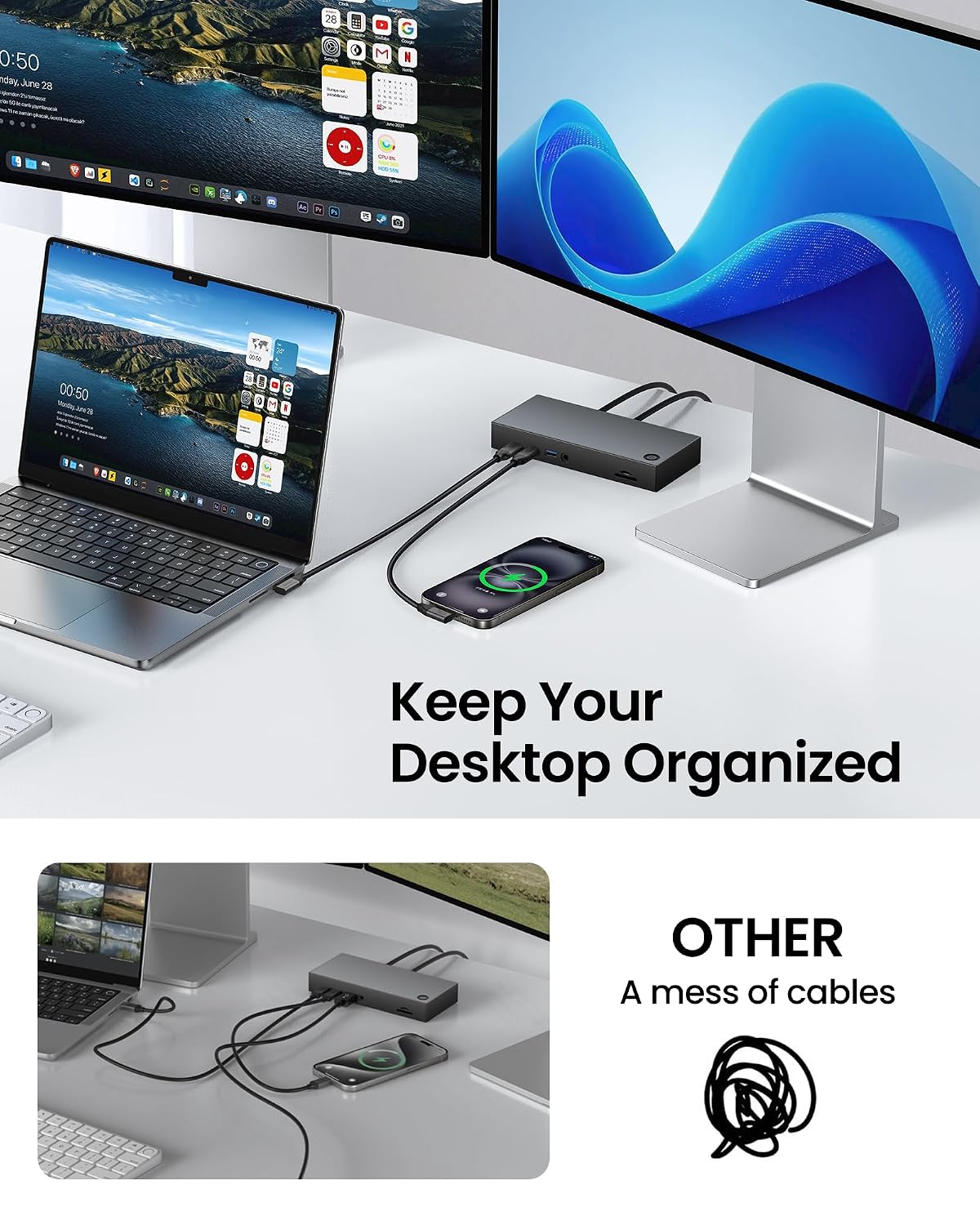
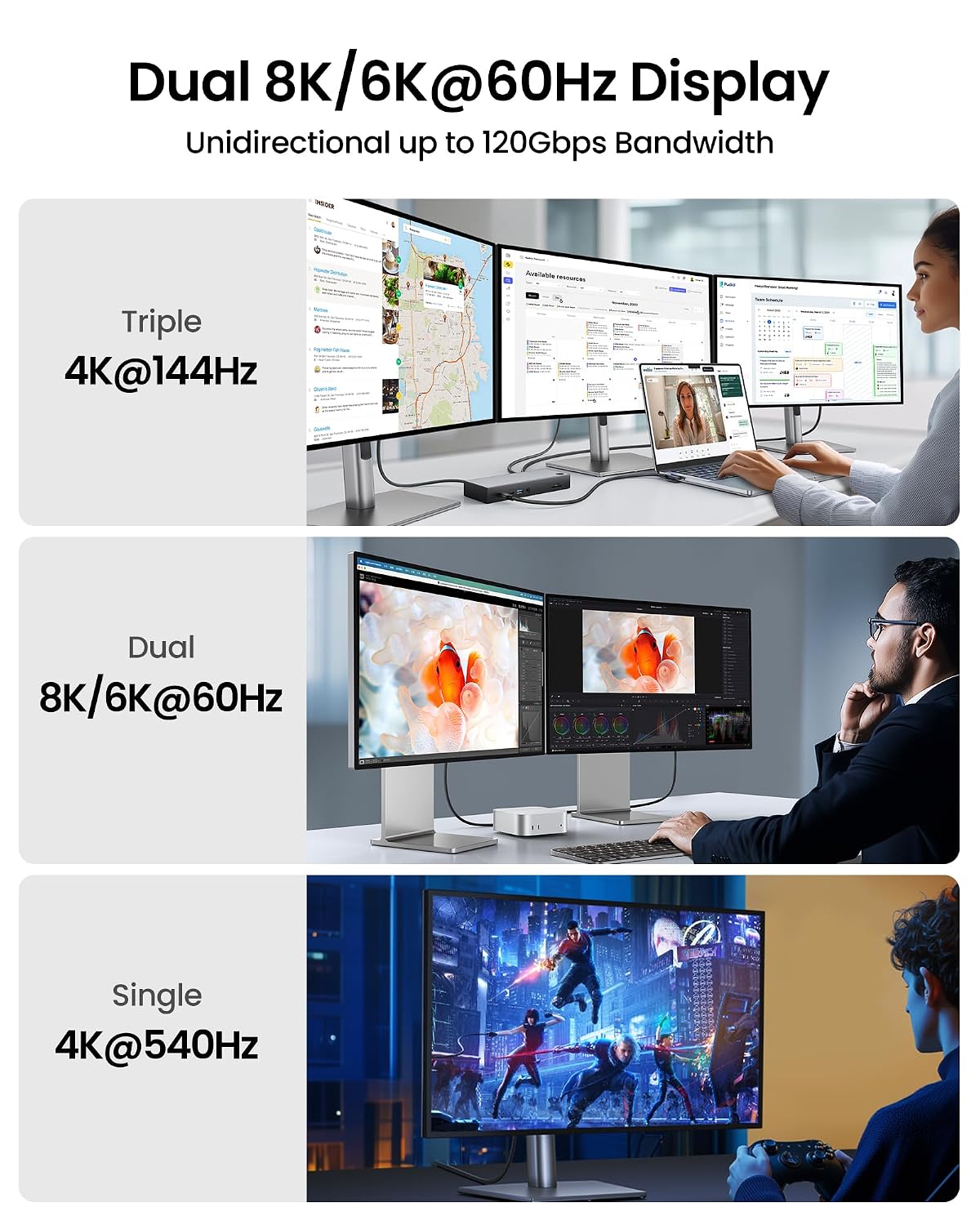
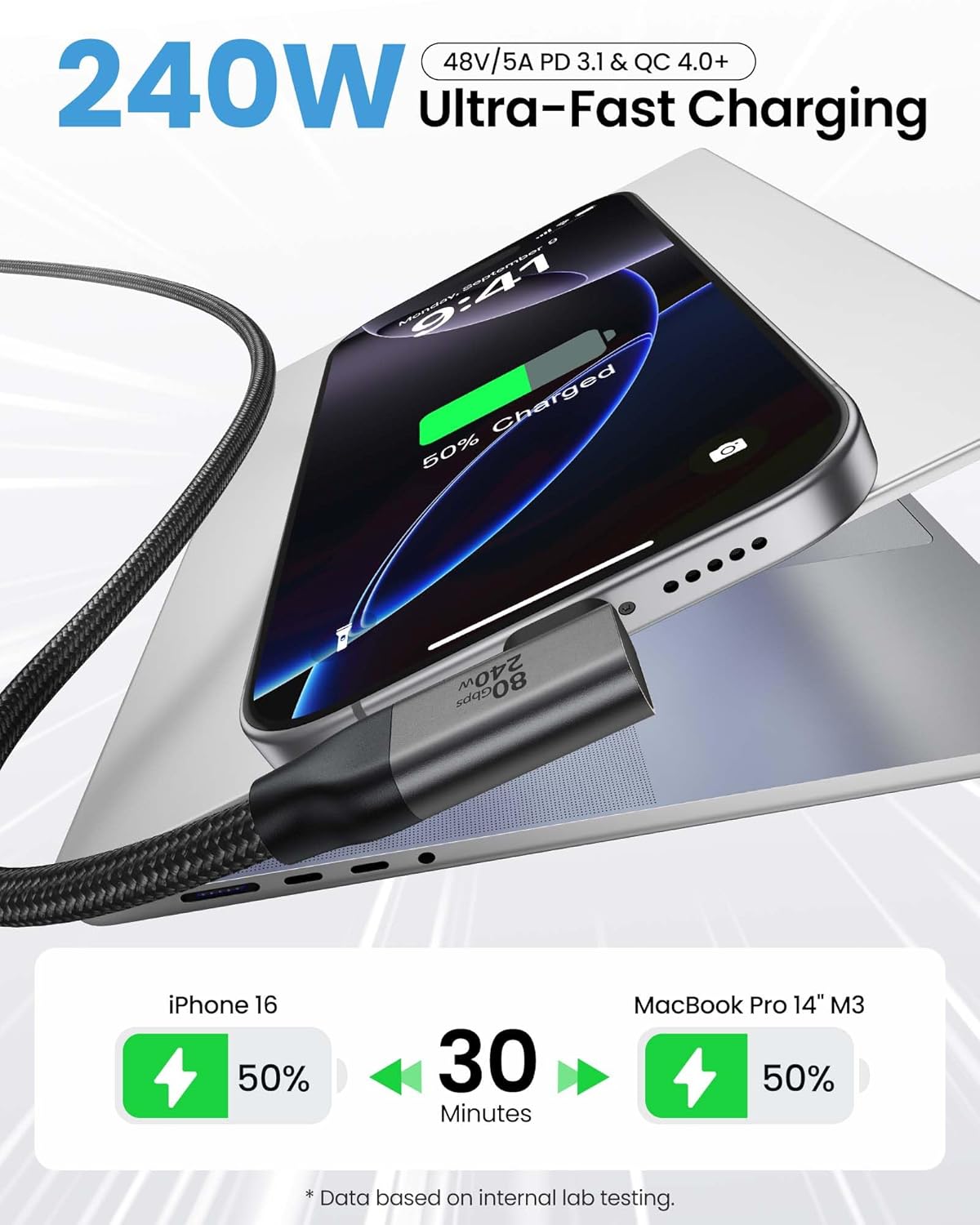
Silkland offers a right‑angle USB 4 cable designed to work with Thunderbolt 4 and 5 ecosystems, delivering bidirectional speeds up to 80Gbps, substantial video bandwidth, and high‑widelity power delivery. The 1m length and a 90° connector are aimed at tidy desks and tightly spaced rigs where a straight cable would clash with a dock, a laptop stand, or a wall in a busy workspace. The claim to handle dual 8K@60Hz or multiple 4K displays alongside substantial charging (PD 3.1 and QC 4.0+ compatibility) is geared toward creators, engineers and power users who want a single, simpler cable for data, video and power. On paper, this kind of capability is meaningful if your hardware supports the same standards and the devices can truly exploit that bandwidth.
How it fits into a real‑world setup
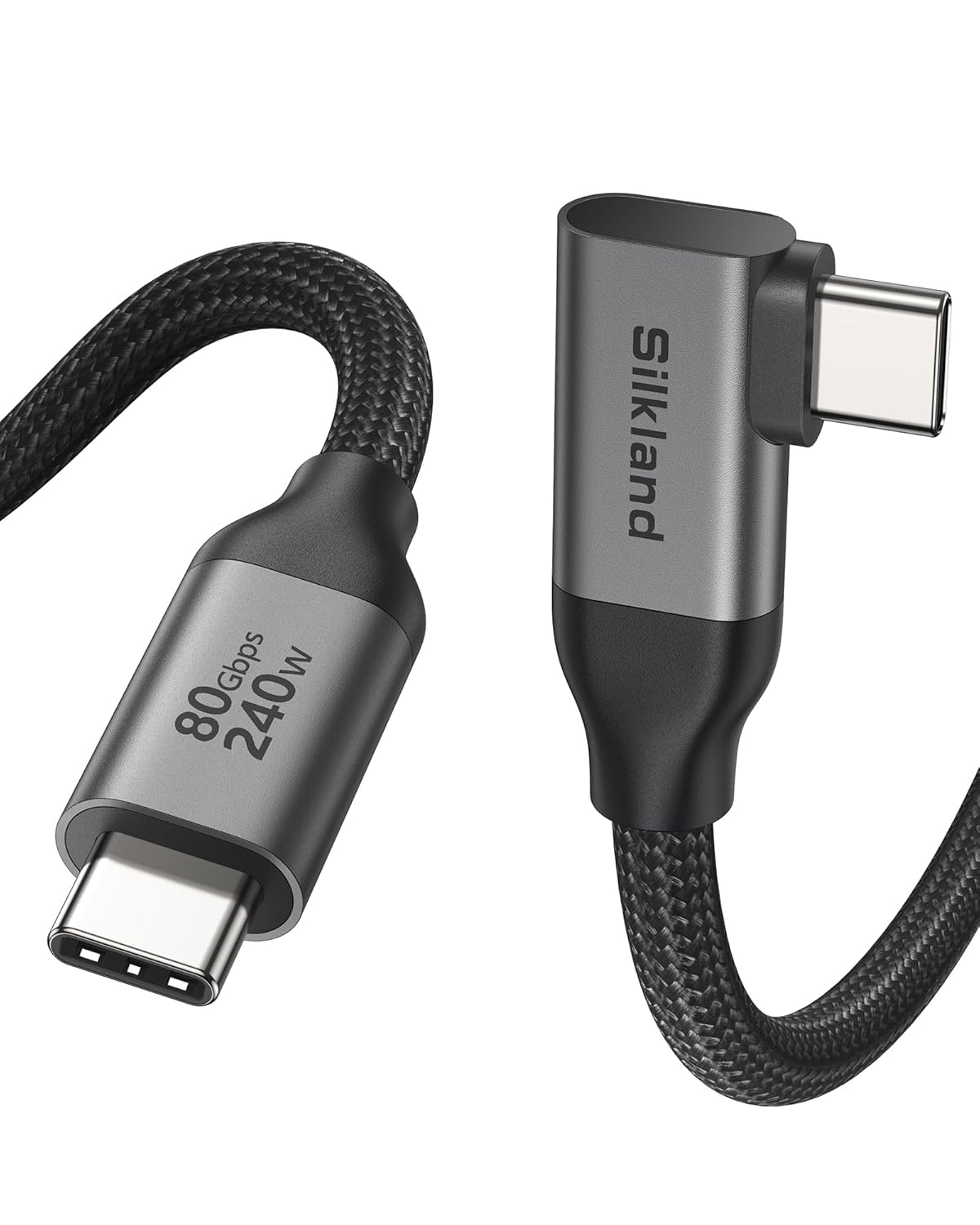
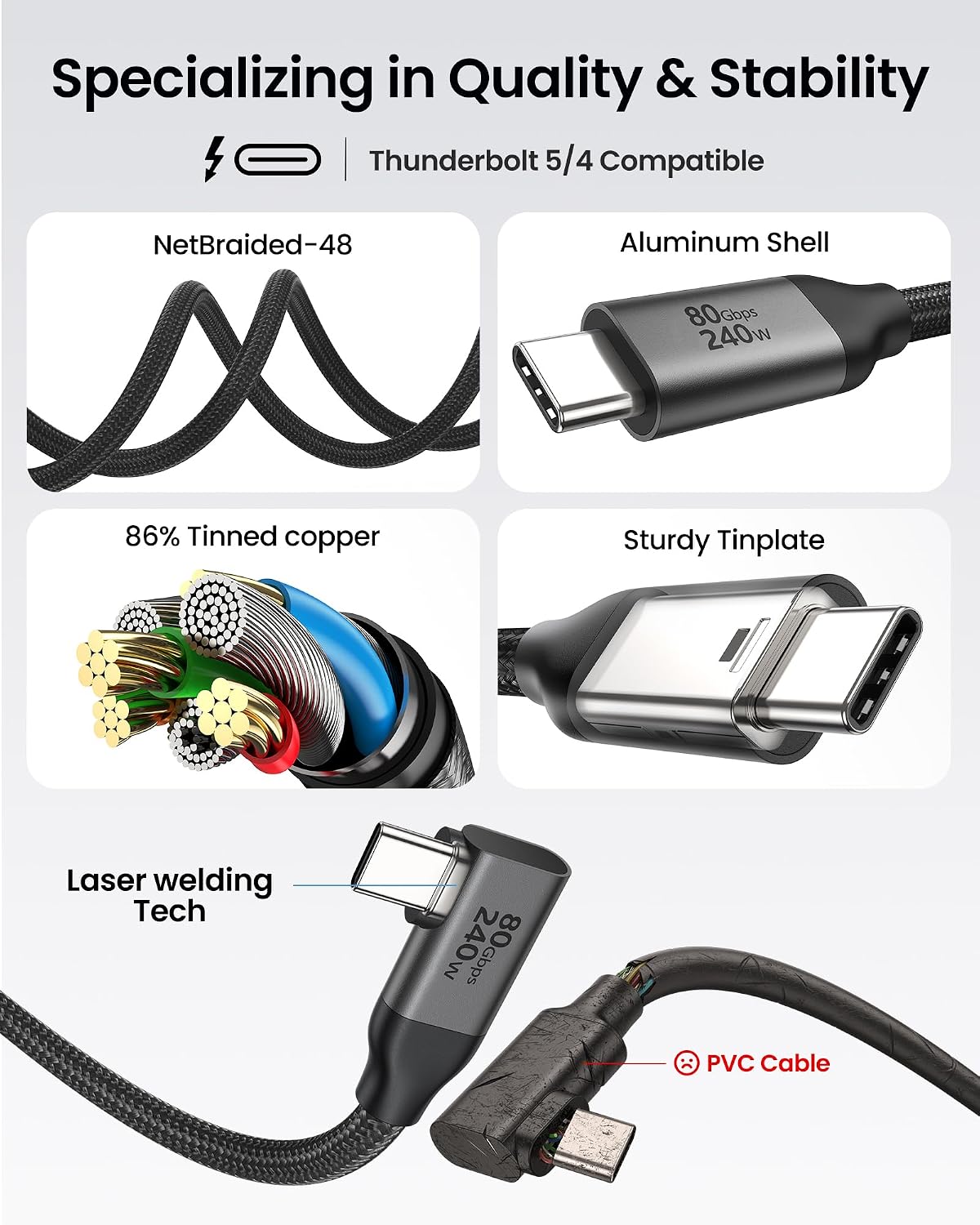
If you’re assembling a workspace around a Thunderbolt 4/5 laptop or dock, this cable promises to reduce cable clutter by combining video, data and charging in one unit. The 90° connector helps when you have limited clearance or you want to keep cables away from a mouse or chair. The build features an aluminium shell for heat dissipation, a braided nylon jacket for durability, and triple shielding to protect signal integrity. In practical terms, that means you might enjoy a cleaner desk and less wear on the port, particularly in environments where cables are moved frequently.
What stands out, and where it may fall short
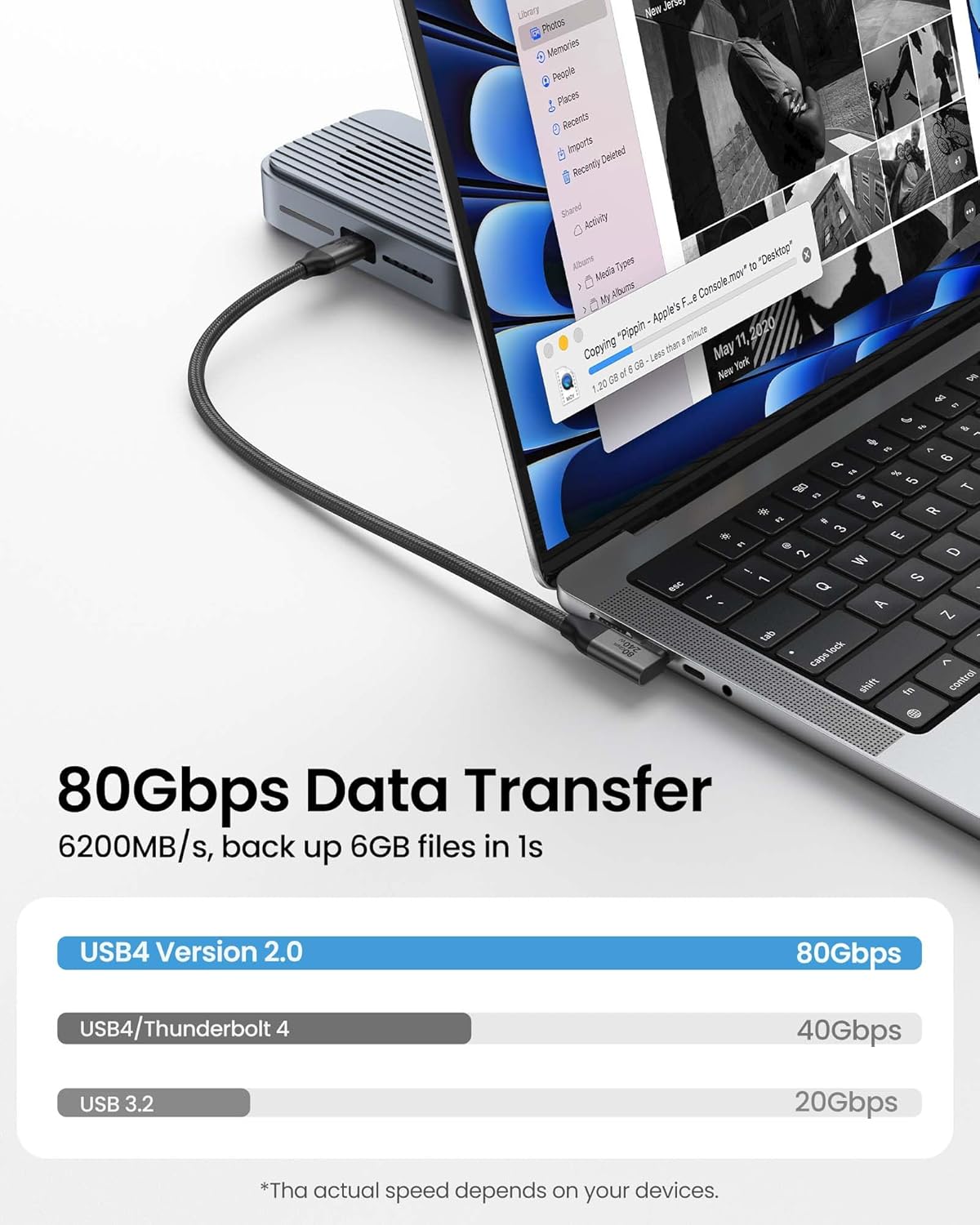
On the positive side, the blend of high data throughput, strong video output options, and 240W charging capability is compelling for a high‑end, clutter‑free setup. You’ll likely appreciate the forward‑looking compatibility with Thunderbolt 4/5 and USB‑C devices, plus the claim of backward compatibility with tablets, laptops and docks. However, the wording includes several “on paper” assertions like dual 8K@60Hz and 120Gbps unidirectional bandwidth. Real‑world performance depends heavily on the connected devices, cables within the chain, and whether the source supports the maximum modes. If your workstation is optimised for multi‑display workloads or you regularly push 8K video, this cable could be a supportive companion—but it isn’t guaranteed to unlock maximum speeds with every combo.
Who this is for
It makes sense for professionals and creatives who want fewer cables and a sturdy, space‑saving design. It may suit those with Thunderbolt hubs or docks that can leverage high‑bandwidth video and fast charging simultaneously, and for users who prioritise desk space and port longevity. If your use case is primarily basic data transfer or standard 4K displays, you might not need the full 80Gbps/240W claim and could opt for something simpler and more cost‑effective.
Who it isn’t ideal for
Not the best pick if your devices don’t support their high‑end video modes or if you don’t require rapid charging of a laptop and a display concurrently. If you work mostly with a single 4K monitor or you’re on a modest setup, the premium may not translate into a noticeable everyday improvement. Also, if you need lightning‑fast speeds with mid‑range devices only, the benefit could be limited by the bottlenecks elsewhere in your chain.
What to check before buying
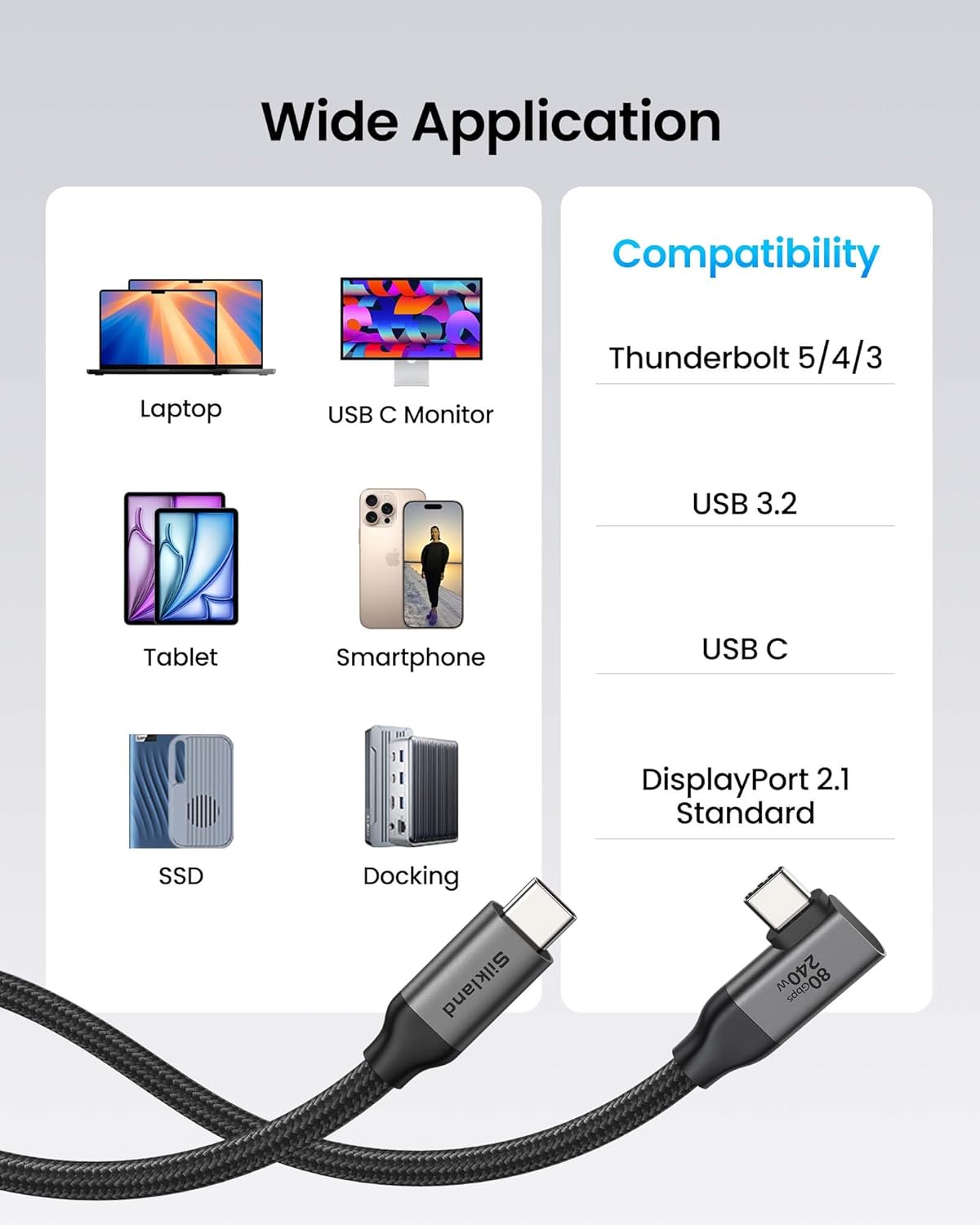
- Confirm your devices support Thunderbolt 4/5, USB‑C video, and PD 3.1/QC 4.0+ charging to approach the stated capabilities.
- Plan your desk layout to ensure 1m length and 90° connector align with your ports and clearance.
- Consider whether you truly need dual 8K/6K or multiple high‑refresh displays, for many workloads, high‑quality 4K remains the practical benchmark.
- Ensure your dock or hub can handle high bandwidth without introducing bottlenecks elsewhere in the chain.
- Be mindful that “up to 80Gbps” is a ceiling, actual speeds depend on the devices and file types in use.
Practical usage example
Imagine editing a multi‑layer 8K project where file transfers are frequent and you’re juggling a dock with several peripherals. With this cable, you’re pulling data, driving displays and charging at once from a single point. In day‑to‑day terms, you could notice simpler cable management and a workstation that feels less congested, provided your setup actually supports the high bandwidth and charging profile.
Technical snapshot (brief, non‑exhaustive)
- Right‑angle USB‑C to USB‑C video cable suitable for Thunderbolt 4/5 and USB‑C devices
- 1m length with 90° connector for space‑saving routing
- 80Gbps bidirectional data transfer, 120Gbps unidirectional video bandwidth (claim dependent on config)
- 240W charging capability (PD 3.1 and QC 4.0+)
- Aluminium shell, 48‑strand braided nylon, triple shielding, tested for durability over thousands of bends
- Backward compatible with a range of laptops, docks and displays, 2‑year customer care and 18‑hour technical support
Is it worth it?
If you prioritise a tidy, capable hub for data, video and power with a premium build, this Silkland cable offers a compelling package on paper. It’s worth considering if your workstation already uses Thunderbolt 4/5 and you want to consolidate cables without sacrificing performance. You’ll want to assess whether your devices truly demand multi‑display throughput and fast charging through a single link. If your setup is modest or you don’t need the maximum bandwidth or charging power, there are likely more economical options that still meet your needs.
FAQ
- Will this cable improve my everyday performance if I only use one 4K monitor? It may improve docking convenience and reduce cable clutter, but the biggest gains come from devices capable of exploiting the high bandwidth and charging profile.
- Can I rely on 8K at 60Hz with any two displays? Realistically, performance depends on the devices and the chain, compatibility with dual 8K/6K modes should be verified with your hardware.
- How sturdy is the right‑angle design long term? The construction aims to minimise port wear and cable fatigue, but like any cable, long‑term durability depends on usage patterns and handling.
Final decision and who should buy
- Should you buy it? If your workflow depends on high‑throughput data, demanding multi‑display setups and fast charging from a single link, and your devices align with Thunderbolt 4/5, this cable is worth a closer look. For lighter use or tighter budgets, you may prefer alternatives that meet your basic needs without premium features.