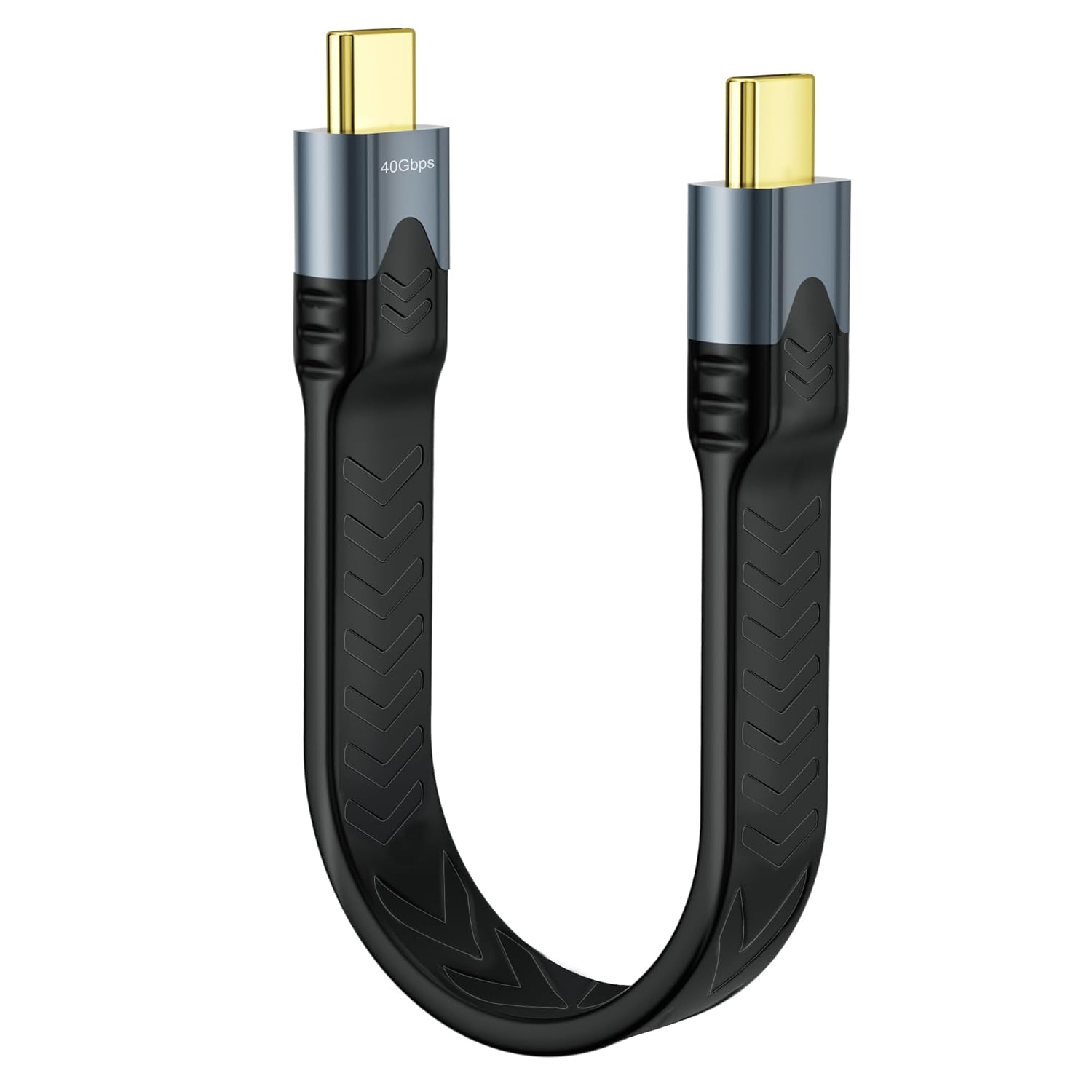
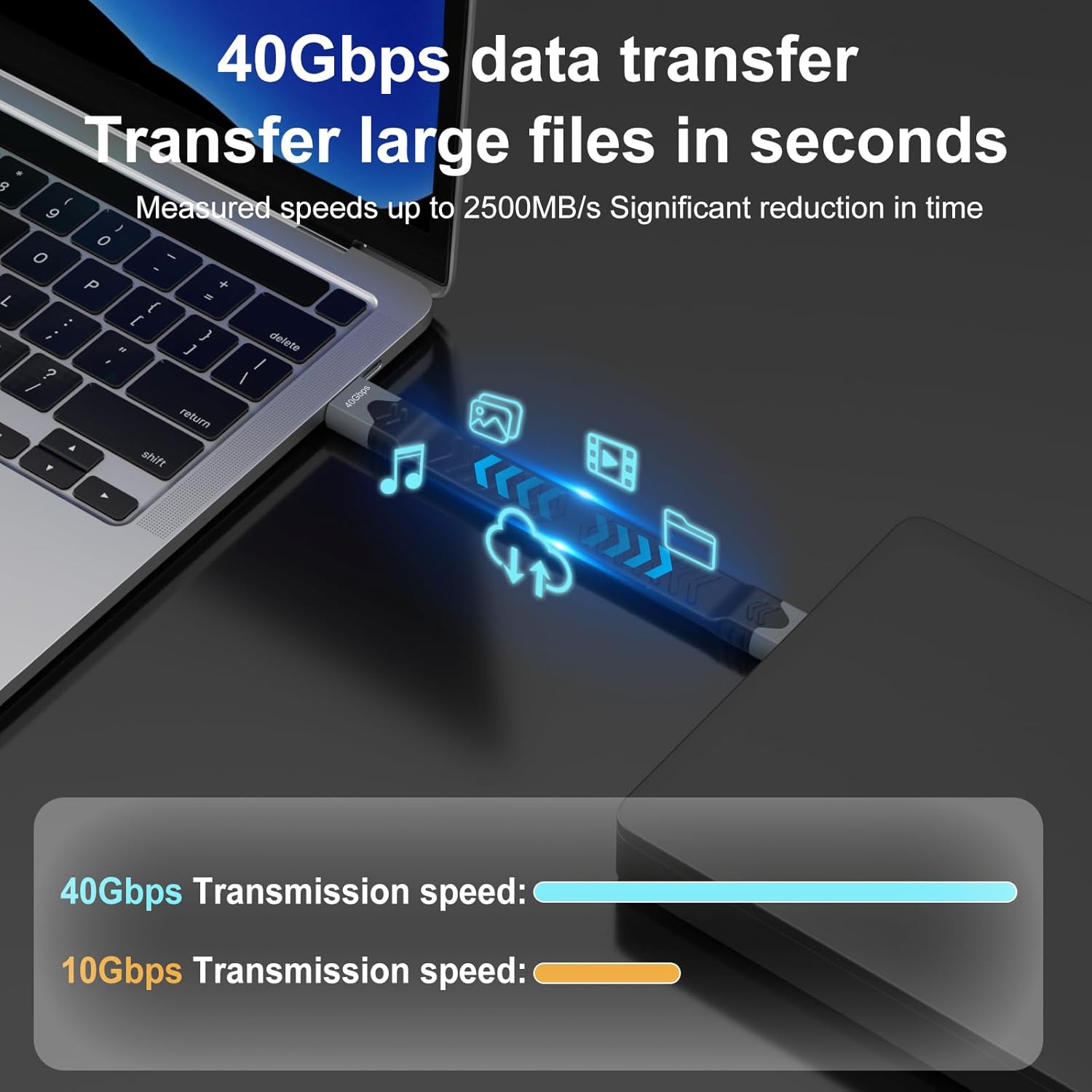
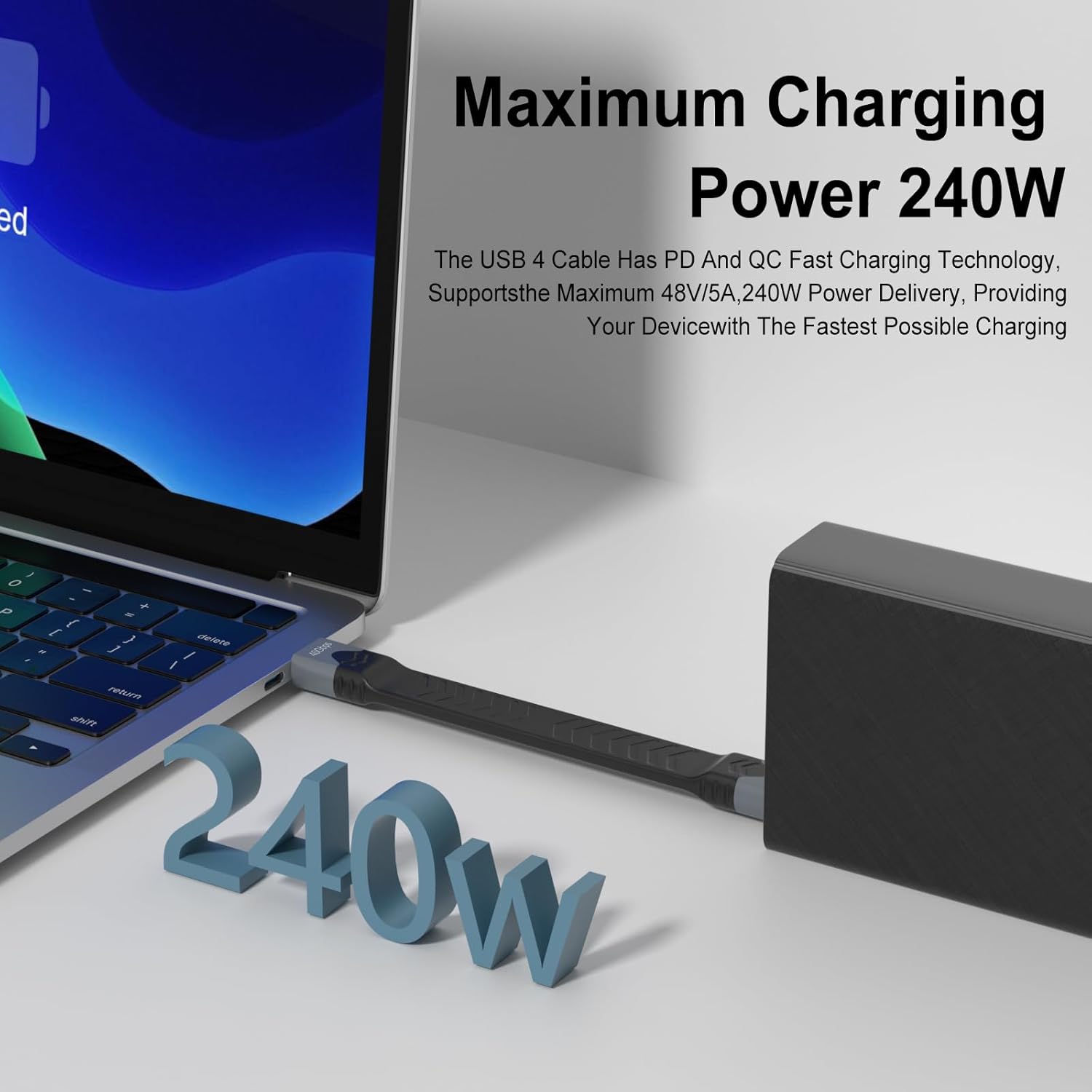
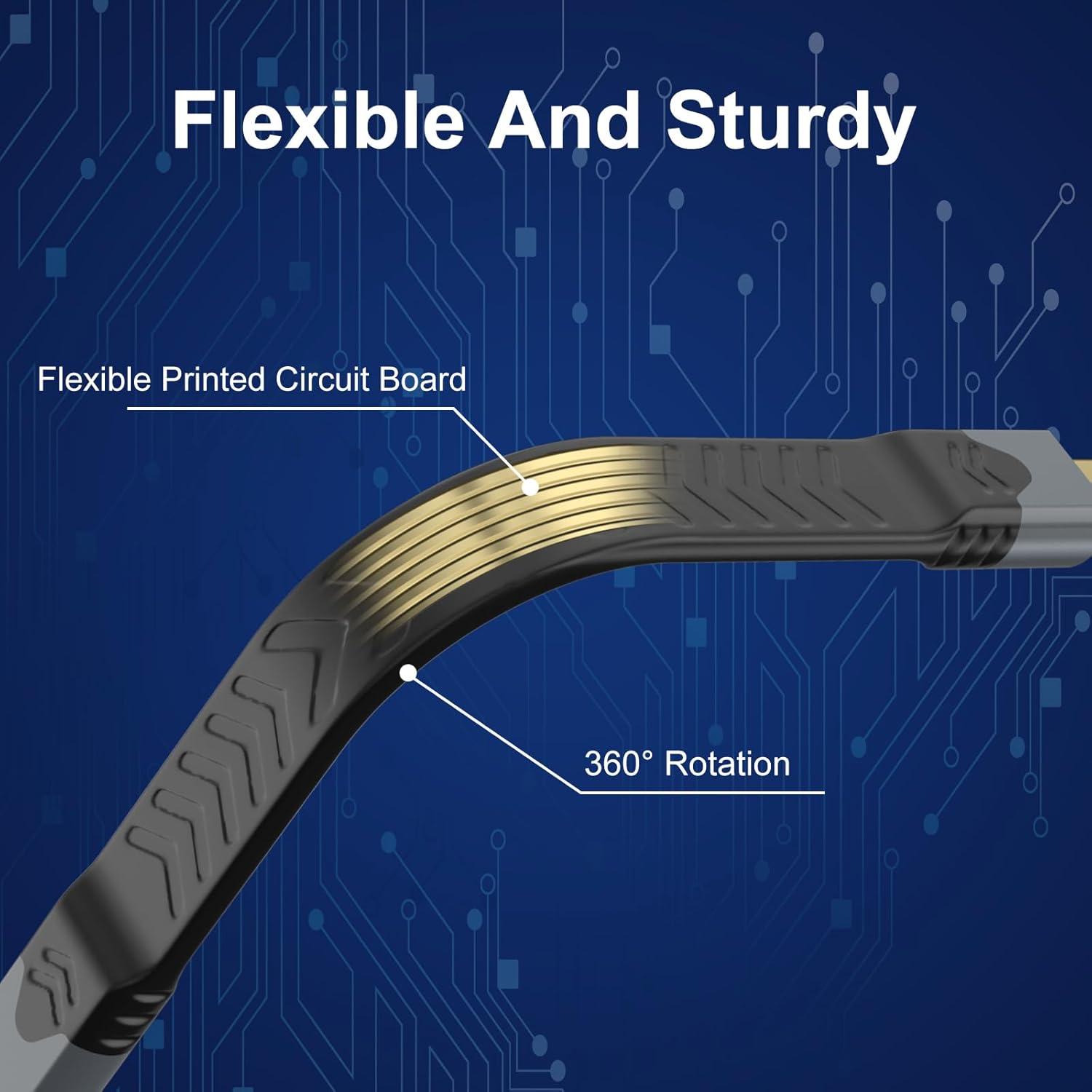
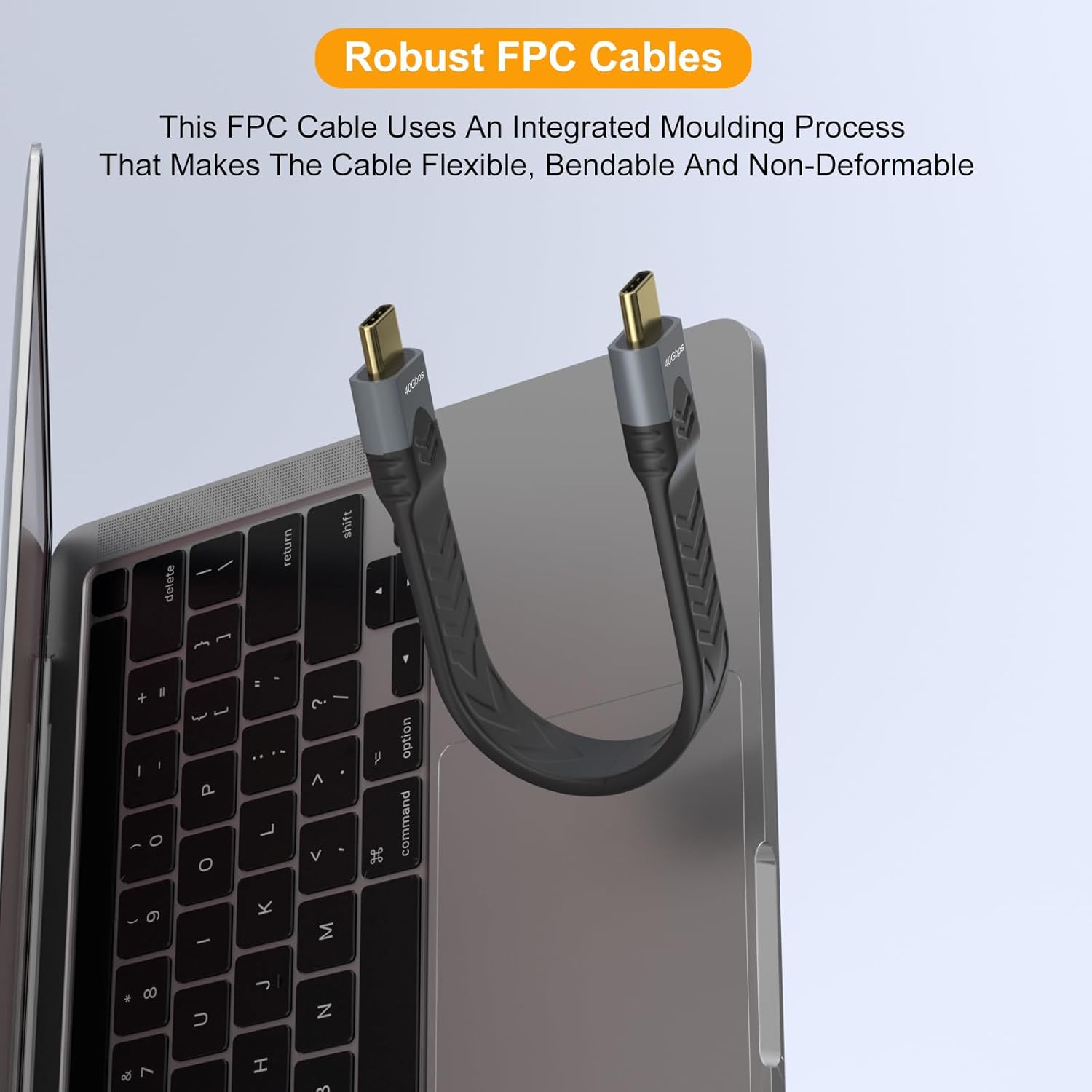
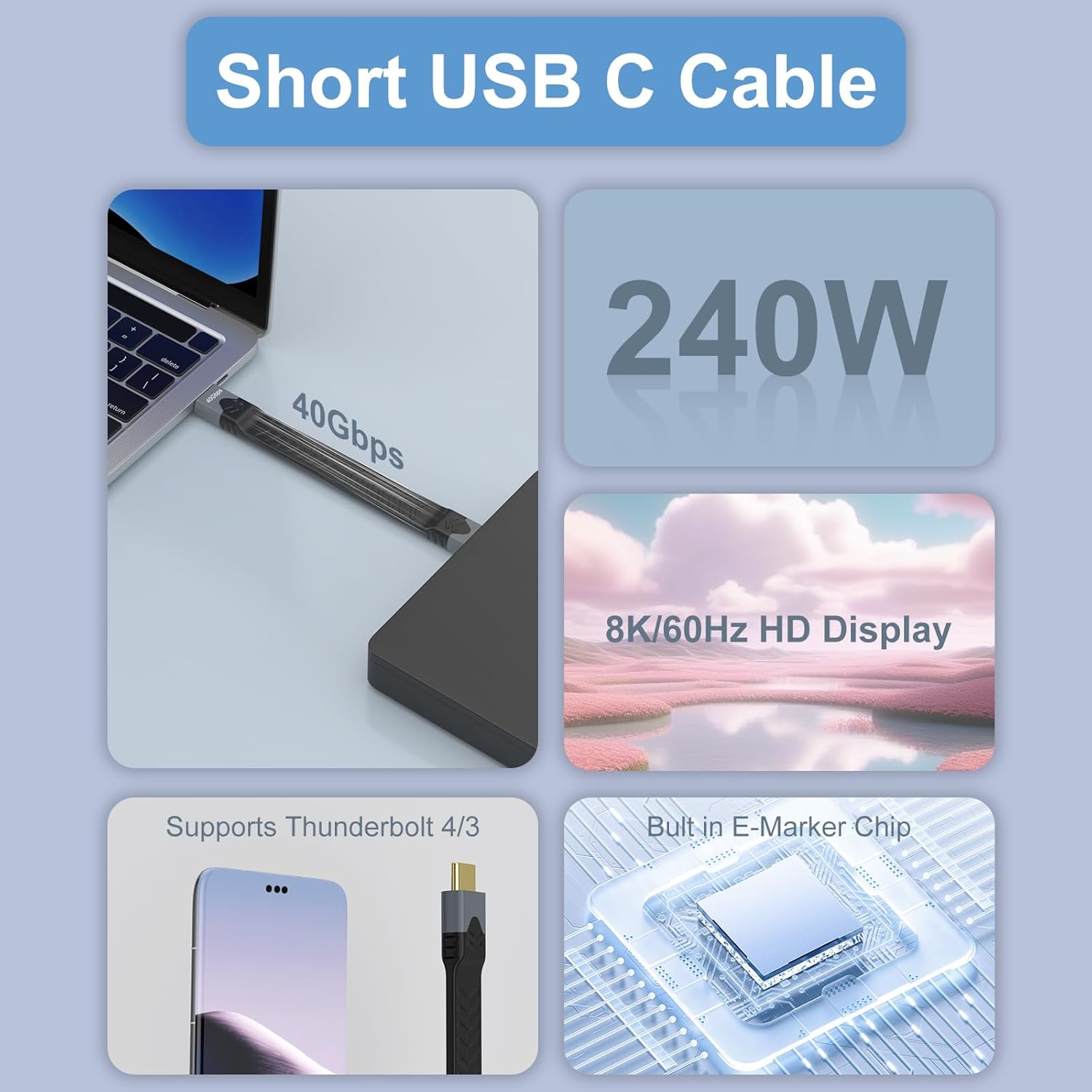
What it is and what problem it solves\nThis is a compact USB‑C to USB‑C cable built for high-speed data transfer and fast charging, designed with a flat, short form factor for tidy setups. If you’re tired of long cables getting in the way on desks or in bags, this short cable aims to keep connections neat while offering the performance needed for large transfers and power delivery.\n\n## How it performs on paper\nOn the data front, it supports up to 40Gbps, which is the fast lane for moving large files—useful if you’re syncing external drives or backing up big collections. For charging, a built‑in smart chip negotiates up to 100W (5A), so compatible devices can top up quickly without overheating. It is described as USB‑C to USB‑C and is said to work with a wide range of USB‑C devices, including newer iPhones and MacBooks, as well as Galaxy devices and other brands. Where it matters in daily use, these specs translate into practical speed and power gains for supported tasks.\n\n## What stands out in everyday use\nThe short, flat design helps minimise cable bulk in travel bags or on a desk, and the metal construction should resist kinks and breakages that plague some budget cables. The claims about 4K@60Hz output imply video support when both ends and the host device cooperate with DP Alt Mode, which is a real consideration if you plan to drive external displays. However, it’s worth noting that video capability depends on the device’s own capabilities, not just the cable.\n\n## Strengths and potential drawbacks\nWhat you gain: fast data transfer, solid charging performance, and a cable that stays out of the way. The short length is ideal for a neat setup but may feel restrictive if you need more reach or multi‑point connections. Not everything is universal: while many devices will work fine, features like video output depend on device support for DP Alt Mode. If your workflow involves frequent long runs or multi‑port hubs, you might prefer a longer option for flexibility.\n\n## Who it’s for\nIt’s well suited for users who want a high‑speed, compact USB‑C cable for laptops, tablets, or flagship phones, especially when desk space is at a premium or when you carry a compact charging kit. It also serves travellers who want to keep luggage tidy without sacrificing performance. If your typical setup relies on longer reach, you may want to pair this with an assortment of longer cables.\n\n## Who it may not be the best fit\nIf you rely on regular multi‑device daisy‑chain setups or need a cable for frequent, long‑distance connections, a longer USB‑C option could suit you better. And if DP Alt Mode video is a primary requirement on devices that don’t clearly support it, verify device compatibility before purchase.\n\n## What to check before buying\nConfirm device compatibility with 4K@60Hz output and DP Alt Mode if you plan video out. Consider your typical distance and whether a short cable suits your workstation or travel bag. Check the build quality and the connectors for signs of looseness or wear, as these are common failure points in frequently used cables.\n\n## Practical example in use\nImagine you’re transferring a large video project from an external drive to a laptop for editing. With this cable, you’d expect quick data movement thanks to the 40Gbps capability, reducing waiting time between file consolidation and editing. If you also need to charge the laptop during a transfer, the 100W support helps keep the battery topped up without unplugging.\n\n## Quick comparison of approaches\nIf you prioritise minimal cable clutter over reach, a short, flat USB‑C to USB‑C cable is preferable to a longer coil of cables in a backpack. For video work on devices that support DP Alt Mode, ensure your device–cable pairing supports the feature, otherwise, you may not realise the 4K output in practice. In other words, it sits well as a high‑quality, compact option for daily on‑the‑go use rather than a universal charging and display solution.\n\n## FAQ (practical and minimal)\n1) Will this cable charge my device at full speed?\nA: It supports up to 100W (5A) where the device and charger cooperate, actual charging speed depends on the adapter and device compatibility.\n2) Can I use it to drive a 4K monitor?\nA: It can support 4K@60Hz if the host device and port support DP Alt Mode. Check device specifications.\n3) Is the cable durable for travel?\nA: The flat, metal‑end construction is designed to resist fraying and bending, which helps in daily carrying and plugging in tight spaces.\n4) What devices is it compatible with?\nA: It’s described as compatible with a wide range of USB‑C ports, including newer iPhone models and MacBook lines, Galaxy devices and other USB‑C products.\n\n## Final thought: Is it worth it?\nFinal verdict: Worth considering if you want a compact cable that blends fast data transfer, strong power delivery, and a tidy carry‑along profile for devices that support DP Alt Mode for video. It’s not the best option if you need long reach or guaranteed universal video output across every device, in that case, assess your exact use case and compatibility before buying.