

Shcngqio TWC29 1080P HD Webcam with Microphone (Noise Cancellation, Privacy Cover, Wide-Angle Lens) – Black
Product description
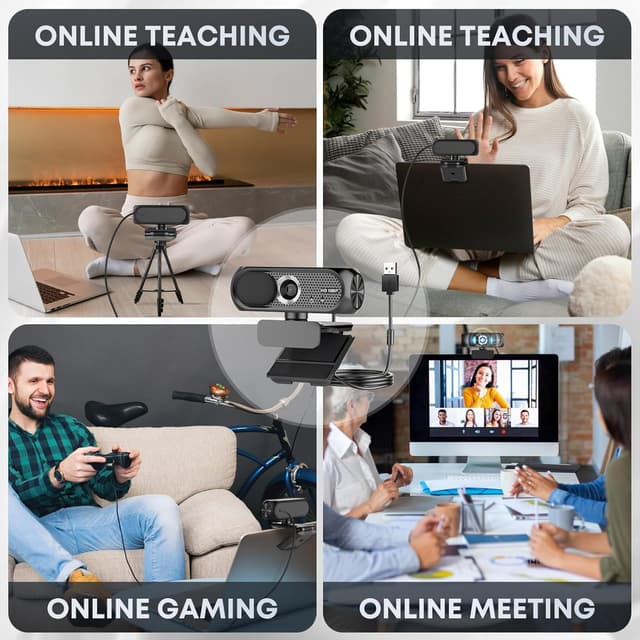
If you’re setting up a laptop or desktop for video calls, teaching, or streaming, the Shcngqio TWC29 webcam is built around three practical things: a 1080p image with a wide-angle view, clearer audio with noise reduction, and basic privacy control when you’re not using it. It’s the sort of everyday USB camera that doesn’t ask for lots of tinkering.
That said, no webcam magically fixes bad lighting or a noisy room. Auto light correction and a noise-cancelling microphone help, but how well it performs will still depend quite a bit on your environment.
The essentials (what it is and why people buy it)
This is a 1080p Full HD USB webcam with a wide-angle lens, designed for common uses like Zoom, Skype, online teaching, live streaming, and content creation. The “wide-angle” part is especially useful if you want to show more of your desk or a small area in front of you, rather than getting a narrow head-and-shoulders crop.
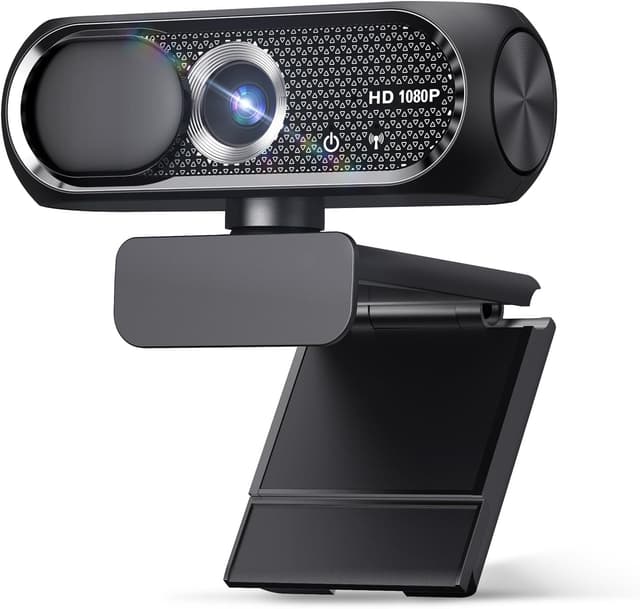
The included microphone is positioned as noise-reducing, aimed at keeping your voice clearer during webinars, conferences, and calls where background sounds might otherwise blur your speech.
What you’ll notice in real use (image, audio, and lighting)
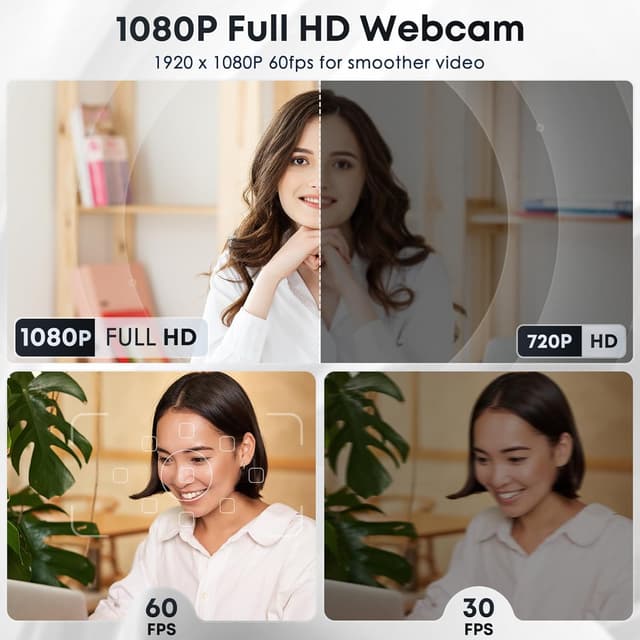
On paper, the 1080p Full HD clarity and 30 frames per second support smooth video for day-to-day calls and streaming. The wide-angle lens should help you stay in frame even if your camera position isn’t perfect.
Audio is where this webcam tries to be more than a basic “video-only” upgrade. The built-in noise-reducing microphone is intended to keep your voice more understandable even in busier surroundings. It’s a sensible feature for home offices, shared spaces, or any setup where you can’t fully control background noise.
Then there’s automatic light correction. It adjusts brightness and colour dynamically so the picture looks more balanced across different lighting conditions—whether the room is dim or overly bright. It’s a welcome quality-of-life feature, though it may not fully rescue extremely harsh lighting (for example, strong backlighting) the way a more controlled light setup would.
Where it stands out
If you want something straightforward that covers the basics for calls and streaming, the combination of these features matters: - Wide-angle lens for a broader view - Noise-cancelling microphone to keep speech clearer - Automatic light correction to reduce “why does my webcam look washed out?” moments - Privacy cover you can slide over the lens when you’re not on a call
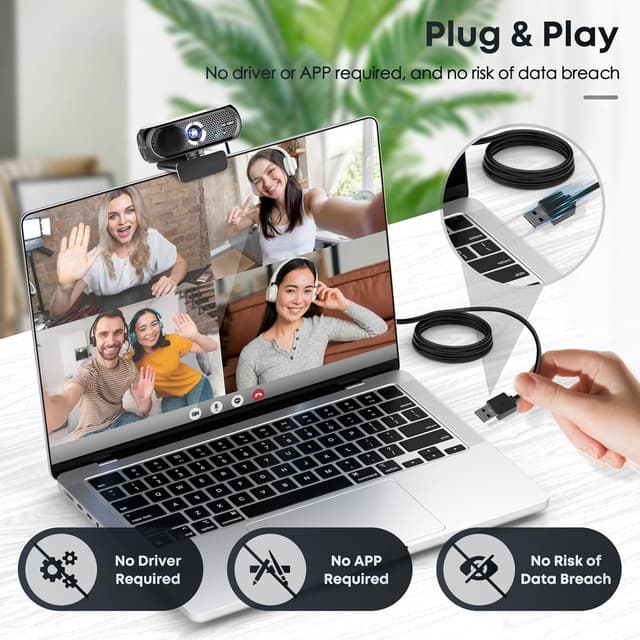
There’s also an emphasis on convenience. The plug-and-play approach is meant to remove the hassle of driver installs, so you can go from “unboxing” to “in a call” fairly quickly.

Tech specs (the bit you’d check before buying)
- Name: Shcngqio TWC29 1080P HD Webcam with Microphone
- Type: USB webcam
- Format: Plug & play
- Resolution: 1080P HD / 1080p Full HD
- Display: Wide-angle lens
- Refresh rate: 30 frames per second
- Colour: Black
- Material: Eco-conscious / energy-efficient design (materials not specified)
Setup, compatibility, and what to keep in mind
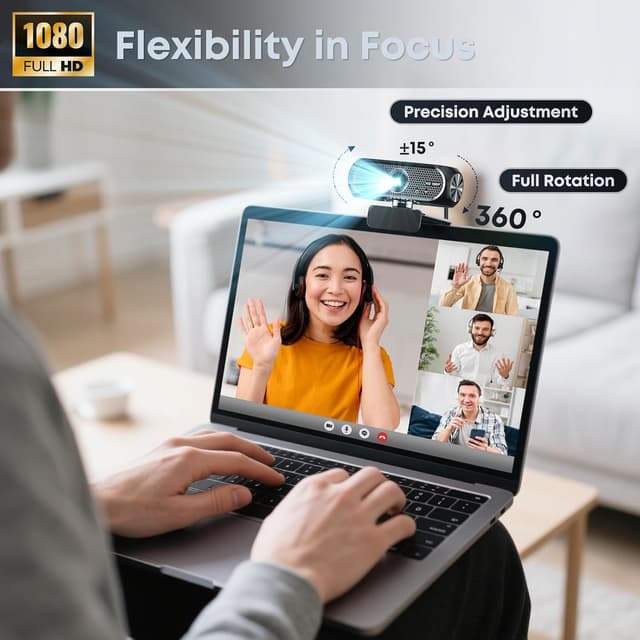
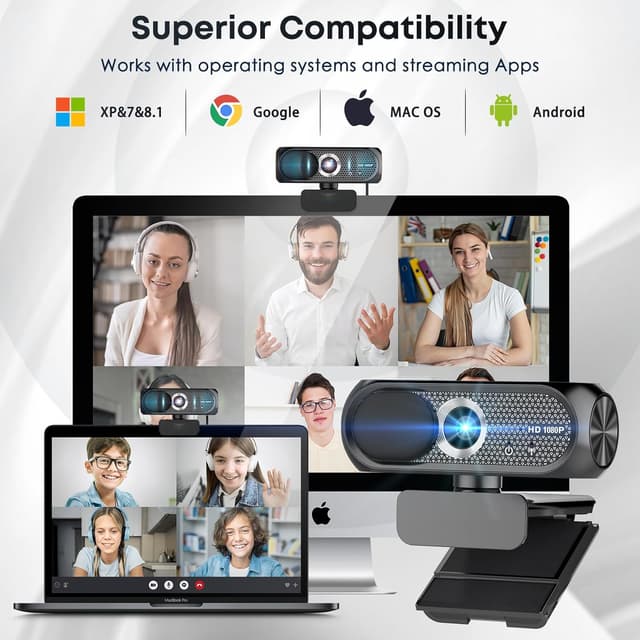
The webcam is described as plug & play with USB 2.0, USB 3.0, and USB 3.1 interfaces, plus OTG. It also says it needs no additional drivers, which is handy if you swap between devices (for instance, moving between a desktop and a laptop for work and study).
The included 5ft USB power cable gives some breathing room on desk placement, though your actual setup will depend on how close your webcam will sit to your screen.
One limitation to keep in mind: “plug & play” usually makes setup easy, but it still relies on your device and software settings for best results (camera selection, mic input, and so on). If your current conferencing app isn’t picking up the right audio/video device automatically, you may need a quick manual adjustment.
Who it’s for, and who should skip it
It’s a solid pick if you need a practical webcam for Zoom/Skype calls, online lessons, and regular streaming, and you like the idea of a privacy cover you can close instantly.
It may not be the best match if you’re very picky about lighting performance in challenging rooms or you’re expecting “set it and forget it” picture quality regardless of the conditions. For more demanding content work—where lighting control and audio isolation are crucial—you might find you still need to invest effort into your setup.
Final verdict
Worth considering if you want an everyday 1080p USB webcam with a wide-angle view, a microphone designed to reduce noise, and automatic light correction to keep the picture usable across changing rooms. The privacy cover is also a genuinely useful touch for peace of mind.
However, it’s not a replacement for good lighting and sensible microphone placement. If your environment is consistently chaotic (very noisy, very uneven lighting), it could feel more “good enough” than “fully nailed” every time.
Mini FAQ
Does it include a privacy cover? Yes. It comes with a privacy shield that you can slide over the lens when not in use.
Is it easy to set up? The description says it’s plug & play with no additional drivers, using USB 2.0/3.0/3.1 and OTG.
Will the microphone still work in noisy rooms? It’s designed with noise cancellation to help your voice come through more clearly in noisy environments, but real results will depend on your room.
Is it suitable for video calls and streaming? Yes, it’s explicitly positioned for video calls, online teaching, live streaming, and content creation.
Can it handle different lighting conditions? It has automatic light correction that adjusts brightness and colour dynamically, which should help when lighting changes during the day.