

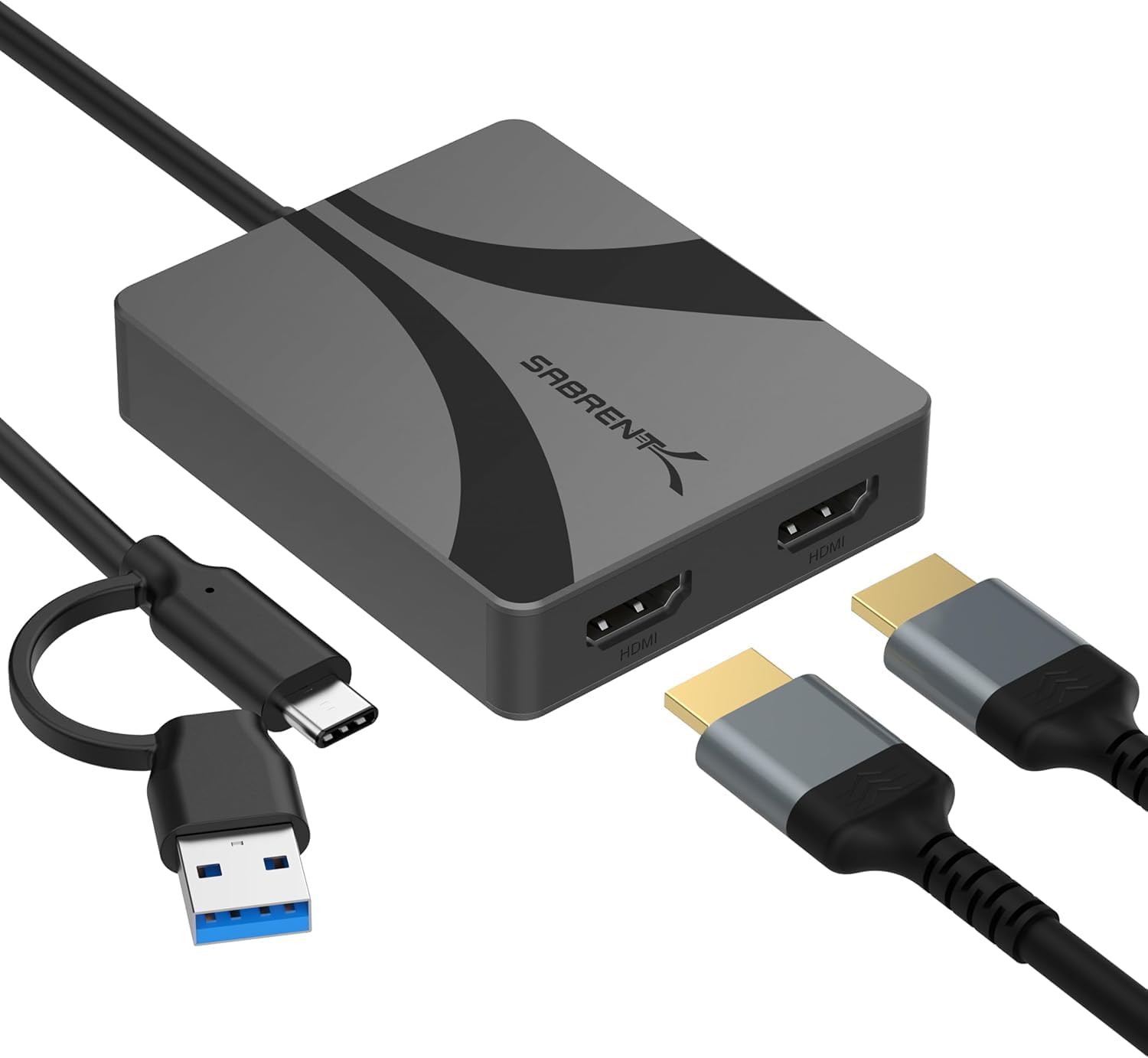
SABRENT Dual HDMI Adapter with DisplayLink for Mac (DA-CA2H) – USB-C/A to Dual Monitor 4K@60Hz
Reviews
Price
Product description
What it’s for (and the one catch)
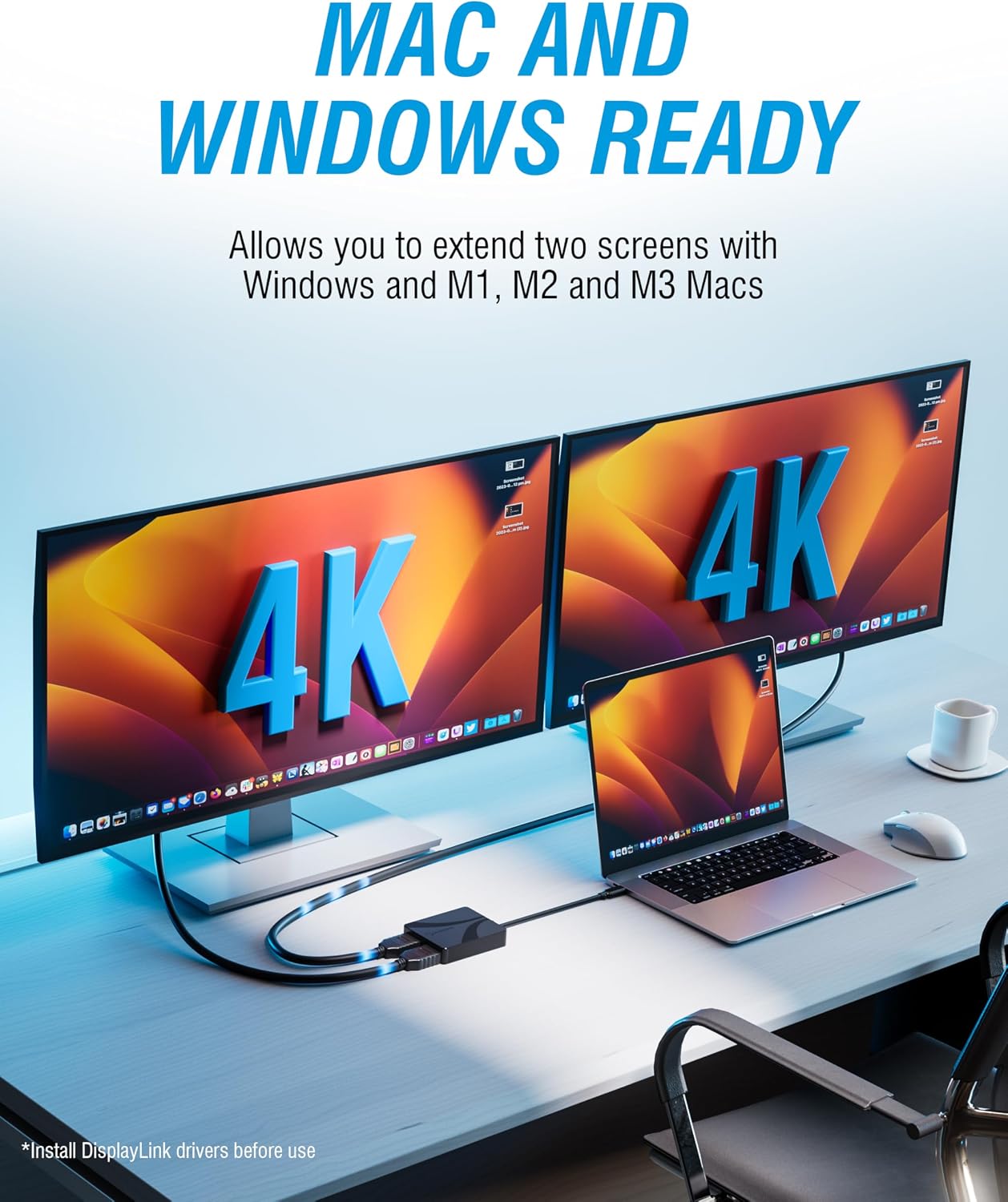
If you want a proper extended desktop on a MacBook using two external monitors, a straight HDMI splitter usually won’t cut it. This SABRENT Dual HDMI adapter with DisplayLink is designed to create that “two screens” experience via USB, rather than relying on your Mac’s built-in HDMI video output.
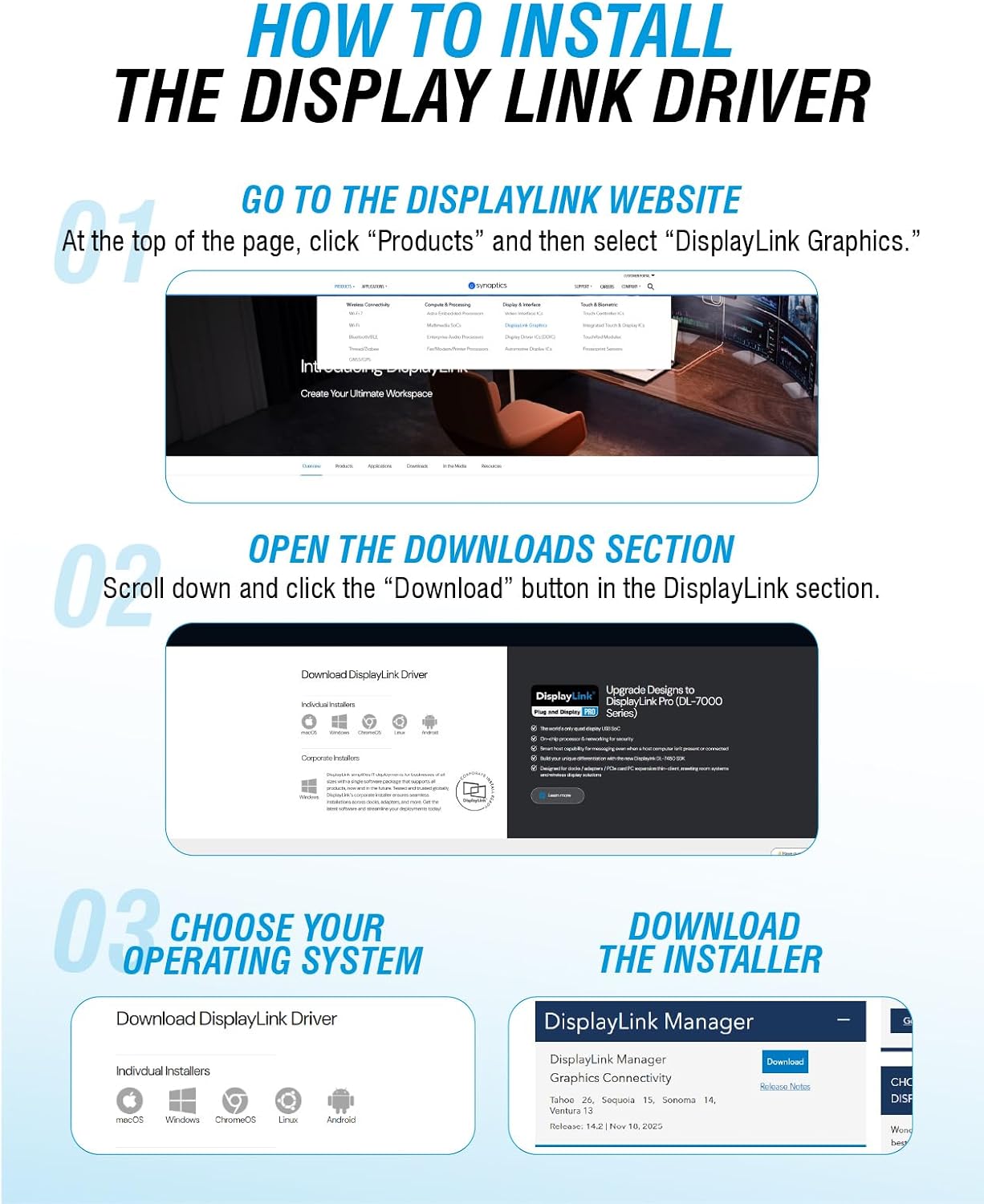
That said, it’s worth being clear about the dependency: it requires a free DisplayLink driver download for Mac compatibility. So it’s a great fit for setups where you’re happy to install the driver, but it can feel like too much if you want plug-and-play with zero software.
Key features that matter day to day
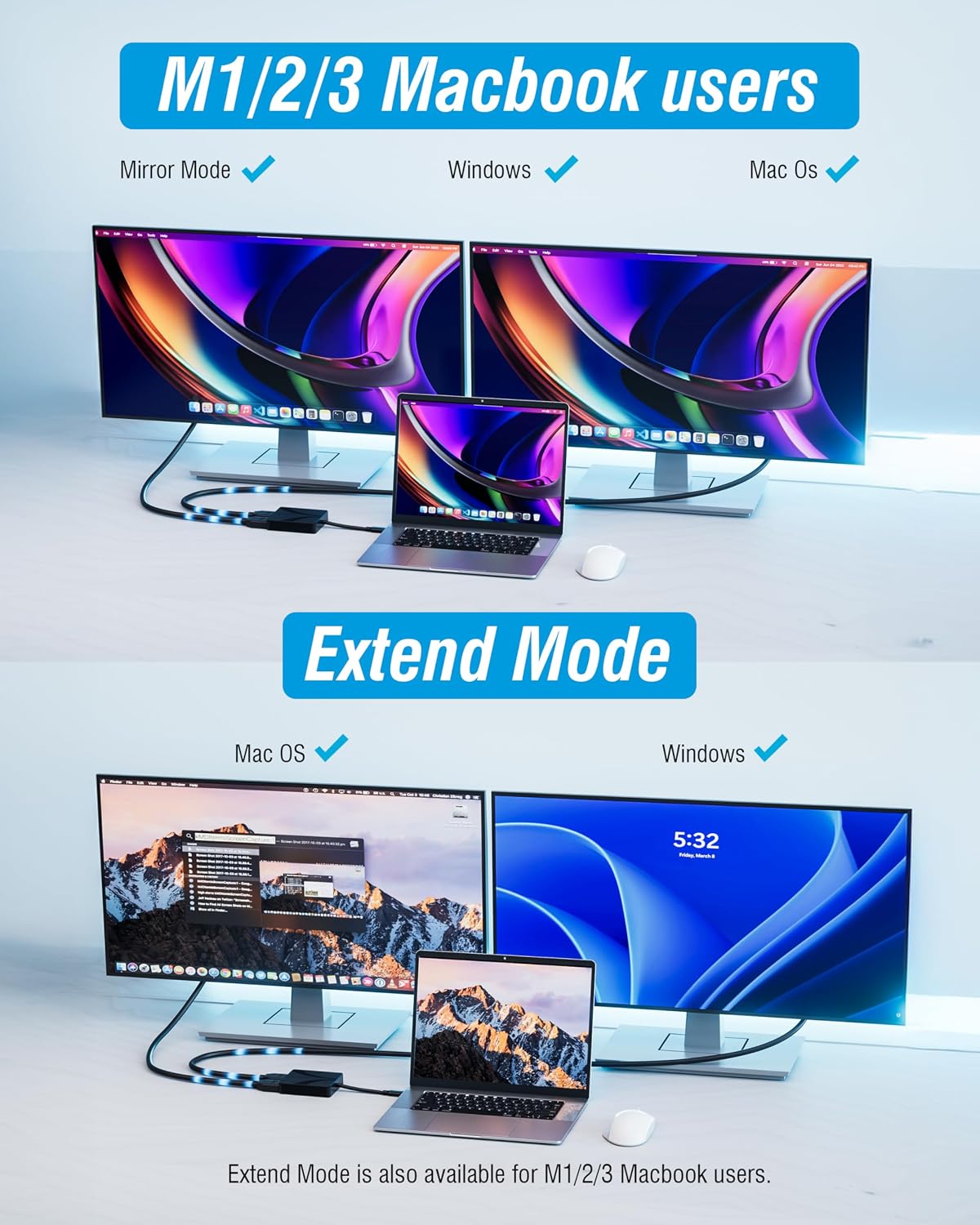
Where this adapter stands out, on paper, is the dual HDMI output with support for 4K at 60Hz for extended (or mirrored) use. If your work involves spreadsheets, dashboards, video timelines, or just reducing the need to constantly alt-tab, a smooth refresh rate and crisp UHD output are the sort of details that can actually be noticeable.
It’s also positioned as a multimedia-friendly hub. The adapter supports stereo and 5.1 audio and includes HDCP 1.4/2.3 compliance, which is relevant for streaming and protected content. For some people, that means fewer compromises—especially when you’re using a monitor with built-in speakers or feeding audio to a soundbar/AV receiver.
Dual-monitor performance: what to expect
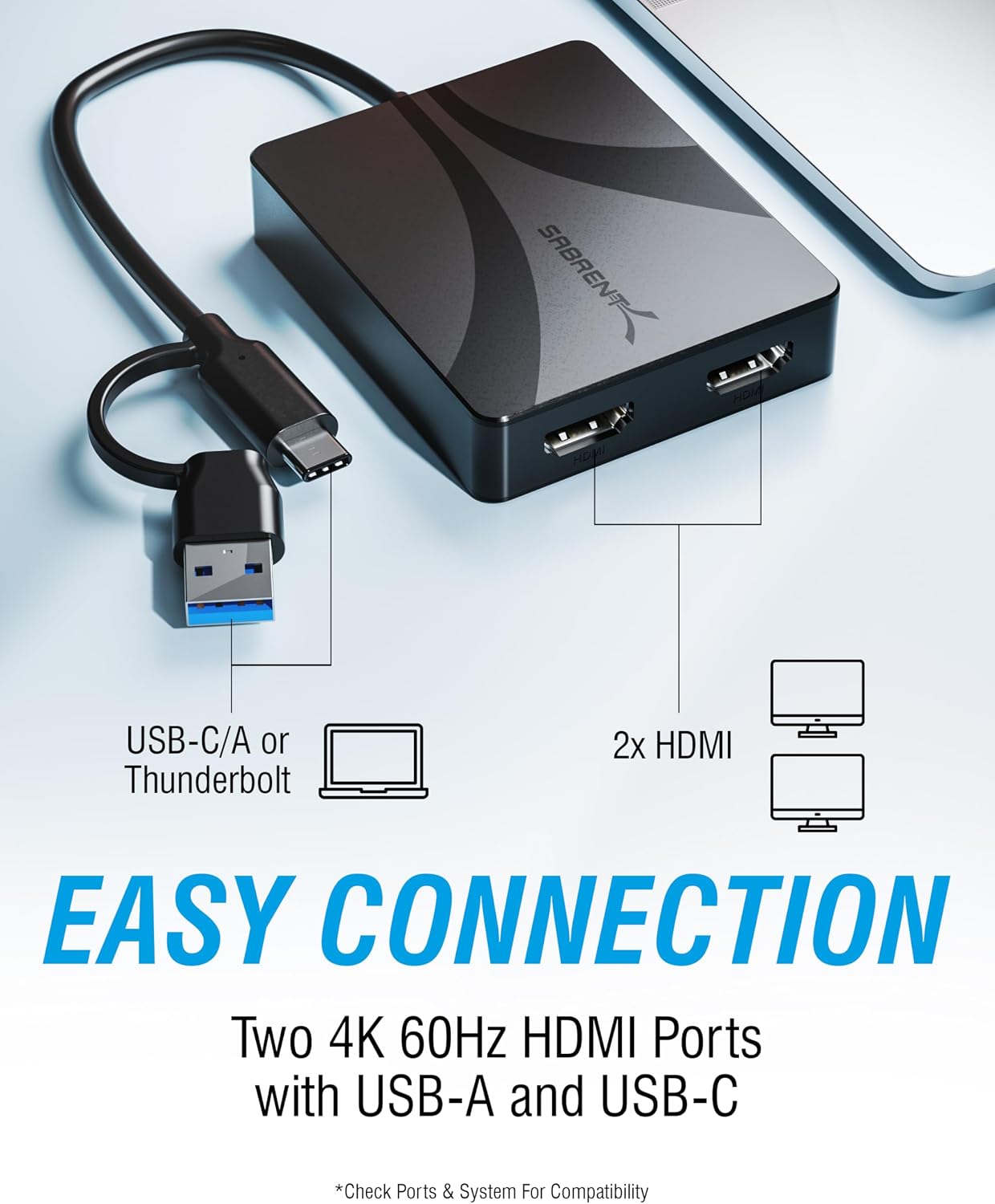
The core idea is simple: one USB connection (USB-C or USB-A via the included adapter) feeds two HDMI displays. For everyday use, that translates into a more productive layout—think a primary window for your main app and a secondary monitor for chat, email, reference material, or a video.
However, there’s a practical limitation to keep in mind: because this relies on DisplayLink, your setup experience can vary based on your Mac, your driver version, and how your system handles graphics acceleration. It’s not something to ignore if you’re building a “must never stutter” workflow.
Design and build: aluminium housing
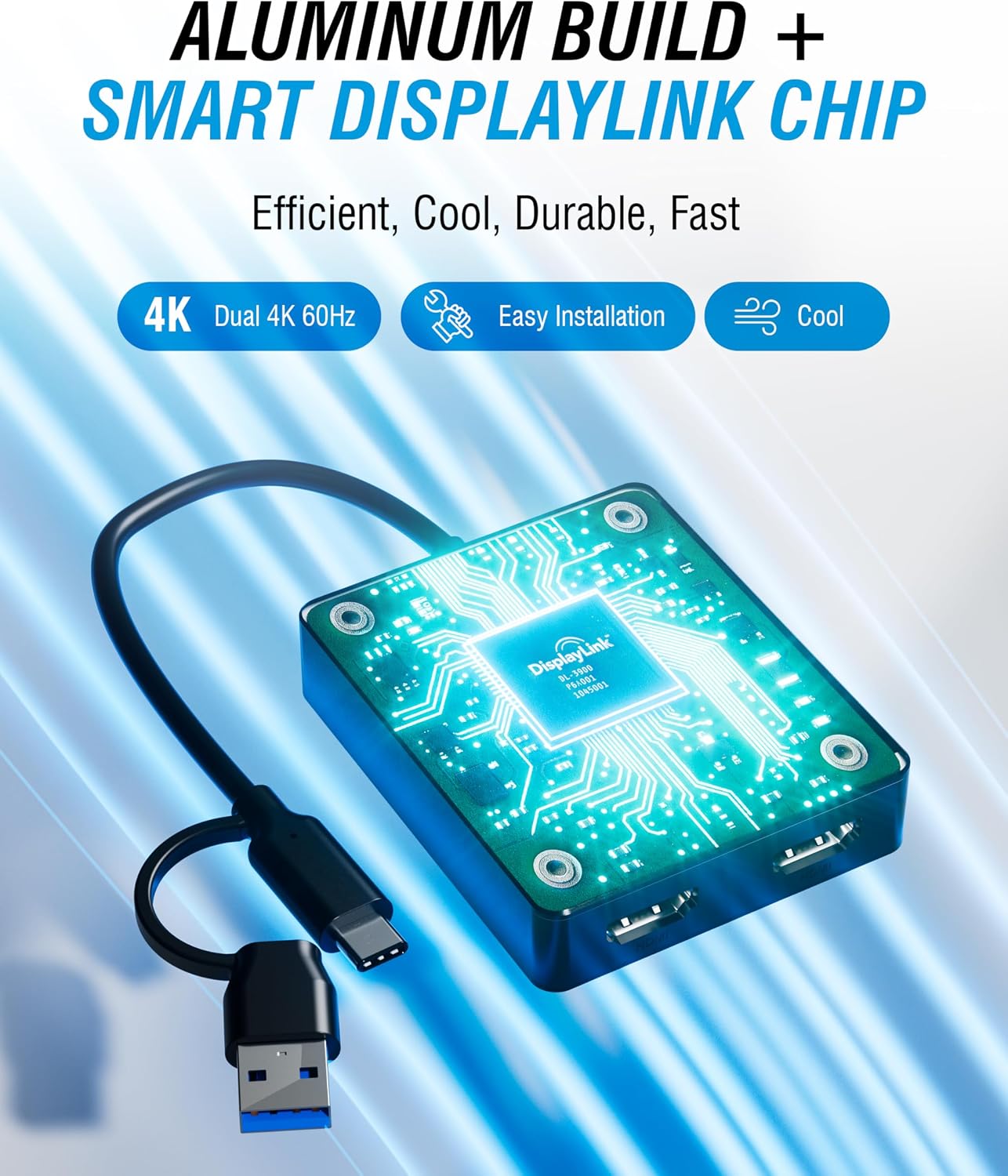
You also get an aluminium housing, which is a sensible choice for something you might pack into a bag. The description mentions lightweight durability and an integrated cable meant for heat dissipation, plus scratch resistance. In real terms, it reads like a travel-ready adapter that’s less likely to feel flimsy than the cheapest dual HDMI dongles.
Who it suits (and who should think twice)
It makes sense if you’re trying to use two external monitors with a MacBook M1/M2/M3 and you want an extended desktop rather than mirrored clones. You’ll likely appreciate it if you do office work, streaming, or presentations and you care about keeping the output to 4K@60Hz for both screens.
It may not be the best match if you’re allergic to installing drivers, or if you need a solution that behaves like a basic HDMI connection from a “no setup effort” point of view. In those cases, the software requirement alone could push you towards a different approach.
Worth considering if you’re on a USB-C laptop but also need flexibility for USB-A hosts—because it supports both (USB-C and USB-A) using the included adapter.
Tech specs (the bits to verify before buying)
- Type: Dual HDMI adapter with DisplayLink for Mac
- Output: Dual monitor HDMI, supports extended or mirrored dual displays
- Max output: 4K@60Hz
- Audio: Stereo and 5.1 surround audio support
- HDCP support: HDCP 1.4/2.3
- Connection: USB-C and USB-A compatibility (USB-A via included adapter)
- Materials/finish: Aluminium housing
Practical tips for a smoother setup
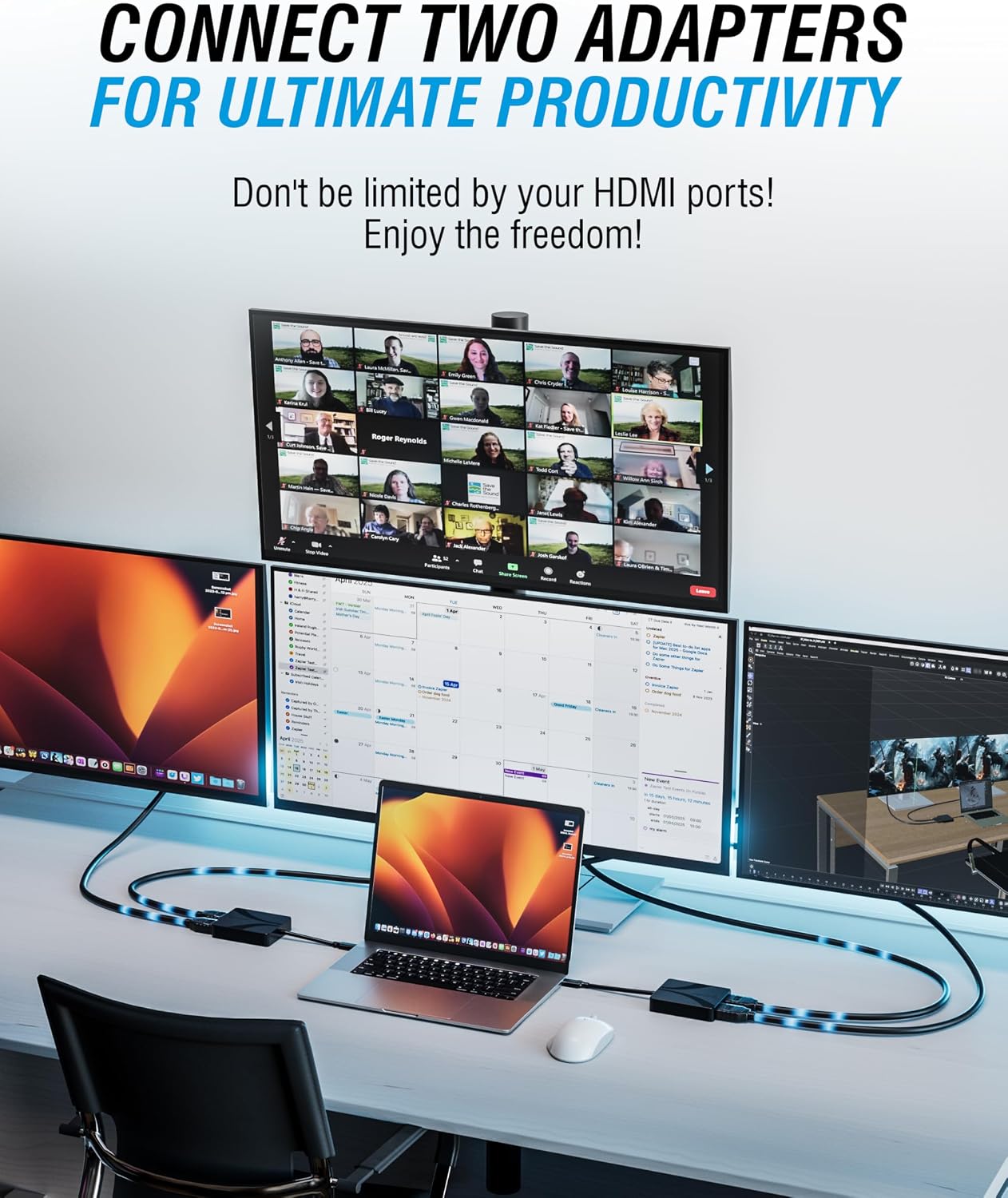
Getting the best results is mostly about planning your desk and expectations. For example, if you’re setting up for work calls, it’s helpful to confirm your audio routing early—since the adapter supports stereo and 5.1, you’ll want to pick the correct output device in macOS.
If you’re using one monitor for a document-heavy workflow and another for video or media, try mirroring only when you truly need it. Extended desktop is where this kind of adapter usually delivers the most day-to-day value.
Also, because this depends on a DisplayLink driver on Mac, it’s sensible to make sure you’re comfortable downloading and updating drivers when needed.
Buying verdict
If you specifically want a dual external monitor extended desktop on a MacBook M1/M2/M3, and you’re willing to install the required DisplayLink driver, this SABRENT adapter looks like a proper solution rather than a basic workaround. The 4K@60Hz support plus stereo/5.1 audio and HDCP compliance make it more capable than an ultra-simplified display splitter.
You should look elsewhere if you can’t justify the software step, or if you need an ultra-low-hassle, no-driver setup. In that scenario, it may feel like a detour—even though the hardware side is straightforward.
Mini FAQ
Questions people ask before buying
Does this adapter work for extended desktop on Mac?
It’s built to enable an extended desktop on MacBook M1/M2/M3 with two external monitors, but it requires the DisplayLink driver download for Mac compatibility.
Is 4K output supported for both monitors?
The listing states crisp UHD visuals with support for extended or mirrored dual monitors at 4K 60Hz.
Will it handle audio for streaming and protected content?
The adapter supports stereo and 5.1 audio, and it includes HDCP 1.4/2.3 compliance for protected content.
Do I need USB-C or USB-A?
It supports USB-C directly, and USB-A as well using the included adapter.
Is the aluminium housing important?
It’s mainly about durability and travel friendliness—the description highlights a lightweight aluminium build and scratch resistance.