

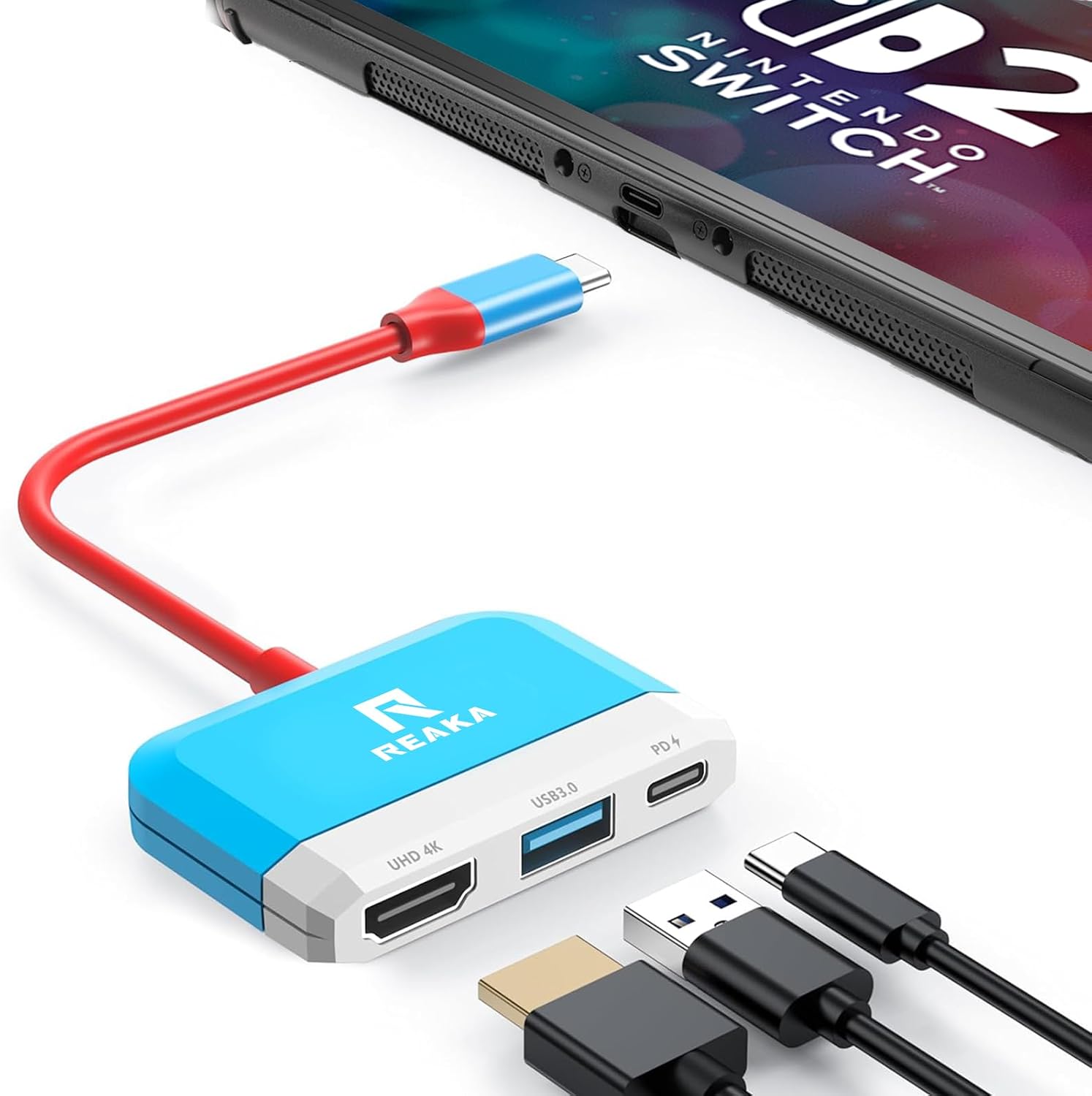
RREAKA 3-in-1 Switch Dock for Nintendo Switch OLED (4K HDMI, USB-C 100W PD)
Product description
What it is
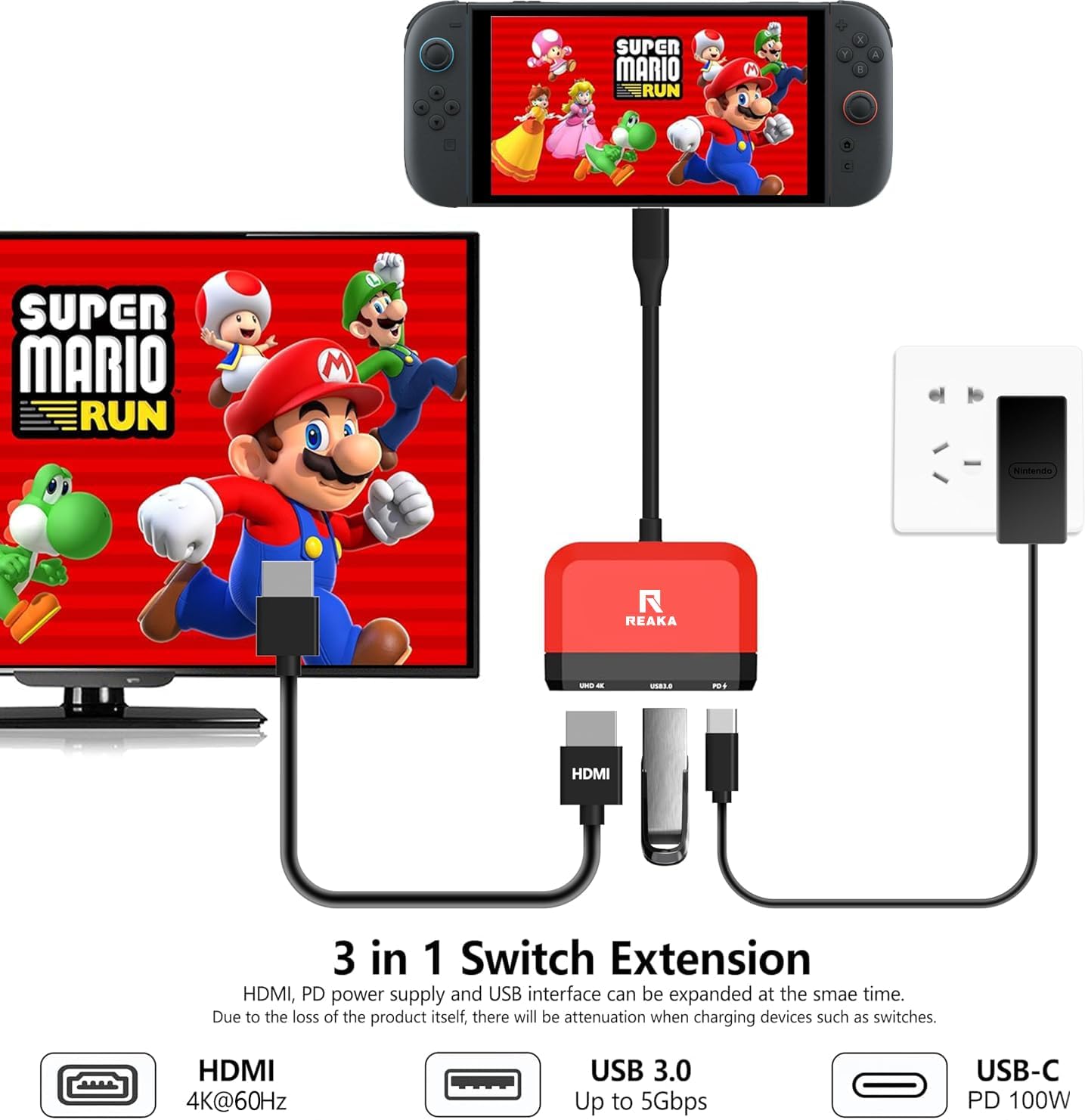
A compact, lightweight 3-in-1 docking station designed to provide TV output for Nintendo Switch OLED, plus USB 3.0 expansion and USB-CPD charging. It positions itself as a pocket-friendly replacement for the official dock, with emphasis on portability and multi-device versatility.
How it works
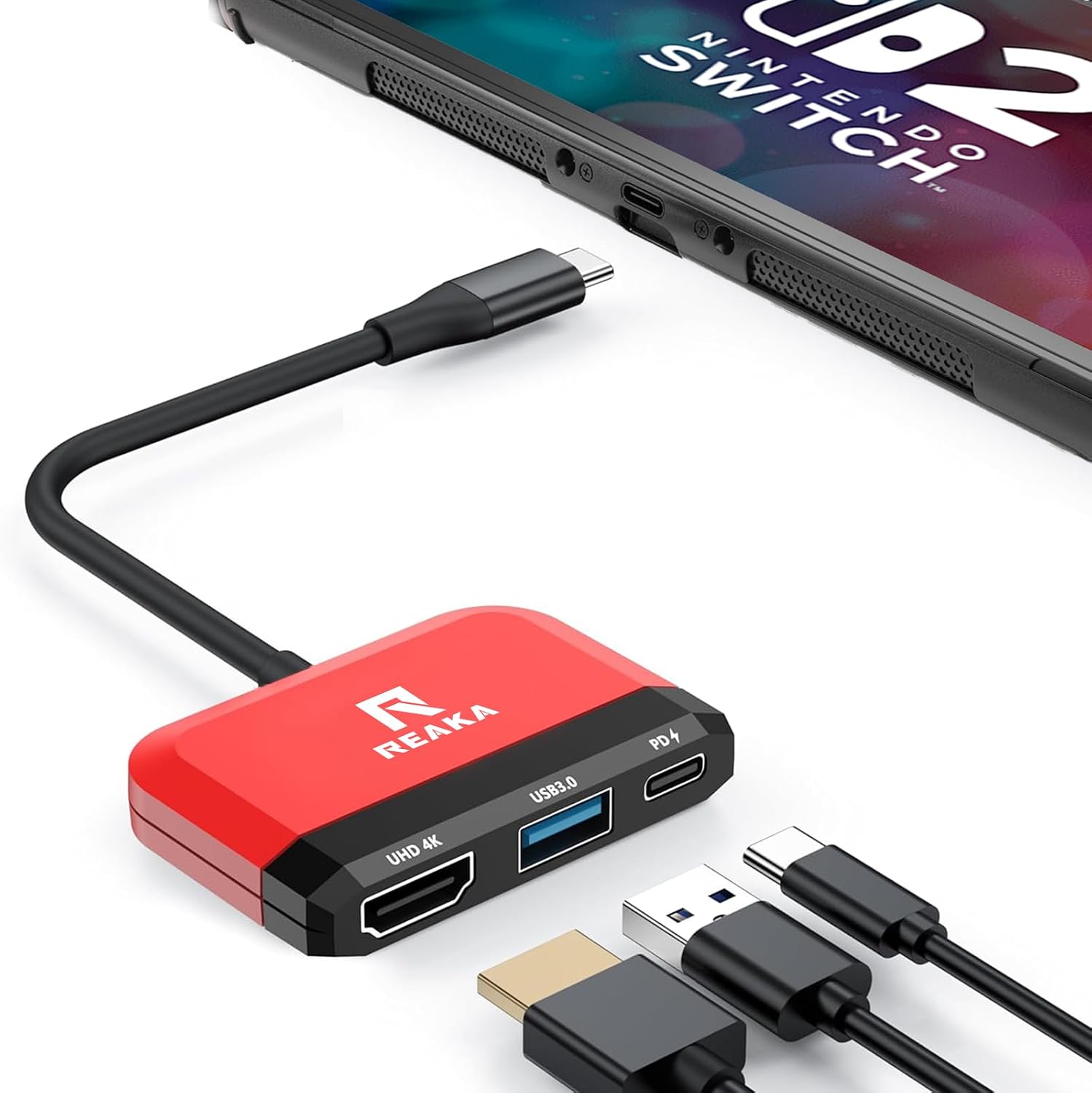
On connection to a TV or monitor via HDMI, the dock supports up to 4K resolution at 30Hz. It also offers a USB 3.0 port and a 100W Power Delivery charging port, allowing simultaneous video output, data transfer and charging. Note that Nintendo Switch output is limited to 1080p on the console itself, so the 4K capability is for the display chain rather than a native higher output from the Switch.
Who it’s for
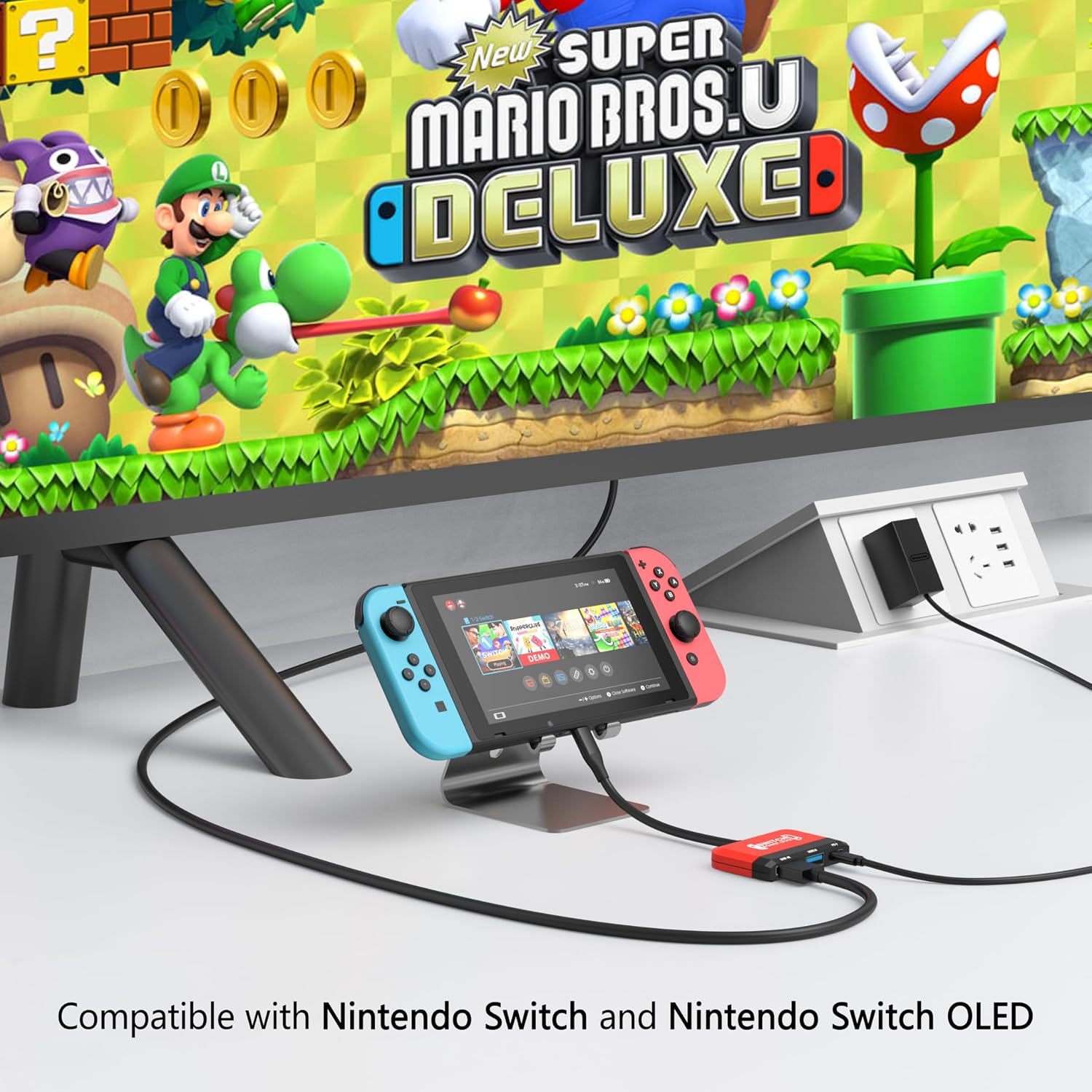
If you prioritise travel convenience, a compact footprint and flexibility to use your Switch, iPad, MacBook Air/Pro or other USB-C devices in TV mode or DeX scenarios, this dock could suit your needs. It’s useful for quick setups at home, in the office or while travelling, especially when you want a single hub without carrying multiple adapters.
What stands out
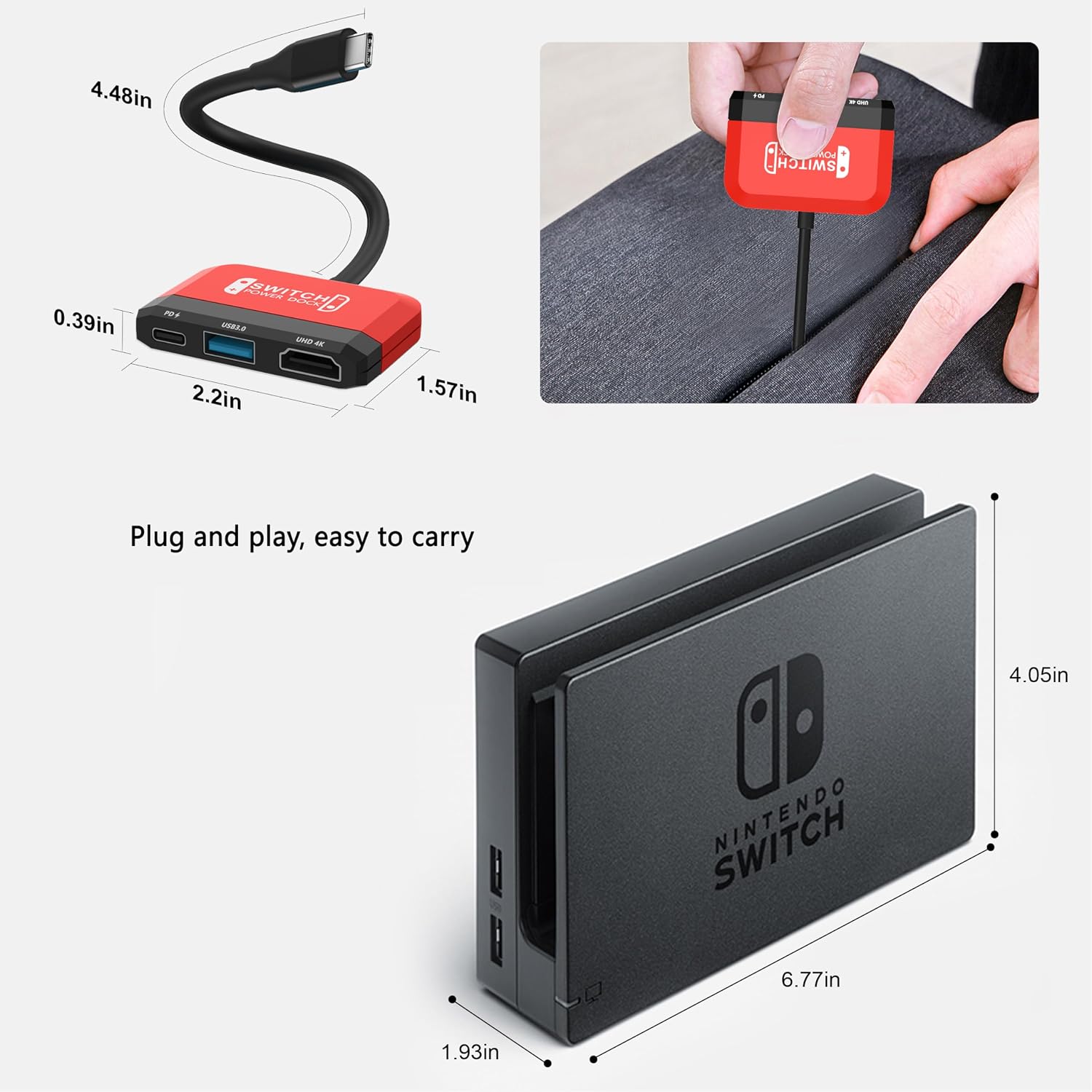
On paper, the 3-in-1 approach is straightforward: HDMI 4K output, USB 3.0 data, and a robust 100W PD charging path all in a tiny shell (about 27g). The inclusion of a high-output PD port is notable for keeping devices charged during use, which matters if you’re using power-intensive apps or gaming sessions.
Where it may fall short
A notable limitation is the video output cap of 1080p from the Nintendo Switch itself, despite the dock advertising 4K capability for the connected display. The claimed 4K performance depends on the source and display chain, and in practice you’ll likely see 1080p from the Switch. It also requires an external power source, without it, some functions may be restricted or unstable.
How to decide
If you need a portable docking solution that can handle TV output and charge simultaneously, and you’re comfortable with the caveat that Nintendo Switch output remains 1080p, this dock offers pragmatic value. It may be less compelling if you primarily require higher native resolution from the source device or if you already own a compact, branded dock with similar features.
Before you buy
Check whether you already have a capable USB-C charger that can supply 39W or more, as advised to avoid performance drops. Ensure your display supports HDMI input and that you plan to use the dock with Nintendo Switch OLED or other USB-C devices in environments where portable power is available.
Practical use case
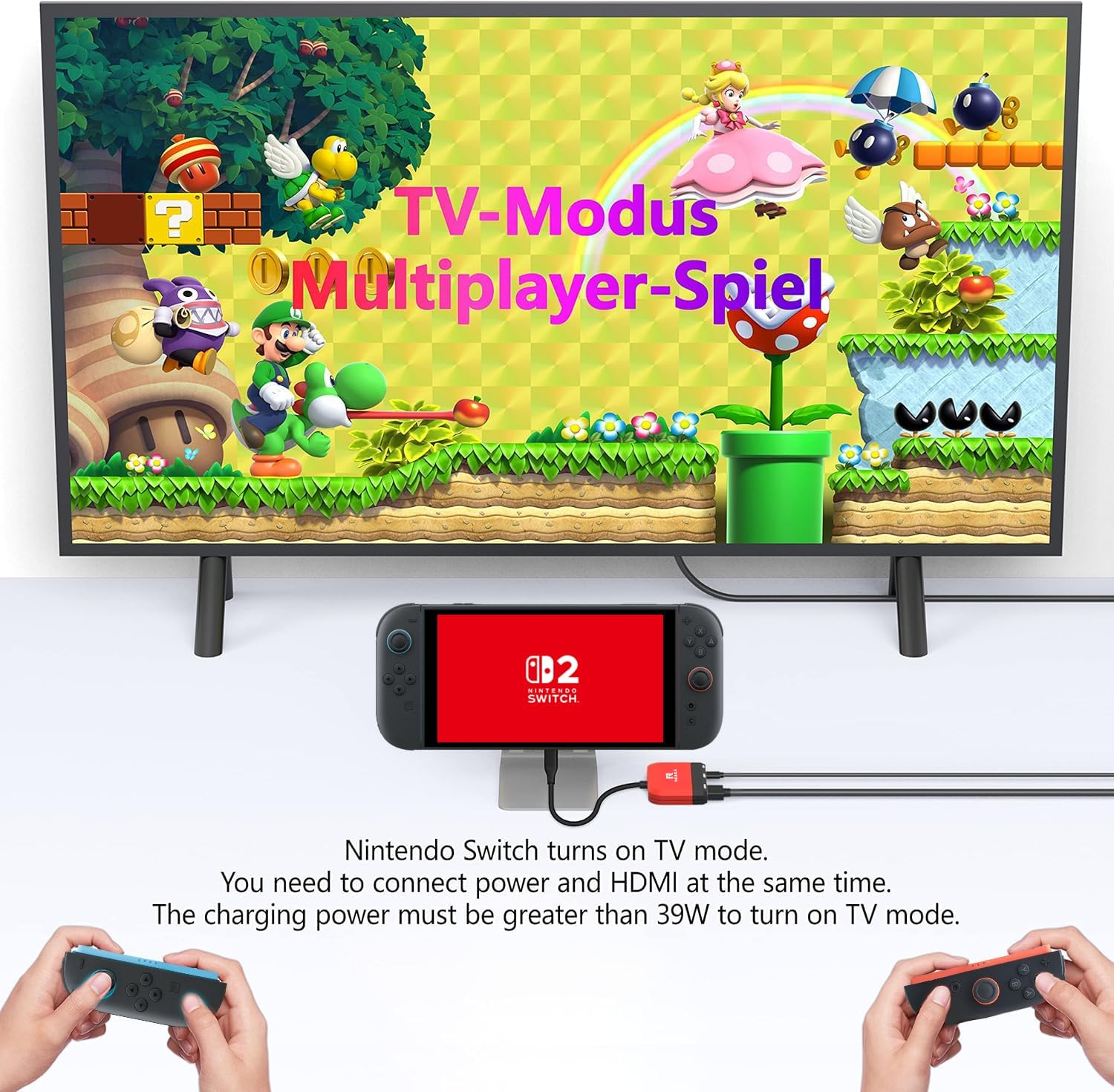
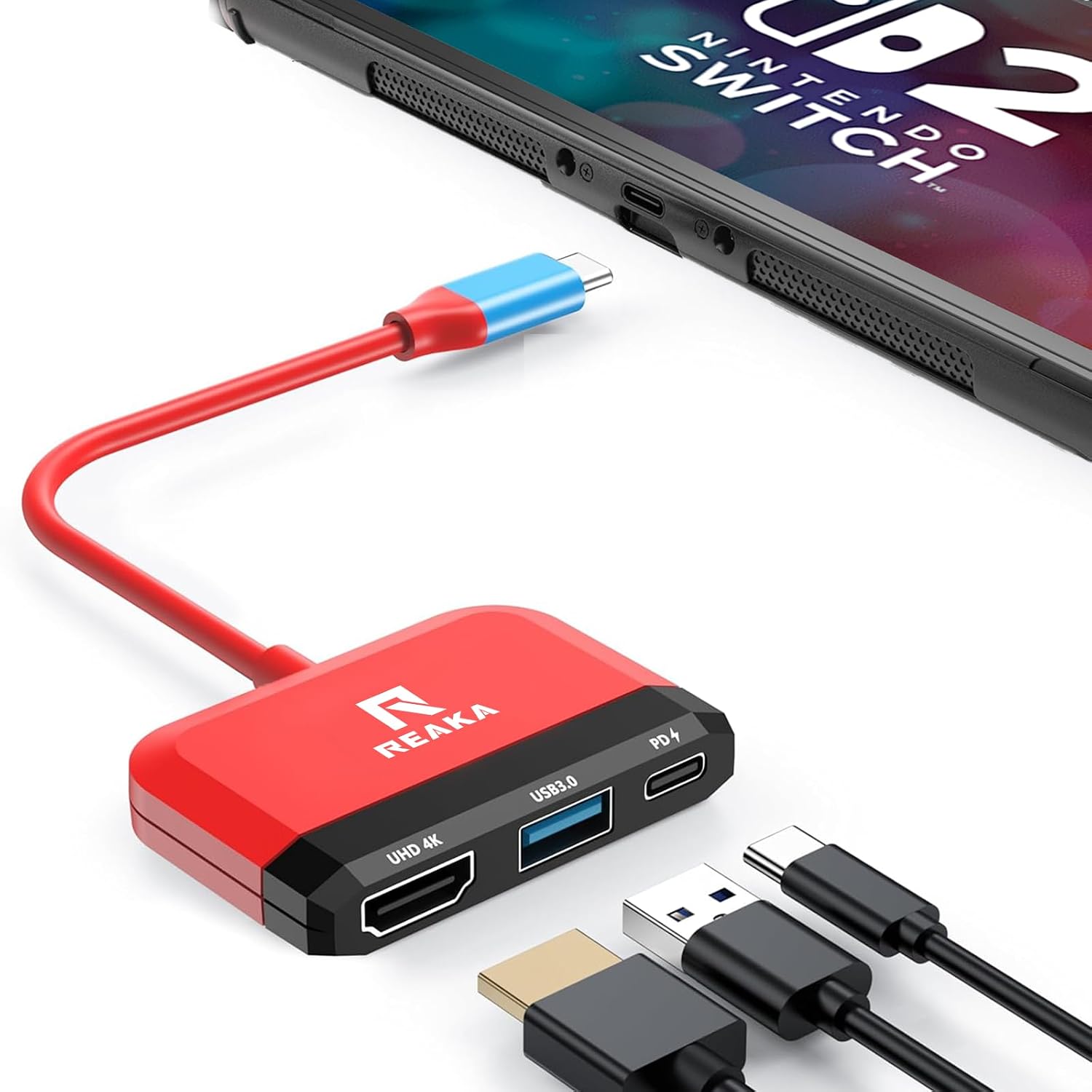
Imagine travelling with only a single compact hub: you dock the Switch OLED to a hotel TV, use the USB-C PD to keep the console charged while playing, and simultaneously connect a USB drive via the USB 3.0 port for media or backups. For someone who wants a low-friction setup away from a fixed home TV, it’s a sensible approach—if you don’t demand top-tier 4K gaming visuals from the Switch itself.
Alternative approaches (in context)
Compared with a full-size dock or a dedicated DeX setup, this 3-in-1 option trades some potential peak performance for portability and convenience. If you value absolute 4K output and peak gaming fidelity, a more robust dock or a lighter approach with a higher-output source might be preferable. If you favour a compact, travel-friendly footprint with multi-device compatibility, this dock aligns well with that goal.
Final decision
Final verdict
It’s worth considering if you prioritise portability, single-dock versatility and the ability to charge while outputting to a TV, bearing in mind that Nintendo Switch output remains 1080p and external power is required for reliable operation.
FAQ
- Can I use this dock without plugging it into power? Not reliably. The device notes the need for an external power source to function properly.
- Will it work with Samsung DeX or MacBook via HDMI? Yes, in principle, it supports USB-C devices and HDMI output, but performance depends on the host device and power availability.
- Is it a replacement for the official Nintendo dock? It’s described as a replacement in spirit, with similar 3-in-1 capabilities, but it is not the official Nintendo model.