

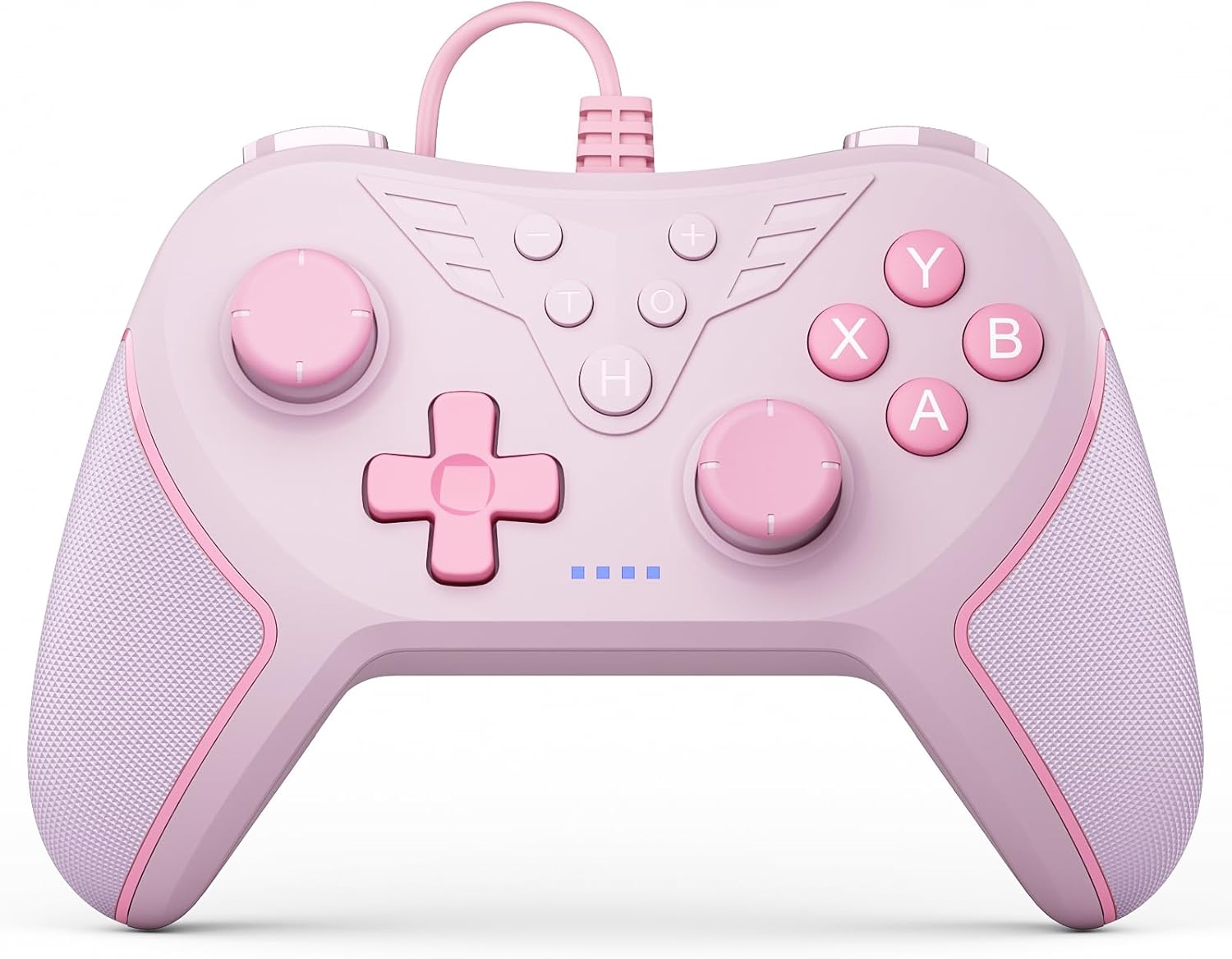
RivalPlay Wired PC Controller with Paddles, 3-Level Vibration & Mappable Buttons (Pink)
Product description
If you’re after a wired PC controller for couch gaming (without the faff of extra setup), this RivalPlay option is built around simple plug-and-play and a few features that make it feel more “game ready” than basic pads. It’s aimed squarely at Windows gamers who want tactile control, textured grips, and quick-access paddles for actions you don’t want buried in normal button presses.
That said, it’s not trying to be a full spec monster for every PC game genre. On paper, it looks like a solid mid-range, everyday controller—best when you value consistency from a cable and want some extra controls for faster reactions.
The essentials
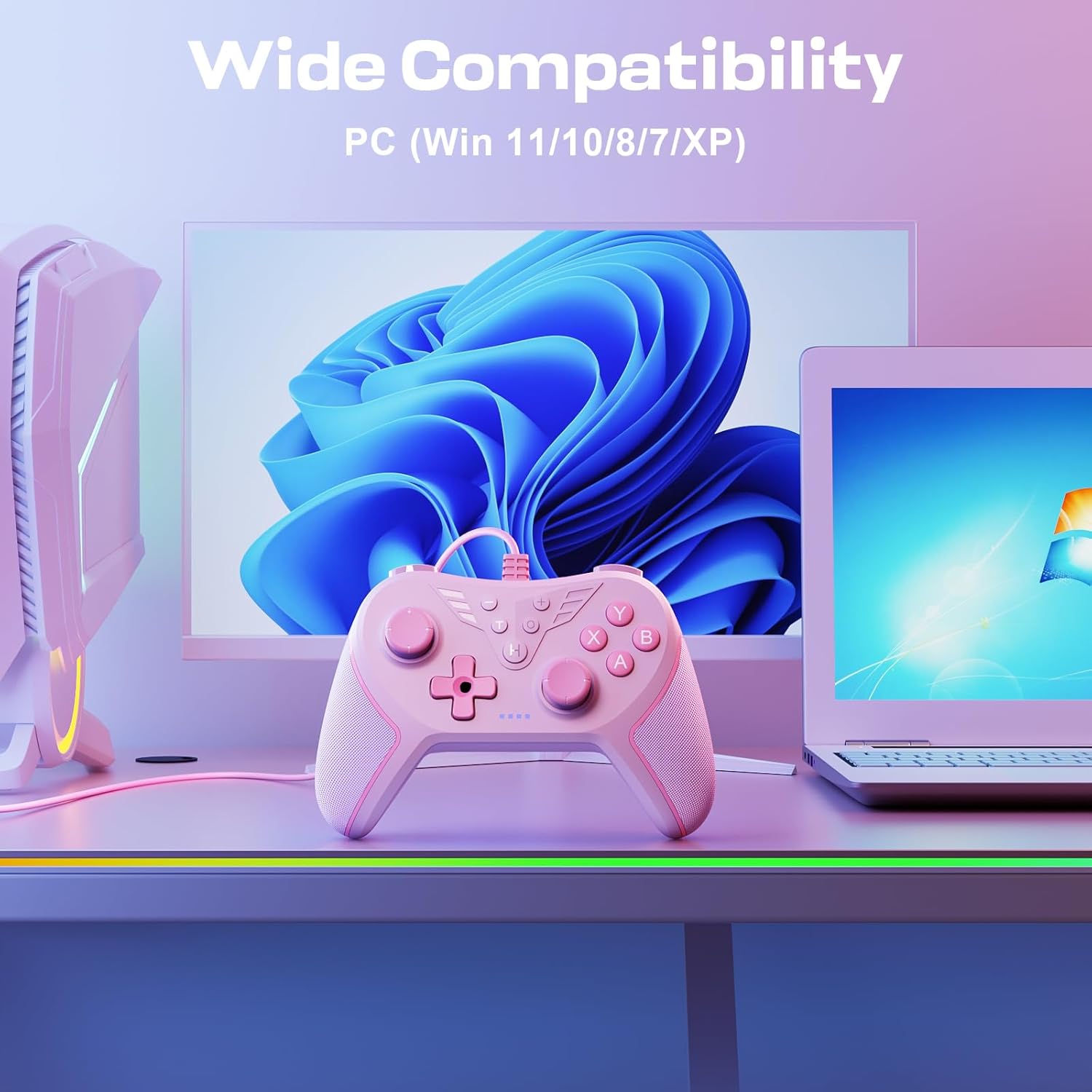
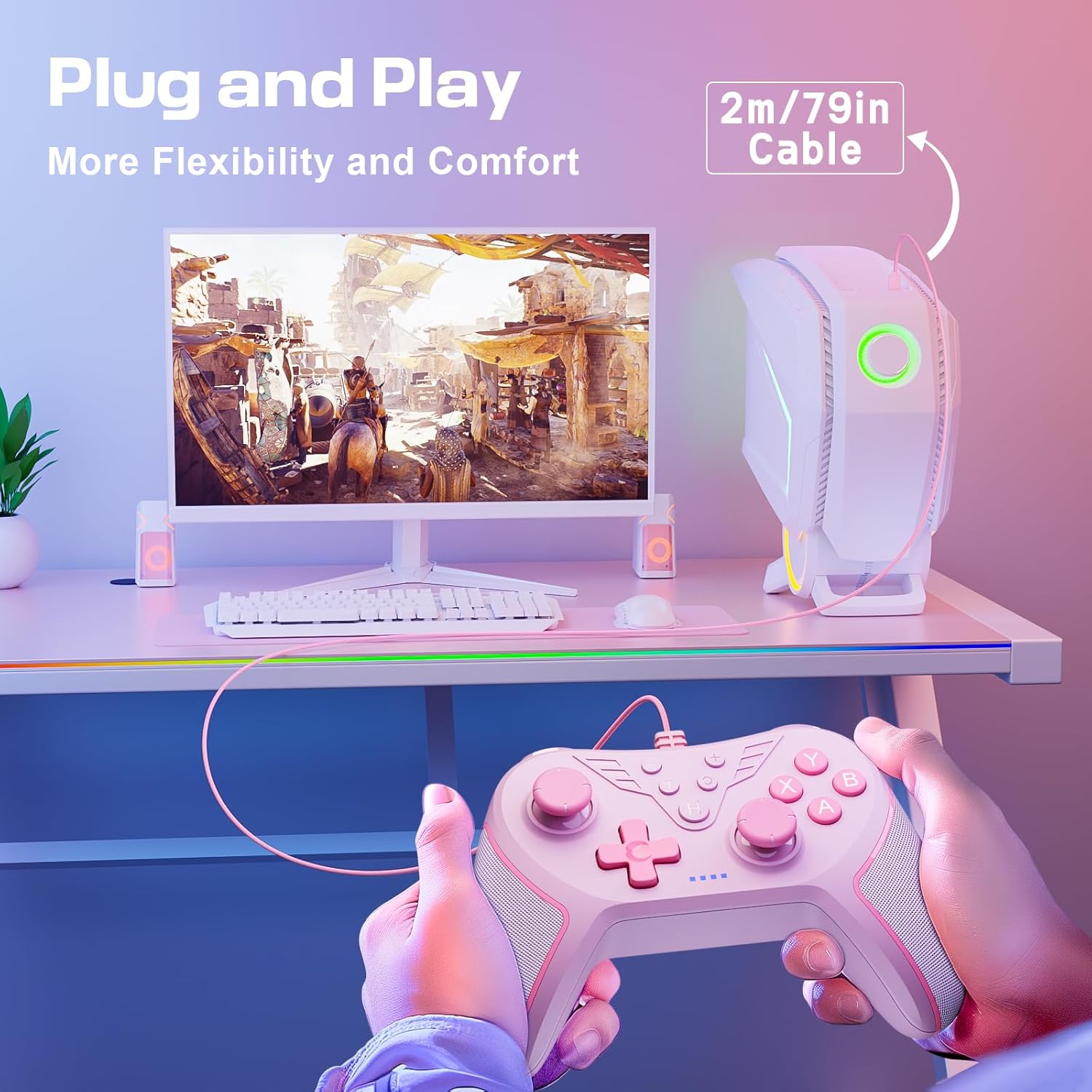
This is a wired game controller for PC, designed to work with Windows 11, 10, 8 and 7. The wired approach is the main theme here: you get a stable connection and freedom of movement thanks to a stated 79-inch cord, rather than relying on wireless pairing.
RivalPlay also leans into comfort for longer sessions. The controller shape is described as ergonomic, and the grips are textured, which is the kind of detail you notice on longer play when your hands start to warm up.
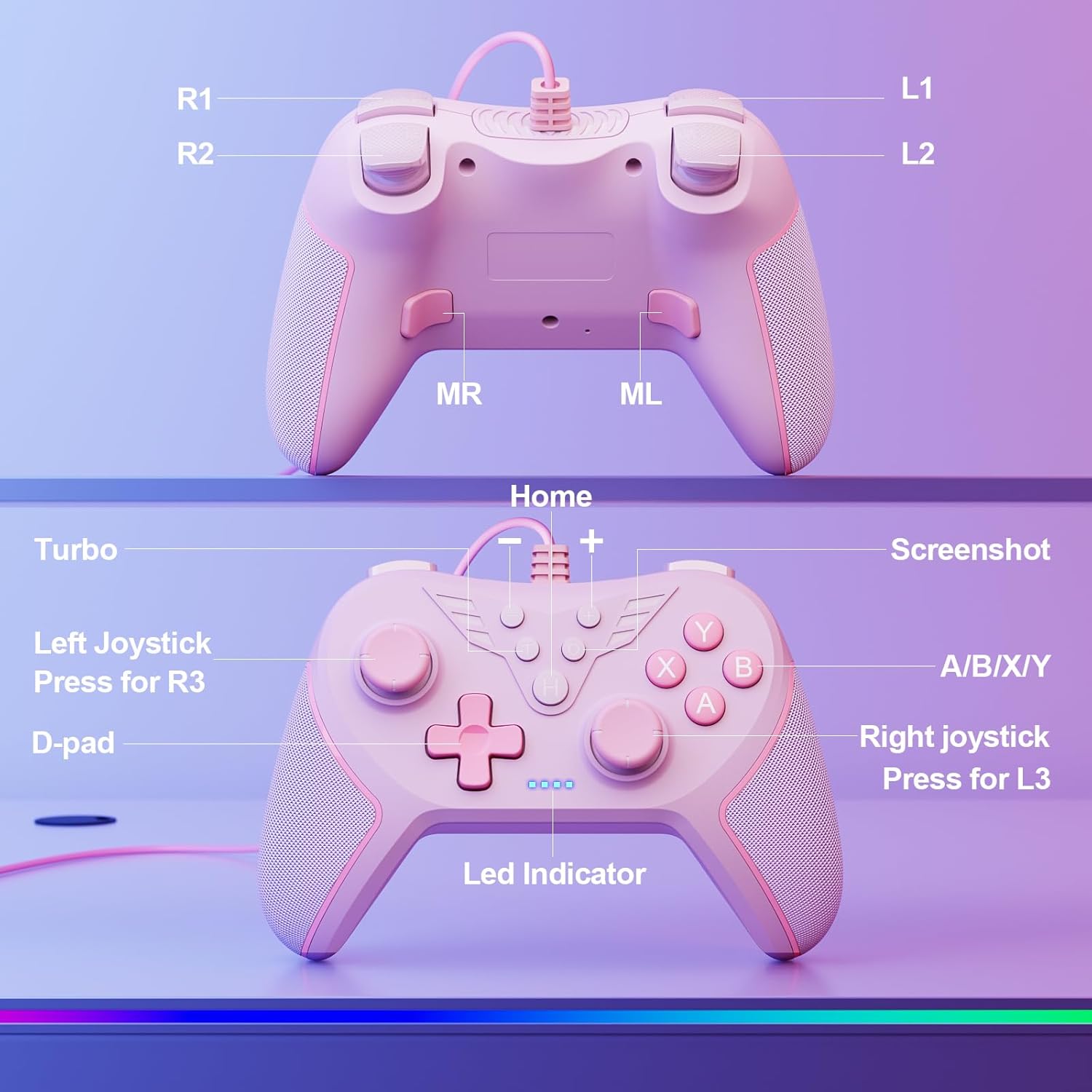
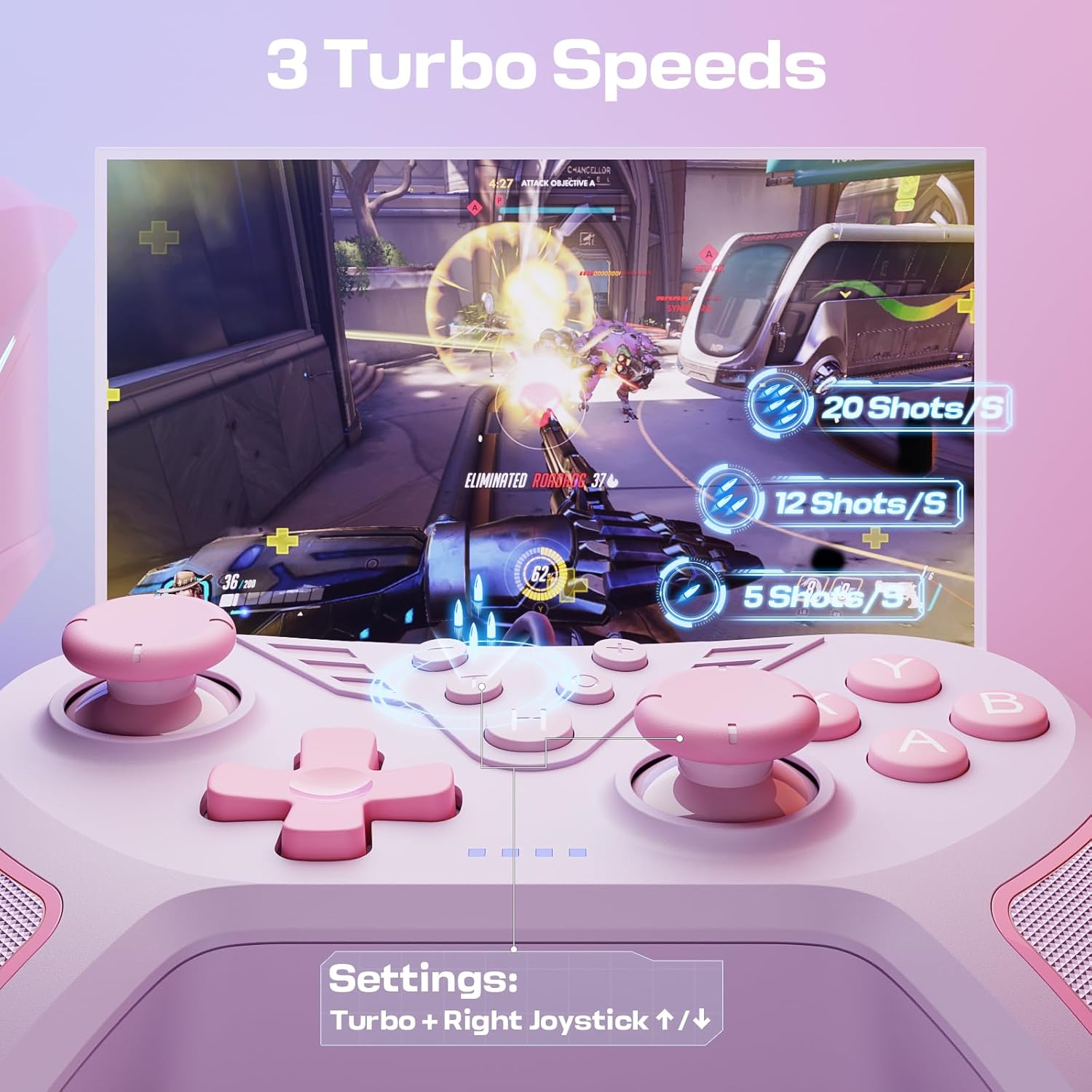
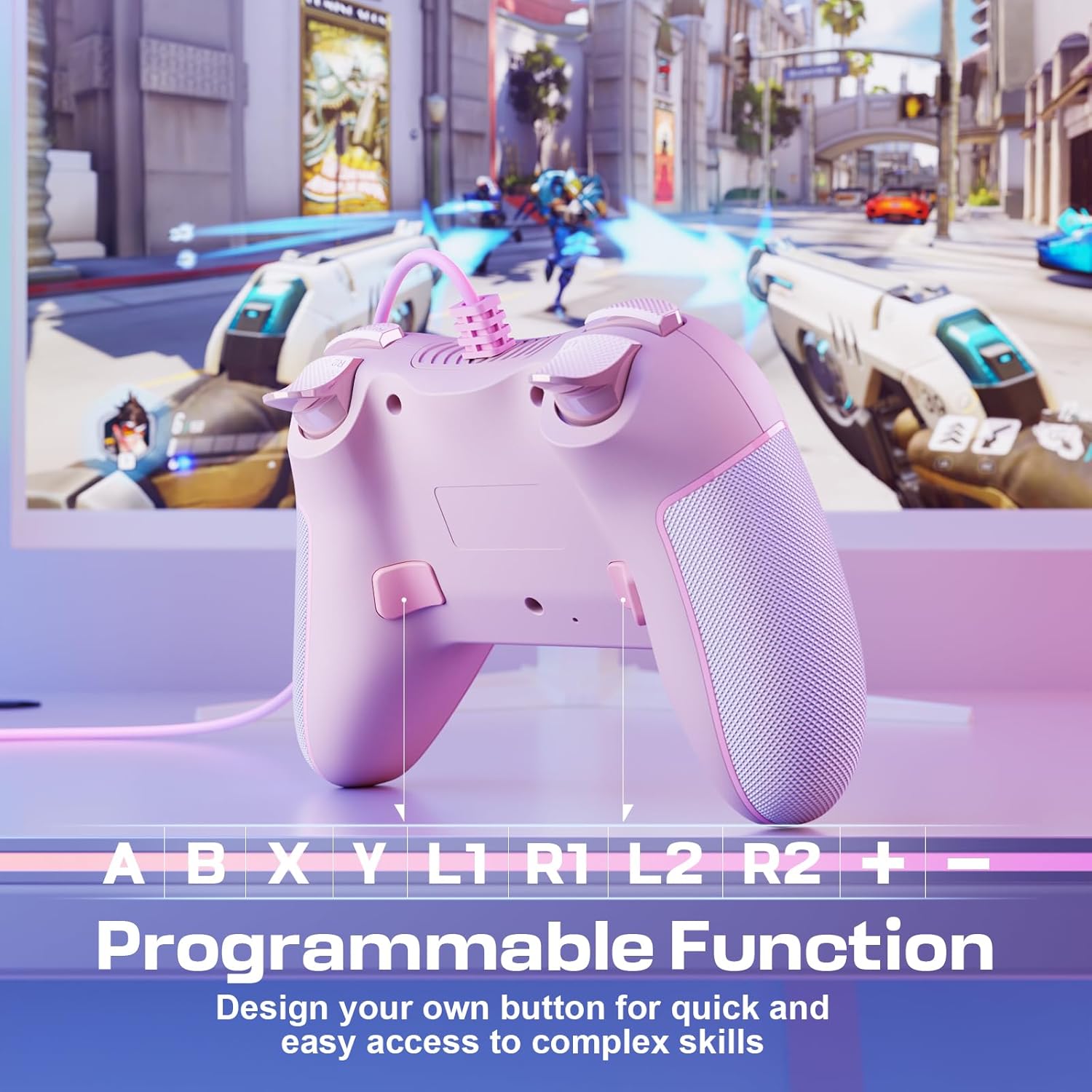
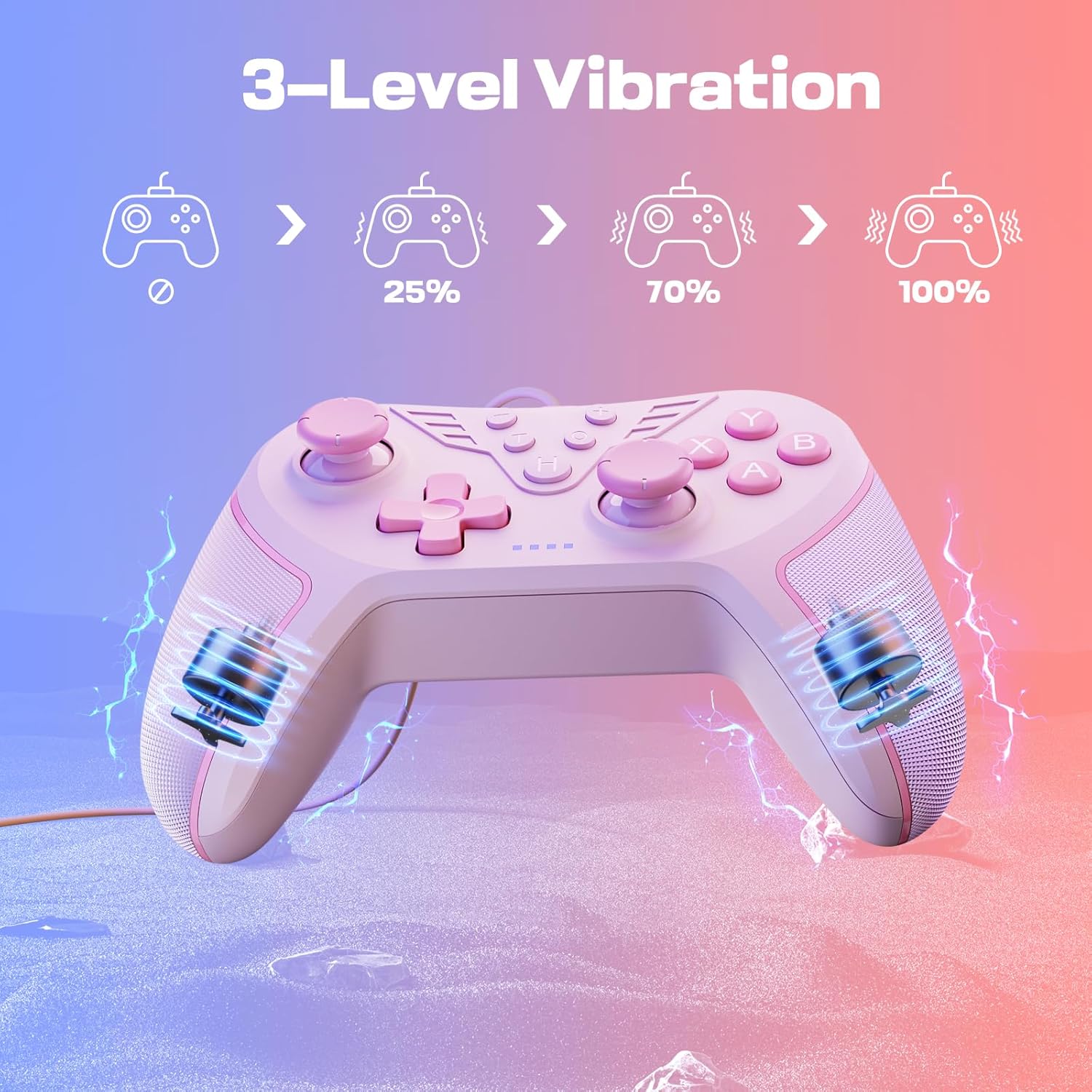
Feature-wise, you get: - 3-level vibration (plus the option to switch it off) - a turbo function with adjustable speeds - two programmable back paddles - mappable buttons
For players who like to tweak controls to match their habits, that combination can make a noticeable difference compared with “set it and forget it” controllers.
Where it shines in everyday gaming
The back paddles are the standout use case. In practice, it’s the kind of setup that lets you keep your thumbs on the main sticks while still firing off actions you’d normally reach for with face buttons. Think about fast reloads, dodge timing, or abilities you want instantly available when you’re moving.
The adjustable vibration also helps you fine-tune feel. Being able to choose an intensity level—rather than being stuck with one vibration setting—can be a small quality-of-life improvement, especially if you find strong rumble distracting.
And if you play fast-paced titles, the turbo function is there for rapid inputs. It offers three adjustable speeds (based on presses per second) and can be handy when a game benefits from frequent repeated actions. It’s not magic, but for certain mechanics it can reduce the strain of constant button mashing.
Key features to actually check before buying
On paper, the controller covers a lot of “PC controller basics” and adds a few gamer-friendly extras. Still, there are a couple of things worth mentally stress-testing against how you play.
First, the turbo function is adjustable in terms of speed, but you’ll still want to check whether the games you play respond well to rapid repeat input. Some titles are more sensitive than others, and it can be easy to assume turbo will “solve” timing issues when it’s really just a repeat tool.
Second, vibration is adjustable and can be turned off. That’s good, but if you rely on rich force feedback for immersion, this is described only in simple 3-level terms. You may find it more functional than expressive depending on your preferences.
Comfort, cord length and real-world limitations
The controller is described as comfortable for extended gameplay, with textured grips and an ergonomic build. That matters because a controller can look fine in photos but feel tiring after an hour.
The 79-inch cord is also a practical factor. If you’re sat slightly away from your PC (or you like to use it with a bigger monitor setup), that stated length suggests you’re not locked into sitting right beside the desk.
However, wired controllers do come with the limitation that you need to manage the cable. If you’re set on a clean, wireless couch setup, a wired pad can feel more restrictive than you expect.
Specs that influence feel (without getting too technical)
The controller’s key control features are straightforward: 3-level vibration with an off option, a turbo function with three speed settings, and two programmable back paddles. It also supports mappable buttons, which is particularly useful if you prefer a specific layout or want paddles to cover actions you use often.
Worth noting: the product description calls it plug-and-play with no mention of extra drivers. If you’re the kind of buyer who wants simplicity, that’s a positive.
Who it suits—and who might want to look elsewhere
It’s a good fit if you play on Windows and want a wired PC controller with extra customisation options like programmable back paddles and mappable buttons. It suits you if you enjoy tinkering with controls so your inputs match how you play, and if you like the idea of adjustable vibration instead of being stuck with one feel.
It may not suit you if you strongly prefer wireless freedom, or if you’re after ultra-immersive haptics beyond simple 3-level vibration. It can also be a less tempting pick if your main concern is only basic comfort and compatibility, and you’re not interested in paddles, turbo, or extra control mapping.
Mini FAQ
Is it compatible with older Windows PCs?
Yes, the controller is stated as compatible with Windows 11, 10, 8 and 7.
Does it need extra drivers?
The description says it offers seamless plug-and-play functionality without needing extra drivers.
Can I turn the vibration off?
Yes, you can switch vibration off entirely, or choose 30%, 70% or 100% levels.
What do the paddles do?
The two back paddles are programmable, designed for quick access to commands so you can act without moving your thumbs off the main controls.
Is the turbo function adjustable?
Yes, it includes three adjustable speeds based on presses per second, and you can use it for rapid gameplay.
Final verdict
Should you buy it? This RivalPlay wired PC controller is worth considering if you want a no-drama Windows setup, a comfortable feel for longer sessions, and extra control options like programmable paddles plus adjustable vibration and turbo.
You may want to skip it if you prefer wireless controllers, or if you’re specifically chasing high-end haptic immersion rather than simple, selectable vibration levels. In short: it’s a practical, feature-leaning wired pad for PC players who want quick actions and straightforward plug-and-play.