

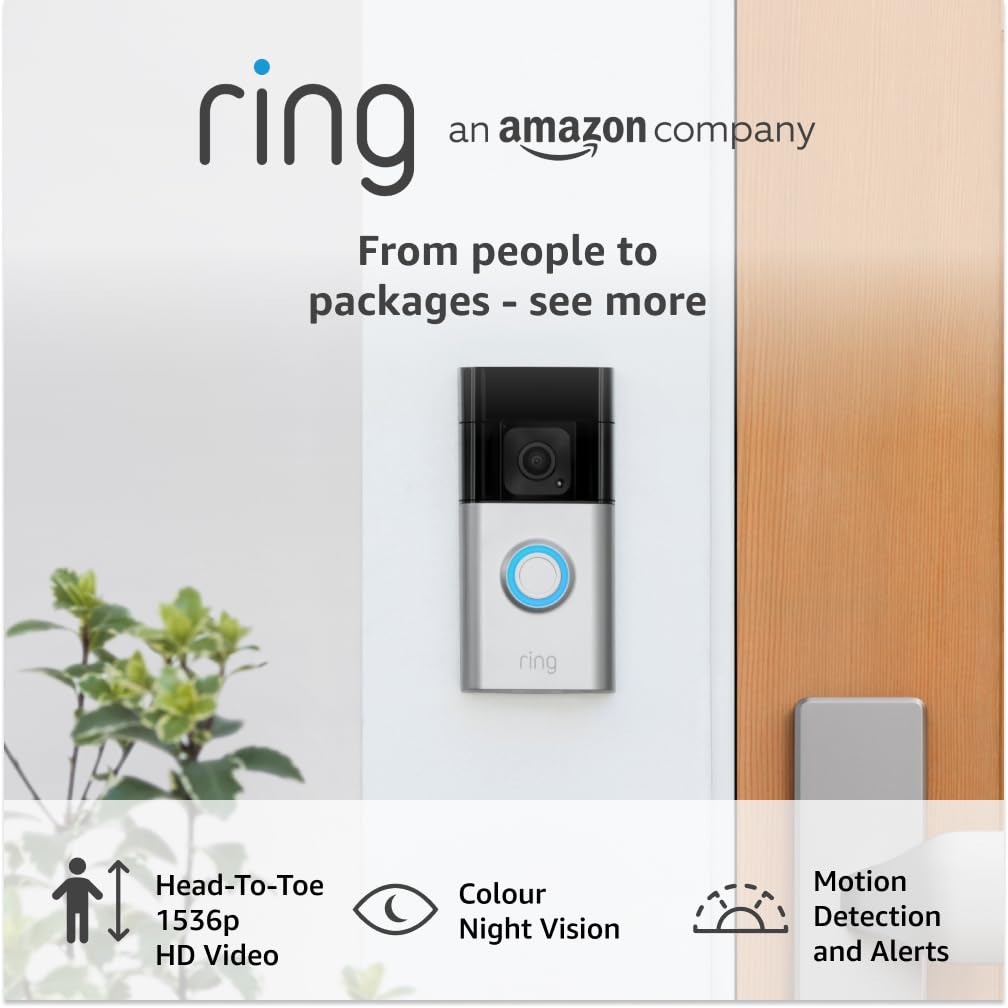
Ring Battery Video Doorbell Plus (Newest gen) with Chime Pro – 1536p HD, Head-to-Toe View
Product description
If you want to know who’s at the door (and what’s happening outside) without running cables, the Ring Battery Video Doorbell Plus plus Chime Pro is built for exactly that kind of setup. It’s the sort of home security add-on that works best when you actually use it day to day: you glance, you confirm what’s going on, and you’re not left guessing.
That said, it’s not a plug-and-forget system in the strictest sense. Battery-powered devices can be brilliant for DIY installs, but you’ll still want to manage charging and think about where the camera can realistically see.
The essentials (quick overview)
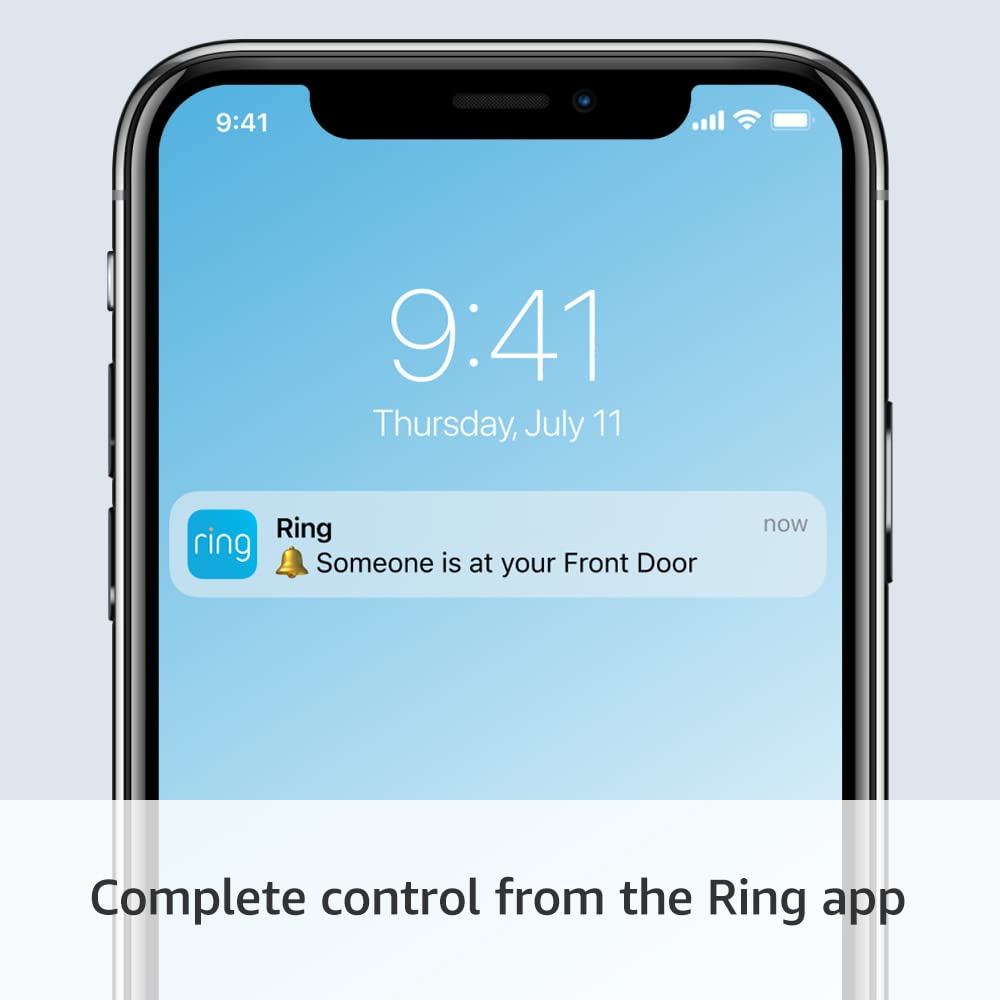
The Ring Battery Video Doorbell Plus (newest gen) is a wireless video doorbell that sends alerts when someone presses the doorbell or when motion is detected. The included Chime Pro extends your Ring network and provides audible notifications around your home when the doorbell is pressed or motion is detected.
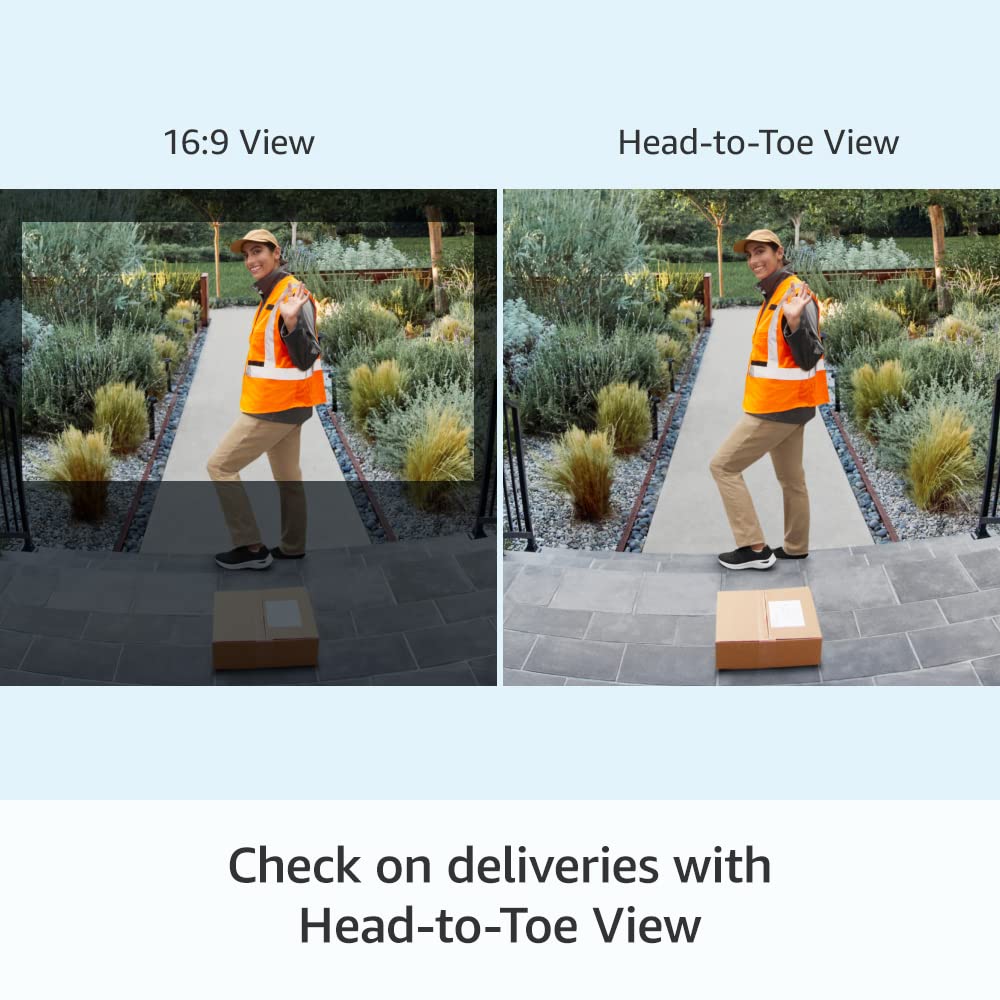
From a day-to-day perspective, the standout idea here is clarity and coverage. It pairs 1536p HD video with a head-to-toe view, so you’re not just seeing a face at the edge of the frame. You’re also getting features aimed at doorstep reality, like colour night vision and the ability to set privacy zones.

There’s also a practical “front door answering machine” angle: Quick Replies let you choose pre-recorded messages that play when your doorbell is pressed. And there are package-focused capabilities too, including Package Alerts as part of a Ring Home subscription feature (sold separately).
Key features that you’ll notice in use
This doorbell is designed around moments when you’d otherwise have to open the door, peer outside, or check your phone late.
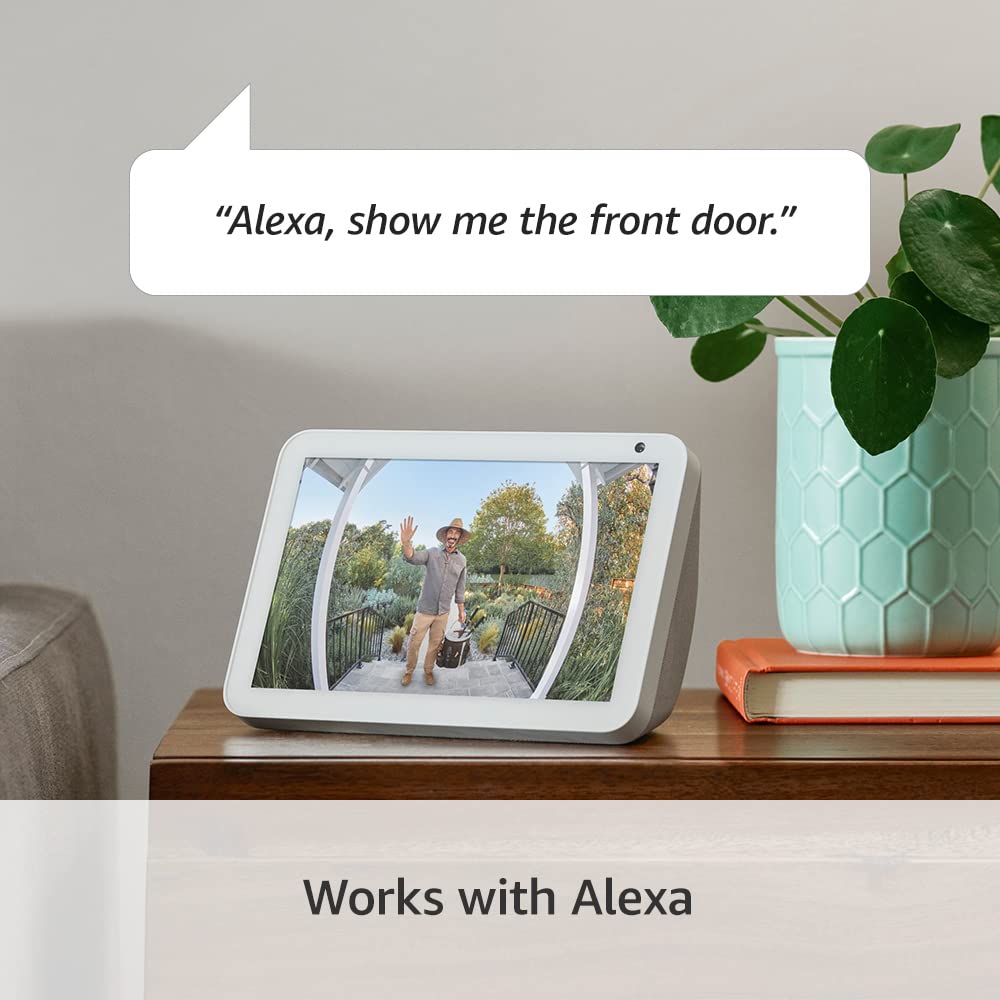
On video, the device leans into what it calls enhanced video: 1536p HD and a head-to-toe view. In practical terms, that means deliveries and visitors are easier to interpret at a glance. If you regularly get parcels left at the door, the “person + package alerts” direction is the right way to think about it—even though the package notifications depend on a Ring Home subscription feature.
Night viewing is handled with colour night vision. That’s helpful because lighting conditions can make older doorbell footage hard to interpret after dark.
Then there are the two “control” features that often get overlooked until you need them: Privacy Zones and Quick Replies. Privacy Zones let you block out areas of the view so the device won’t display or record within those zones. Quick Replies give you pre-recorded messages you can trigger when someone presses the doorbell.
How the Chime Pro fits into the setup
The bundle includes Chime Pro, which is there to extend your Ring network. It also provides audible notifications around your home when someone presses the Video Doorbell or motion is detected.
This matters if you have rooms where a phone notification isn’t ideal. You might still check your phone, but the Chime Pro adds that extra layer of awareness indoors—useful when you’re in the garden, cooking, or otherwise away from your mobile.
Tech specs
- Name: Ring Battery Video Doorbell Plus (Newest gen) + Chime Pro
- Type: Battery video doorbell with wireless setup
- Format: Video doorbell camera kit (includes Chime Pro)
- Display: Colour night vision
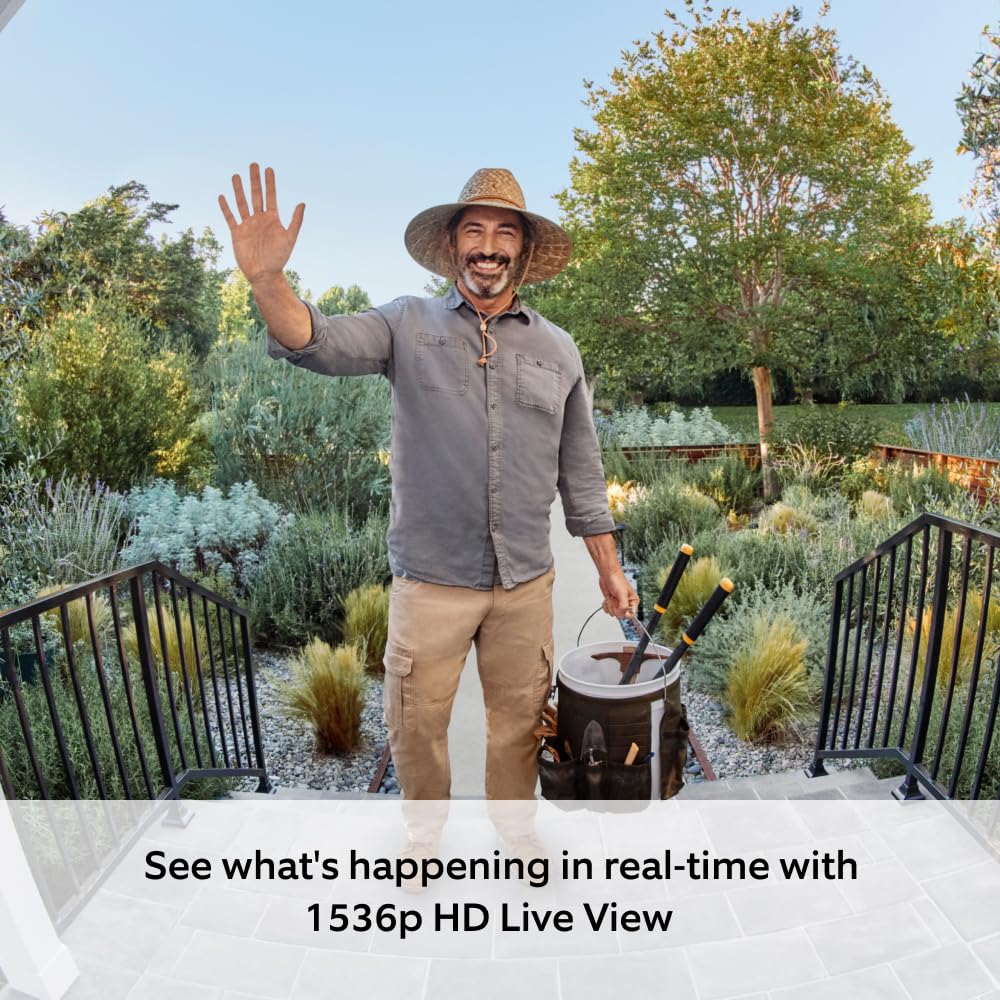
- Resolution: 1536p HD video
Who it suits, and who should think twice
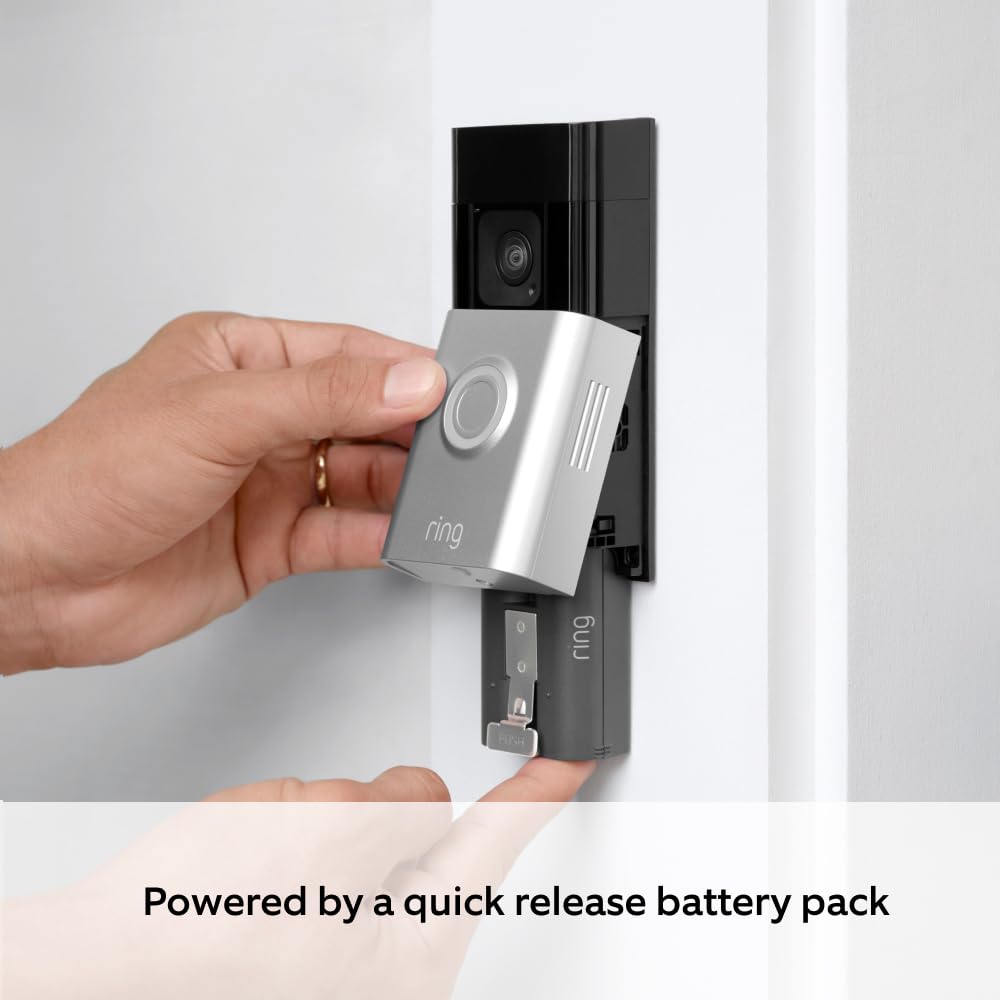
It’s a sensible pick if you want a wireless doorbell setup that you can install yourself in around 5 minutes, while still getting a clearer video picture (1536p HD) and a wider “head-to-toe” view.
It also makes sense if you care about privacy controls (Privacy Zones) and want the option to respond with Quick Replies rather than always typing out a message.
It may not be the best match if you’re expecting package detection to work fully without any extra service, because the Package Alerts are described as a Ring Home subscription feature sold separately. And if you’re installing in a spot where people or parcels are often out of frame, the head-to-toe view can only help so much—angle and positioning still matter.
What to check before you buy
Before committing, it’s worth thinking through a few practical points.
First, consider the areas you’ll want the camera to show—and where you’d prefer it not to record. Privacy Zones are a key part of this model, but you’ll need to set them up in a way that matches your property.
Second, if deliveries are a big reason for buying, be aware that package alerts are tied to a subscription feature. If you don’t plan to use that, you may want to treat package alerts as “nice to have later” rather than a guaranteed included capability.
Finally, wireless setups depend on your home’s layout. The included Chime Pro helps extend the network and handle audible notifications, but it’s still wise to think about where the Chime Pro will sit for best coverage.
Is it worth it?
Buy it if you want a DIY-friendly, battery video doorbell that focuses on clear 1536p HD footage, colour night vision, and a head-to-toe view—plus indoor audible notifications via the included Chime Pro. It’s particularly compelling if you regularly have visitors or parcels and you want alerts that keep you informed without standing by the door.
Skip it (or at least pause) if you’re mainly after package alerts and you don’t want to consider a Ring Home subscription feature, because Package Alerts are described as sold separately. Also, if you already know you’ll have trouble mounting it where it can actually see what you care about, no amount of resolution fixes a poor viewing angle.
Mini FAQ
Does this doorbell work for motion alerts as well as button presses?
Yes. It’s described as alerting you when the Video Doorbell is pressed or when motion is detected.
Is the Chime Pro included?
Yes, the bundle includes Chime Pro, which extends the Ring network and provides audible notifications around the home.
Can you limit what the camera records?
You can use Privacy Zones to block areas of the view so the device won’t display or record activity in those zones.
Do I need a subscription for package alerts?
Package Alerts are described as an exclusive Ring Home subscription feature, sold separately.
Can I respond automatically when someone presses the doorbell?
Yes. Quick Replies let you choose pre-recorded messages that play whenever the Video Doorbell is pressed.