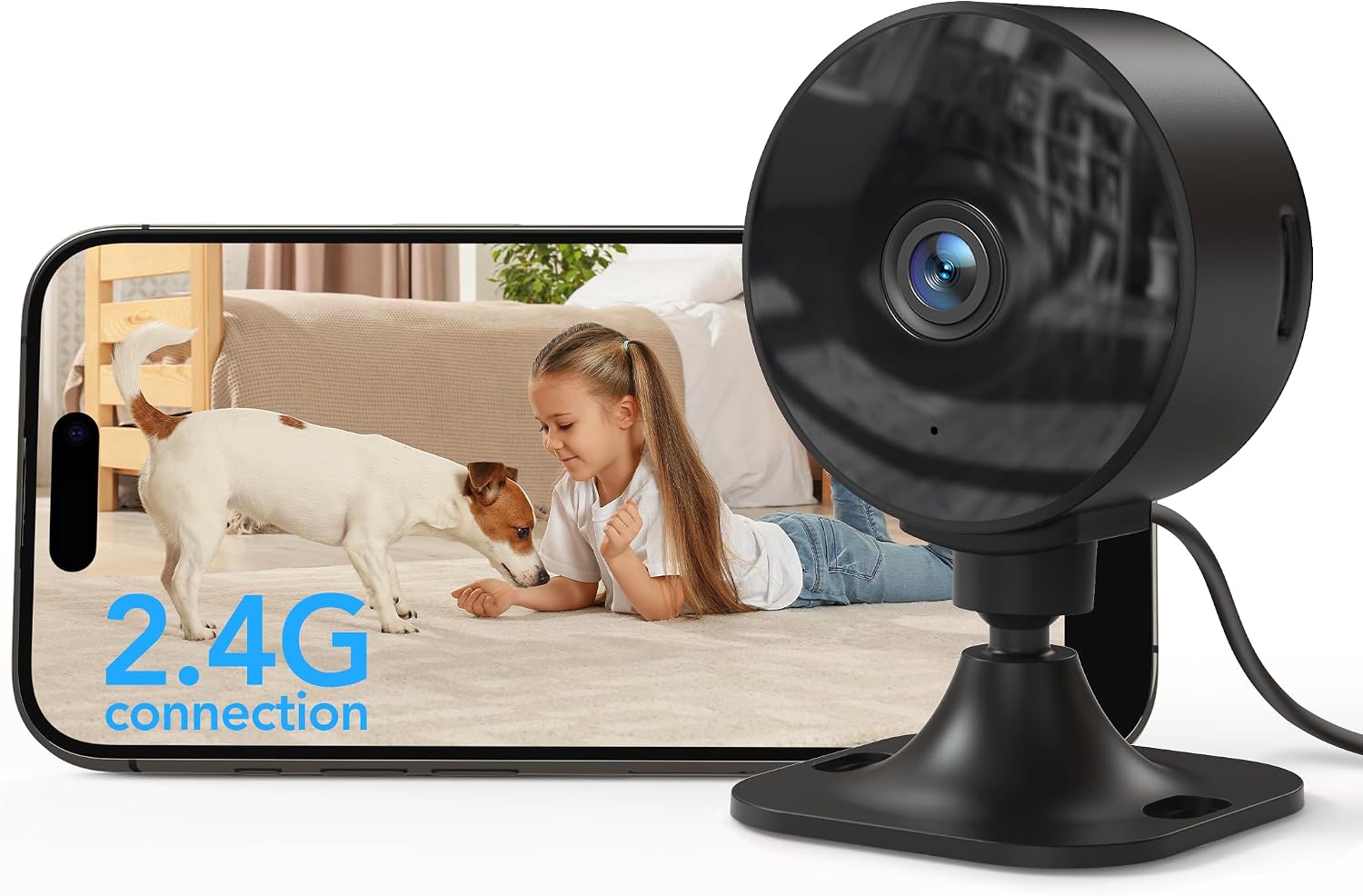
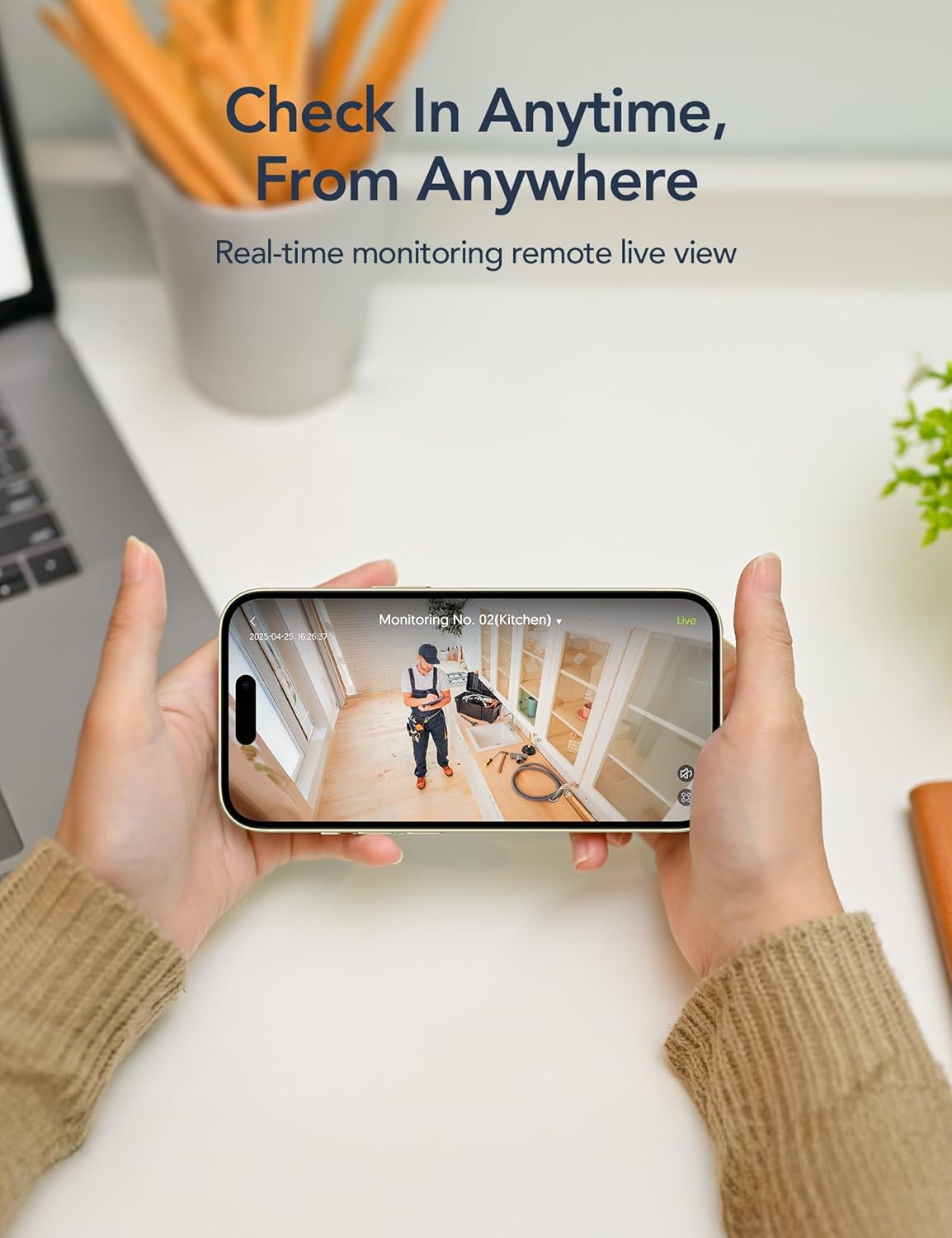
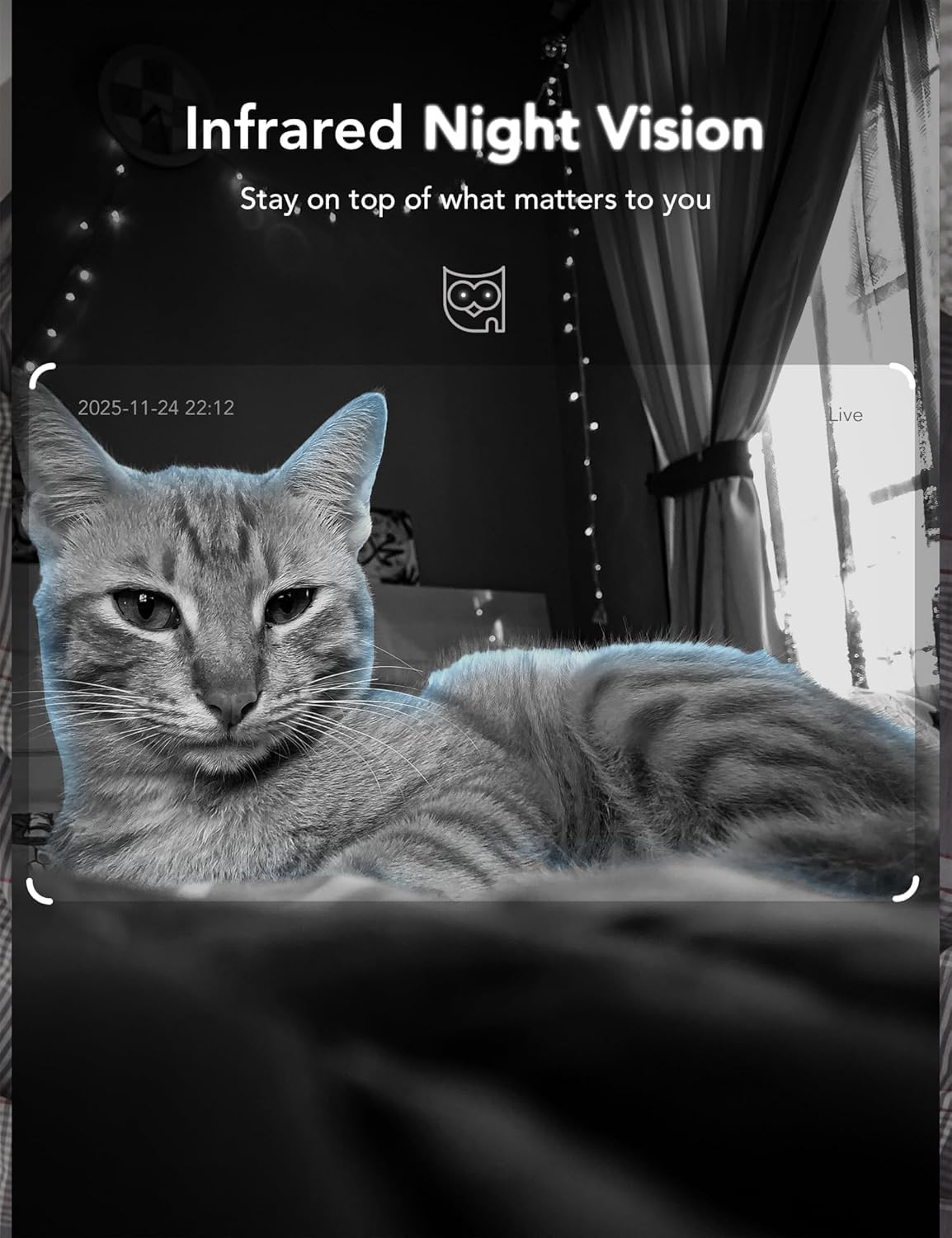
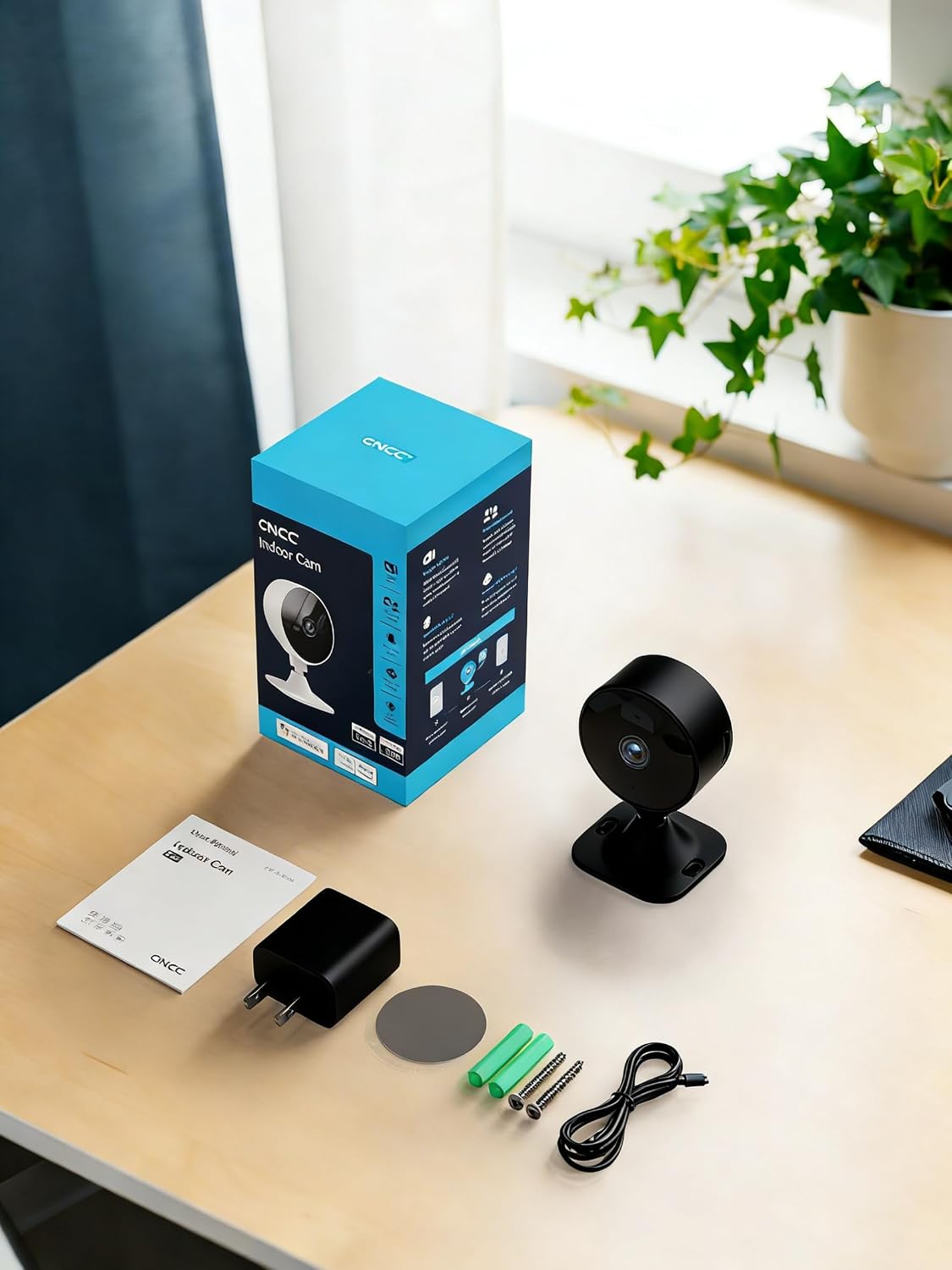
What it is and who it’s for\nThe GNCC GC3 is a plug‑in indoor CCTV camera designed to help you monitor small spaces like a living room, nursery or office. It targets households with pets or babies, and anyone who wants a simple plug‑and‑play setup with optional cloud storage. If you prioritise straightforward installation and basic remote viewing, this model can fit the bill.\n\n## How it works\nSetup is described as 2.4GHz WiFi, with a 6.5 ft/2 m power cord for easy placement. In the app you connect to WiFi, enable Bluetooth, and pair the camera. Mounting is versatile: adhesive tape or screws are included, helpful if you’re renting or moving between rooms. The camera provides 1080P video during the day and night, with 32 ft of infrared night vision via six LEDs. Two‑way audio enables you to listen in and speak through the camera from your phone.\n\n## Storage options and privacy\nThere are two storage routes: local microSD (up to 128GB, not included) for continuous recording on the card, and a paid cloud subscription for remote playback of events and cloud backup. New accounts get a 14‑day free trial for one camera, with live viewing and basic notifications remaining free. If privacy matters, you can switch off recording or remove access through the app, and sharing is possible with up to three family members.\n\n## What stands out in use\nThe GC3 uses a fixed lens and a relatively compact form factor with app‑based control, including motion and sound detection, privacy mode, and multiple storage options. It integrates with Alexa and Google Assistant for live viewing without additional hardware. The device supports simultaneous viewing of up to four cameras in the app, which is practical if you’re expanding a small home security setup.\n\n## Practical limitations to consider\nIt runs on 2.4GHz WiFi only, which means it won’t connect to 5GHz networks. Cloud storage is a paid feature, so ongoing costs apply if you want remote playback, local storage is free but requires a microSD card. Data security relies on the app account, and there’s a note that each account can be logged in on only one mobile device at a time. If you need fully robust professional surveillance, this may feel light by comparison.\n\n## Who it’s for and who it isn’t\nConviene tener en cuenta if you want a simple, affordable way to check in on a pet or baby from a phone, with easy installation in a rental or compact flat. It’s likely a good fit for first‑time buyers or households that value quick setup and basic notification features. It might not be the best option if you require constant, ultra‑secure remote monitoring with extensive analytics or if you rely on 5GHz networks.\n\n## Before you buy: what to check\nConfirm your WiFi is stable on 2.4GHz, and decide if you’re comfortable with cloud subscriptions for remote playback. Consider whether you’ll need to mount in a living room or kitchen where a power outlet is available, and whether you’re prepared to add a microSD card for local storage.\n\n## Where it sits in the buying landscape\nFor those weighing simple home monitoring versus more feature‑dense systems, the GC3 represents a mid‑entry approach: straightforward setup, essential two‑way audio, basic motion/sound alerts, and flexible storage. If you want advanced analytics or multi‑camera ecosystems with stricter privacy controls, you may look at other options.\n\n## FAQ\n- Does the GC3 work with both Alexa and Google Assistant? Yes, it supports both for live viewing.\n- Can I view recordings remotely without a cloud subscription? Remote playback requires a cloud subscription, live view and alerts are available without it.\n- Is continuous recording possible without the cloud? Yes, via a microSD card (up to 128GB, card not included).\n- How many devices can access the camera? Up to three family members can share access.\n- What about privacy when not in use? You can disable recording or privacy mode anytime through the app.