

RIIEYOCA 3.5mm (1/8 inch) Mono TRRS to RCA Audio Video Cable (1.5m, 2-Pack)
Product description
What this cable is for
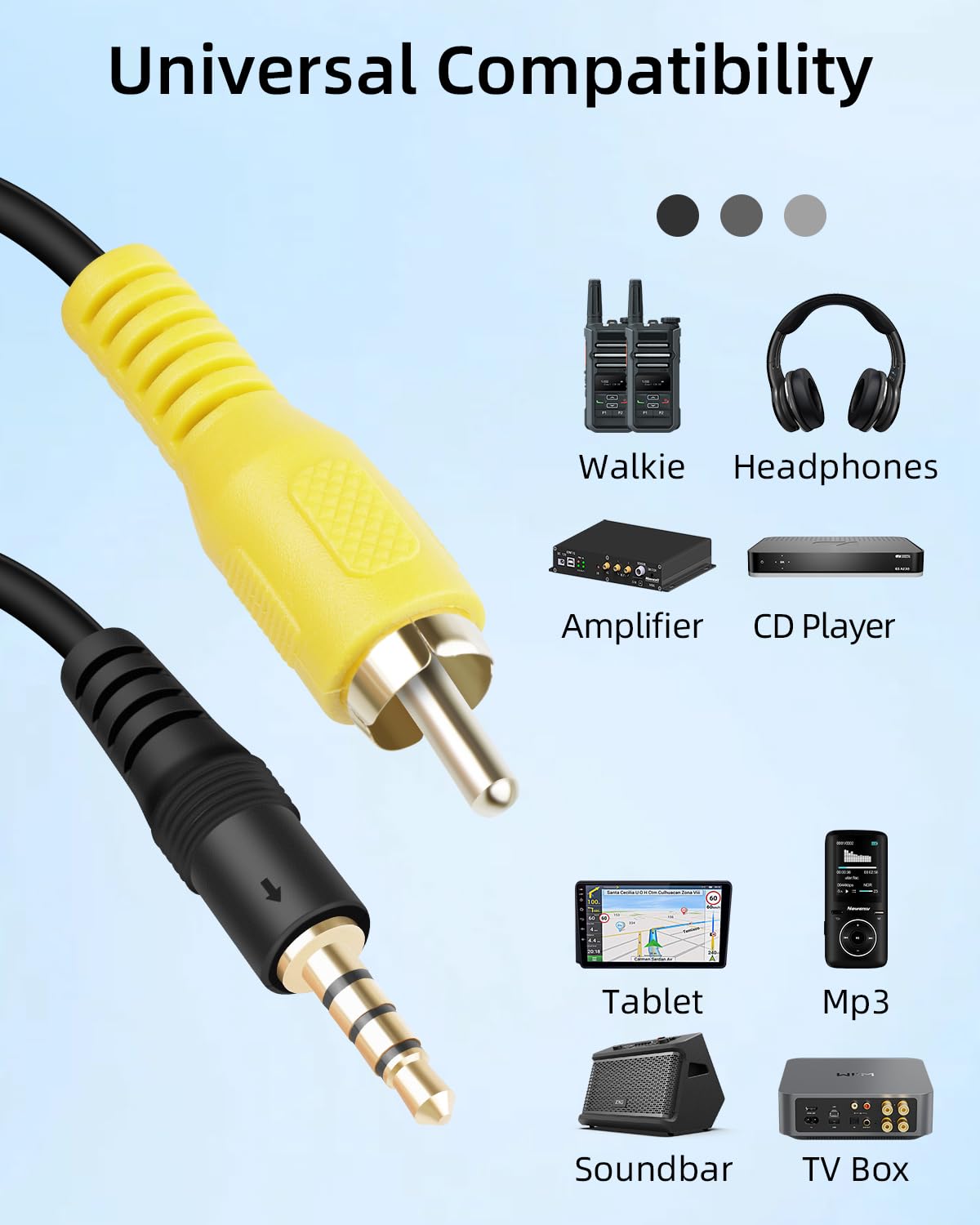
A 3.5mm to RCA lead sounds simple, but the exact plug type matters. This RIIEYOCA cable uses a 3.5mm (4-pole) TRRS aux-style plug on one end and RCA on the other, aiming to help you connect compact audio/video devices to displays or home cinema setups that take RCA inputs. In day-to-day terms, it’s the kind of lead you’d use when a newer device’s headphone/aux output doesn’t match the RCA sockets on a TV, DVD/CD player, video recorder, or older AV equipment.
It’s also sold as a 2-pack, which is handy if you want a spare for the home or the car, or if you tend to move equipment between rooms.
What you’ll notice in use
On paper, the big selling points are the signal path and the construction. The cable is described as using a thickened pure copper core, with a spiral shielding layer intended to suppress interference and noise. That’s the sort of detail that can make a difference if you’ve ever had to deal with crackling, background hum, or “noisy” audio when cables run close to power leads.
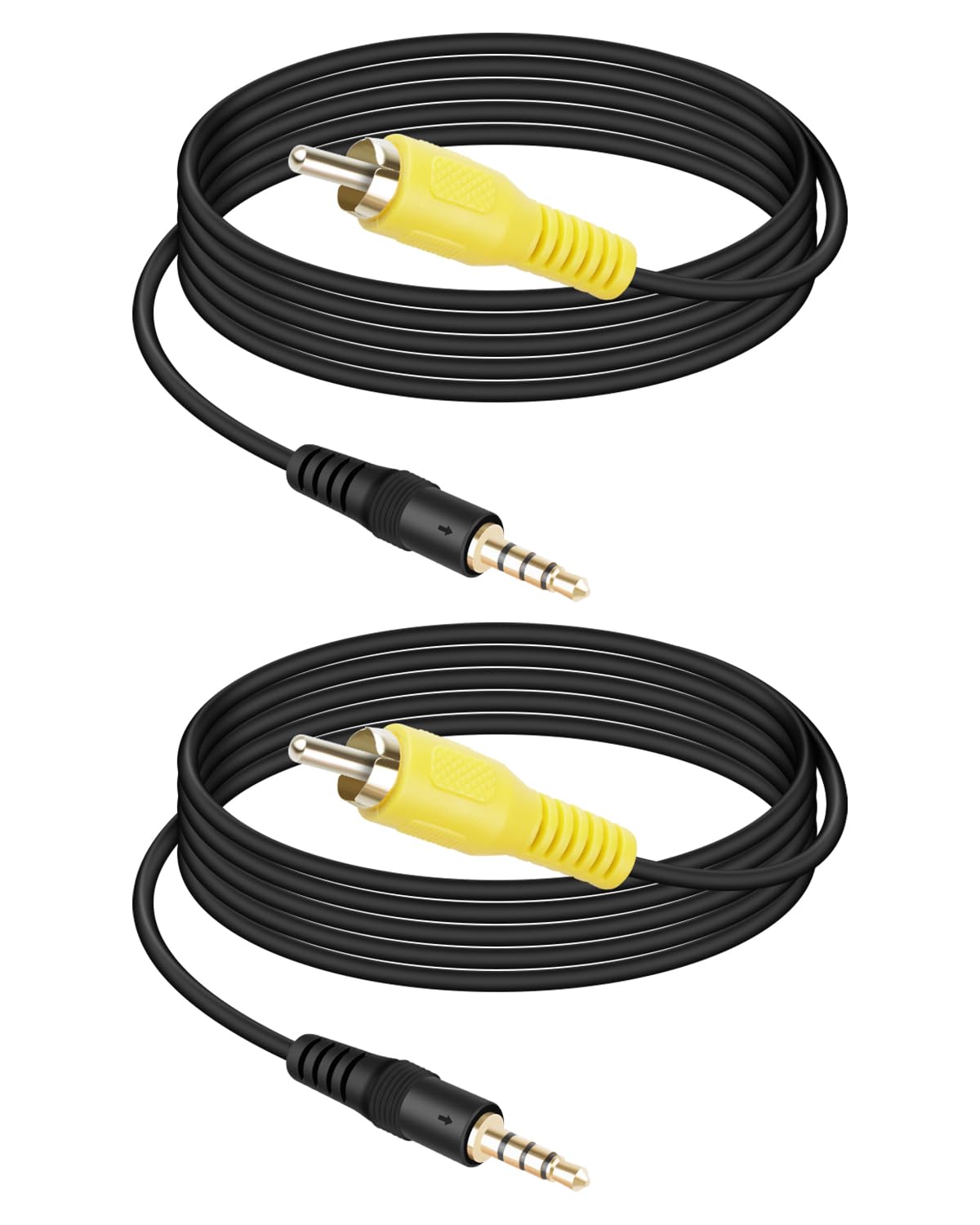
The 3.5mm plug is described as gold-plated, and the RCA connectors are injection-moulded for robust construction. The PVC cable is also positioned as flexible and resistant to breakage, which is useful if the lead gets bent during installation or is regularly packed/unpacked.
One practical micro-scenario: you’ve got a small camera or dashcam output that goes into an in-car display or older monitor via RCA. Instead of juggling adapters, you can plug the 3.5mm TRRS end into the device’s 4-pole audio/video output and use the RCA end on the display. It’s the kind of setup where a cable like this earns its keep—when the connectors are the right match.
Key compatibility points (and where it can get tricky)
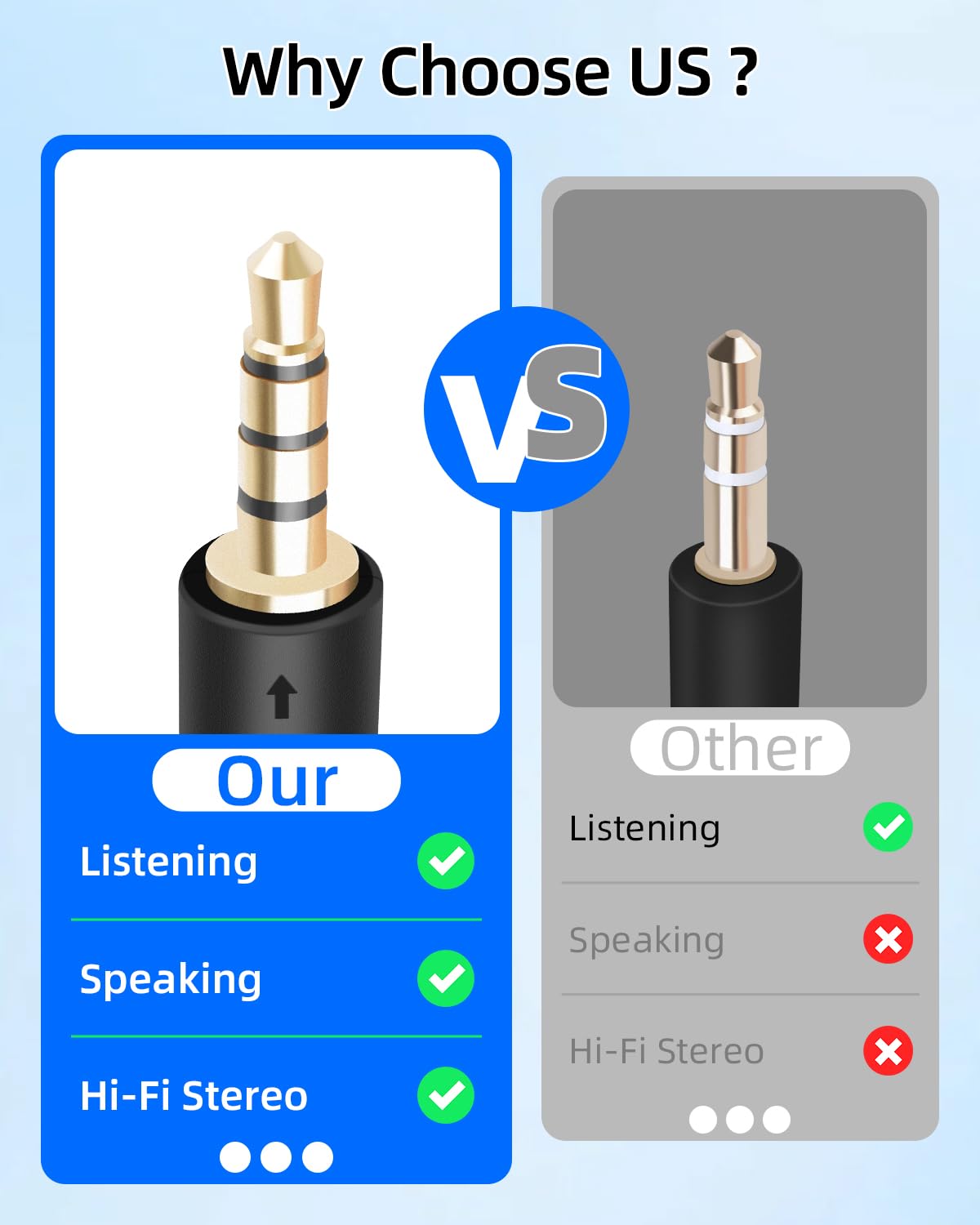
Here’s the honest bit: “3.5mm to RCA” can cover a lot of different signalling expectations. This cable is specified as a 1/8 inch mono TRRS male to RCA male audio video cable. That should cover many aux-to-RCA uses, but it also means you should double-check that your device’s 3.5mm socket actually supports the same TRRS audio/video output style.
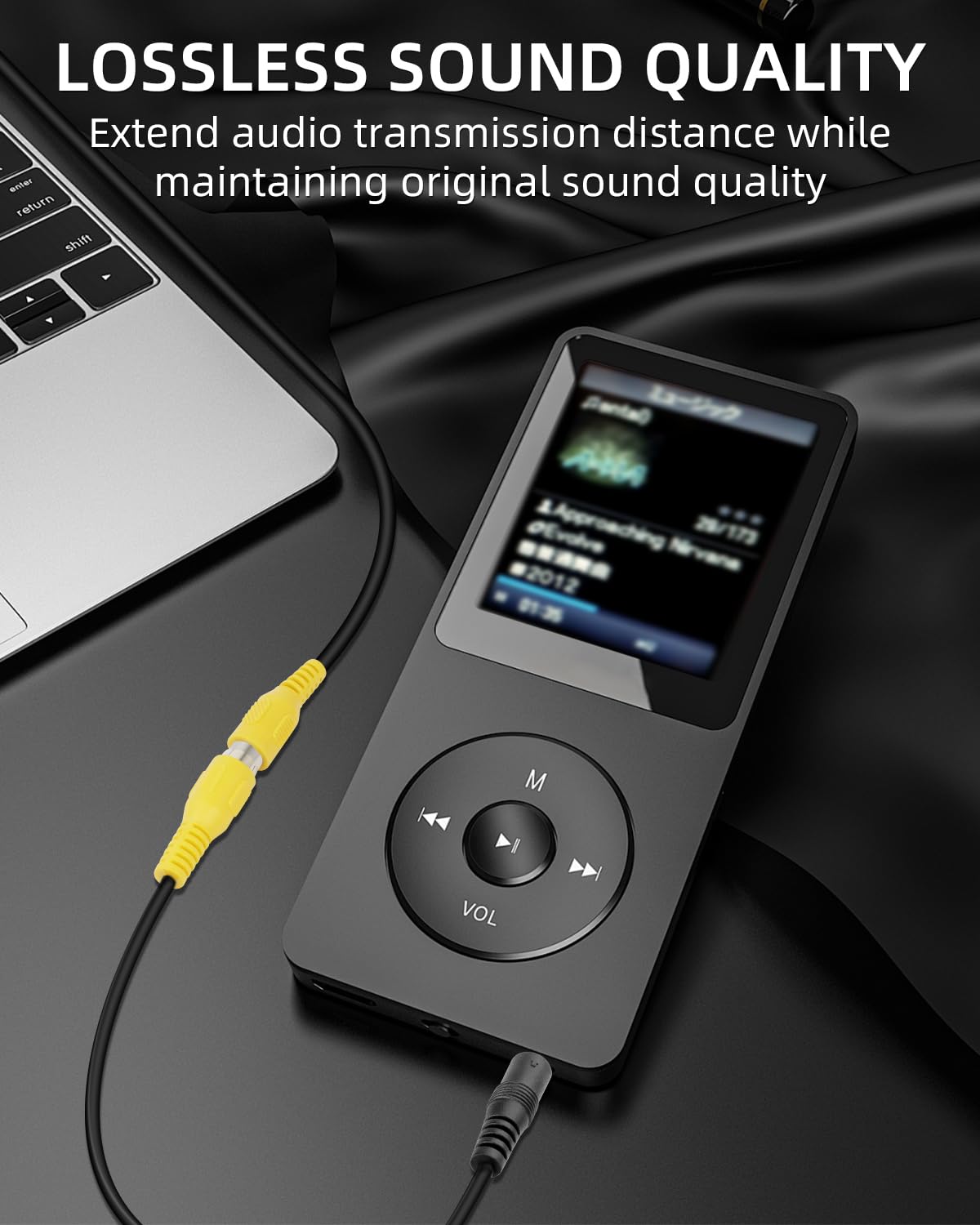
It’s also worth keeping an eye on what your RCA input expects. Some RCA ports are strictly audio (red/white), while others may also be tied to video input expectations. The product description frames it as audio video capable, but without seeing your exact equipment model and port labels, you may need to verify the input type before committing.
It may not suit you if you specifically need a different 3.5mm standard (for example, a non-TRRS output) or if your setup requires a different wiring type. In those cases, you could end up with “it plugs in, but nothing makes sense” — a frustrating outcome that’s easy to avoid by checking the port/socket type first.
The essentials: what’s included and the build
This is a compact, portable cable with a length of 1.5 metres, described as a good middle ground between flexibility and not having excessive length. Being sold as a 2-pack also suggests it’s meant for everyday use cases where you might want one lead on standby.
From the build description: - 3.5mm (4-pole) TRRS gold-plated plug - Thickened pure copper core - Spiral shielding layer to help reduce interference/noise - PVC material for flexibility and durability - Injection-moulded black connectors
If your current cables are permanently routed and you don’t need flexibility, you might not care about some of these details. But if your setup involves moving cables around, the “less likely to fail with bending” approach is fairly relevant.
What matters most when buying
When people look for a lead like this, they’re usually solving one problem: matching connector types between older RCA equipment and newer devices.
A solid pick if you It makes sense if your device has a 3.5mm 4-pole TRRS output and your receiving equipment uses RCA inputs for audio/video. It’s also a practical choice if you want a spare cable without paying full price twice.

It might not be a great match if You may want to skip it if you can’t confirm your 3.5mm output is TRRS (4-pole), or if your RCA input is not the audio/video type you expect. In compatibility-sensitive setups, the risk isn’t the cable—it’s assuming the ports behave the same across different manufacturers.
Pros
- TRRS (4-pole) to RCA dual-interface design for connecting compatible devices
- Spiral shielding layer described to help suppress interference and noise
- Thickened pure copper core and gold-plated 3.5mm plug are aimed at clean transmission
- PVC cable positioned as flexible and resistant to breakage
- 2-pack format gives you a spare or a second-room option
Cons (worth noting)
- Compatibility depends heavily on your device’s 3.5mm socket type and the receiving equipment’s RCA input expectations
- If you need a very specific audio/video wiring setup beyond “plugs match”, this may not be the answer
Mini FAQ
Does this cable work for audio-only setups?

The description frames it as audio video, but it specifically focuses on conversion between 3.5mm (TRRS) and RCA. If your equipment’s RCA input is intended for audio, it should be the right direction—just confirm the RCA input type on your device.
What does the TRRS (4-pole) part mean?
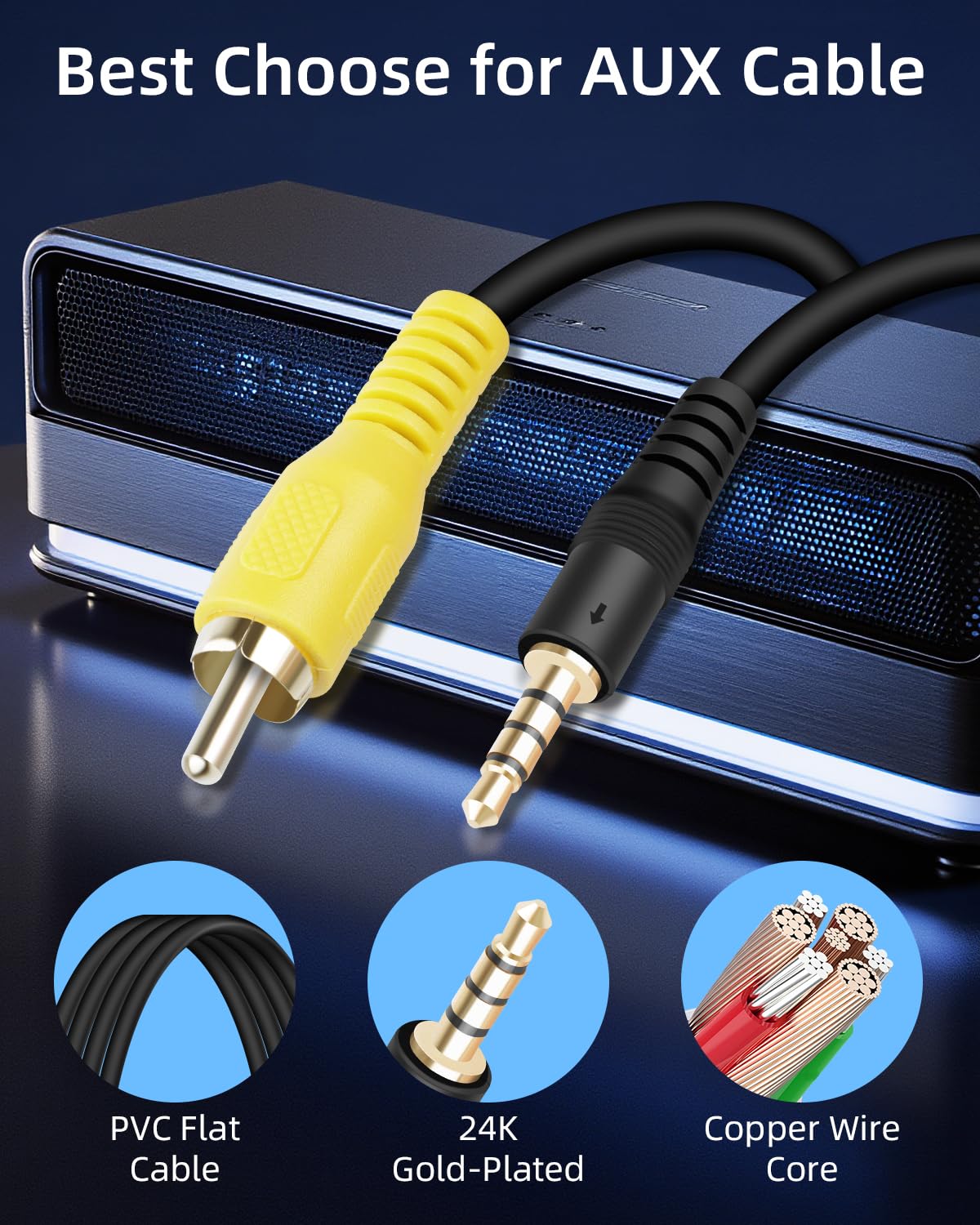
TRRS is the 4-pole version of a 3.5mm plug. The cable is designed for devices that provide that kind of aux output. If your device uses a different 3.5mm standard, you’ll want to avoid assuming any 3.5mm plug will work.
Is 1.5m long enough?
For in-room AV connections, 1.5 metres is usually workable. It’s described as a balance between convenience and not being too long, which can also help keep your setup tidy.
Is the 2-pack useful?
If you often move equipment, want a spare for the car/home, or need to cover two connections, the 2-pack is clearly the practical angle here.
Final verdict
Should you buy it?
Worth considering if you’re specifically trying to bridge a 3.5mm TRRS (4-pole) output to RCA inputs on older AV gear like TVs, DVD/CD players, video recorders, or similar home cinema equipment. The shielding and copper core details make it more convincing than a purely “cheap adapter” style cable, and the 2-pack format is good value if you like having a spare.
Better avoided if you’re unsure your 3.5mm socket is truly TRRS (4-pole), or if your receiving RCA port is labelled for a particular signal type that doesn’t match what you’re trying to send. In those situations, spending time checking your port labels is the difference between a neat connection and wasted cable.