

Rii K01X1 2.4 GHz mini wireless keyboard with touchpad remote for Kodi/XMBC
Product description
What it is and why people buy it
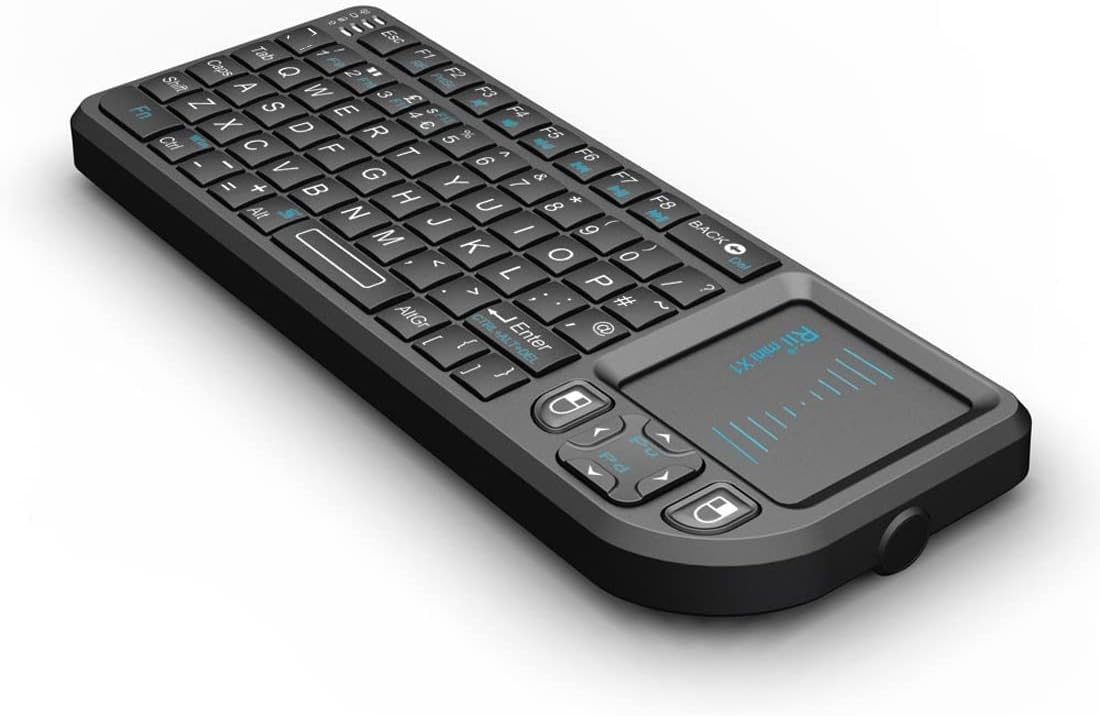
The Rii K01X1 is a compact 2.4 GHz wireless keyboard setup that’s aimed at people who want faster text entry than a standard remote, especially around Kodi-style media browsing. It combines a mini keyboard with a built-in touchpad and a remote-control style layout, so you can type search terms, log into streaming menus, and generally move through on-screen lists without relying purely on directional buttons.
It’s the sort of gadget you’d typically use with a TV box or media PC where the on-screen interface needs letters and numbers more than it needs lots of gaming-grade controls. On paper, the appeal is pretty clear: one small controller for navigation, point-and-click movement via the touchpad, and basic typing.
Key takeaways for purchase decision
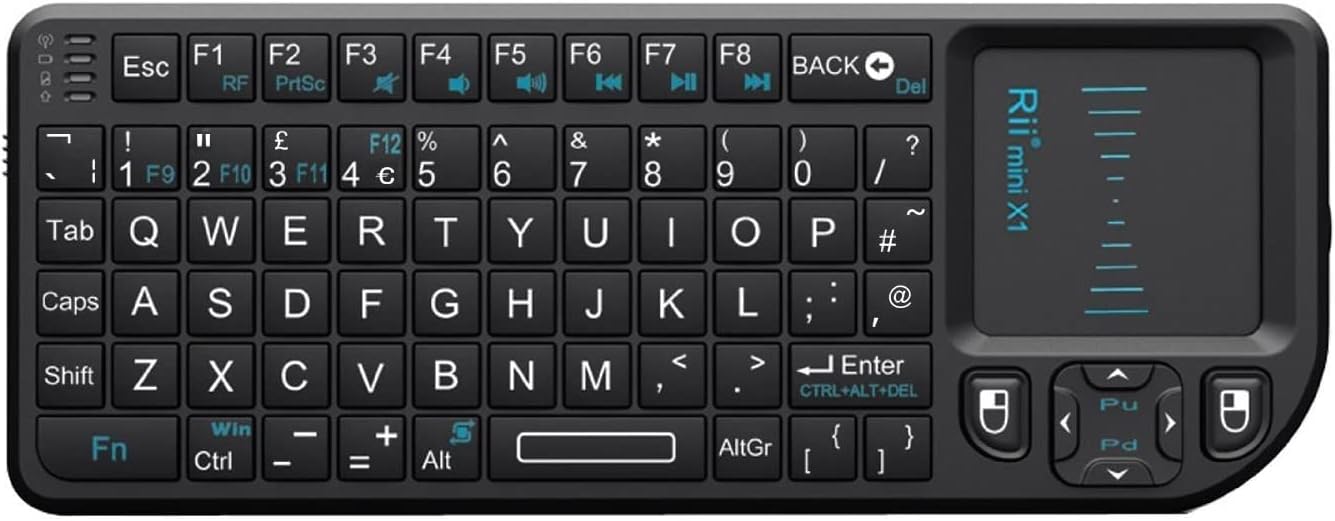
If your goal is “type comfortably from the sofa”, this kind of mini wireless keyboard with touchpad can be a practical shortcut. It can save you time compared with scrolling through characters slowly, and it often feels more natural when you’re entering passwords or searching for content.
That said, this isn’t a full-size keyboard replacement. You should expect a compact layout, and that means quicker fatigue if you’re doing long typing sessions. It also depends quite a lot on how you prefer to control your media device: if you mostly navigate with a remote and rarely need to enter text, you may find the extra controls more effort than benefit.
Where it shines in everyday use
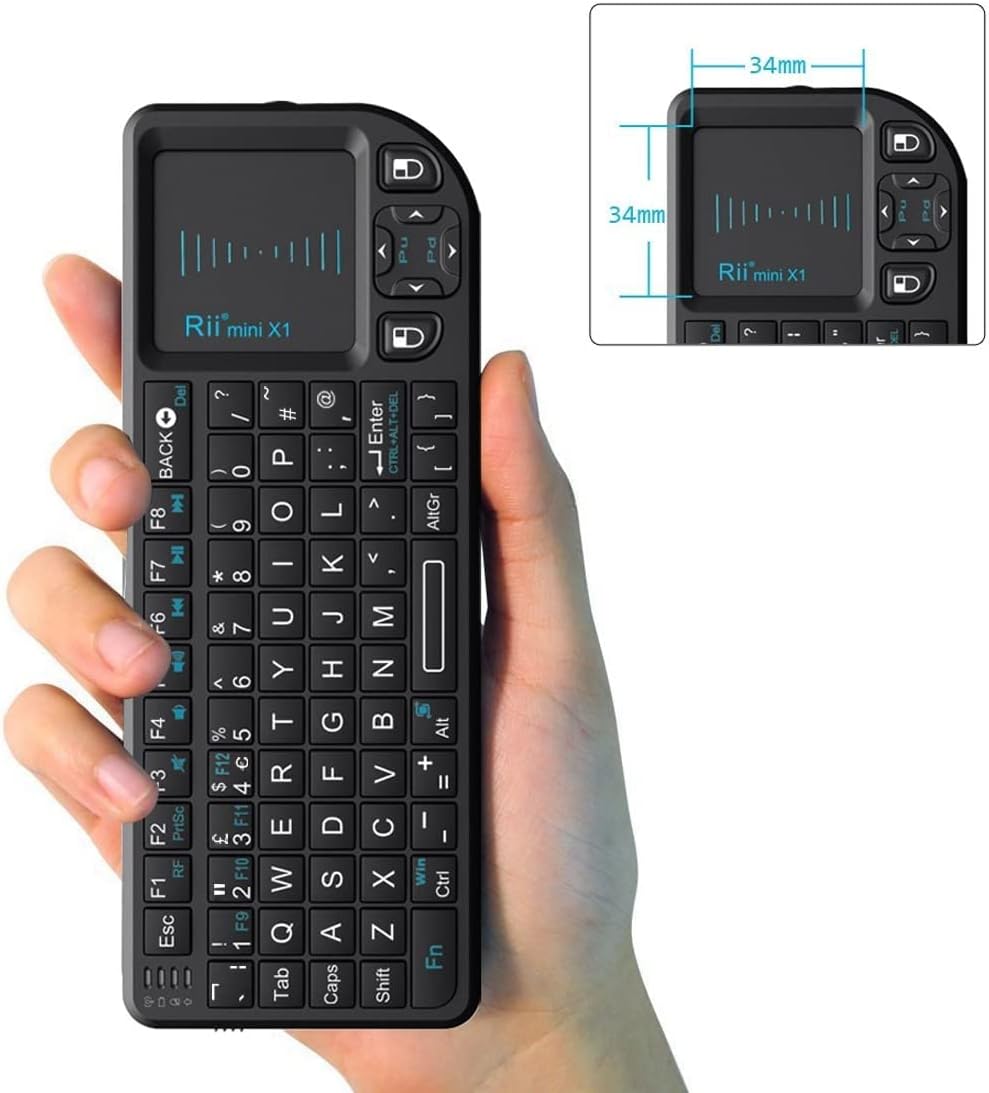
In real use, the best moments tend to be predictable: searching for titles, typing app names, entering Wi‑Fi or account details, and moving through menus where letters matter. Imagine you’re browsing Kodi and you want to find a film quickly—using the mini keyboard you can punch in the name instead of stepping through character-by-character.
The 2.4 GHz wireless approach is also a sensible choice for living-room setups, where you want stable control without having to be overly precise with aiming. If the controller sits a little away from the device, the connection still makes day-to-day use manageable (though, as always with wireless, walls and distance can affect performance).
The limitations worth noting
The K01X1 is described simply as a wireless keyboard, and the full “KODI/XMBC remote” wording suggests its main role is controlling media software rather than general office work. If you need a keyboard for heavy productivity—spreadsheets, lengthy documents, or lots of offline work—this kind of mini form factor may feel restrictive.
Also, because the listing details provided here are limited, it’s hard to confirm specifics like exact key layout, battery type or battery life, and how comfortable the touchpad is over time. Those are the sort of things worth checking in the product listing before you commit.
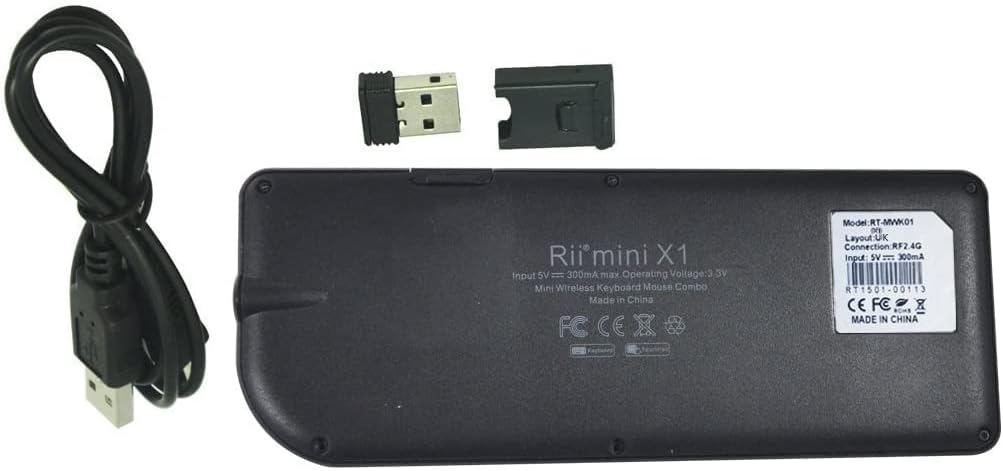
Tech specs (what we can state from the information given)
- Type: Wireless keyboard
- Wireless band: 2.4 GHz
- Form factor: Mini wireless keyboard
- Included control style: Touchpad remote control design
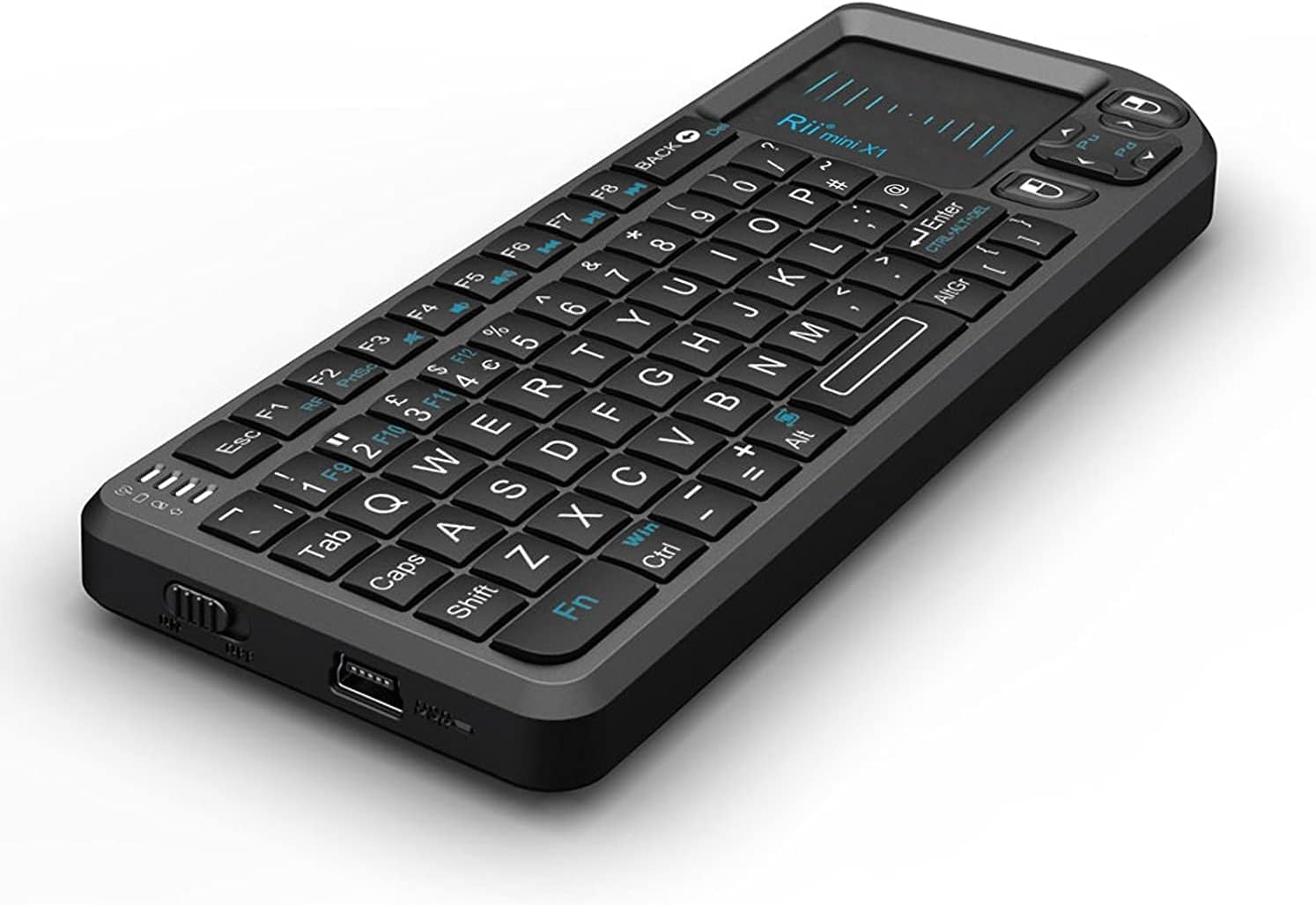
Beyond that, you’ll want to review the listing for any missing practical details that affect day-to-day use.
Should you buy it?
It’s a good fit if you want a small wireless keyboard and touchpad remote to make text entry easier for media browsing, and you’re mainly using your device from a sofa or seated distance.
It may not suit you if you expect a full-size keyboard experience, or if you rarely need to type and would rather stick to a standard remote-only workflow. Better avoided if you need productivity-level comfort or you’re particularly sensitive to compact layouts and limited key travel.
Before buying, check that the controller’s intended media-software use matches what you have, and double-check the listing for touchpad responsiveness, key feel, and power details so there are no surprises.
Mini FAQ
Is this keyboard meant for gaming?
Based on the mini wireless keyboard plus touchpad remote concept, it’s more about media navigation and text entry than gaming. If you’re after gaming performance, you’d typically look for a different kind of keyboard setup.
Will it work well for searching and logins on a TV interface?
That’s exactly where this type of device tends to help. Typing via a mini keyboard is usually quicker and less frustrating than navigating characters on-screen.
Is it a full-size keyboard replacement?
No—this is a compact mini keyboard. It’s fine for occasional typing tasks, but it may not be comfortable for long sessions.
What should I check before ordering?
Because the available details are limited, it’s worth checking the listing for practical information like power/battery details and how the touchpad behaves in everyday navigation.