

memzuoix LED Wireless Mouse (Rechargeable 2.4G, USB receiver) – Blue
Product description
The essentials
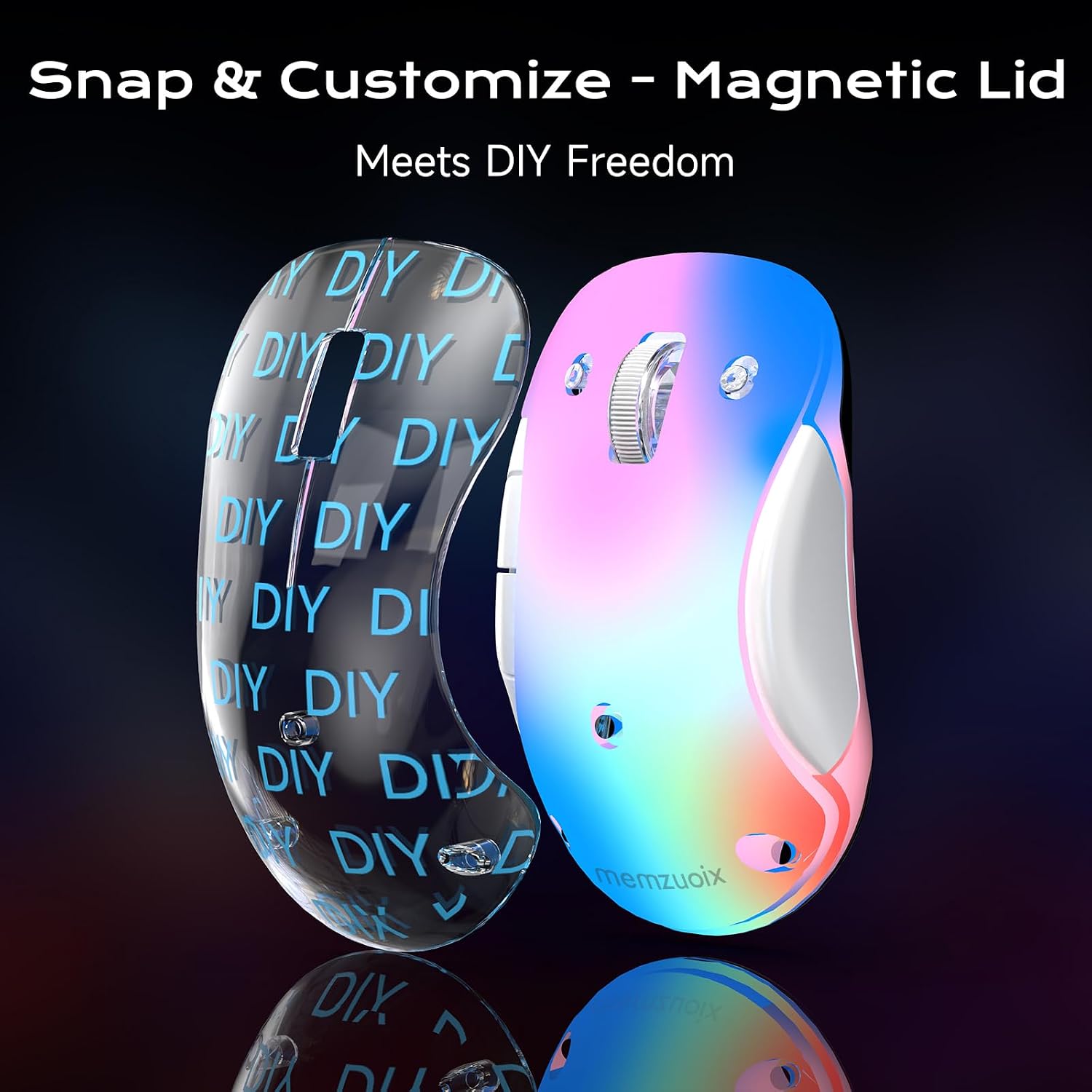
If you want a wireless mouse that looks a bit more interesting than the usual black block, memzuoix’s LED Wireless Mouse does that with a clear magnetic shell and soft RGB lighting. It’s also rechargeable and uses a 2.4G USB receiver, so you’re not relying on Bluetooth pairing. On paper, it’s aimed at everyday laptop and desk use where you want convenience first, plus a gentle splash of colour.
There’s a trade-off to be aware of: the RGB lights improve the vibe, but they affect battery life, so it’s not the kind of mouse you buy purely for maximum runtime. Also, the side buttons aren’t supported on macOS, which may matter if you use them a lot.
Key takeaways (what stands out)
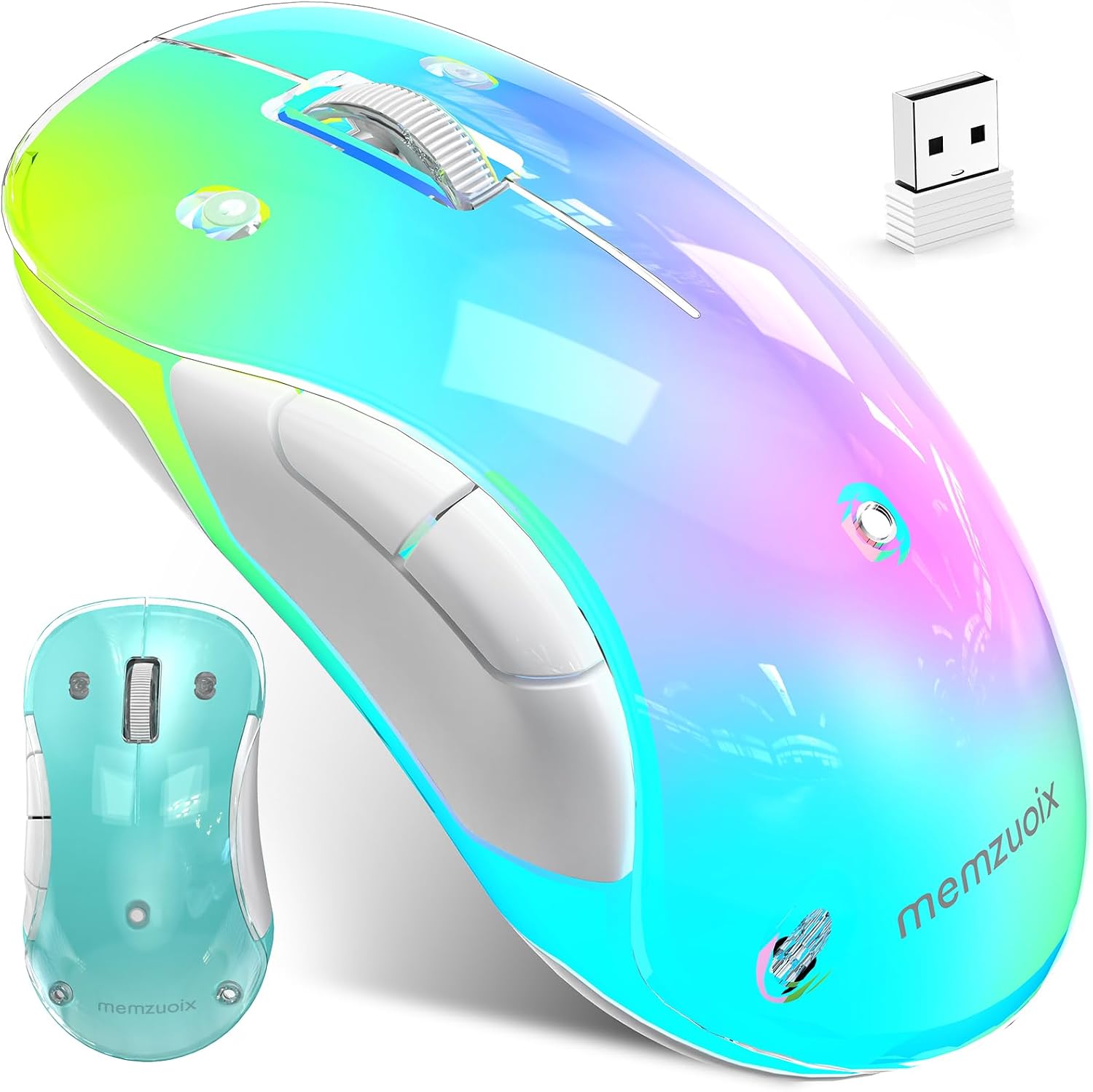
The most noticeable features are the combination of rechargeable power, a straightforward 2.4G connection, and the ergonomic, compact build.
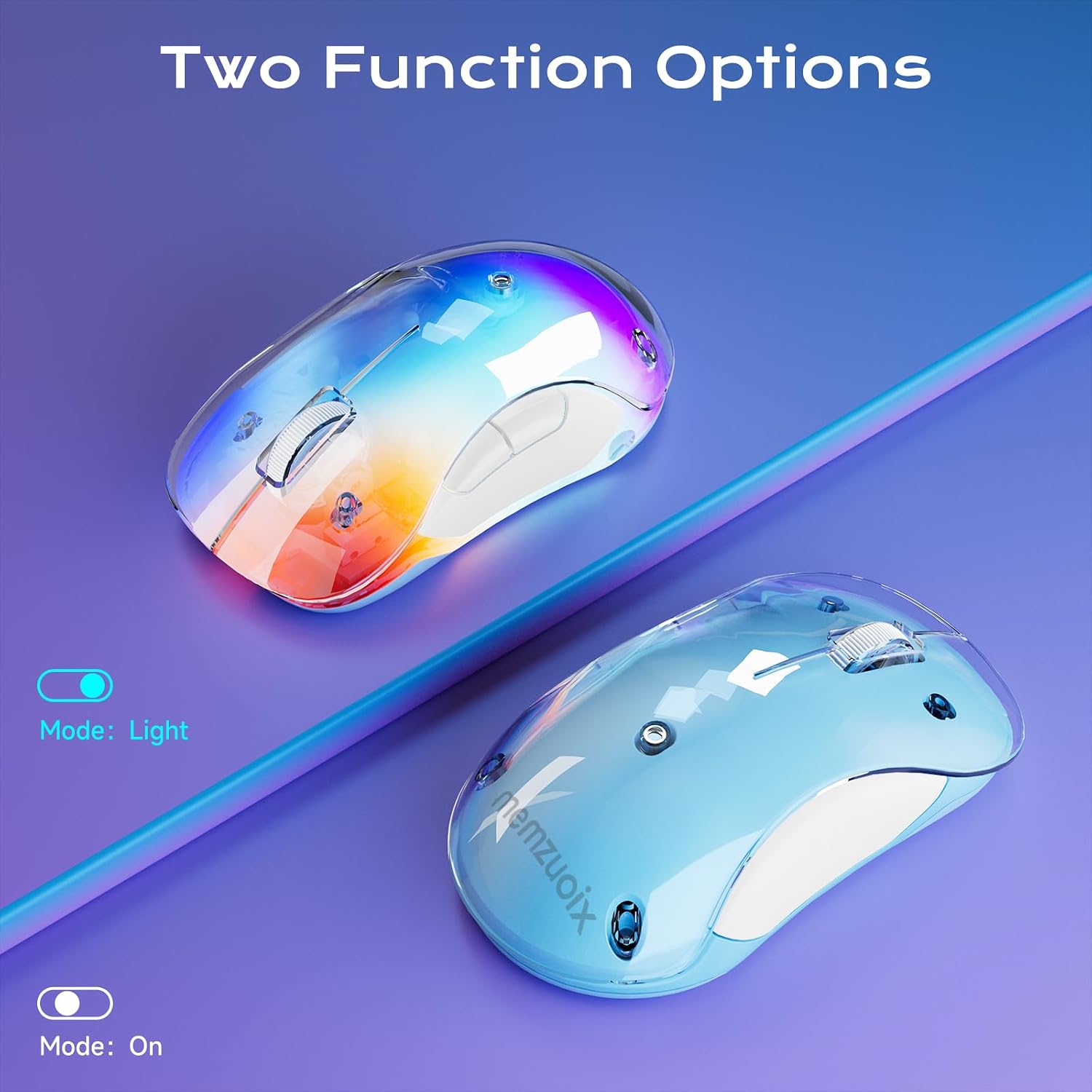
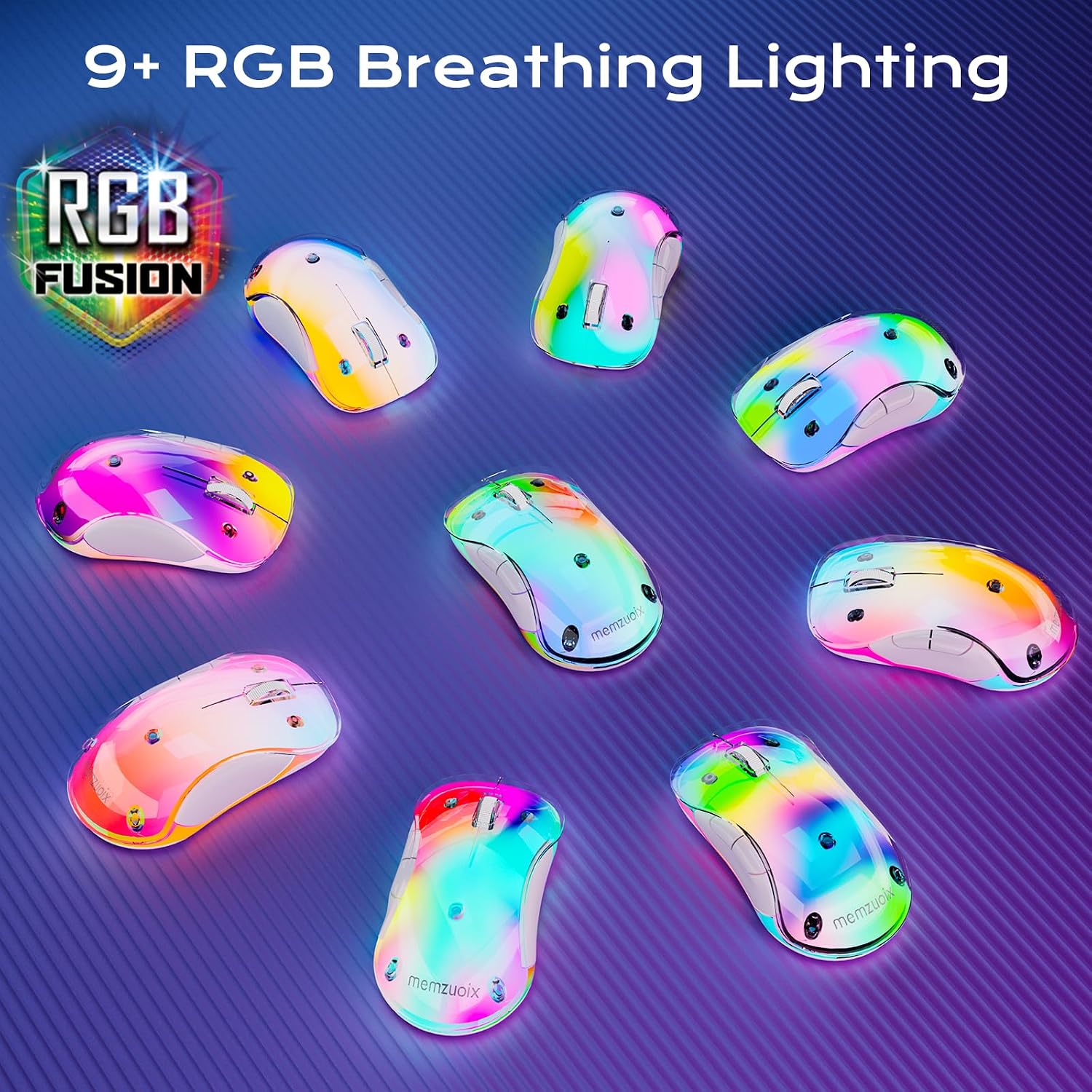
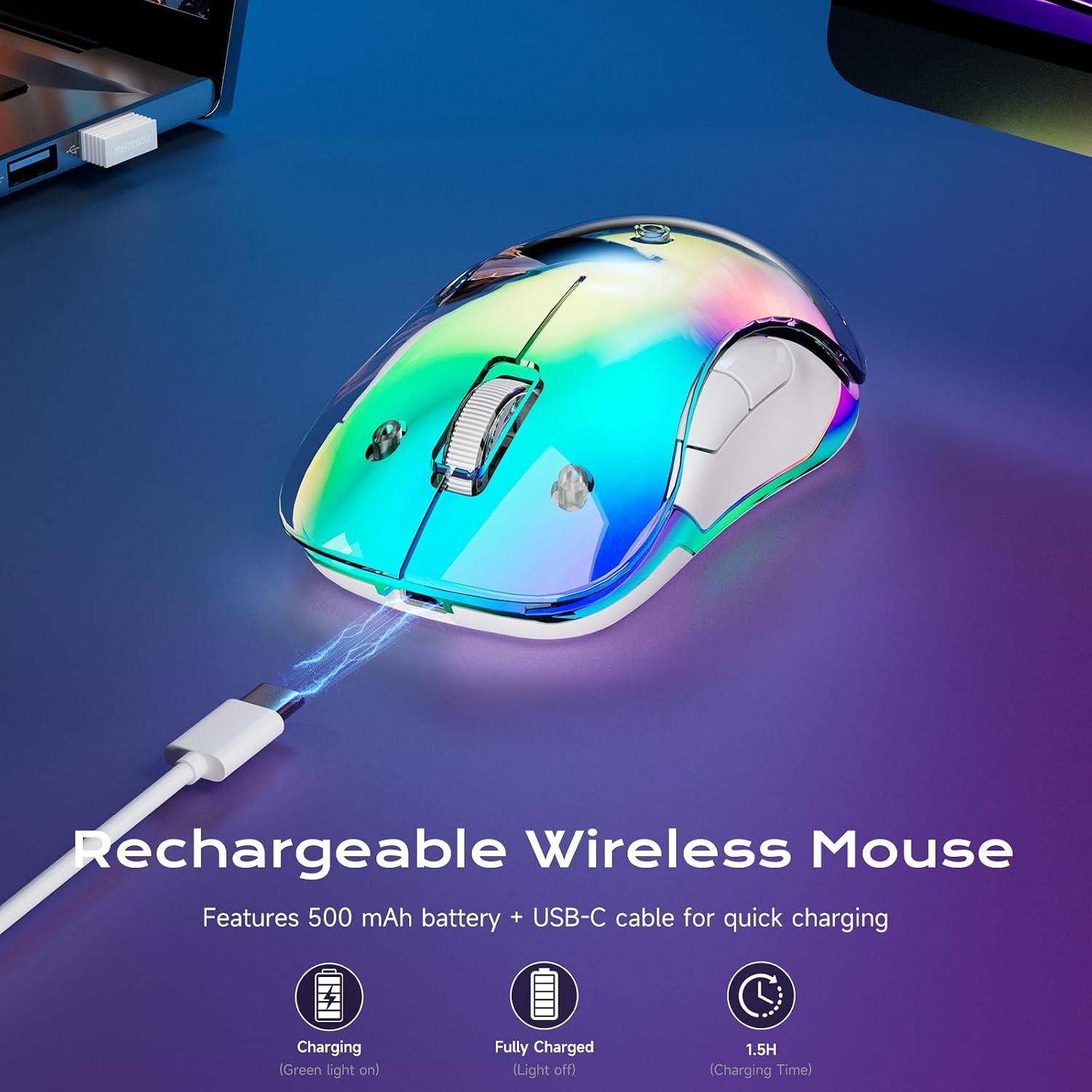
Worth noting how the lighting is handled. The “RGB flow” look is designed to sit on your desk without being overly in-your-face, and the indicator light behaviour while charging is clearly described: it turns green while charging and switches off when fully charged. That’s small, but it helps you avoid guessing.
In day-to-day use, the mouse is light enough for laptop bags and home-office sessions, and the compact shape is built for comfort whether you use your right hand or left hand.
A detail that’s easy to miss in other budget wireless options: it includes auto sleep after 8 minutes of inactivity, and a single click wakes it instantly. If you often forget to switch peripherals off, this is one of those “quiet” features that can genuinely help battery management.
What you’ll notice day to day
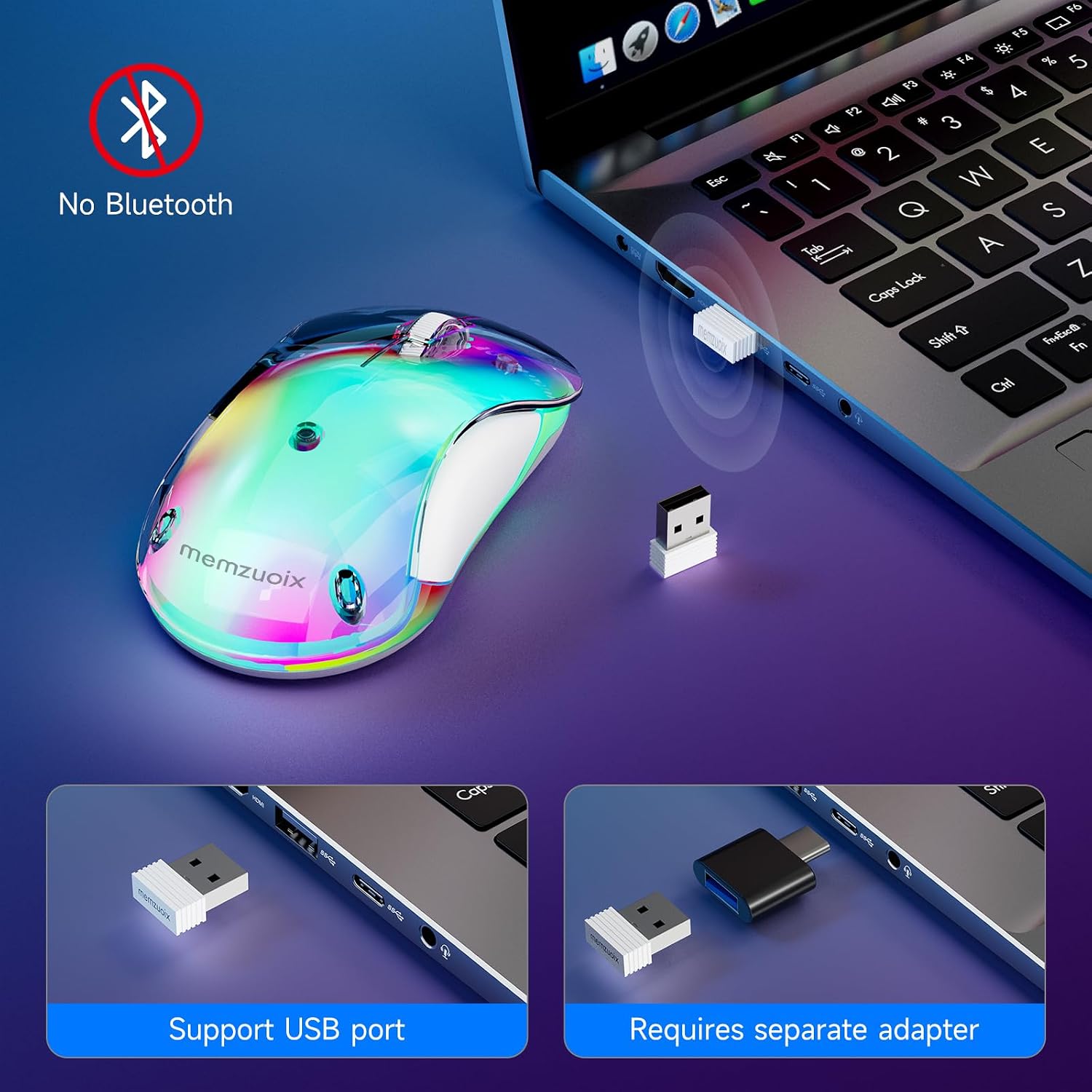
Connection is refreshingly simple: you plug in the USB receiver and you’re ready to go. The spec says there’s no Bluetooth pairing and no drivers needed, which usually translates to fewer setup steps and less hassle—especially if you’re moving between a work laptop and home PC.
Control-wise, it uses a 1400 DPI optical sensor, described as providing smooth, accurate control. For most office tasks—scrolling through documents, navigating spreadsheets, browsing—it should feel responsive without needing fine tuning.
Here’s a realistic micro-scenario: you plug the receiver into your laptop, start your workday, and leave the RGB lighting on. After a few idle moments (like when you’re on a call), the mouse should enter sleep mode after 8 minutes, when you click again, it’s back. That rhythm is exactly what auto sleep is meant to support.
Tech specs
- Type: Wireless optical mouse
- Connection: 2.4 GHz (USB receiver)
- Rechargeable battery: 500 mAh (charges via USB-C cable with USB-A connector)
- Charging time: around 1.5 hours for a full charge
- Battery life: up to 17 hours with lighting, up to 90 hours with LEDs off
- Auto sleep mode: after 8 minutes of inactivity
- Sensor resolution: 1400 DPI optical sensor
- Wireless range: up to 10 m (33 ft)
- Size (approx.): 4.7 × 2.3 × 1.5 in
- Weight: 3.17 oz
- Compatibility: Windows 8/10/11/XP/Vista, macOS (side buttons not supported), Linux
- Colour: Blue
Who it suits (and who should skip it)
It’s a good fit if you want a rechargeable wireless mouse for a laptop, home office, or study setup and you prefer a plug-and-play USB receiver over Bluetooth pairing. The compact, ergonomic design also helps if you’re after something comfortable for longer sessions without feeling bulky.
It may not suit you if you rely on macOS side buttons, because the listing states they’re not supported on macOS. And if your top priority is longest possible battery life, you’ll likely want to keep the LEDs off more often—since lighting reduces runtime from the “up to 90 hours” figure down to “up to 17 hours”.
Buying verdict
Is it worth it?
Buy it if you like the idea of a clean, modern look with soft RGB lighting, and you want a wireless mouse that’s easy to connect via USB receiver, rechargeable, and designed to save power with auto sleep.
Skip it if you specifically need working side buttons on macOS, or if you’re only interested in maximum runtime with lights left on. In those cases, you may want to look for a design that doesn’t trade battery endurance for lighting.
Quick FAQ
Frequently asked questions
Does it need Bluetooth pairing?
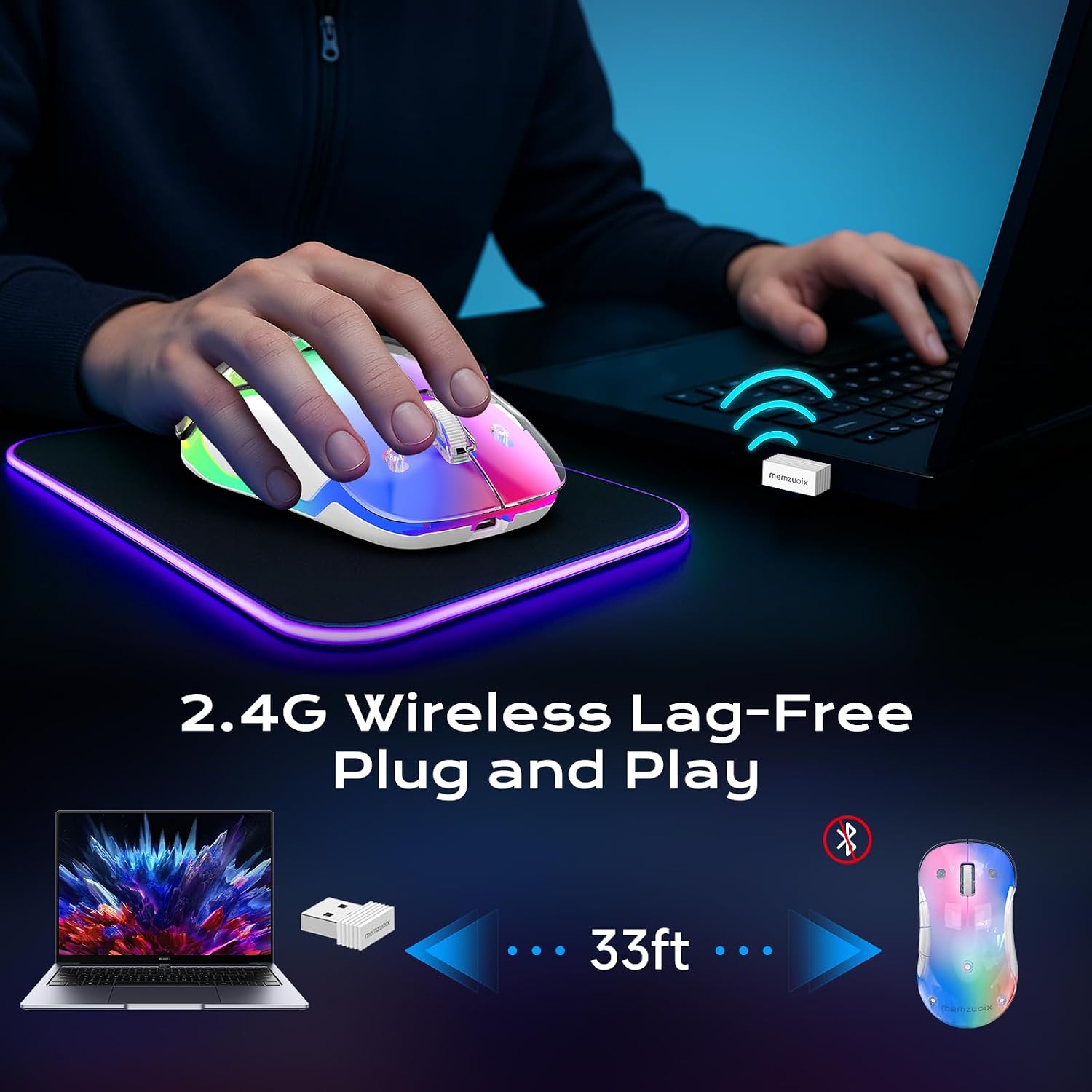
No. The mouse uses a 2.4G USB receiver, described as plug-and-play with no Bluetooth pairing or driver install required.
How long does the battery last?
The listing says up to 17 hours with lighting on, and up to 90 hours with LEDs off. A full charge is described as taking around 1.5 hours.
Will the side buttons work on a Mac?
Not according to the compatibility notes: macOS side buttons are not supported.
What’s the sleep behaviour?
It enters sleep mode after 8 minutes of inactivity, and it wakes instantly with a single click.
What DPI does it use?
It uses a 1400 DPI optical sensor, aimed at smooth, accurate control for everyday tasks.