

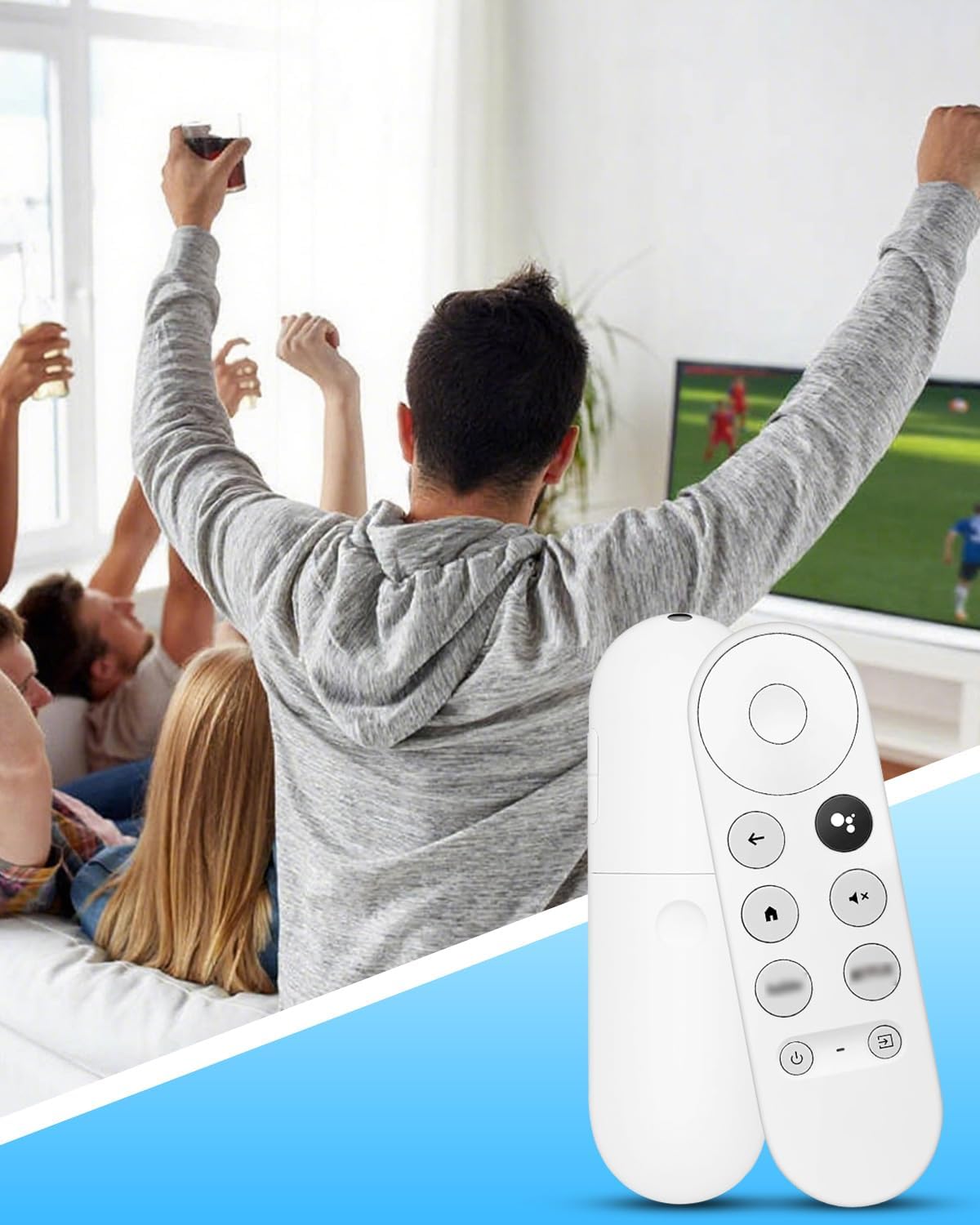
Replacement Voice Remote for Google Chromecast Snow Series (HD/4K) with Voice Control
Product description
What this is
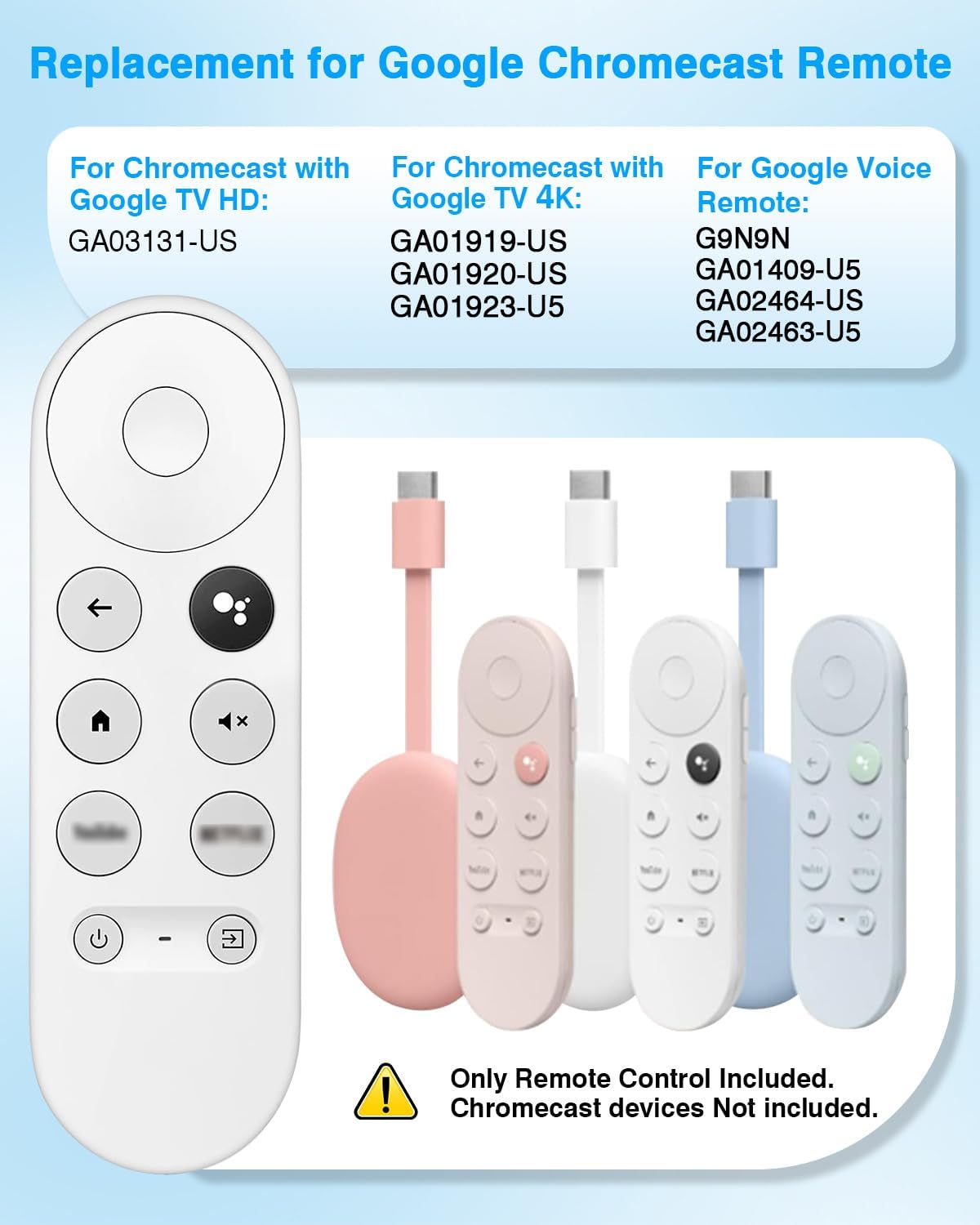
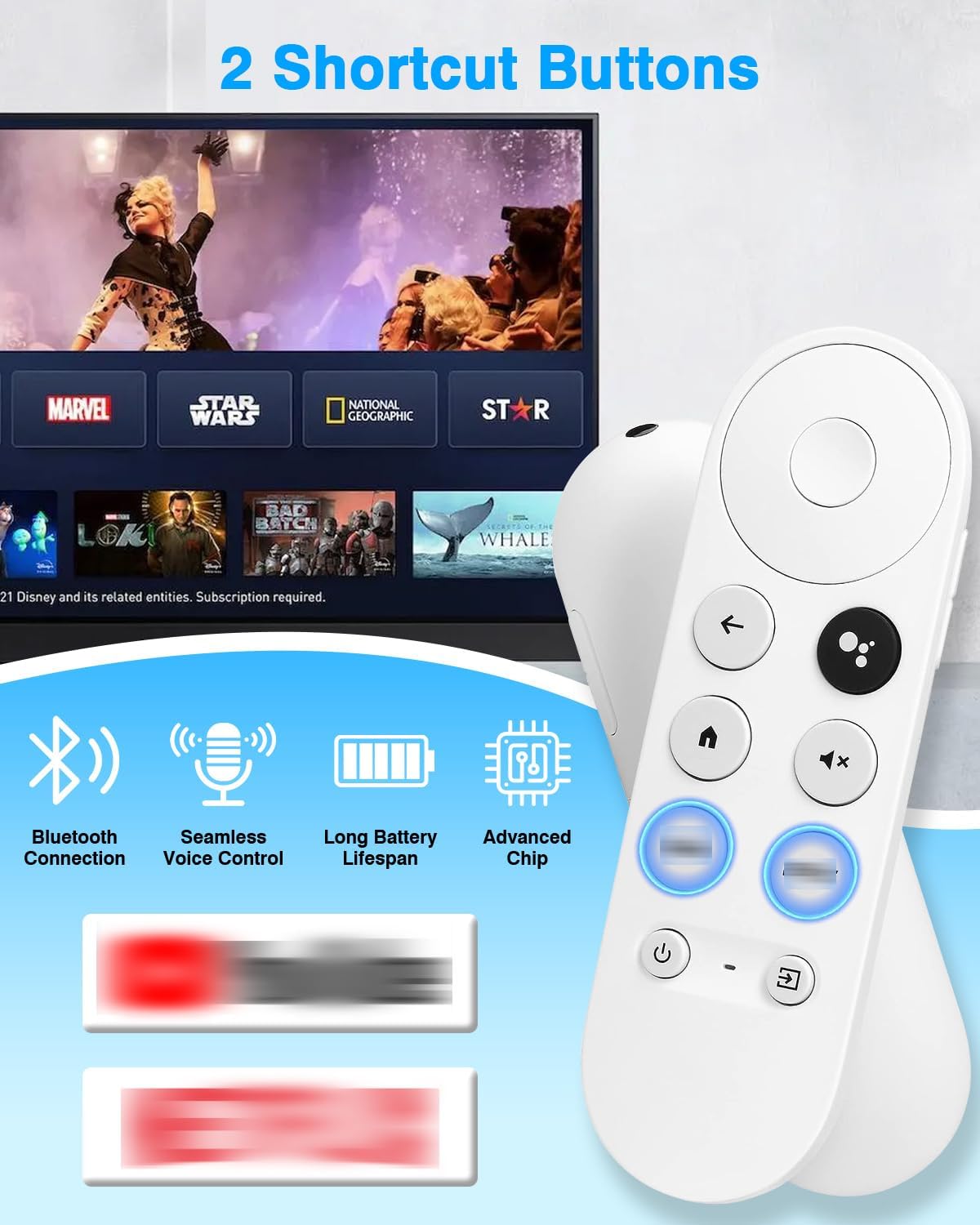
This is a replacement voice remote designed for Snow-series Google Chromecast devices, including Chromecast with Google TV (HD/4K) and Google TV 4K streaming sticks. It aims to restore the familiar two-button navigation and microphone control when your original remote is misplaced or stops working.
Who it’s for
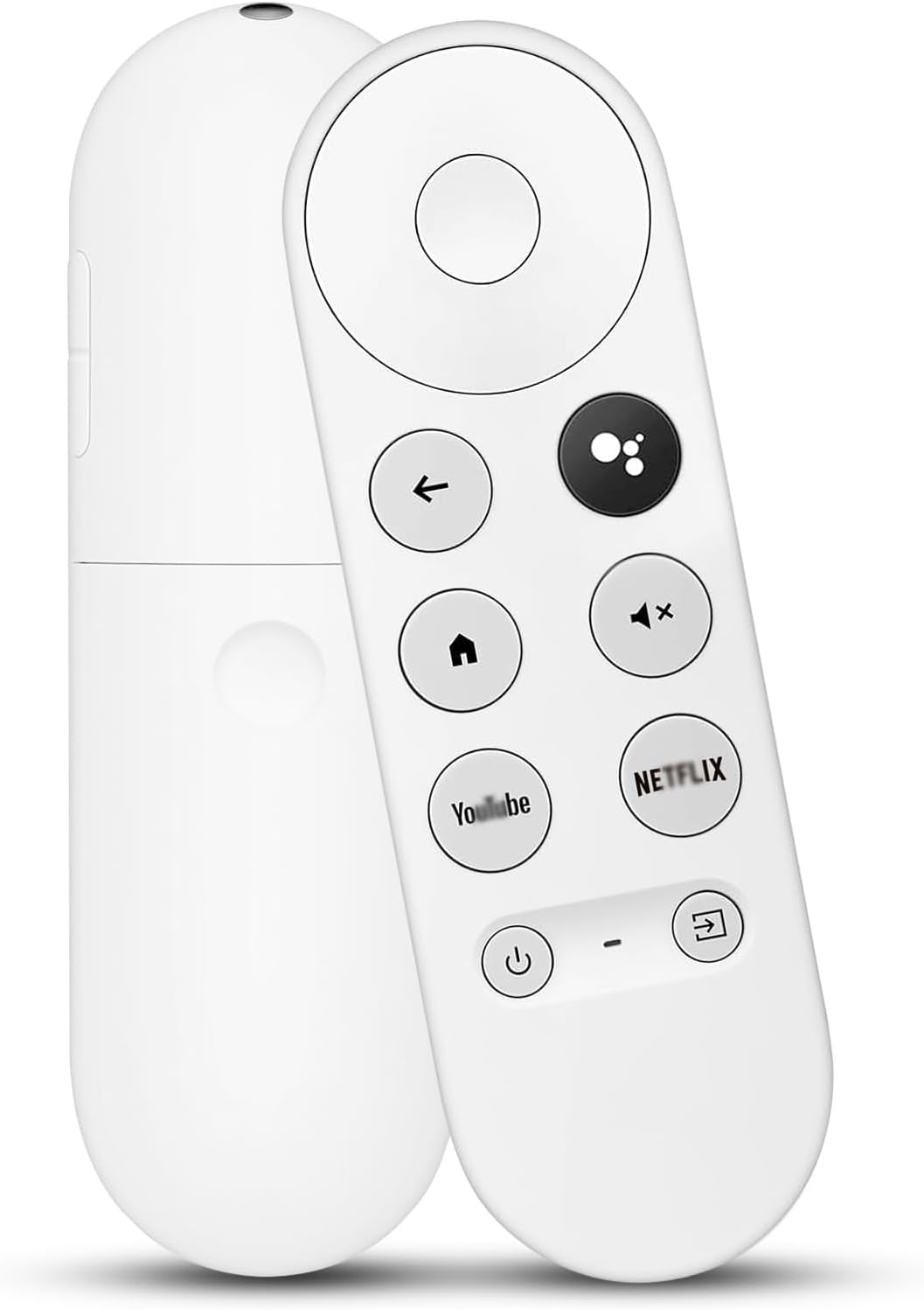
If you rely on a dedicated remote for voice commands, volume control and media playback, this option targets users who want a practical substitute that works with a compatible Chromecast setup. It’s most suitable for households that already have a Snow-series Chromecast and want a straightforward replacement without investing in a whole new streaming device.
How it works in practice
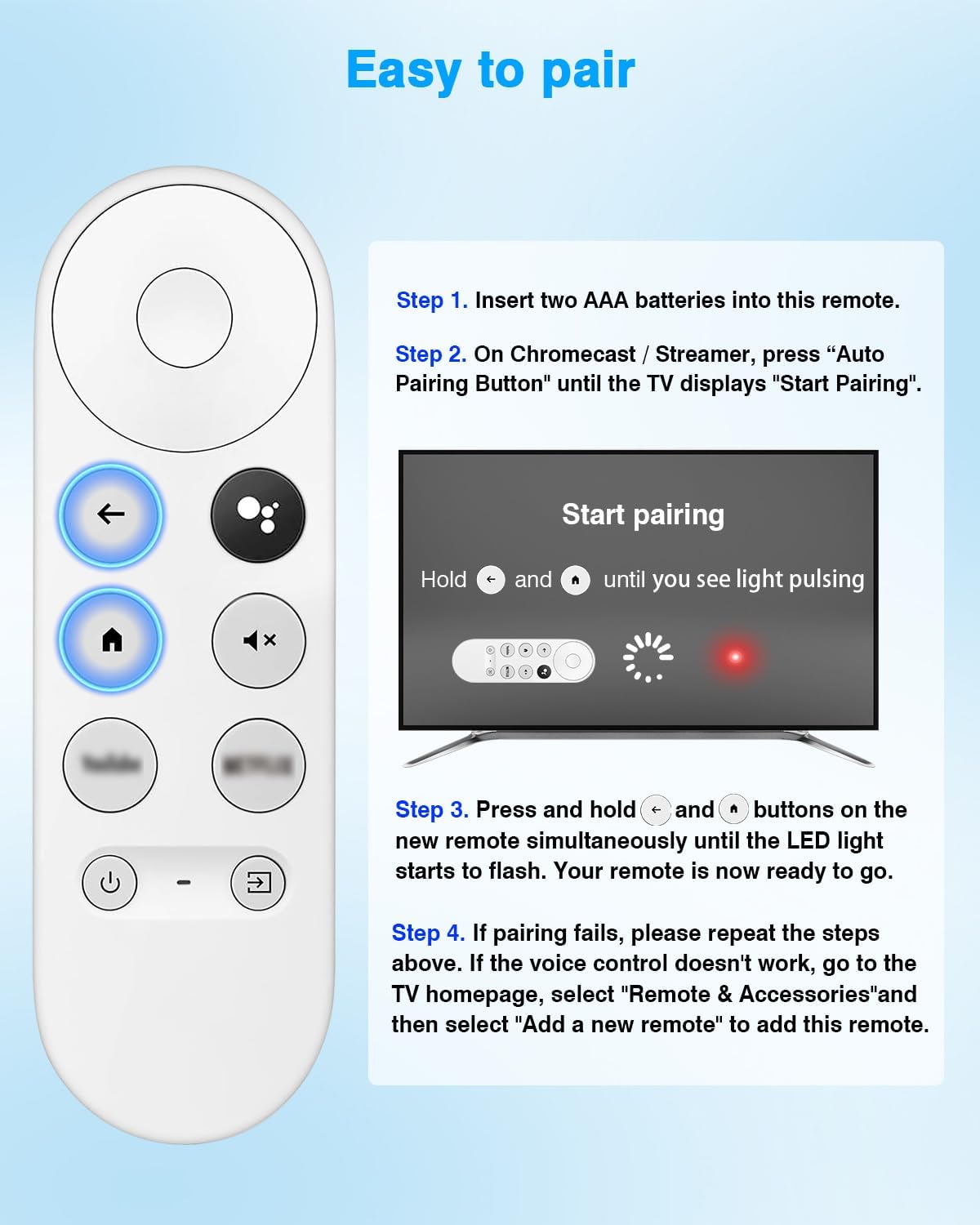
Pairing is described as a two-step process: press the pairing button on the Chromecast device, then hold Back and Home on the replacement remote for about 10 seconds until the LED flashes. This mirrors the simple setup many users expect from a remote replacement.
What to expect in terms of features
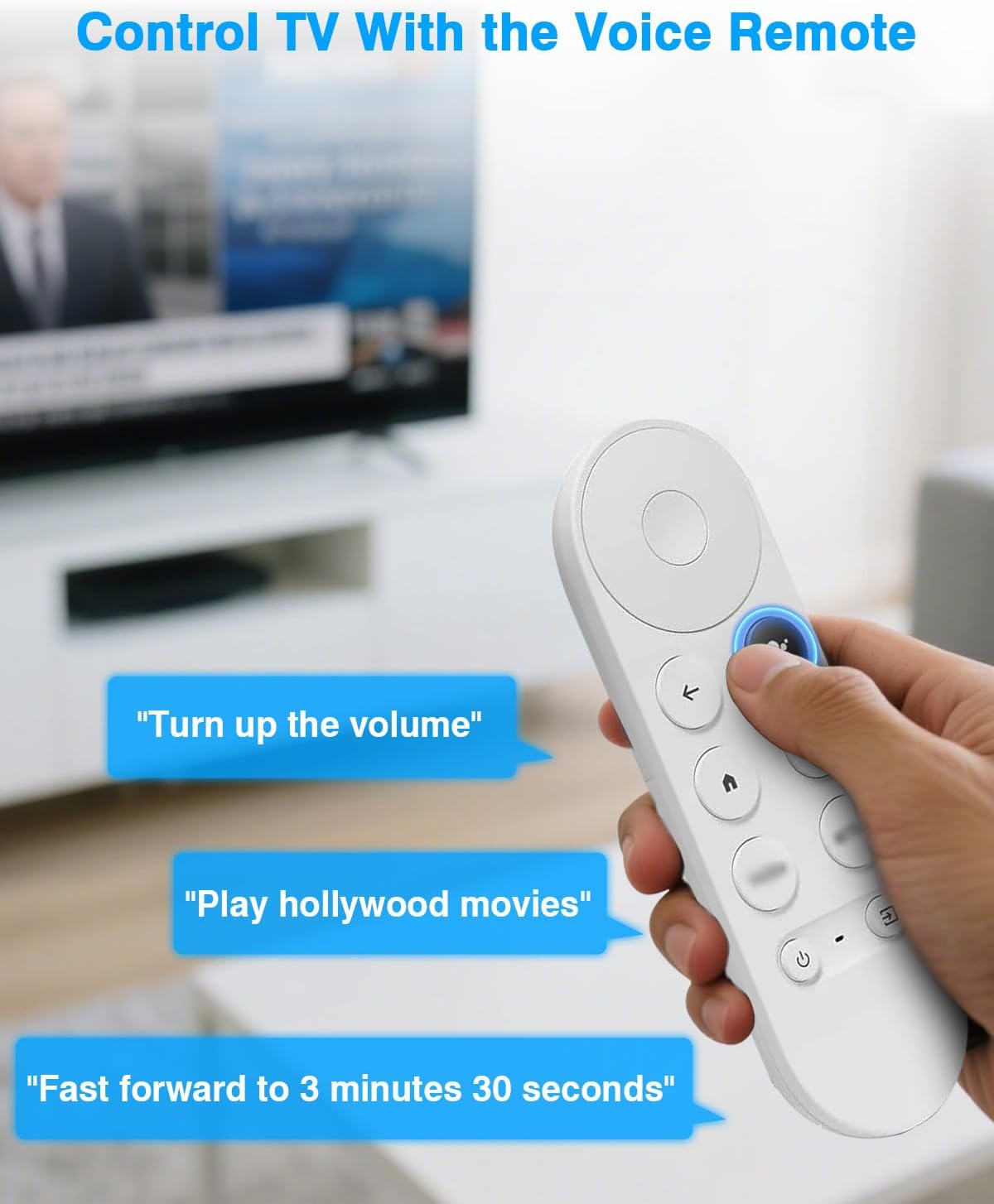
Voice control is highlighted as a key feature, letting you issue commands by pressing the microphone button and speaking naturally. Note that the feature requires a TV that supports voice functionality, if the TV lacks this capability, the remote’s voice command won’t respond.
Strengths to value
On the paper setup is quick, and the two-step pairing is easy to perform, so you can get back to watching without heavy fiddling. The remote ships with a basic user manual and the power source is two AAA batteries (not included), which is a common compromise that keeps the unit affordable and replaceable.
Possible limitations to bear in mind
If your TV does not support voice control, you won’t get voice responses from the remote. The pairing is designed for one TV device at a time, so multi‑TV use would require another remote or a different setup. The listing notes that batteries are not included, so you’ll need to source fresh AAs before pairing.
Alternatives and when it makes sense
For those open to a different path, using the original remote (if available) or a universal remote with Chromecast compatibility could be worth considering. This replacement is sensible if you specifically want a dedicated Chromecast‑specific control and you’re comfortable with basic two‑button navigation plus voice input when supported by the TV.
What to check before buying
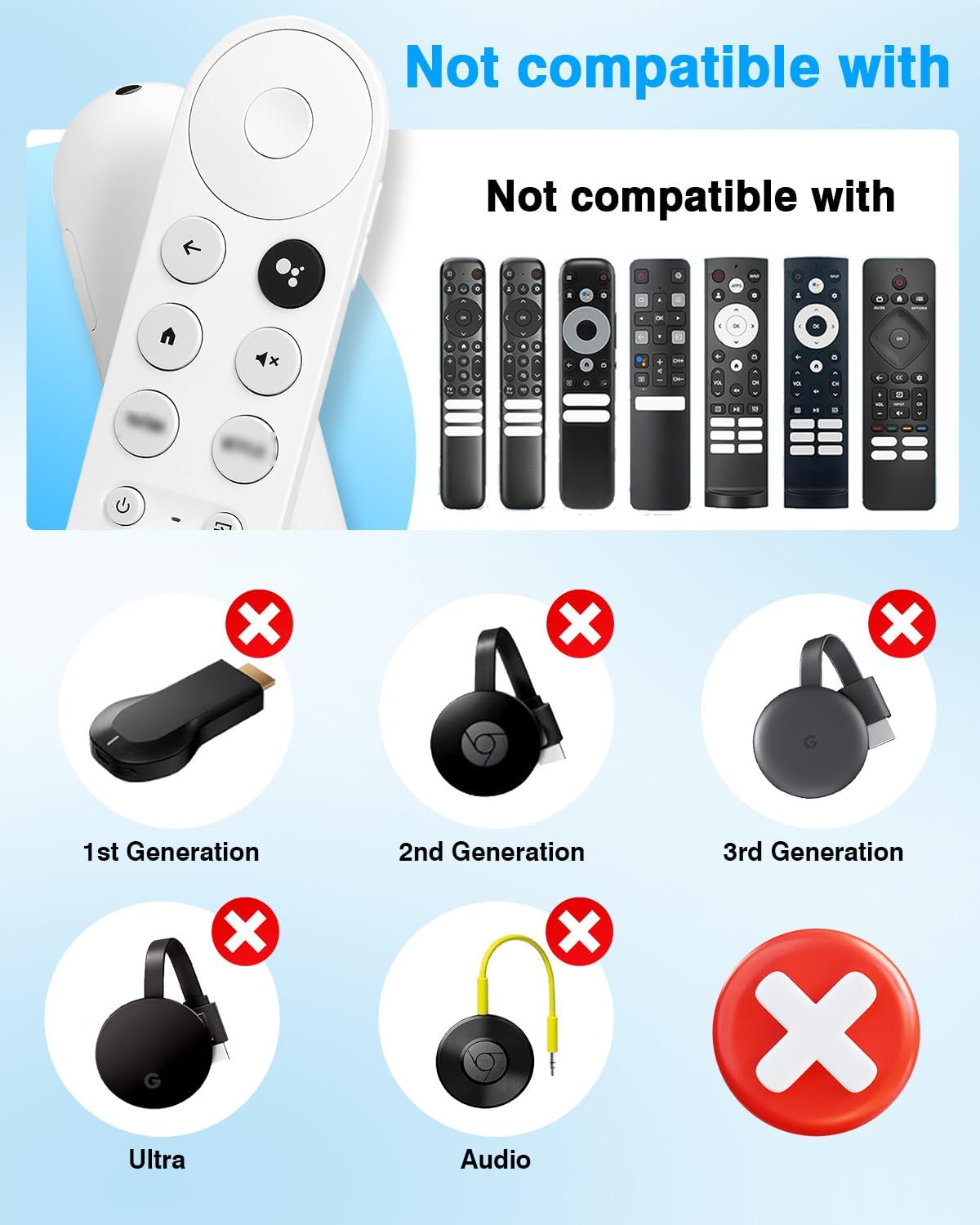
Ensure your Chromecast model is part of the Snow-series family and that your TV supports voice control if you plan to use the microphone feature. Have fresh AAA batteries on hand, and be prepared to follow the two‑step pairing guide as described in the manual.
Practical usage note
In day-to-day use, this remote should feel familiar for standard operations like playback, volume adjustments (where supported), and initiating voice commands. It isn’t a magic wand—if the TV ecosystem doesn’t support voice features, you’ll notice basic navigation, but not voice responses.
Is it worth it?
It’s worth considering if you already own a Snow-series Chromecast and want a dedicated, straightforward replacement remote that preserves voice input and quick pairing. It may not be the best fit if you need multi‑device compatibility or advanced remote features beyond standard TV control.
Quick FAQ
- Will it work with any Chromecast model? It’s designed for Snow-series Chromecast devices, including Chromecast with Google TV (HD/4K) and Google TV 4K. Compatibility with other models isn’t specified.
- Do I need to pay for batteries? Yes, two AAA batteries are required but not included.
- How long does pairing take? The two-step pairing process is described as a short procedure, expect a brief setup once you have fresh batteries.