

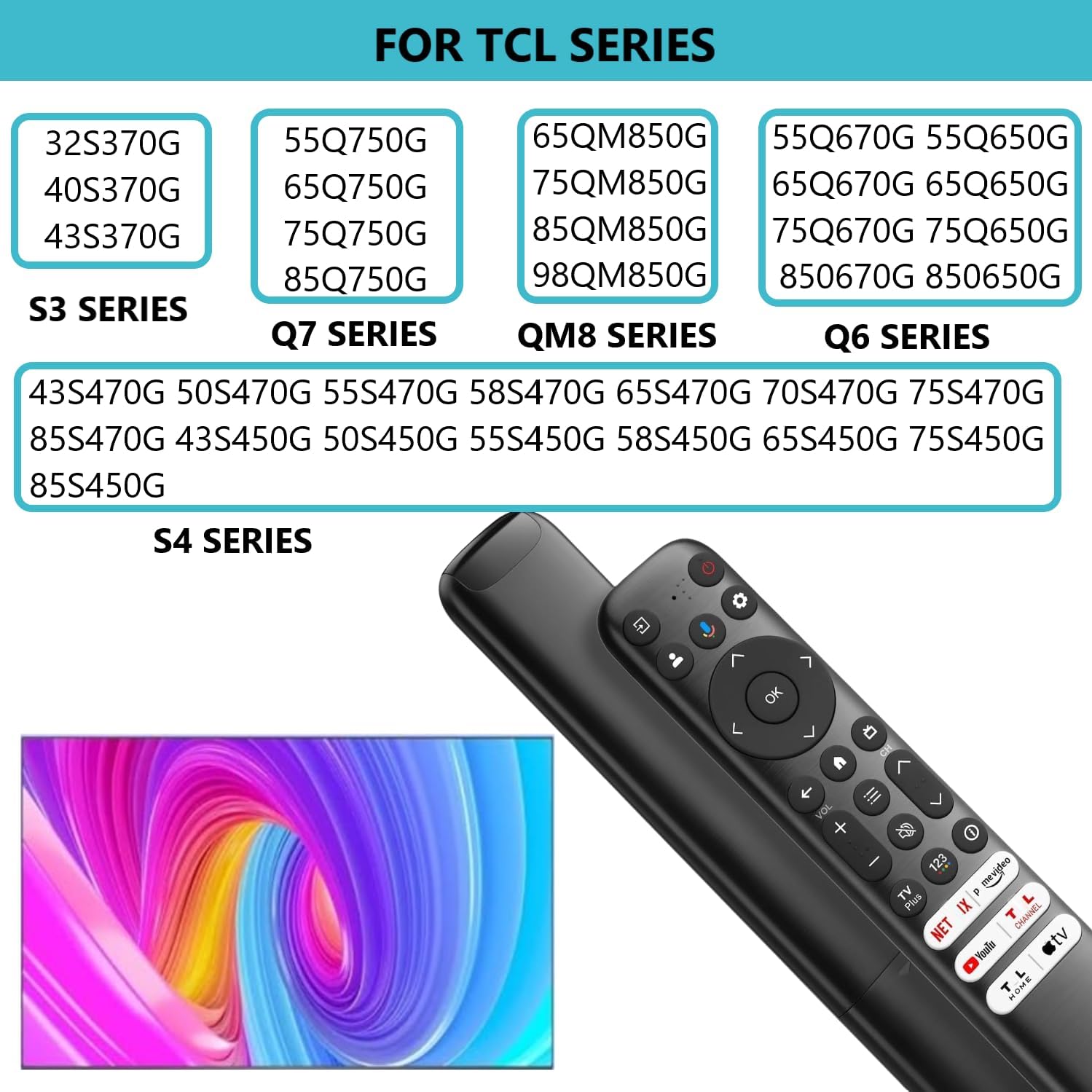
Replacement RC813 Voice Remote for TCL Google TV (Q6, Q7, QM8, S3, S4, Q570G, Q550G, S45G, S550G Series)
Product description
What this is
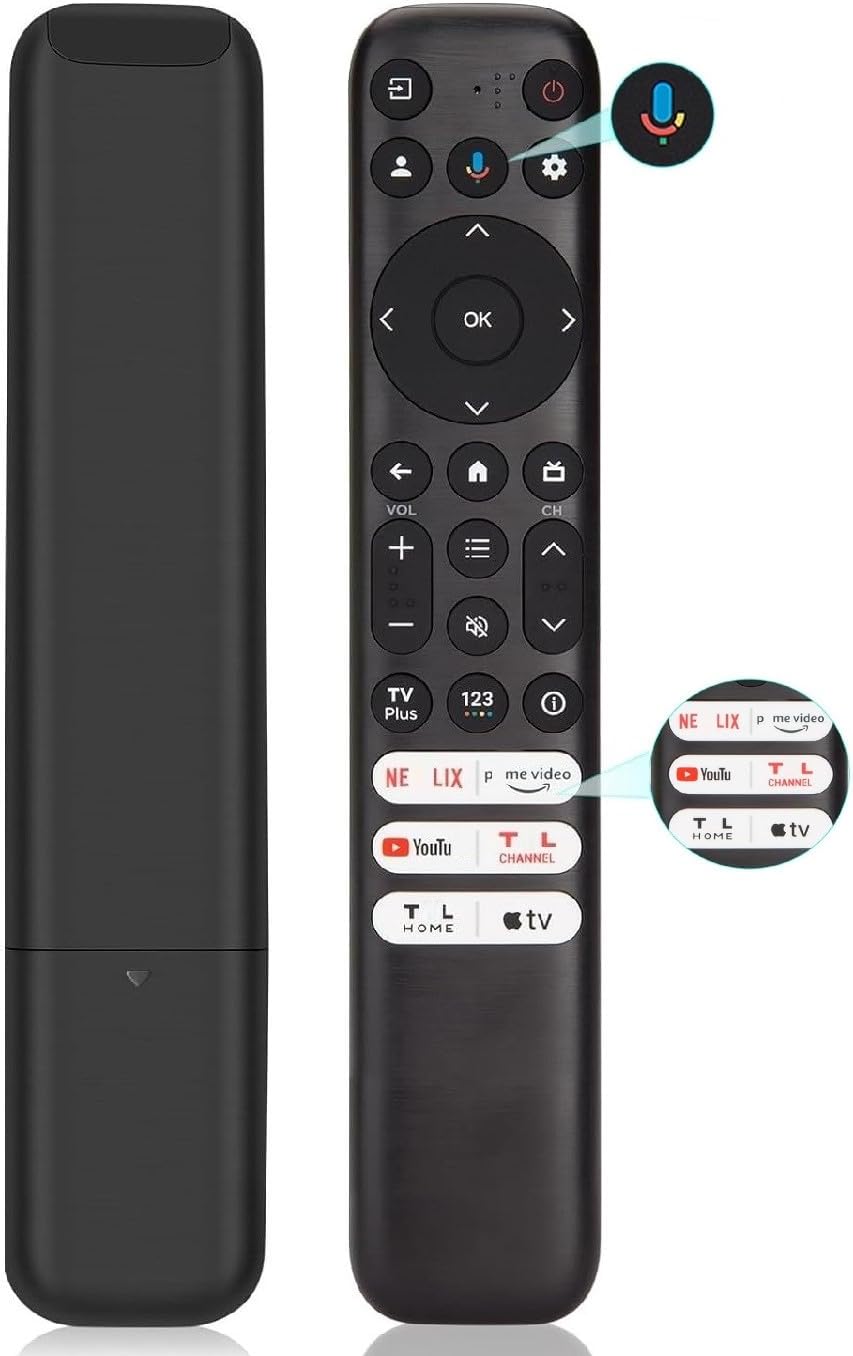
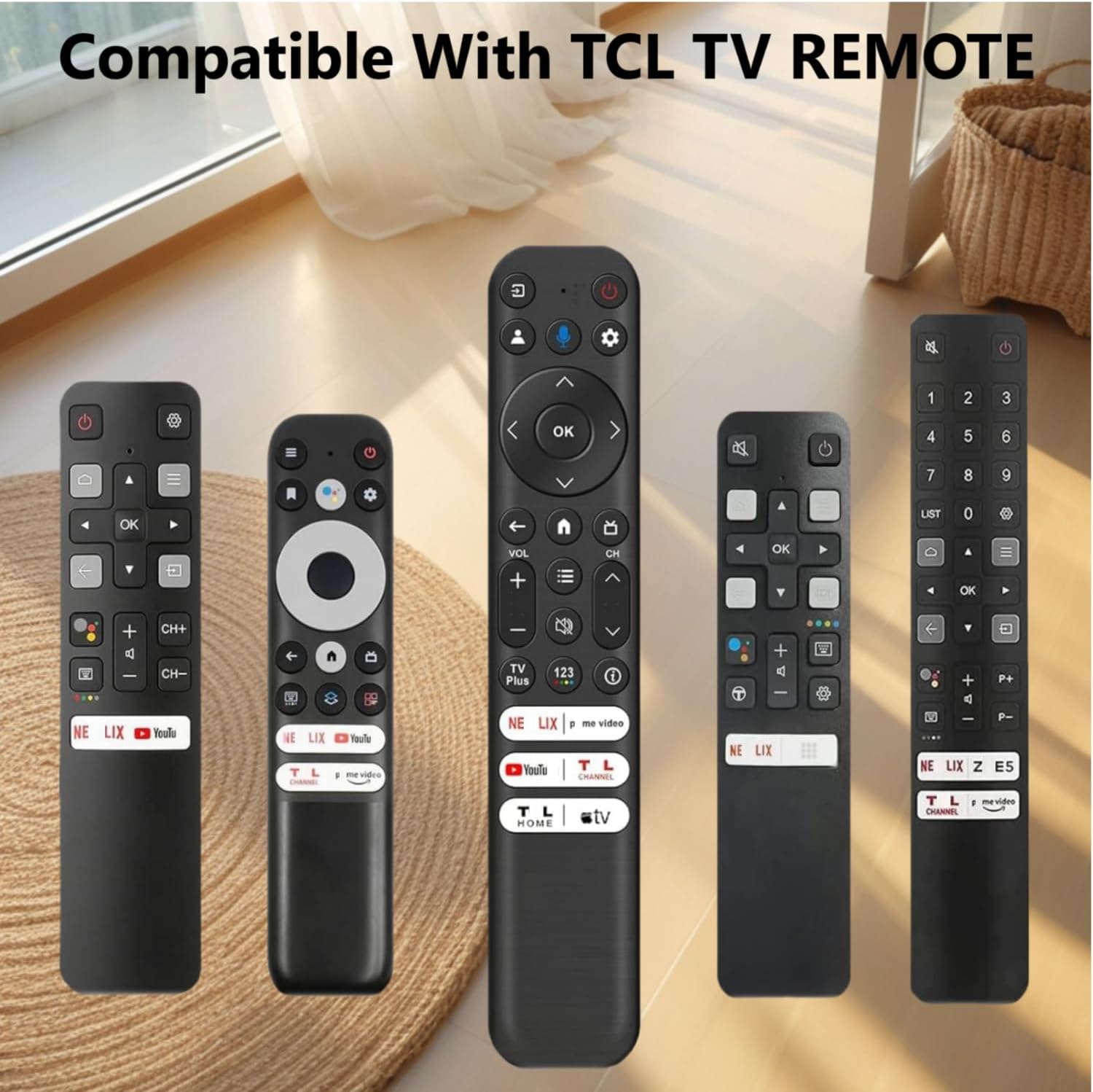
This is a replacement RC813 voice remote designed for TCL Google TV models across multiple series, including Q6, Q7, QM8 and S-series televisions. It’s built to send commands to your TV using infrared (IR) and includes a dedicated Google Assistant button for hands‑free queries and control. It arrives without batteries and is intended to restore familiar remote functionality when the original is lost or damaged.
How it works
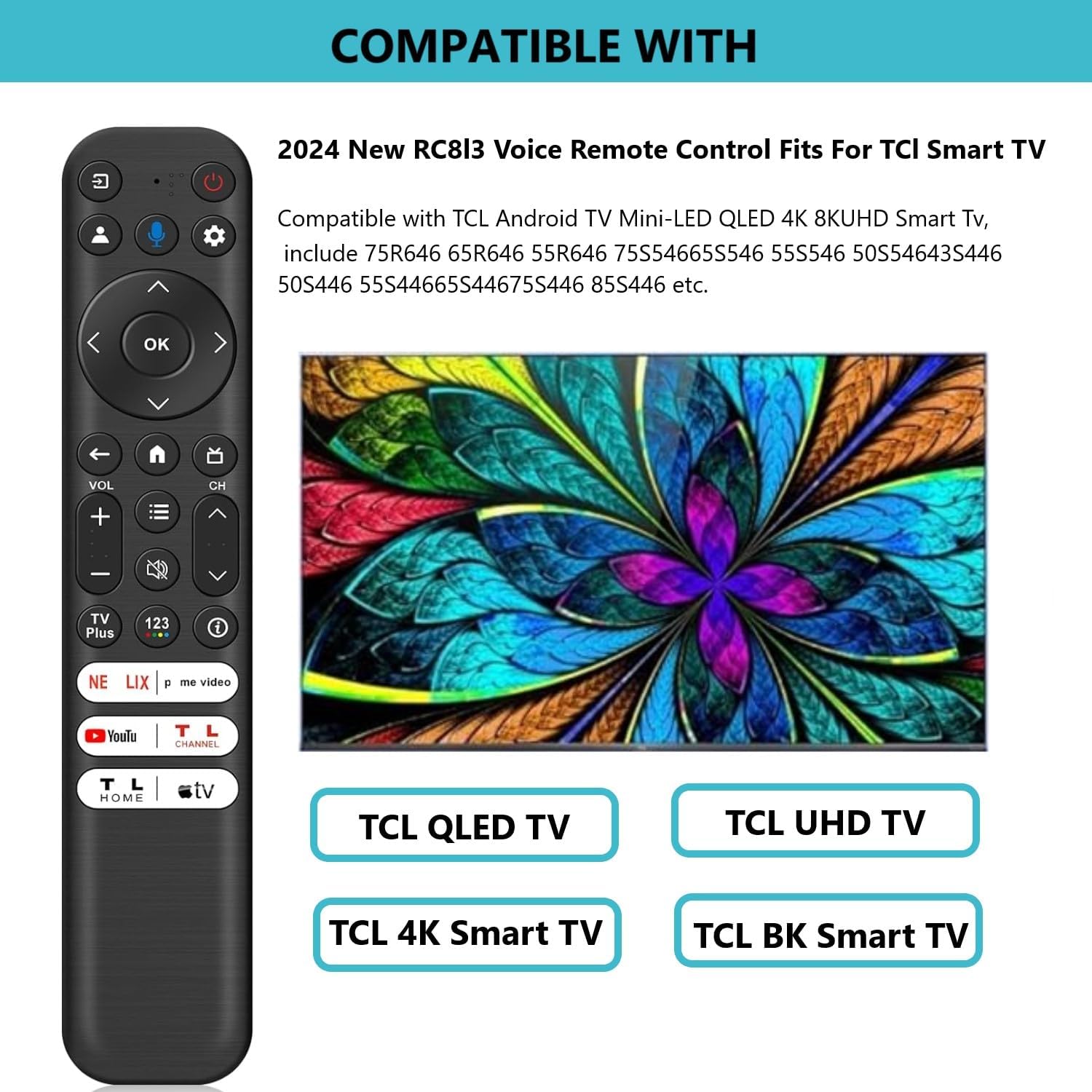
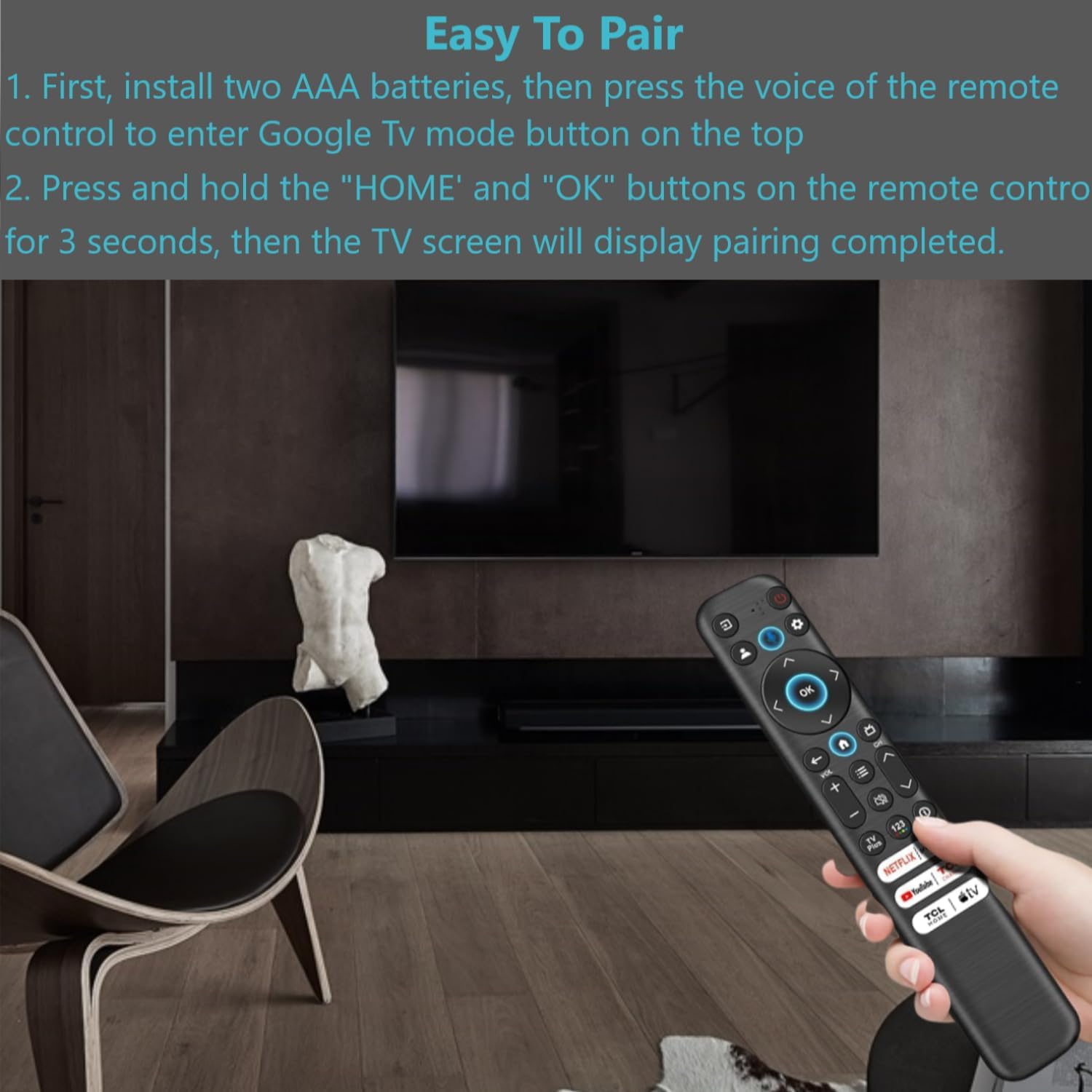
The remote uses IR to communicate with the TV, offering quick, responsive control within a typical living room range. It features a voice input button for kicking off Google Assistant commands, plus six dedicated app buttons for fast access to common streaming services and TCL features. Pairing is performed by holding HOME and OK together after pressing Google Assistant and following on‑screen prompts. The layout includes RECOMMENDED buttons such as HOME, OK and a responsive navigation cluster to support everyday navigating of menus and apps.
What to know before you buy
- Compatibility: targeted at TCL Google TV models listed in the product description, exact compatibility depends on firmware and regional differences.
- Batteries: requires 2×AAA batteries (not included).
- Range and responsiveness: described as 0.2 seconds response and up to about 12 metres/40 feet, practical range will depend on room layout and interference.
- Power and inputs: IR only, does not appear to include Bluetooth or Wi‑Fi connectivity beyond what the TV already uses.
- Build and feel: designed as a straightforward replacement with a familiar remote shape, not a premium or feature‑heavy upgrade.
What stands out
On the paper specs, the RC813 aims to deliver quick access to common apps with six dedicated buttons and a responsive voice control path through Google Assistant. If you prioritise simple replacement with a familiar layout and reliable IR control, it could be a sensible fit for a TCL Google TV setup.
What may be less convincing
If you rely on Bluetooth remotes or frequent firmware changes, you might notice limits since this is an IR remote with standard button‑driven control. Batteries not included is a minor friction point for some buyers, and the device’s performance will hinge on the TV’s pairing process and your room environment.
Who it’s for
- TCL Google TV owners who need a straightforward, no‑nonsense replacement remote.
- Users who value quick app access via dedicated buttons and voice search through Google Assistant.
- People who don’t require advanced features like motion sensing, backlighting, or touchscreen inputs.
Who it isn’t for
- If you want a more feature‑rich or premium remote with upgraded ergonomics, backlight or alternative connectivity.
- If your setup relies on non‑IR control or extensive smart home integrations beyond what the TV offers.
When it makes sense to buy
- Your original RC813 has stopped working and a direct replacement is available for your TCL Google TV model.
- You want immediate, familiar control with minimal setup, including voice queries via Google Assistant.
- You’re replacing a damaged remote and prefer a straightforward pairing flow.
When you might want to hold off
- If your TV is a newer model with enhanced remote capabilities that go beyond an IR‑based controller.
- If you require a remote with extra features (like gyro, motion control, or a more complete smart home integration).
Key checks before purchasing
- Confirm your TV’s series compatibility matches the supported TCL lines, as the listing references several model families.
- Ensure you’re comfortable with 2×AAA batteries and do not mind pairing via the back‑and‑forth steps described (Google Assistant press, then HOME+OK hold).
- Consider your typical living room layout—IR remotes rely on line‑of‑sight to a receiver, so obstructions can affect responsiveness.
Practical use example
Imagine you’re watching a late‑night programme and want to switch to a streaming service. Press the dedicated Netflix/Prime/YouTube button, or tap Google Assistant to say “Play The Crown on Netflix,” and the TV should respond without fumbling through menus. For quick navigation, the directional pad helps you skim through live channels or app lists efficiently.
FAQ
- Does it include batteries? No, batteries are not included, insert 2×AAA when you receive the remote.
- How do I pair it with my TCL TV? Press the Google Assistant button, then hold HOME and OK together for about 5 seconds until pairing completes on screen.
- What’s the range I can expect? Practically up to around 12 metres/40 feet in open space, performance varies with room layout.
Is it worth it?
Worth considering if you want a direct, no‑frills replacement that preserves the familiar remote layout and adds voice control via Google Assistant. It’s likely a sensible option for standard TCL Google TV users who don’t need fancy extras and want a practical, affordable fix.