

Replacement Panasonic Blu-ray remote controls (N2QAYB000956 / N2QAYB000957)
Product description
What it is and why people buy it
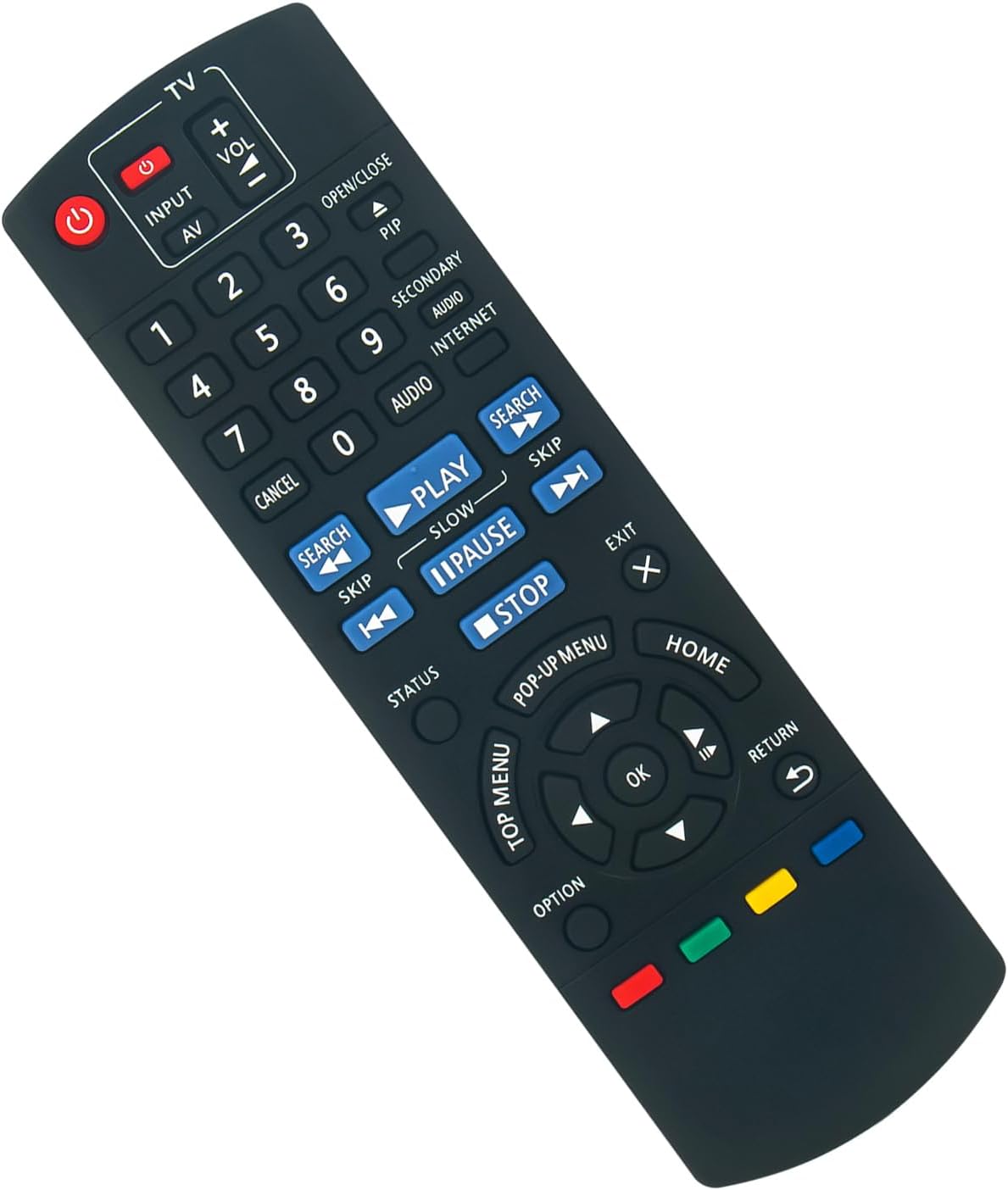
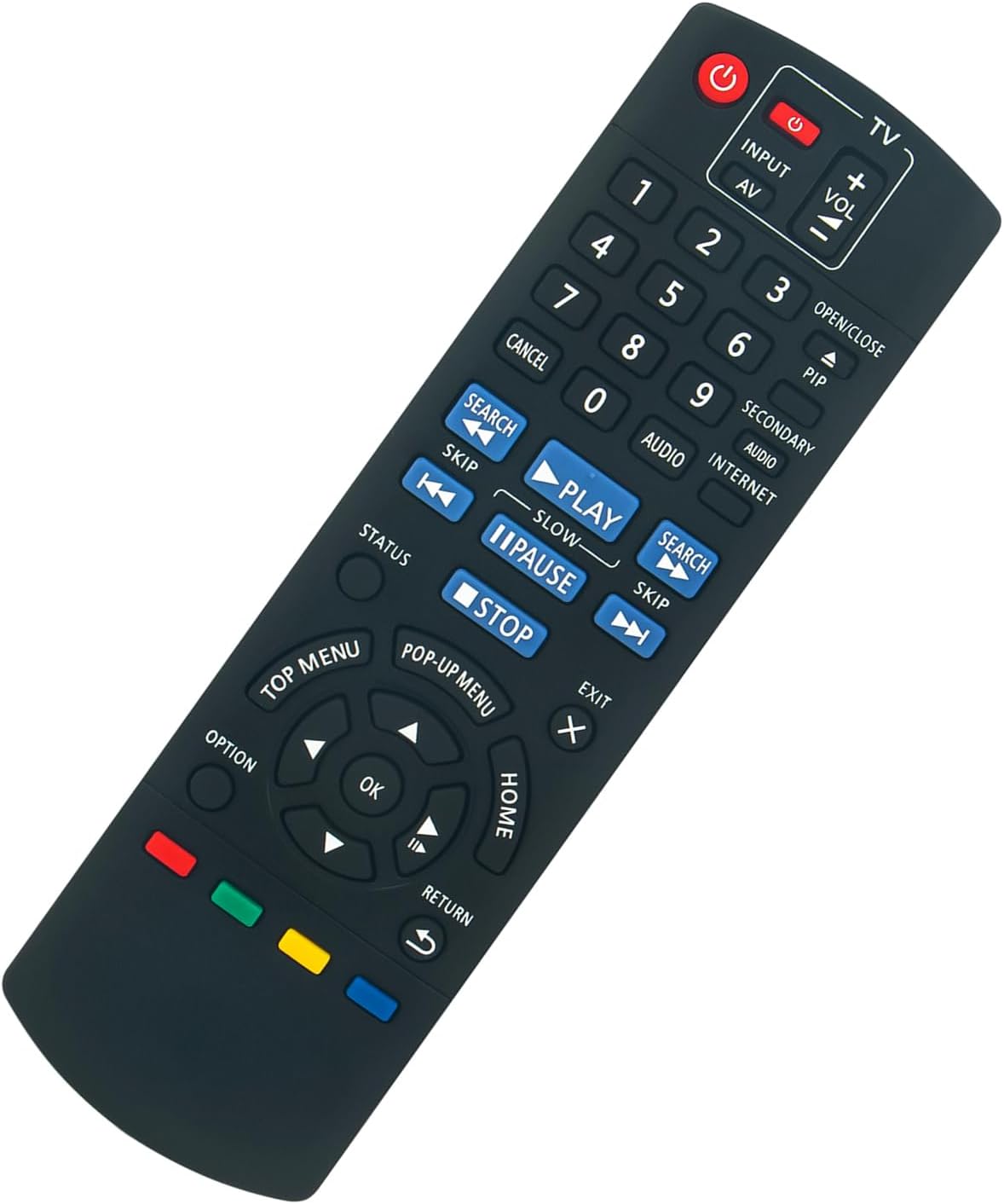
If your Panasonic Blu-ray player remote has gone missing, stopped working, or has started acting up, a like-for-like replacement is usually the quickest way to get back to normal. This replacement remote control is listed as compatible with specific Panasonic Blu-ray models (not a universal remote), aimed at the situation where you just want the same buttons and control feel you had before.
On paper, the key promise here is simplicity: it’s a replacement remote that should work without programming or setup. In most households, that’s the difference between using the player again in minutes versus getting stuck with a “maybe it needs configuring” problem.
The essentials: compatibility and matching matters
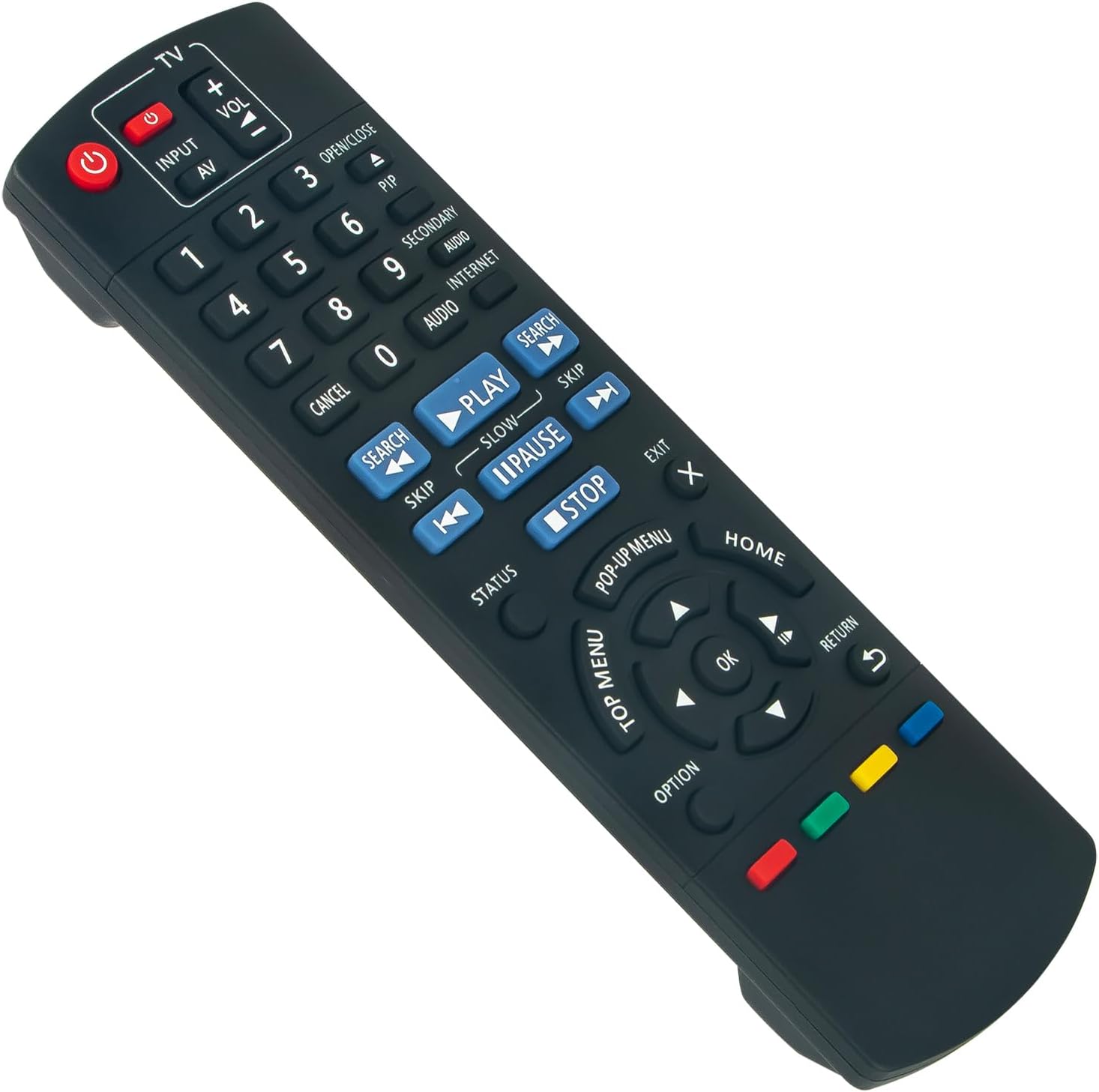
The listing is tied to a specific remote number: N2QAYB000956 (and it also references N2QAYB000957 as part of the replacement set). It also names compatible Blu-ray player models including DMP-BD81, DMP-BD91, DMP-BDT160, DMP-BDT161, DMP-BDT260, and DMP-BD-813 / DMPBD-813.
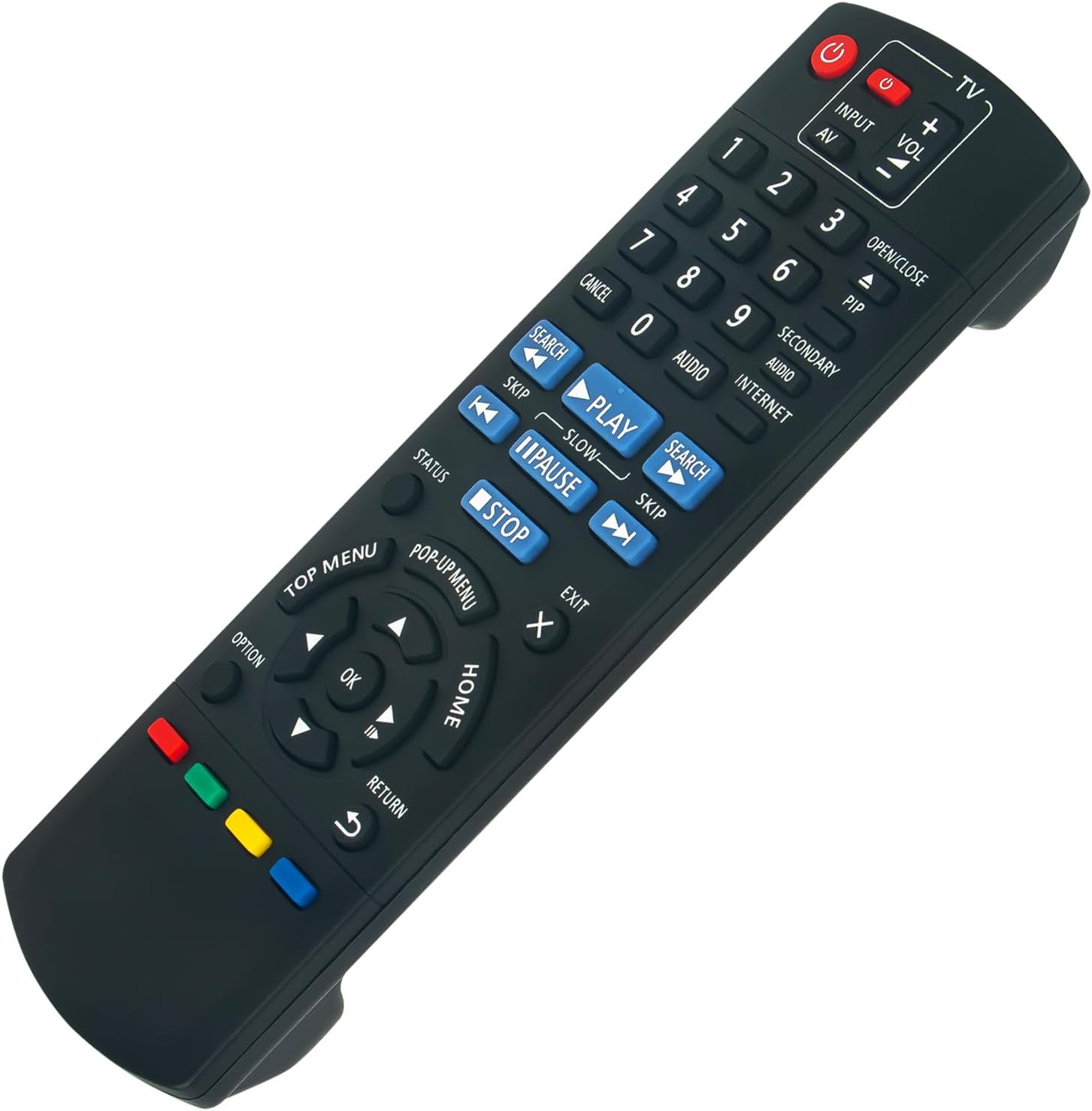
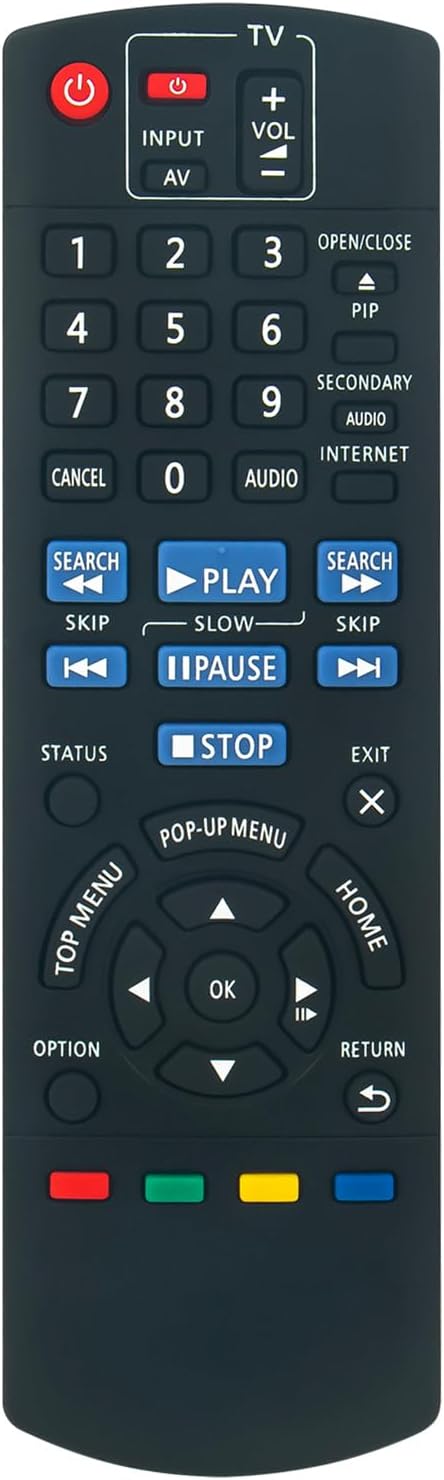
There’s an important caution though: the seller explicitly notes that the replacement will only work if your old remote is identical to theirs. That’s a sensible limitation with remotes—small internal differences can mean the new one won’t communicate with your particular player.
If you’re unsure, the listing suggests sending a picture of your old remote so the right replacement can be found. That’s not something you always get with cheaper “generic” options.
No programming: what to expect once it arrives
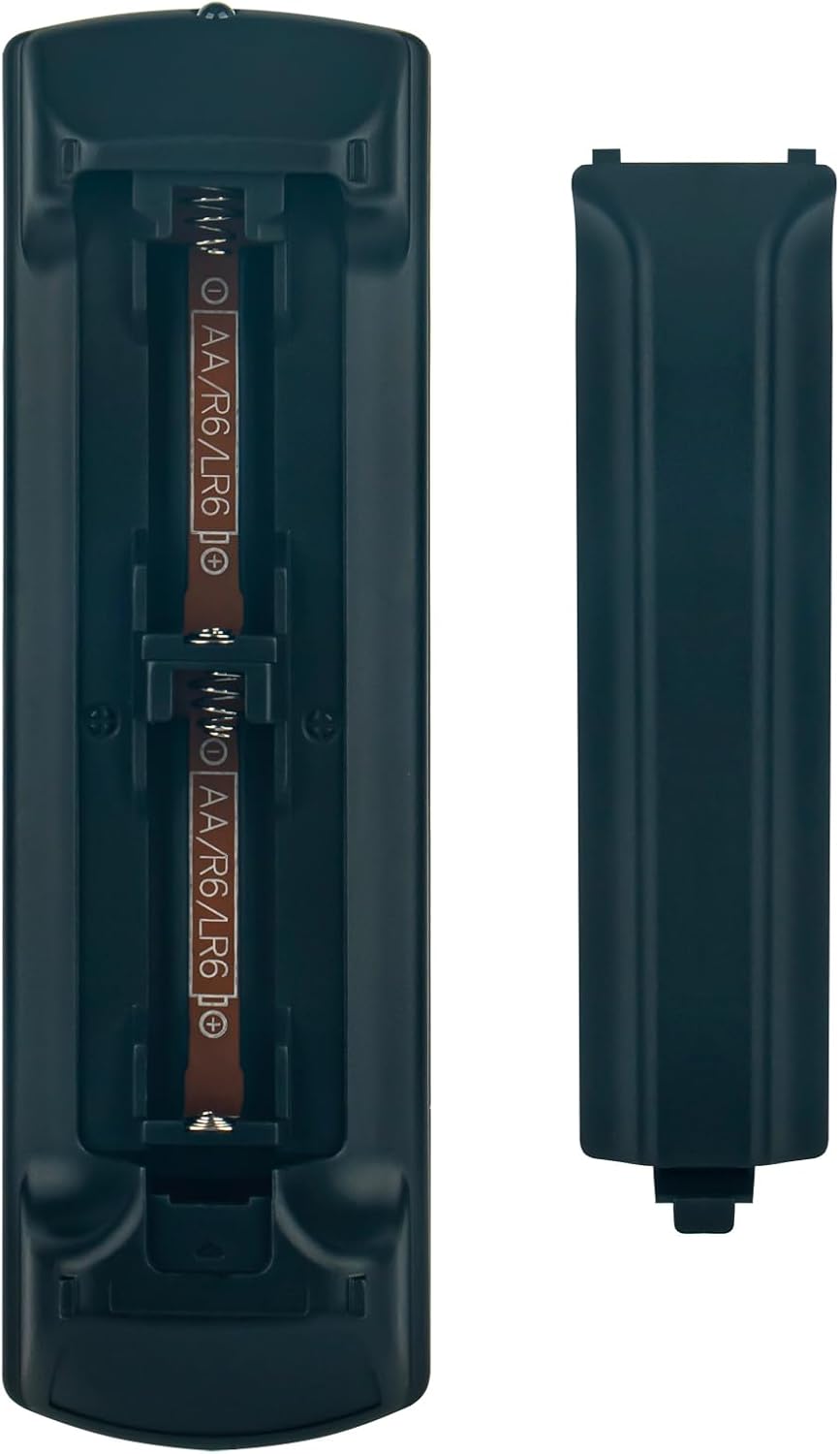
Because the listing states there’s no programming or set up required, the practical workflow is pretty straightforward: you insert a new battery and try it. For everyday use, that’s exactly what you want from a remote replacement—something you can rely on quickly after a long day.
Still, it’s worth keeping expectations realistic. If the old remote isn’t truly identical (or if the player model isn’t one of those listed), the “no setup” part won’t save you—compatibility is doing most of the heavy lifting here.
Where it shines (and where it doesn’t)
What stands out here is the focus on direct replacement rather than experimentation. If your Panasonic Blu-ray player is one of the named models and your existing remote matches the replacement’s identification, this is the type of buy that tends to make sense: you’re not buying into guesswork.
It may not be the best choice if: - Your Blu-ray player model isn’t included in the compatibility list. - Your current remote doesn’t appear identical to the one referenced in the listing. - You’re hoping for a one-remote-fits-all solution across multiple devices (the description leans toward model-specific compatibility).
Buying checks before you click
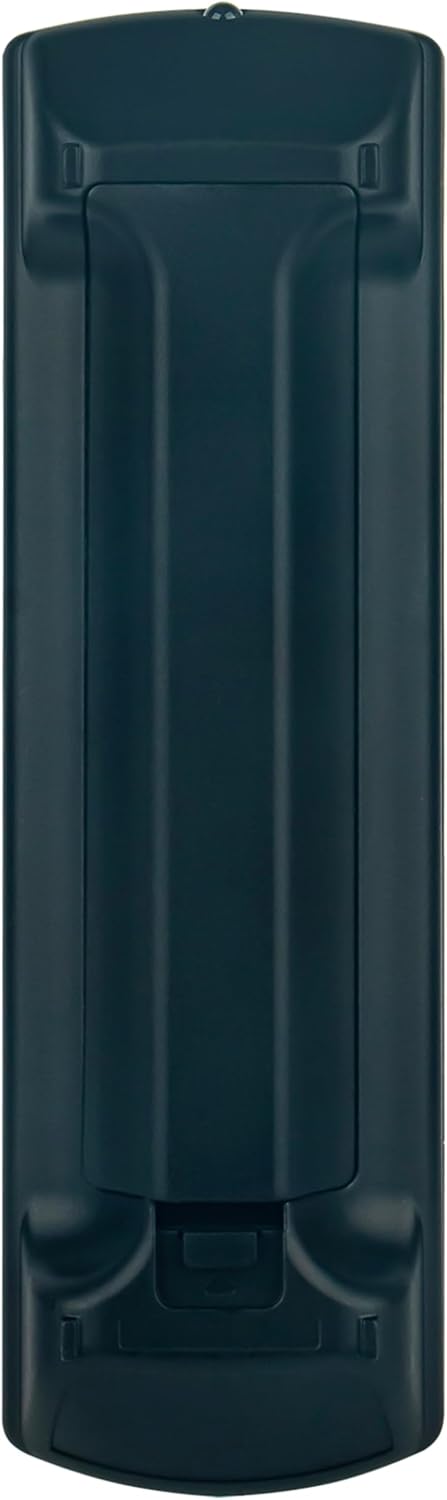
Before ordering, double-check these points so you don’t end up with a remote that looks right but won’t work: - Confirm the remote number on your old control is identical (the listing stresses this). - Confirm your Panasonic Blu-ray player model matches one of those named. - If you’re uncertain, use the approach suggested in the listing: provide a photo of your old remote so the correct replacement can be identified.
Practical example: replacing a “lost” remote the easy way
Imagine you’ve got a Panasonic Blu-ray player in the living room, and the remote has either gone missing or stopped responding. Instead of getting up and down every time you want to play, pause, or navigate menus, you replace the remote with this matched control. Once the battery is in, you can return to normal use—press play, select a menu option, and carry on—without any programming steps.
Is it worth it?
It makes sense if you own a Panasonic Blu-ray player from the listed models and you can verify your old remote is identical to the replacement referenced. In that scenario, the “no programming or set up required” angle becomes genuinely useful because it reduces friction.
You may want to skip it if you can’t confirm the exact remote match, or if your player model isn’t one of the listed compatible options. Remotes can be picky, and a mismatch usually means frustration rather than savings.
Mini FAQ
Does it require programming or set up?
The listing states there is no programming or set up required—just insert a new battery.
How do I know it will work with my Panasonic player?
The seller advises making sure your old remote is identical to the one being replaced, and it provides a list of compatible Panasonic Blu-ray player models.
What if I’m not sure which remote I need?
The listing suggests sending a picture of your old remote for help identifying the correct replacement.
What models is it compatible with?
The description names DMP-BD81, DMP-BD91, DMP-BDT160, DMP-BDT161, DMP-BDT260, and DMP-BD-813 / DMPBD-813.