

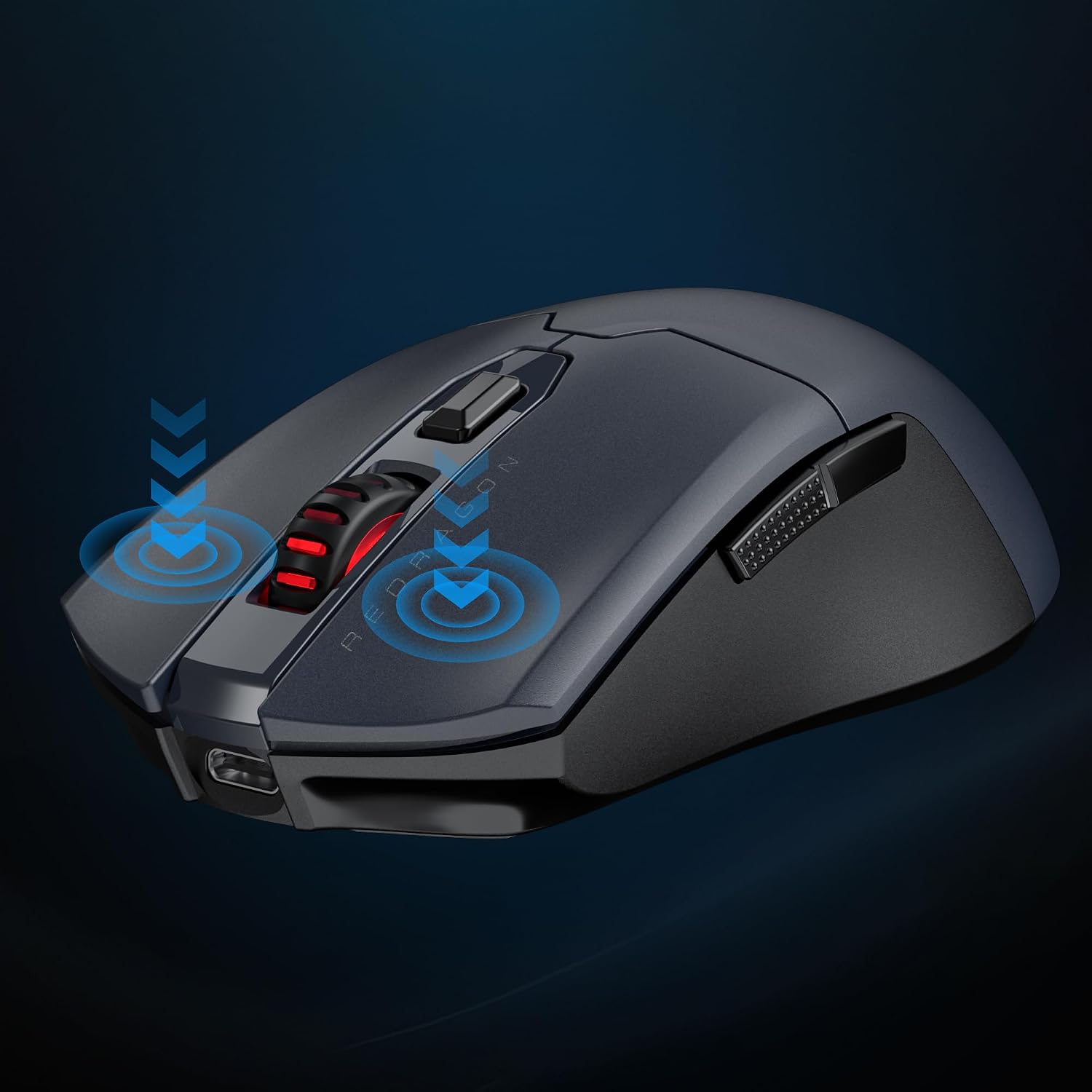
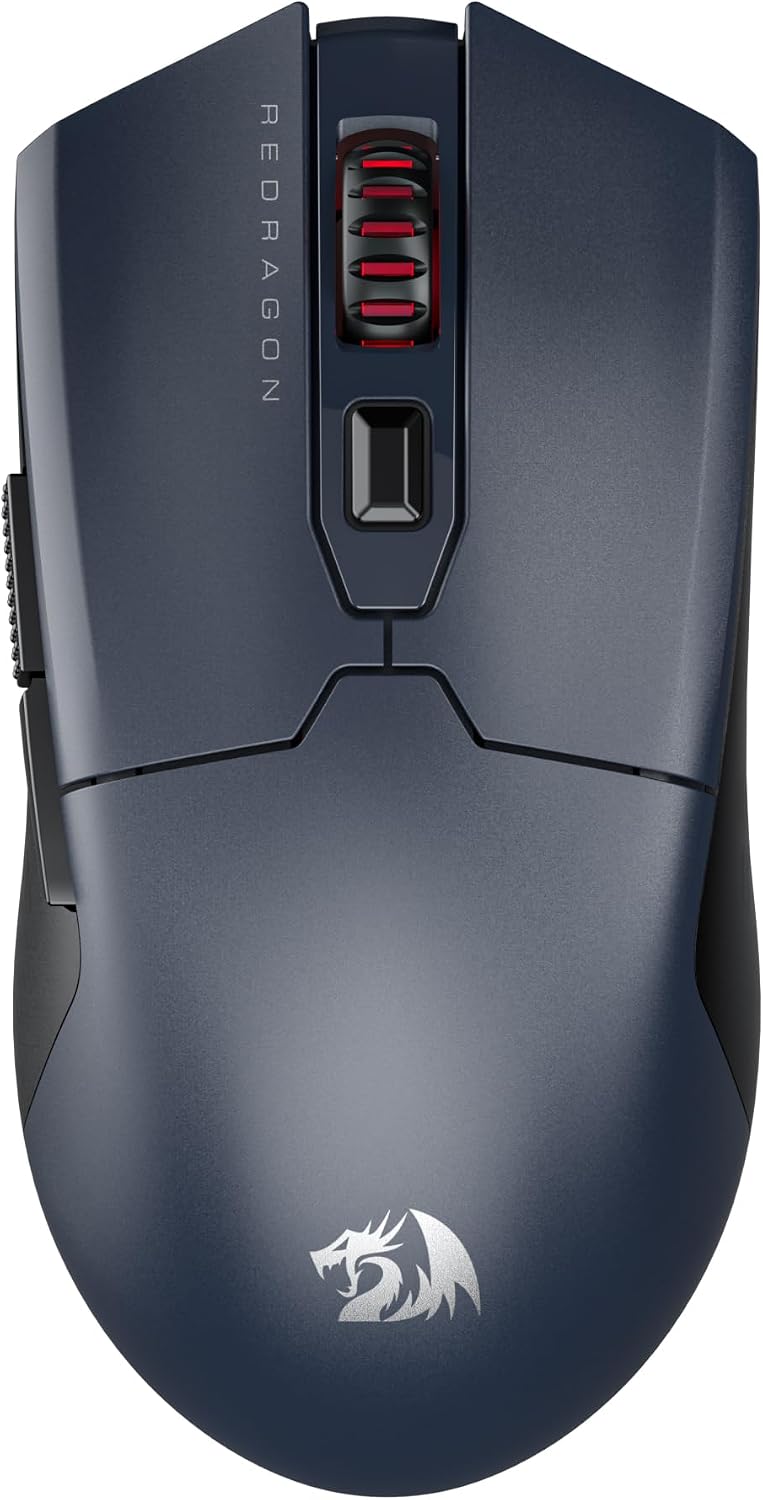
Redragon M995 LIT Wireless Gaming Mouse (BT + 2.4G) with 10,000 DPI and 6 programmable macros
Product description
What this mouse is for
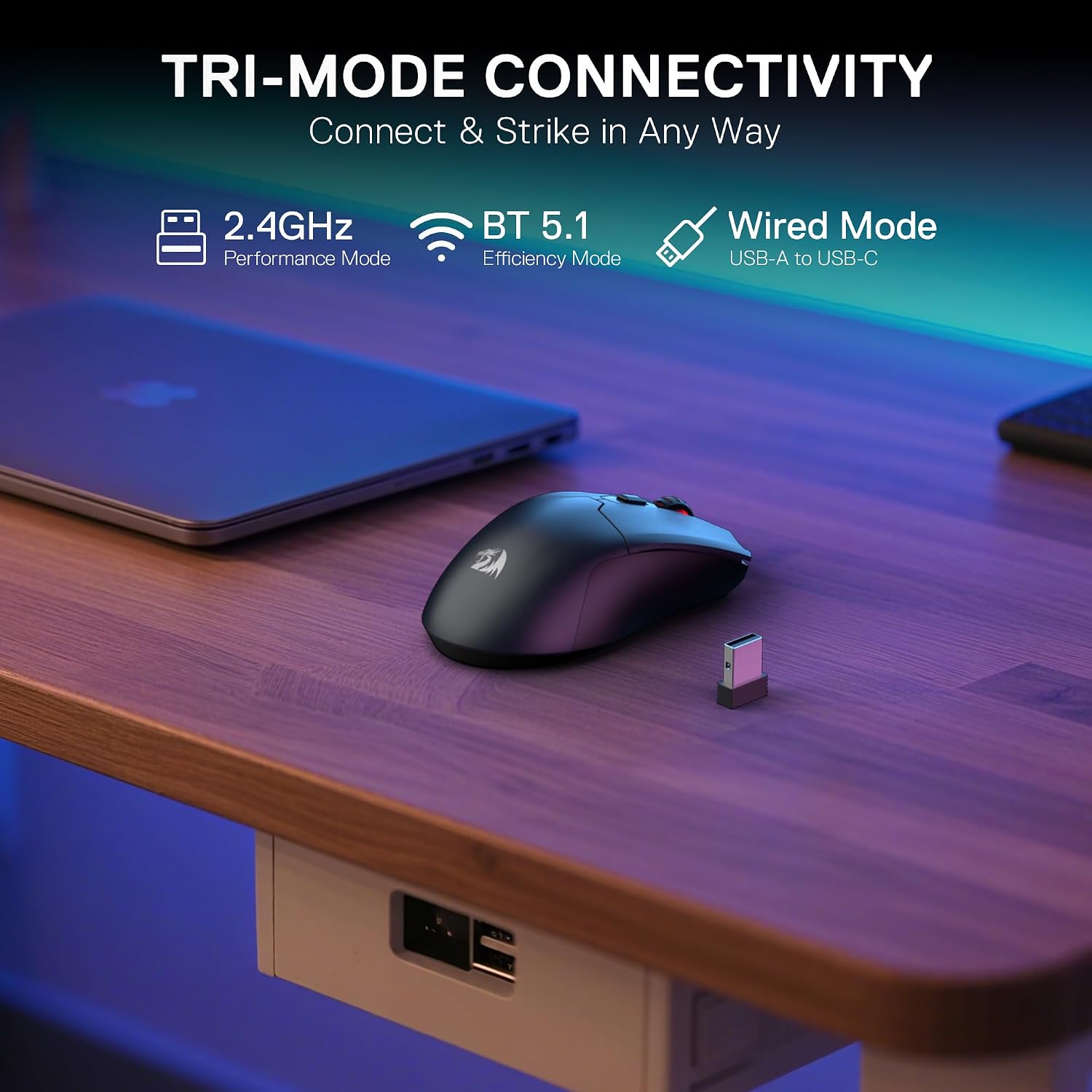
If you want a wireless gaming mouse that still feels responsive when you’re switching between apps or jumping into matches, the Redragon M995 LIT is aimed squarely at that middle ground. It’s a rechargeable, lightweight-style wireless mouse with two connection methods (Bluetooth and a 2.4G nano receiver), plus programmable controls for both gaming and day-to-day work.
The practical idea here is simple: use Bluetooth for laptop/tablet flexibility when cables are a nuisance, and use the 2.4G receiver when you want that more “game-ready” feel. It’s also positioned as a mouse you can set up with different DPI steps for different kinds of play.
Key takeaways
You get three notable “handles” to make the mouse fit your routine. First is the multi-mode connection approach (BT and 2.4G) which is handy if your setup changes during the day. Second is the DPI adjustability up to 10,000, with onboard levels designed for quick switching. Third is the macro-friendly button layout: all 6 buttons are programmable, and two side macro buttons are called out as particularly useful for gaming and work.
That said, it’s not trying to be the most feature-heavy mouse possible—there are no details here about things like extra custom software features beyond the driver, nor anything about adjustable weights or advanced sensor tuning. So it’s best seen as a solid, budget-leaning wireless gaming option rather than an “endgame” tool.
What stands out in everyday use
On paper, the M995 LIT has a setup that suits people who move between tasks. For instance, you could keep the mouse connected via Bluetooth for general laptop work, then switch to the 2.4G nano receiver for gaming sessions without swapping hardware. The sleep mode after 3 minutes of inactivity is also a sensible touch if you tend to leave peripherals on.
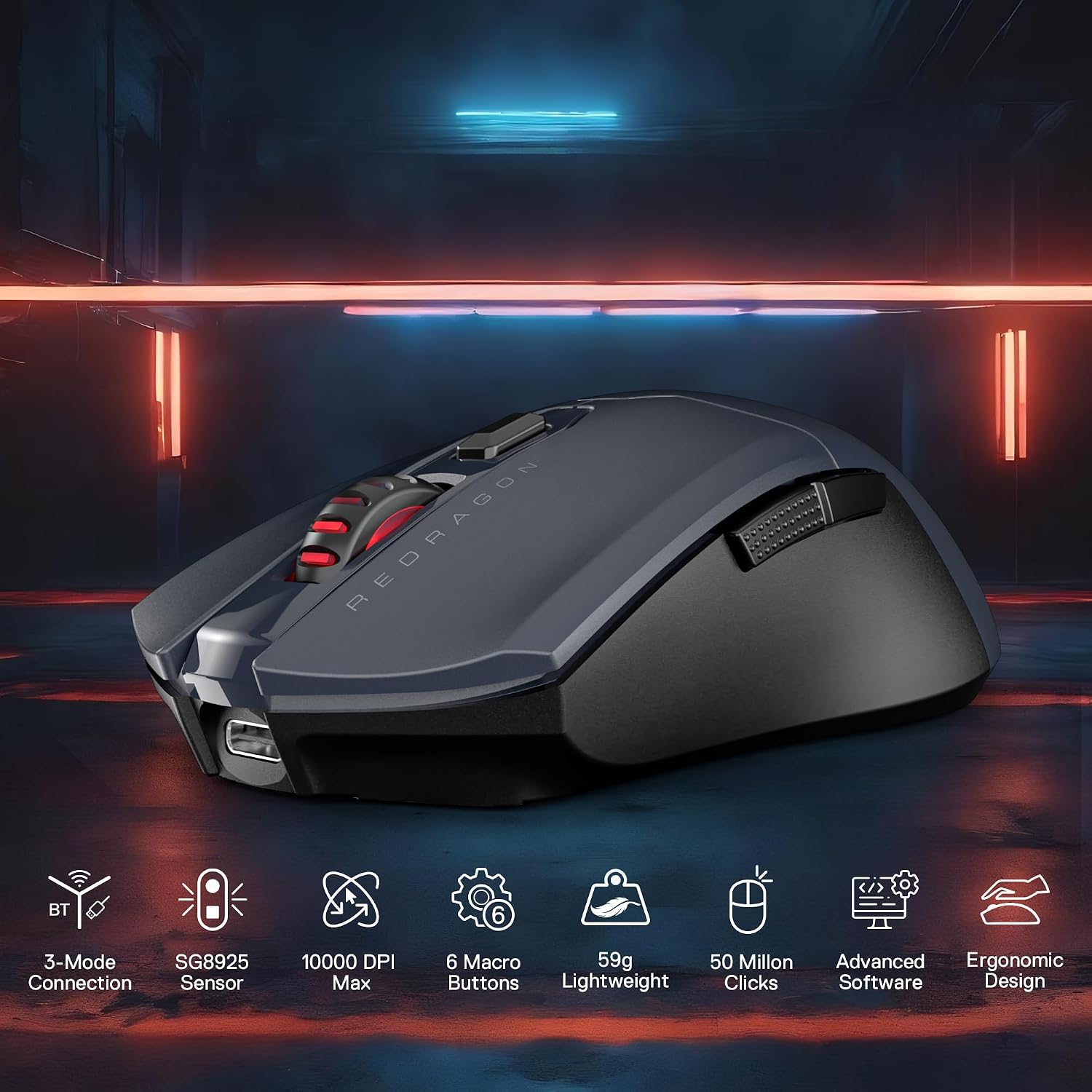
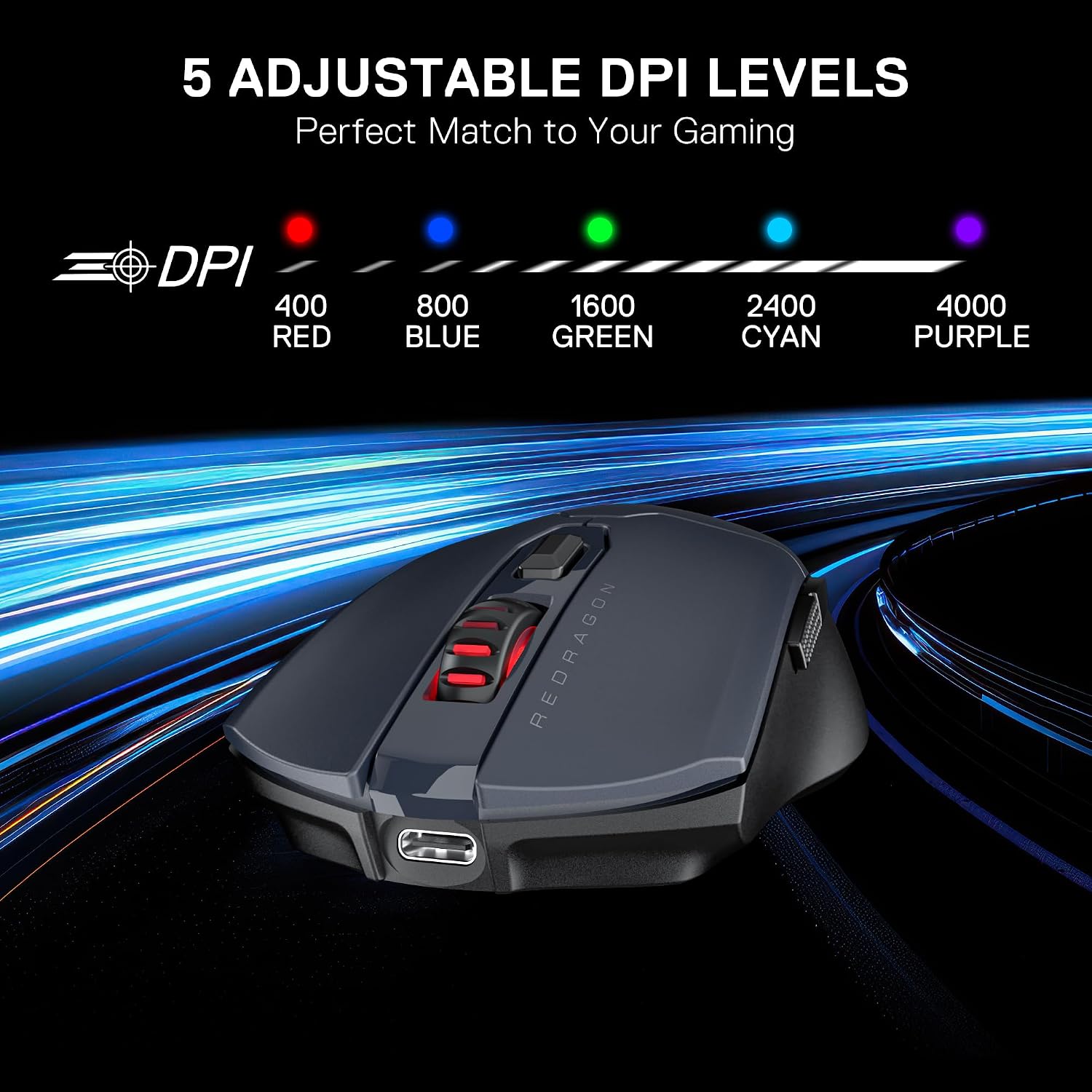
The DPI approach matters too. The product lists five onboard DPI levels (400/800/16000/2400/4000) and also notes that five of those levels can be adjusted or DIY’d through software. In practice, that means you can keep one DPI for desktop navigation, another for aiming-heavy moments, and switch quickly in-game when sensitivity needs change.
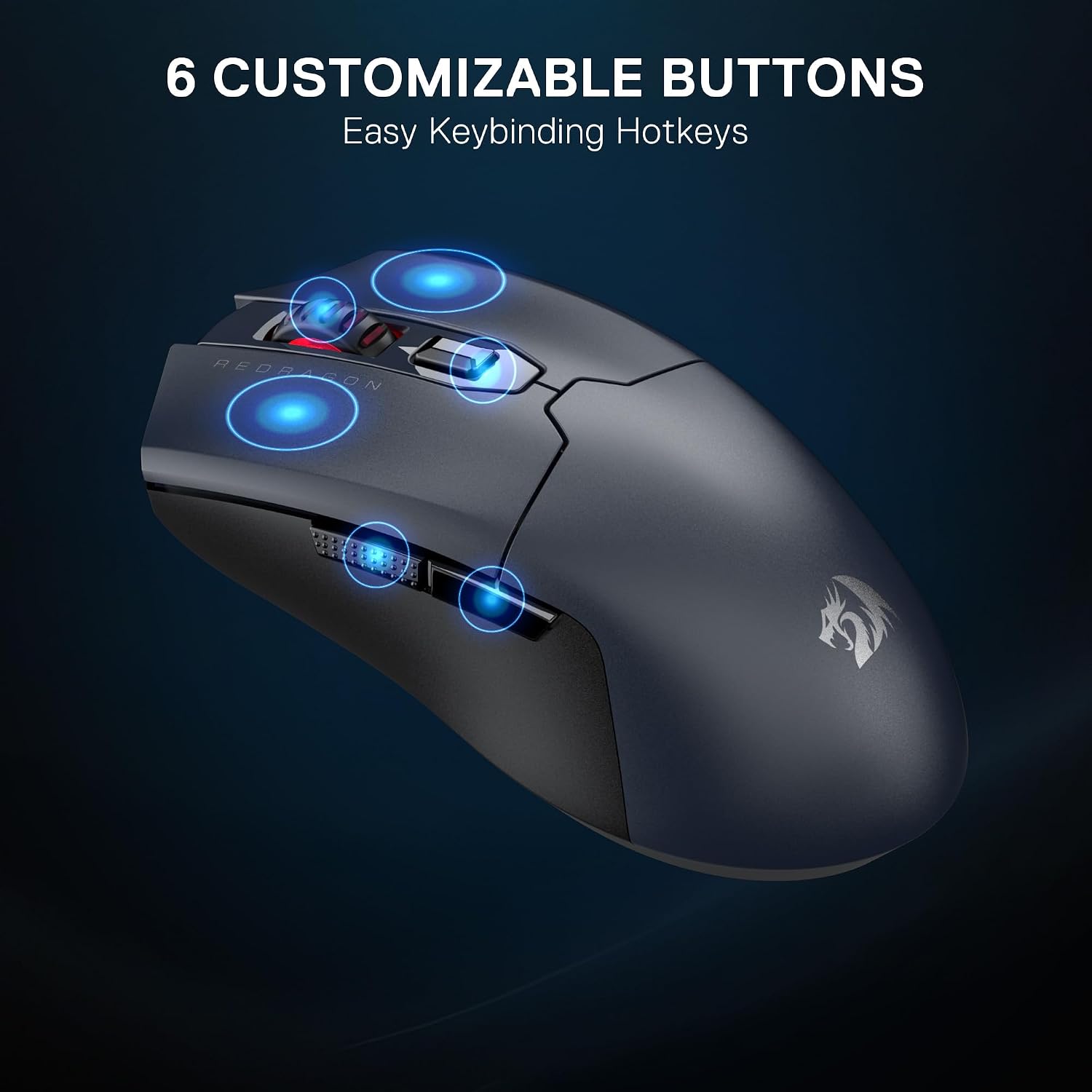
And the macro story is fairly straightforward: all 6 buttons can be keybound, including complex or convenient macros, using the Redragon Pro driver. If you like shortcutting actions (whether that’s a certain in-game ability or a workflow action in work apps), this is the kind of mouse that can save you time.
Tech specs (the bits to check before buying)
- Name: Redragon M995 LIT Wireless Gaming Mouse
- Type: Wireless gaming mouse
- Format: BT & 2.4G nano receiver
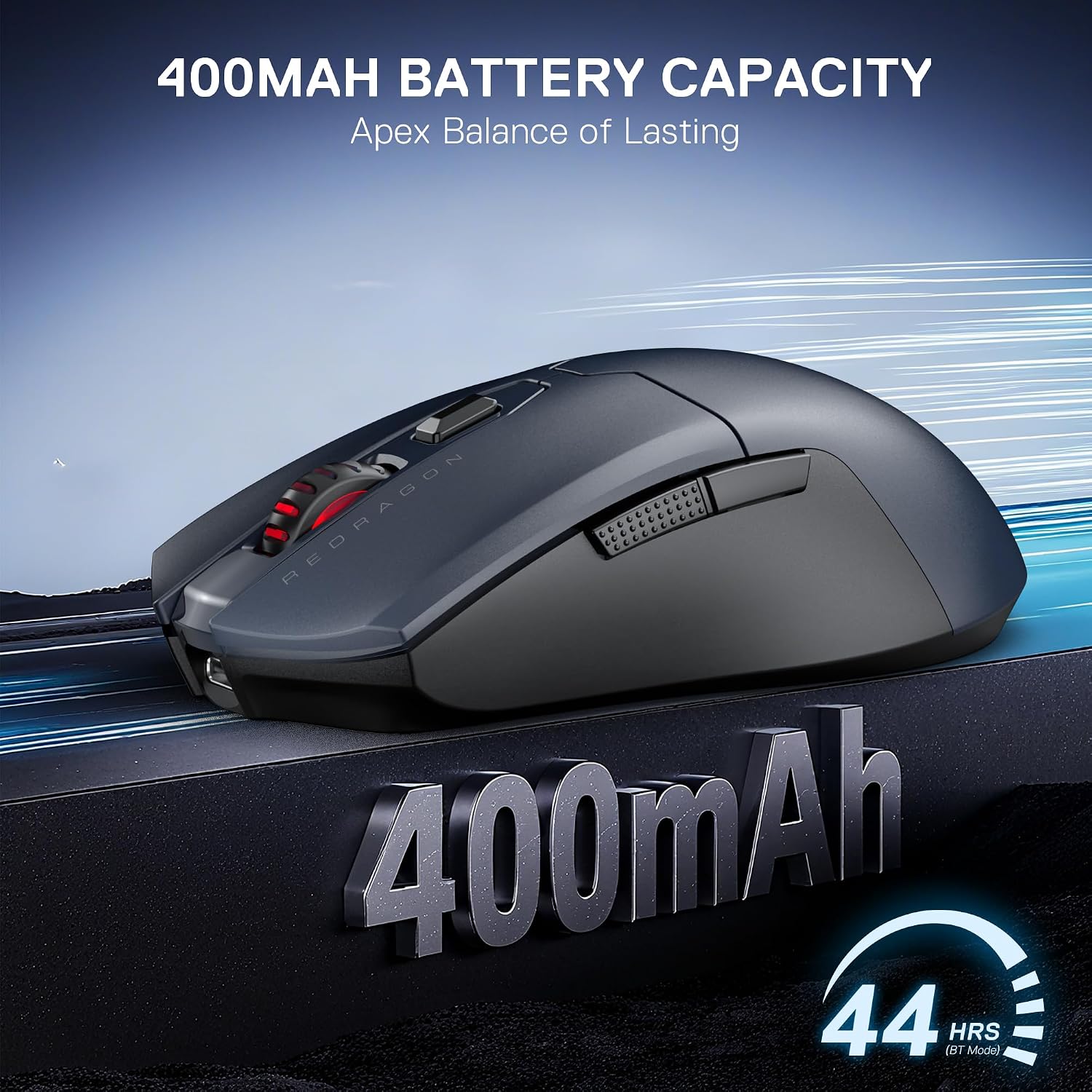
- Capacity: 400mAh built-in rechargeable battery
- Resolution (max): Adjustable up to 10000 DPI
- On-board DPI levels: 400/800/1600/2400/4000 (also stated as “5 on-board DPI levels”)
- Polling rate: 1000Hz (listed as supported/optimised in each mode)
- Buttons: 6 programmable macro buttons
- Connectivity behaviour: Sleep mode after 3 minutes of non-use to save power
- Sensor listed: SG8925
Note: the DPI list in the description includes “16000” as well as other values, keep an eye on the exact on-board level list shown on the listing page, because those numbers are important if you’re picky about sensitivity steps.
Where it shines—and where it may not
This mouse makes sense if you prioritise wireless flexibility (Bluetooth plus 2.4G), quick DPI switching, and easy macro keybinding using a supported driver. It also fits buyers who like the idea of a lightweight-style wireless build without getting into premium pricing.
But you may want to skip it if your setup demands very specific performance guarantees that aren’t covered in the provided details. For example, we don’t have information here about sensor performance tuning beyond the listed sensor model, or about how the cursor feel compares versus higher-end gaming mice. Also, if you don’t care about programmable buttons or macro setups, you might not benefit much from the extra software and configuration effort.
Getting the most from it
Start with your connection choice. If you often switch between a laptop and a more gaming-focused setup, the BT + 2.4G approach is the main reason to consider this model.
Then set your DPI levels to match how you play. Use one DPI for general movement and another for precision moments, and if you want finer control, use the driver to DIY levels where supported. Finally, map your six buttons with intention—keep the most important actions on the most comfortable fingers, and assign the two side macro buttons to something you’ll actually use consistently. A quick example: bind one side button to a frequently used in-game ability and the other to a utility action, you’ll notice the difference more in real sessions than you might expect.
Mini FAQ
Is it rechargeable?
Yes. The mouse is described as rechargeable, with a built-in 400mAh battery.
Does it work over Bluetooth and 2.4G?
That’s the key feature here: it uses BT plus a 2.4G nano receiver.
Can I set macros and keybinds?
The description says the Redragon Pro driver supports custom keybinds and macros, and that all 6 buttons are programmable.
Will it save power when not used?
Yes—there’s an automatic sleep mode after 3 minutes of non-use.
What DPI levels does it support?
It’s listed as adjustable up to 10,000 DPI, with five on-board DPI levels mentioned in the description. Double-check the exact figures on the listing page, since the numbers shown include “16000” in the text.
Final verdict
It’s worth considering the Redragon M995 LIT if you want a rechargeable wireless gaming mouse with BT + 2.4G connectivity, quick DPI switching, and 6 programmable macro buttons—especially if you’ll use it for both games and work.
You may want to look elsewhere if you’re very sensitive to exact DPI step values and need absolute clarity from the spec, or if you’re only interested in basic movement and clicks and don’t plan to configure macros via the driver.
In short: it’s a pragmatic wireless option that leans into configurability and convenience. Just make sure the DPI levels shown on the live listing match what you expect before you commit.