


Pygocereri dual monitor stand riser with drawer and pen holders (adjustable height/angle) – metal black
Product description
The essentials
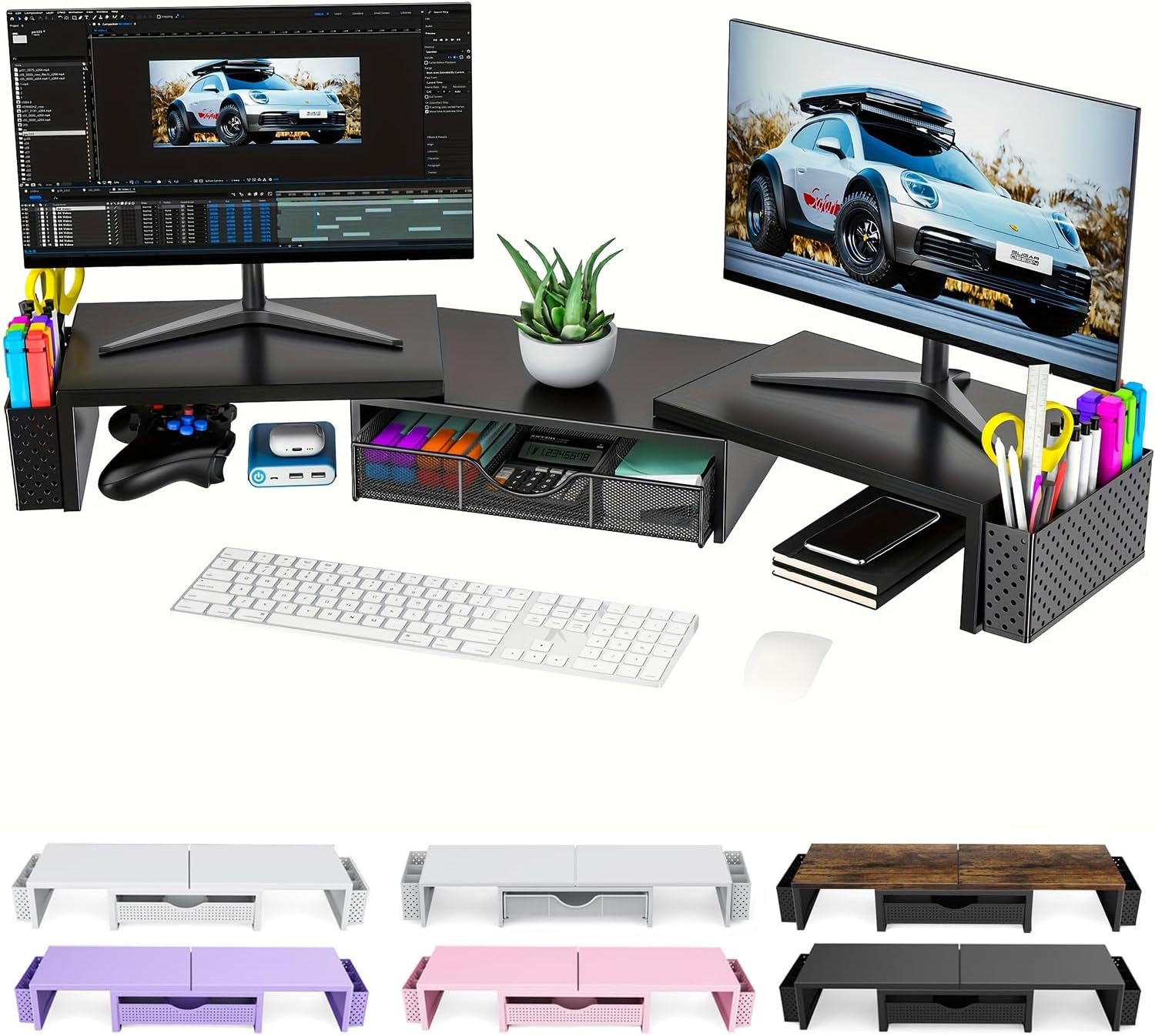
If you’re trying to make a computer desk feel less cramped, a dual monitor stand riser like this one is designed to do two jobs at once: lift your screens to a more comfortable viewing position and give you somewhere practical to stash small essentials. On paper, the appeal is the mix of “desk ergonomics” plus “tidy storage”, rather than treating monitor height as the only problem.
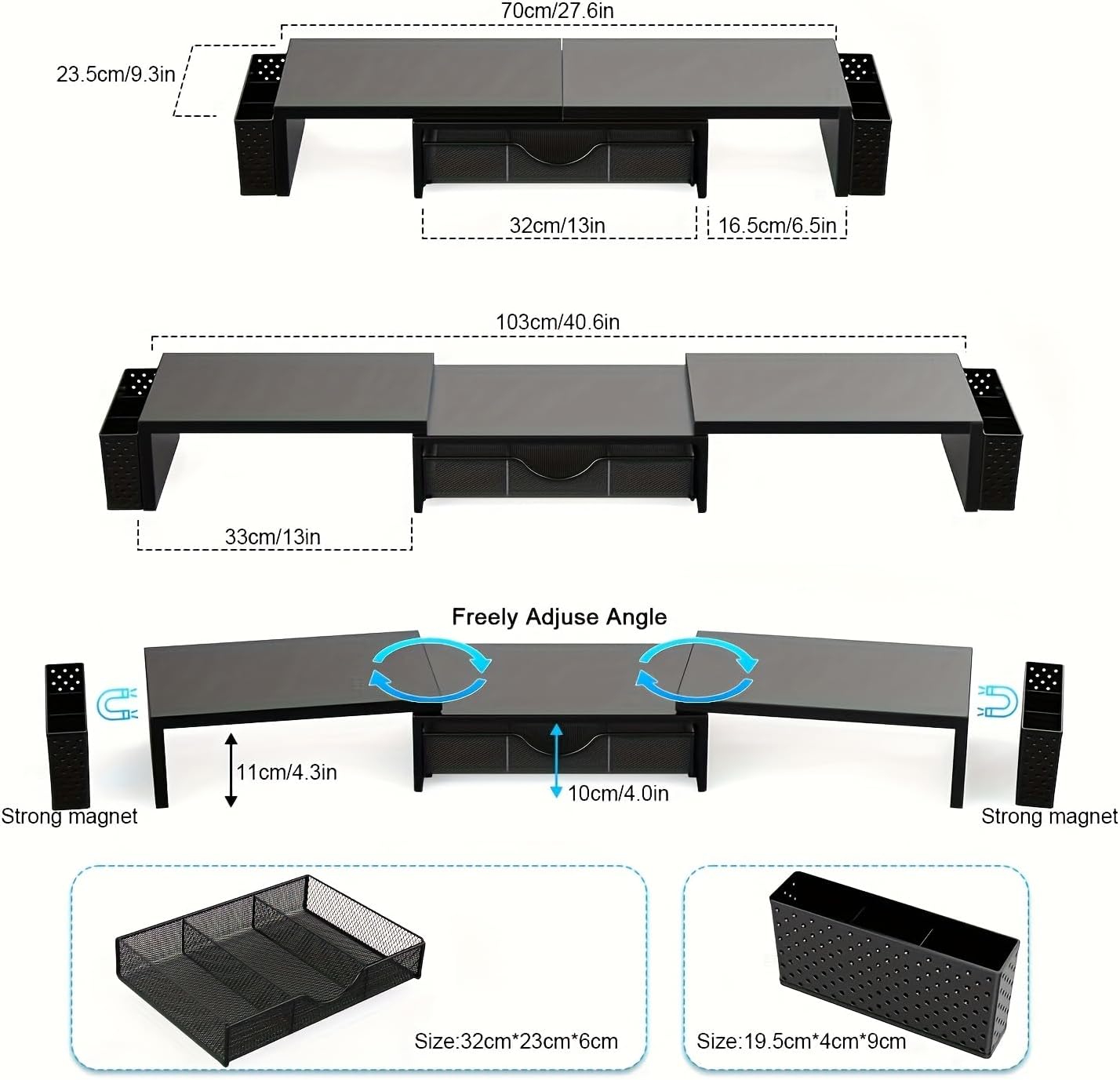
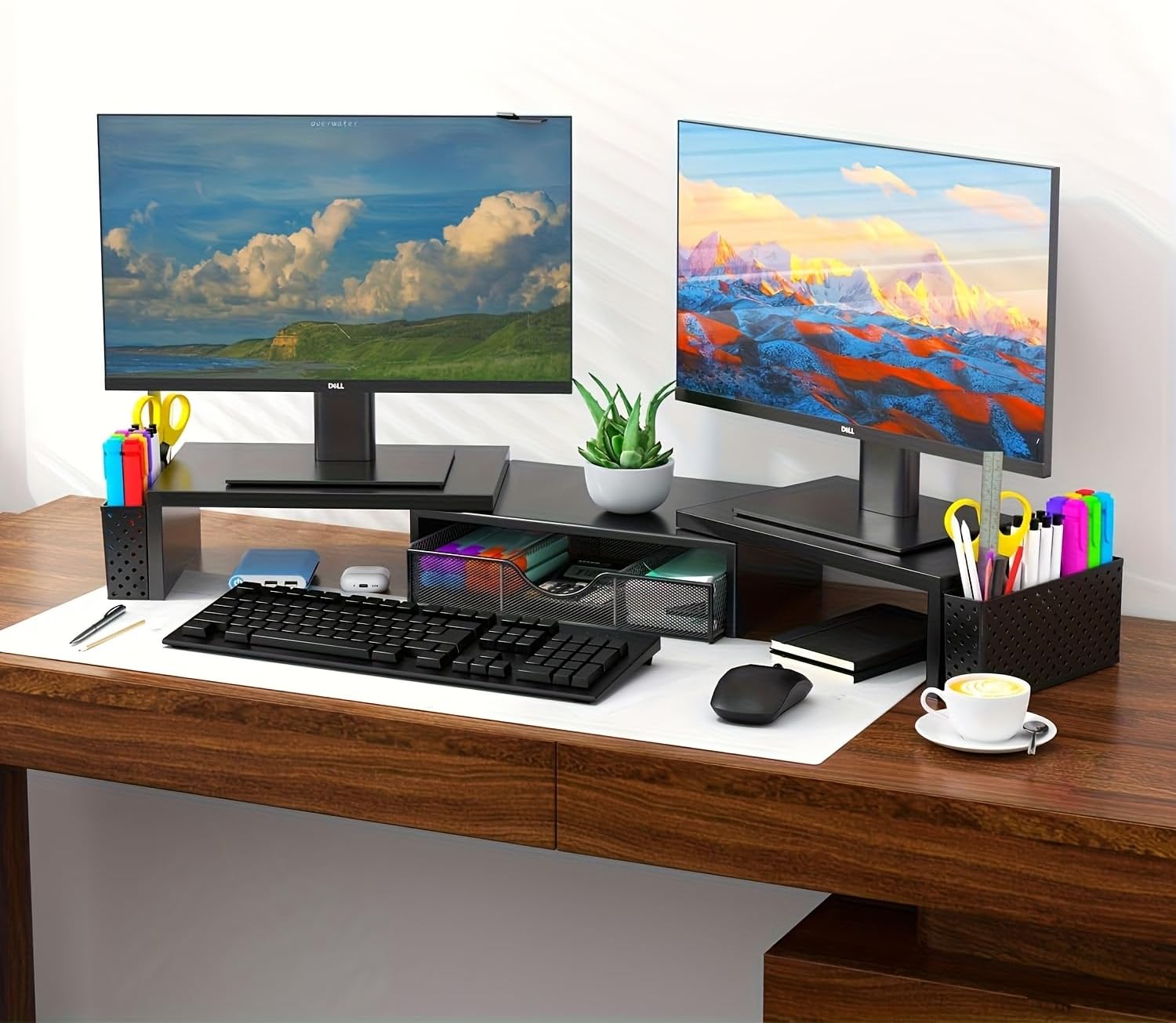
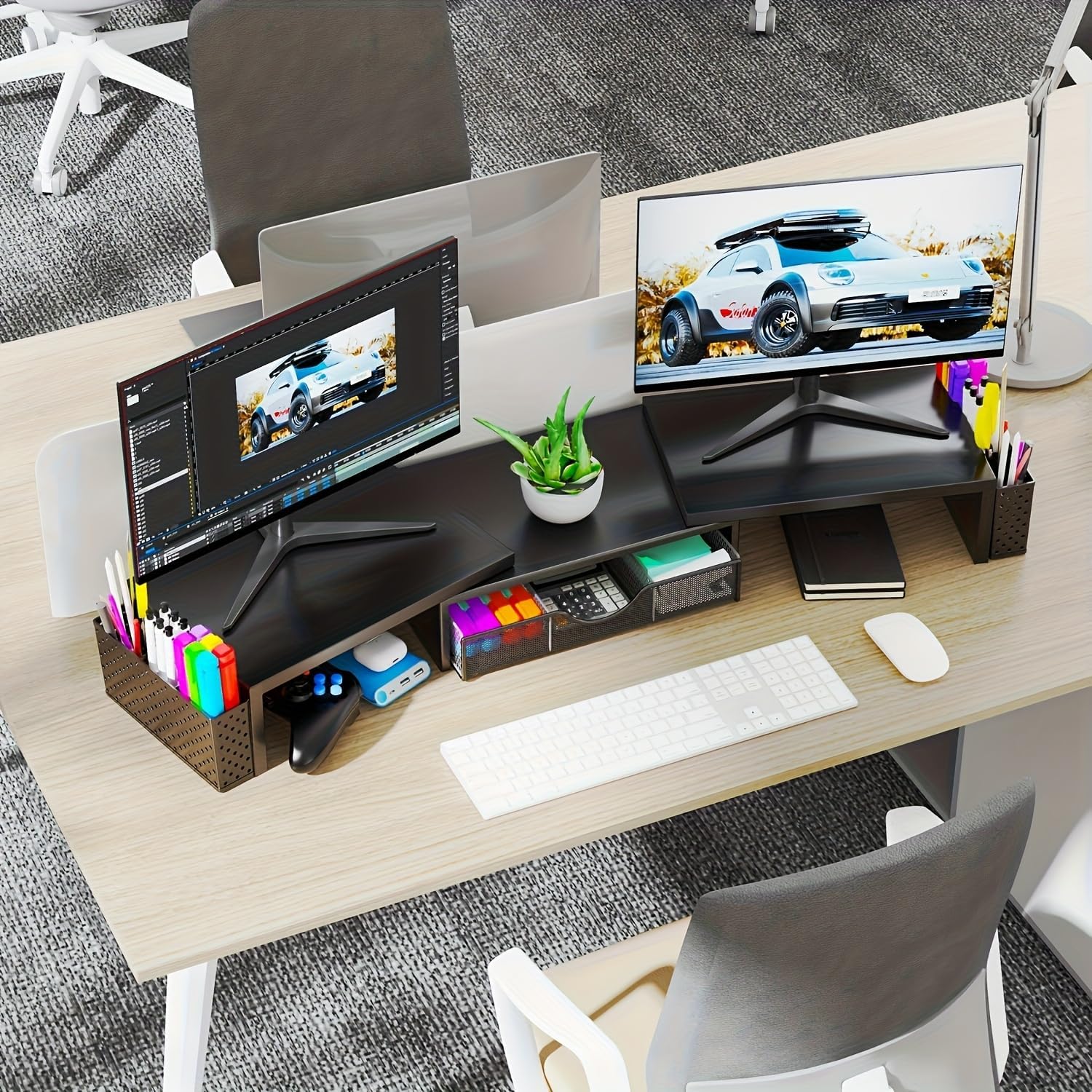
It’s made from metal and comes finished in black. The stand also includes two magnetic pen holders and a drawer, which is a nice touch if you keep pens, office bits or cables-related bits within reach. There’s also the angle and length adjustability, so you’re not completely locked into one setup.
Before you get too hopeful, though, it’s worth being a little cautious: with products like this, the usefulness depends heavily on your existing monitor sizes and how your desk space is laid out. If your setup is already at eye level and you just want storage, you might find other desk organisers do the job with less hassle.
Key features that matter day to day
The headline feature is the adjustable height to bring your monitor up towards eye level. The stated benefit is reducing neck and eye strain, improving posture, and supporting focus. That’s exactly what many people look for when their monitor sits too low and they end up craning forward for hours.
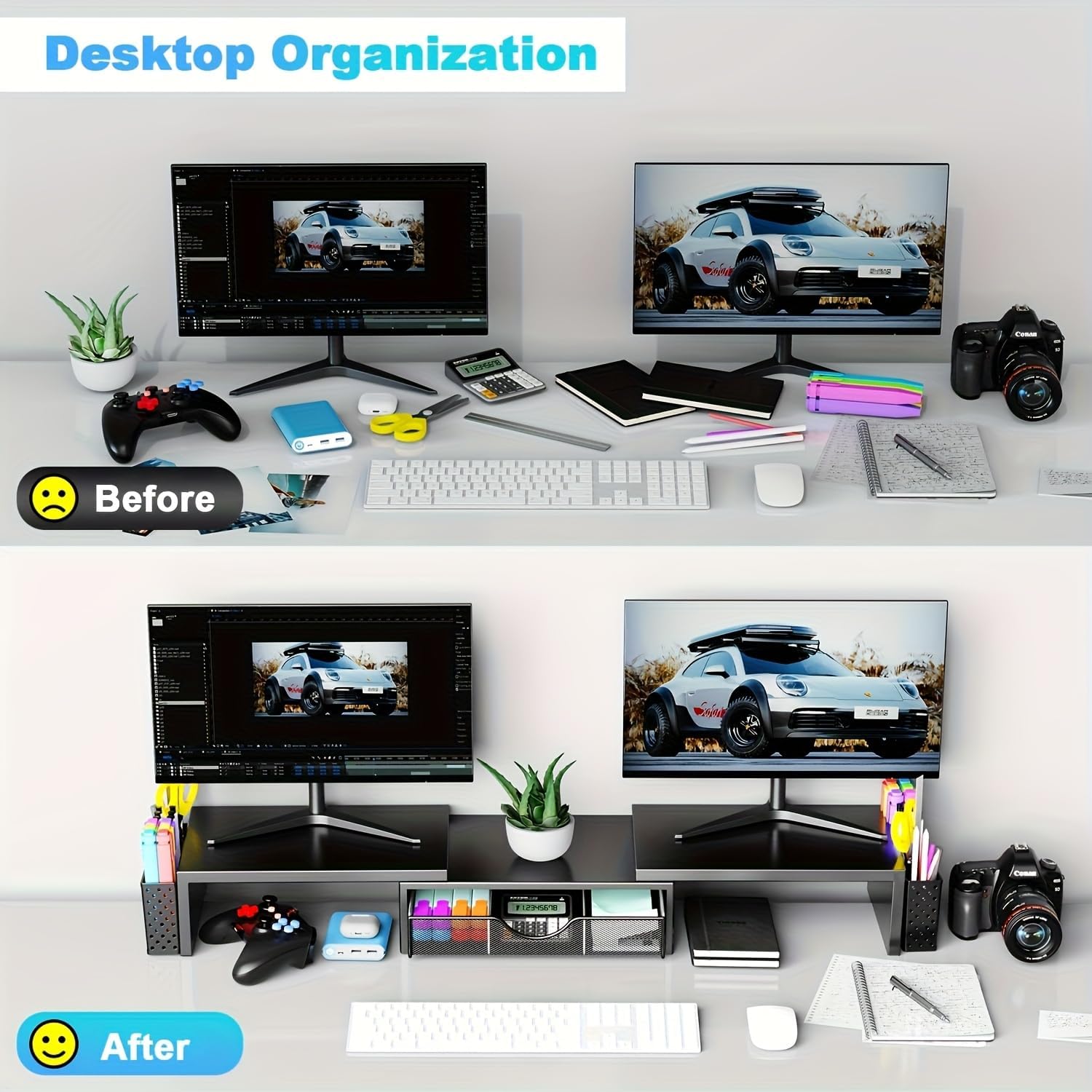
The stand also aims to maximise desktop space by using the area underneath as storage. Depending on what you place there, you can keep your mouse, keyboard, or other office supplies easier to manage (and less visible, if you’re the sort of person who gets distracted by clutter).
For organisation, the two magnetic pen holders are genuinely useful if you regularly grab pens while working, studying or taking notes. The drawer adds a more concealed option for items you’d rather not leave on show.
And there’s the “no assembly required” angle: you unbox it and use it. That’s the sort of detail that sounds minor, but it can decide whether you actually bother upgrading your desk.
What you’ll notice in use
Imagine a typical weekday: you start work with both screens slightly too low, posture slides forward, and your eyes start to feel tired quicker than they should. With a riser like this, you’re essentially giving yourself the option to lift the screens until they feel more natural at your eye line.
Then, instead of pens living in a random drawer or rolling around the desk edge, the magnetic holders give them a dedicated spot. The drawer is for the messy extras—spare stationery, small office tools, or anything you don’t want on the surface.
One practical limitation to keep in mind: “adjustable” doesn’t automatically mean it will suit every desk and monitor combination perfectly. If your monitors are set up in a way that leaves little clearance underneath, you may not be able to take full advantage of the storage space.
Tech specs
- Name: Pygocereri Dual Monitor Stand Riser with Drawer and 2 Pen Holder (Metal Black)
- Type: Dual monitor desk stand riser
- Materials: Metal
- Colour: Black
- Adjustable: Height and angle (adjustable length and angle are mentioned)
- Storage: Drawer and two magnetic pen holders
- Assembly: No assembly required (unbox and use)
Who it’s for (and who should skip it)
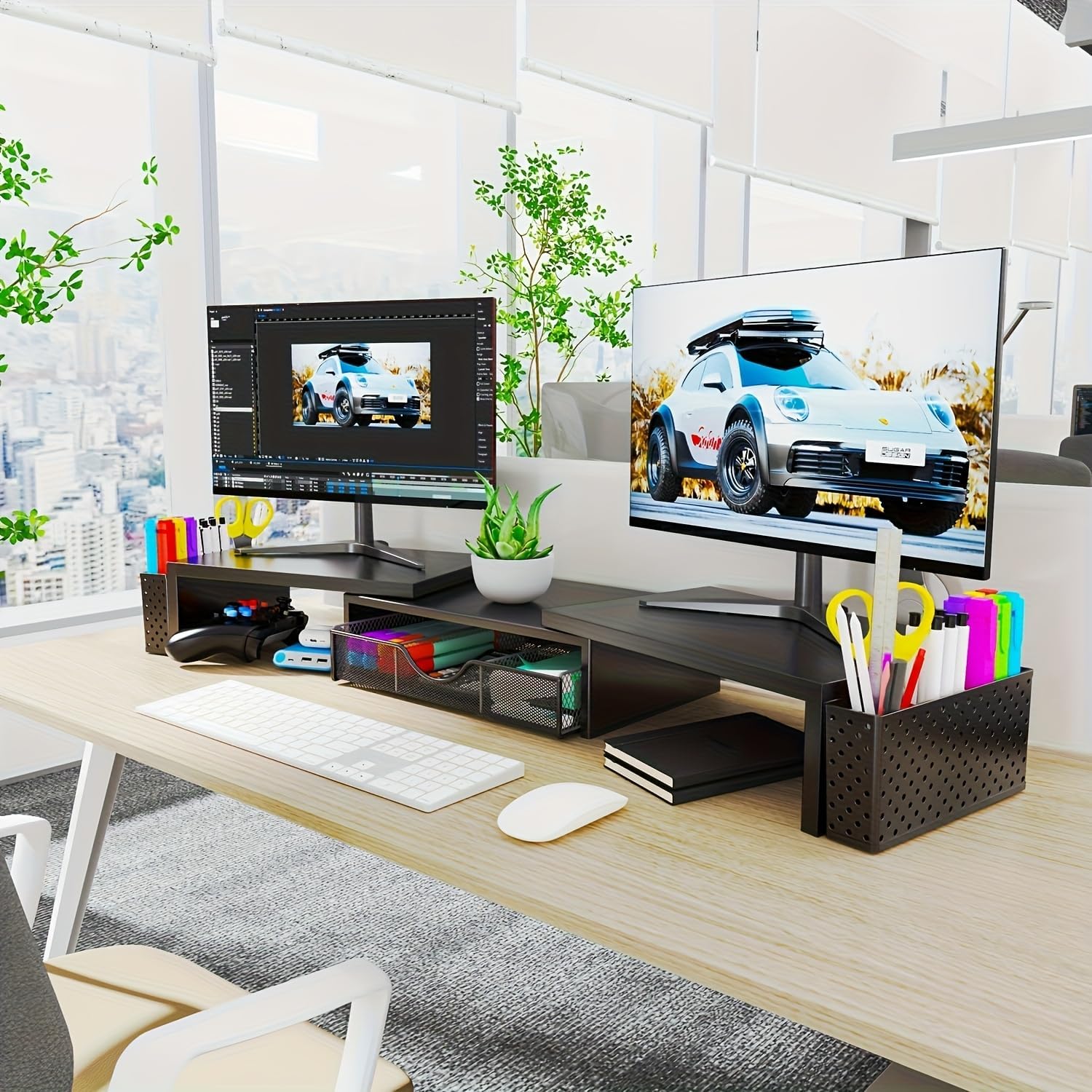
It makes sense if you want a single desk upgrade that covers both ergonomics and organisation. It’s particularly relevant for office or home-working setups where you want your monitors elevated to eye level and your small tools kept within arm’s reach.
You may want to skip it if your screens are already positioned comfortably at eye height, or if you can’t realistically fit a riser into your current layout. Also, if you’re very picky about how much access you need to items under the stand, note that the “under-stand storage” idea depends on what you plan to put there.
Care & maintenance
Because this is a metal desk accessory, basic cleaning should be straightforward—keep it dust-free and wipe down gently as you would other desk surfaces. If you notice any build-up in the drawer area or around the pen holders, regular clearing will help it stay looking tidy and working smoothly.
Is it worth it?
Worth considering if you’re looking for a dual monitor stand riser that lifts screens (to eye level on the stated goal) and adds practical storage with a drawer plus two magnetic pen holders, all with no assembly required.
It might not be a great match if your monitors already sit correctly, your desk layout can’t accommodate a riser, or you expect the under-stand space to be a perfect solution for your specific peripherals without any compromises.
Quick check before you buy: confirm your monitor arrangement will suit a dual stand, and take a moment to think through whether you’ll actually use the drawer and under-stand space rather than just adding height for height’s sake.
FAQ
Does this monitor stand need assembly?
No assembly is required, according to the product description. You unbox it and use it.
What storage options does it include?
It includes a drawer and two magnetic pen holders.
What’s the purpose of the adjustable settings?
The description states it can adjust monitor height to eye level and also adjust length and angle, aiming to support posture and reduce neck/eye strain.
Can I use the area underneath the stand?
The description suggests you can utilise the space underneath the computer stand for items like a mouse, keyboard, or other office supplies, but what you can place there will depend on your setup.