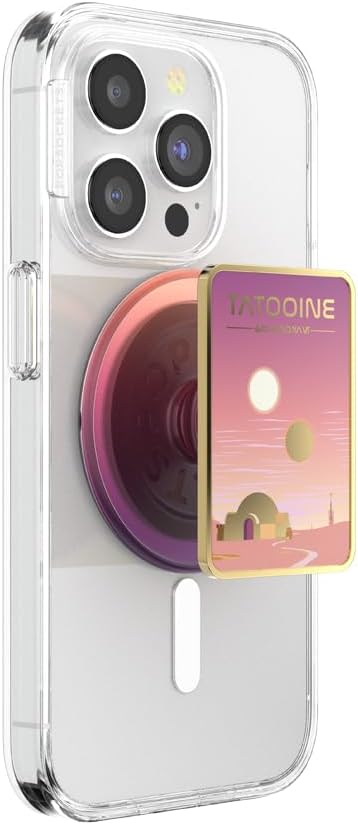
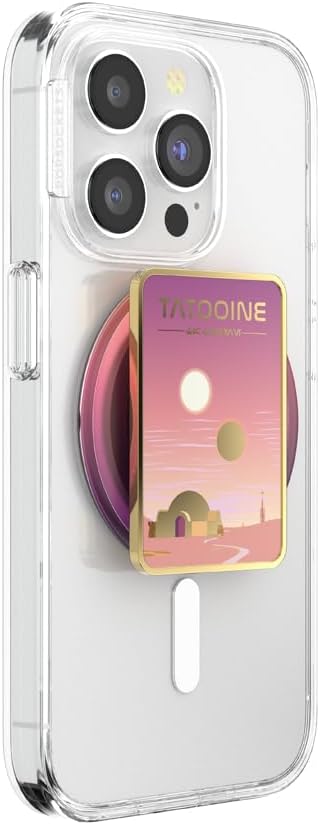
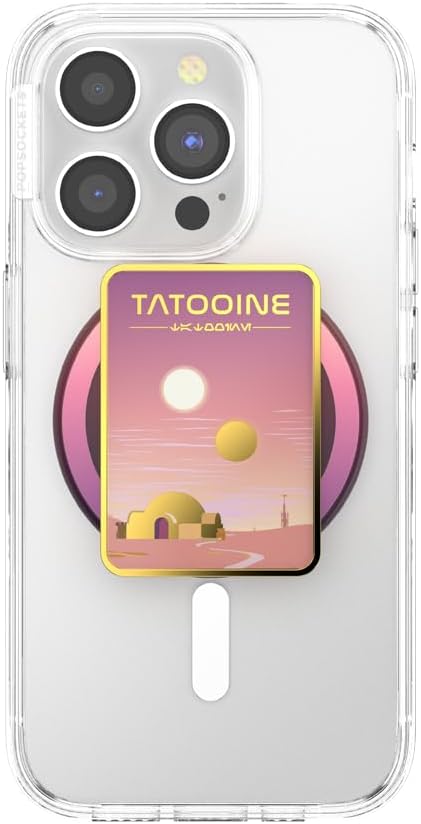
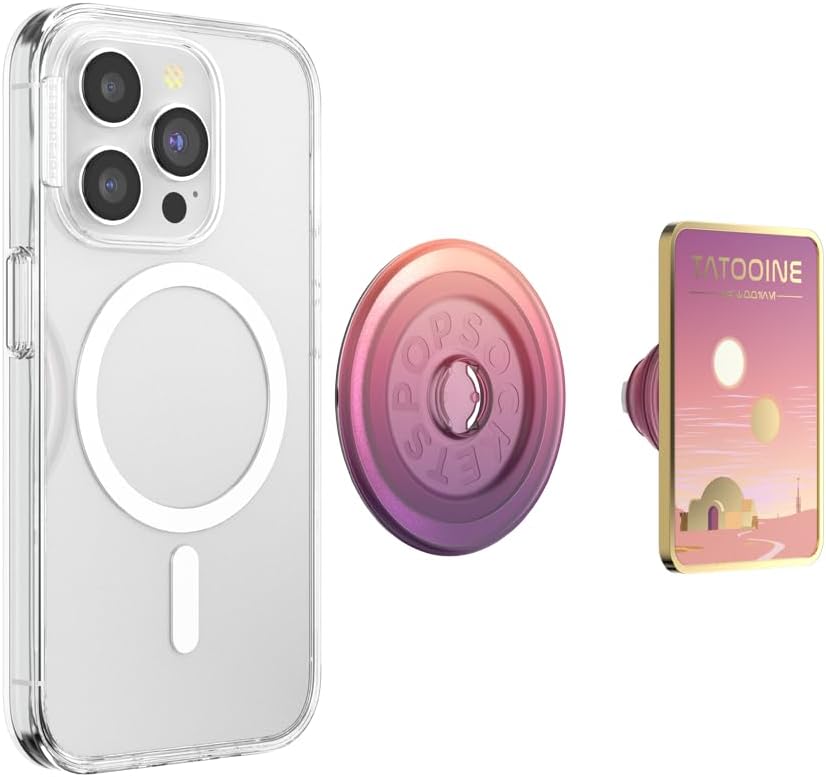
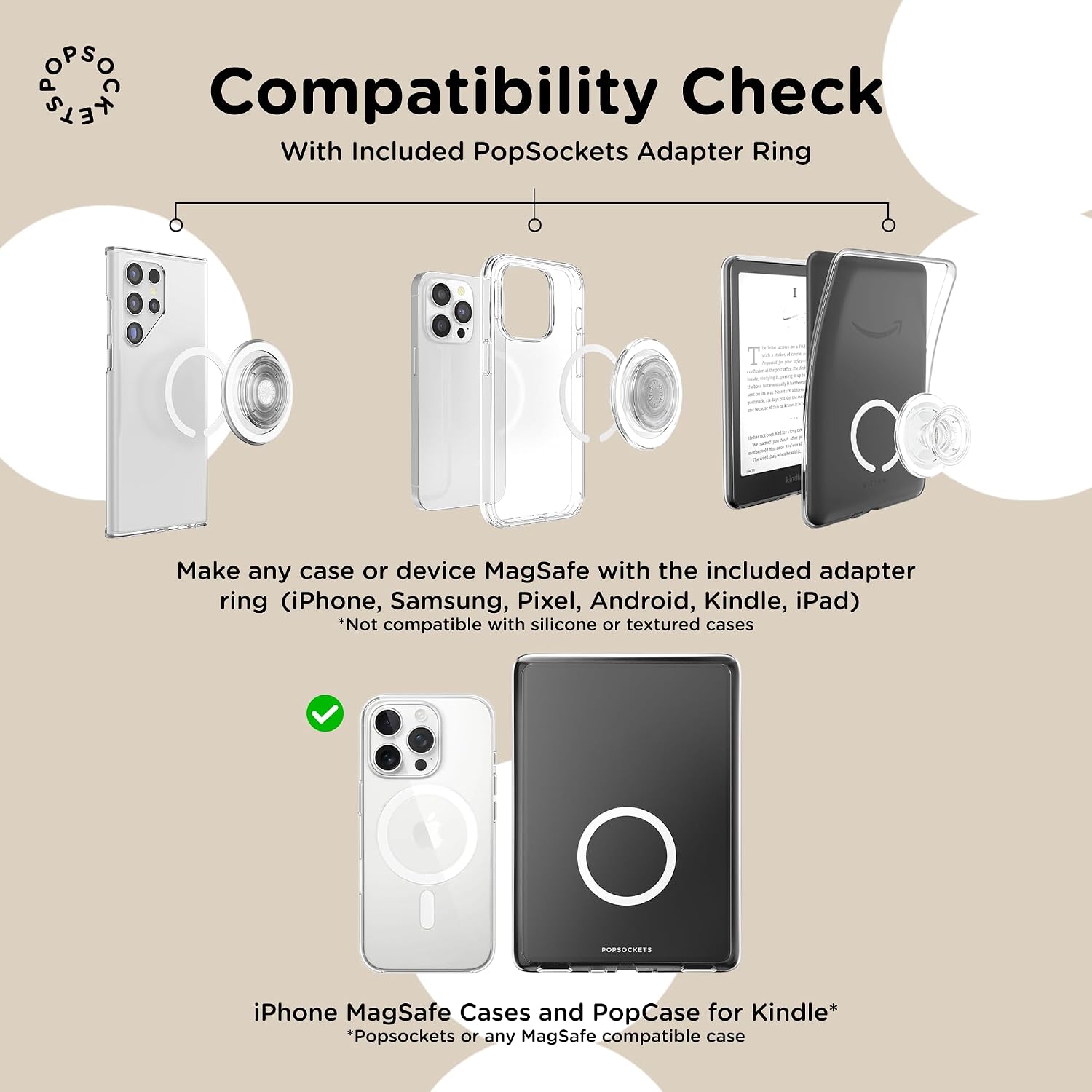
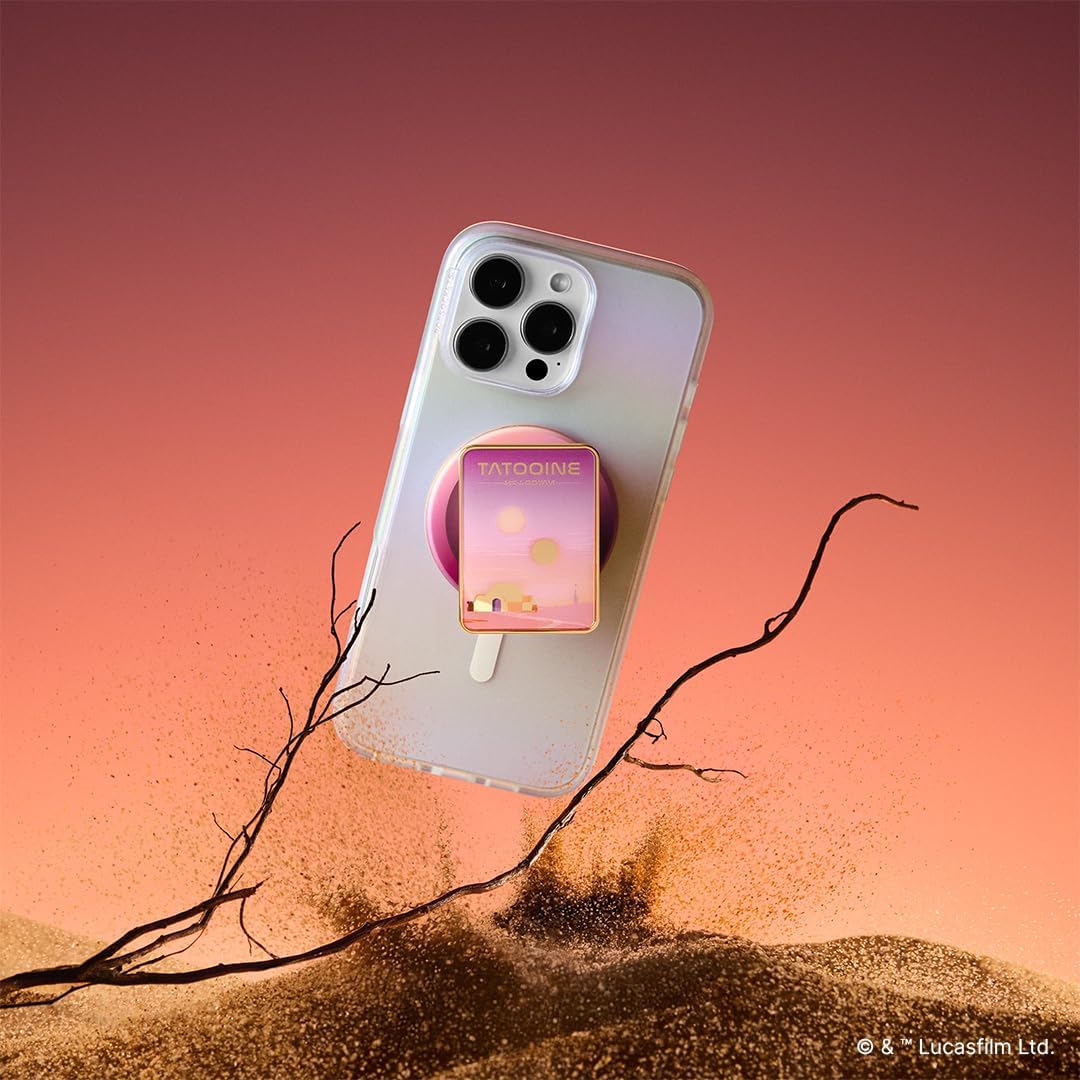
What this is and what it does\nPopSockets Phone Grip for MagSafe is a magnetic grip and kickstand designed to attach to compatible iPhones and MagSafe cases. It provides a secure handhold and a convenient stand for hands‑free use, while still allowing wireless charging when the magnet is not engaged with the charging pad. The Star Wars enamel finish adds a themed touch to a practical accessory, making it a lightweight everyday carry that can help reduce dropped phones and make one‑handed operation easier. On the surface, the concept is simple: a magnetic grip that stays put when you need it and releases cleanly when you don’t. In practice, that balance matters because a grip that’s too loose defeats the purpose, whereas one that’s too stubborn can hinder wireless charging and removal.\n\n## How it works and what’s included\nThe core idea is straightforward: built‑in magnets securely attach to iPhone 12 and newer with MagSafe or compatible cases. An additional Magnetic Adapter Ring is included to expand compatibility to many Android devices, Google Pixel, Kindle, and legacy iPhones with cases that aren’t silicone or textured. Note that the adapter ring does not support wireless charging, and the magnetic grip itself is designed to stay firmly in place for day‑to‑day use. The grip is designed to detach easily enough to slide the phone on a wireless charging pad when charging is required, albeit with the adapter ring not being compatible in that configuration.\n\n## What stands out – strengths and limitations\nOn the plus side, the magnets are described as 40% stronger than standard Apple‑compliant MagSafe, which translates to a more confident hold during daily tasks like texting, taking photos, or grabbing the phone from a pocket. The design is broad in terms of device compatibility thanks to the included adapter ring, making it a pragmatic option for households with mixed devices. The Star Wars enamel variant adds a bit of character without compromising function. The practical limitations are clear: the adapter ring is not compatible with wireless charging, so you’ll need to remove the grip or slide the phone if you want a charging session using a wireless pad. Additionally, some silicone, textured, or anti‑fingerprint cases aren’t compatible with the adapter ring, so case choice matters.\n\n## Who it’s for\nIf you prioritise a more secure grip for one‑handed use and occasional stand functionality, this PopSockets model can be attractive, especially for fans of Star Wars and those who use MagSafe ecosystems. It’s likely to appeal to users who want a simple upgrade to their MagSafe setup without committing to more substantial accessories. It may be less ideal for those who rely heavily on wireless charging with every use or who wear cases that aren’t compatible with the adapter ring.\n\n## Practical use cases\nImagine grabbing your phone from a crowded bag, typing with one hand while keeping it steady on a flat surface as a stand, or propping the device up for a quick video chat on a commute. In these everyday moments, a grip that stays put and feels natural in hand matters more than a flashy feature list. If you frequently swap devices or have mixed devices, the included adapter ring adds a useful bridge, though you should plan for charging pauses when using the ring.\n\n## What to check before buying\n- Confirm your device and case are compatible with MagSafe or the adapter ring.\n- Consider your charging habits: if wireless charging is a priority in the daily routine, remember the adapter ring isn’t compatible with charging.\n- Ensure the case isn’t silicone, textured, or anti‑fingerprint if you intend to use the adapter ring.\n- Expect a practical, not flashy, accessory that adds grip and a light kickstand, rather than a device‑enhancing tech feature.\n\n## How this compares to other approaches\nIn comparison to a simple non‑magnetic grip, this model aims to offer better integration with MagSafe ecosystems and a more secure hold when attached. For someone who wants a quick, low‑friction upgrade to a MagSafe setup without investing in a full case or wallet, it provides a balanced option. If you need uninterrupted wireless charging for most of the day, you may lean toward removing the grip during charging or choosing a different solution designed specifically for charging continuity.\n\n## Decision of purchase\n### Is it worth it?\nWorth considering if you value a secure magnetic hold within the MagSafe ecosystem and you enjoy Star Wars aesthetics. It’s a practical option for hands‑free use and a subtle stand, provided you don’t rely on wireless charging with the adapter ring in place.\n\n## Frequently asked questions\n- Does it fit all cases? The adapter ring extends compatibility to many cases, but not for silicone, textured, or anti‑fingerprint coated cases.\n- Can I wireless charge with the grip on? Wireless charging is possible by sliding off the magnetic round PopSocket, the adapter ring is not compatible with wireless charging.\n- Is the magnet stronger than usual? The magnets are described as 40% stronger than standard Apple‑compliant MagSafe.\n