

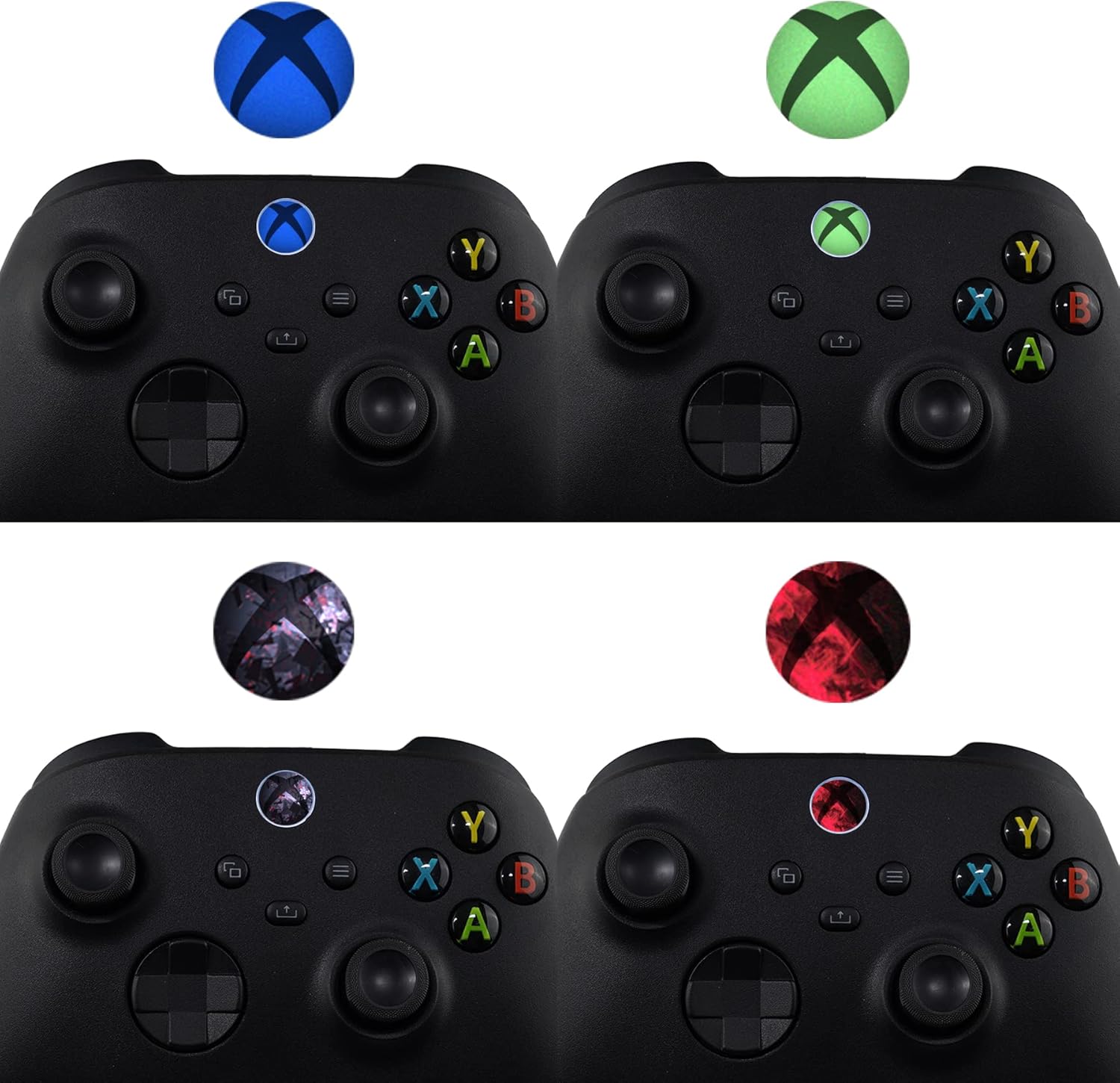
playvital Custom Home Button Power Switch Stickers Skin Cover for Xbox Series X|S, Xbox One & Elite Controllers (60 pcs)
Product description
If you like your Xbox to look a bit more like you, these playvital custom Home Button and power switch sticker skins are an easy way to refresh the finish without replacing parts. They’re designed for a few different Xbox setups, and the idea is simple: give the front logo area a new look, then swap again later if you fancy a change.
But are stickers always a good idea? On paper they sound low-effort, and the install/remove approach matters a lot with this type of accessory. Below is what to consider before you buy.
Key takeaways
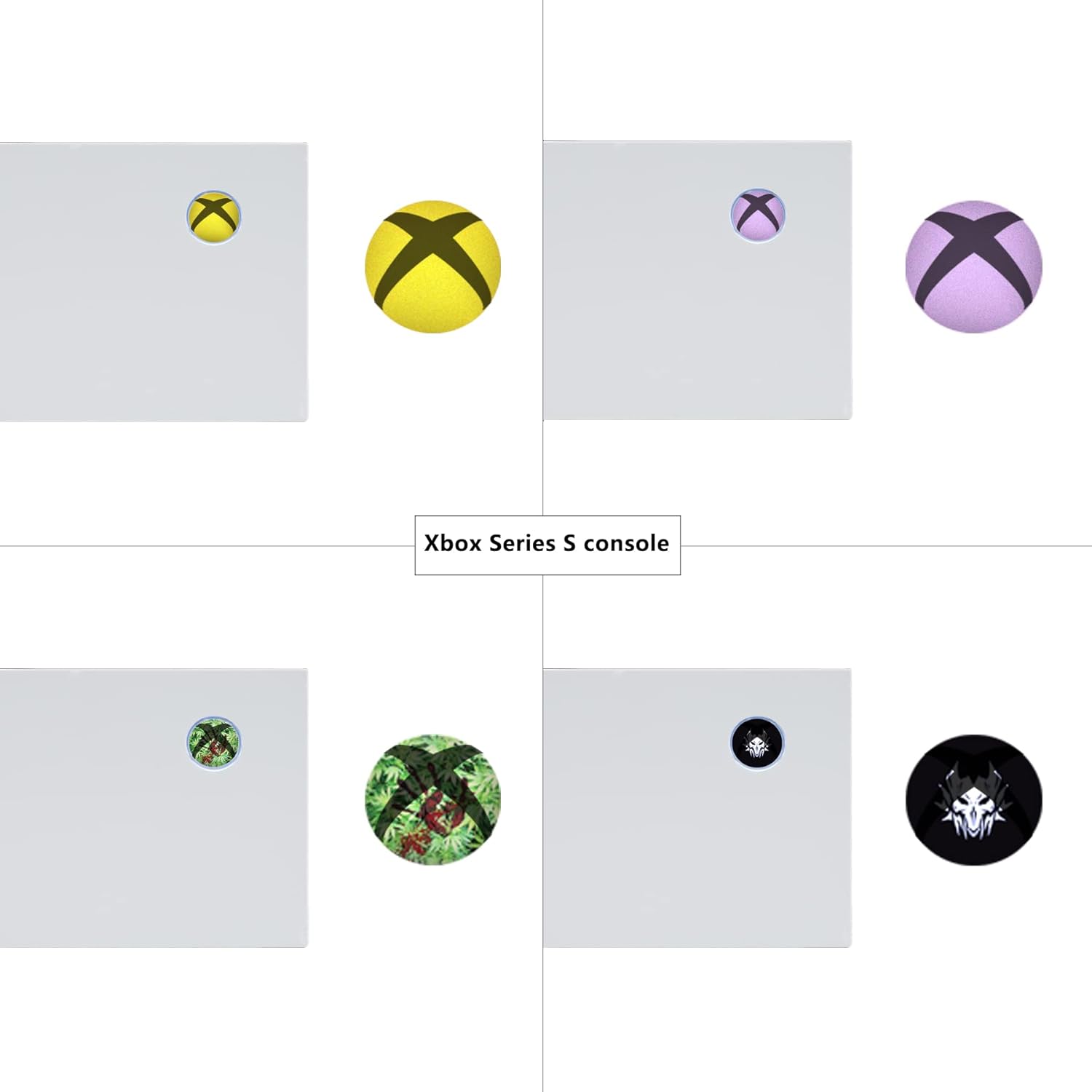
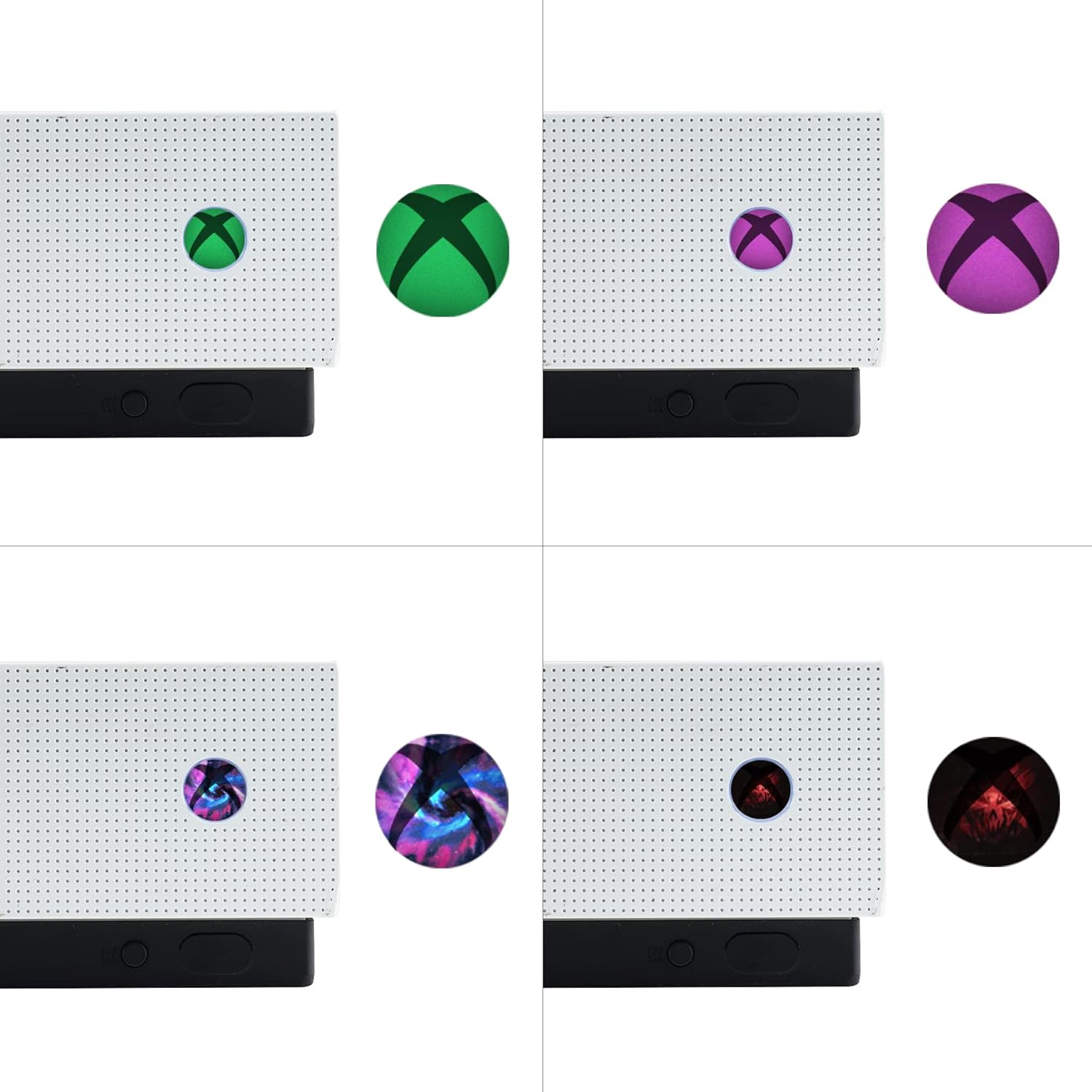
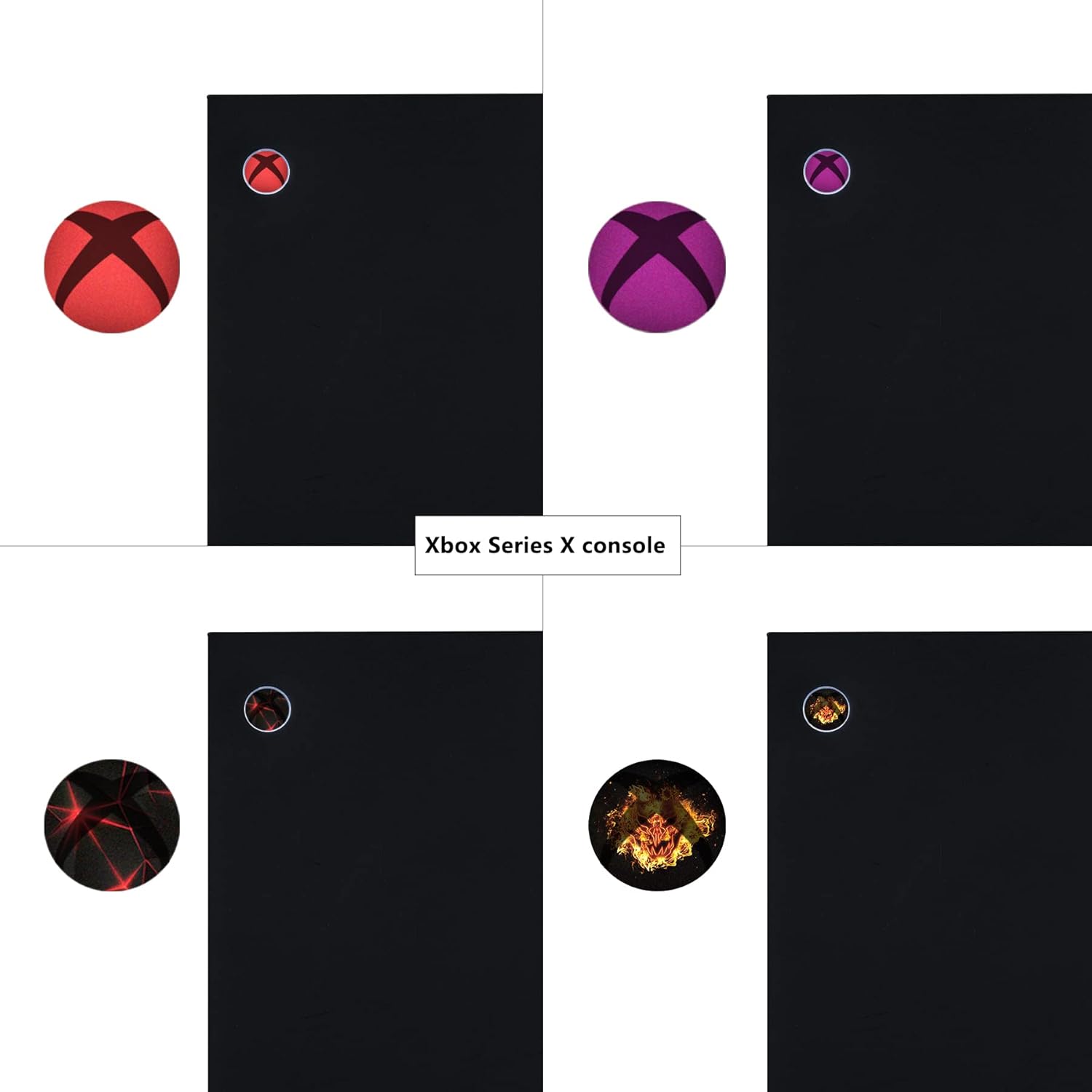
These are custom logo-style sticker skins aimed at Xbox Series X|S, Xbox One variants, and certain controller models. The pack includes a mix of designs and colours (with multiple pure solid colours and patterns), and there are different sizes so you can aim for a better fit across consoles and controllers.
They’re positioned as straightforward to apply and remove, with an emphasis on avoiding sticky residue. There’s also a practical lighting consideration: they’re made so the logo light can still pass through rather than blocking it completely.
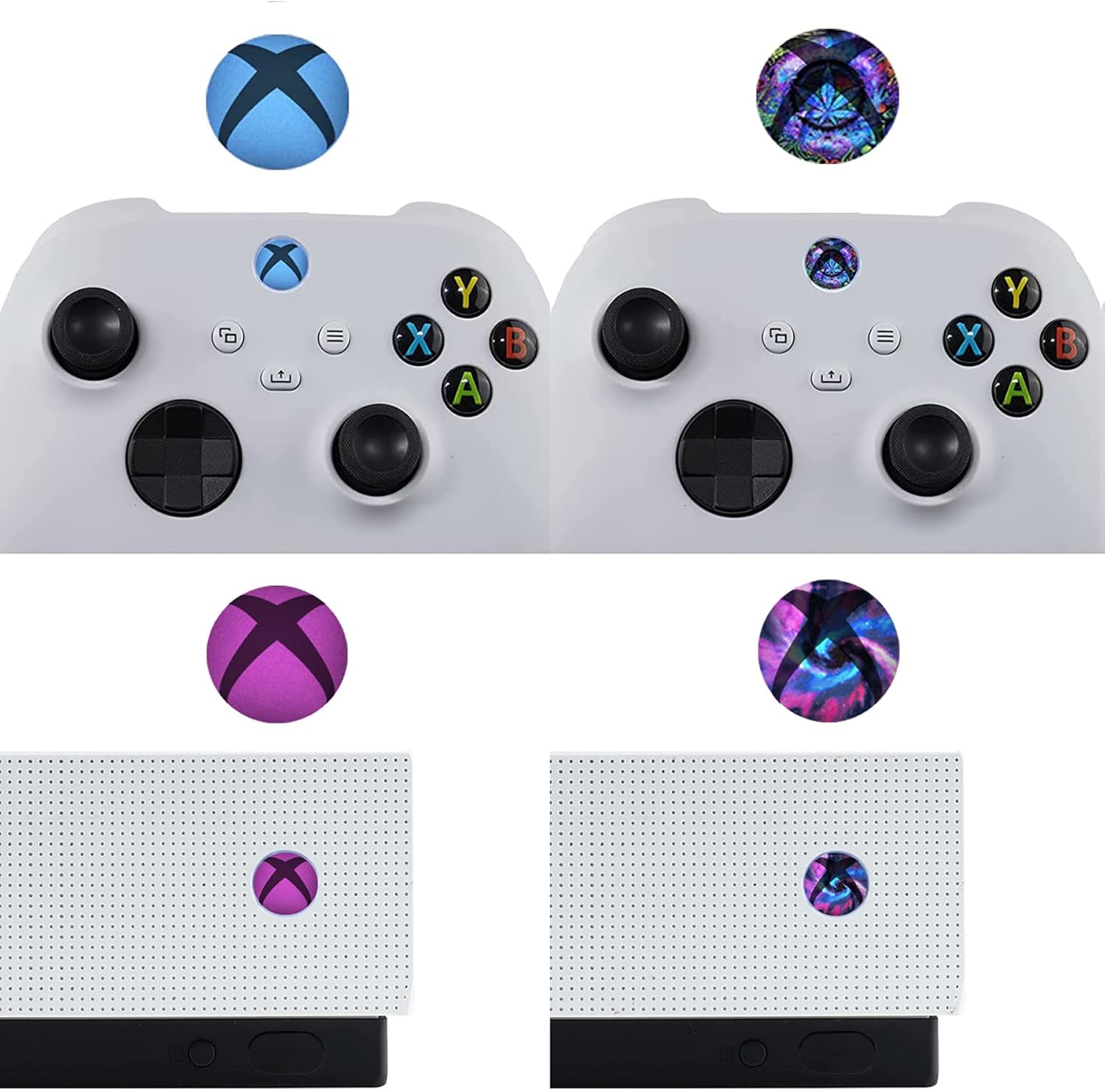
It’s a fun, aesthetic-focused add-on more than a performance upgrade. If your priority is protection or durability against knocks, stickers may leave you with questions—especially if you regularly clean around the area or you’re picky about long-term edges.
The essentials
The core purpose here is decoration and personalisation. These playvital skins are built around logo placement for the Home button and power switch areas, with artwork intended to sit neatly on the relevant surface.
In the pack, you get 60 pieces in total, organised across 20 designs. The set is split into 10 plain, solid colours and 10 patterned options, so you’ve got room to mix and match rather than committing to one look.
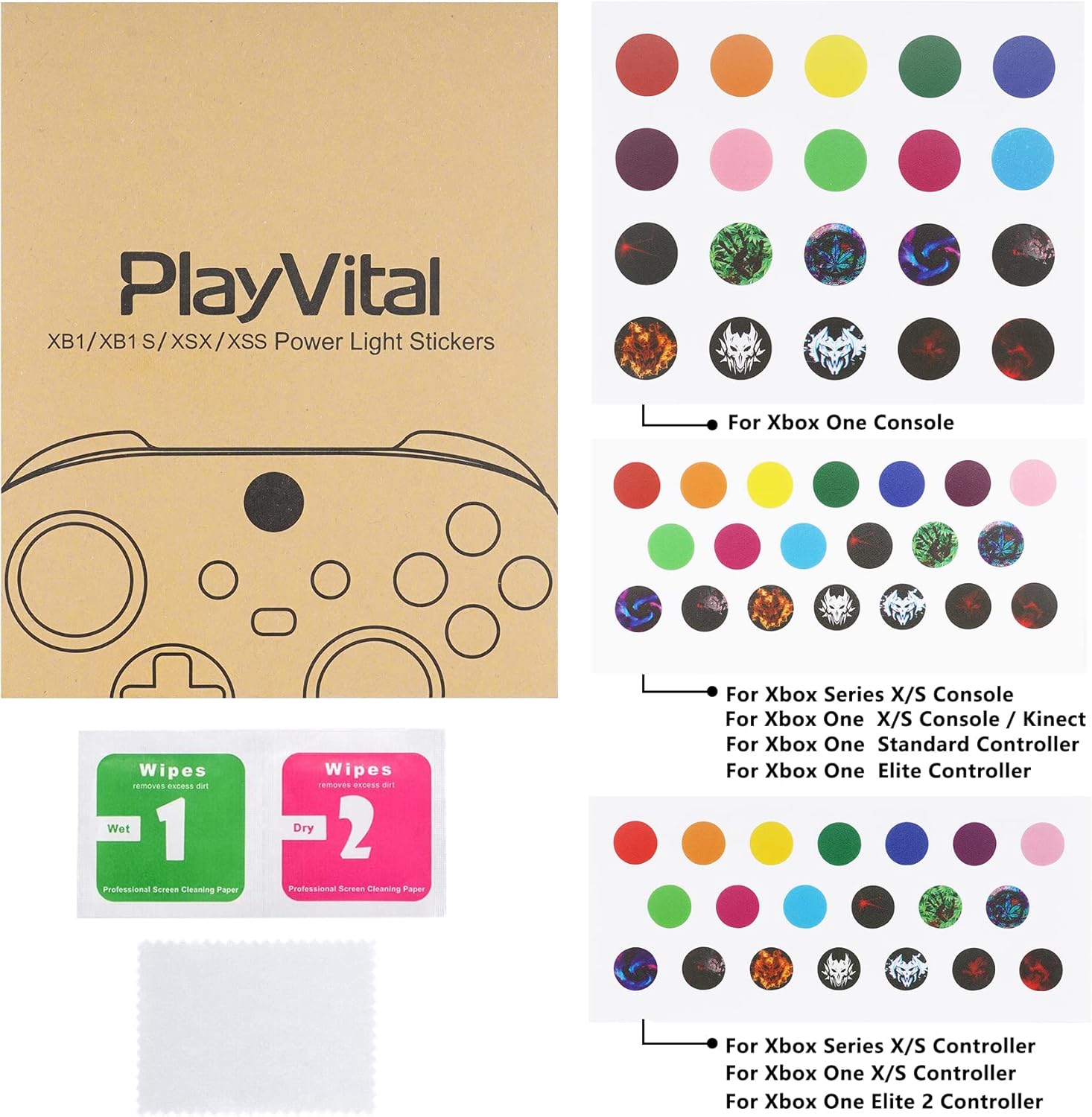
The product also states it’s available in 3 sizes. That matters because Xbox consoles and controllers don’t share the exact same logo/panel shape across all models—so choosing the right size category is likely the difference between “looks tidy” and “feels slightly off”.
A quick micro-example: if you’ve got a controller you use every day, you could apply a patterned option to the Home button area for a more colourful look. When friends come round, it’s the kind of detail that stands out immediately, without changing how the controller works.
What stands out
Where these stickers feel most convincing is the combination of variety and practical usability.
First, the mix of designs and colours means you can match your existing setup. If your console/room theme is minimal, the solid colours are there. If you prefer something louder, the patterned options give you that extra visual texture.
Second, the install and removal promise is important. The description specifically notes they stick well and can be removed without leaving sticky residue. That’s not always the case with cheap skins, so it’s a point worth taking seriously.
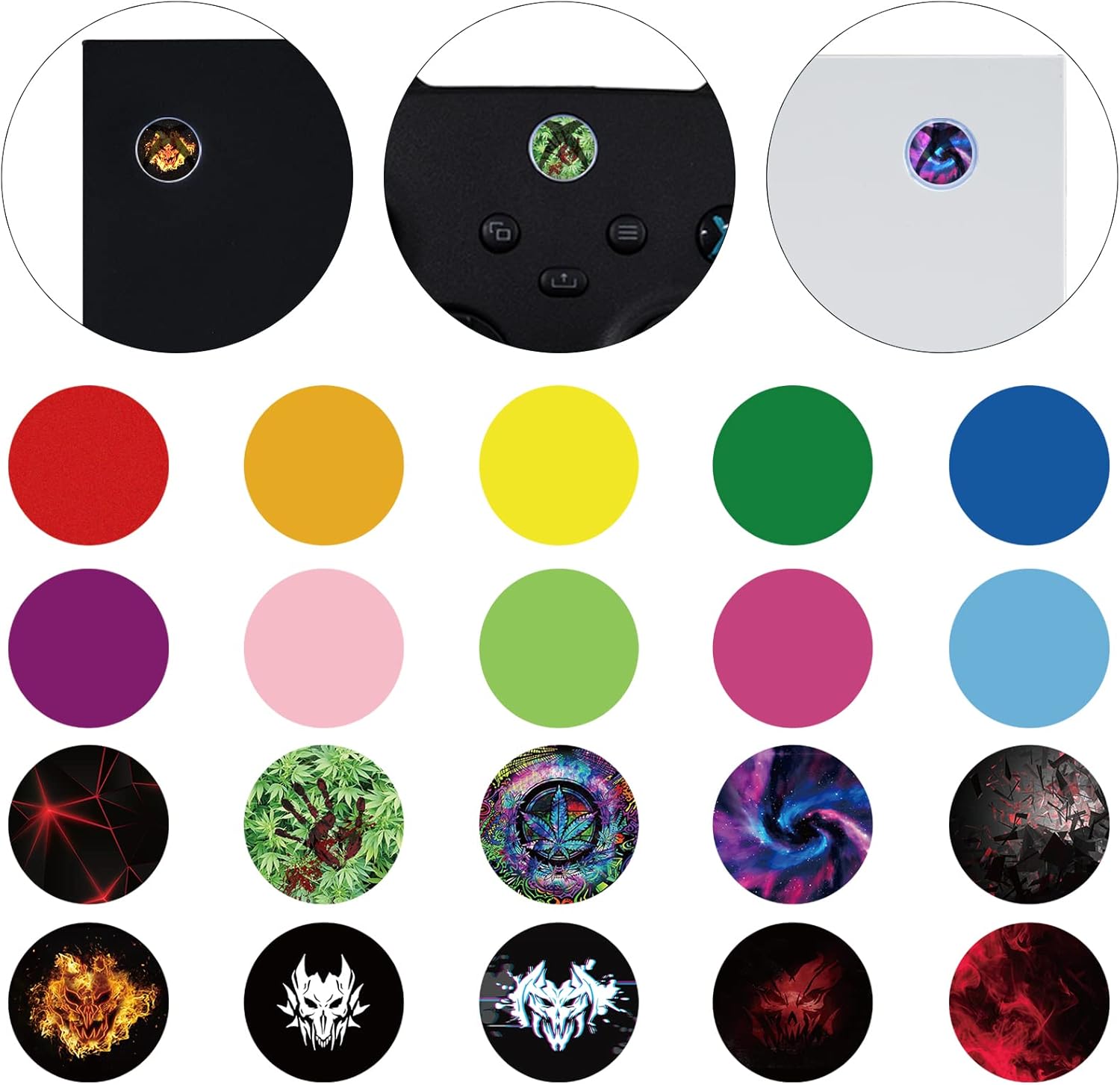
Third, there’s the lighting detail: the stickers are described as not interfering with the logo light, while still allowing the illumination to pass. If you’re the sort of person who actually likes seeing the light on the Home area, that’s a key consideration.
Where it might fall short
This is an accessory for looks, not a hardware upgrade. So if you’re buying because you want better protection, better buttons, or any kind of technical improvement, these probably won’t satisfy.
Also, stickers are only as good as the surface they’re applied to and your patience with alignment. Even with “easy to install”, you may find that getting everything straight is fiddly at first—especially on smaller controller areas.
Finally, while the lighting is said not to be blocked, “still allowing illumination” is still a sticker, so if you’re very particular about how the light appears through the logo area, you might want to check how you feel about the style choices in person.
What to check before you buy
Before committing, it’s worth double-checking a few practical points:
- Size choice: the set comes in 3 sizes, so make sure you’re selecting the one intended for your specific Xbox model/controller area.
- Your tolerance for skins: if you prefer a clean, factory look with no aftermarket layer, stickers may not be for you.
- Placement expectations: these are designed for logo-related areas (Home button and power switch). If your unit has a slightly different panel layout from what you expect, you could end up with a less-than-perfect match.
- Lighting priority: since the description mentions the logo light passing through, consider whether you want the light to remain a clear feature.
Buying verdict
A solid pick if you want an affordable way to customise the Home button and power switch logo areas on an Xbox Series X|S or Xbox One setup, or on compatible controllers. The variety (20 designs across 60 pieces) plus the removal-without-residue claim makes it feel more flexible than single-design skins.
You may want to skip it if you’re after protection, durability, or a “permanent” finish—stickers are still an aftermarket layer. It might not be a great match if you strongly dislike the look of decals or if you’re likely to re-clean or remove them often.
Overall, it fits best with casual to enthusiast personalisation: the sort of purchase where you’re aiming to tidy up the look of your Xbox and enjoy the change, rather than expecting anything technical.
Mini FAQ
Can these be removed without residue?
The description says they can be removed and do not leave sticky residue, with easy install and removal.
Do they block the logo light?
They’re described as not interfering with the logo light, while still allowing illumination to pass.
Are there enough designs and colours in the pack?
Yes—there are 60 pieces total, covering 20 designs, with 10 simple solid colours and 10 patterned options.
Do they come in different sizes for different Xbox models?
The set is available in 3 sizes to suit different console and controller models.
Are these meant for console or controllers (or both)?
The description specifically mentions Xbox consoles (Series X/S and Xbox One X/S) and also controllers (Elite Series 2 and Xbox One Kinect mentioned in the same context), so it’s aimed at both setups depending on fit and size.