

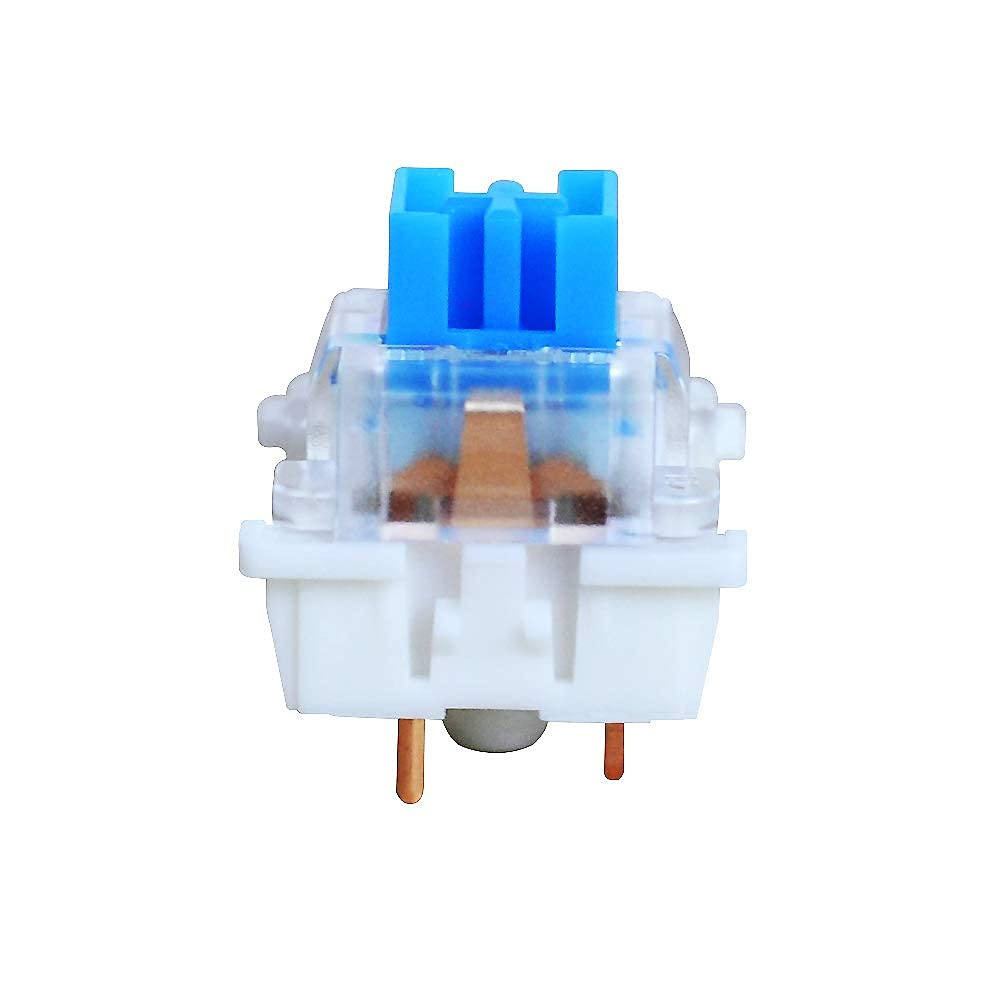
OUTEMU Blue 3-Pin Keyswitches (20 pcs) for RGB Mechanical Gaming Keyboard
Product description
What it is and what it solves
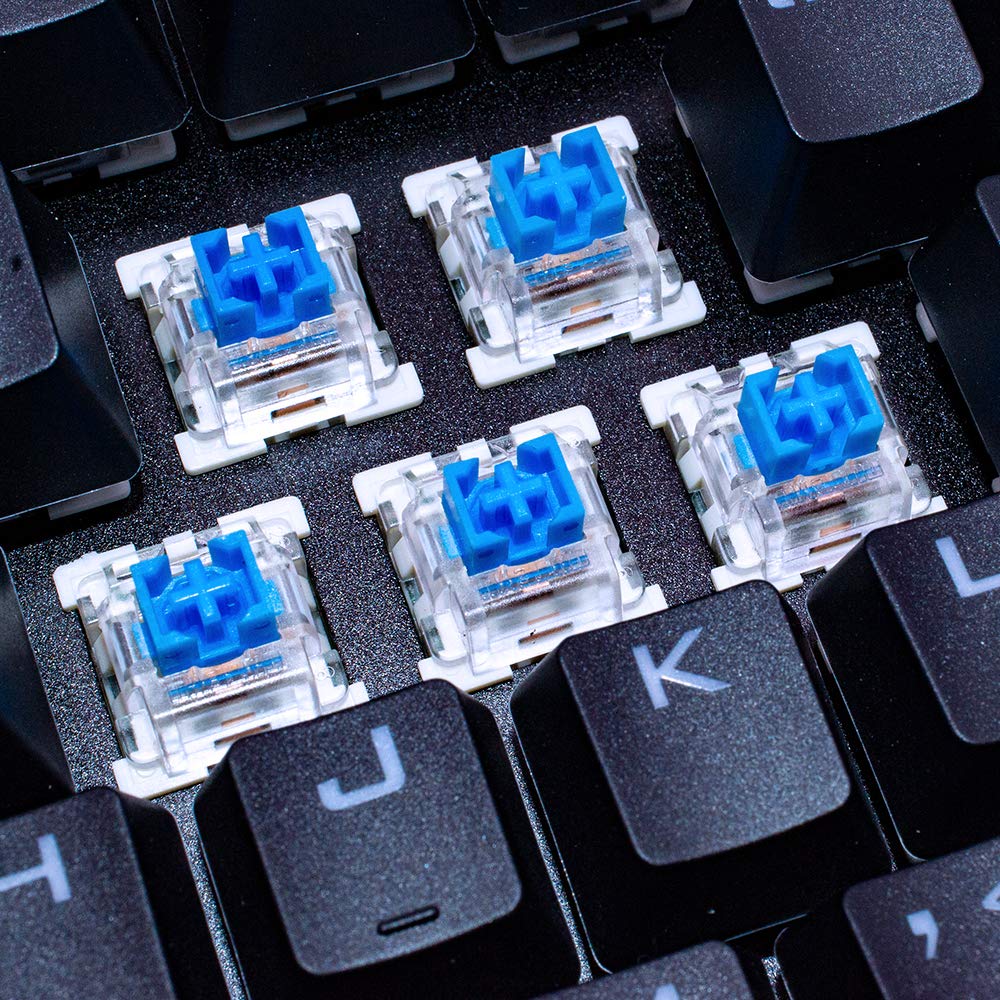
Outemu Blue switches are 3-pin, low-profile MX-compatible keyswitches designed for RGB mechanical keyboards. They’re aimed at users who want a tactile, clicky experience with reliable durability, and compatibility with portable or thin keyboards. On paper, these switches offer a two-stage tactile feel and an actuation force around 50±15gf, with claims of over 50 million laboratory test cycles. They also support SMD RGB lighting and round two-leg lights, making them compatible with Cherry MX layouts while preserving lighting options for custom builds.
How they feel in use
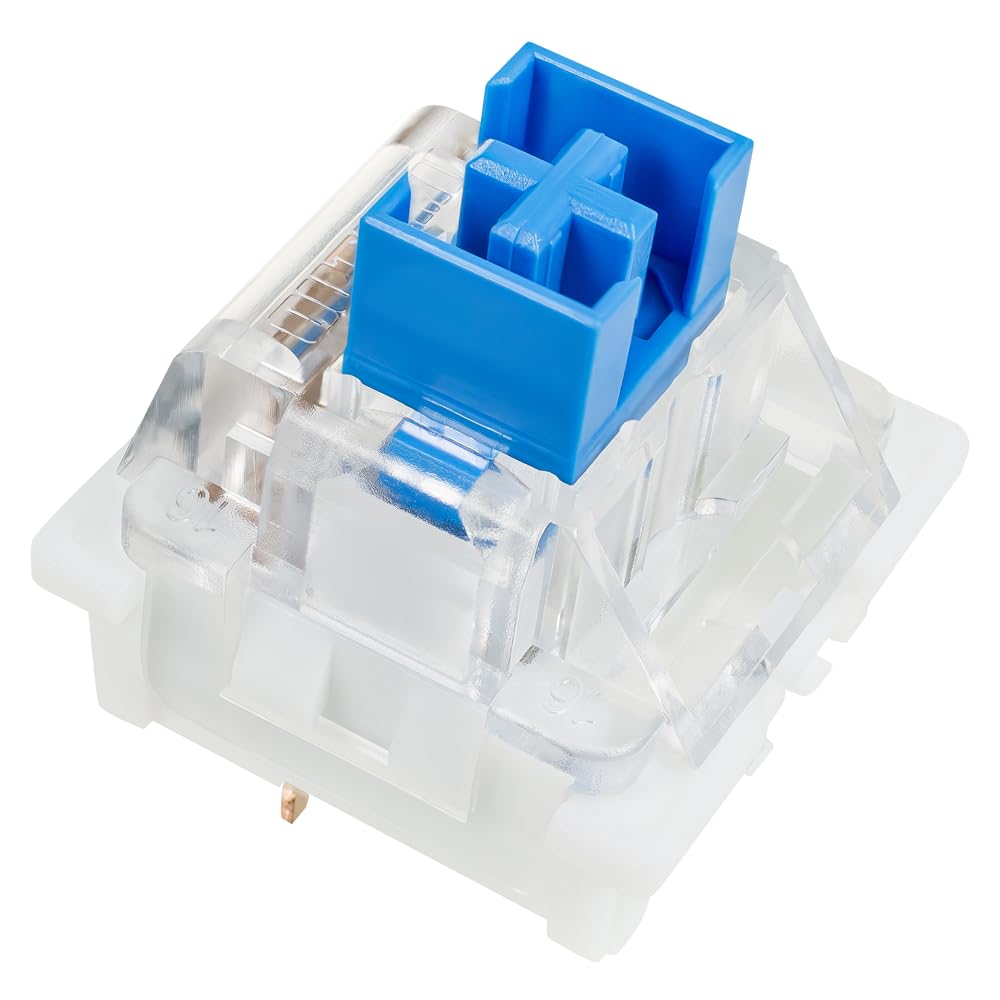
The typing experience is described as crisp with a noticeable tactile bump and a relatively strong audible click. For writers or gamers who appreciate audible feedback and a crisp cadence, these switches can be appealing. However, it’s worth noting that the two-stage tactile characteristic may feel different from other tactile or linear options, so personal preference matters.
Pros and what stands out
- Genuine Cherry MX compatibility with RGB lighting support, which helps when routing lights in custom builds.
- Durable construction claims (50 million cycles) and consistent performance in controlled tests.
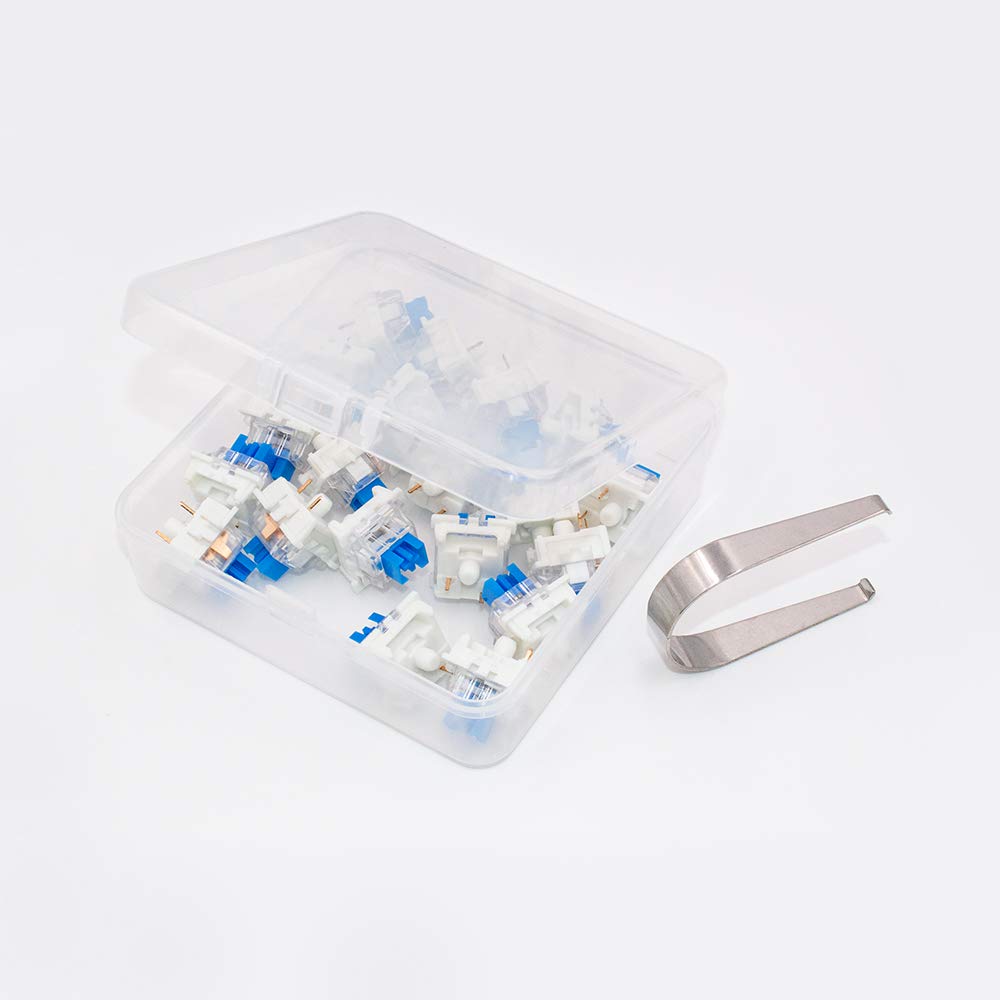
- Pack includes a puller tool and 20 blue switches, plus a protective PP box, which makes initial installation and storage straightforward.
- Suitable for both manual soldering and hot‑swappable boards, offering flexibility depending on your setup.
Cons or limitations to consider
- The voice and feel of blue switches are polarising: the crisp click and tactile bump aren’t ideal for quiet environments or shared workspaces.
- Real-world durability and smoothness can vary with keyboard build quality, lubing, and whether you’re using a hot‑swappable PCB or soldered assembly.
- Some users may find the two-stage actuation slightly stiffer than other blue switches, which could affect long typing sessions if you alternate between heavy and light keypresses.
Who it’s for
- Builders who want MX-compatible switches with RGB compatibility for a clean lighting aesthetic.
- Users building thinner or portable keyboards who need low-profile, 3-pin switches with reliable actuation.
- Keys enthusiasts who favour a tactile, audible feedback and are comfortable with blue switches.
Who it’s not ideal for
- If you prefer a quieter, softer typing experience or a linear switch, these blue switches aren’t the best match.
- If your board is strictly 5‑pin or you require a different lighting interface, you may need to verify compatibility more thoroughly.
When it makes sense to buy
- You’re upgrading a mechanical keyboard and want a tactile, clicky feel with RGB lighting support within a budget.
- Your board supports manual soldering or hot‑swap with 3-pin MX‑style switches and you value a straightforward installation pack.
What to check before buying
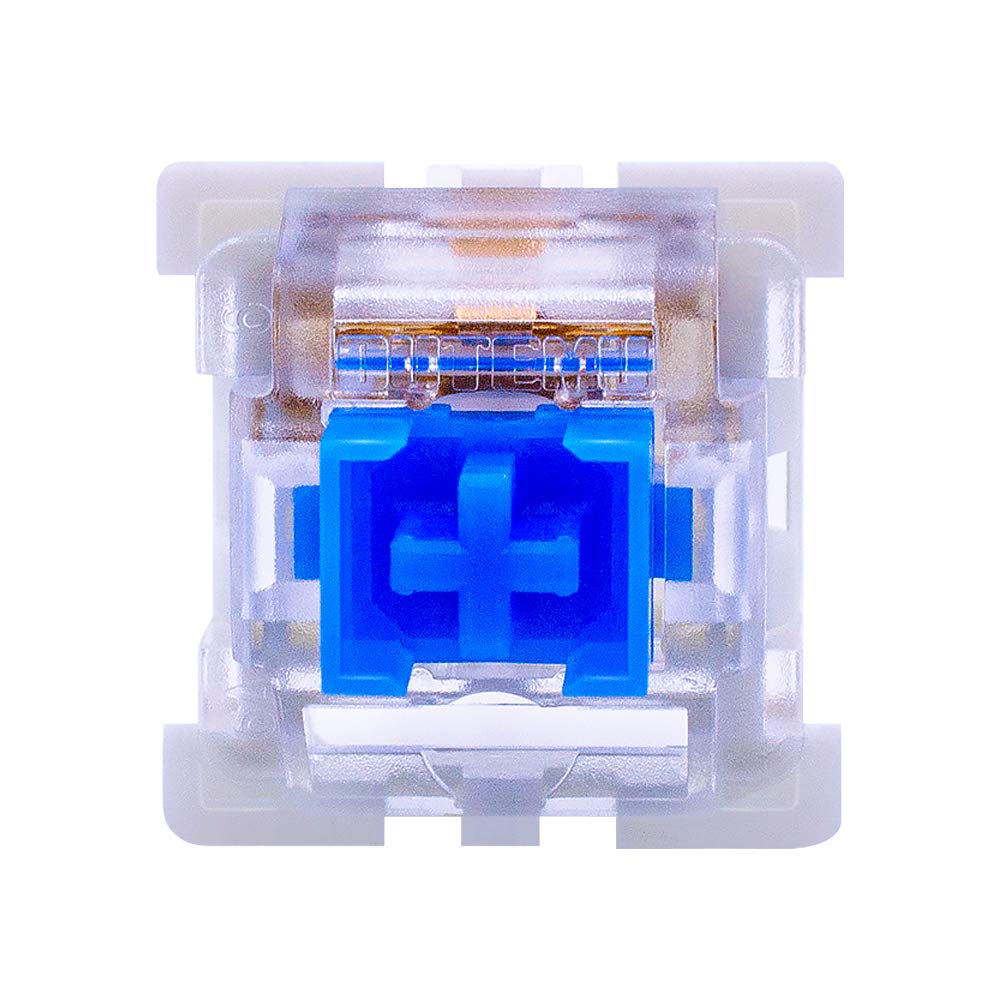
- Confirm your keyboard’s LED compatibility and seating for SMD RGB, as lighting integration is a highlight here.
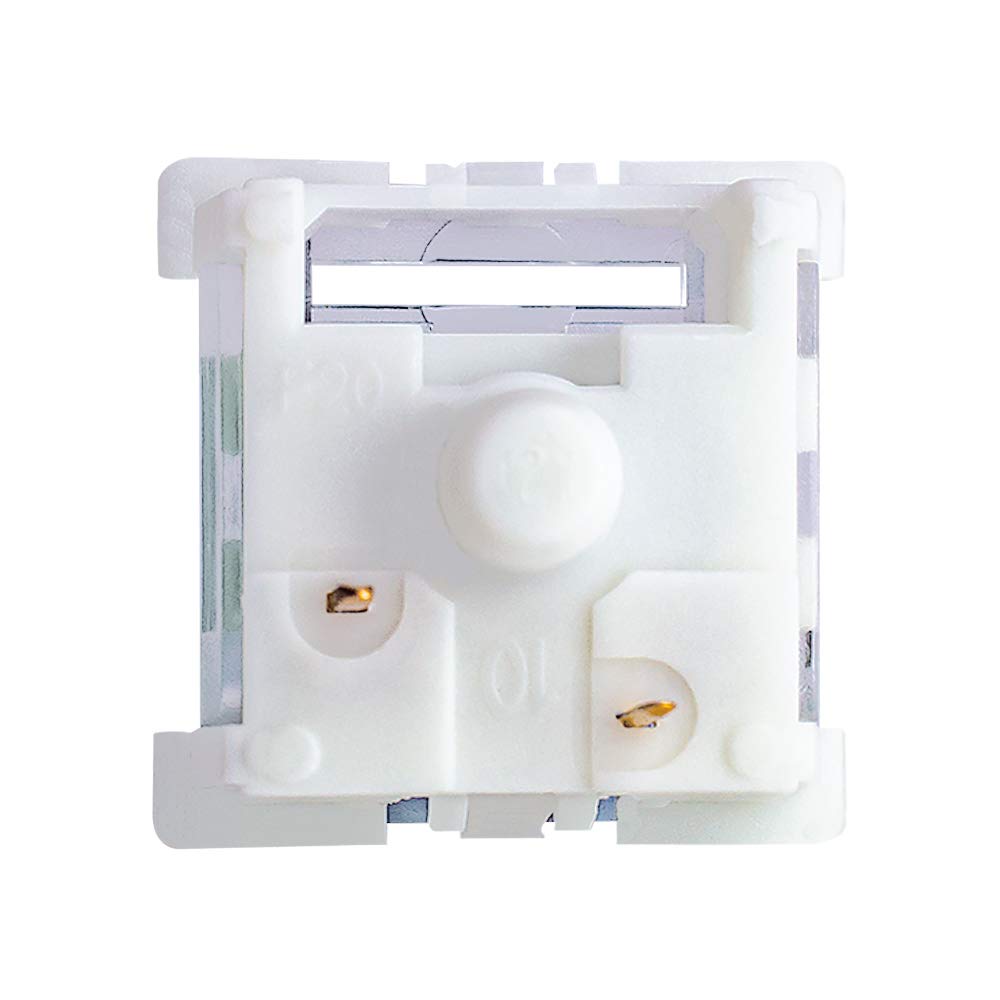
- Verify your PCB’s pin configuration (3‑pin vs 5‑pin) and whether you’re soldering or using a hot‑swap socket.
- Consider your noise tolerance, blue switches can be louder due to the tactile click, which may be a concern in shared spaces.
Comparison and context
Compared to other tactile blue switches, Outemu Blue offers a balance of tactile feedback and audible click with a focus on compatibility and durability. If you prioritise a softer or quieter typing profile, you might lean toward different options, or into a different category (e.g., brown or red switches) for gentler actuation. For lighting enthusiasts, the RGB lighting compatibility can be a decisive factor when you’re designing a cohesive aesthetic across a slim keyboard.
What you get and how it’s packaged
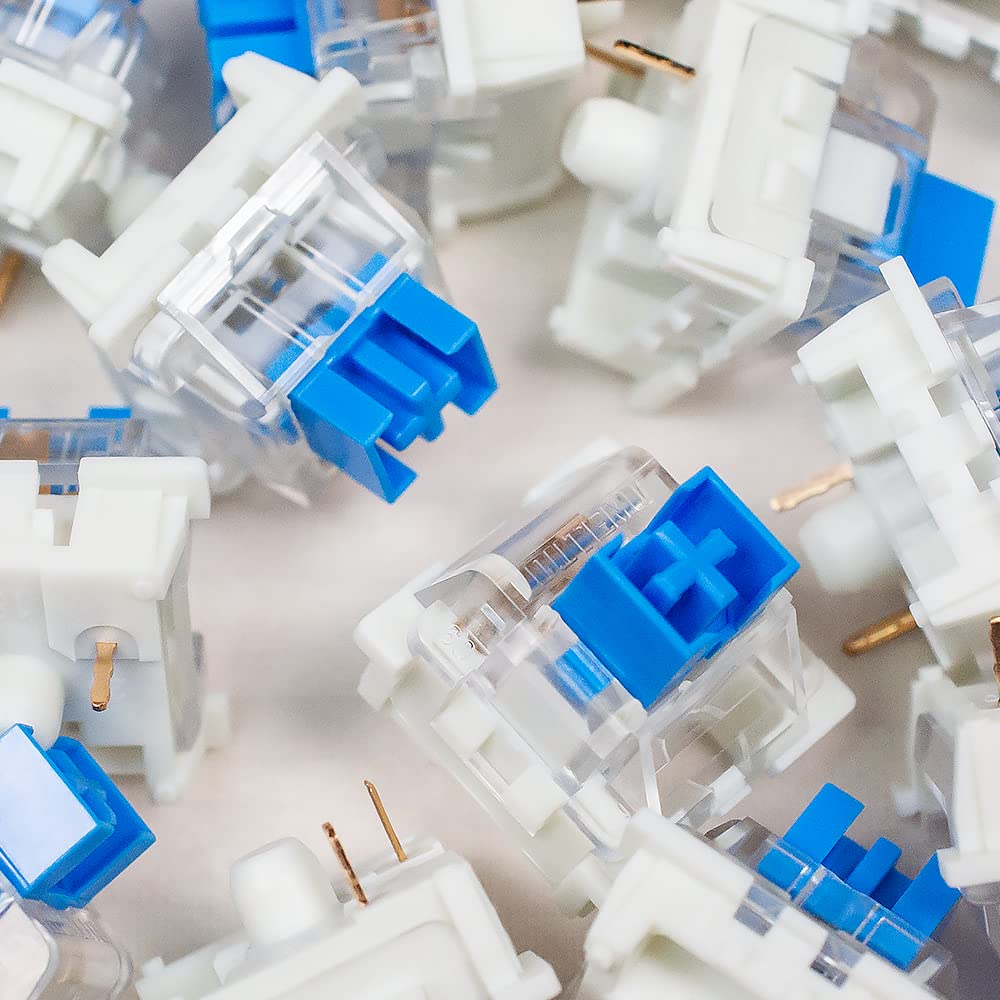
You receive 20 blue switches, a puller tool, and a PP protection box. The inclusion of a puller helps with initial switch swaps, and the box provides protection for storage or transit. The package is a practical starter kit for someone refreshing several keys or building a new board.
FAQ (practical answers)
- Are these switches compatible with Cherry MX stems? Yes, they’re described as compatible with Cherry MX switches.
- Can I install them on a hot‑swap board? Yes, installation supports both manual soldering and hot‑swappable boards.
- Do they support all RGB lighting modes on modern boards? They support SMD lights and round two‑leg lighting options mentioned in the product notes, but exact lighting features depend on your keyboard’s firmware and PCB.
Final decision
Is it worth it? Worth considering if you want a tactile, clicky blue switch with RGB lighting capability and solid installation flexibility for a relatively modest kit. If you prioritise a quiet or linear feel, you may want to explore other options.