

ONITOON Wireless Gaming Mouse in Pink (2.4G) with RGB, 5 DPI levels and USB-C recharge
Product description
Key takeaways
This ONITOON wireless gaming mouse in pink is built around a simple promise: you get 2.4G cordless freedom, RGB lighting options, and a handful of DPI steps you can swap quickly. On paper it’s aimed at people who want something tidy for their desk (no cable clutter) and still want basic “gaming” control rather than a generic office mouse.
It’s not trying to be a high-end esports tool though. The DPI range tops out at 3600 with five set levels, and the Mac support looks limited to the core buttons and scroll. So if you’re buying for serious competitive play or heavy Mac use, it may feel a bit constrained.
What you’ll notice day to day
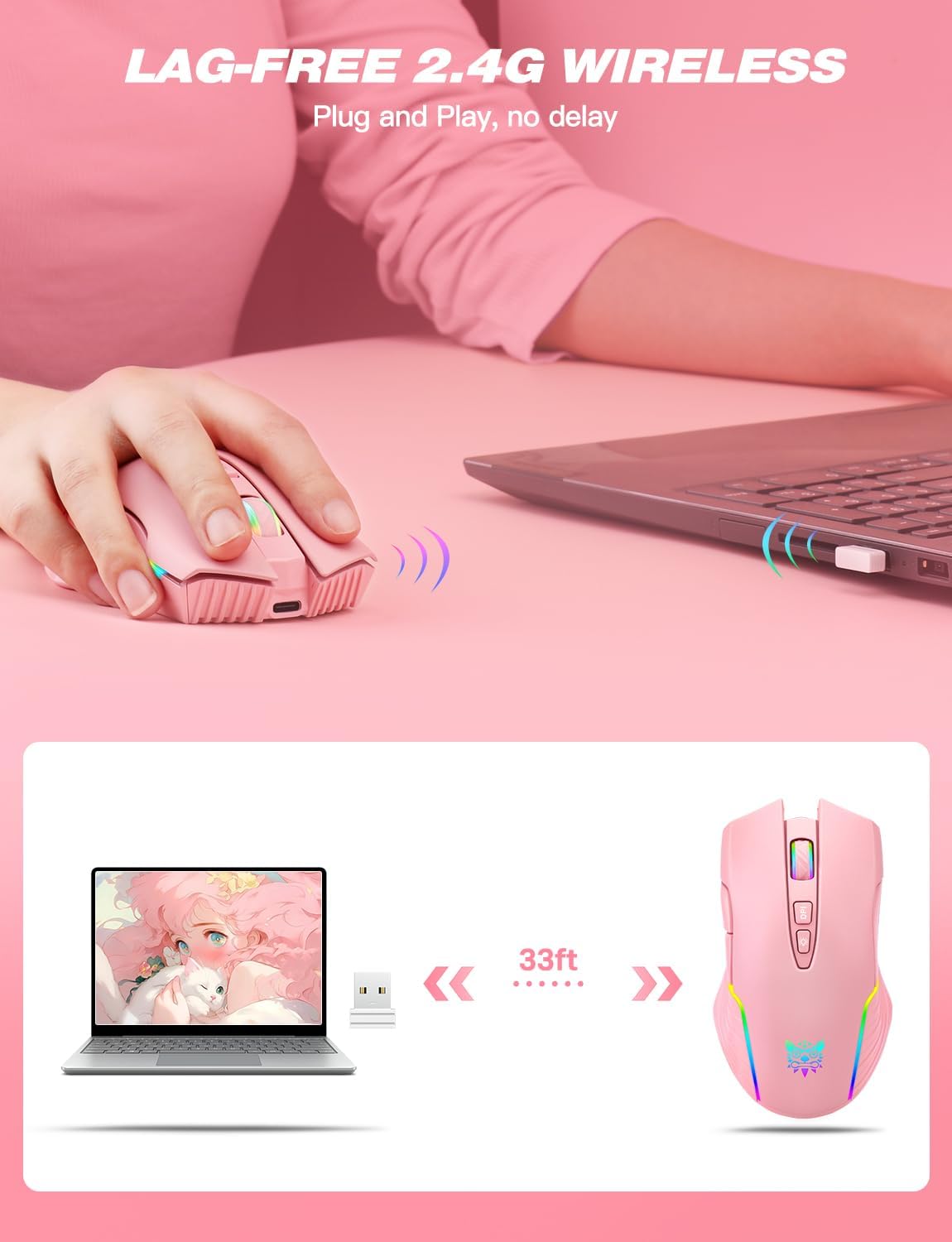
The main day-to-day difference is the 2.4G wireless setup. Using 2.4G transmission is about getting stable input while keeping your desk cleaner, and that’s the core trade-off versus wired mice.
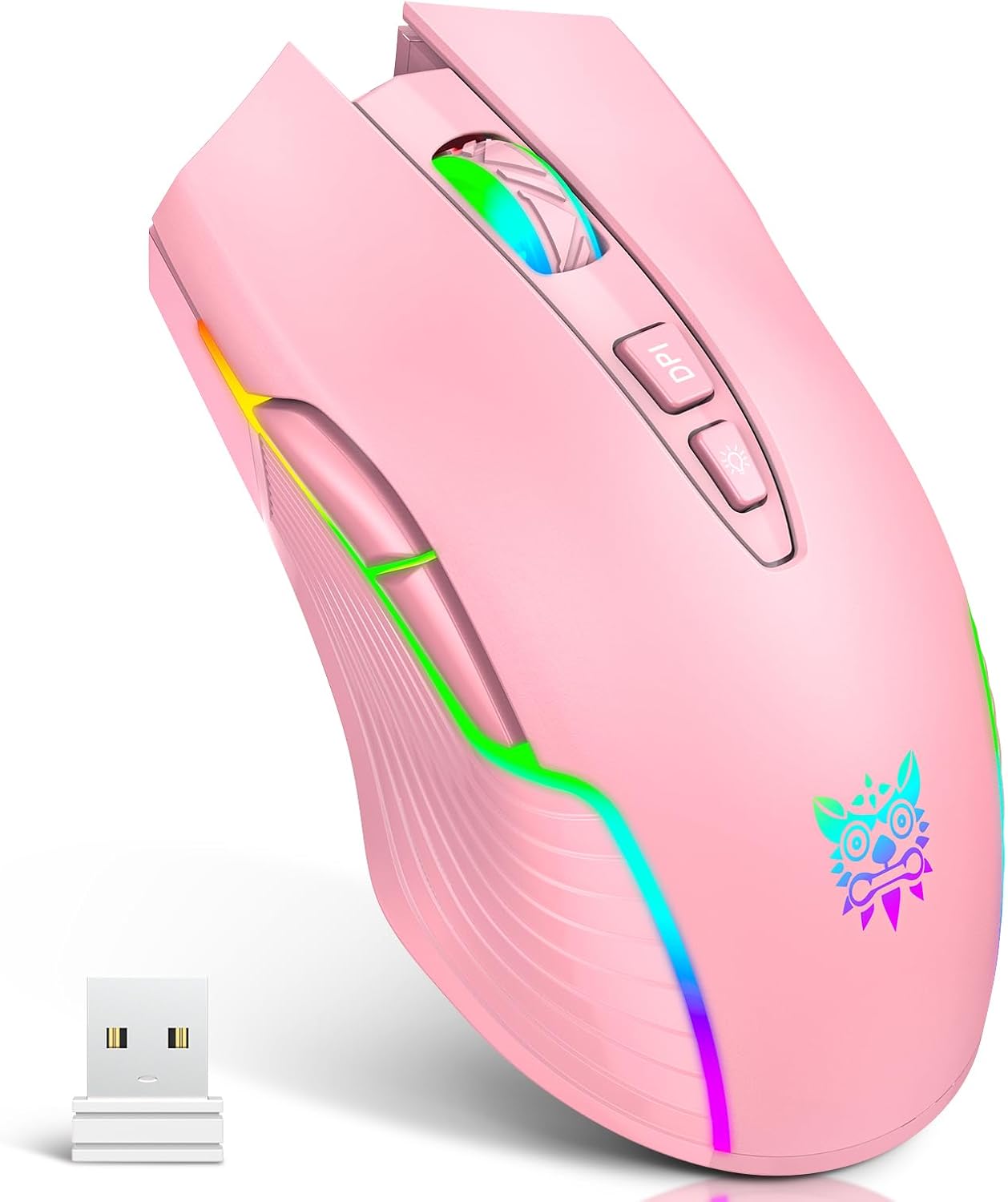
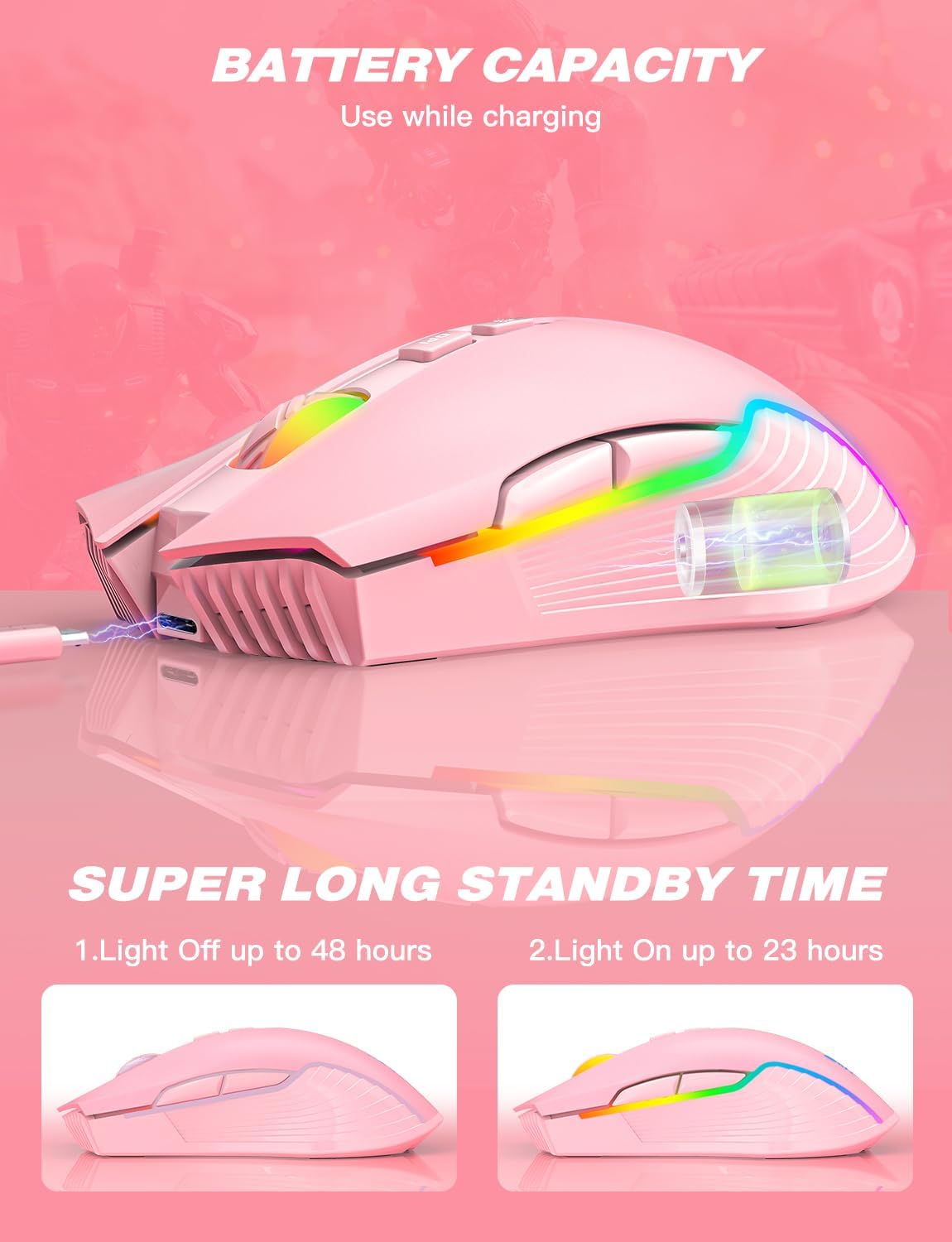
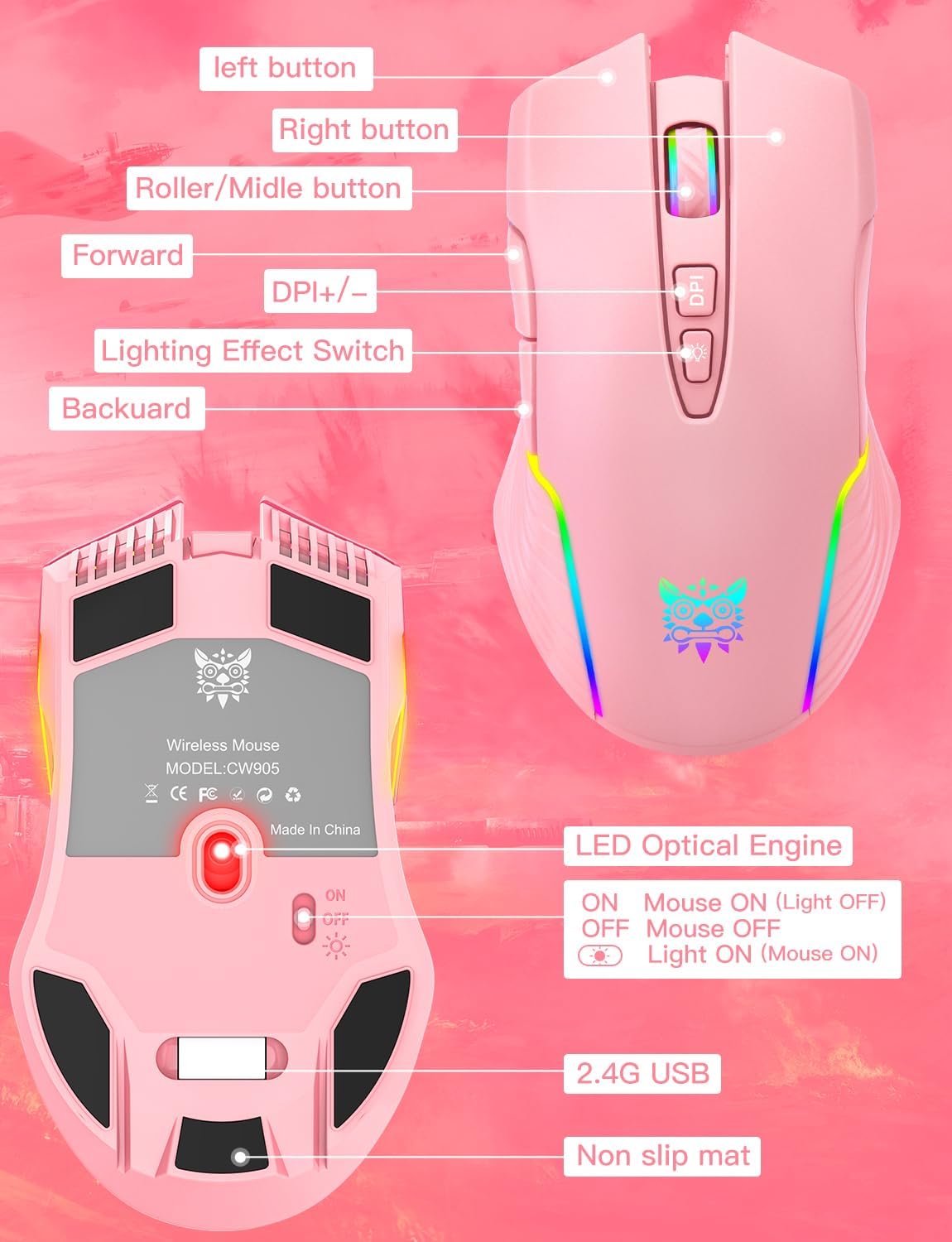
The RGB side is genuinely there for atmosphere: there are 5 RGB backlit modes, and the lighting can be switched on or off by long-pressing the key switch for 3–5 seconds. If you like a bit of visual flair, it does what it says. If you don’t, you’ll likely appreciate being able to switch it off.
There’s also a rechargeable approach that can make a practical difference. The mouse is described as rechargeable while using, and you charge via USB-C, which helps if you don’t want the “plug in and stop playing” routine.
Tech specs
- Type: Wireless gaming mouse with 2.4G wireless transmission
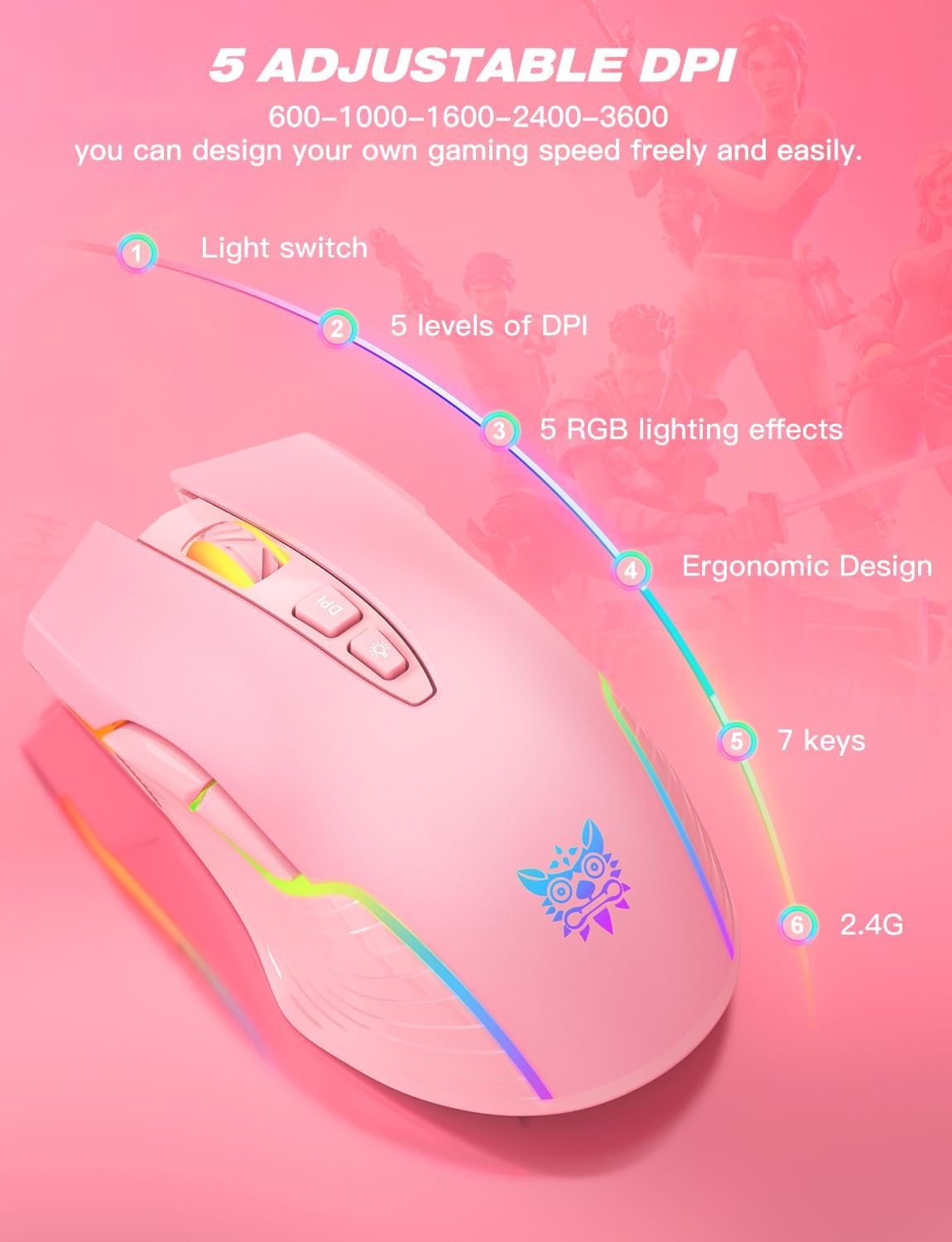
- Adjustable DPI speed levels: 5 steps (600 / 1000 / 1600 / 2400 / 3600)
- RGB backlight modes: 5
- RGB on/off control: Long press the key switch for 3–5 seconds
- Charging: Rechargeable, USB-C cable
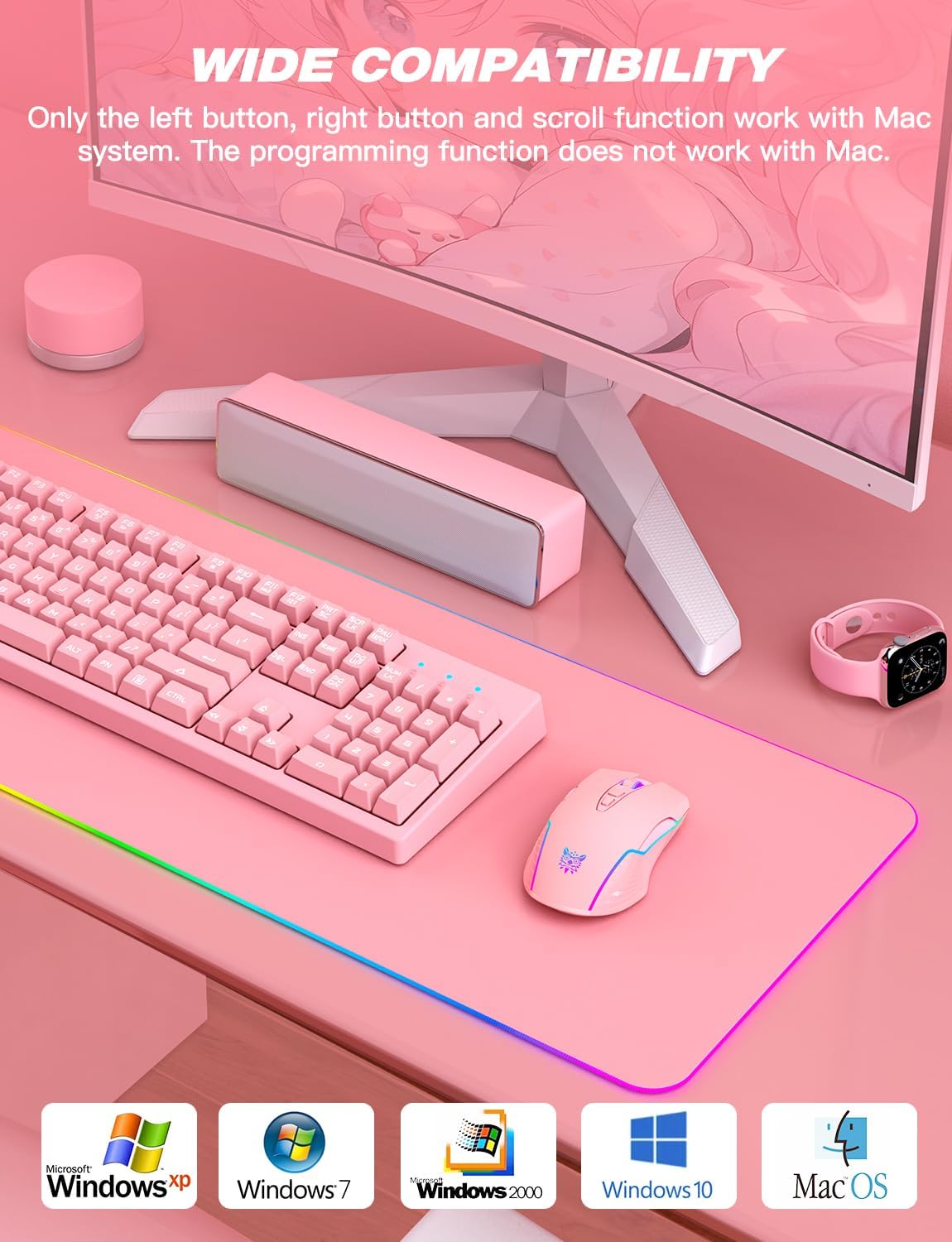
- Mac behaviour: Only the left button, right button and scroll function work with Mac, programming function does not work on Mac
- Included note on compatibility: Windows versions listed as Windows 98/2000/ME/NT/XP/Win 7/Win 8/Win 10
Where it shines
This mouse makes the most sense if you want a cordless mouse for everyday work and occasional gaming, and you care about a tidy desk. It’s also positioned as a pink option aimed at girls/women, with an ergonomic, claw-grip feel mentioned.
The coating is described as anti-fingerprint and sweat-resistant, which is the sort of detail you tend to notice after a few weeks of normal use (less grime on the surface, more confidence when hands get warm).
A practical example: if you’re working at home and switching between a browser task and a quick game session, the combination of cordless 2.4G + adjustable DPI steps makes it easier to dial in how fast the cursor feels without digging through software menus.
Things to consider before you buy
It may not suit you if your setup depends on Mac programming features. The description explicitly says only left/right buttons and scroll work with Mac, and the programming function doesn’t work with Mac. So if you’re expecting customisation on macOS, it’s worth adjusting expectations.
Also, the DPI adjustment is limited to five fixed levels. That’s fine for many casual games and general navigation, but if you’re used to more granular tuning, you might find the step approach a little coarse.
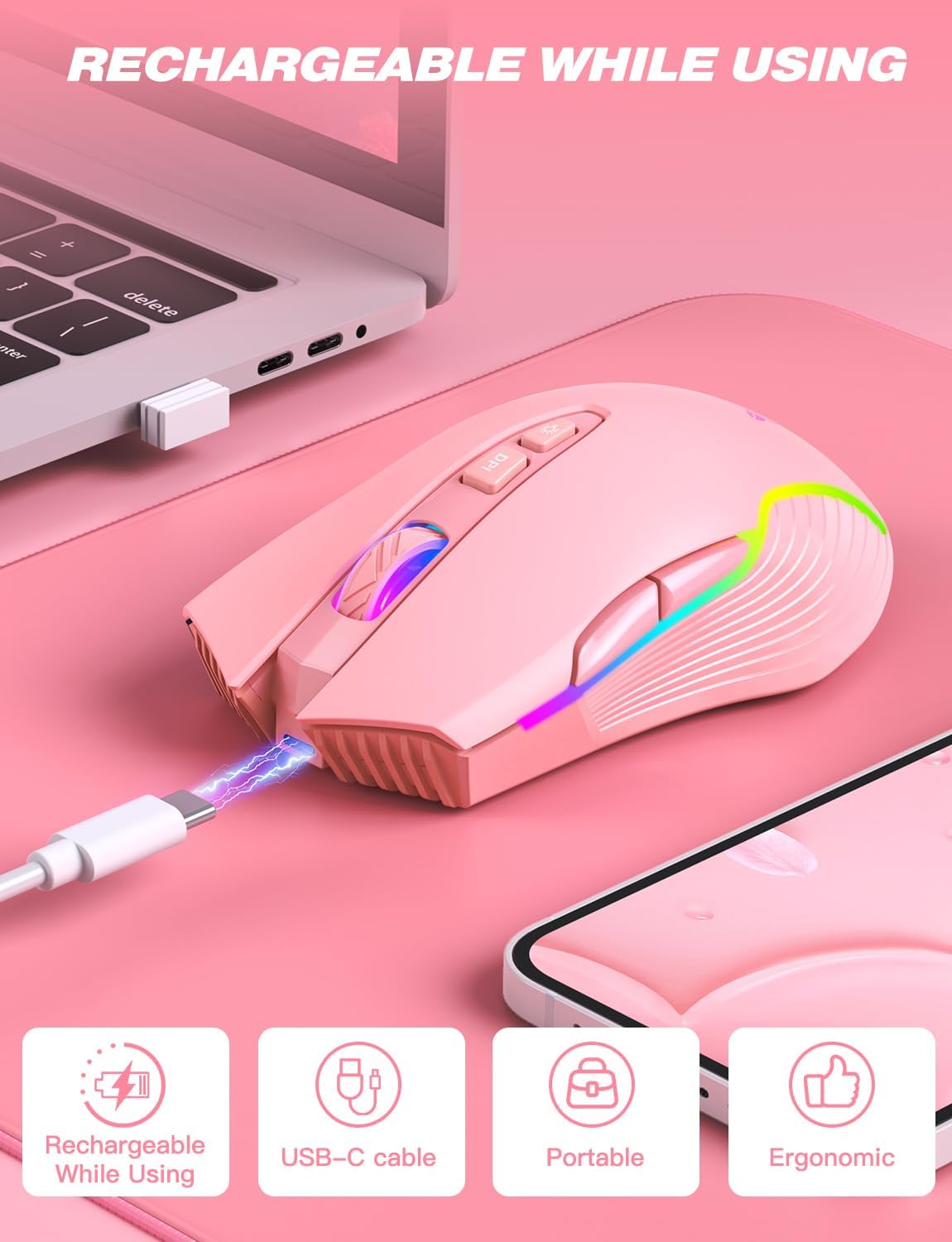
Finally, it’s described as “portable” and “cordless”, but the key limitation with any wireless mouse is still power management. The rechargeable-while-using claim helps, but it’s still sensible to check that your routine will fit charging via USB-C.
Who it’s for (and who should skip it)
It’s a solid pick if you want a pink wireless mouse that’s convenient for work and travel, with RGB backlight you can switch off and a simple DPI setup for gaming-style aiming.
It’s not the best match if you need full Mac functionality beyond basic clicks/scroll, or if you’re buying for high-precision competitive performance where fine control matters more than having only five DPI steps.
Is it worth it?
Worth considering if your priority is a cordless 2.4G mouse with straightforward DPI switching (600–3600) and optional RGB lighting, plus USB-C charging that lets you keep using it while it charges. In that “casual gaming + everyday desk” lane, it ticks the boxes.
However, you may want to skip it if Mac customisation is non-negotiable, because the programming function doesn’t work on Mac. And if you’re the sort of person who wants highly granular tuning, the five-step DPI design could feel limiting.
If you’re buying for girls/women who prefer a pink look and want an ergonomic, sweat-resistant coating for comfortable long sessions, it aligns pretty well with that use case—just make sure the Mac expectations are realistic.
Mini FAQ
Does the RGB backlight turn off completely?
Yes. The lighting can be switched on or off by long-pressing the key switch for 3–5 seconds.
Can I use the mouse while it’s charging?
The description says you can recharge while using, charging via USB-C, so it shouldn’t force you to stop mid-session.
Will the programming function work on Mac?
No. The description states that the programming function does not work with Mac, only the left/right buttons and scroll function work.
What DPI settings are available?
There are five adjustable DPI levels: 600, 1000, 1600, 2400 and 3600.
Is it compatible with Windows?
Compatibility is listed for multiple Windows versions including Windows 98/2000/ME/NT/XP and Windows 7/8/10.