

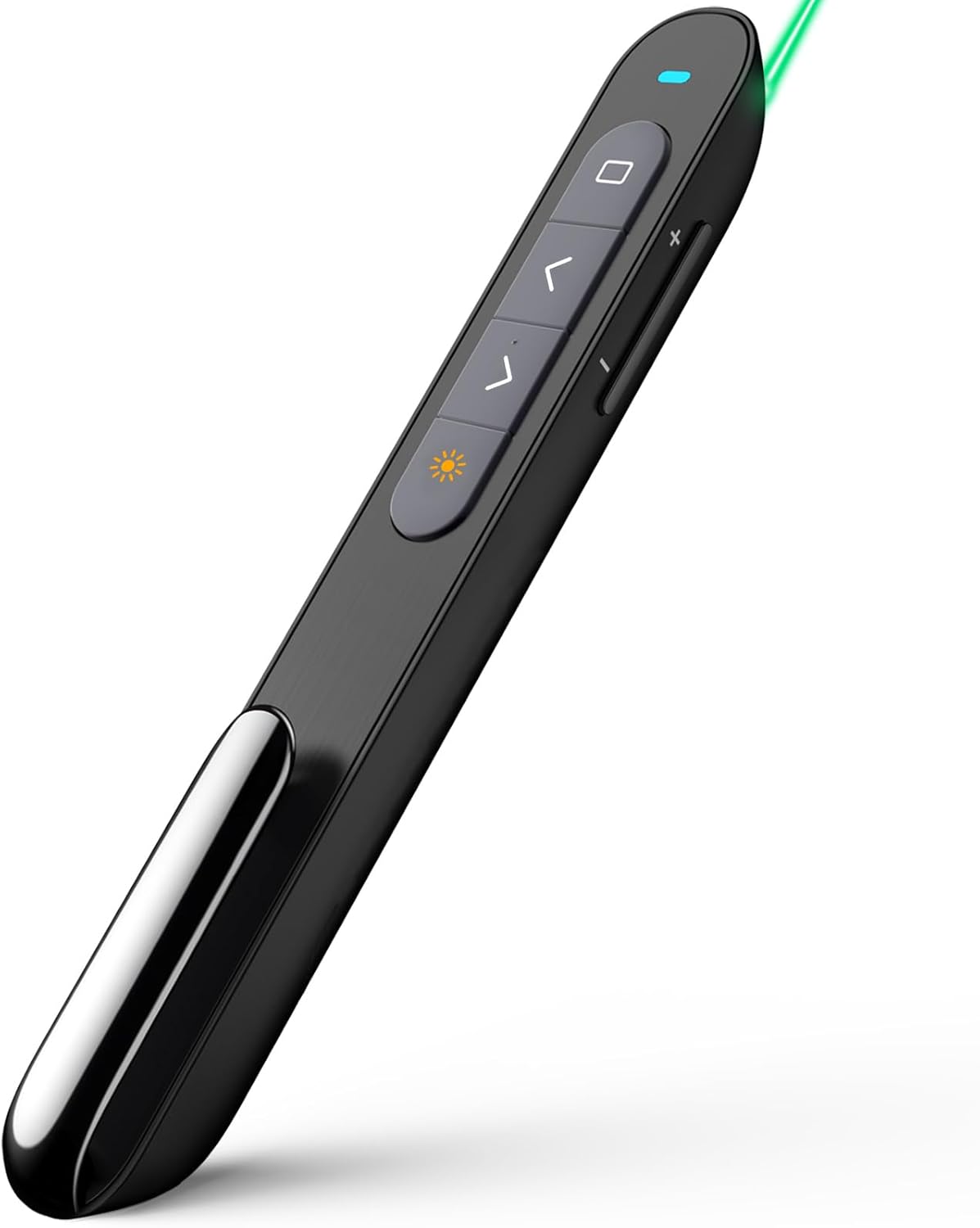
Norwii N27 Wireless Presentation Clickers (N27) – USB-A plug-and-play presenter remote for PowerPoint, Black
Product description
What it is and why you’d buy it
The Norwii N27 presentation clicker is a wireless remote for controlling slides and basic presentation actions from across a room. It’s aimed at people who want something simple: plug it into a laptop, start a slideshow, and move through your content without needing to fiddle with drivers or extra steps.
On paper, it ticks a lot of the practical boxes for everyday presenting—forward/back, full screen, and quick controls like black screen and hyperlink-style actions. It also leans into the “no fuss” style of delivery: USB-A connection with plug-and-play operation, and no software required for slide control.
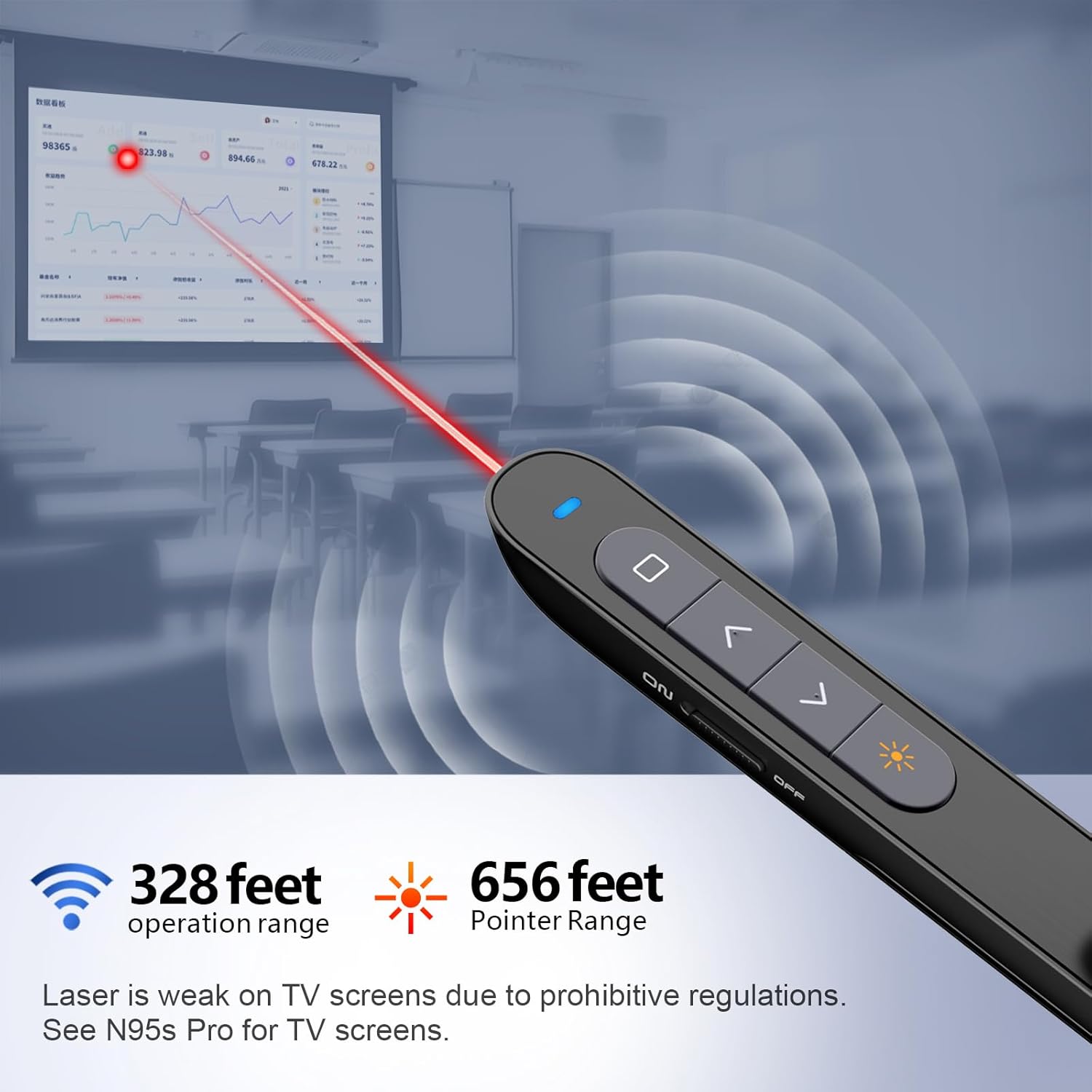
That said, it’s not perfect for every scenario. If you need very specific workflow features inside niche presentation setups, you’ll want to double-check how your software behaves with standard remote commands. Also, the laser is explicitly noted as “not for TV screens”, which is the kind of limitation you’ll want to keep in mind for classroom or screen-based environments.
Key features that matter during a talk
Where this remote feels most useful is in the day-to-day navigation functions you tend to reach for constantly—especially in live sessions where you don’t want to “hunt” for the right button.
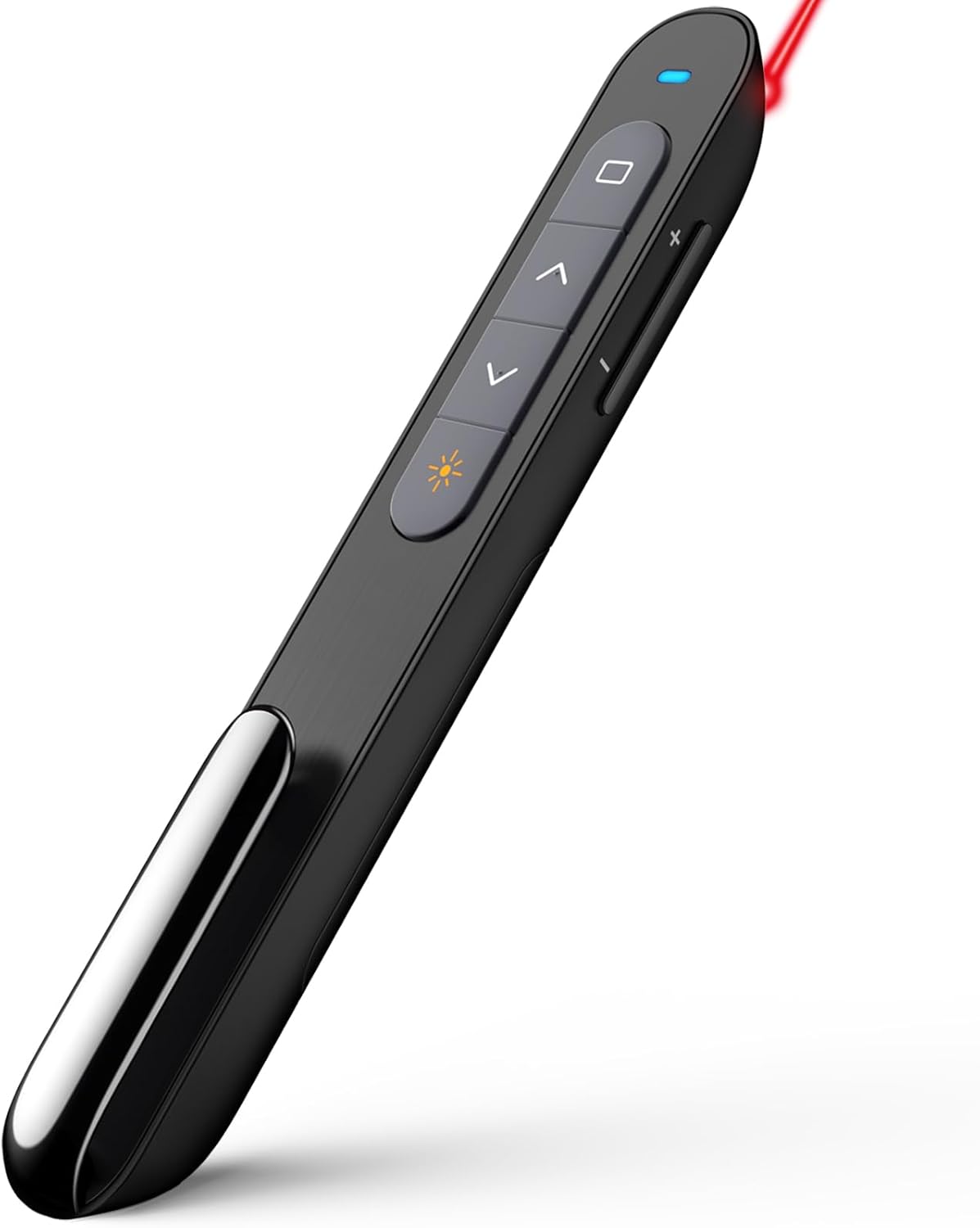
From the provided functions, you can expect control over forward and backward slide movement, full screen, and a black screen mode (handy when you’re explaining something off-camera or switching context). It also includes presentation hyperlink behaviour—described as “Choose/Open PowerPoint Hyperlink”—so if your slides are built with links, this could reduce the need to touch the laptop.
There’s also a window-switching element noted (“Switch window”), which can be useful when you need to quickly move between a slideshow and another app without relying on the keyboard or trackpad.
A small but thoughtful detail: the buttons have a “bumped design” intended to help you locate the right function more easily by feel. That’s the sort of thing presenters often appreciate, because memorising tiny button labels is one more thing to manage under pressure.
Connectivity & compatibility: plug in and go (mostly)
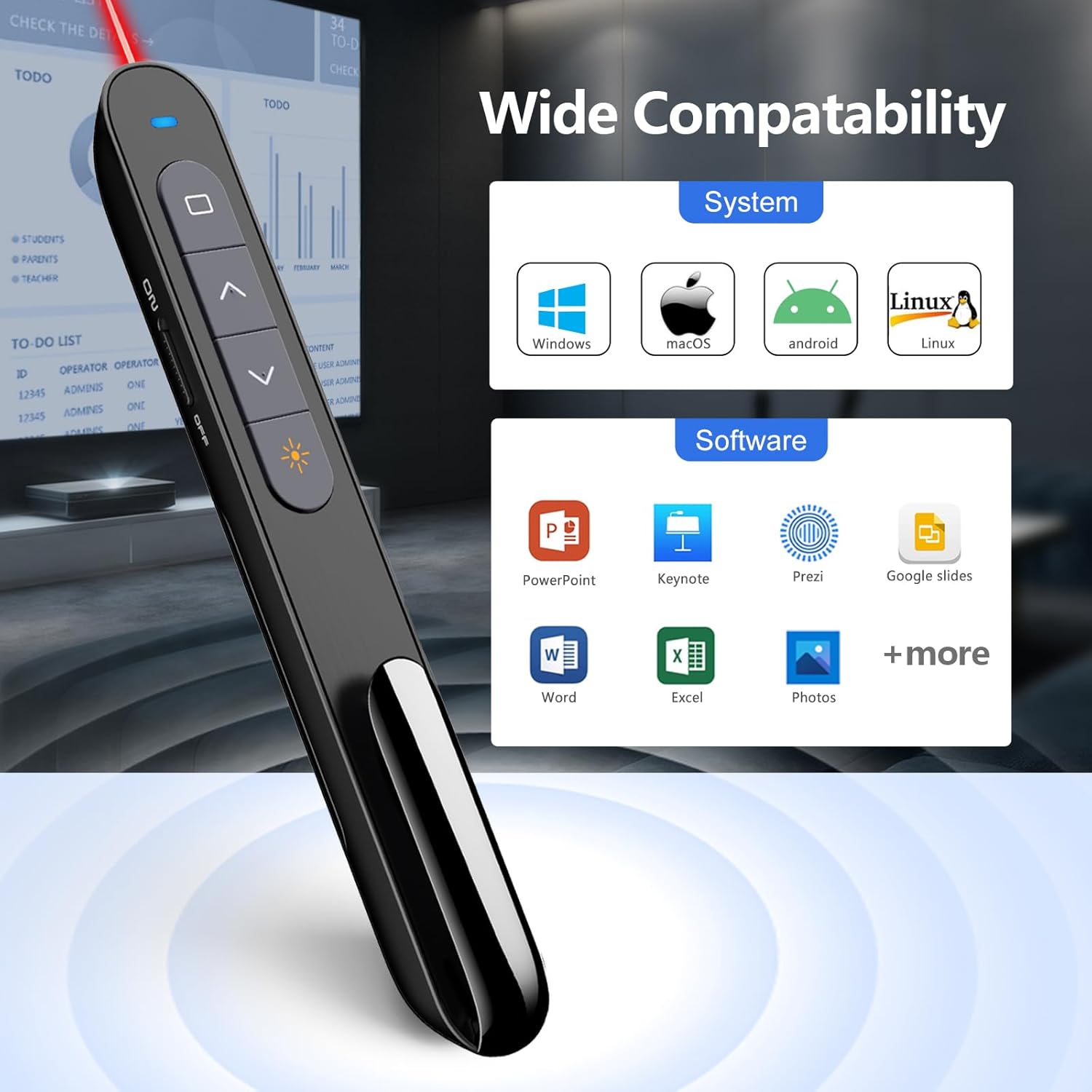
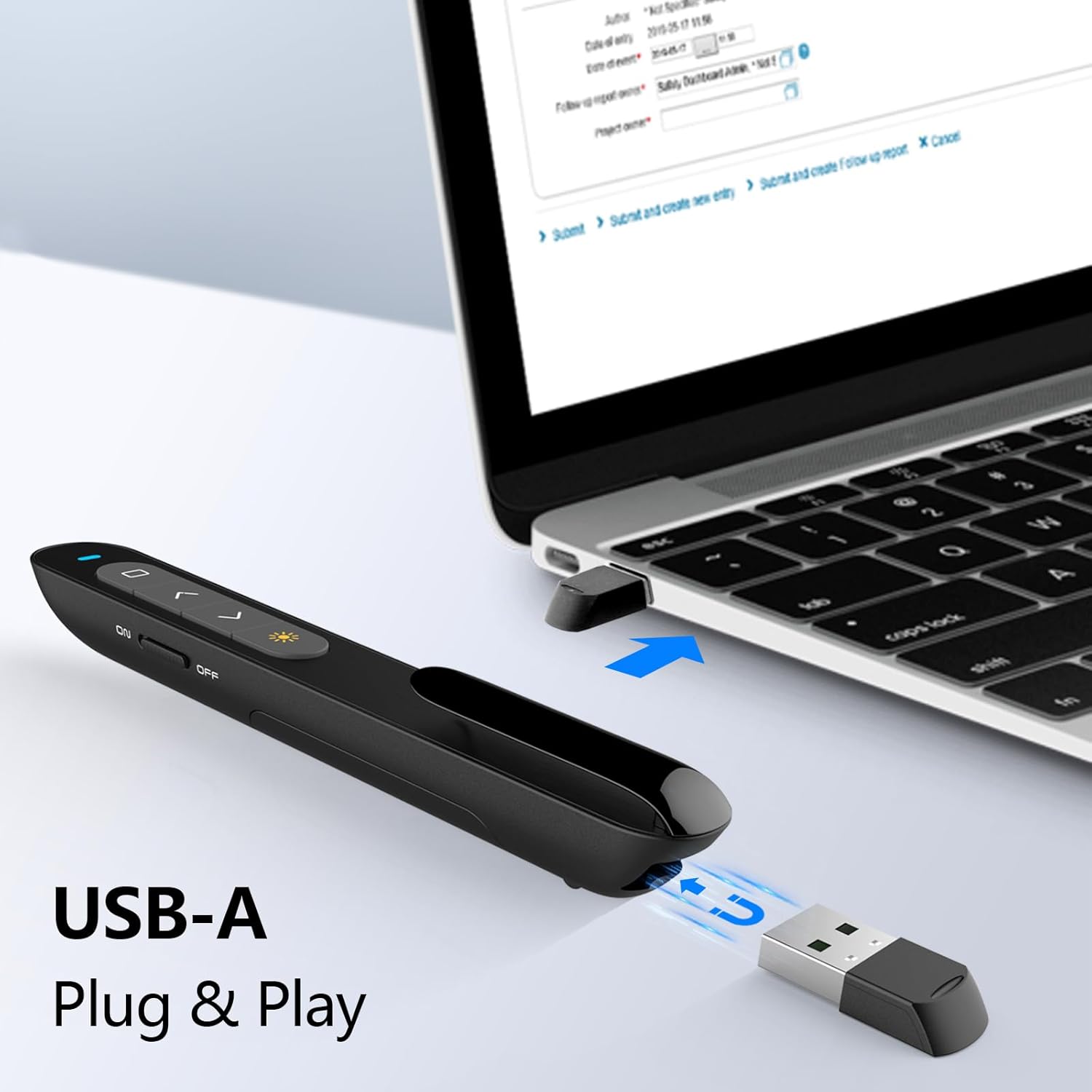
The N27 connects via a USB-A receiver and is described as plug & play, with no software needed for slide control. Compatibility is listed broadly across Windows, macOS, Android and Linux, and it mentions support for leading presentation software.
It names PowerPoint, Prezi, Keynote, Google Slides, ProPresenter, MediaShout and more. That’s encouraging if you’re the kind of user who presents across different machines and setups.
However, it’s worth being realistic: “works with” in product descriptions can mean the remote supports common controls rather than every custom function inside every app. If your presentations rely on unusual keyboard shortcuts or very specific command mapping, you may need to test with your own workflow—ideally before an important event.
Range and how it feels for larger rooms
One of the standout claims is the wireless control range: up to 328 Feet (with 360° omnidirectional control). In practical terms, that’s aimed at large rooms and spaces where you don’t want to stay glued to the front.
The description also mentions advanced data loss control algorithms, which is essentially the manufacturer’s way of addressing signal stability. You should still expect wireless performance to vary with your environment—walls, metal structures, crowds, and competing Wi‑Fi/Bluetooth traffic can all play a part.
Still, for theatres, churches, auditoriums, training rooms, or any space where you want mobility, this is a strong spec on paper. It’s less compelling if you only ever present at a desk or in a small meeting room where range is rarely an issue.
Reprogrammable buttons: useful if you customise
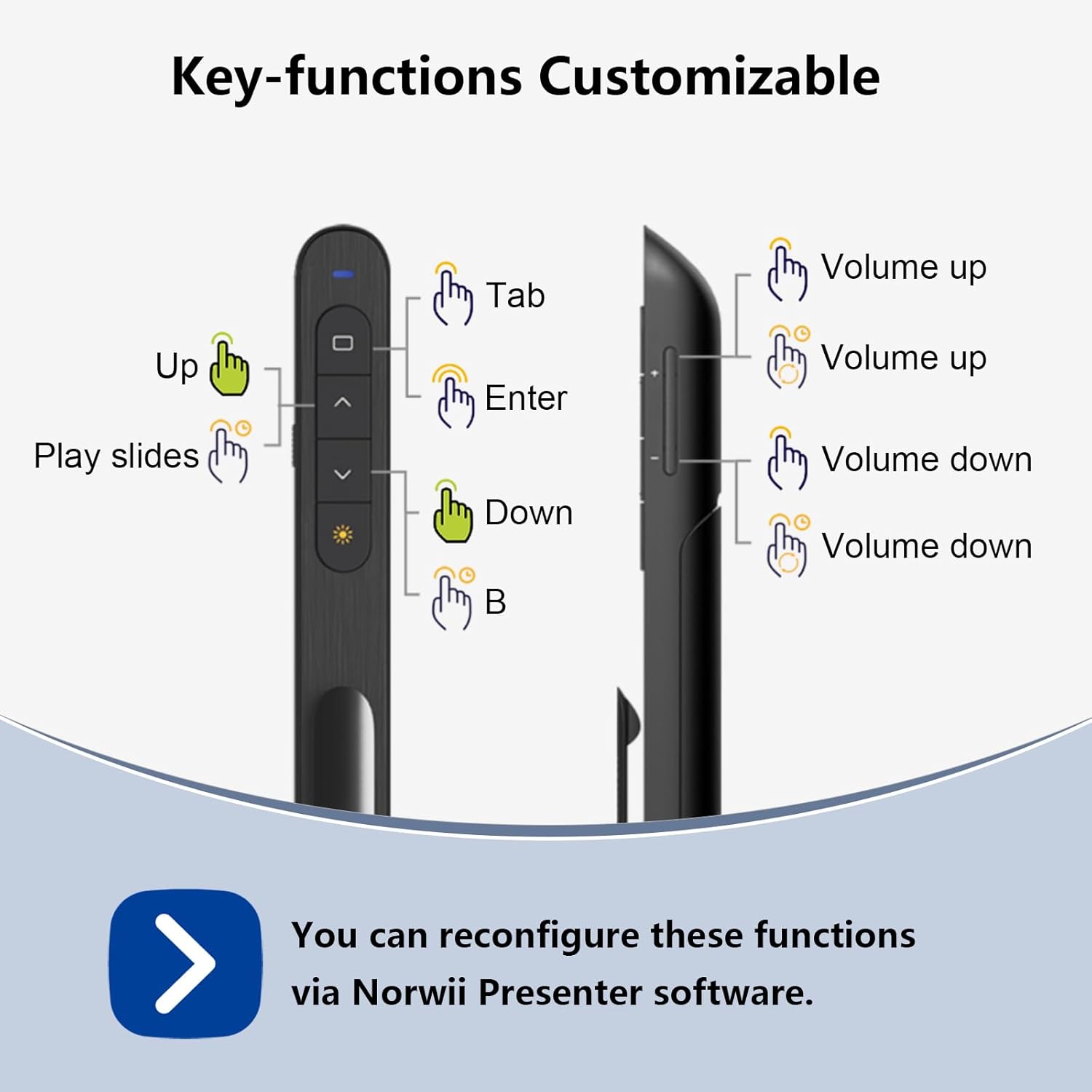
This clicker includes reprogrammable buttons, with the ability to reconfigure button functions for your individual needs using the Norwii Presenter software. The software is said to be downloadable from Norwii’s official website.
This is where the N27 can move from “basic remote” to “actually fits my style”. If you often switch between different slide navigation patterns—say, you prefer certain controls mapped to specific buttons—reprogramming can save time.
One limitation to note: reprogramming implies you may need that software setup if your plan is to change mappings. If you want a purely minimal, no-software workflow, you might never touch that feature, and that’s fine—slide control is still described as plug-and-play.
What to watch out for before you buy
There are a few bits in the description that are worth taking seriously so you don’t get a surprise later:
- Laser note: the laser is labelled “NOT FOR TV SCREENS”. If your presentations involve pointing to screens that resemble TV displays, double-check that this fits your use.
- Software mapping: reprogrammable functions are tied to the Norwii Presenter software. If you don’t want any extra setup at all, expect the default remote behaviour to be your main experience.
- Button functions vs your exact software: while compatibility is listed across multiple platforms and presentation tools, the exact behaviour of some advanced controls (like hyperlink and window switching) can depend on how your slides and apps are set up.
Also, the name mentions “Hyperlink” and “choose/open PowerPoint Hyperlink”, but the description doesn’t provide a full command list for every platform. So if hyperlinks are a major part of your content, it’s sensible to test with one representative slide before relying on it for a live run.
Everyday use example: quick switch without touching the laptop
Imagine you’re running a session with mixed content: slides that include a hyperlink to a related page, plus moments where you want a clean blackout while you talk. With the N27, you can move forward/back, trigger full screen when needed, and use the black screen mode to pause the viewer.
If your PowerPoint deck includes hyperlinks, the remote’s “Choose/Open PowerPoint Hyperlink” function is meant to let you activate those without hunting through the laptop menus. That reduces the “awkward reach” moment and keeps you in flow—especially when you’re standing away from the screen.
Tech specs
- Control type: Wireless presentation clicker (USB-A receiver)
- Connection: USB-A plug & play
- Control range: 328 Feet
- Control angle: 360° omnidirectional control
- Operating frequency: 2.4GHz
- Functions mentioned: Laser (not for TV screens), forward/backward, full screen, black screen, PowerPoint hyperlink choose/open, switch window
- Reprogrammable buttons: Supported via Norwii Presenter software
- USB receiver storage: Integrated at the end of the presenter with a magnet
- Warranty: one year warranty
Should you buy it?
A solid pick if you want a wireless presenter remote that’s straightforward to set up (USB-A plug-and-play), offers long-range control for larger rooms, and includes common presentation shortcuts like full screen and black screen.
It may not be the best choice if you need very specific behaviour from your software or you’re relying on unusual custom commands that aren’t covered by standard remote controls. Also consider skipping it if you strongly prefer not to install any extra software at all—because the reprogrammable button feature is tied to the Norwii Presenter software.
If you’re the kind of presenter who regularly moves around a room and wants controls you can find by feel, the N27’s button design and range claim make it worth a look.
Mini FAQ
Is it plug-and-play or does it need software to control slides?
The description states slide control is plug & play via USB-A, with no software needed for slide control.
Does it work with PowerPoint?
Yes—PowerPoint is specifically mentioned, including hyperlink-related control.
What presentation features does it include?
The listed functions include forward/back, full screen, black screen, PowerPoint hyperlink choose/open, and switching window.
What’s the wireless range?
It’s described as up to 328 Feet with 360° omnidirectional control.
Can the buttons be customised?
Yes, the buttons can be reconfigured using the Norwii Presenter software.