

Nix Mini 3 Color Sensor for Paint Matching (RGB, HEX, CMYK) – Real-life eyedropper tool
Product description
The essentials
If you’ve ever held up a paint sample and thought, “That’s not the same colour on my wall,” you already know the pain point. The Nix Mini 3 Color Sensor is built to help with real-world colour matching by scanning objects and surfaces, then translating what it sees into digital colour values.
On paper, it’s aimed at people who want more than guesswork: painters trying to keep a room consistent, and graphic designers who need repeatable colour references rather than relying purely on screens and memory. It’s also designed to be quick and easy to use, with a rechargeable and portable format.
That said, it isn’t a magic wand. Colour still depends on lighting, screen settings and how the app displays results on your device. Nix also notes calibration troubleshooting and advises how to handle drift if accuracy changes.
Key takeaways
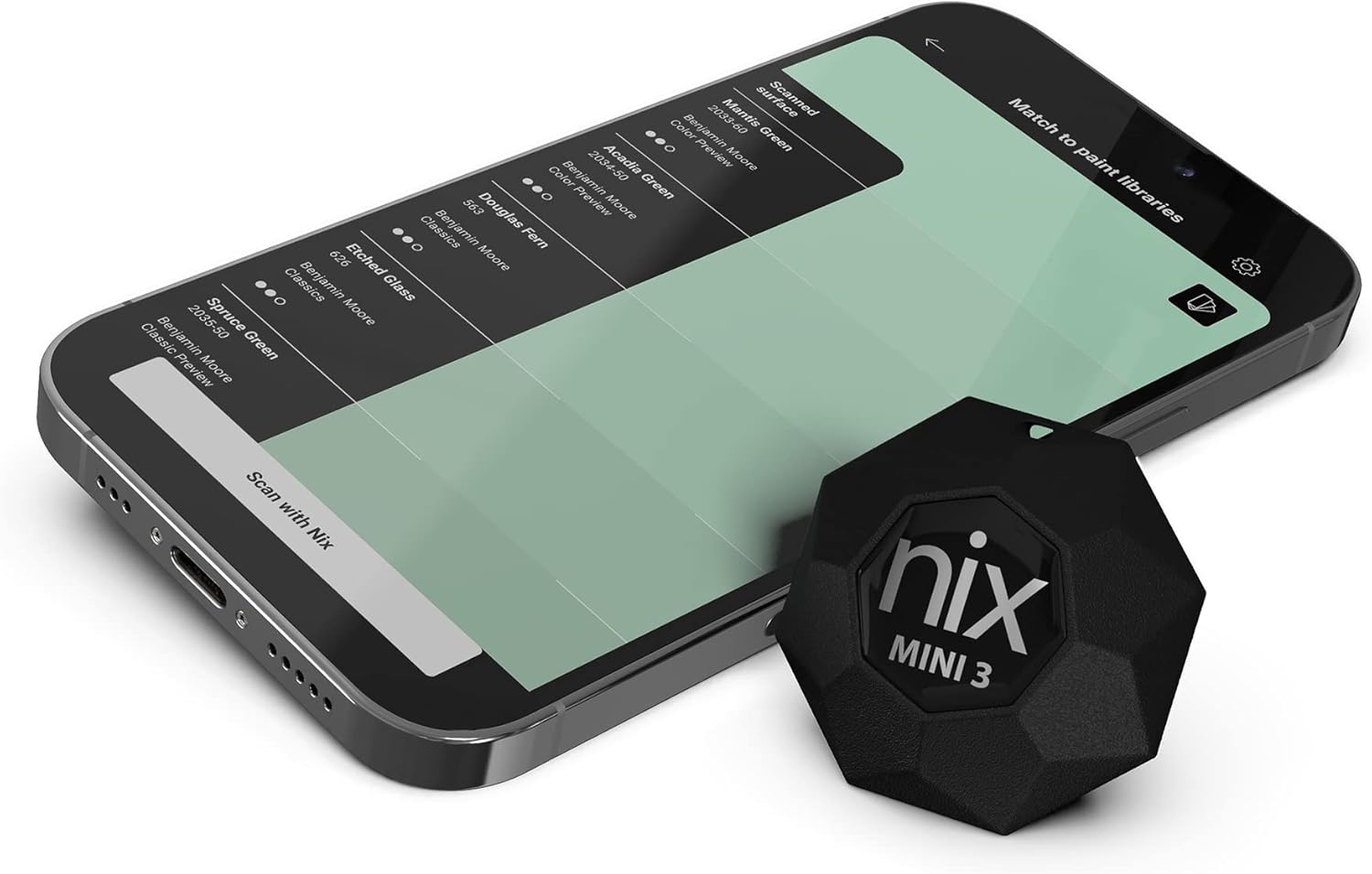
What stands out first is the “real-life eyedropper” concept. Instead of only working from a photo or relying on visual matching, you scan a surface and get instant digital values. The product description also claims support for RGB and HEX, alongside CMY/CMYK-style values, which is useful if your workflow touches both paint and digital design.
Another practical highlight is speed: the scanning is described as faster than the human eye. For day-to-day use, that matters because painting decisions often get made on the spot. You don’t want to spend ages tweaking tools when you’re already mid-project.
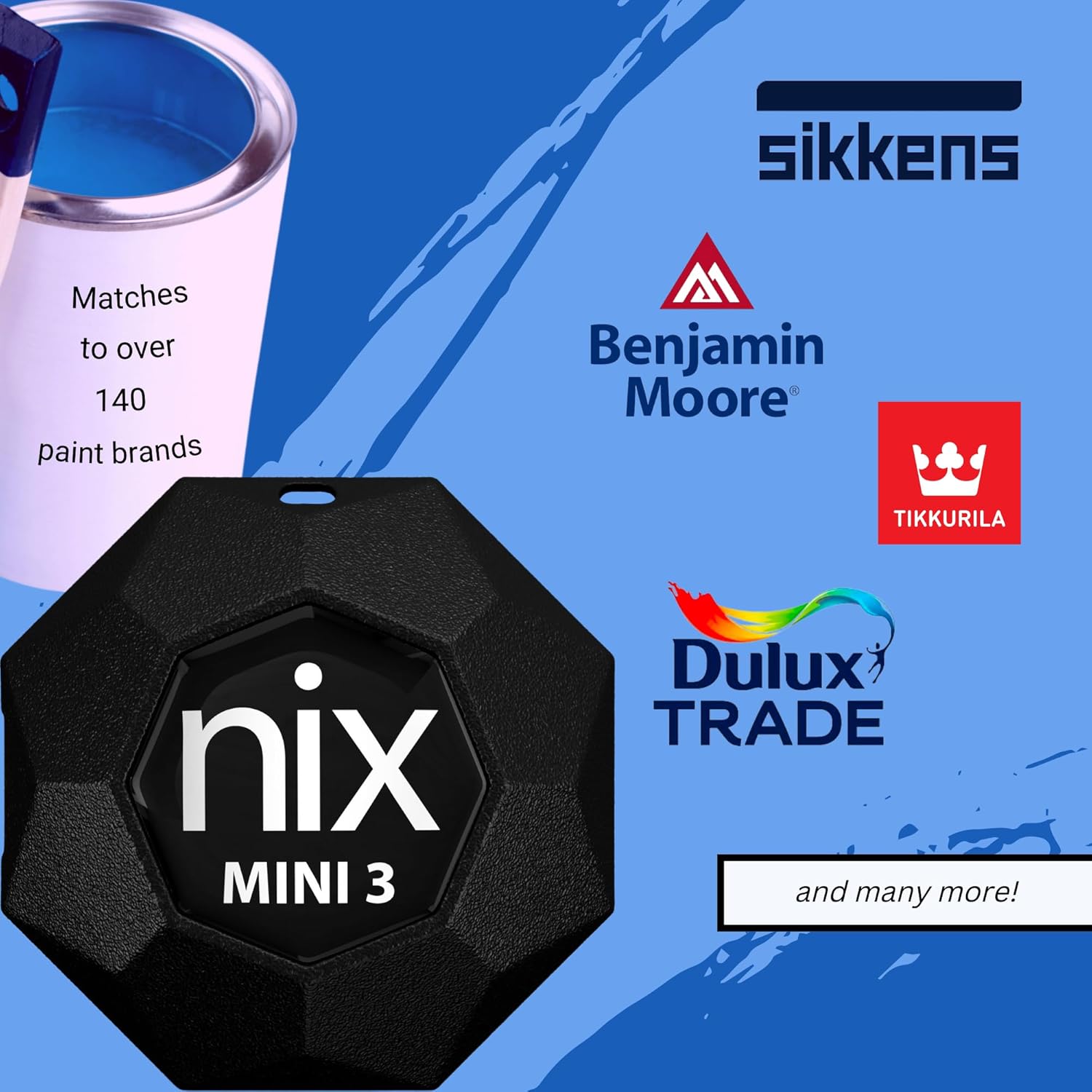
On the database side, it references premium, globally recognised paint libraries with a paid subscription, and names multiple well-known paint brands (the libraries vary by country and region). If you already know which paint brand you’re buying, that can reduce the back-and-forth when you’re trying to align a physical sample to a specific library.
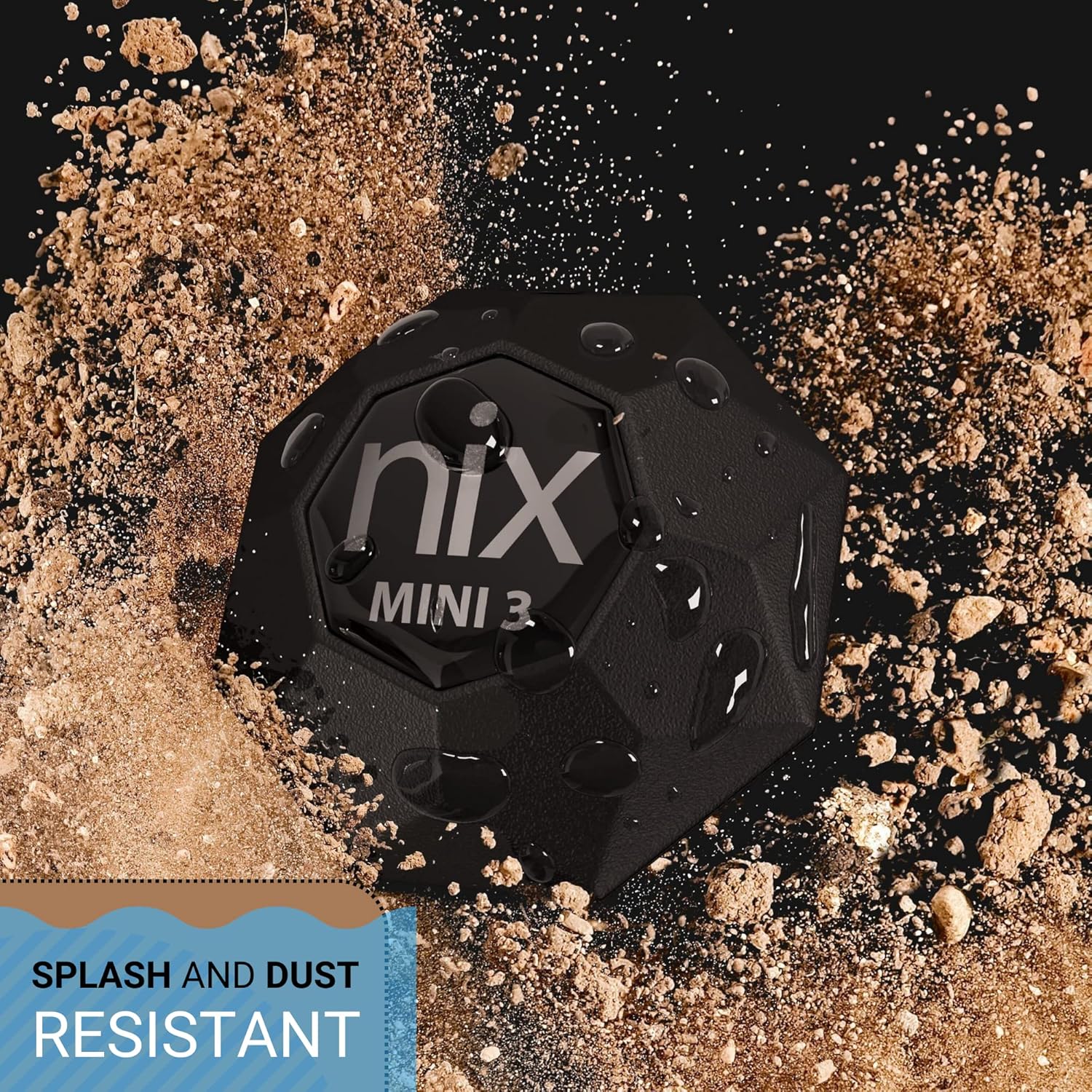
The Nix Mini 3 is also described as dust and water resistant, uses Bluetooth, and features a rechargeable USB-C design. So while it’s a specialist tool, it’s not framed as something you only take out in the studio.
What’s in it for painters and designers
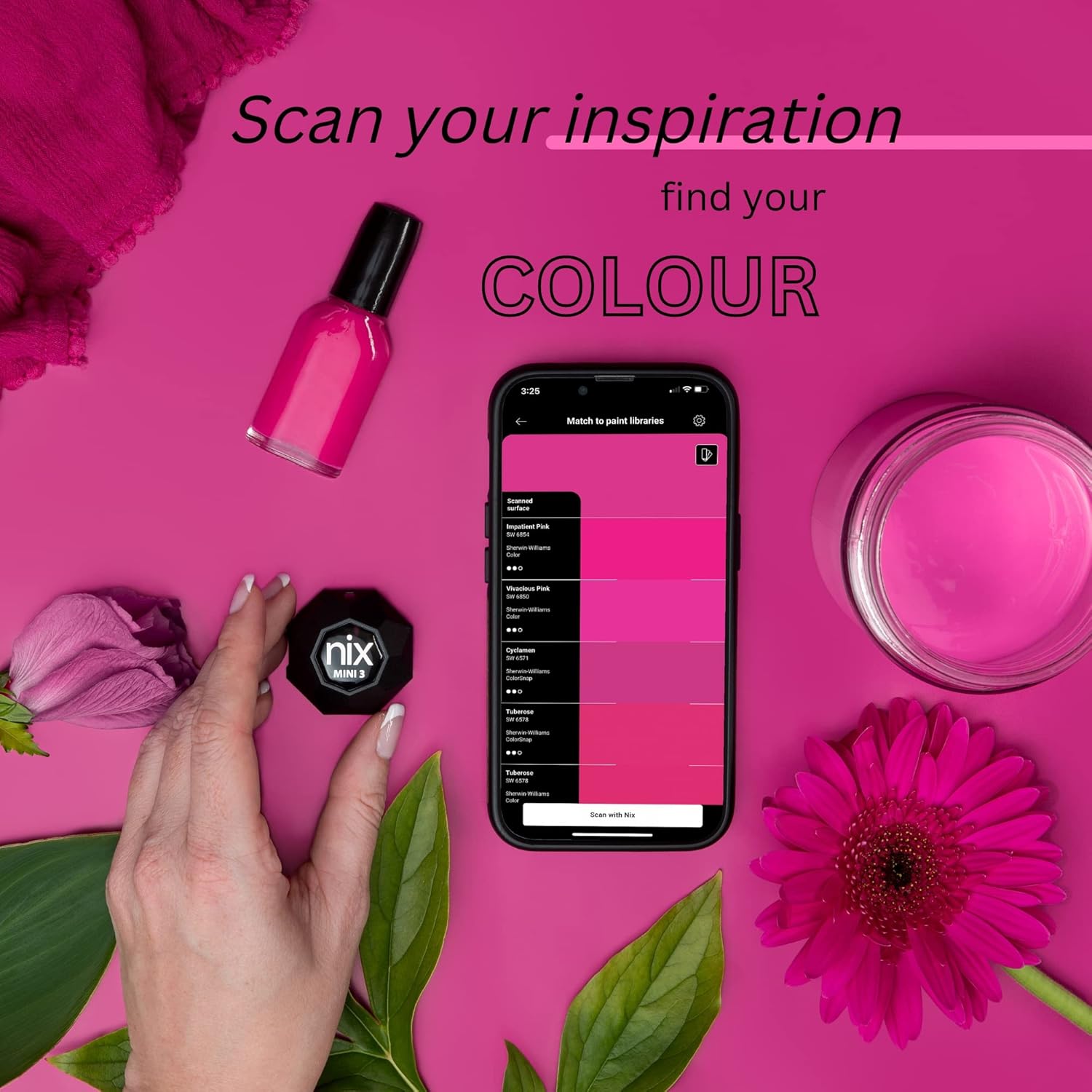
For painters, the benefit is consistency. You can scan areas and look for matching colour values, which is especially relevant when you need the wall to look uniform edge-to-edge rather than “mostly right” in the centre.
For graphic designers, the useful angle is translation. Being able to get digital colour values (like RGB and HEX) from real surfaces can help when you’re working with brand references or wanting to approximate real material colours in a digital mock-up.
Where it gets a bit more nuanced is touch-ups. The description explicitly notes it is not recommended for touch jobs. So if your goal is small repairs in an already-painted room, you may find this approach less suited than starting from a full, consistent coverage.
Example of use: imagine you’ve painted one section of a room and you’re deciding whether a second coat or a slight colour adjustment is needed. Instead of staring at a sample under changing light, you could scan the painted area and check the matching colour values, then make a decision before rolling on the rest.
Key specifications
- Bluetooth connectivity for instant scanning and matching with a mobile workflow
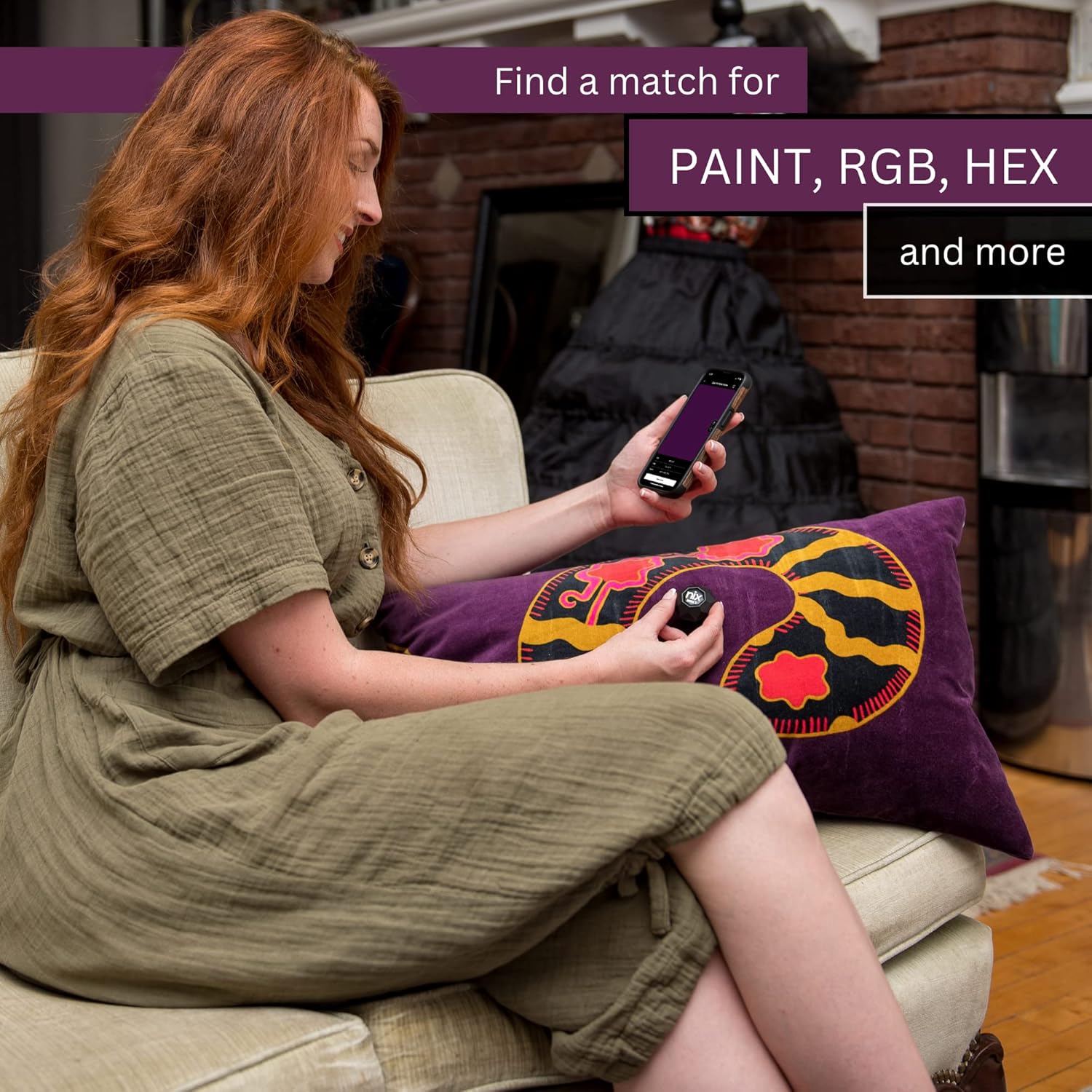
- Colour values include RGB, HEX, and CMYK/CMY-style digital outputs (as described)
- Compatibility support is only available with Android and iOS devices
- Rechargeable USB-C lithium battery design
- Dust and water resistance (rated as described, without extra numbers provided)
- Requires using calibration tile for troubleshooting drift in colour accuracy
Where it shines (and where it may fall short)
The Nix Mini 3 makes sense if you want faster colour matching that bridges the gap between paint and digital values. It’s particularly compelling if you’re comfortable using a mobile app, and if your projects involve repeat decisions—like choosing the right paint library entry, or keeping a room’s colour consistent.
But you should temper expectations in a few scenarios:
It may not suit you if your work is mainly small touch-ups, because the description says it’s not recommended for that purpose. Also, colour accuracy can be affected by screen brightness and settings, and the product references calibration troubleshooting if drift appears. So if you prefer fully “set and forget” tools with no checks at all, this may feel like more effort than you’re expecting.
Care and practical buying checks
Before buying, it’s worth checking two things:
First, make sure your intended paint brand and library are actually available for your country/region. The description notes that paint libraries vary by region, and it suggests exploring the Nix Toolkit app to verify your preferred brand and library.
Second, plan to use it as intended: scan the entire wall or surface edge to edge for consistent results. If your project is only partial coverage, you might end up disappointed by how “consistent” the result can look.
The good news is the design is described as durable, portable, and dust/water resistant, so it’s the type of tool you can realistically keep around for jobs rather than treating it like a fragile gadget.
Is it worth it?
It’s a good fit if you’re a painter or designer who wants quicker, more structured colour matching between real surfaces and digital colour values, especially when you can commit to scanning larger areas for consistency. It also suits you if you already work with specific paint brands and you’re willing to check the app’s toolkit for the relevant library.

It’s not for you if your main need is touch-up work on small sections, or if you’re expecting absolute sameness regardless of lighting, device display settings, and calibration drift. If you prioritise zero calibration checks and never want to deal with calibration tiles or troubleshooting, you may want to skip it.
Mini FAQ
How accurate is it for real paint colour matching?
The description focuses on colour accuracy being affected by screen brightness and settings, and it mentions calibration tile troubleshooting if there’s drift. That implies you’ll get best results when you follow the recommended workflow rather than assuming perfect matching every time.
Does it work on all phones?
Compatibility is only stated for Android and iOS devices. If you’re on a different platform, you’ll need to consider that limitation.
What colour formats does it output?
It’s described as providing digital colour values including RGB and HEX, and it also references CMYK/CMY-style outputs.
Can it be used for small touch-ups?
The product description says it’s not recommended for touch jobs. For best results, it suggests painting the entire wall or surface edge to edge.
Do paint libraries vary by location?
Yes—paint libraries vary by country and region. The description recommends checking what’s available via the Nix Toolkit app for your preferred paint brand and library.