

NexiGo Wireless Controller for Nintendo Switch
Reviews
Price
Product description
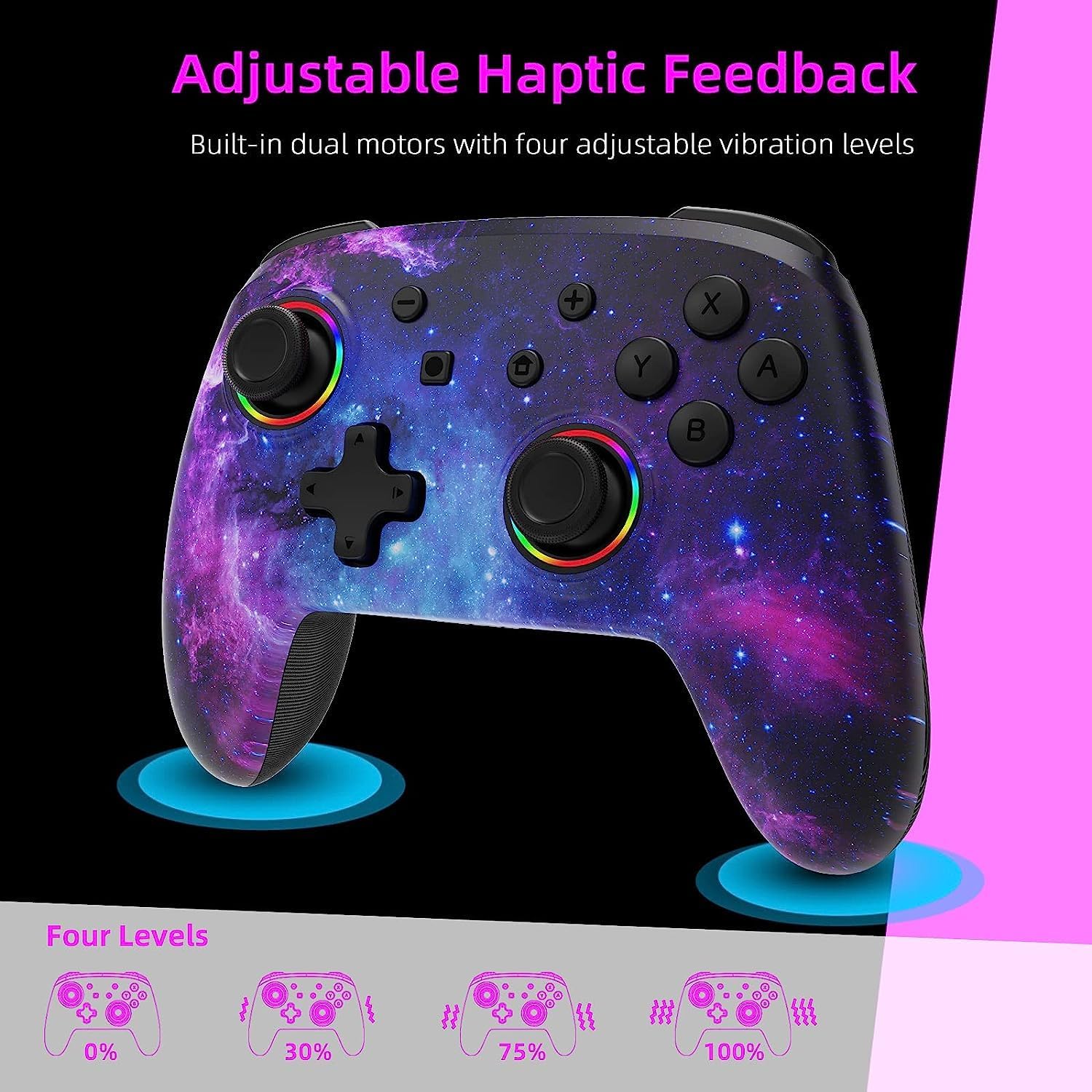
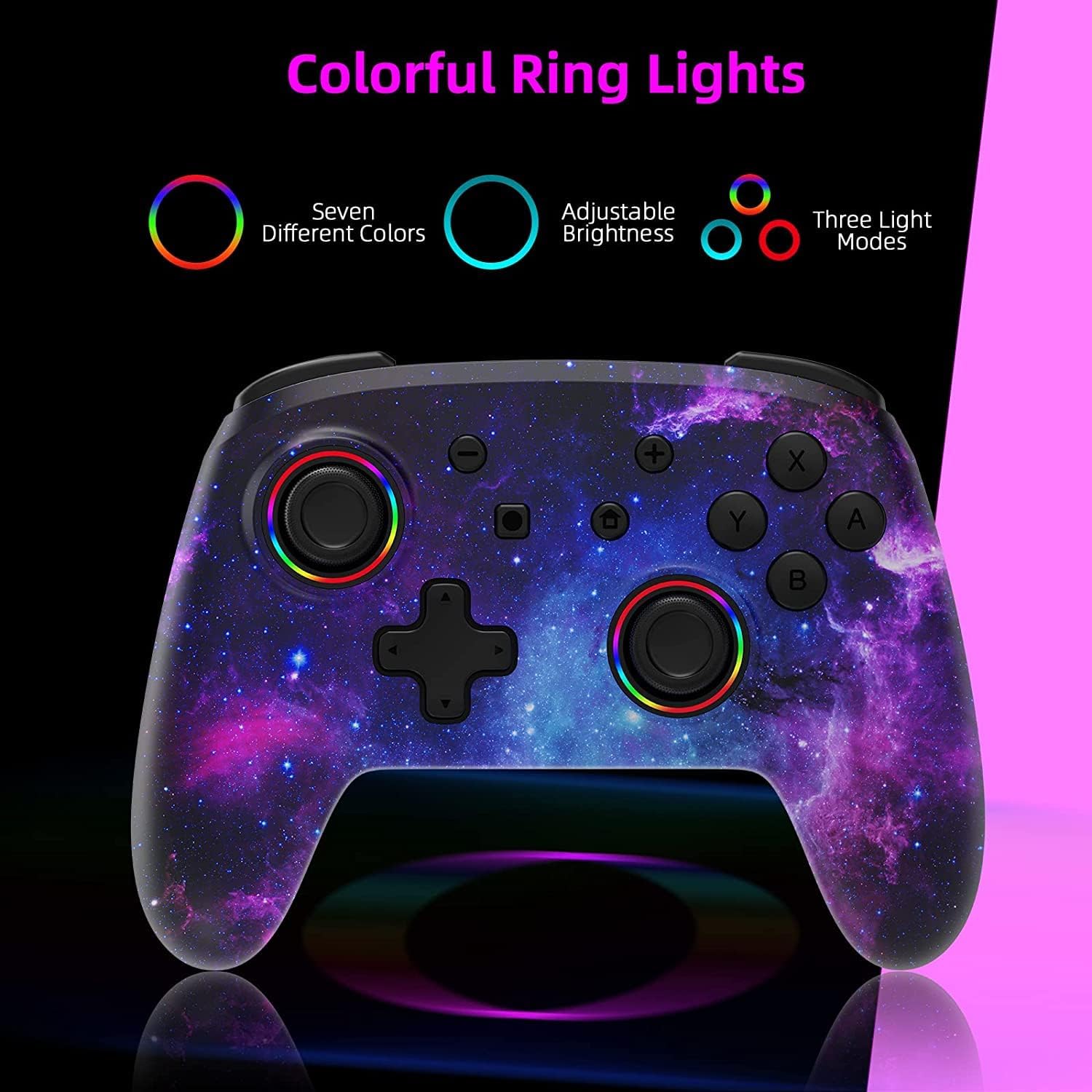
This wireless controller for the Nintendo Switch brings motion sensing and vibration to handheld and docked play, helping to make action and racing titles more responsive. With RGB lighting around the thumbsticks and turbo functionality, the NexiGo Cosmic Nebula model aims to add visual flair and extra control when playing solo or with friends 🎮.
Key Points
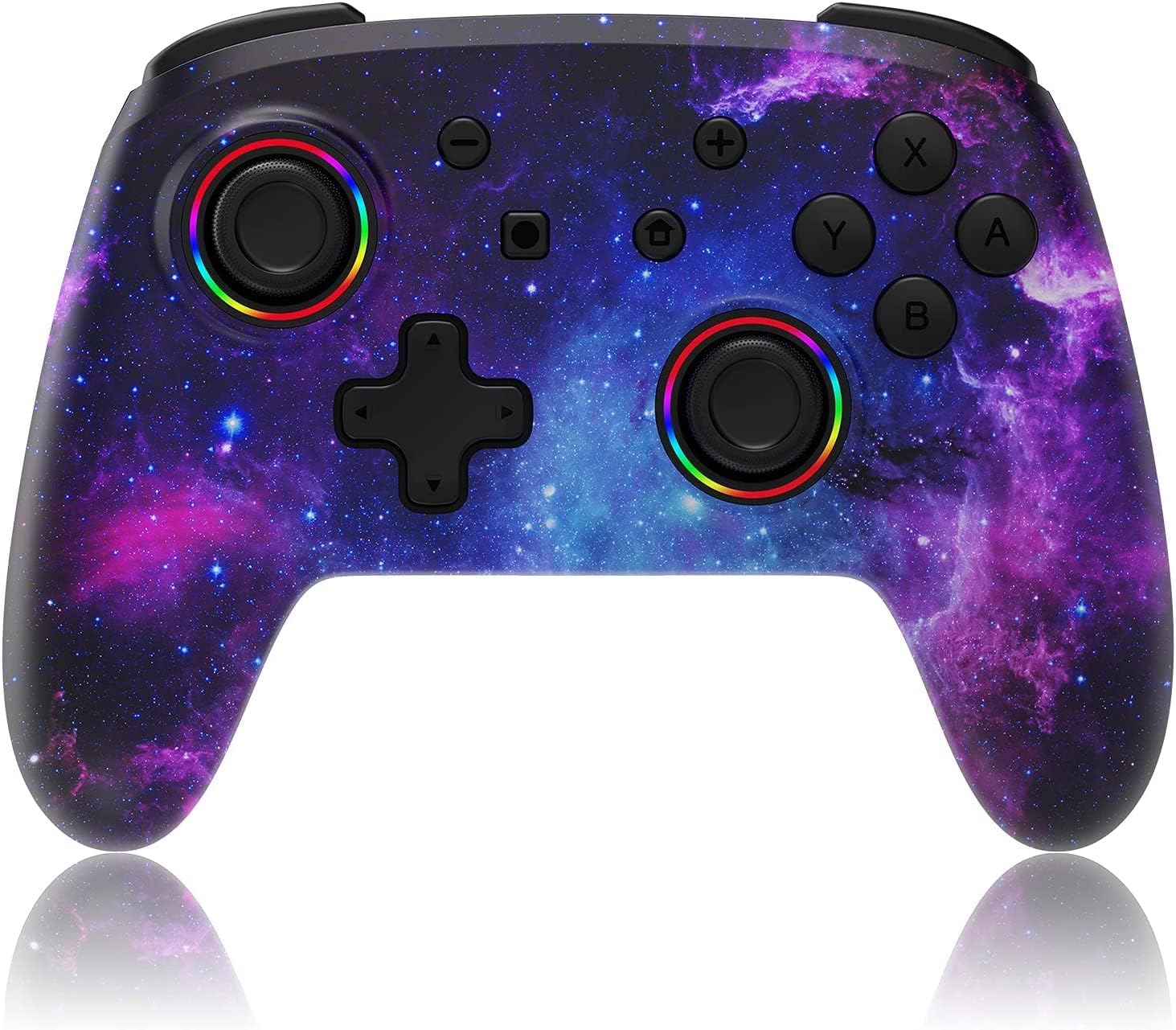
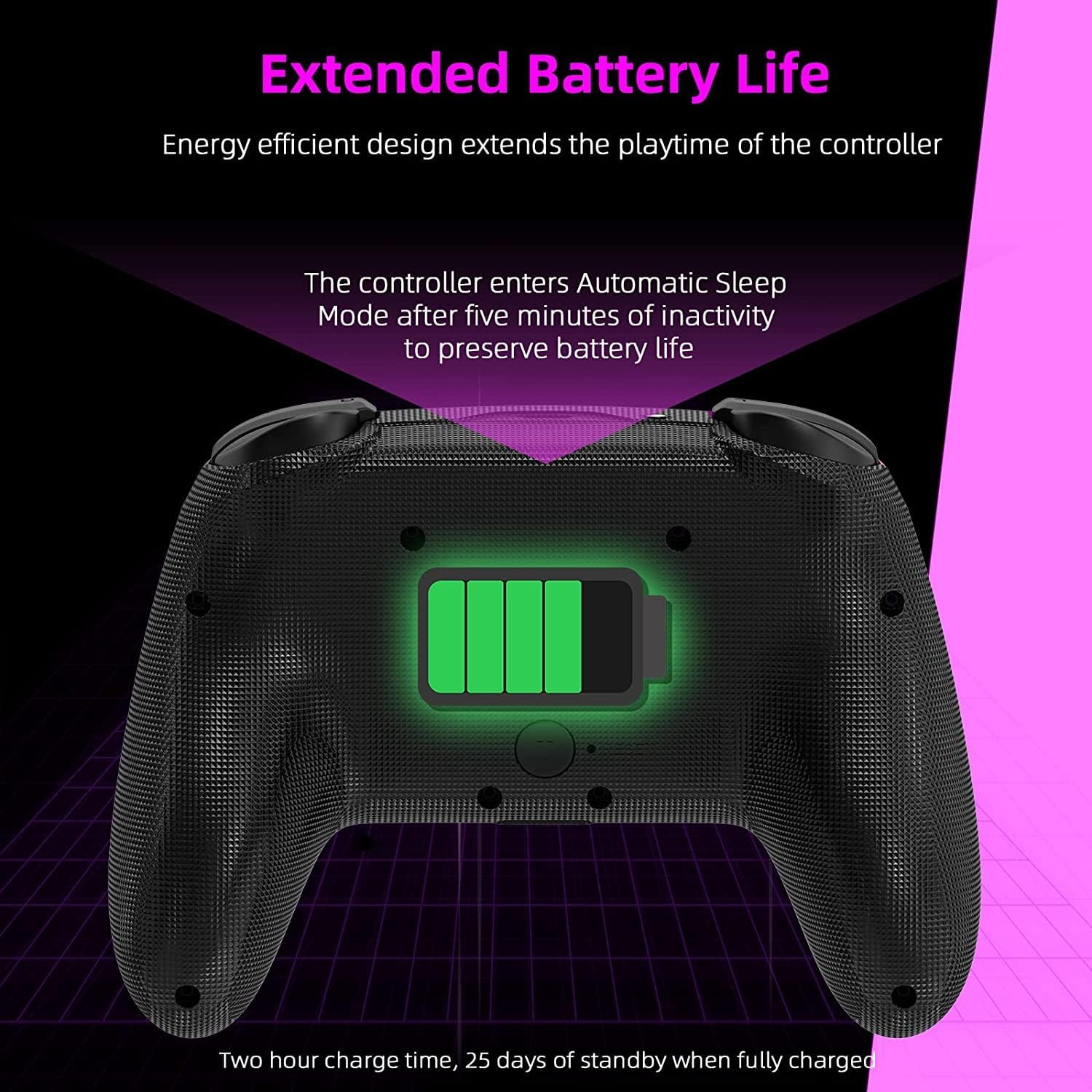
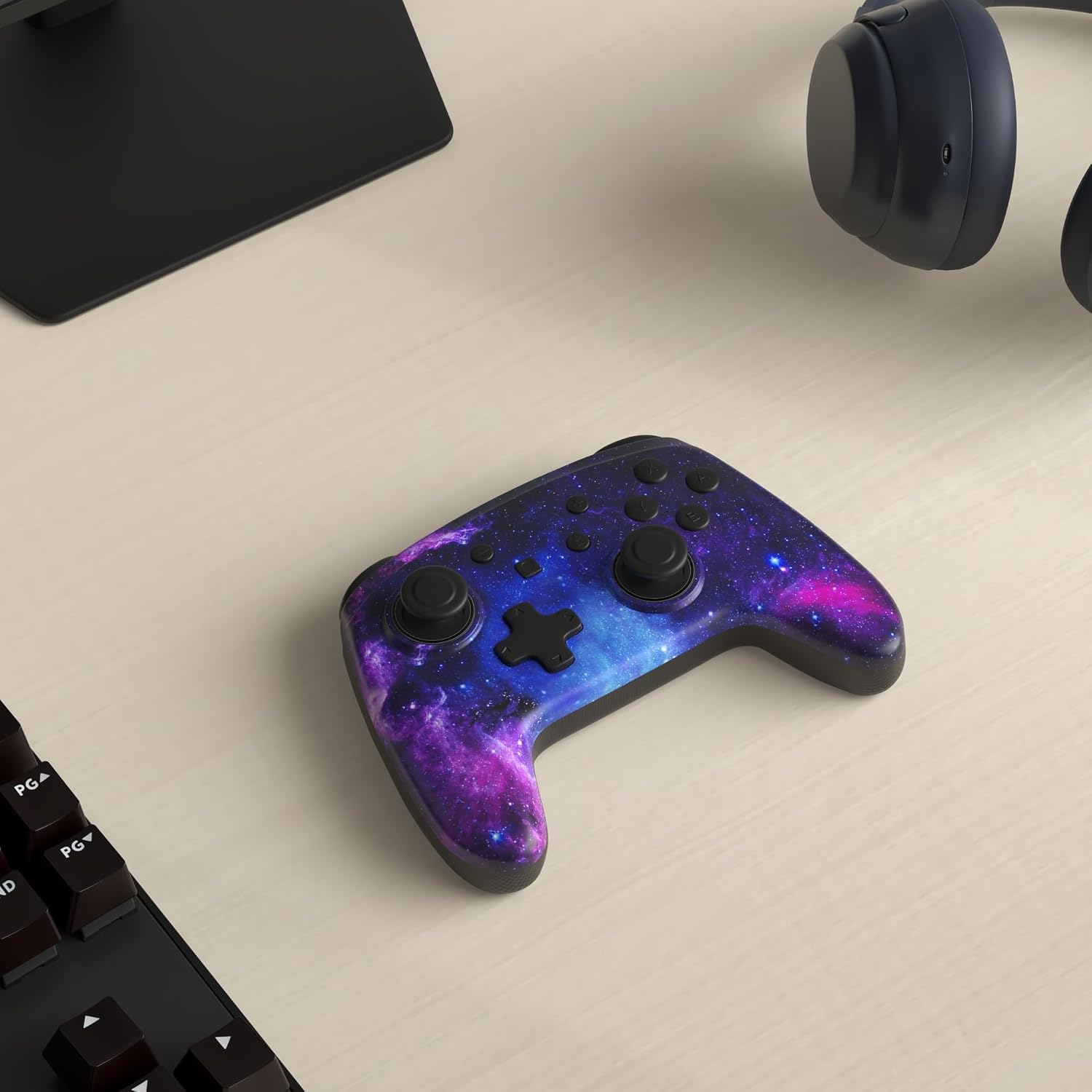
The controller connects via Bluetooth and is compatible with Nintendo Switch, Switch Lite and the Switch OLED model, offering a wireless alternative to standard Joy-Con arrangements. It includes dual haptic motors and a six-axis gyroscope to register movement and deliver tactile feedback, which can improve immersion in compatible games. The ergonomic shell uses ABS plastic with textured anti-slip grips to reduce hand fatigue during longer sessions. A built-in rechargeable battery charges in approximately two to three hours and, according to the manufacturer, provides up to ten hours of gameplay per charge. The Cosmic Nebula finish adds a subtle starfield look with active LED rings that light up while the sticks are used ✨.
Technical Specifications
- Name: NexiGo Wireless Controller (Cosmic Nebula)
- Compatibility: Nintendo Switch, Switch Lite, Switch OLED
- Connectivity: Bluetooth wireless
- Haptics and motion: Dual vibration motors, 6-axis gyroscope
- Battery and charging: Rechargeable battery, charging time 2-3 hours, up to 10 hours use (manufacturer claim)
Benefits
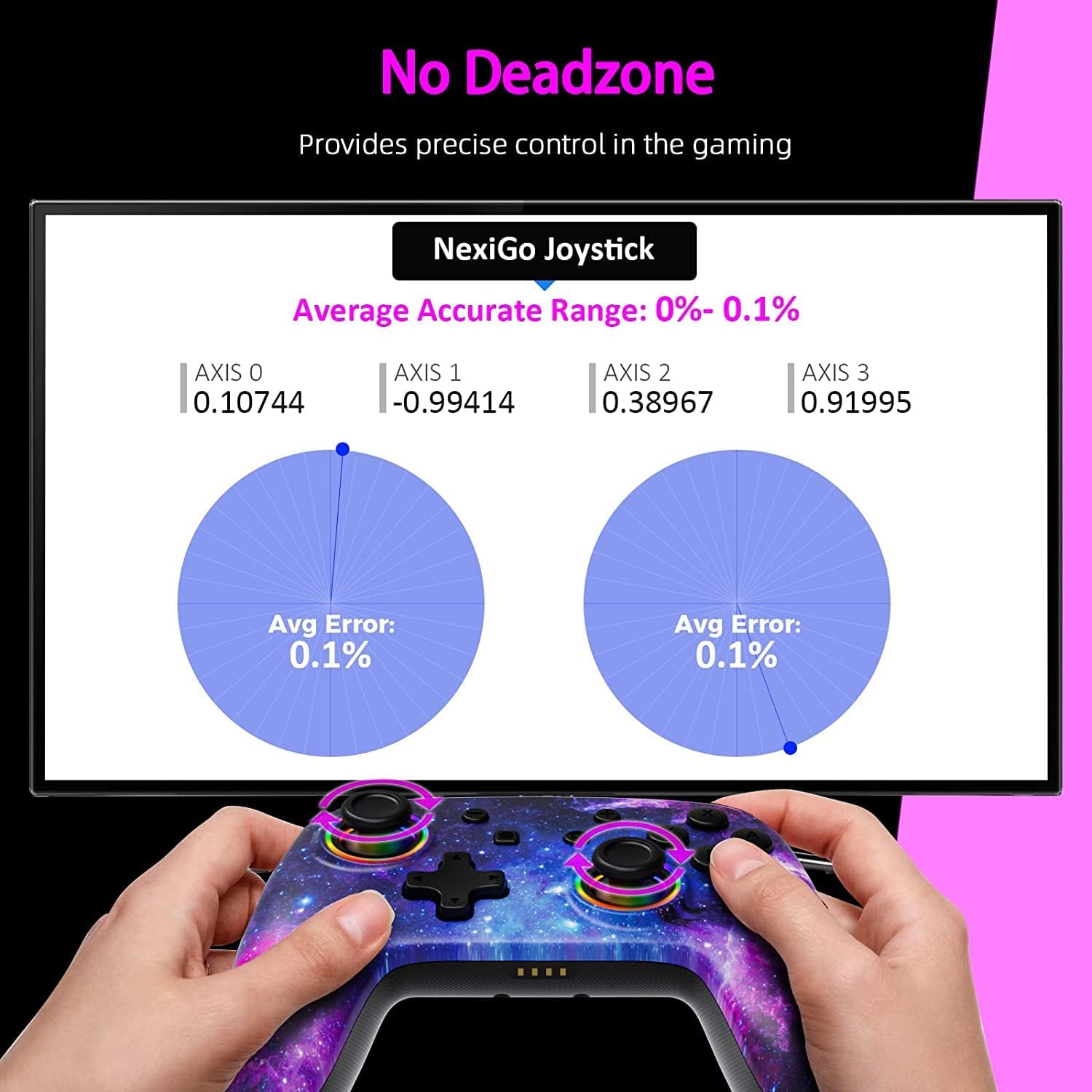
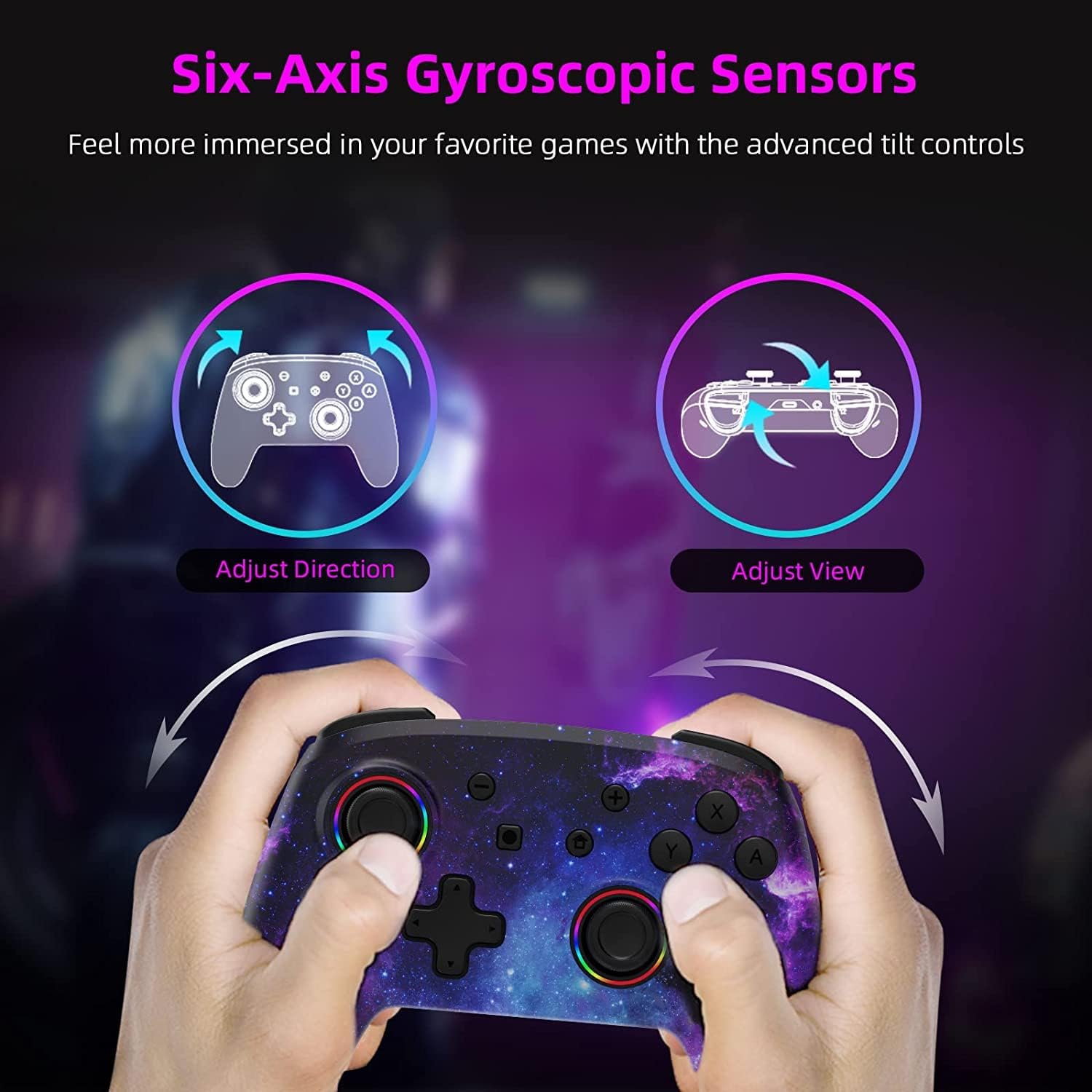
Having motion controls and responsive vibration lets you rely less on screen-only cues and more on subtle physical feedback when steering, aiming or performing gestures. The LED rings are primarily decorative but can help indicate activity at a glance during split-screen or party sessions. Turbo mode is useful for games that require rapid repeated inputs, and it reduces wear on fingers in repetitive scenarios. The textured grips improve hold and can make long play periods more comfortable, particularly when using the controller in handheld mode or on a pro-controller stand.
Usage Recommendations
For best responsiveness pair the controller via Bluetooth following the console prompts, and allow the controller to fully charge before a long session. Consider disabling turbo in games where single precise inputs are required, because automated rapid fire may interfere with accurate timing. Note that some advanced features depend on game support and console firmware compatibility, and battery life may vary according to vibration use and LED settings.