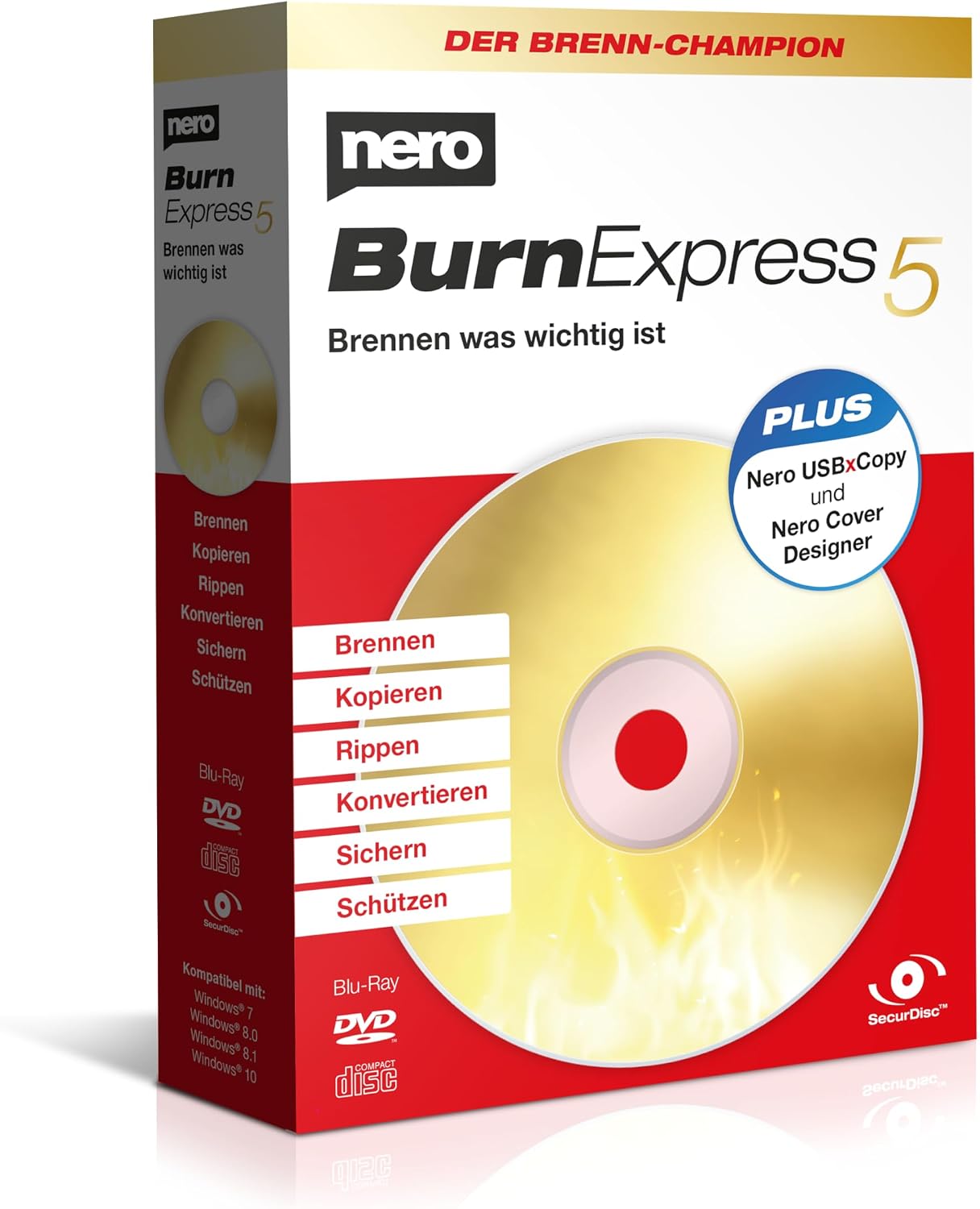
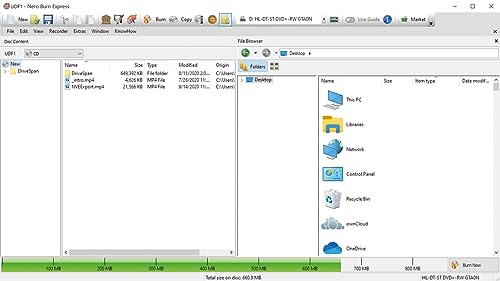
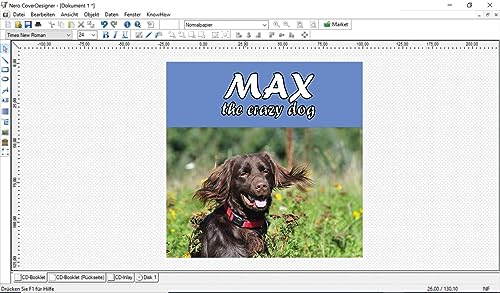
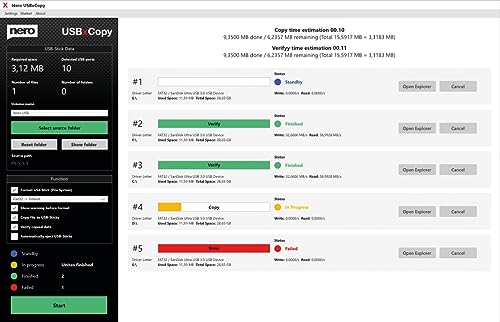
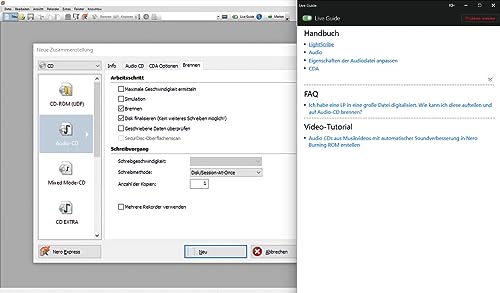
What it is and what it solves\nNero Burn Express 5 is a Windows-compatible disc burning suite that combines burning, copying, ripping and basic media conversion in one package. It aims to be a pragmatic tool for users who want reliable optical media handling without juggling multiple programs. If you regularly back up photos, videos and music to CD, DVD or Blu-ray, and you value an integrated workflow with straightforward guidance, this could cover a wide range of daily tasks in one place.\n\n## What stands out on paper\nOn the surface, the package promises a market-leading burning engine, a lifetime license, and advanced protection with SecurDisc 4.0—including password protection, encryption and integrity checks. It also ups the convenience factor with USBxCopy to duplicate data to several USB sticks in one go and a cover designer with access to cover images. Rip and convert features are included to extract or re-encode audio from CDs and create disc copies.\n\n## Who it’s for\nIf you are a PC user who prefers a single, lifelong licence for burning, archiving and light media extraction tasks, this product targets those who want a practical, no-subscription solution. It suits households and small offices that rely on physical media for backups or media sharing and that appreciate built‑in artwork design capabilities for physical discs.\n\n## What you’ll notice day to day\nIn practice the workflow is designed to be beginner‑friendly: insert a disc, select files, choose burn or copy, and let the software handle encoding or copying with prompts. The SecurDisc 4.0 layer can be reassuring for sensitive data, though it adds a layer of setup to ensure encryption settings are correct. The USBxCopy function is handy for distributing data to multiple sticks, which can save time during backups or media distribution.\n\n## Pros and potential drawbacks\n- Pros: Comprehensive feature set in one package (burn, copy, rip, convert, cover design), lifetime licence, SecurDisc 4.0 protection, USBxCopy convenience, included cover artwork.\n- Considerations: The value hinges on your need for an all‑in‑one solution, if you primarily work with digital copies or streaming, some functions may be less relevant. The protection features are useful but require attention to password and encryption settings to avoid usability friction.\n\n## How it fits different use cases\n– For users who routinely back up physical media and want printable disc artwork, this offers an integrated path from ripping to final disc creation.– For families with mixed media and a need for straightforward archiving, the lifetime licence reduces ongoing costs compared with subscriptions.– For those in a small office environment, the ability to duplicate to USB drives and to archive securely can streamline small-scale distribution.\n\n## When it makes sense to buy (and when to pause)\nConvinces when you value a fixed, long‑term licence and a workflow that covers multiple steps from burning to cover design. It may be less compelling if your needs are limited to digital backups or if you favour cloud-based tools. If you already have a preferred ripping or converting workflow in another programme, weigh whether the added convenience of all‑in‑one functionality justifies the licence.\n\n## What to check before purchasing\n- Ensure your Windows PC meets the supported versions (Windows 11/10/8/7 as listed).\n- Decide how important SecurDisc 4.0 encryption is for your use case and remember to manage passwords carefully.\n- Consider whether you will benefit from USBxCopy for multi‑stick duplication and from the Disc Cover Designer for physical presentation.\n\n## Practical usage example\nImagine backing up a family photo collection: you select the folder, choose a Blu-ray or DVD as the target, use the built‑in ripping tool to extract audio tracks from a few CD rips for a family playlist, and design a simple disc cover with Gracenote imagery. The time saved by an integrated flow reduces the number of separate apps you’d otherwise need.\n\n## FAQ (quick answers)\n- Does it require an ongoing subscription? No, it includes a lifetime licence.\n- Can I protect sensitive data on discs? Yes, via SecurDisc 4.0 with password protection and encryption.\n- Is it suitable for beginners? Yes, the interface aims to be straightforward with guided tasks.\n\n## Final decision\nIs it worth it? Worth considering if you want an all‑in‑one burning and archiving solution with a lifetime licence and secure disc options. It’s a practical choice for households and small offices prioritising physical media workflows.