


(2-Pack) Mouse Jiggler USB Plug and Play – Undetectable mouse mover for PC, laptop and meetings
Reviews
Price
Product description
What it’s for
A mouse jiggler is one of those tools you either need occasionally or find yourself wondering how you managed without it. This (2-Pack) USB mouse mover is designed to simulate small mouse movement so your computer keeps waking up instead of going to sleep, even when you’re away from the desk.
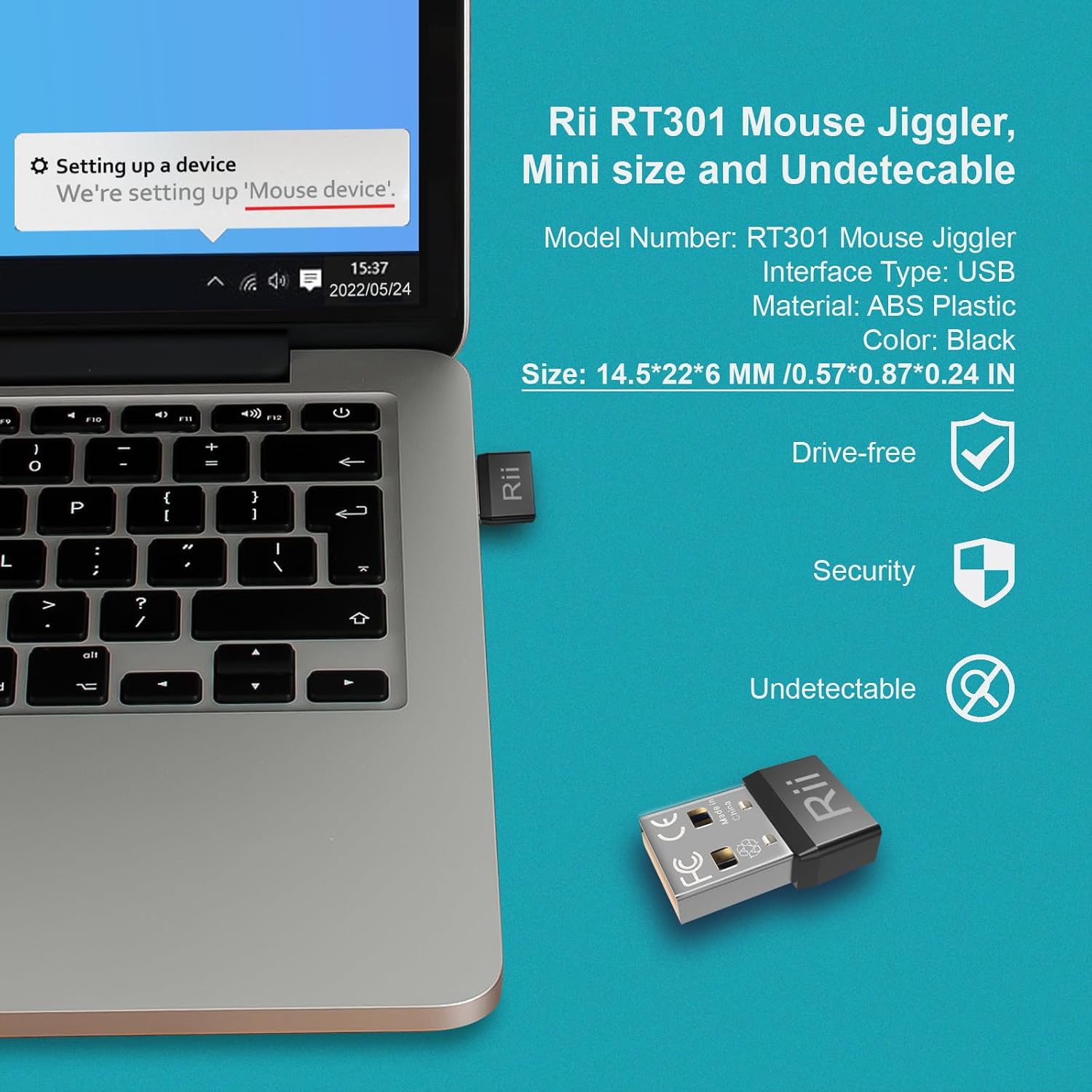
On paper, the pitch here is that it’s “undetectable” in the sense that, once plugged in, it should be recognised as a standard mouse device rather than an unknown USB accessory. That matters because it aims to behave like a normal pointing device and not disrupt your regular mouse usage.
If you’ve ever had a meeting cut short because a laptop decided to sleep, or you work in long video calls and remote sessions, the practicality is pretty clear.
The essentials
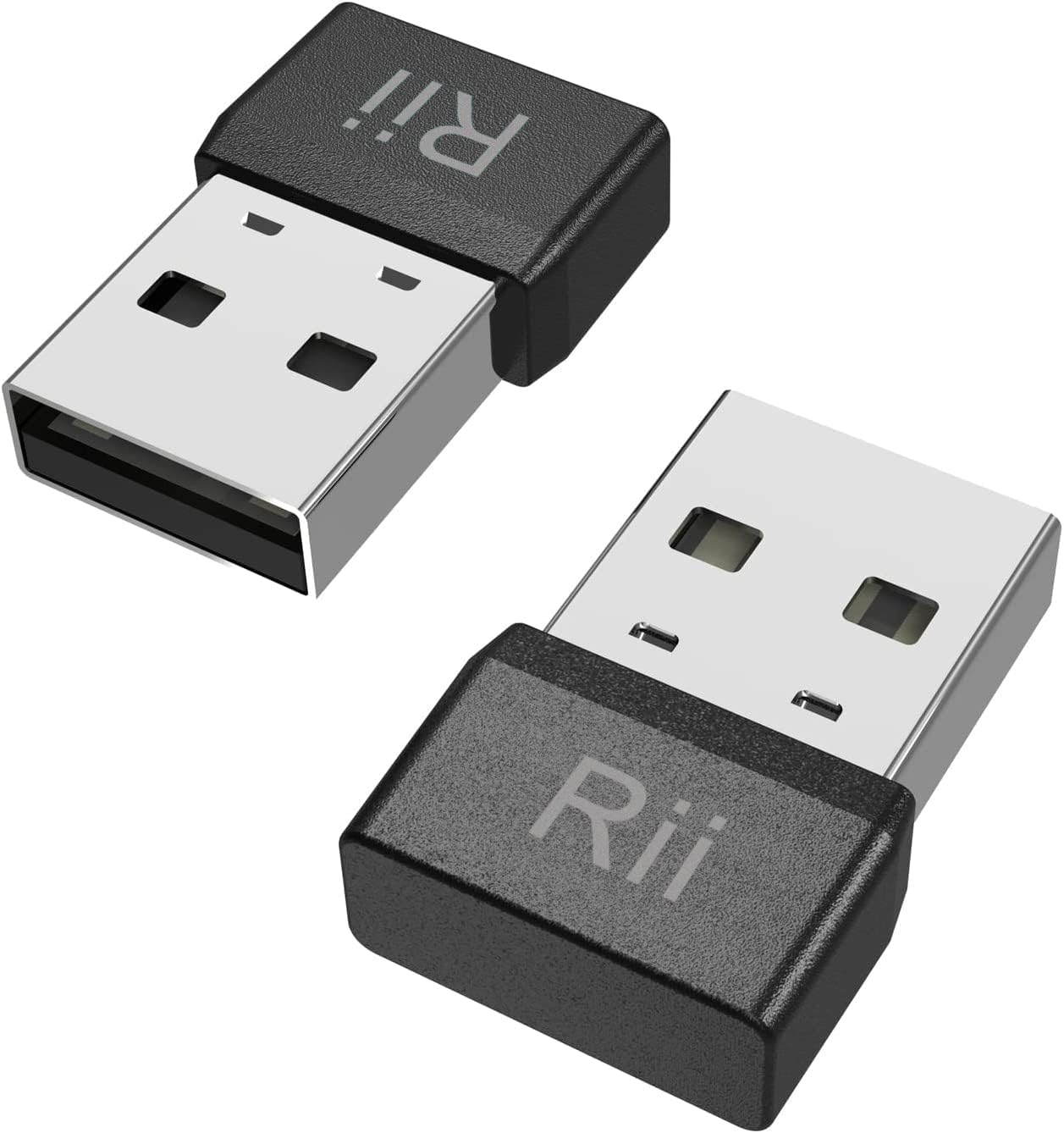
This is a driver-free, USB HID style mouse jiggler. The idea is straightforward: plug it into your laptop or computer and it should be identified automatically, without driver downloads, software installs, or any setup steps.
The pack comes as two mini units, described as super small—smaller than a coin—which makes them easier to keep in a bag for work, travel, or recurring remote sessions.
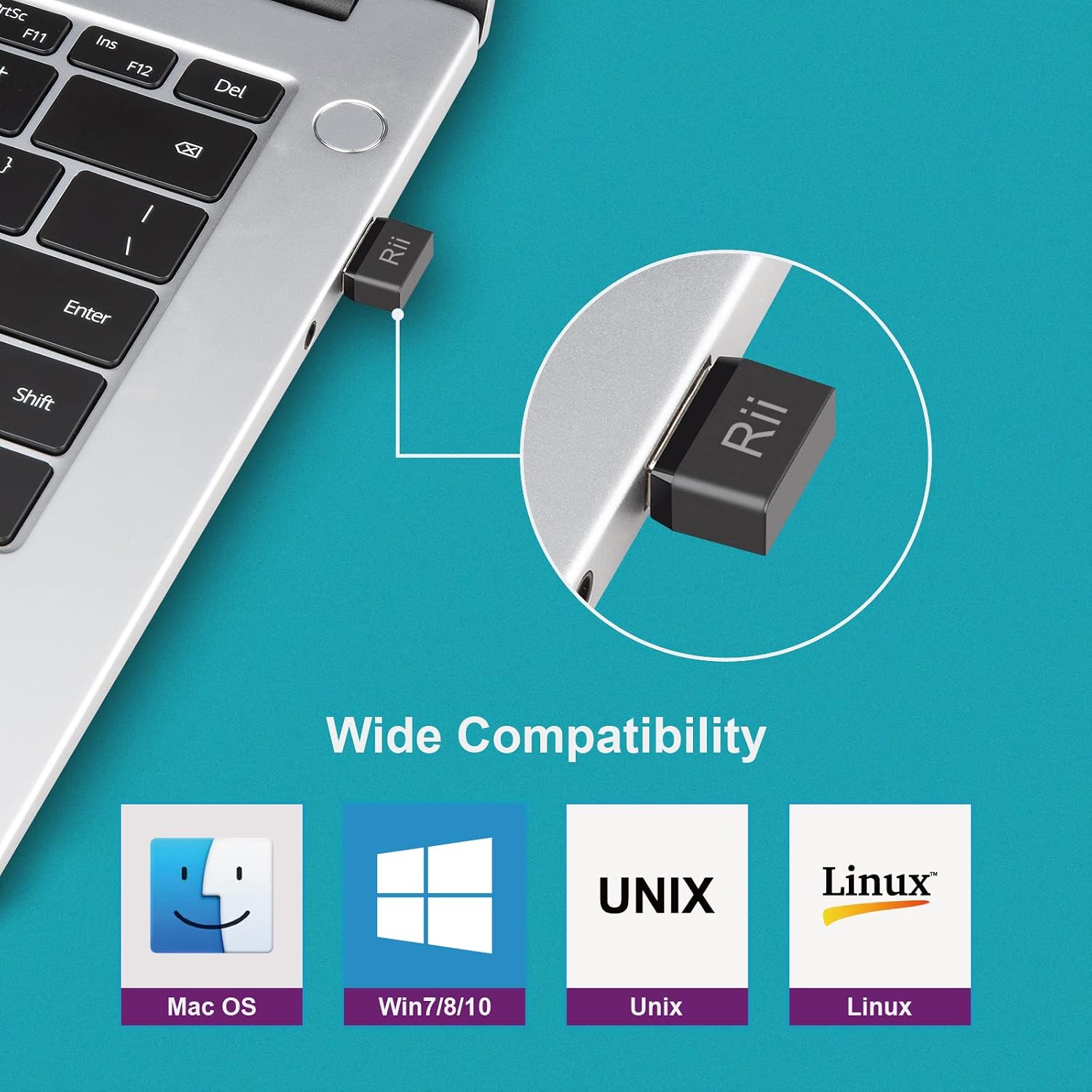
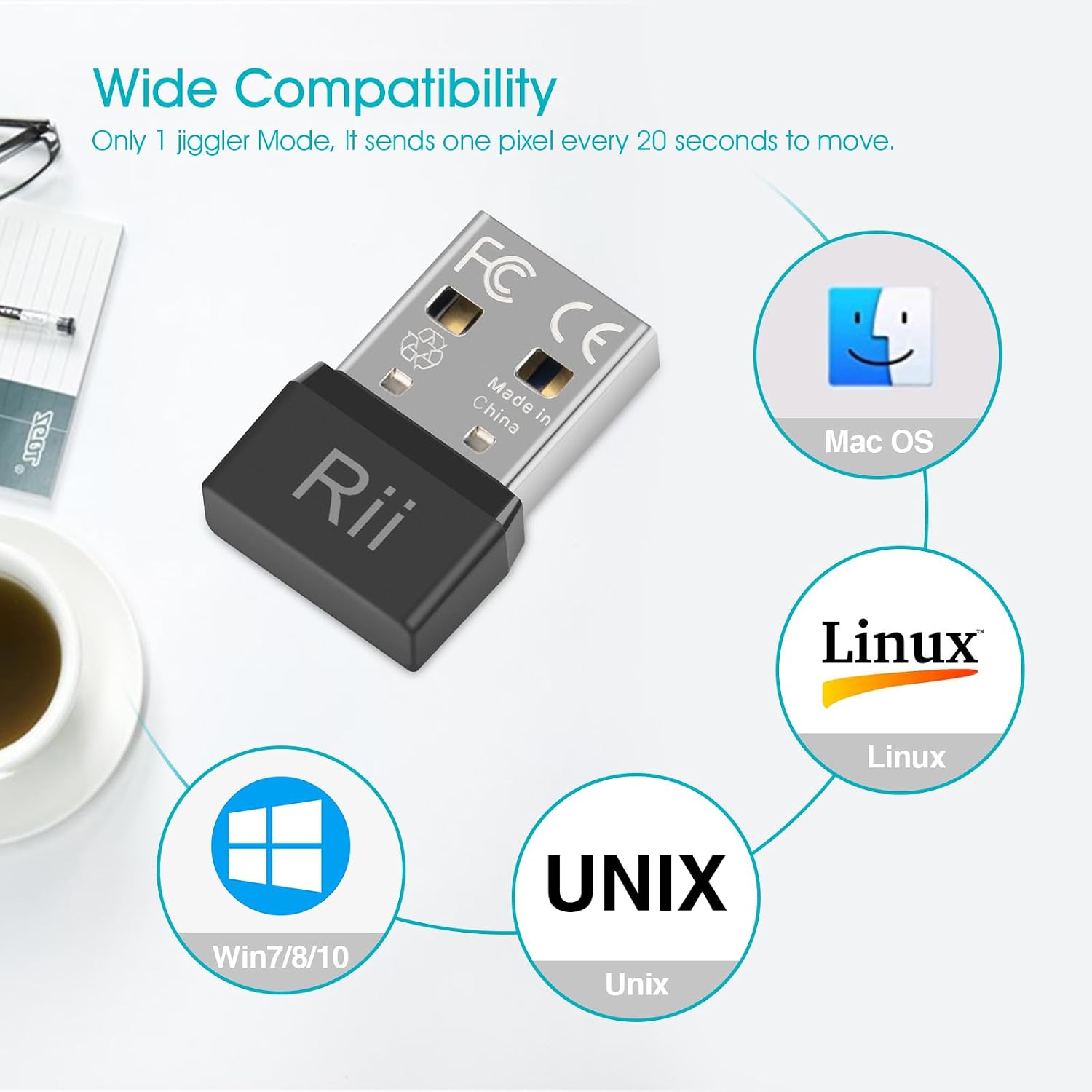
There’s also mention of a wide compatibility range, including Windows 7/8/10/11, Mac, Unix and Linux. The manufacturer also positions it for work contexts like MS Teams, Skype, Outlook, Zoom and others, plus web-based calls and online classes.
One honest limitation to keep in mind: “undetectable” depends on how your specific system and software handle USB HID devices. Some environments can be more sensitive than others, so it’s worth checking your setup before relying on it for anything mission-critical.
Key takeaways
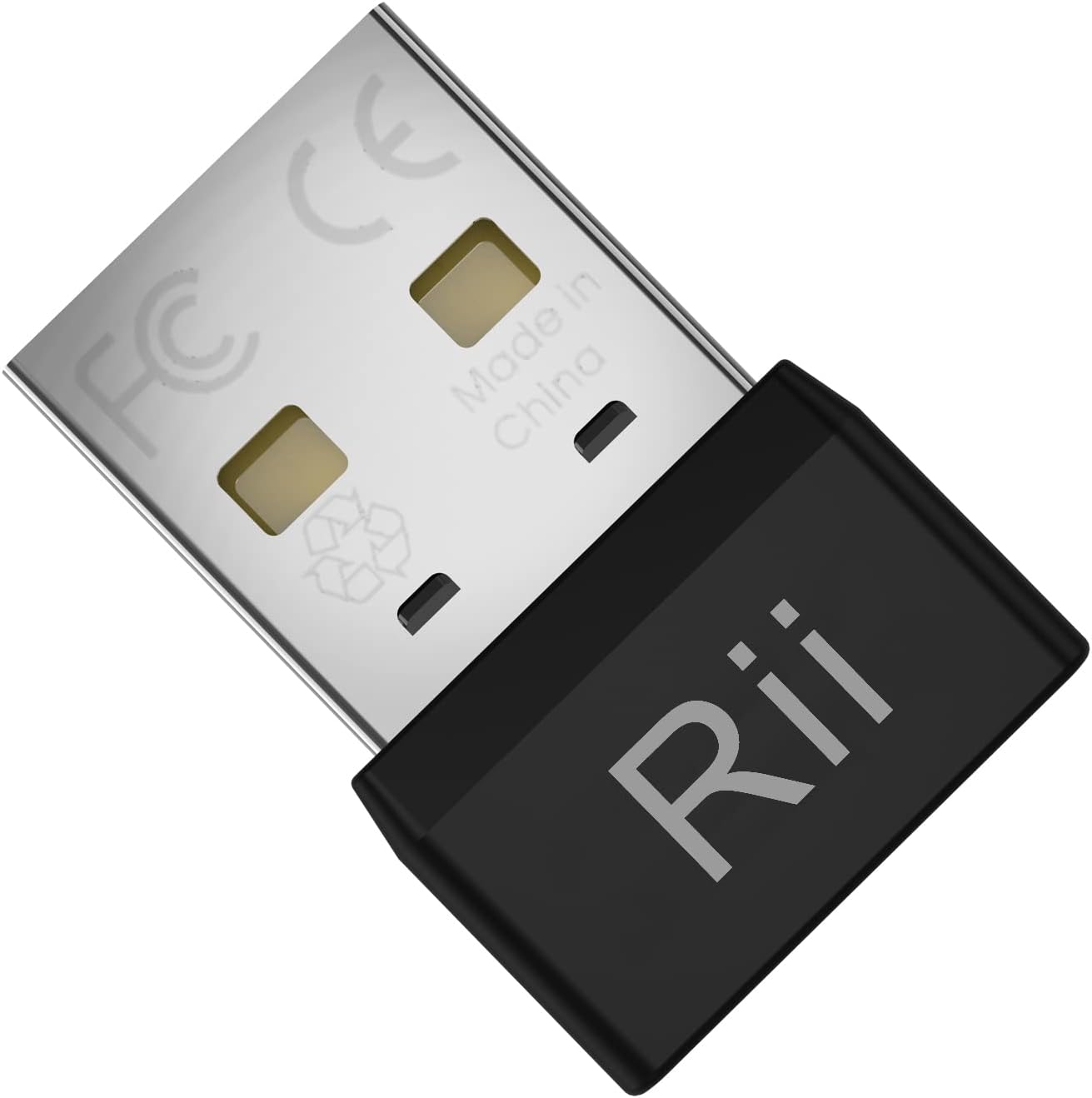
What you’ll notice day to day is less about fancy features and more about whether it genuinely keeps the device awake while you carry on using your normal mouse.
A strong point in the way this is described is the emphasis on not affecting regular mouse use—so you’re not meant to swap peripherals or change your workflow.
You also get a useful “belt and braces” benefit from the 2-pack. If one USB port is in use, or you want one at home and one at work, it reduces hassle. That said, if you only ever need this for a single setup, you may not feel the same value as someone who’s constantly moving between devices.
Where it shines (and where it may not)
This is most likely a good fit if you regularly deal with long periods of inactivity while your computer is still needed—such as sustained video calls, remote operation, online classes, or desk-based tasks where you want the session to stay active.
It may not be the best match if you’re trying to solve a deeper power management issue, like aggressive sleep/hibernate settings that trigger beyond simple “wake on movement” behaviour. In that situation, a mouse jiggler can help, but it might not fully replace adjusting your power settings.
Also, if your computer setup has strict USB policies (for example, some corporate environments), it’s sensible to double-check whether adding a USB HID device is allowed.
Tech specs
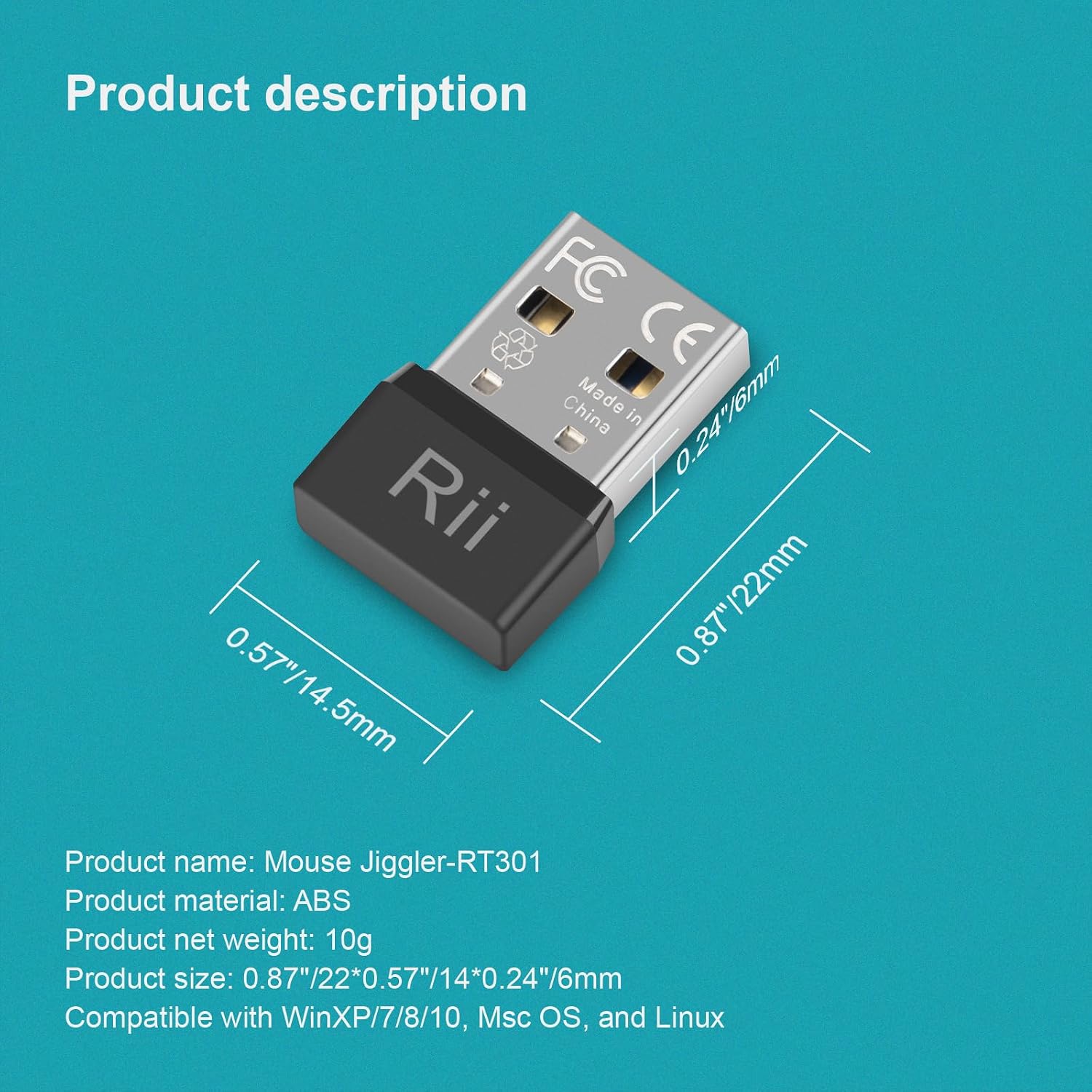
- Type: USB mouse jiggler / mouse mover (USB HID)
- Plug and play: driver-free, no software or installation stated
- Size: described as super mini (smaller than a coin)
- Compatibility: Windows 7/8/10/11, Mac, Unix, Linux
- Coverage mention: works for keeping the computer awake by simulating mouse movement
- Pack size: 2-Pack
- Warranty: 12-month warranty (as stated)
Practical tips
To get the most from a mouse jiggler, it helps to treat it like a small “always-on” helper rather than something you move around constantly. Plug it in and then carry on as usual with your regular mouse.
A common real-life scenario: you join a Zoom or Teams meeting, then step away briefly to grab a drink or mark work. If your laptop is set to sleep quickly, that idle moment can be enough to interrupt. With a mouse jiggler plugged in, the computer receives simulated movement events, so the session is less likely to drop.
Just don’t forget that it simulates movement—if you’re expecting your system to truly be idle (for example, for specific monitoring tools), this approach may not match your intent.
In the box
The product is listed as a (2-Pack), so you should expect two USB mouse jiggler units. Beyond that, no additional items are specified in the details provided.
Should you buy it?
Buying makes sense if you want a simple, driver-free way to help stop your laptop or computer from going to sleep during long calls or remote work, and you value the convenience of a small 2-pack you can keep handy.
You may want to skip it if you’re mainly trying to fix a complex power or sleep setup, or if your environment is sensitive to extra USB HID devices. In those cases, it could feel like a workaround that only solves part of the problem.
For most people, the decision comes down to one question: do you just need your machine to stay awake reliably while you’re otherwise not moving the cursor? If yes, this type of USB mouse mover is designed for that job—though it’s still worth sanity-checking your specific computer and meeting software behaviour before depending on it.
Mini FAQ
What does “driver-free” mean here?
The details state it follows standard USB HID protocol and should be automatically identified when connected, with no driver downloads and no software installation.
Does it affect my normal mouse?
The description says it will not affect the use of your regular mouse, aiming to simulate movement without disrupting normal control.
Is it compatible with both Windows and Mac?
Compatibility is listed for Windows 7/8/10/11, Mac, Unix and Linux.
Why get the 2-Pack?
The pack gives you two mini units, which can be handy if you use more than one computer, want one at home and one at work, or prefer keeping one ready for travel.
Is it really “undetectable”?
The claim is that it’s recognised as a standard mouse device rather than an unknown USB device when plugged in, but how it behaves can still depend on your system and software policies.