

meatanty Metal Tiny Mouse Jiggler (USB mover) with LED screen and 3 movement modes – Blue
Product description
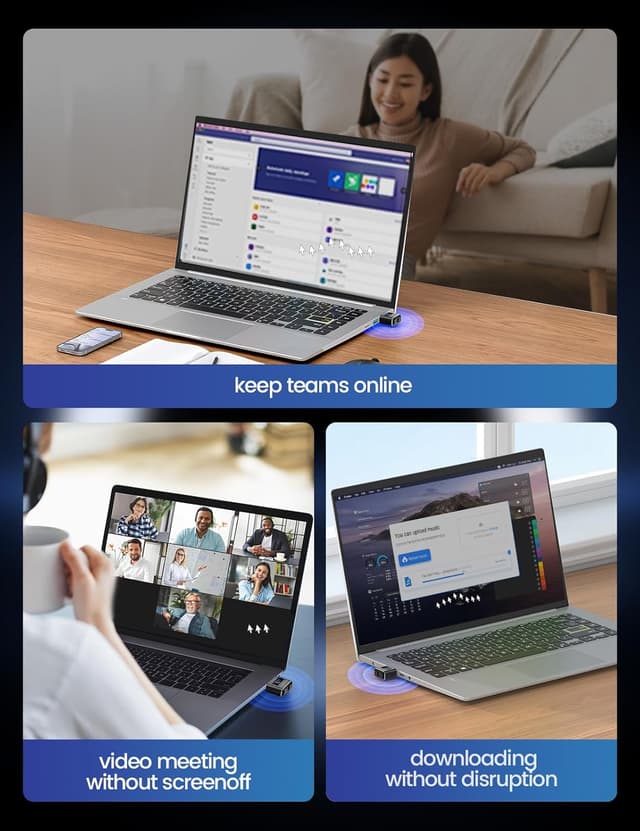
If you’ve ever had a computer lock or a screen go idle when you’re away for just a minute or two, a USB mouse jiggler is often the simplest workaround. The meatanty Metal Tiny Mouse Jiggler is built around that idea: it plugs into your laptop, then moves the cursor in controlled patterns so the display doesn’t fall into an unwanted “idle” state.
Key takeaways
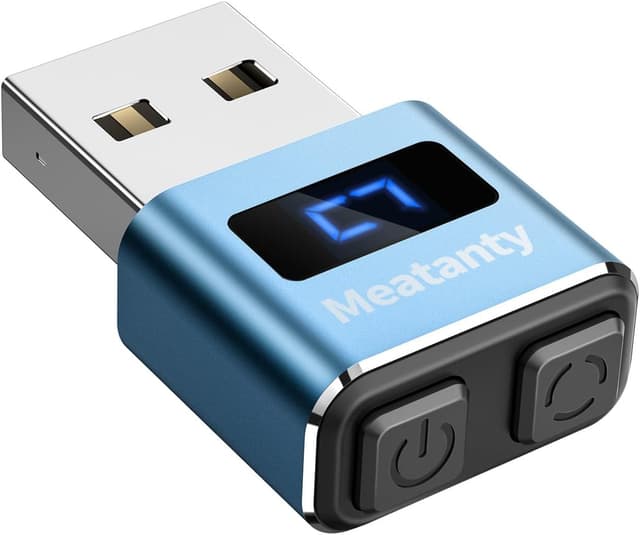
What stands out here is the combination of a metal shell, simple controls, and an LED screen that lets you see—at a glance—whether it’s running and which mode you’re on. It’s also positioned as being “100% indetectable” and as continuing the last set of movement patterns thanks to a memory function.
That said, it’s still a small USB device doing automated cursor movement. If you need something more transparent for compliance reasons, or you’re worried about how your specific system treats “simulated” input, you’ll want to think carefully before relying on it as a long-term solution.
What to know (and what to check before buying)
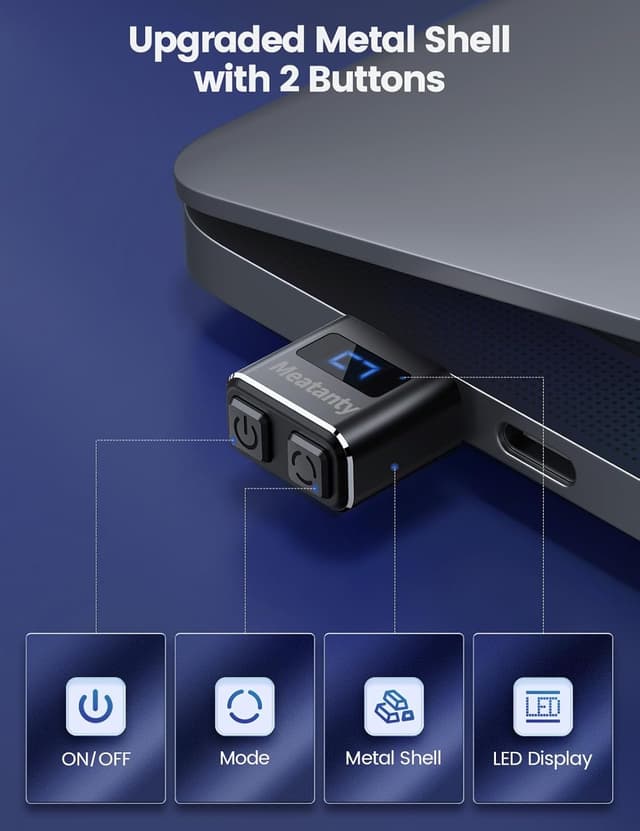
This model is designed to avoid the hassle of repeatedly plugging and unplugging a traditional jiggler. Instead, it includes an ON/OFF button plus a mode selection button, so you can switch behaviour without removing it from the USB port.
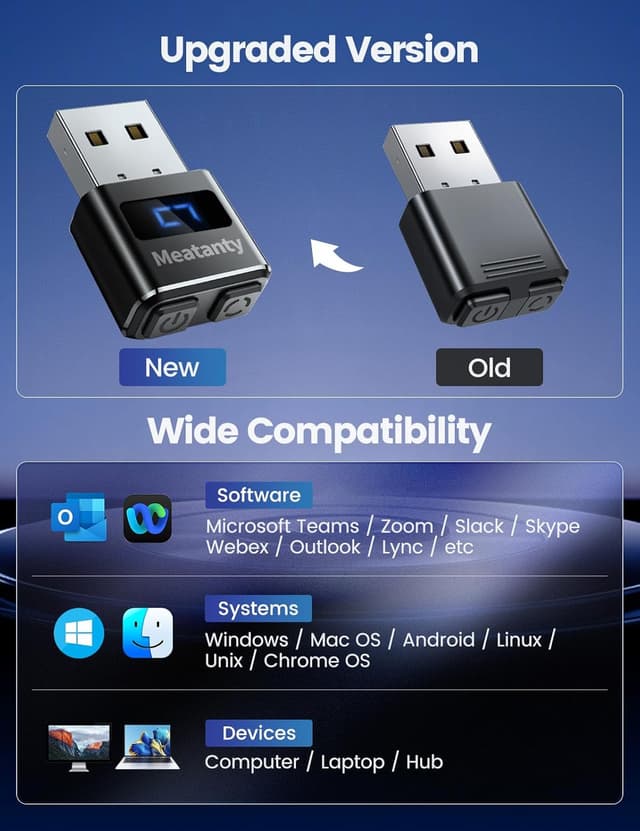
It also claims no software is required: you connect it to a USB port and it’s recognised as a USB optical mouse when first plugged in. Compatibility is described broadly (Mac OS, Windows XP/7/8/10/11, Android, Linux), but that wording is general—so it’s worth considering whether your setup allows mouse input from a newly connected USB device.
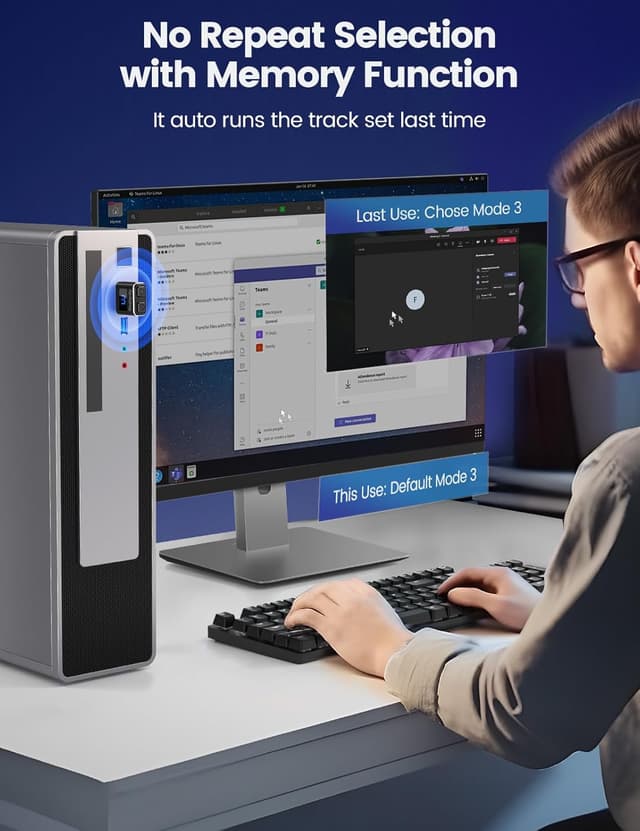
Finally, the “memory” feature means it should resume the last movement track set when you power it back on. That’s genuinely useful if you tend to switch things off to save attention or reduce activity.
Key features
The metal casing is a practical upgrade on paper. A tiny USB motor and moving parts can take a bit of everyday handling, having a solid metal enclosure can make it feel less flimsy than cheaper plastic alternatives.
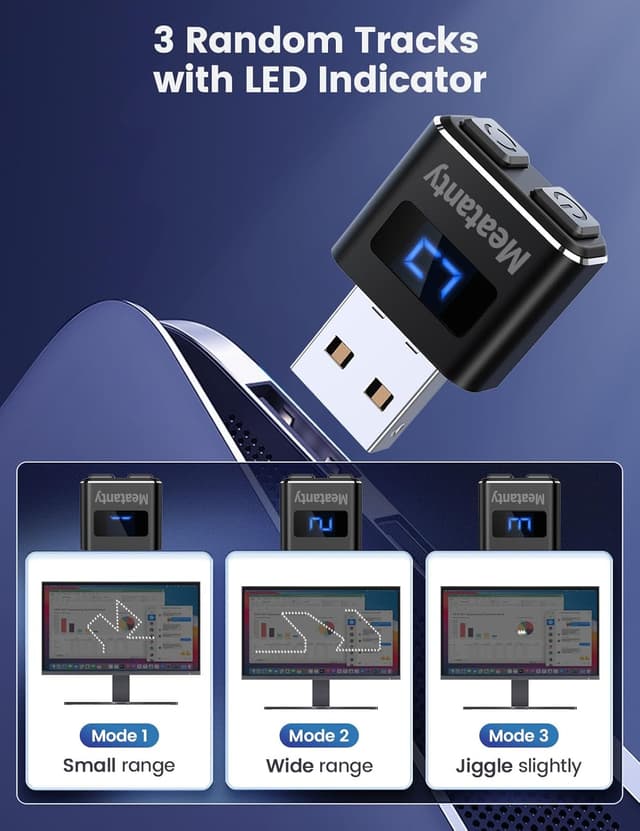
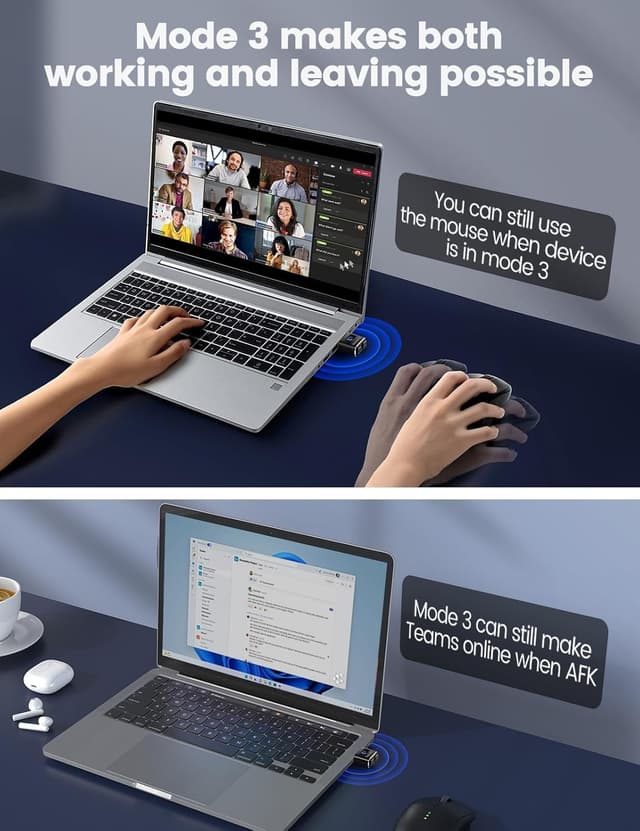
The device offers 3 random movement modes: - Mode 1: a small movement range - Mode 2: a wider movement range - Mode 3: slight cursor movement intended not to disrupt normal mouse use
It also includes an LED screen. In real terms, it reduces guesswork: you’re not checking blind whether the jiggler is active, and you can see which mode you’ve selected.
What you’ll notice day to day
In day-to-day use, the biggest benefit is how low-effort it is. For example, if you’re working at your desk and you step away briefly (or you’re waiting on something while your screen is at risk of going idle), you can plug this in, turn it on, and carry on without having to manage a software timer.
The controls make it feel more “set-and-adjust” than “unplug to change things”. The LED screen is a small detail, but it helps when you’re using the device across different sessions and you don’t want to wonder which mode it’s on.
One limitation to bear in mind: Mode 3 is described as not affecting normal mouse use, but “not affecting” doesn’t necessarily mean it will be invisible to your workflow. If you’re very sensitive to cursor changes (for example, precise selection work), you may still prefer the smallest movement mode.
Who it’s for (and who should avoid it)
This is a good fit if you want a compact USB mouse mover you can control with onboard buttons, with an LED indicator to make operation obvious. It suits people who mainly need to keep their laptop awake in typical office-style scenarios where an idle screen lock is the annoyance.
It may not suit you if your priority is to keep everything as “normal input” as possible, or if you’re in an environment where simulated cursor movement could be restricted or viewed as inappropriate. Also, if your computer or device doesn’t allow the connected USB mouse to be recognised and used, the setup won’t give you the behaviour you’re after.
Final verdict
Worth considering if you’re after a USB mouse jiggler with a metal case, simple ON/OFF and mode selection, and a visible LED screen so you’re not guessing. The 3-mode approach is the practical bit: you get options for small vs wider movement, plus a gentler third mode aimed at reducing interference.
It’s not the best choice if you need a “one-size-fits-everyone” solution with guaranteed behaviour across every policy-controlled setup. As with most jigglers, it relies on your system accepting it as a USB optical mouse input.
Mini FAQ
Does it need software installed?
No—it's described as not requiring installation. You plug it into a USB port and it should start working.
How do the 3 modes differ?
Mode 1 uses a small movement range, Mode 2 uses a wider movement range, and Mode 3 is intended to move the cursor slightly so it’s less likely to affect normal mouse use.
Can you tell if it’s running?
Yes. The device includes an LED screen to show whether it’s working and which mode it’s on.
Will it remember the last mode?
It claims a memory function, so when you turn it back on, it continues with the last selected set of tracks.
What devices is it compatible with?
The listing states broad compatibility with Mac OS, Windows XP/7/8/10/11, Android, and Linux, though results may still depend on whether your device allows USB mouse input.