

MAJORITY Bowfell 50W Bluetooth TV soundbar
Product description
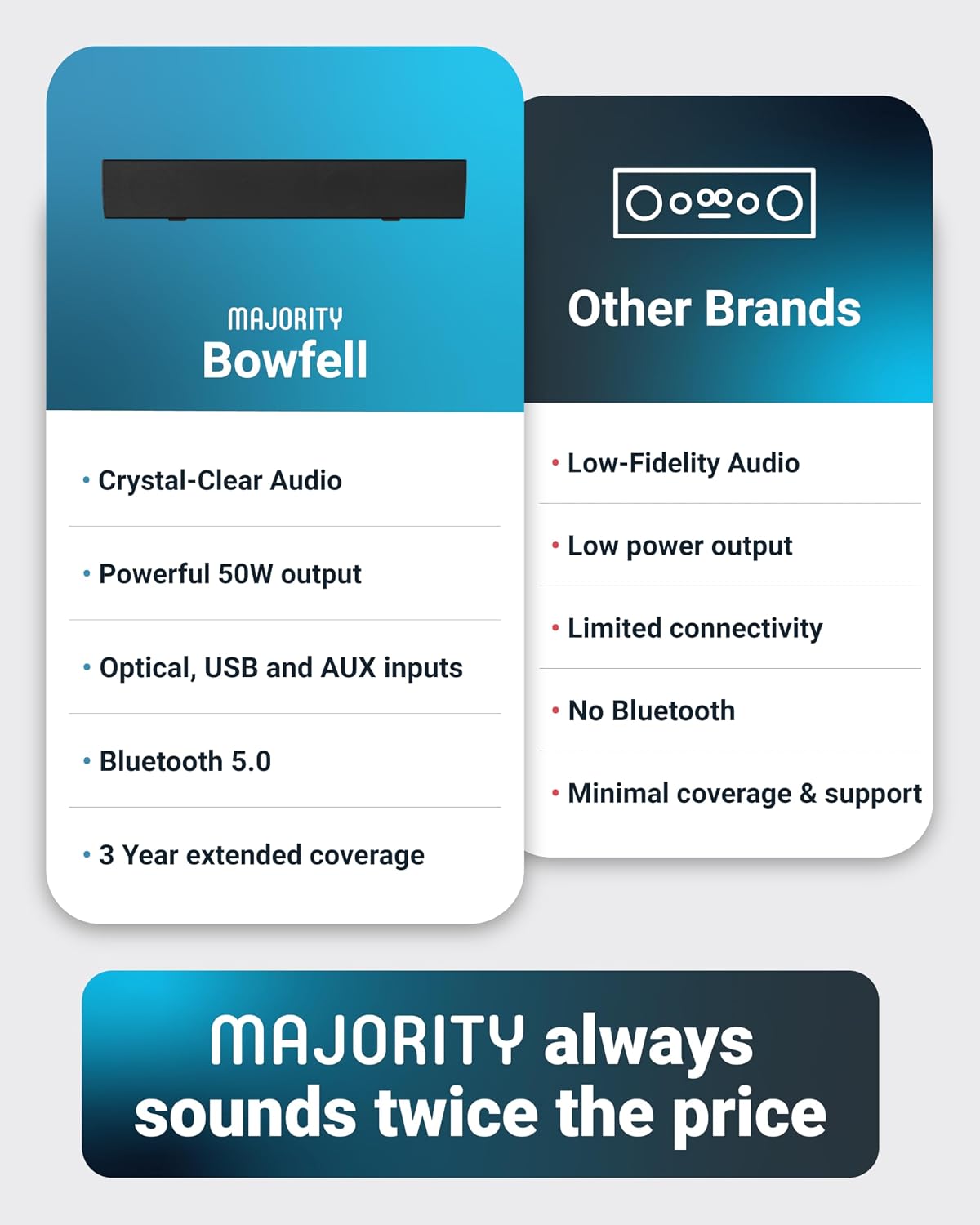
This compact soundbar delivers fuller TV audio without taking up much space, improving dialogue clarity and low-end presence for films and live sport. As a 50 watt 2.0 stereo unit designed for desks and small living rooms, this soundbar for TV connects wirelessly or by cable to TVs, laptops and projectors and makes everyday listening more engaging.
Key Points
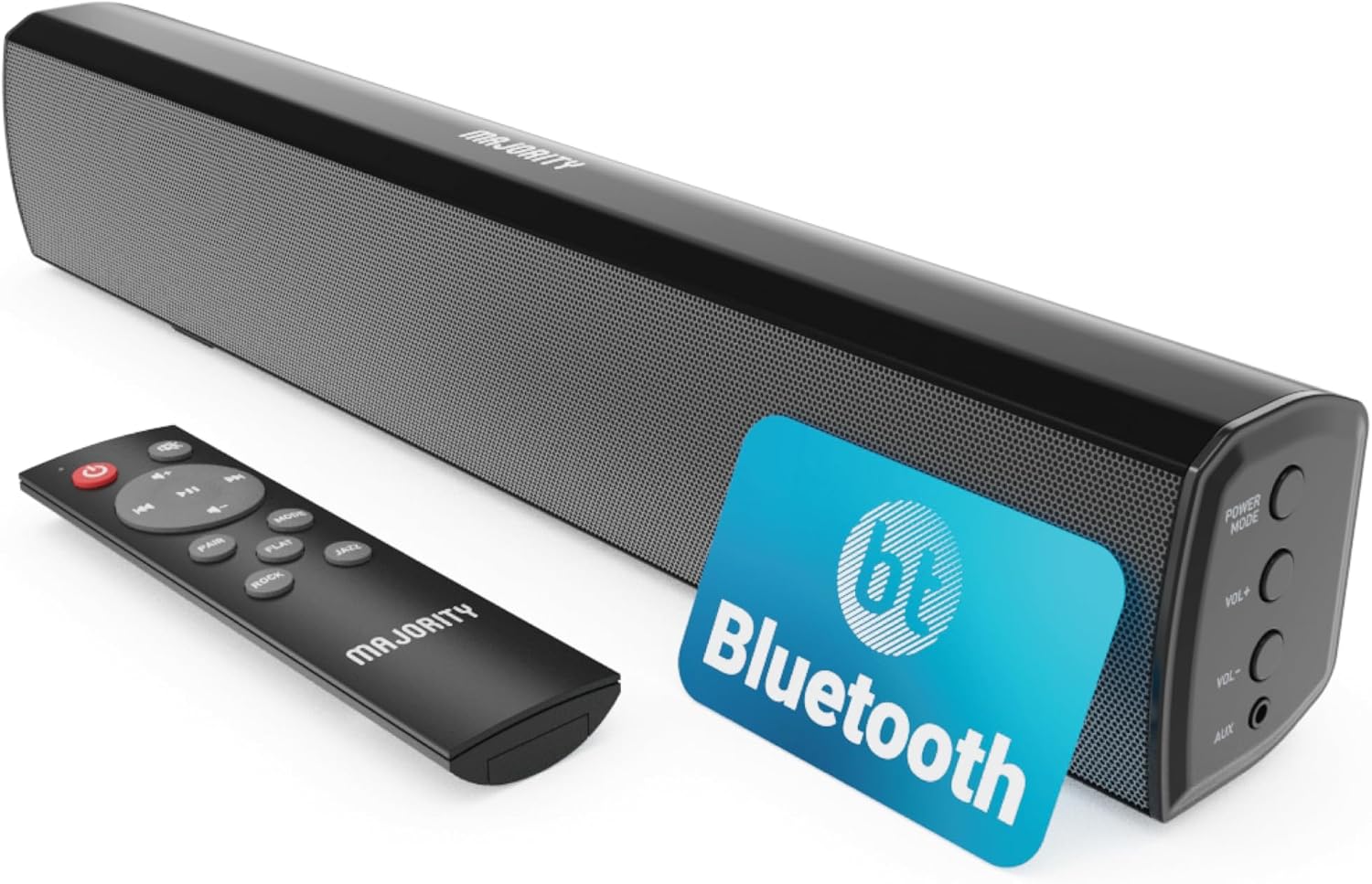
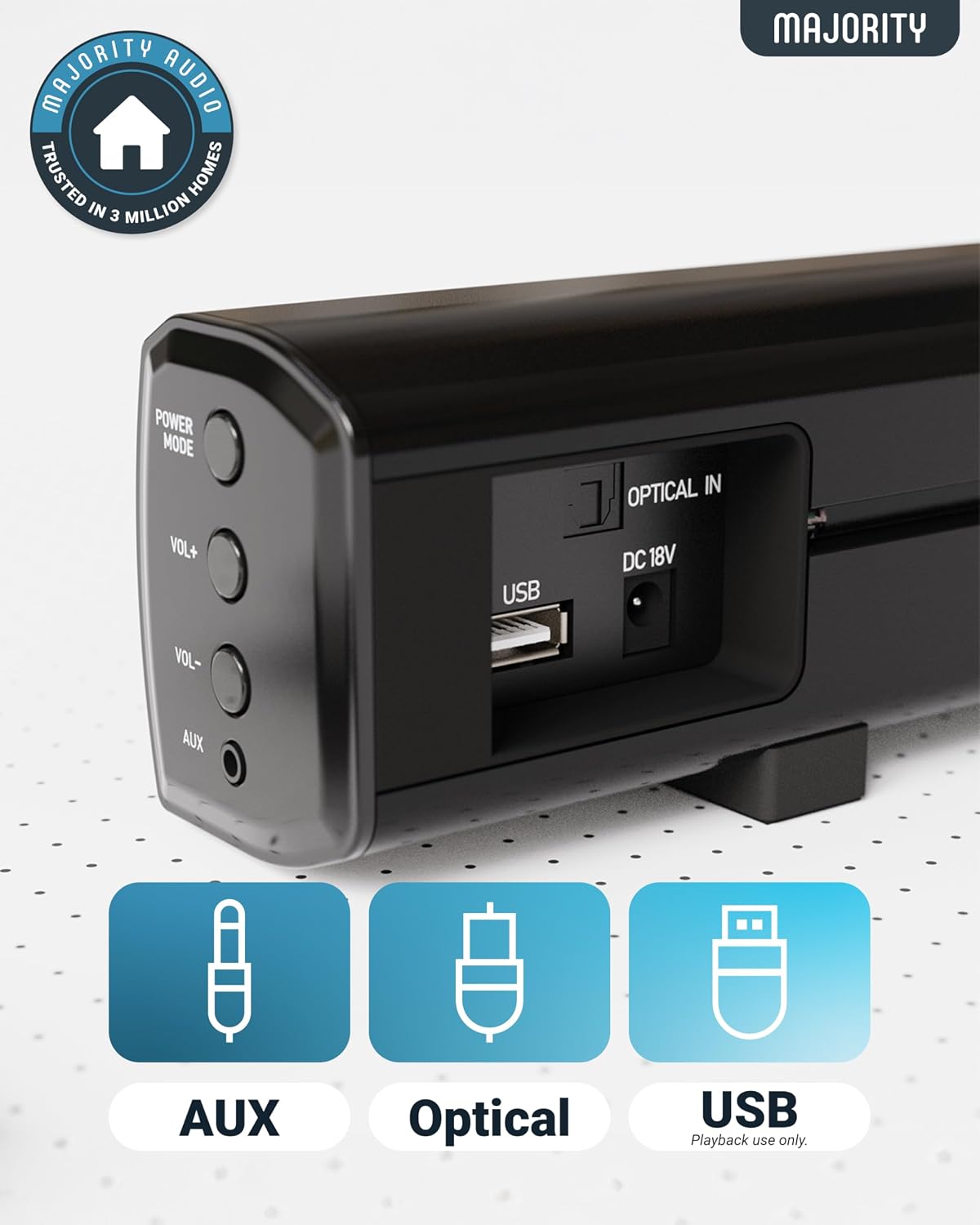
The Bowfell is a slim, unobtrusive audio bar that sits beneath most screens and aims to boost the overall soundstage compared with built-in TV speakers. It supports Bluetooth streaming for phone or tablet playback, and also accepts optical, RCA, USB and AUX inputs so you can switch sources quickly. 🎧
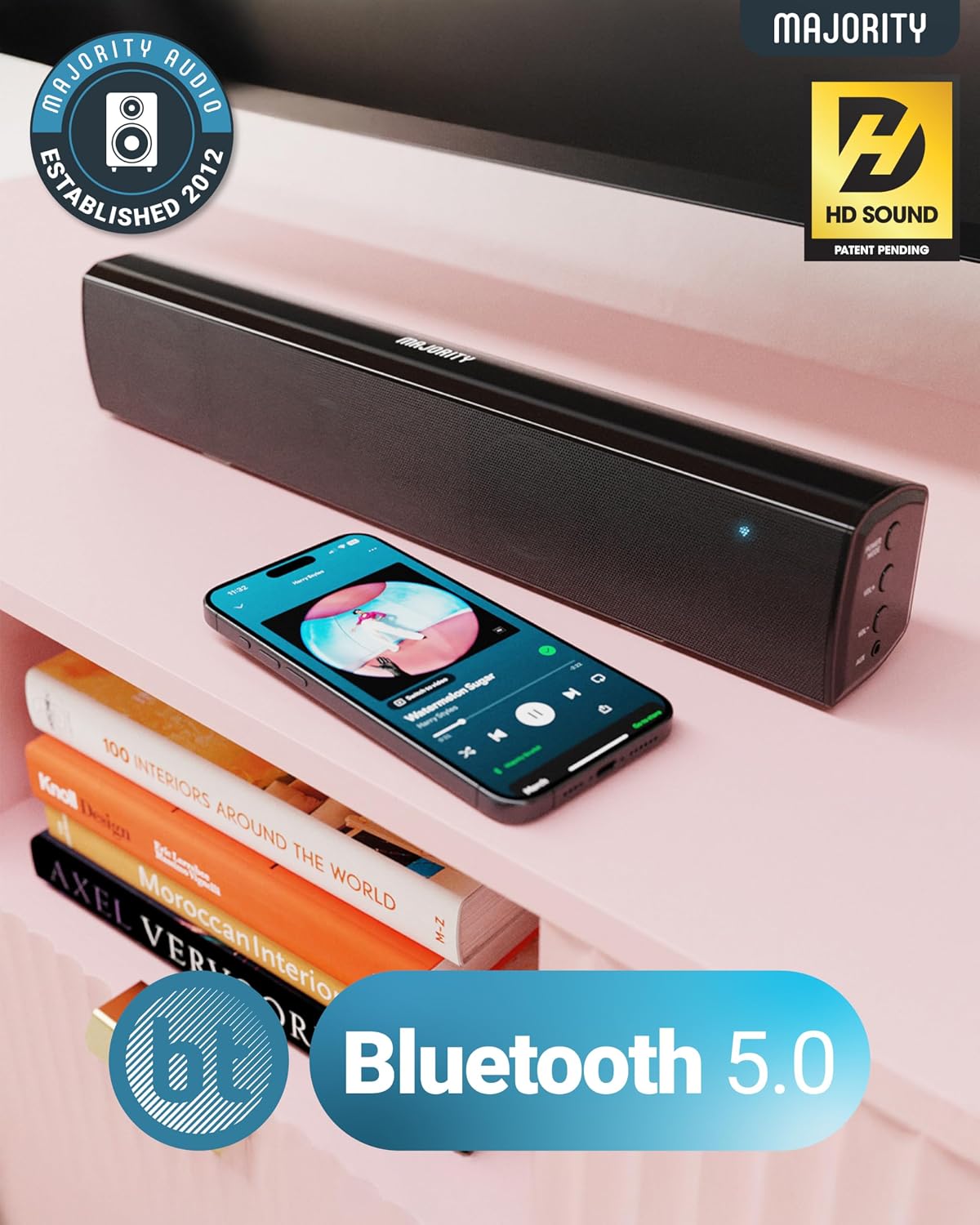
A simple remote is included to change volume, select one of five EQ modes and toggle inputs from across the room. The unit weighs 1.5 kg and measures 38.8 cm across, which keeps it suitable for smaller rooms and monitor setups. Consider that the 2.0 stereo configuration does not include a dedicated subwoofer, so bass extension is limited compared with systems that have a separate sub. 🎶
Benefits
With adjustable EQ presets and custom settings, the sound signature can be tailored for music, movies or gaming. Bluetooth playback allows fast pairing for streaming services and casual listening without extra cables. The multiple wired inputs make it easy to connect older devices that lack Bluetooth. The remote control speeds up day to day adjustments and keeps operation simple.
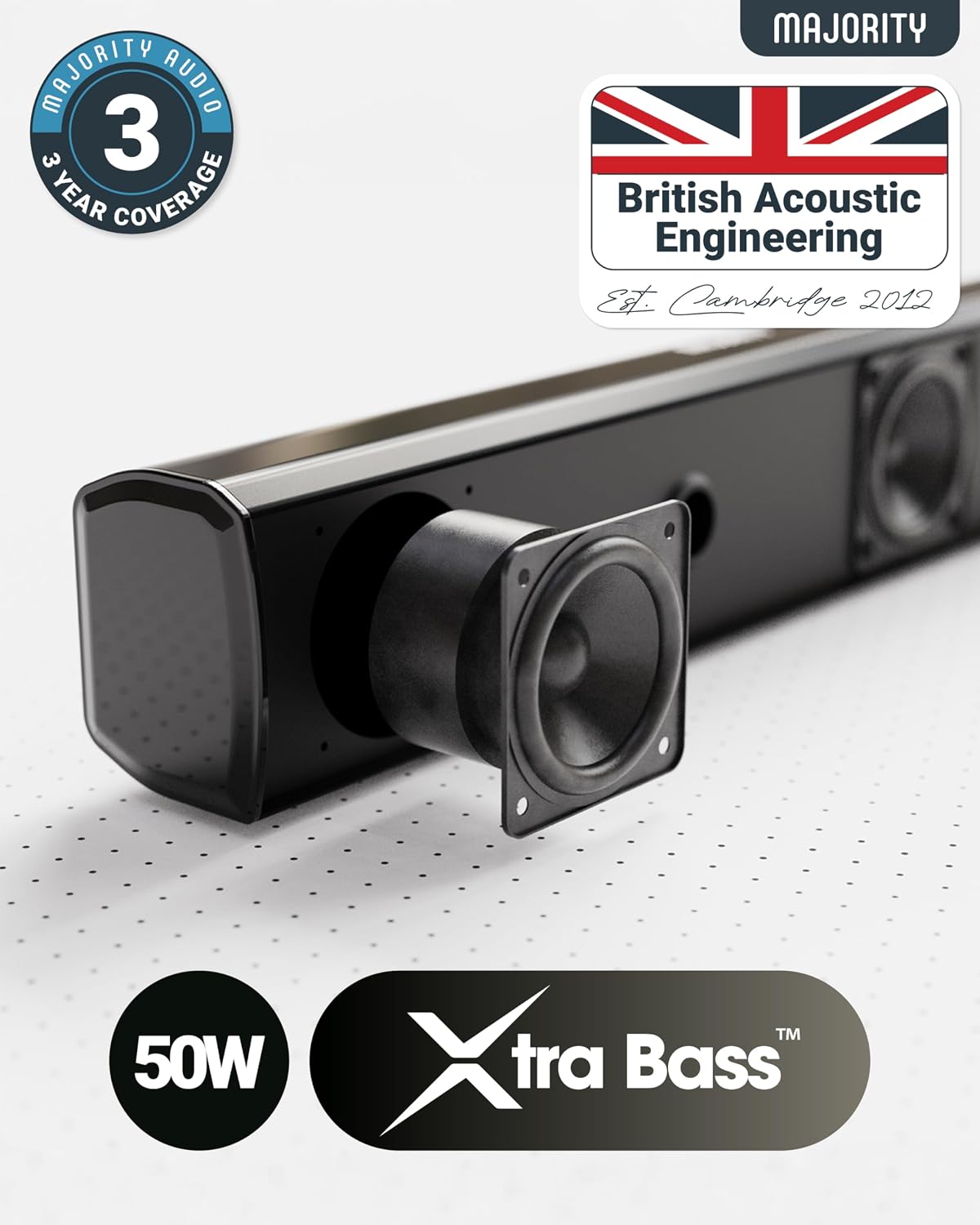
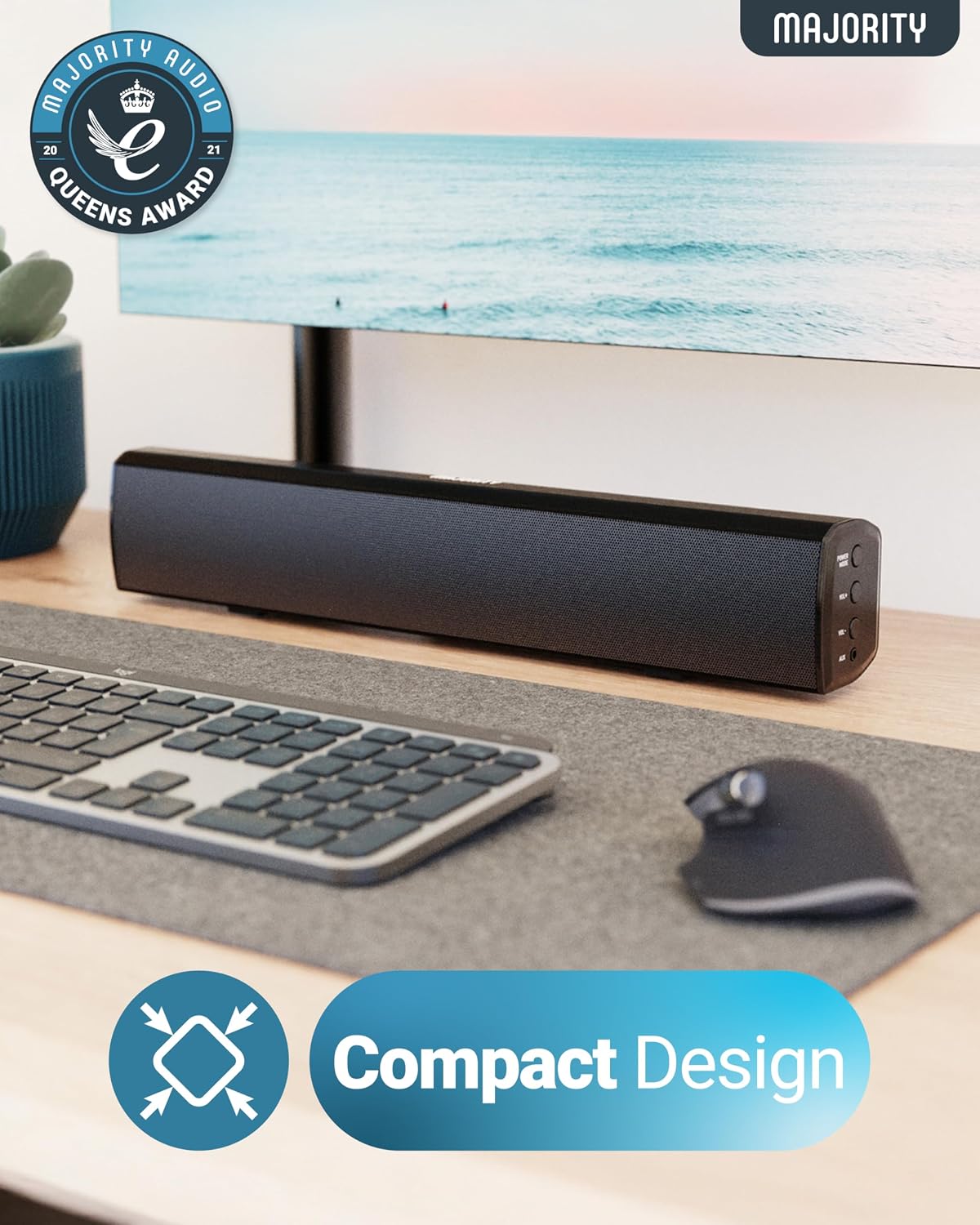
The compact footprint helps when space is tight, and the low weight makes it straightforward to reposition if you change your layout. For users who prioritise room-filling clarity over thumping bass, this unit offers clear midrange and improved dialogue intelligibility according to the manufacturer. Note that for very large rooms the power and bass may not be sufficient.
Technical Specifications
- Name: MAJORITY Bowfell
- Output power: 50 W total
- Configuration: 2.0 stereo
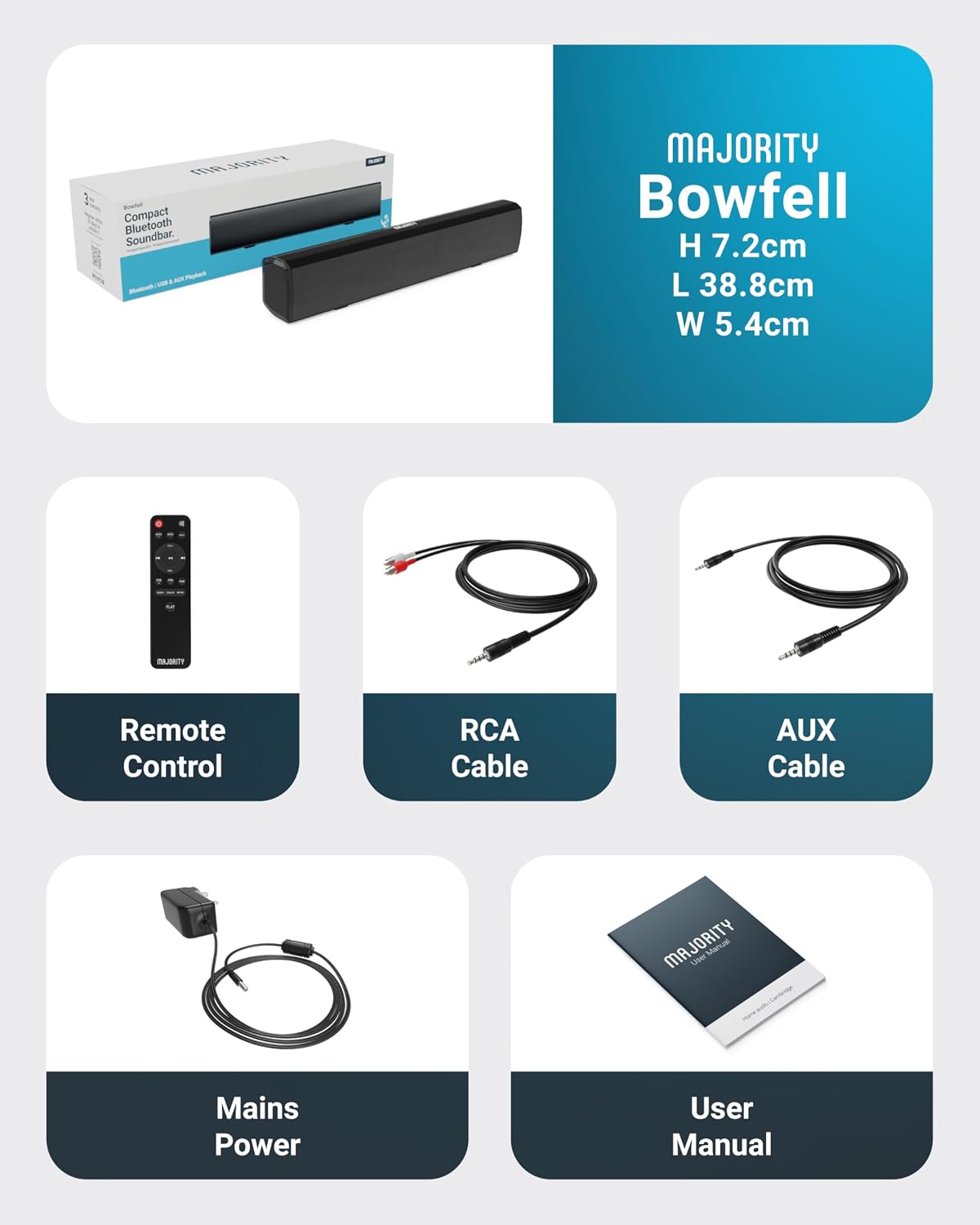
- Dimensions: 38.8 x 7.2 x 5.4 cm
- Weight: 1.5 kg
- Inputs: Optical, RCA, USB, AUX, Bluetooth
- Included: Remote, RCA cable, AUX cable, power cable, user manual
Usage Recommendations
Place the soundbar centred under the screen with a clear path to the listening position for the best stereo balance. Use the optical connection when available for the clearest digital audio from a TV. When streaming music from a phone, pair via Bluetooth and select an EQ mode that suits the content, or create a custom EQ if you prefer stronger bass or brighter treble. For gaming, reducing processing and choosing a flatter EQ may improve positional cues. Keep the unit on a stable surface and avoid blocking the front grille to maintain sound clarity.