


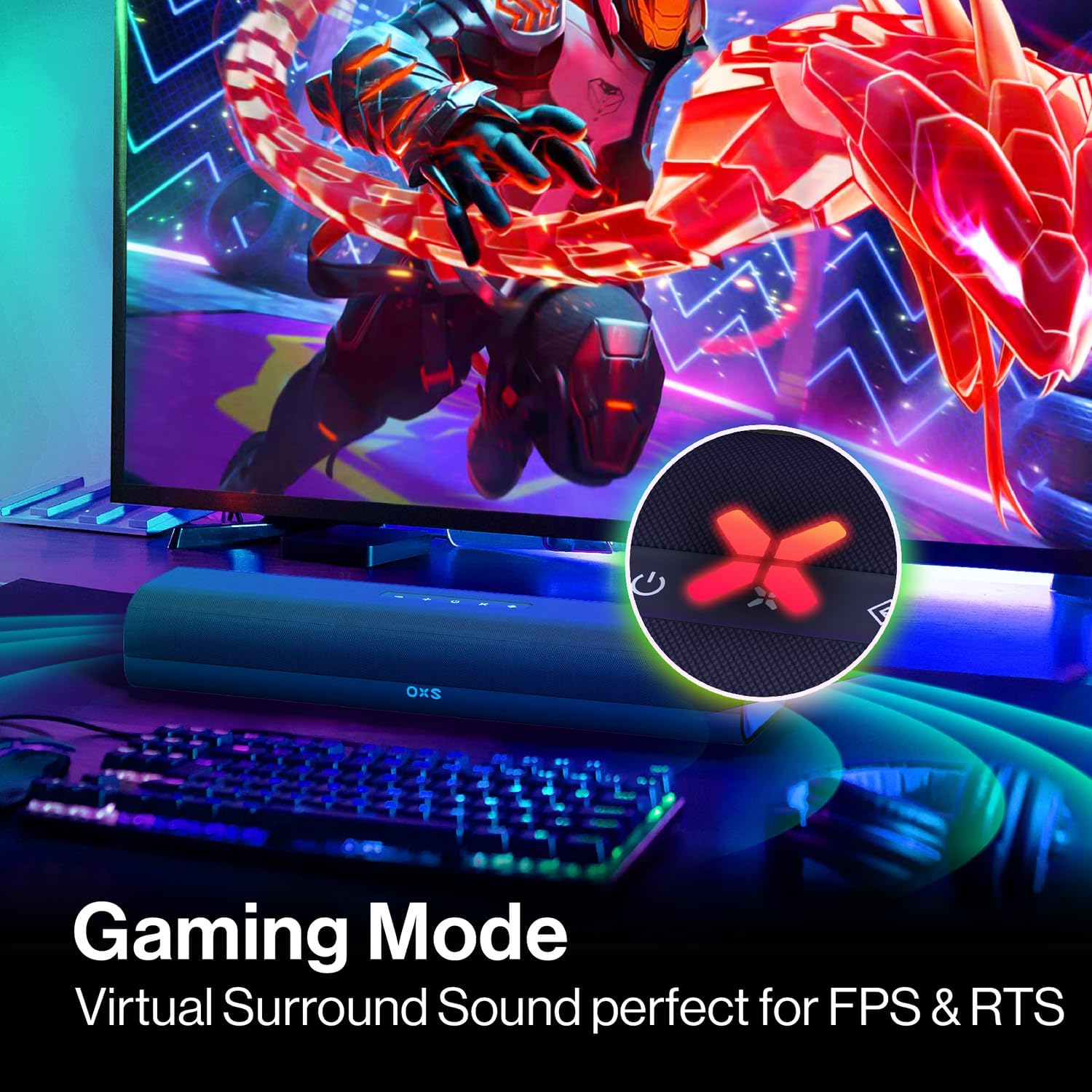
OXS Thunder Lite soundbar with Bluetooth 5.0 🔊
Product description
This compact PC gaming soundbar brings fuller low end and clearer midrange to a desktop setup, making in-game dialogue and effects easier to follow while keeping a small footprint. As a PC gaming soundbar, it combines two full-range drivers and a dedicated bass tube to add depth to action scenes and music according to the manufacturer.
Key Points
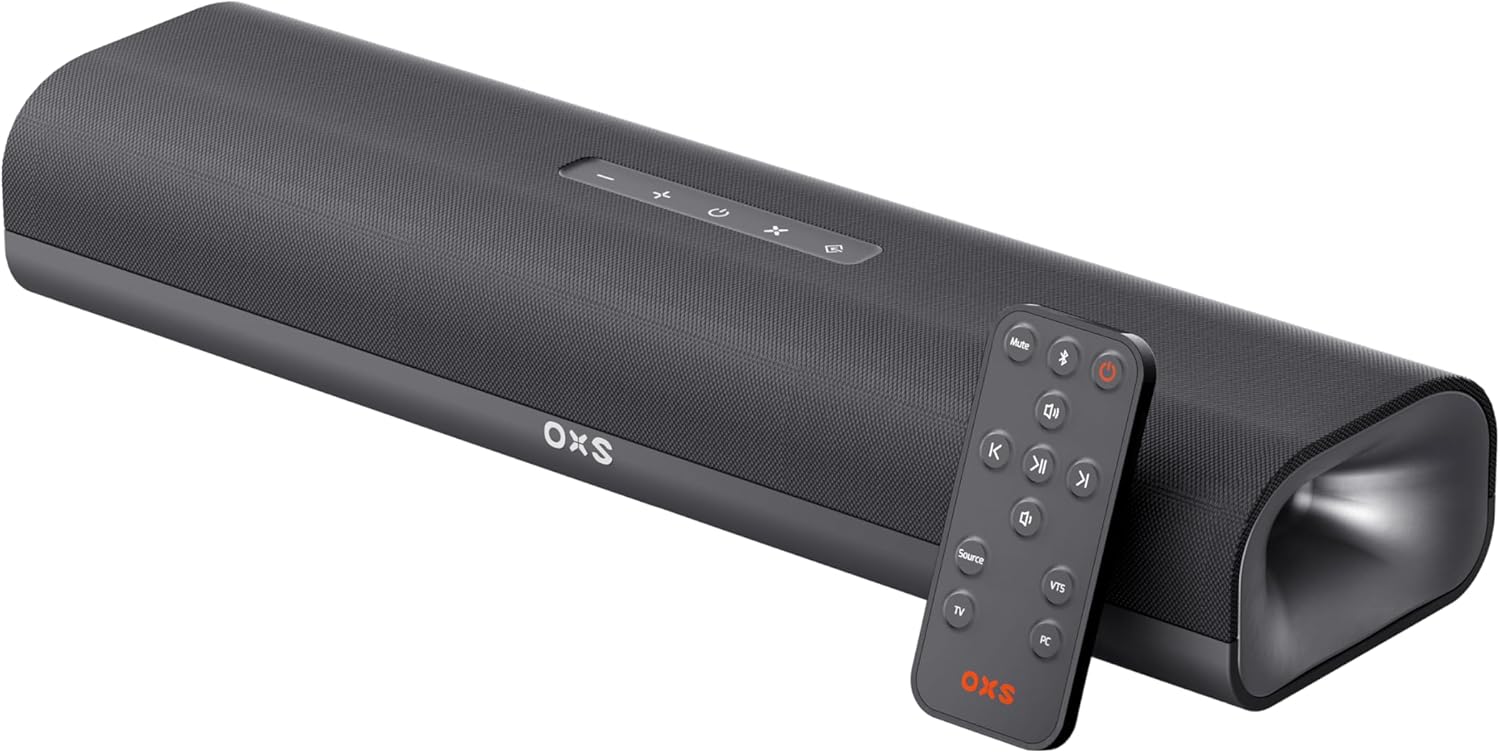
The Thunder Lite focuses on delivering a broader soundstage through a one-button gaming mode that recreates virtual surround sound for a more engaging session. It suits users who need better audio than built-in monitor speakers without sacrificing desk space. The slim design slips under many monitors and fits well on crowded desks, and it includes multiple wired inputs plus wireless streaming for flexible connectivity. 🎧

Technical Specifications
- Name: OXS Thunder Lite
- Drivers: 2 full-range drivers
- Bass system: Bass tube low-frequency enhancement
- Connectivity: HDMI-ARC, Optical, AUX (3.5mm), Bluetooth 5.0
- Special mode: One-button gaming mode with virtual surround tuning
Benefits


The built-in bass tube helps the soundbar produce firmer low frequencies than most compact bars, which improves immersion for explosions and music. Bluetooth 5.0 offers lower-latency wireless playback and easier pairing with phones and tablets for casual listening, while the wired HDMI-ARC or optical connections can be used for lower-latency connections to compatible devices. 🔊
The virtual surround tuning aims to widen the perceived stereo field, which can make positional cues in games easier to detect according to the manufacturer. Note that virtual processing cannot exactly replicate a multi-speaker surround system, and users seeking pinpoint directional audio for competitive play may prefer a dedicated surround setup.
Usage Recommendations
Place the bar centred under the monitor at a slight angle if desk space allows, this helps the drivers project sound toward the listener and reduces reflections. For best bass response position the unit away from obstructions that block the bass tube. If connecting to a TV or monitor use HDMI-ARC when possible for simpler volume control across devices. For desktop audio, try the gaming mode for titles that benefit from enhanced spatial cues and switch to a neutral mode for music or voice content.