

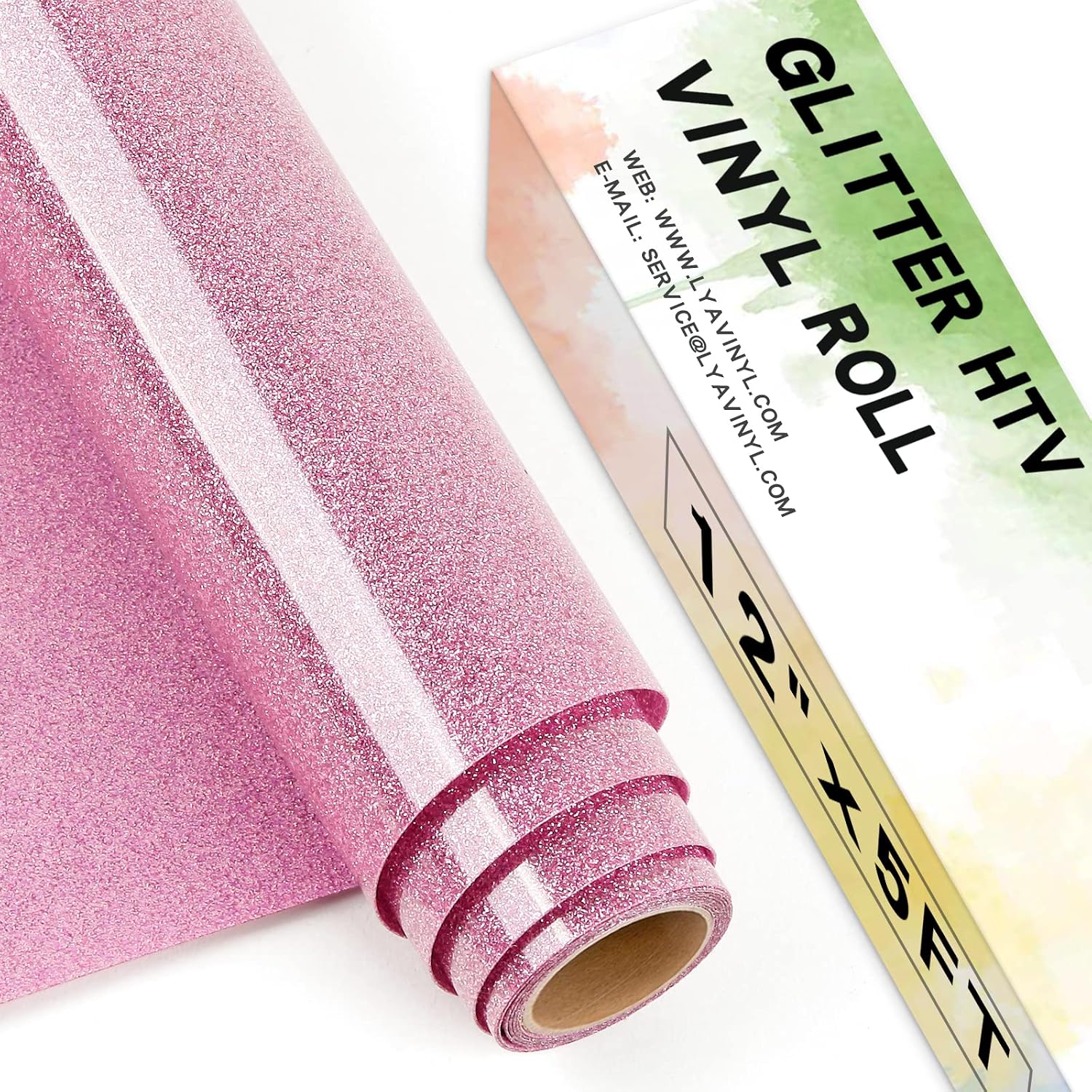
Lya Vinyl Glitter Heat Transfer Vinyl for Cricut – Muticolor 8 Pack (glitter HTV)
Product description
What you’re buying (and why people pick glitter HTV)
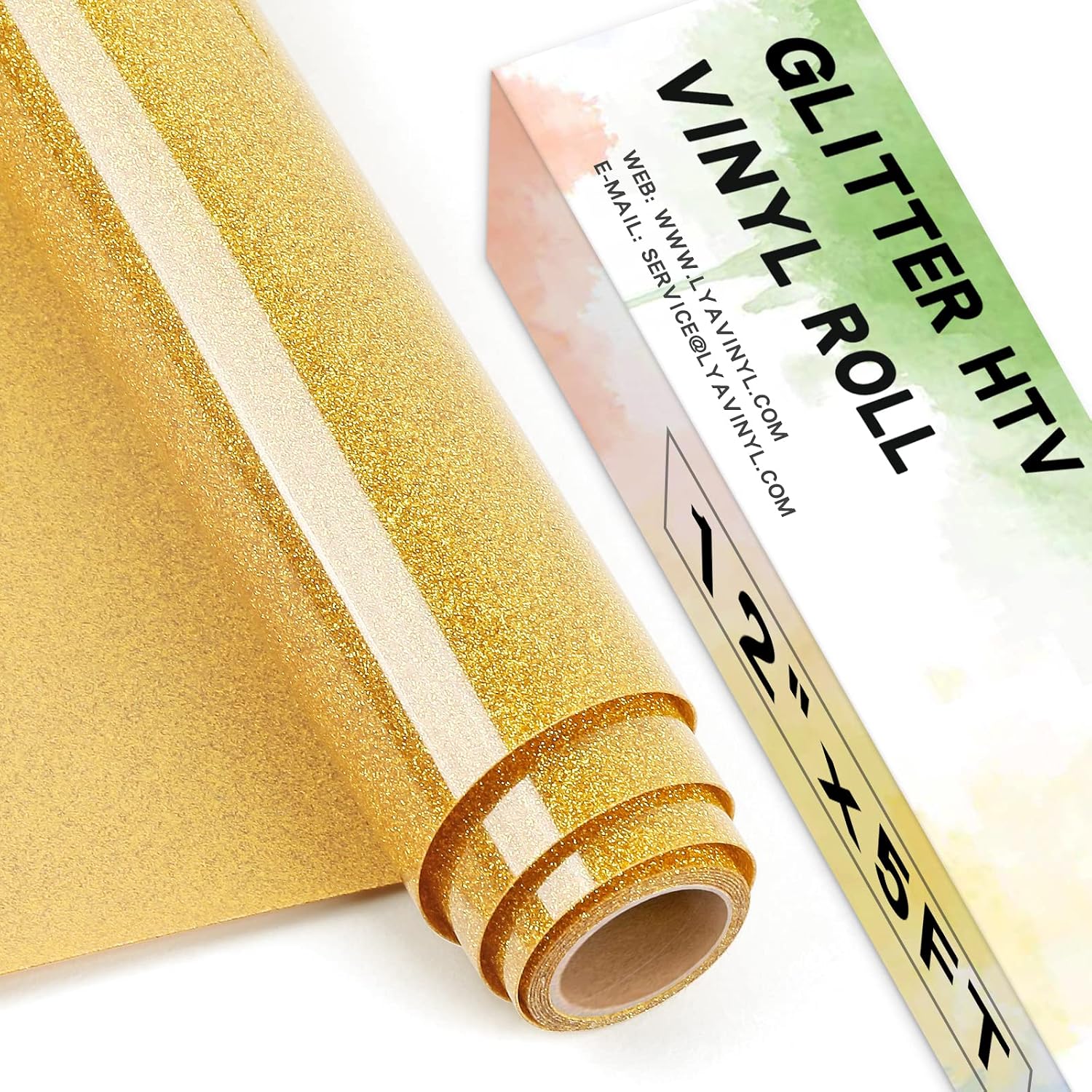
Lya Vinyl Glitter Heat Transfer Vinyl for Cricut is a pack of glitter heat transfer vinyl (HTV) designed to create eye-catching designs with an iridescent, colour-shifting shimmer. The “muticolour” look is the main draw: it’s the sort of vinyl that can make a simple logo or name feel a bit more special because the colour changes as the light hits it.
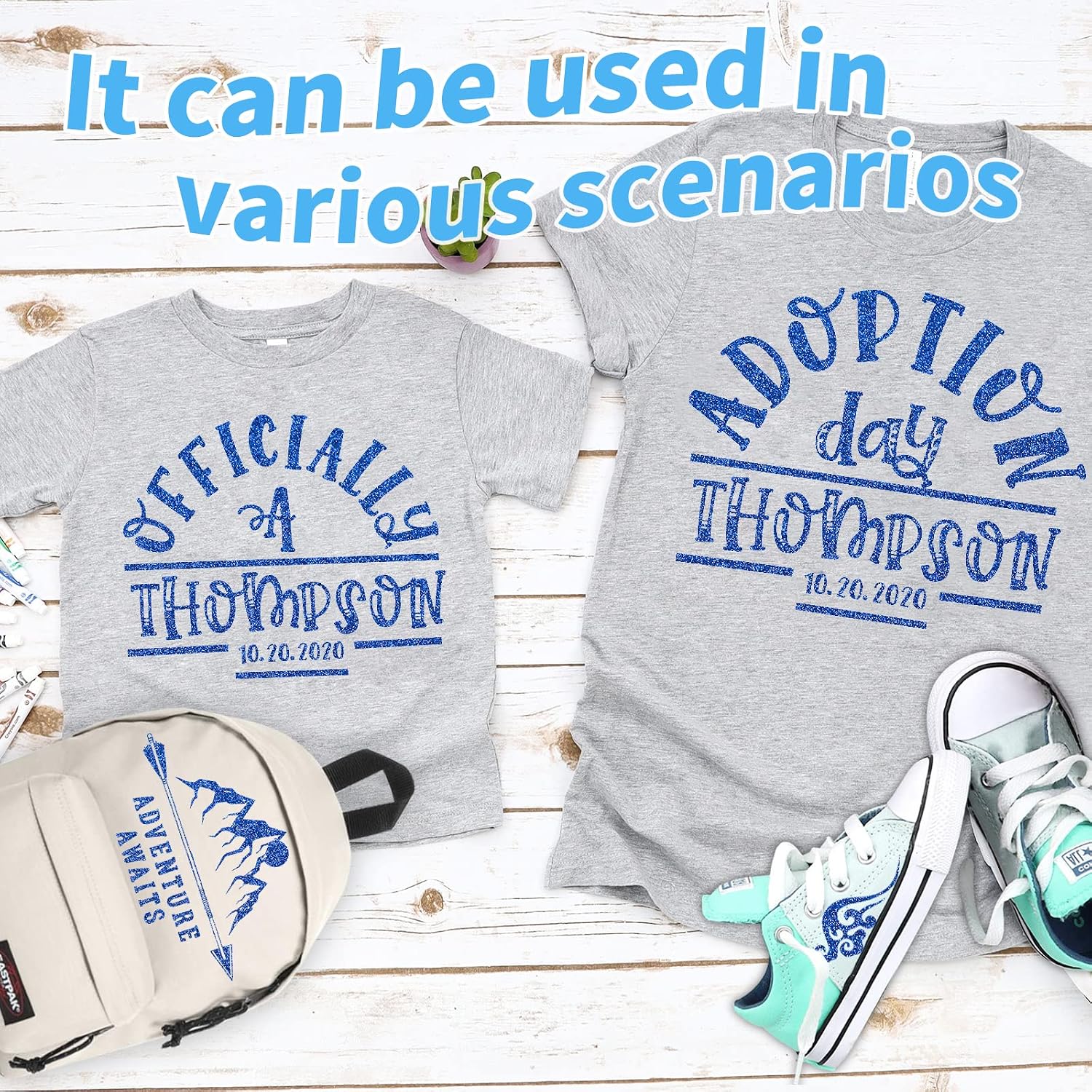
On paper, it suits makers who want craft projects that look good up close as well as from a distance. Think custom tees, bags, tote-style accessories, and other textile items where you want the design to stand out without needing anything more than a heat press or a household iron.
The essentials: how it applies and what to expect
This HTV is aimed at standard home-crafting workflows. The brand positions it as “easy to cut, weed and peel”, and you’ll typically find that glitter HTV behaves differently to solid vinyl: cutting has to be clean, and weeding is where the design either comes out crisp… or gets annoying.
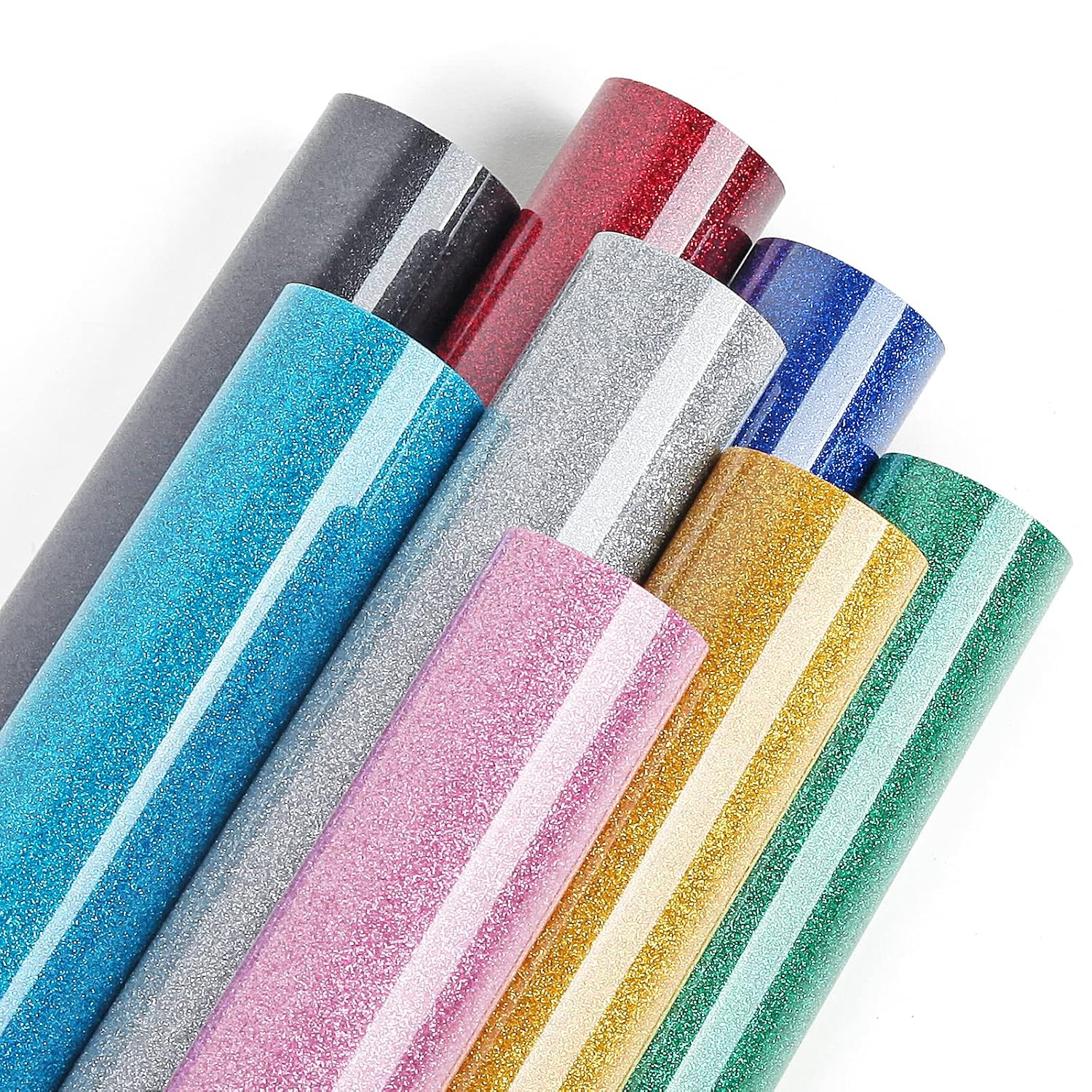
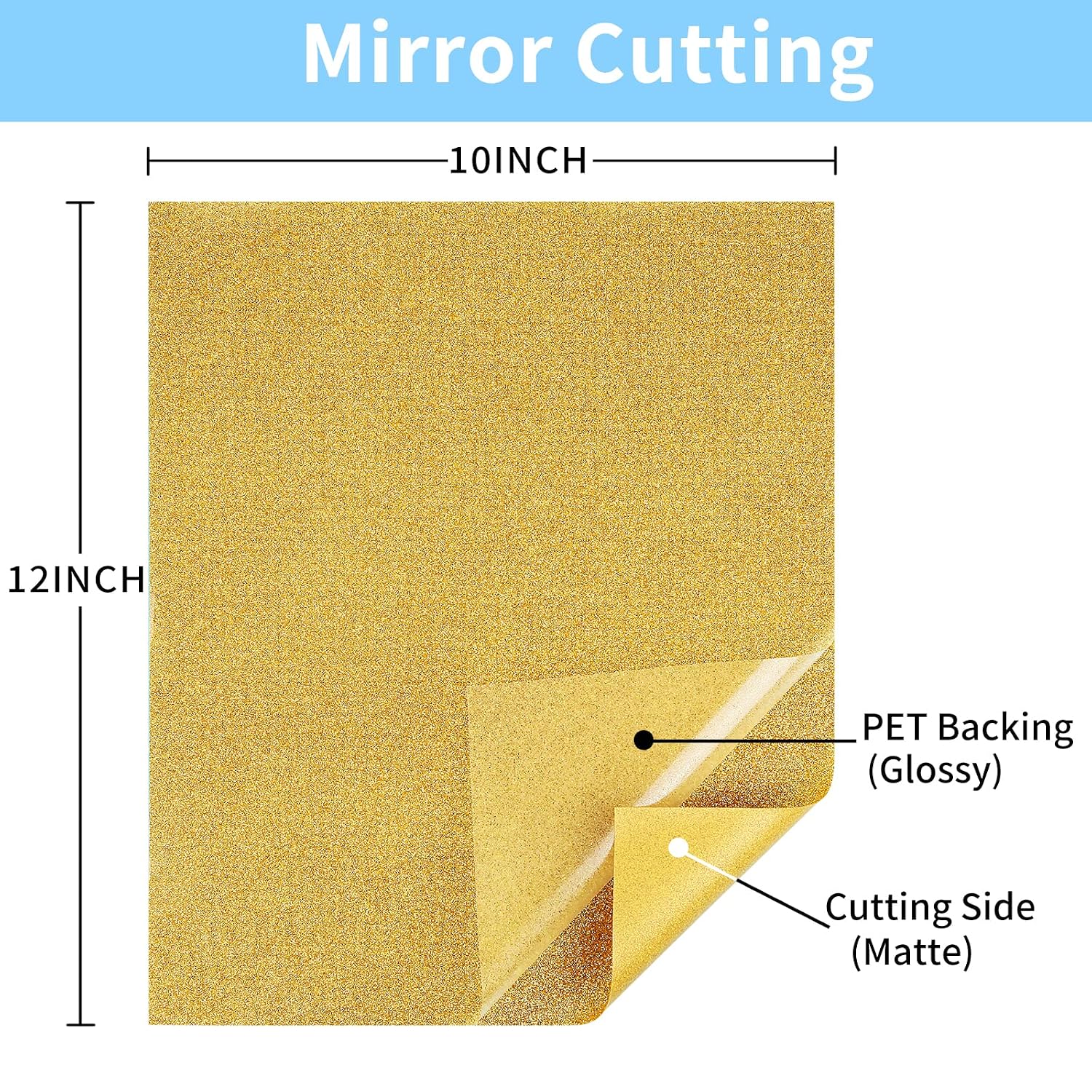
A couple of details are worth noting because they affect how smooth the process feels:
- It uses PET backing paper, described as not easy to be carved through.
- It has “moderate viscosity”, which is meant to make weeding and transferring smoother.
When it’s time to transfer, you’re looking at a heat setting of 300℉–320℉ (150℃–160℃) for 10–15 seconds. The guidance also says you don’t have to wait for it to cool before peeling—this is a hot peel style.
Where it shines (everyday use cases)
If you’re making personalised items, this kind of glitter HTV tends to perform best when your design is meant to be worn, used, or handled regularly—because the goal is durability as much as sparkle. The brand states good adhesion, with the vinyl able to withstand repeated wash and friction.
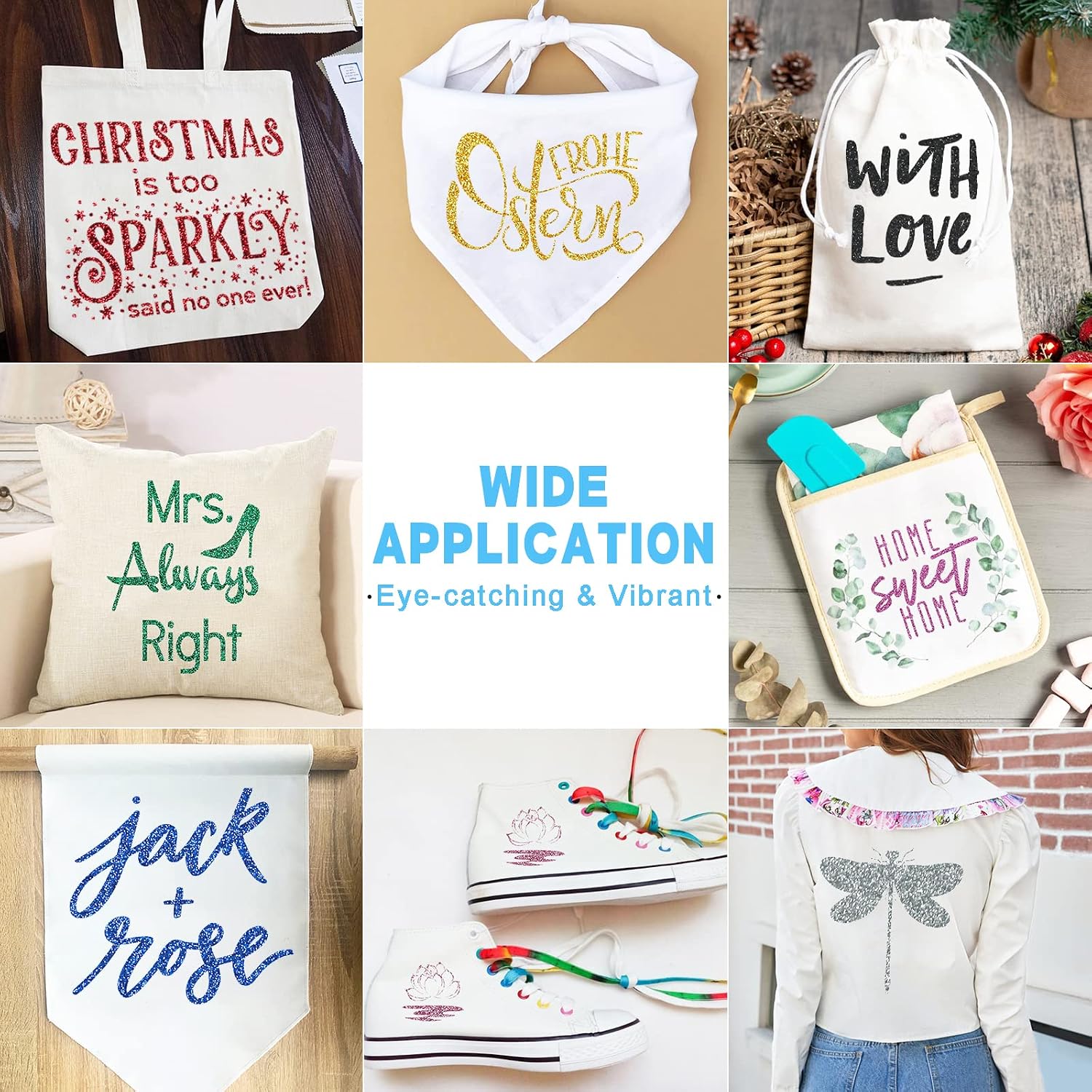
It’s also pitched for a wide range of textile items, including:
- clothes and T-shirts
- bags and shoes
- socks and hats
- aprons and handkerchiefs
- other textile surfaces
A practical example: imagine ironing a name onto a canvas bag for everyday use. The iridescent glitter look should catch light as you move, while the adhesion claims are aimed at keeping that design in place through normal friction.
Cutting, weeding, pressing: tips to get decent results
This is where results can vary depending on your setup. The heat and timing guidance is clear, but glitter HTV is a bit more unforgiving if your machine settings aren’t dialled in.
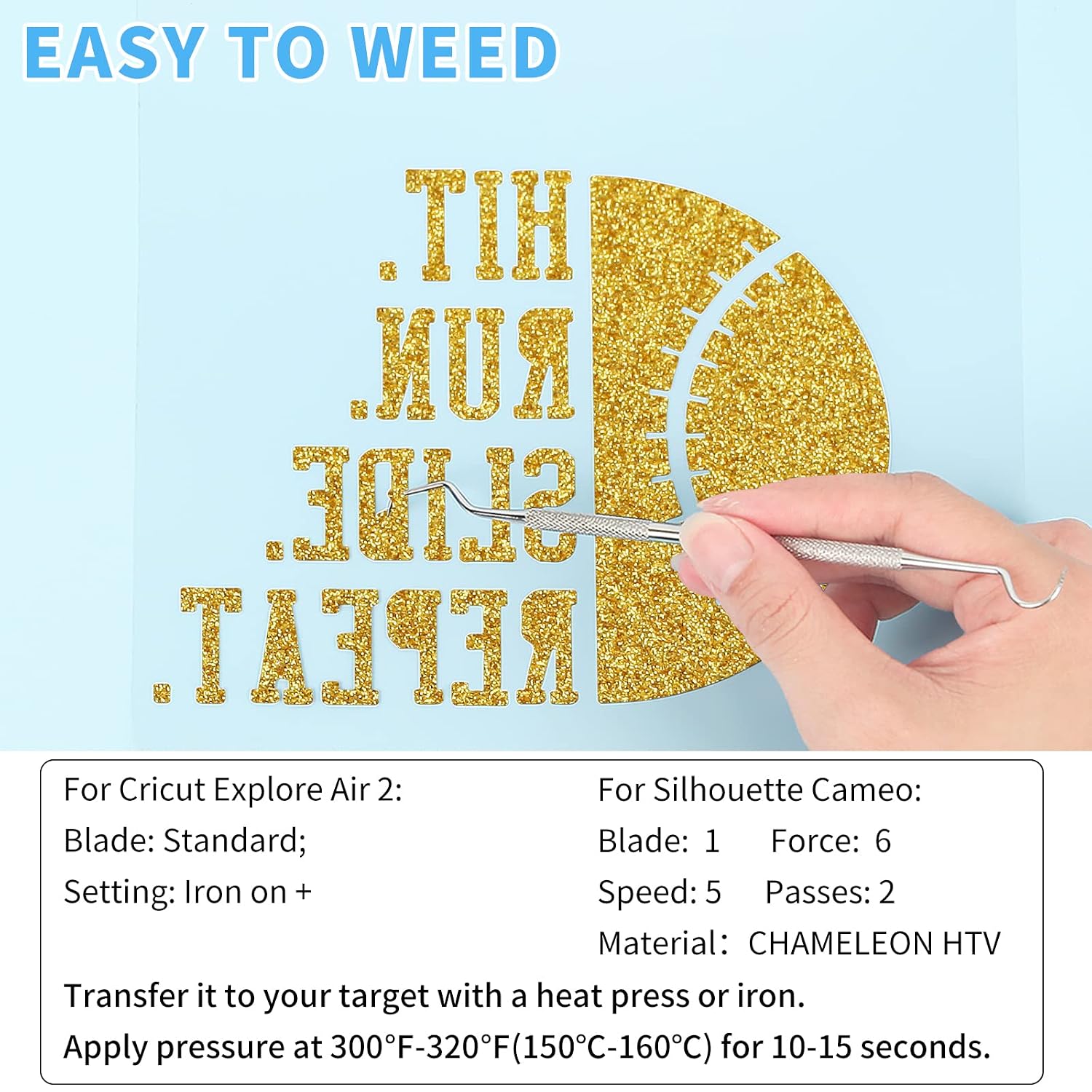
A few sensible pointers to keep in mind:
- Aim to follow the 300℉–320℉ temperature range and the 10–15 seconds window.
- Plan for a bit of careful weeding, since glitter layers and fine detail can take longer than plain HTV.
- Because it’s a hot-peel style, don’t treat the workflow like a “wait ages, then peel” product.
Also, there’s one limitation you shouldn’t ignore: wait 24 hours before the first wash. That matters for the final hold—rushing that step is often where projects disappoint.
Key takeaways before you buy
This Lya glitter HTV is positioned as a Cricut-friendly craft vinyl (the listing says it’s compatible with most craft cutting machines and mentions Cricut and Silhouette Cameo). If you already cut HTV regularly, you’ll likely slot it into your workflow without too much fuss.
However, it may not suit everyone. Glitter HTV generally isn’t the first pick if you’re after a subtle, matte finish. And if you prefer simple, low-maintenance transfers, this “glitter + hot peel” approach can feel more work than basic HTV.
It also includes a lifetime warranty promise from the brand if you have problems, but that’s not the same thing as guaranteed perfect results for every material and every pressing setup—so it’s worth testing on a similar fabric first if you’re making something important.
What stands out (and what could be a let-down)
What you’ll notice day to day is the shimmer effect. The whole point is the iridescent, colour-shifting design that looks different under different lighting.
The likely downside is that glitter vinyl can be slightly more demanding during cutting and weeding, and you’ll need to be comfortable pressing at the specified temperature and peeling while still hot. If your current routine is built around lower temps or longer cooling times, you may need to adjust your process.
It’s also worth being realistic about placement: adhesion claims cover wash and friction, but the listing doesn’t spell out specifics for every fabric type, so results will depend quite a lot on fabric and technique.
Mini FAQ
Is it suitable for Cricut?
Yes, the listing states it’s designed for most craft cutting machines and mentions compatibility with Cricut.
Do I need a heat press or can I use an iron?
The guidance says you can transfer it with a heat press or an iron.
What temperature and pressing time should I use?
The recommended range is 300℉–320℉ (150℃–160℃) for 10–15 seconds.
Should I wait before peeling?
No—this is described as a hot peel style, so you should peel while still hot.
When can I wash it?
The listing advises waiting 24 hours before the first wash.
Final verdict
Final verdict
It’s a sensible buy if you want glitter HTV with an iridescent, colour-shifting effect and you’re happy to follow the pressing instructions closely, peel while still hot, and wait 24 hours before washing. It’s also a good match if you make personalised textile items for everyday use and care about the design staying put through routine friction.
You may want to skip it if you’re after a more understated finish, or if you don’t want to deal with the extra care that glitter HTV often requires during cutting and weeding. And if you’re working with fabrics that are unusual or delicate, it’s worth thinking about doing a small test first rather than risking the final piece.