

Loop Hut Shortcut Keys Mousepad 800x400mm 🖱
Product description
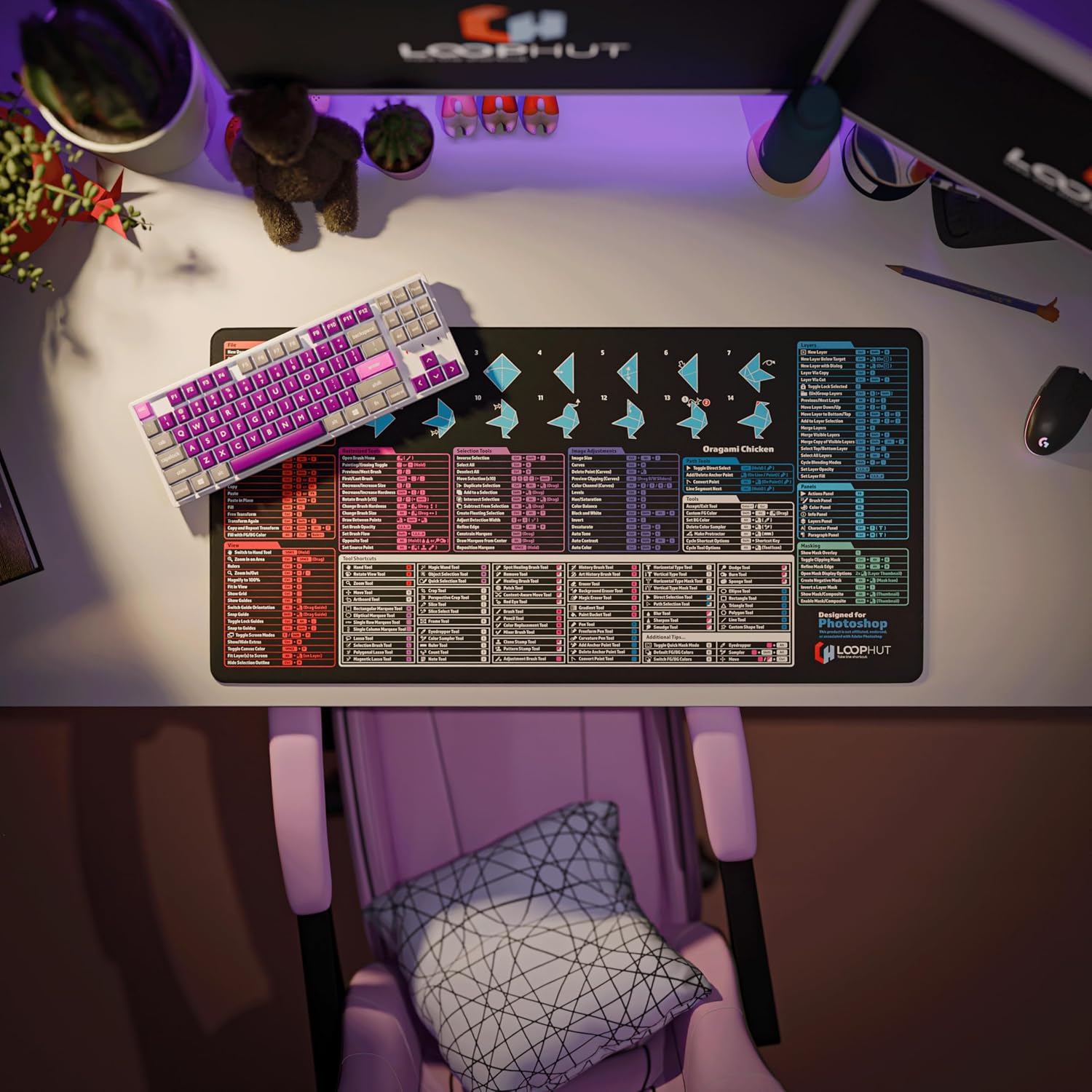
This oversized desk mat brings Photoshop shortcuts to your fingertips and keeps a tidy workspace for long editing sessions. If you use keyboard shortcuts frequently, this Photoshop shortcut mousepad helps reduce hunting for commands and speeds up repetitive tasks, according to the product listing. It sits neatly beside a keyboard and mouse and aims to make layout adjustments feel more fluid.
What matters most
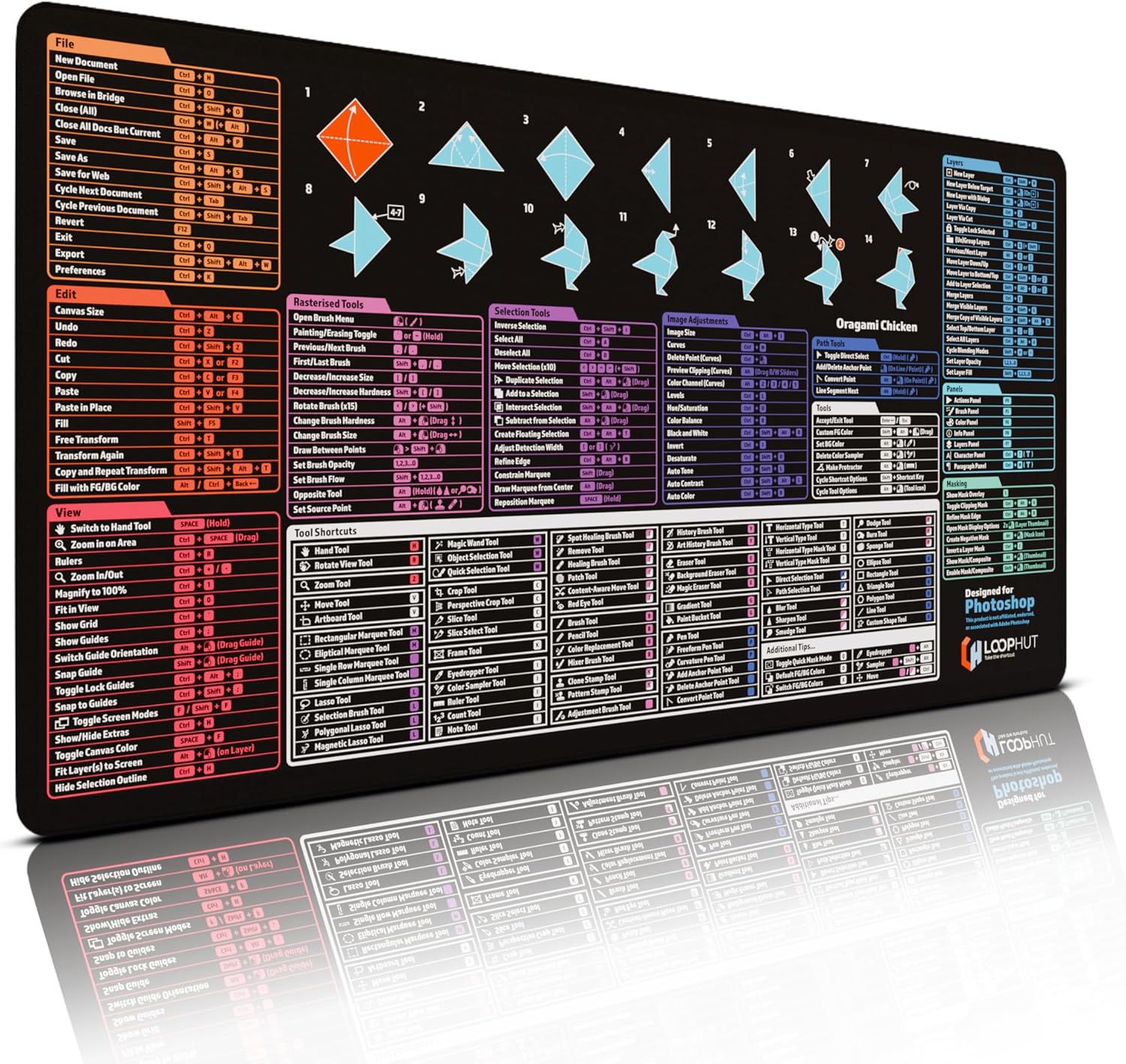
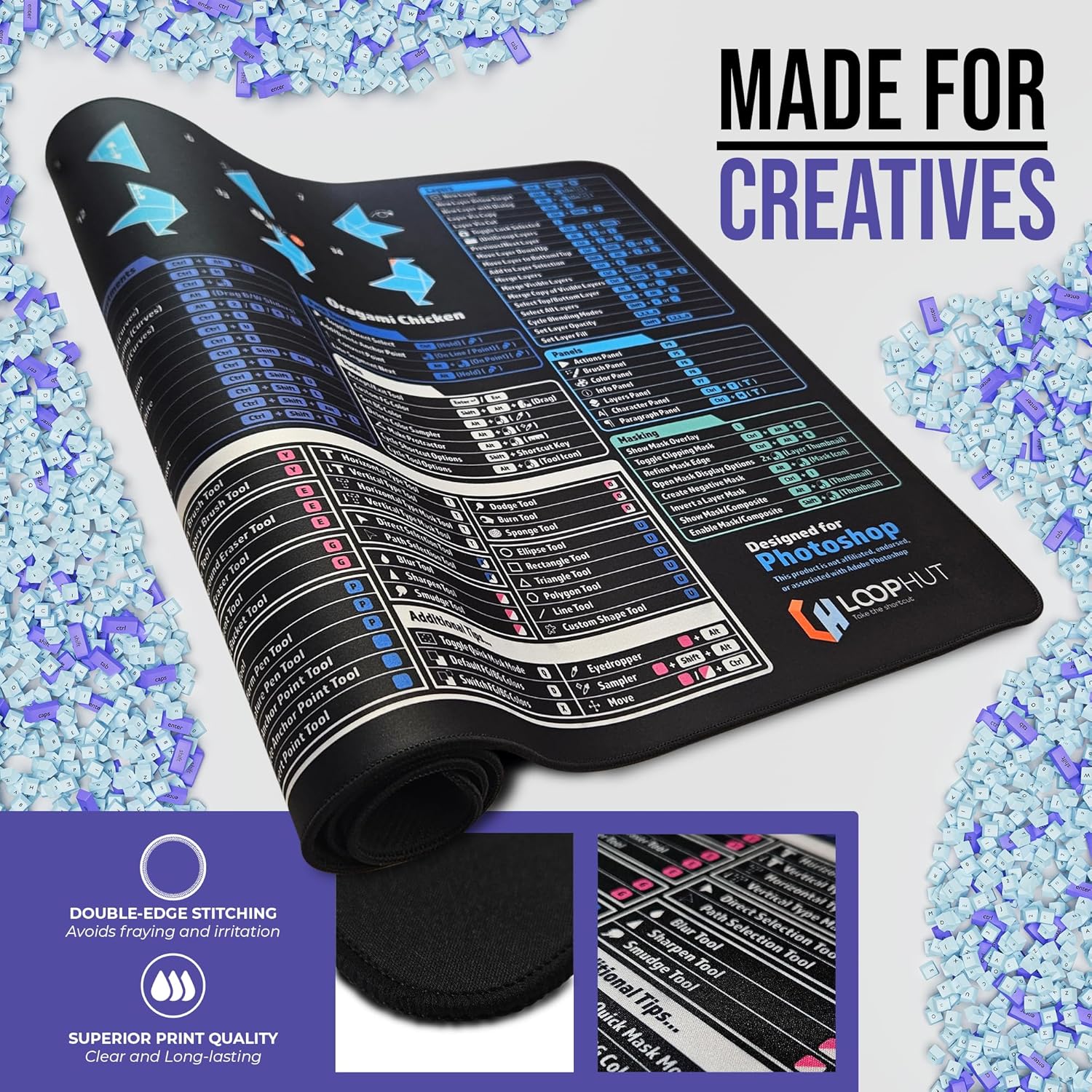
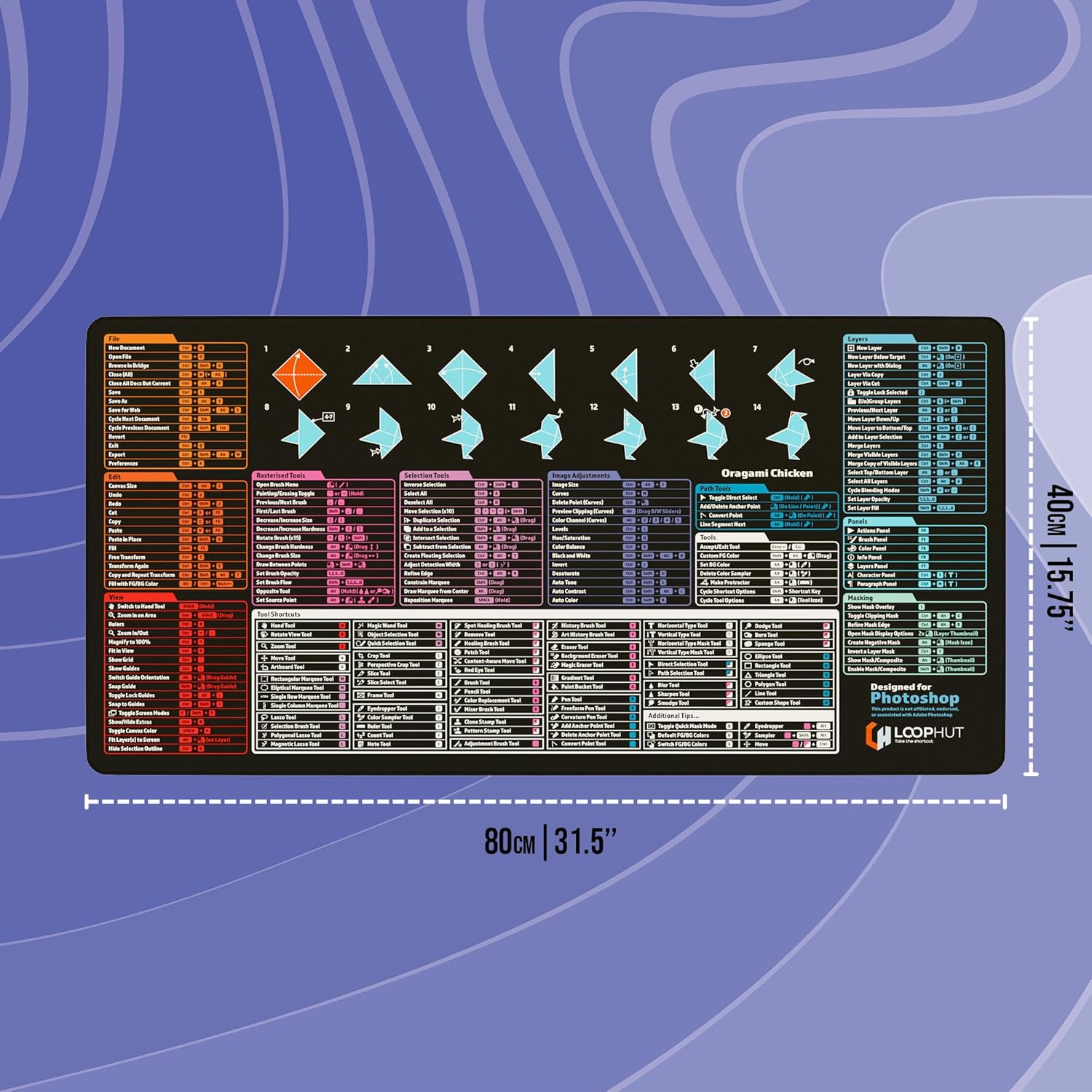
Designed by people who use Photoshop every day, the mat places over 200 shortcuts and all 70 tool shortcuts within sight, labelled with clear icons and short tips. The layout reduces cognitive load when you need to recall a key combination quickly. For novices it serves as a learning aid, and for experienced users it shortens repetitive workflows. The surface keeps mouse movement consistent and the printed guide stays readable after repeated use. 🎨
Technical overview
- Name: Loop Hut Shortcut Keys Mousepad - for Photoshop Users - Extra Large Desk Mat
- Size: 800x400mm
- Material: non-slip rubber base
- Format: XL desk mat
- Colour: black with printed shortcut guide
Getting the most from it
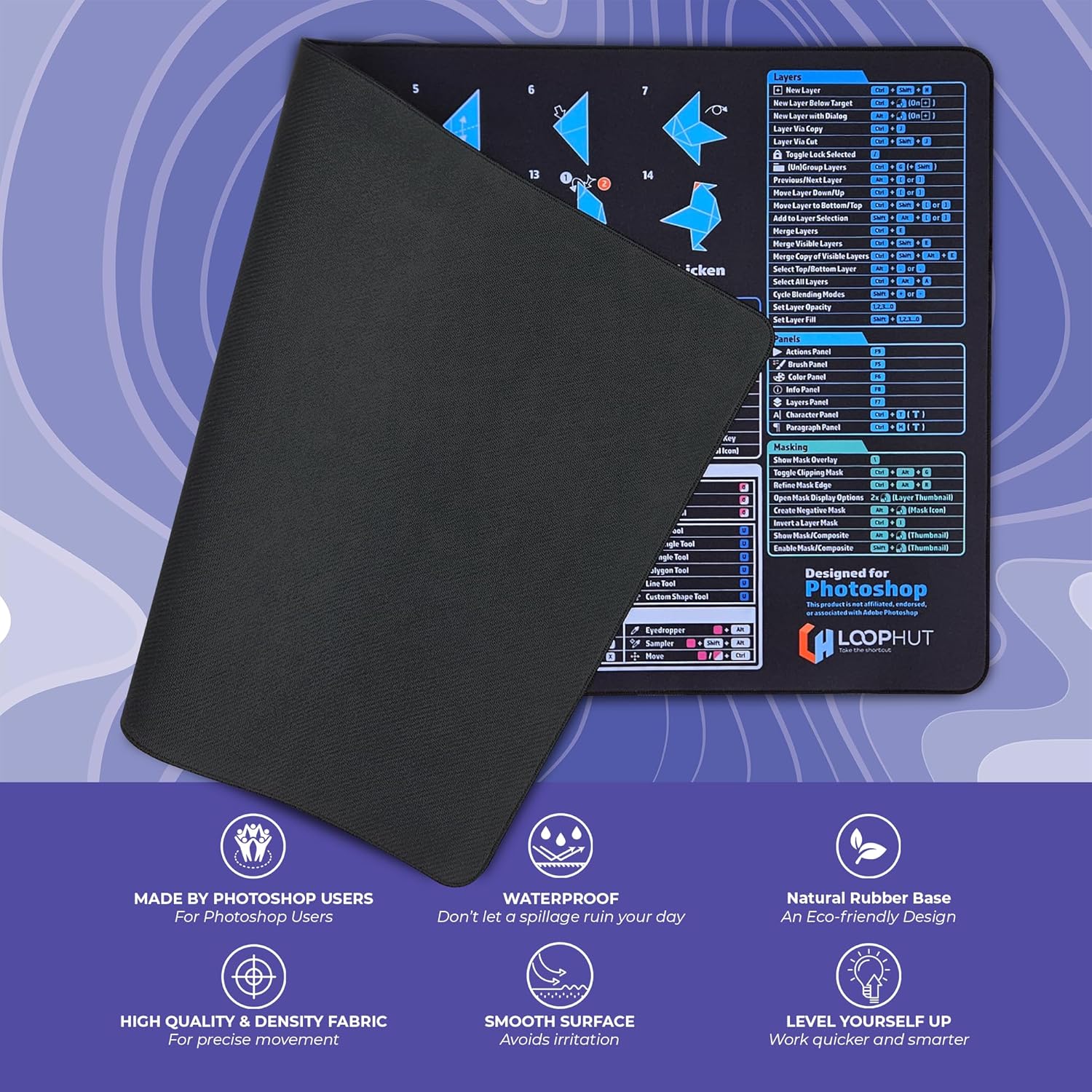
Place the mat so shortcuts face you and align your keyboard on the left or centre as suits your setup. The stitched edges prevent fraying so you can slide a keyboard across the mat without worrying about wear. The weight helps the mat stay put during intense edits, and the surface is compatible with optical and laser mice. Want a faster workflow without memorising every command? This visual aid reduces interruptions and keeps hands on the keys. 🧩
Why it’s worth it
The product is pitched at anyone who spends time in Adobe Photoshop and prefers a tactile, visual reminder rather than switching windows or searching menus. Loop Hut Shortcut Keys Mousepad pairs a reference guide with a practical desk mat, combining two needs in one accessory. The stitched edge and rubber base are practical choices for durability and stability, while the clear iconography trims the time spent looking up less common shortcuts. ✂️