

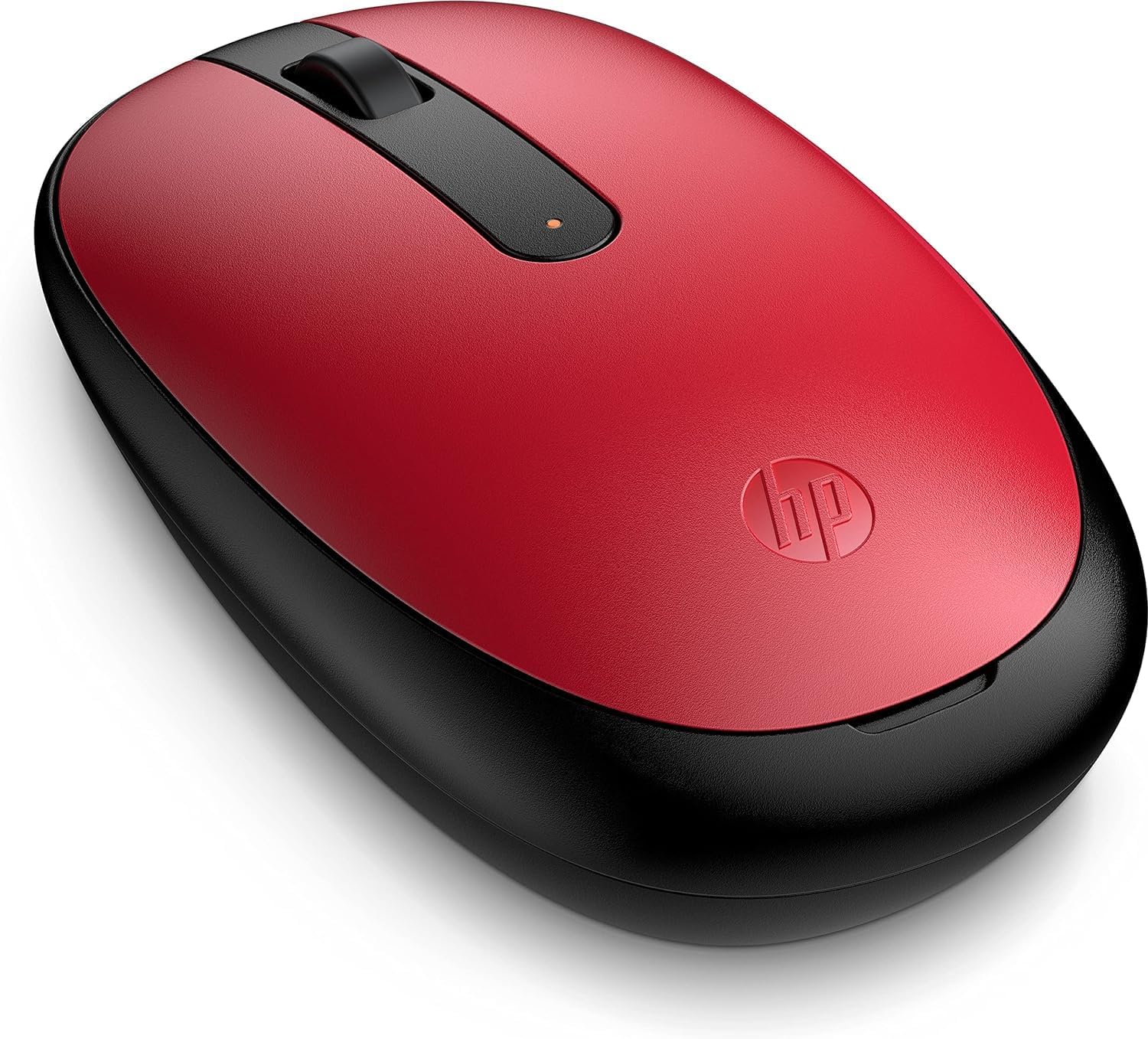
HP 240 Bluetooth Mouse with 1600 DPI
Product description
If you want a reliable Bluetooth optical mouse for day to day work, the HP 240 is built for quick, cable free use and smooth tracking. With Bluetooth 5.1 wireless connectivity, it helps you stay connected without reaching for a dongle, while the 1600 DPI optical sensor supports responsive cursor control for typical desktop and laptop tasks. 👍
There’s also a practical ambidextrous shape, so the design feels natural whether you prefer right or left hand use. Add in lightweight, easy connection behaviour and a straightforward set of controls, and it becomes a sensible everyday mouse for office browsing, email, and document work. 😊
Key features
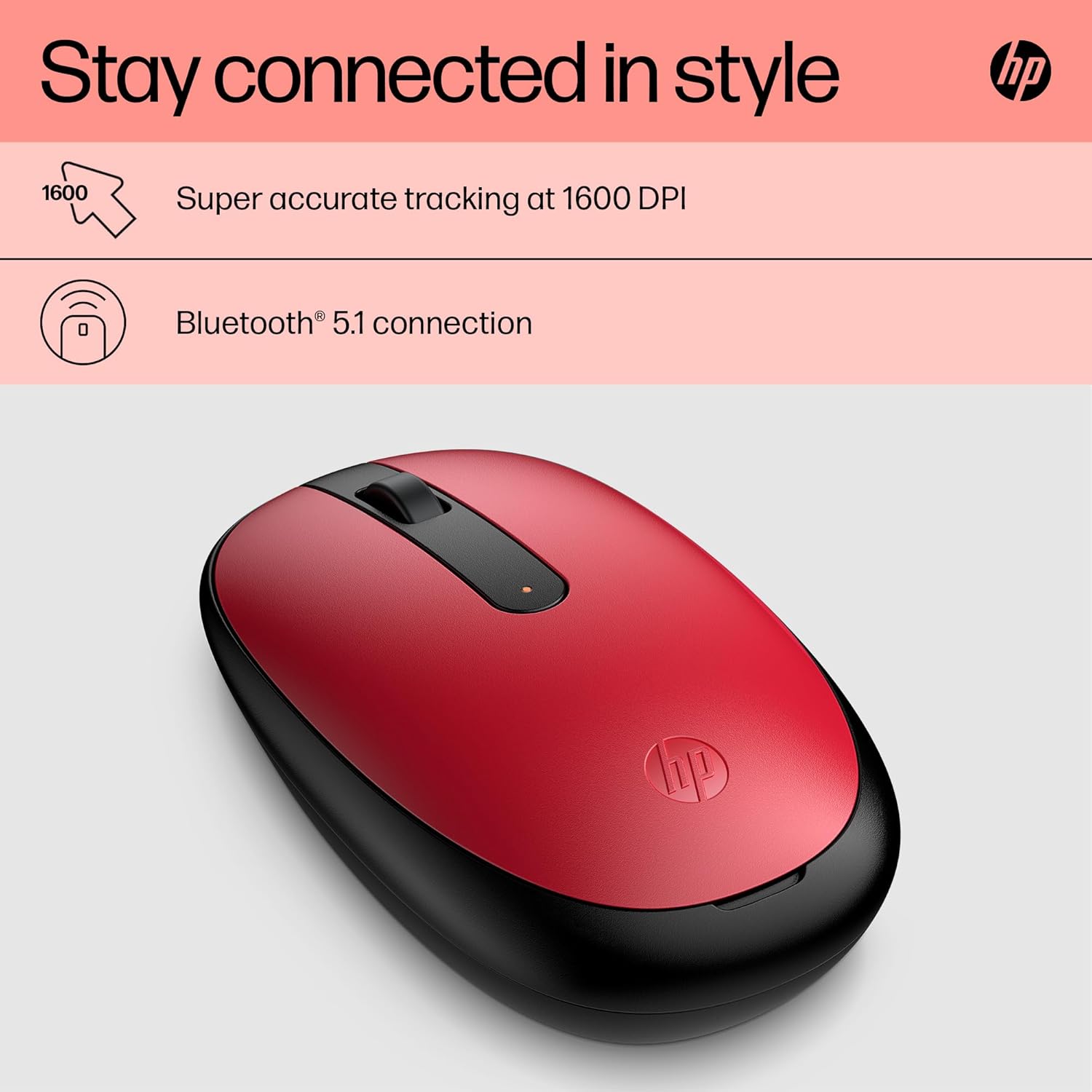
The headline benefit here is staying connected. The HP 240 Bluetooth Mouse uses Bluetooth 5.1 wireless connectivity, so you can connect without a USB dongle, helping keep your workspace tidy and making setup more straightforward. According to the product description, the connection is designed to be strong and efficient, which can be useful if you move between devices throughout the day.
Tracking is another key part of the experience. The mouse includes an optical sensor with precise tracking at 1600 DPI, which should help translate wrist flicks into smooth pointer movement. For routine tasks like scrolling through pages or navigating spreadsheets, that responsive feel matters, especially when you want fewer interruptions to your workflow.
Control is kept simple and practical. The mouse has three buttons and a scroll wheel, so you get everyday functionality without overcomplicating things. It is also described as lightweight and easy to connect, which tends to make it a comfortable option for frequent use at a desk or when you are working away from home. ✅
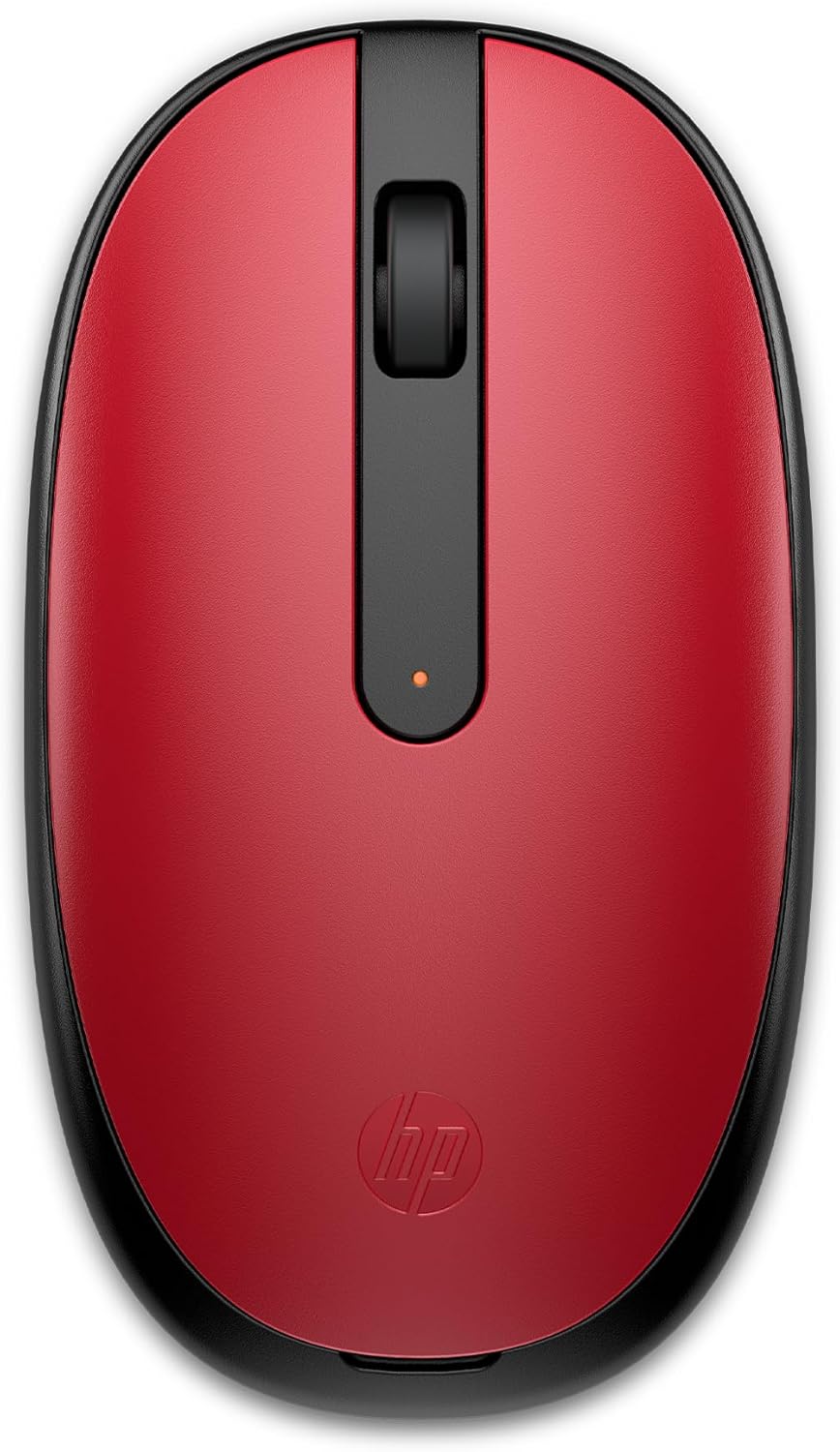
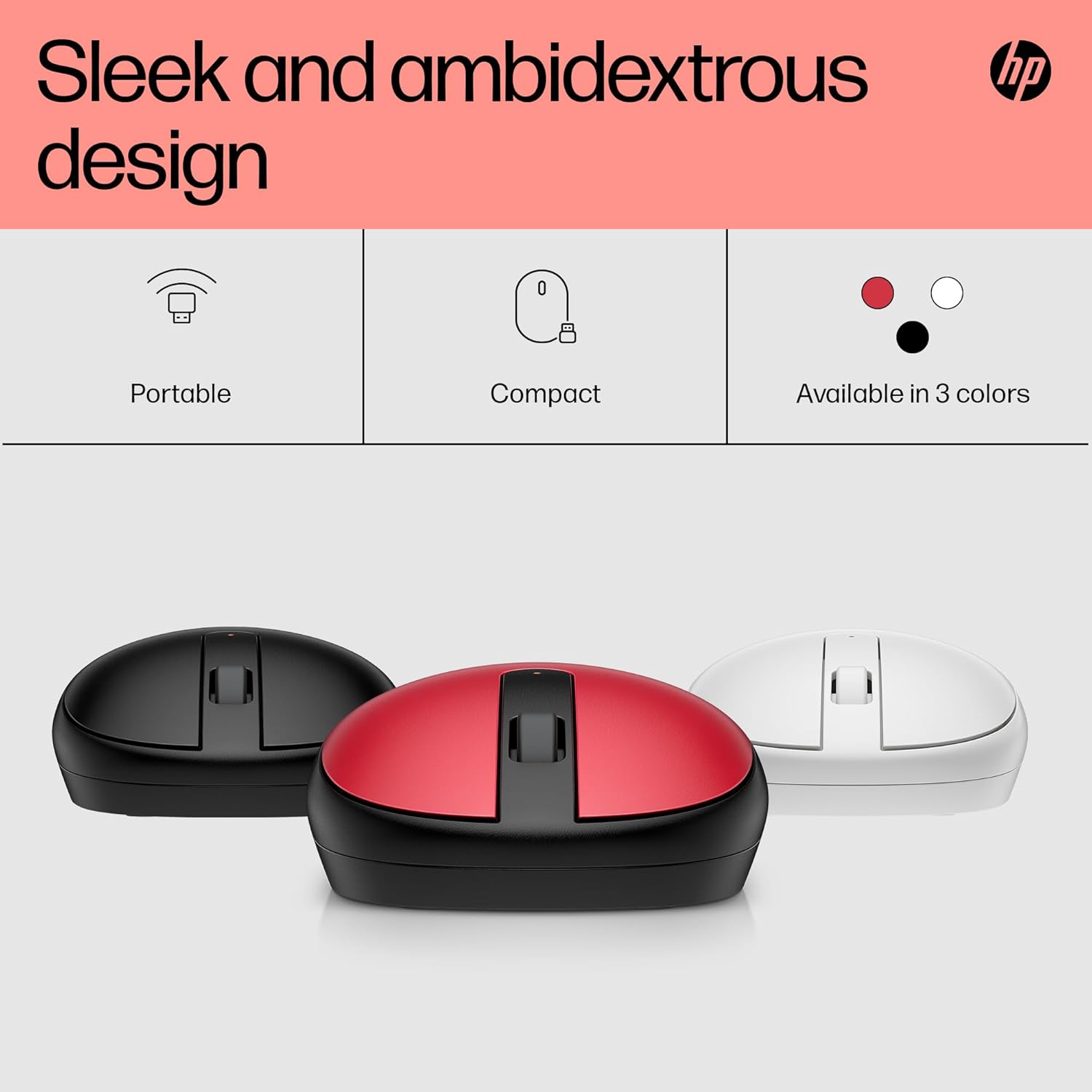
Design is also part of the day to day comfort. The ambidextrous design is presented as comfortable for both hands, and the shell is sleek and uncluttered. The product description also notes three colour choices, black, red, or silver, which makes it easier to match your setup.
Tech specs

- Type: Wireless Bluetooth mouse
- Connectivity: Bluetooth 5.1
- Sensor type: Optical
- Resolution: 1600 DPI optical sensor
- Buttons: Three buttons
- Tracking: Precise, smooth and sensitive tracking
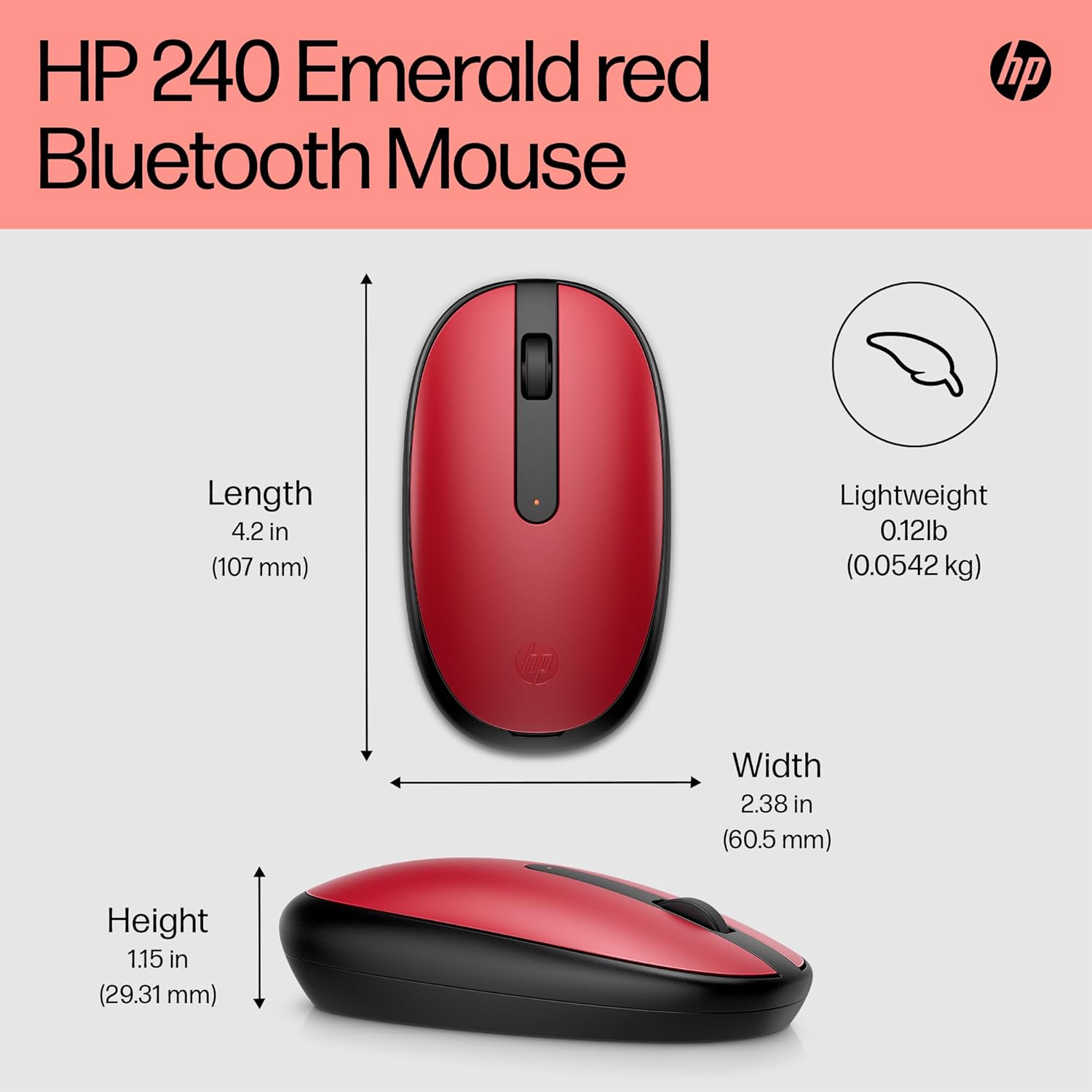
- Design: Lightweight ambidextrous design
What to know
Before you buy, it helps to understand how this mouse is meant to be used. It is designed as a Bluetooth wireless mouse, so it relies on Bluetooth connection rather than a traditional USB receiver. If you regularly connect devices with Bluetooth already, this approach can make your setup more convenient and reduce the number of accessories you need to carry.
You should also consider what matters most in daily use. If you want smooth, speedy cursor movement for standard tasks, the described 1600 DPI optical sensor and the emphasis on precise tracking are relevant. For more demanding pointer accuracy needs, the useful starting point is the optical sensor and the stated DPI, though the exact feel can vary depending on your screen type and surface.
The use of AES technology is noted in the product description, which suggests attention to security in the wireless connection. There is also a practical, ambidextrous approach, supported by the stated comfortable design for left or right hand use. 🤝
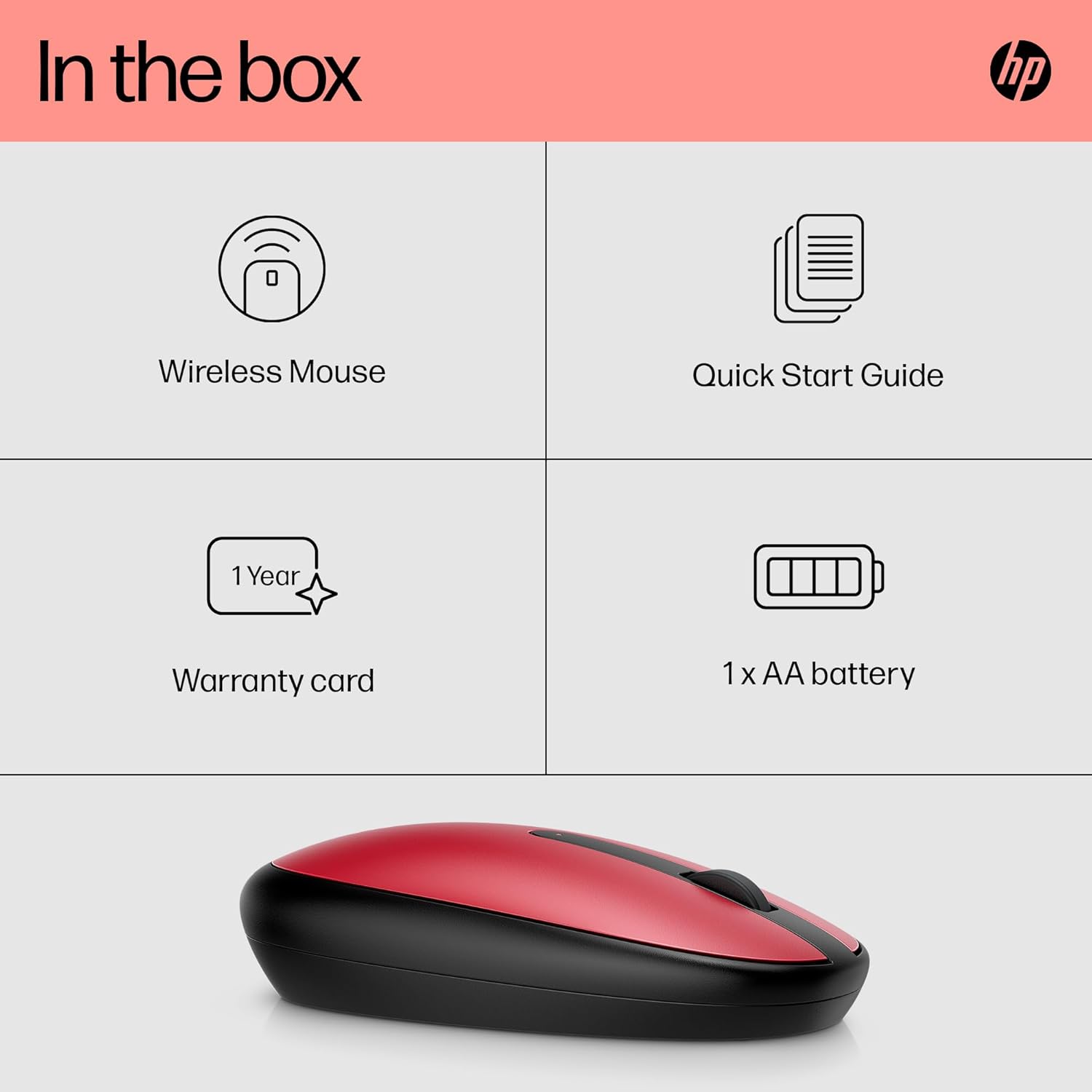
One small limitation to keep in mind is that the description does not specify battery capacity or battery life details. If you need to plan around charging routines, check the listing details at purchase time for any battery information provided by the seller. For most everyday users, a lightweight, easy to connect mouse is a good fit when you prioritise simple control and reliable wireless performance.
Who it’s for
It’s a good fit if you want a straightforward wireless Bluetooth mouse for office style tasks, web browsing, and general navigation. It makes sense if you prefer a setup that avoids a dongle and you value quick connection, smooth movement, and a comfortable hand feel. You’ll like it if you want an ambidextrous design that works for both left and right hand use.
It might not be a great match if you require extensive custom controls beyond the three buttons and scroll wheel, or if you need specific battery life guarantees before committing. Not all desks and surfaces feel the same for optical tracking, so consider how you typically use a mouse in your current setup. Overall, it suits everyday work where consistent connectivity and responsive cursor control are the priorities.