

Logitech M171 Wireless Mouse (2.4 GHz, USB mini receiver) for PC, Mac & Laptop in Black
Reviews
Price
Product description
If you want a no-fuss wireless mouse that just works, the Logitech M171 is built for that kind of day-to-day practicality. It’s a small, ambidextrous design with a reliable 2.4 GHz connection via a USB mini receiver, aiming to keep setup painless and the experience smooth for everyday browsing and general computer use.
That said, it’s not trying to be a precision gaming mouse. On paper, it sits in the “get the basics right and keep it going” category—helpful for office work, study, and home laptops, but you may feel its limits if you’re chasing high-end tracking performance or advanced customisation.
What matters most
The headline promise here is simplicity. You plug in the included USB mini receiver and you’re up and running quickly, with an auto sleep feature designed to reduce power drain when you’re not using it. Battery life is quoted as up to 12 months, so this is the sort of mouse you buy once and then forget about for ages—assuming normal use and keeping up with battery changes when needed.
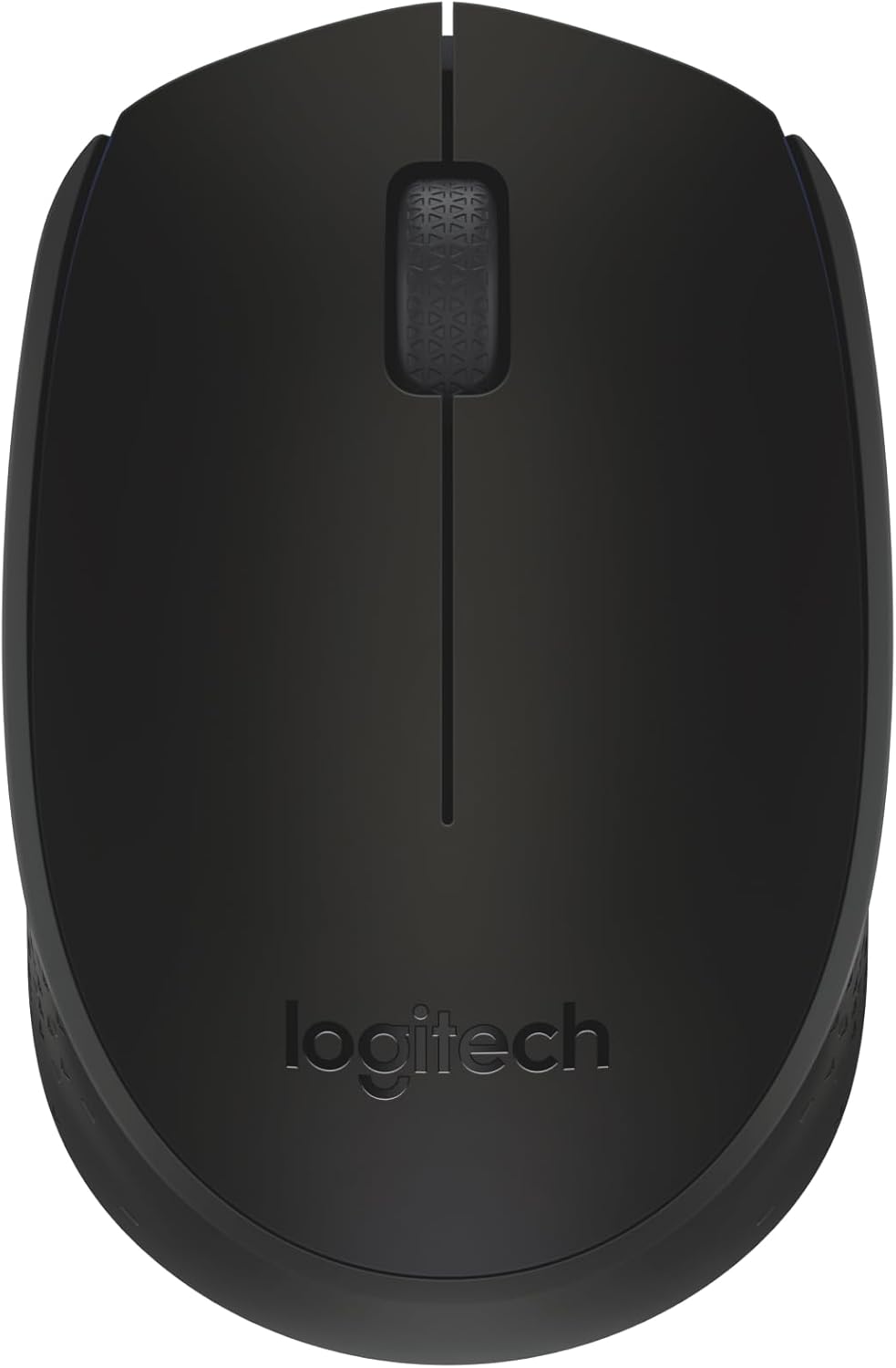
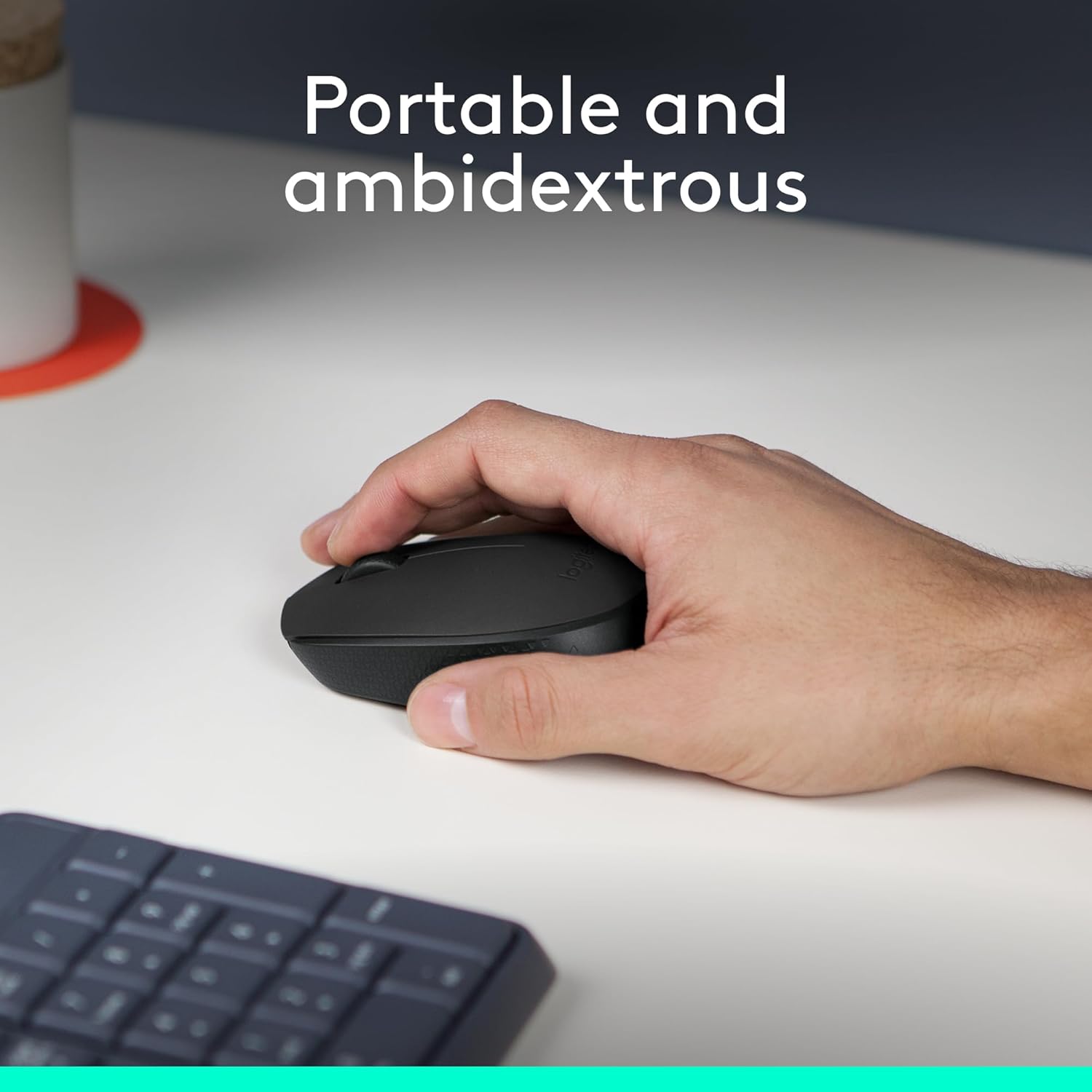
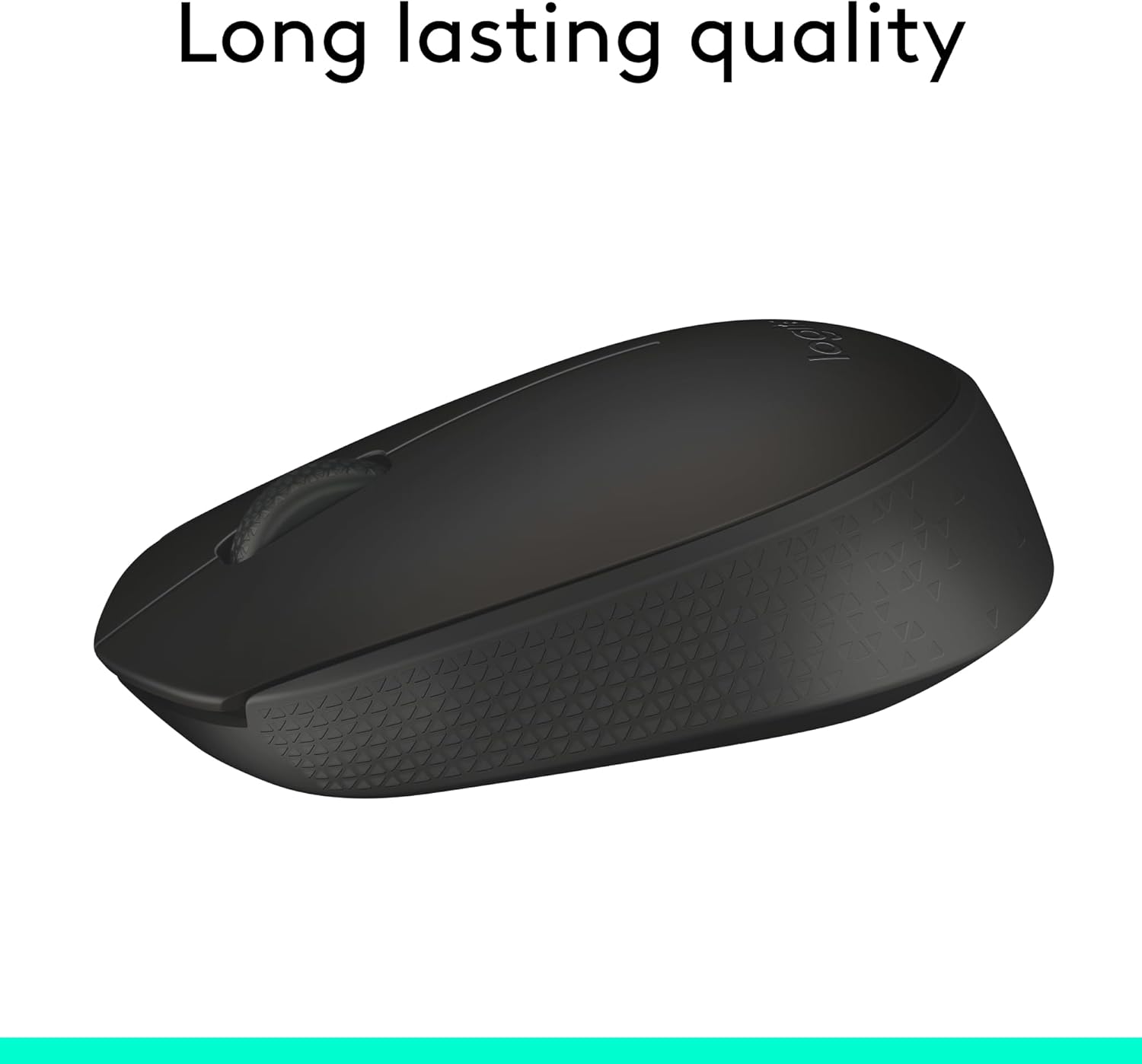
It’s also designed to be comfortable in either hand. The ambidextrous shape is fairly compact, which makes it easy to carry around in a bag or desk drawer. If you share a laptop with someone else, or you switch hands depending on what you’re doing, that “either way feels natural” idea is the main selling point.
Where it shines in everyday use
In daily navigation, the M171 uses optical tracking and controlled line-by-line scrolling. In practical terms, that’s meant to translate into cursor movement you can rely on and scrolling that feels steady rather than jumpy.
Logitech also quotes long-range wireless performance for a 2.4 GHz setup—up to 33 ft / 10 m from your computer. That’s useful if your workstation isn’t right next to your laptop, or if you like a bit of freedom on the desk.
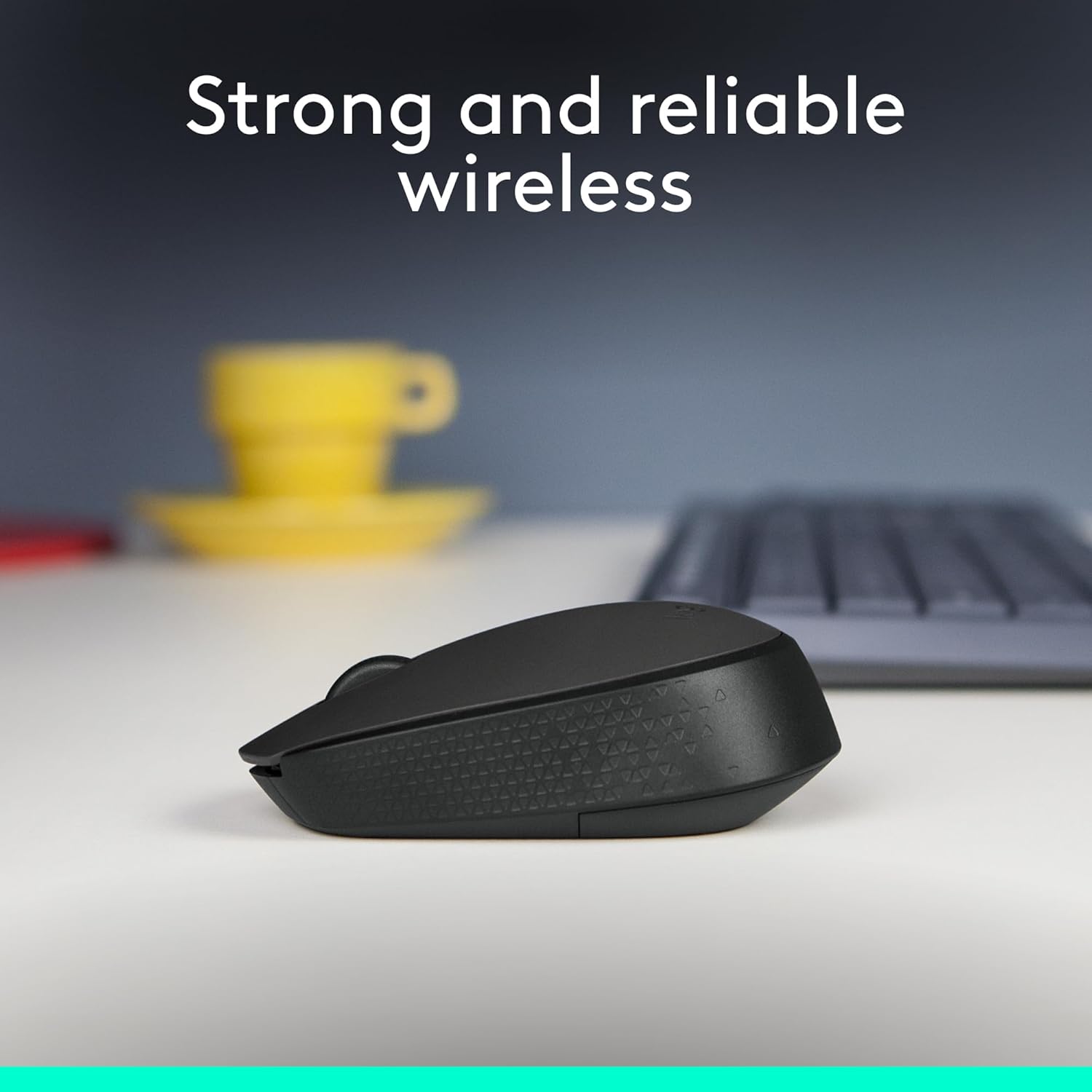
A quick micro-scenario: imagine you’re working in a kitchen setup with your laptop slightly off-centre. With the USB receiver in place, you can still use the mouse across the space without worrying too much about line-of-sight or tiny range issues—this is the kind of “ordinary” flexibility the M171 is aiming for.
The essentials on connection and compatibility
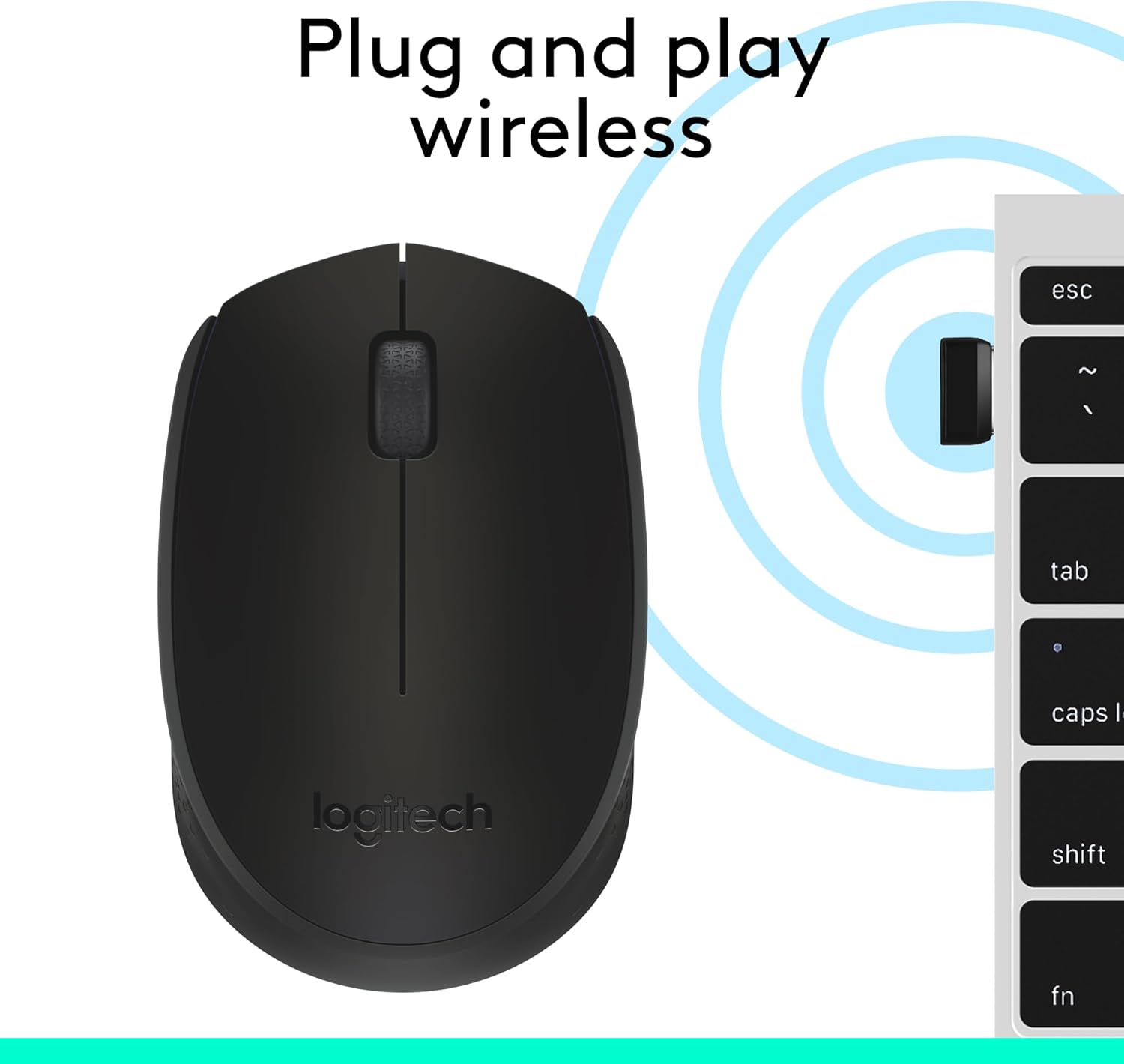
The connection method is straightforward: a strong, reliable USB receiver that plugs into your USB port. The intent is plug-and-play in about three seconds, so you’re not dealing with drivers or complicated setup steps.
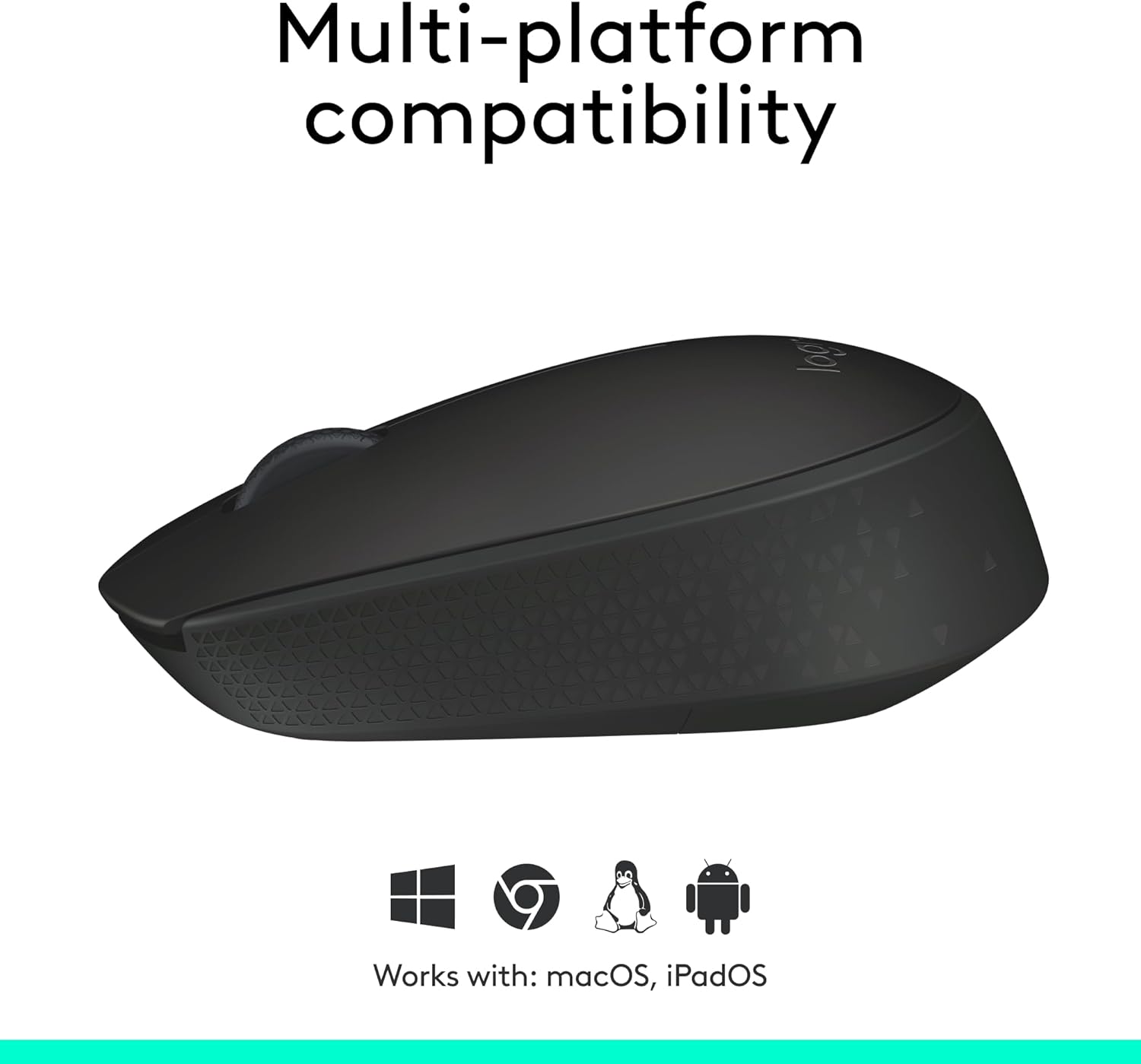
Compatibility is listed across Windows, macOS, Linux, Chrome OS, iPadOS, and Android operating systems. That broad support is a good sign if you have multiple devices in the household or you’re moving between a laptop and a tablet.
Still, it’s worth checking that your device has a USB-A port (or a suitable adapter) available for the receiver. The mouse itself is only as “seamless” as the connection you can actually make.
What you get if you care about power saving and build
A big practical detail is the power-saving approach: auto sleep plus long quoted battery life. For anyone who has previously been stuck changing batteries too often, that’s a genuinely useful spec.
On materials, Logitech mentions that plastic parts include certified post-consumer recycled plastic. The exact recycled plastic minimum varies by colour (with a higher minimum for the Black and several other shades, and different figures for Rose and Blue grey). There’s also a carbon neutral certification claim, with a stated product carbon footprint of 4.05 kg CO2e.

That’s not something you test on a desk, but it can matter if sustainability reporting is part of your purchase criteria.
Tech specs (quick overview)
- Type: Wireless mouse (optical tracking)
- Wireless: 2.4 GHz
- Receiver: USB mini receiver
- Tracking: Optical tracking
- Battery life: 12-months (quoted)
- Range: Up to 33 ft / 10 m
- Design: Ambidextrous, small/mobile shape
- Compatibility: Windows, macOS, Linux, Chrome OS, iPadOS, Android
- Colour: Black
Is it worth it?
You’ll likely be happy with the Logitech M171 if you want a compact wireless mouse for everyday work, study, and general browsing, and you value a setup that’s essentially plug-and-play. It makes sense if battery anxiety is a thing for you, because the auto sleep and 12-month battery life claim are clearly aimed at low-maintenance ownership. It’s also a solid pick if you need compatibility across different operating systems in a mixed home or office.
It might not be the best choice if you’re specifically buying for high-precision tasks or you want more advanced control features. With this kind of entry-focused, comfortable shape and straightforward scrolling, it’s more “reliable general use” than “performance-first”. Also, if your workspace is heavily dependent on very specific sensor behaviour on unusual surfaces, you may want to temper expectations—optical tracking is capable, but mouse comfort and control still vary by desk surface.
Mini FAQ
Will it work on a laptop and a desktop?
The M171 is designed to connect via a USB mini receiver, so it should suit both laptops and desktops as long as you have a compatible USB port for the receiver.
How easy is it to set up?
The connection is described as plug-and-play, intended to take just a few seconds by plugging the receiver into your computer.
Does it support both hands?
Yes—its ambidextrous design is meant to guide either hand into a natural position.
How long does the battery last?
Logitech quotes up to 12 months of battery life, supported by an auto sleep feature.
What’s the wireless range?
The wireless mouse is quoted to work up to 33 ft / 10 m from the computer.