

Lizoak USB-C to Pencil Adapter for Apple Pencil 1st Gen with Bluetooth Pairing – USB-C or Lightning Charging for iPad 10th/11th Gen (A16)
Product description
What it is and what it solves
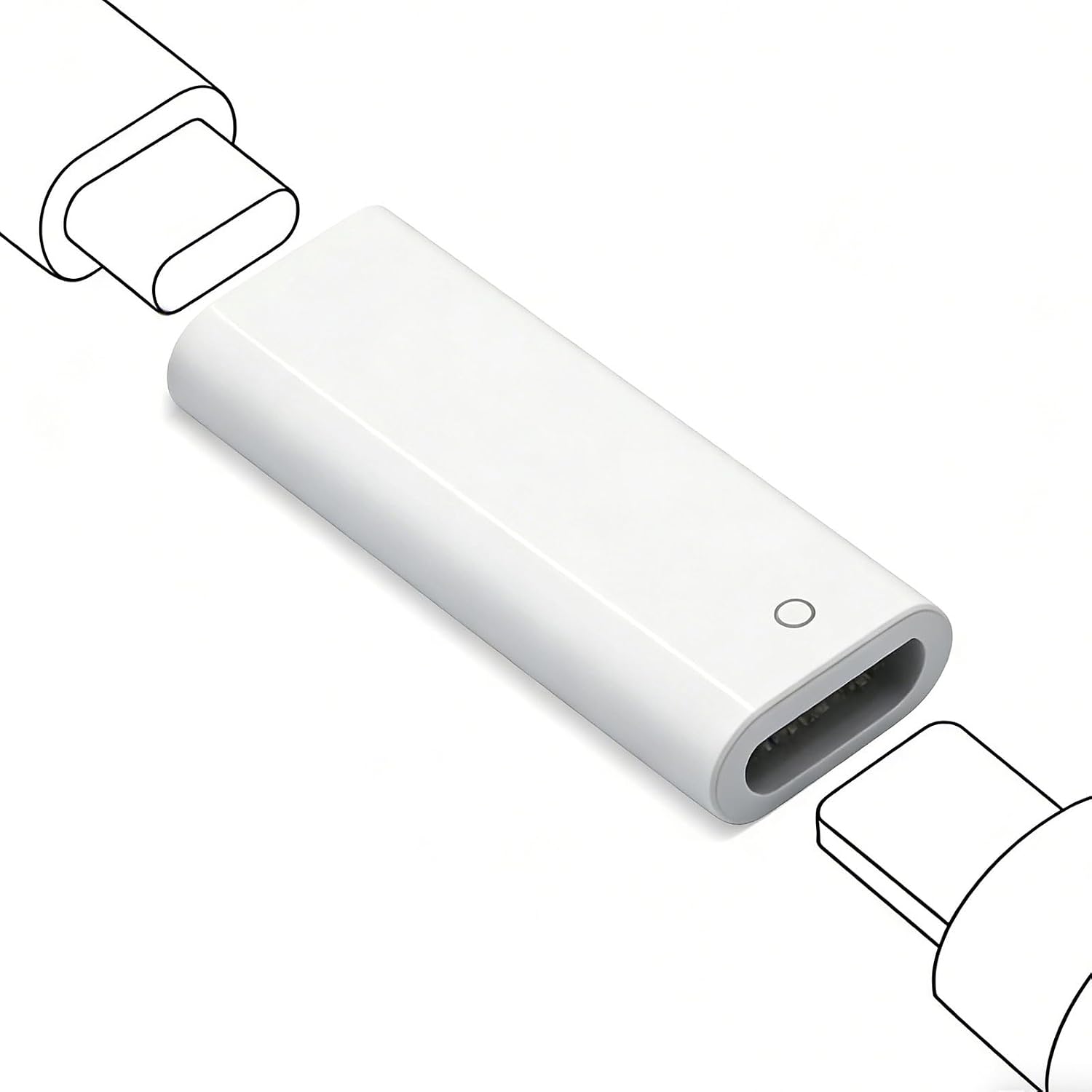
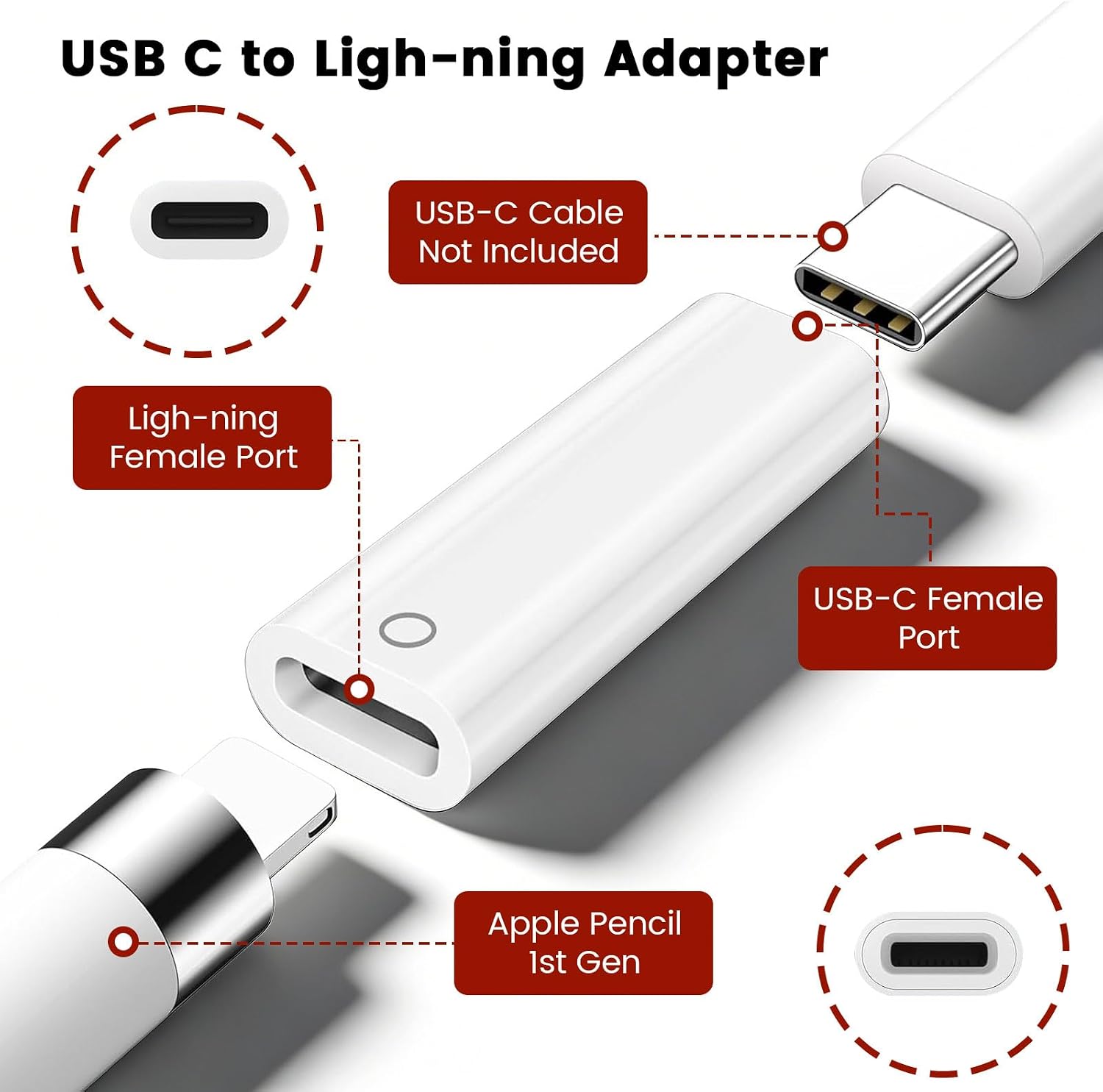
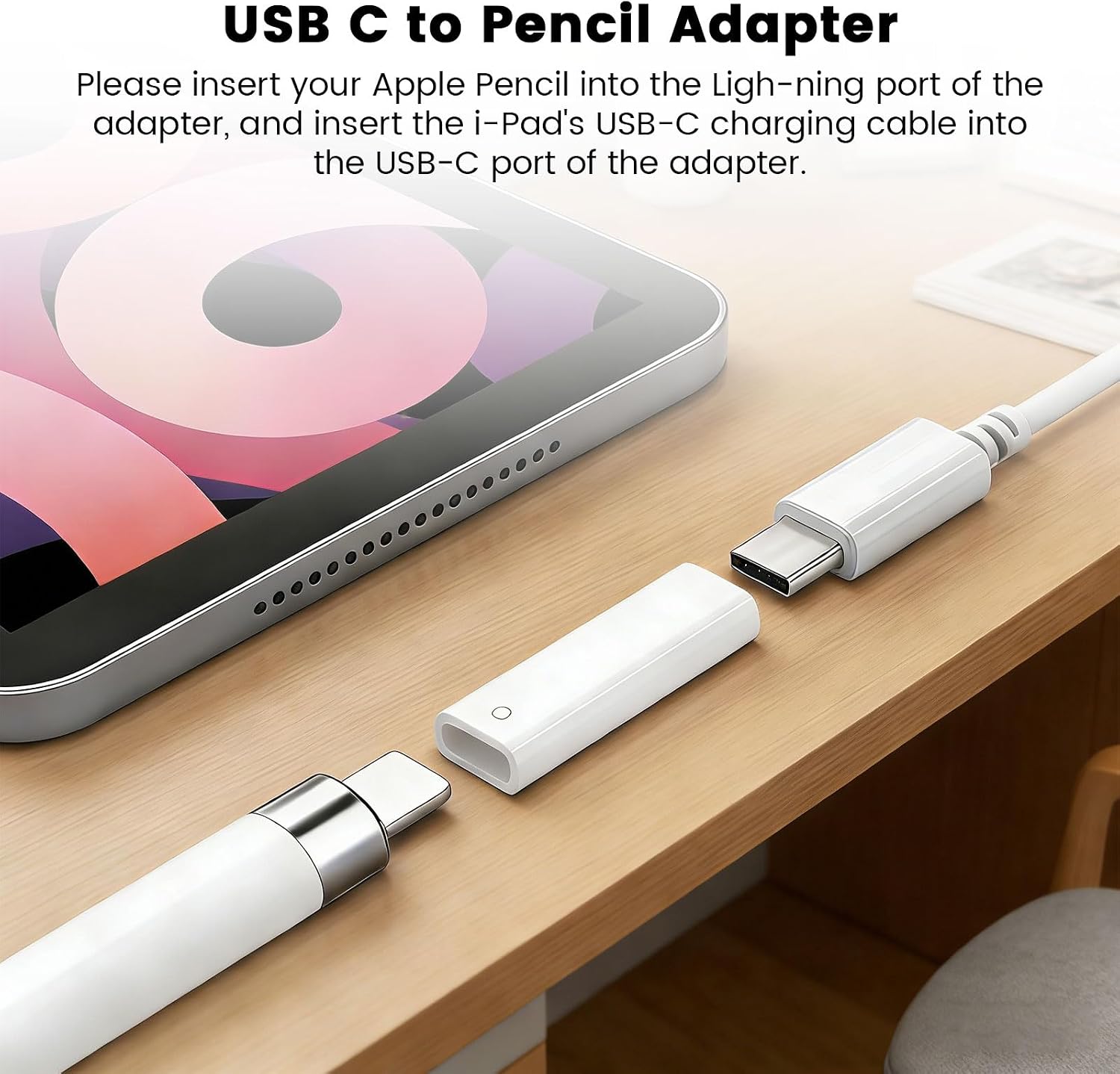
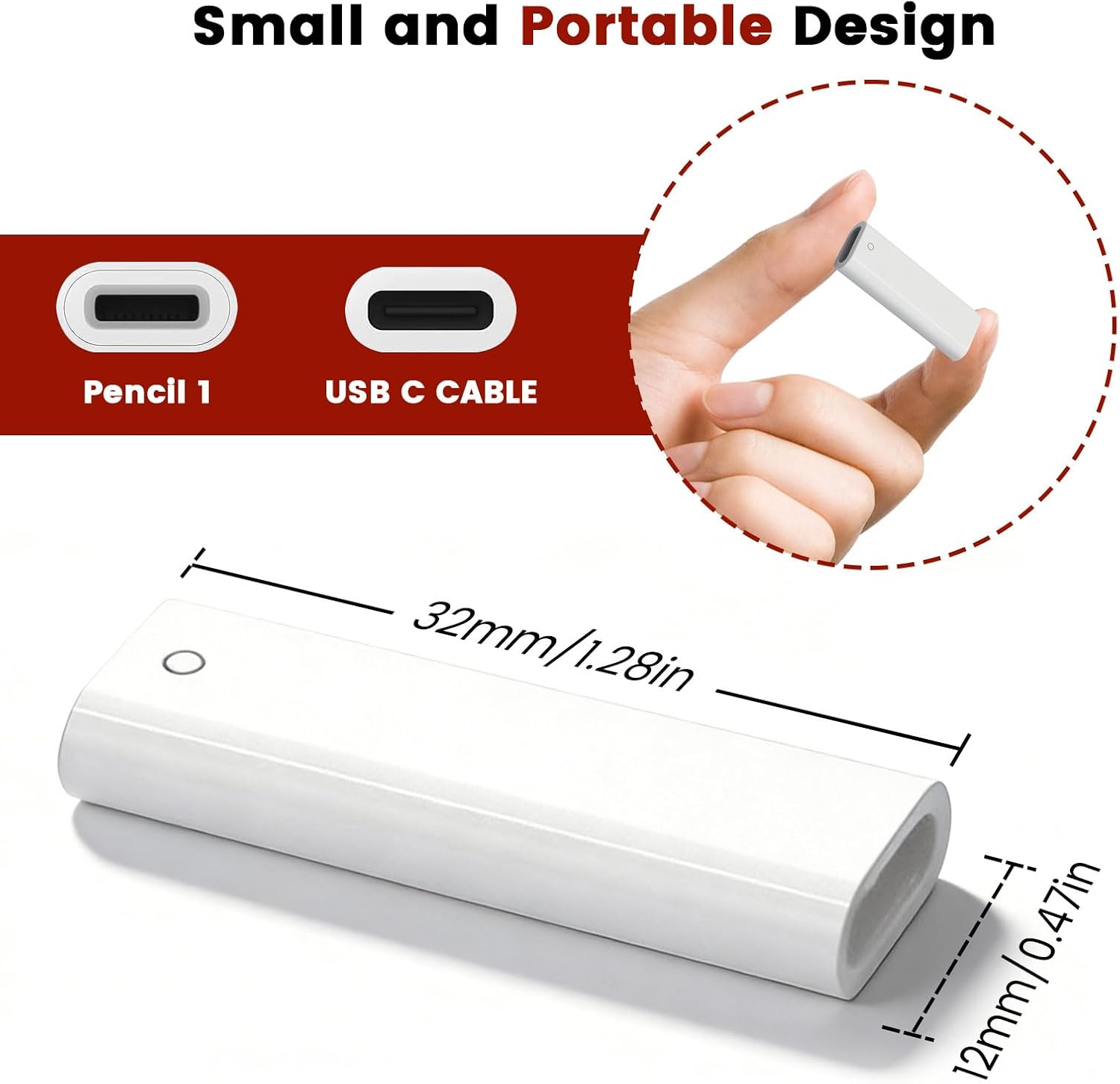
The Lizoak USB-C to Pencil Adapter is a compact, purpose-built accessory designed for the Apple Pencil 1st Generation. It helps you charge the Pencil via USB-C or Lightning connections and also enables Bluetooth pairing, all while keeping the Pencil ready for use with iPad 10th/11th Gen (A16). On paper, the setup promises convenient connectivity and flexible charging—handy for students, professionals, or anyone juggling cables during daily tasks.
How it fits with your setup
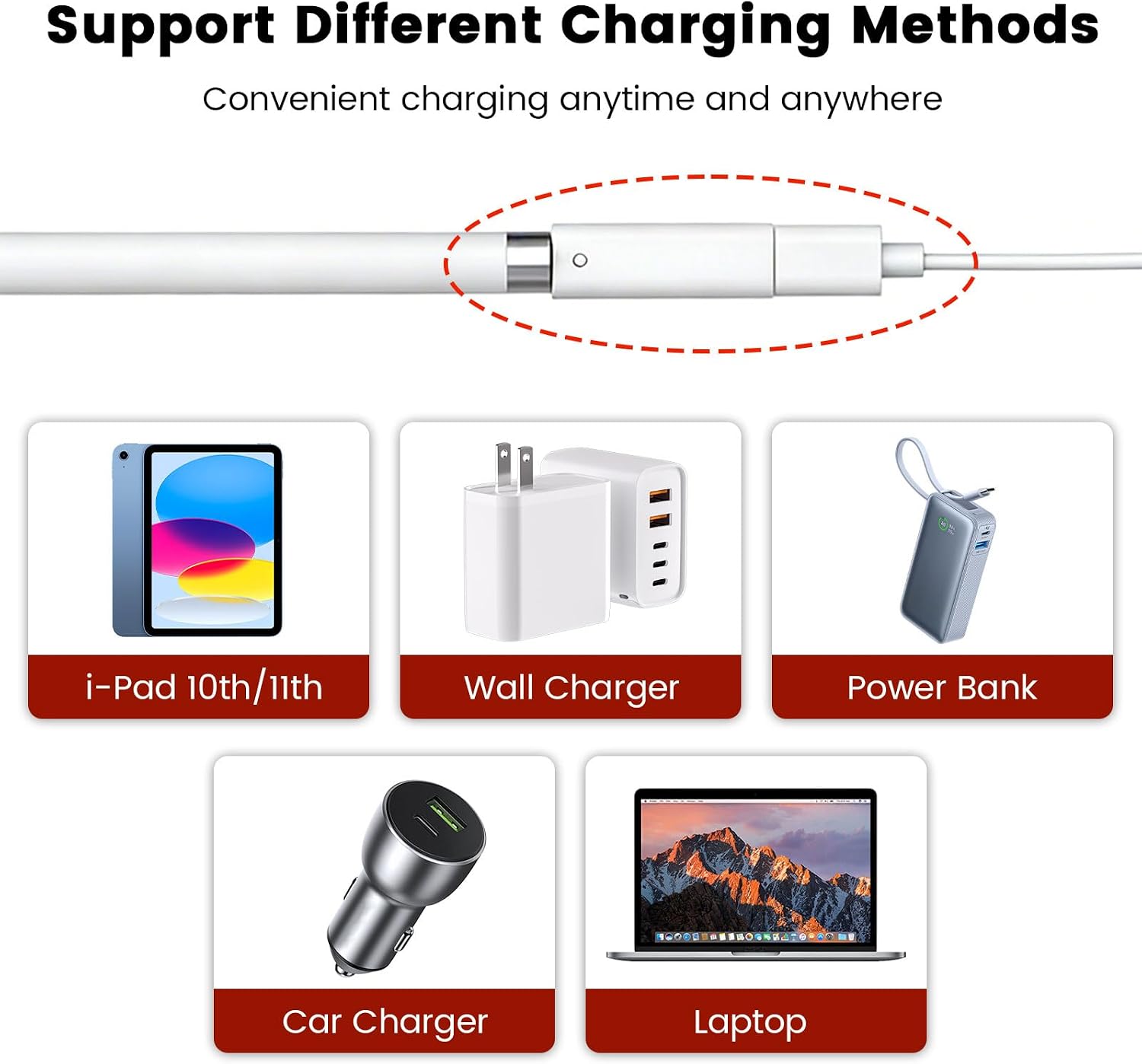
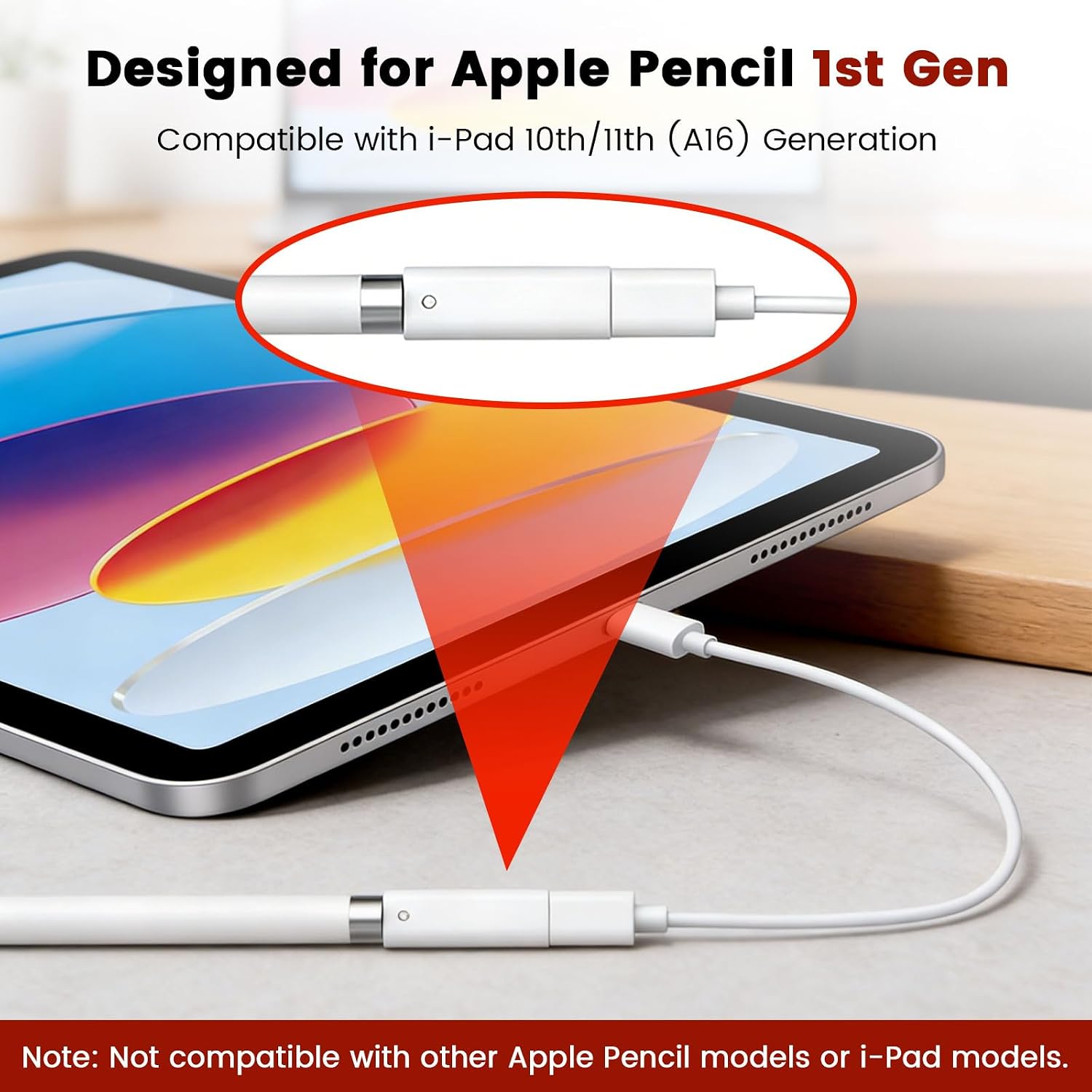
If you own an iPad 10th/11th Gen (A16) and still rely on the 1st‑gen Apple Pencil, this adapter tidy‑packs the connection options. It supports multiple charging methods: USB-C to USB-C, or USB-C to USB, allowing you to charge the Pencil through a laptop, power strip, or a USB-C charger. The goal is simple: keep your Pencil charged without hunting for the right cable every time. Be mindful that the product specifies compatibility with the 1st Gen Pencil, so it’s not designed for newer Apple Pencil models.
Bluetooth pairing and reliability
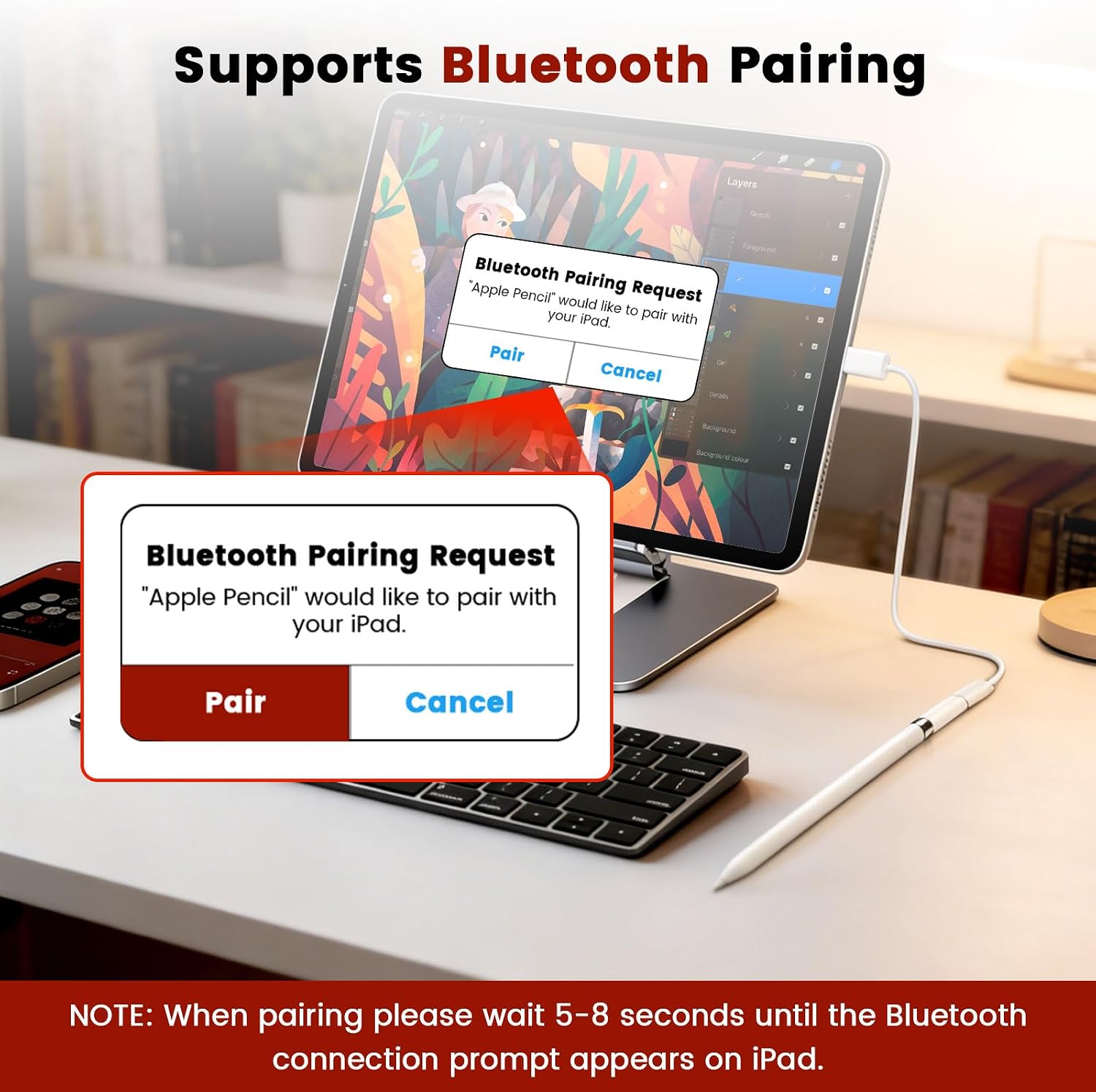
An attractive detail is the claimed quick Bluetooth pairing. After connecting the adapter, a pairing prompt is said to appear within 5–8 seconds on the iPad, which can streamline setup. In practice, you’ll want to ensure the Pencil has some charge to establish a stable link, the maker notes a recommended minimum 20% battery before use to optimise charging and connection. If your workflow depends on instant connection, this is worth testing in your environment, as real‑world results can vary by device and software updates.
What works well in real life
The standout benefit is charging flexibility away from standard Lightning cables. For anyone who travels light or frequently works with a desk‑to‑cushion routine, a single compact adapter reduces clutter. The form factor is described as small and portable, so it’s easy to carry in a pencil case or pocket. A practical scenario: while commuting, you can keep the Pencil topped up by plugging into a power bank or a laptop, then reconnect quickly when you reach a desk.
Potential limitations to consider
This is designed for Apple Pencil 1st Gen and iPad 10th/11th Gen (A16). If you own a different Pencil generation or an older iPad, the compatibility is not guaranteed. Also, the product relies on Bluetooth for pairing, if you encounter intermittent interference or software quirks, expect potential hiccups until you find a stable pairing moment. A note on charging speed: while the adapter offers multiple charging paths, it doesn’t specify fast‑charge credentials, so if you’re hoping for rapid top‑ups, outcomes may vary.
Who it’s for
- Students and professionals who travel and need reliable Pencil charging on the go.
- iPad 10th/11th Gen (A16) owners using the 1st Gen Apple Pencil and wanting a minimal setup for charging and connection.
- Anyone seeking an ergonomic, pocketable charging solution that reduces cable clutter.
Who it isn’t ideal for
- Owners of newer Apple Pencil models or different iPad generations not explicitly listed as compatible.
- Those seeking a guaranteed high‑speed charge beyond standard USB‑C/USB options, since charging speed is not specified.
What to check before buying
- Confirm you actually use Apple Pencil 1st Gen with an iPad 10th/11th Gen (A16).
- Ensure you have a compatible USB‑C charging source (USB‑C cable, power strip, or laptop) for flexibility.
- Be prepared for Bluetooth pairing to appear on first connection and verify stability in your typical environment.
Practical usage example
Imagine you’re between meetings on campus. You attach the adapter to your Pencil, plug into a USB‑C port on your laptop, and within a few seconds the iPad shows the Bluetooth pairing prompt. The Pencil begins charging as you take notes, and when you move to a classroom, you can switch to a USB‑C charger from the wall without hunting for cables. It’s not perfect science, but the flow is smoother than juggling multiple adapters.
Quick comparison outlook
If you’re weighing options, this adapter sits between a purely Lightning charger and a broader charging kit. It suits someone who values portability and a single charging solution rather than buying a dedicated Pencil charger with bulky accessories. If you rely on the latest Pencil models or expect rapid charging, you may want to consider alternatives that explicitly advertise compatibility and charging speeds.
Is it worth it?
Final verdict
Worth considering if you prioritise compact charging flexibility for Apple Pencil 1st Gen on iPad 10th/11th Gen (A16) and want quick Bluetooth pairing. It may be less compelling if you use a newer Pencil, require ultra‑fast charging, or want guaranteed plug‑and‑play consistency across all software updates.
FAQ
- Will this work with Apple Pencil 2nd Gen? It’s designed for the 1st Gen, so compatibility with the 2nd Gen isn’t stated.
- Does Bluetooth always pair automatically? The description suggests automatic pairing within 5–8 seconds, real‑world timing may vary.
- Is charging fast? The exact charging speed isn’t specified, so results depend on the connected USB‑C source.