

LG Magic Remote MR24GA replacement remote with voice
Product description
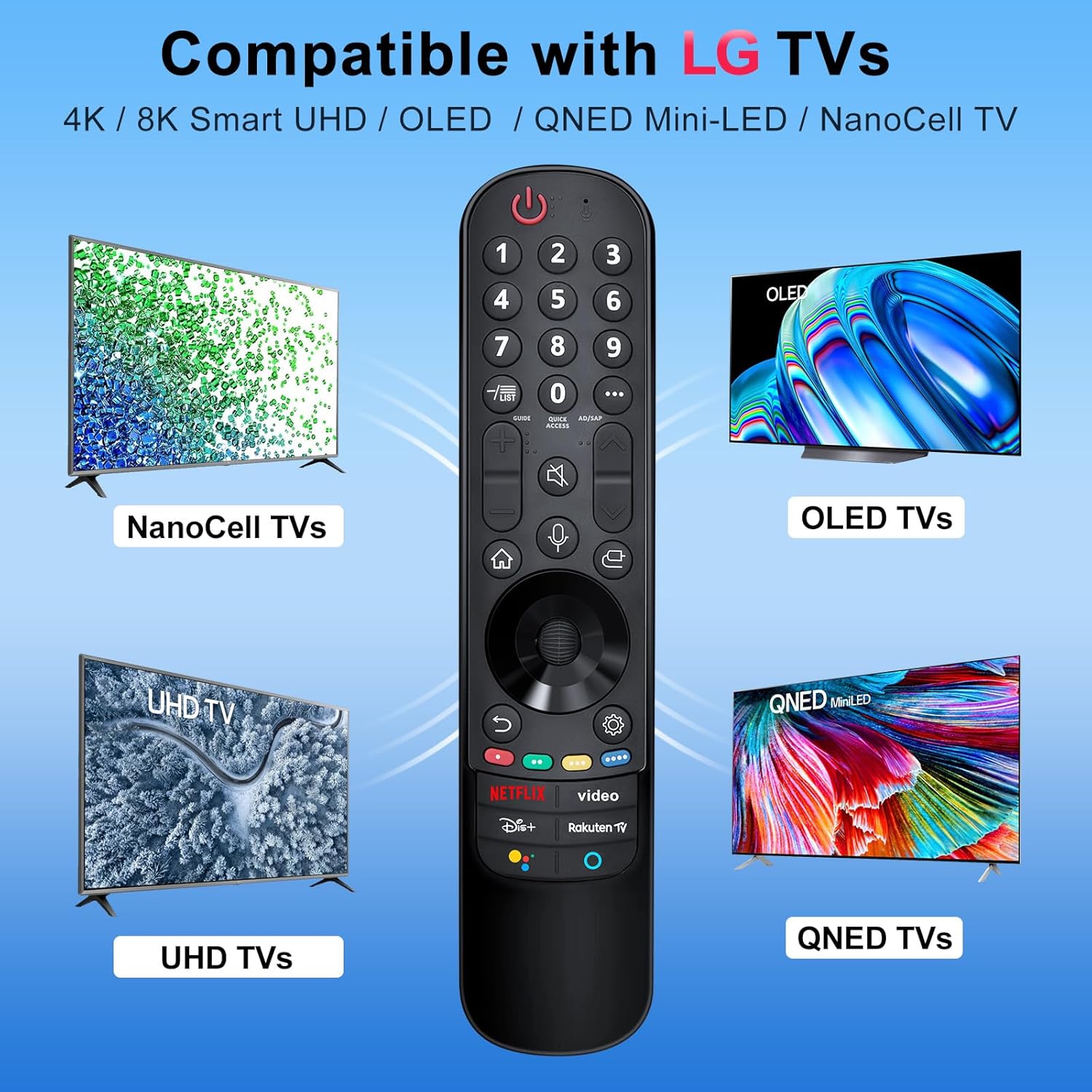
This universal replacement remote brings back pointer control and voice interaction to your LG Smart TV, allowing quick navigation of apps and menus with natural gestures and spoken commands. It is built to match the functionality of original Magic Remotes for models MR21GA, MR22GN, MR23GA and MR24GA, so you can regain full control of streaming, browsing and gaming without extra setup hassle.
Key Points
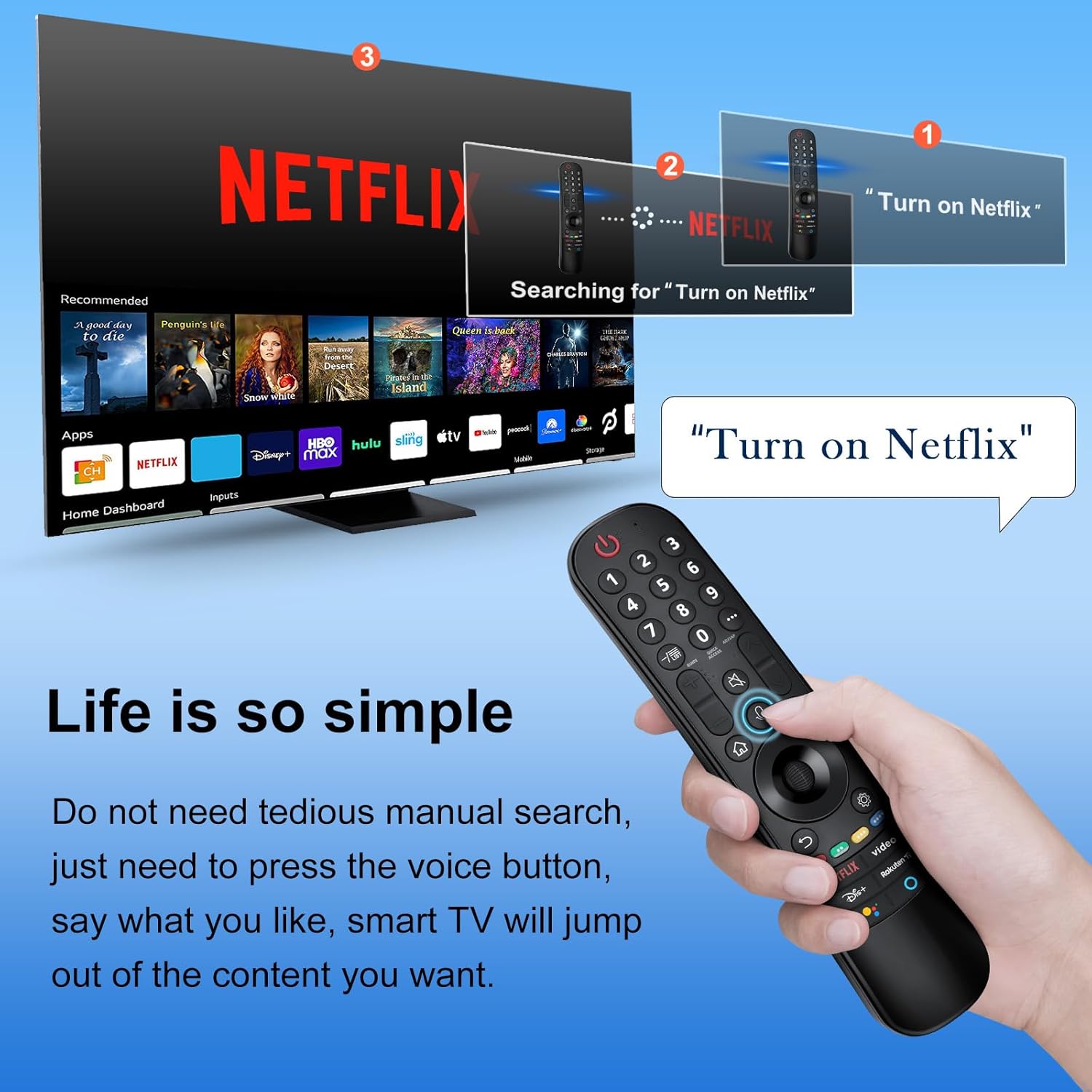
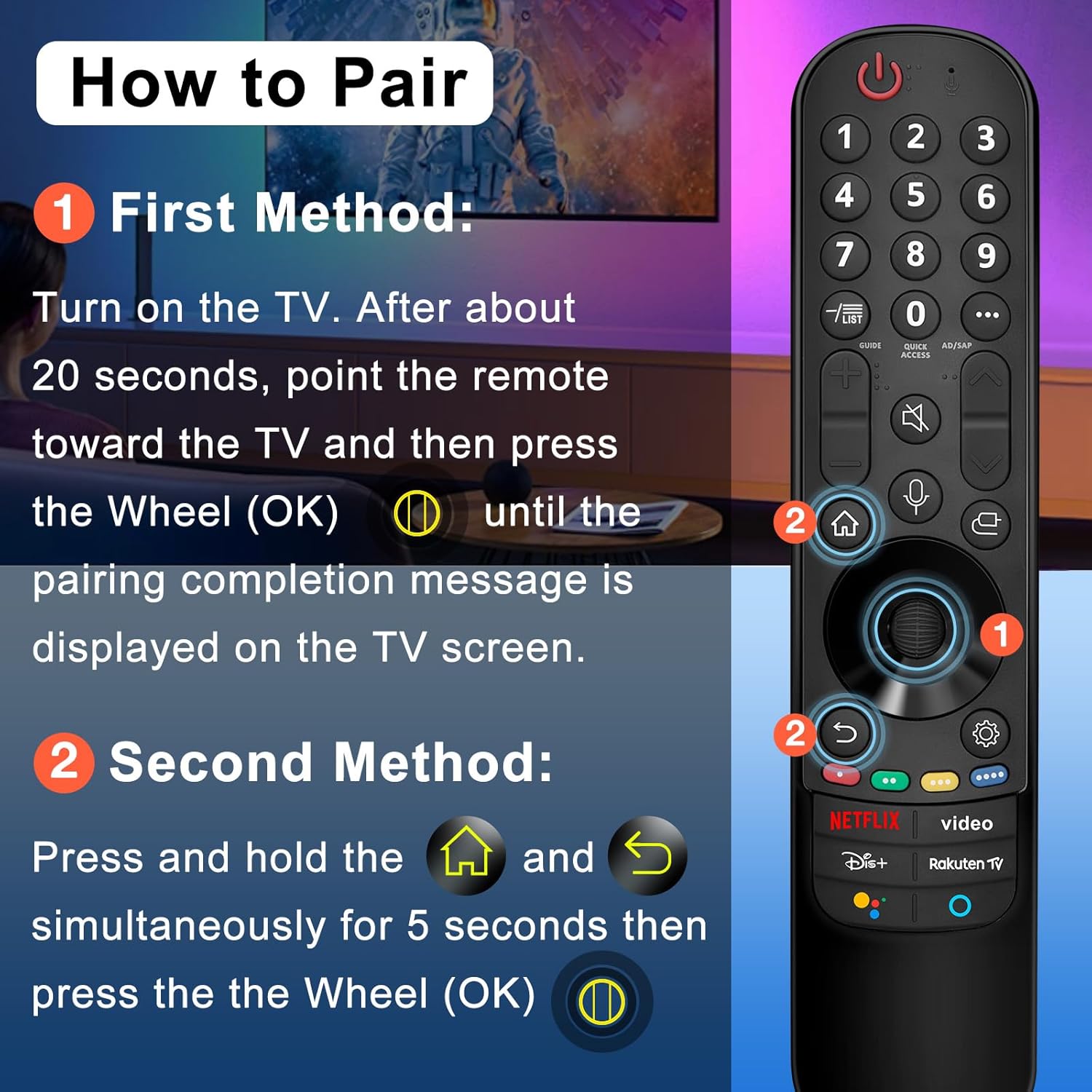
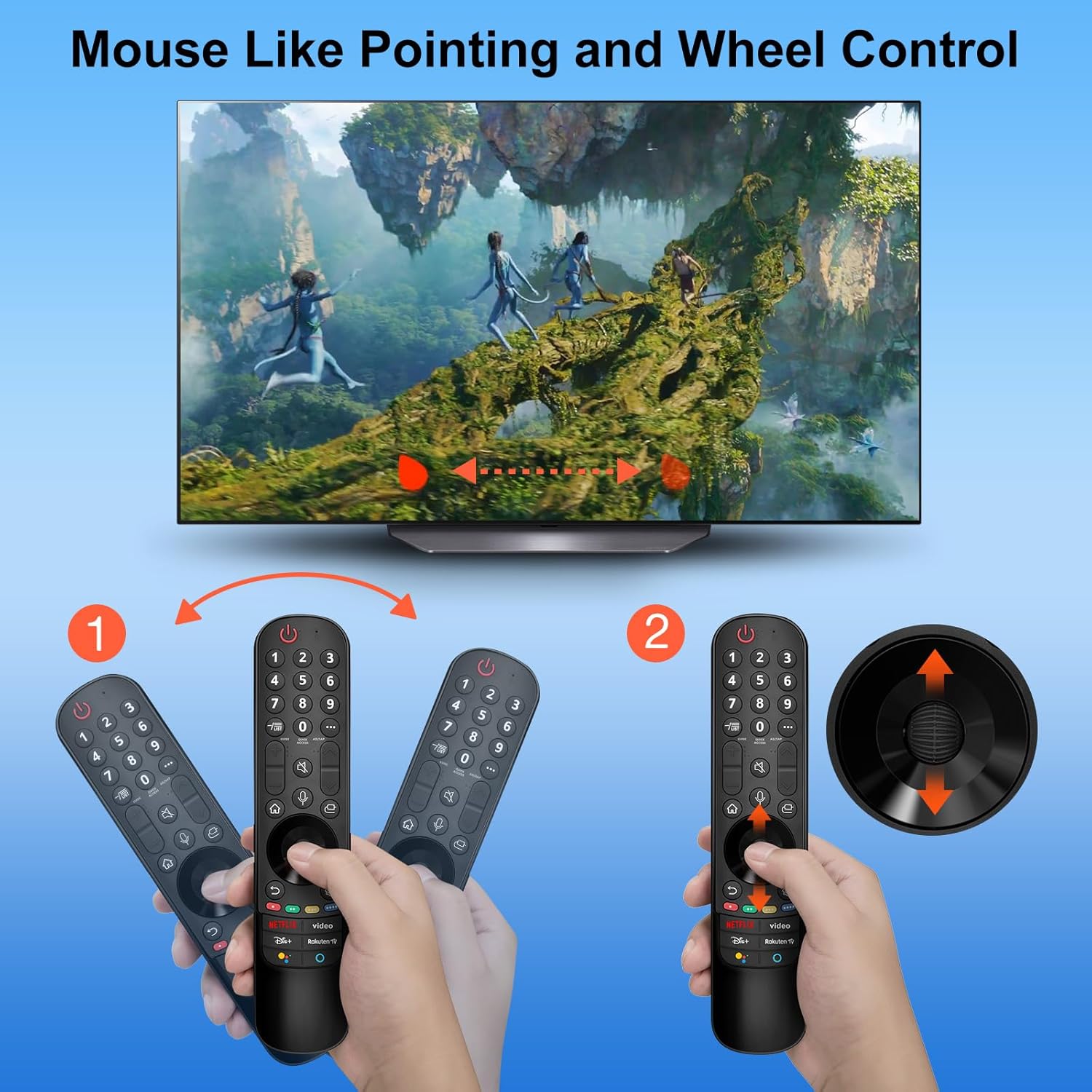
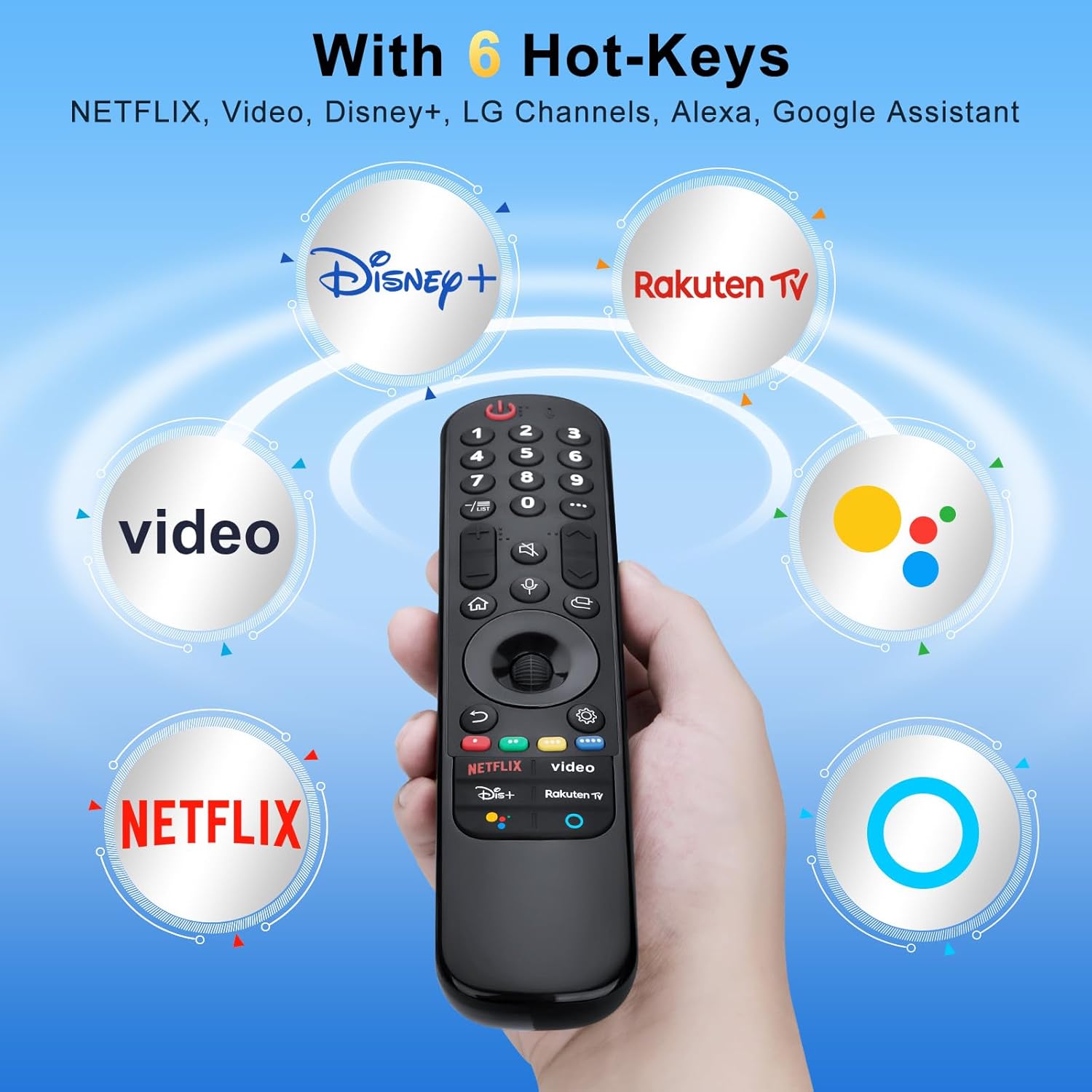
The unit uses a motion pointer for cursor-style selection, making on-screen menus easier to navigate and faster to operate. It also includes voice control and six direct access keys for popular streaming services, which helps reach favourite apps quickly. According to the manufacturer, pairing is straightforward: insert two AA batteries, switch the TV on, point the remote and press the wheel to register automatically. 🎯
Response is designed to be reliable up to a practical distance, with an improved chip intended to keep signals stable across a typical living room. The remote replaces lost or damaged originals while maintaining most of the original functions, including scrolling, clicking and the OK wheel. Note that batteries and printed manual are not included and the remote may depend on TV firmware compatibility for some voice features.
Technical Specifications
- Name: Angrox replacement for LG Magic Remote (MR21GA/MR22GN/MR23GA/MR24GA)
- Compatibility: LG Smart TV OLED, QNED, NanoCell and UHD models (manufacturer description)
- Range: 30 ft range (approximately more than 30 feet according to the manufacturer)
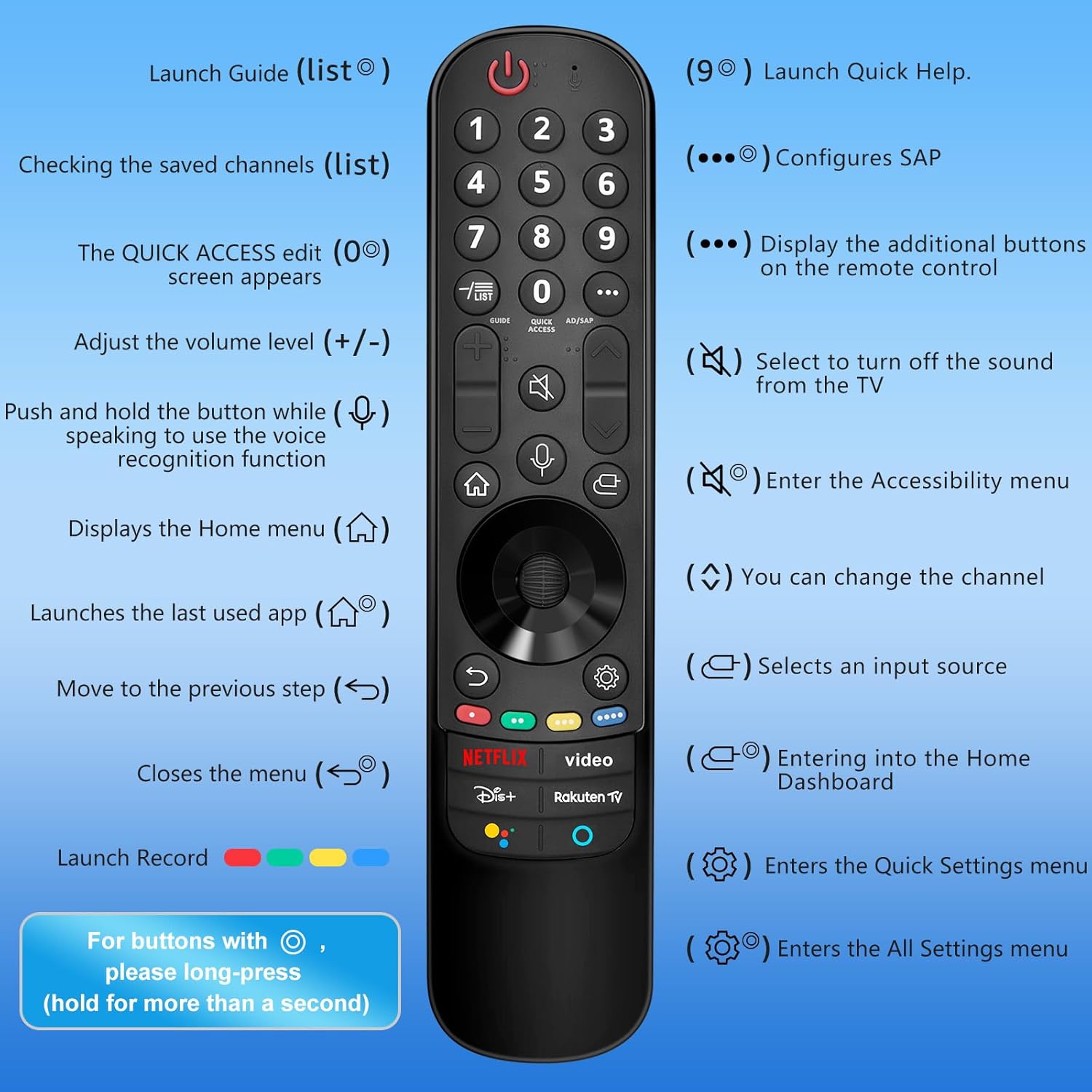
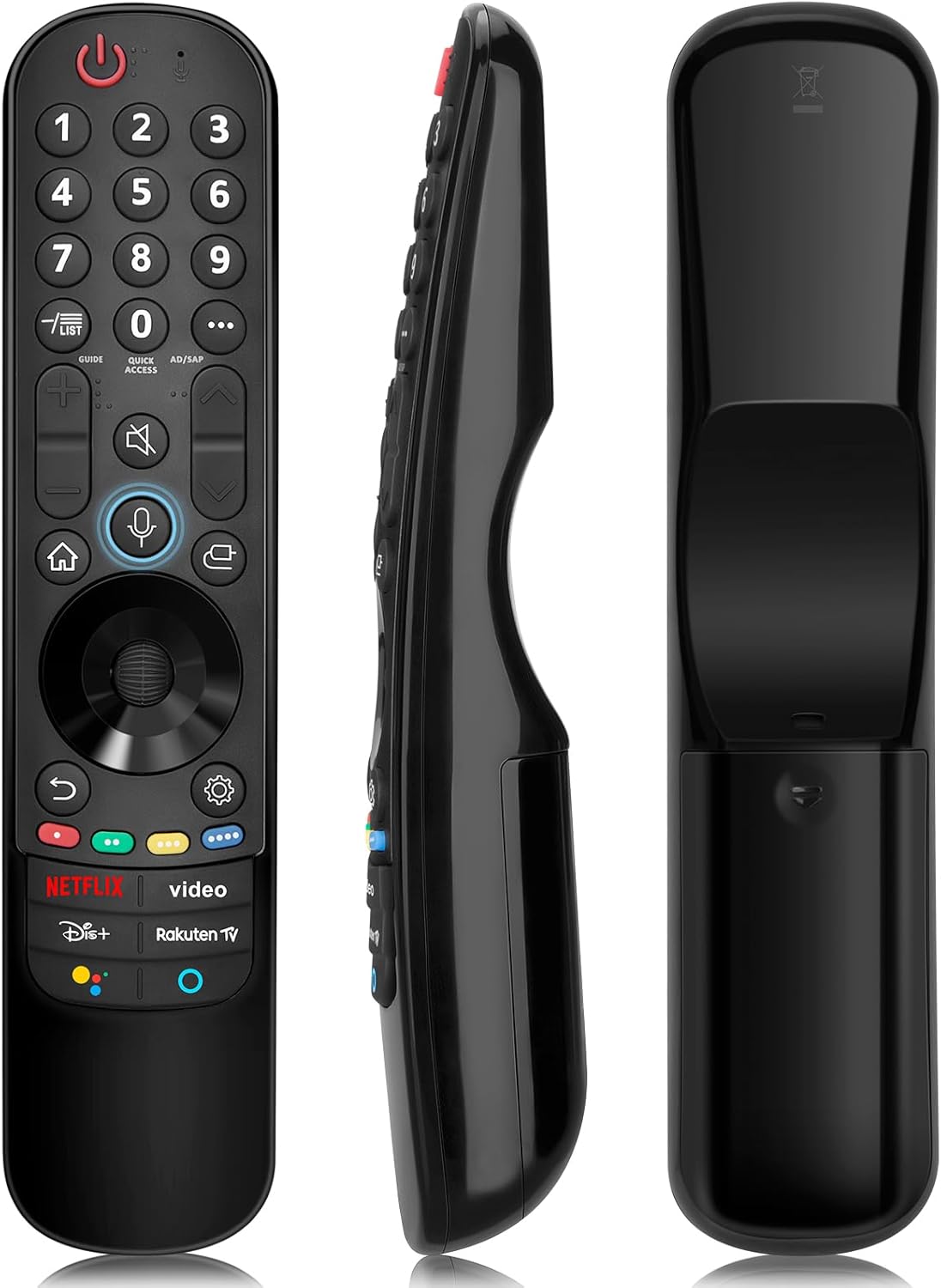
- Functions: Pointer and voice function, scroll, click, OK wheel, six streaming shortcut buttons
- Power: 2 x AA batteries required, not included
- Extras: Supports Alexa and Google Assistant icons on shortcut keys, may work with manufacturer voice platforms
Usage Recommendations
For best results, insert fresh alkaline batteries and allow about 20 seconds after powering on the TV before attempting the auto-pair process. If the automatic registration does not appear, try pointing the remote directly at the TV IR sensor and repeat the wheel press. 🎙️
Bear in mind that advanced voice services and some shortcuts operate through the TV’s own smart platform, so occasional limitations can occur depending on the TV firmware and regional app availability. If full parity with an original remote is essential for certain smart features, consider keeping the TV firmware up to date to improve compatibility.