

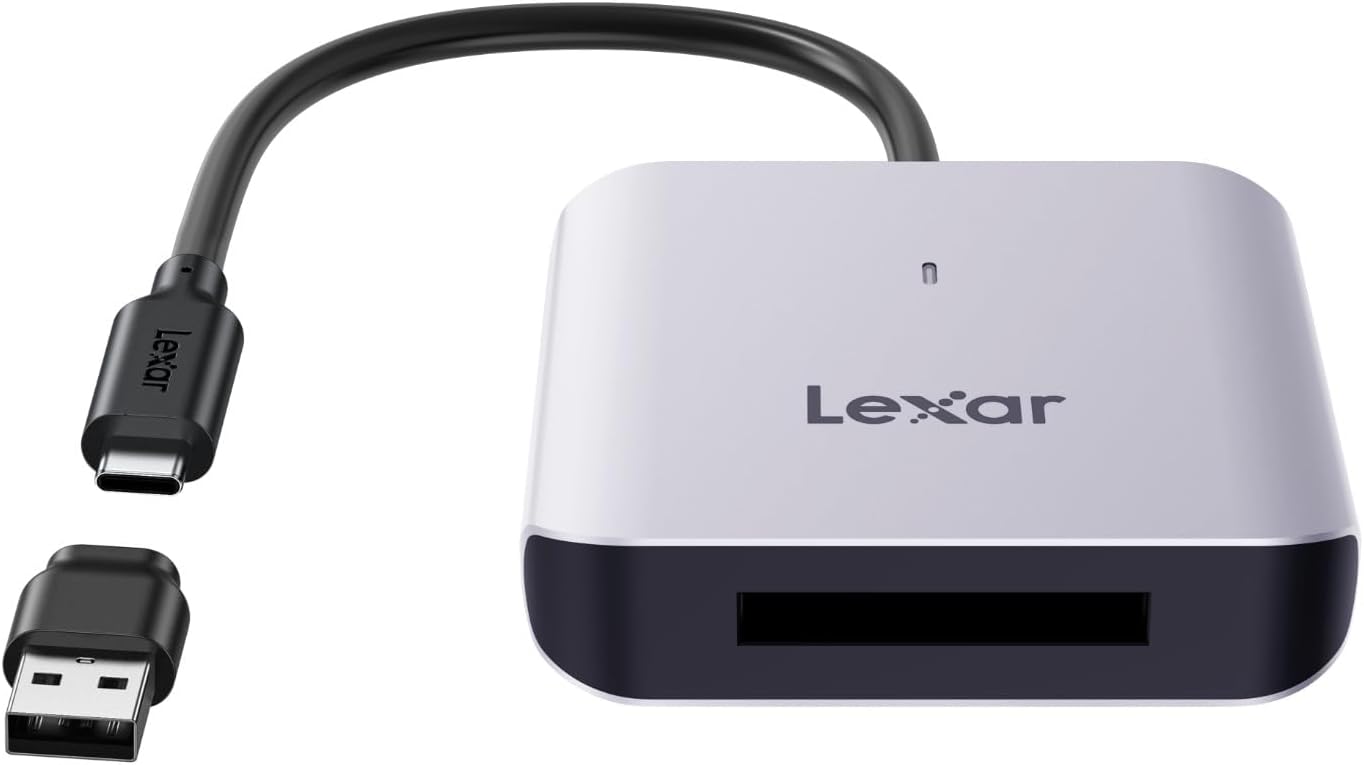
Lexar RW510 CFexpress Type B Card Reader (USB 3.2 Gen 2, up to 10Gbps) with built-in USB-C cable
Reviews
Price
Product description
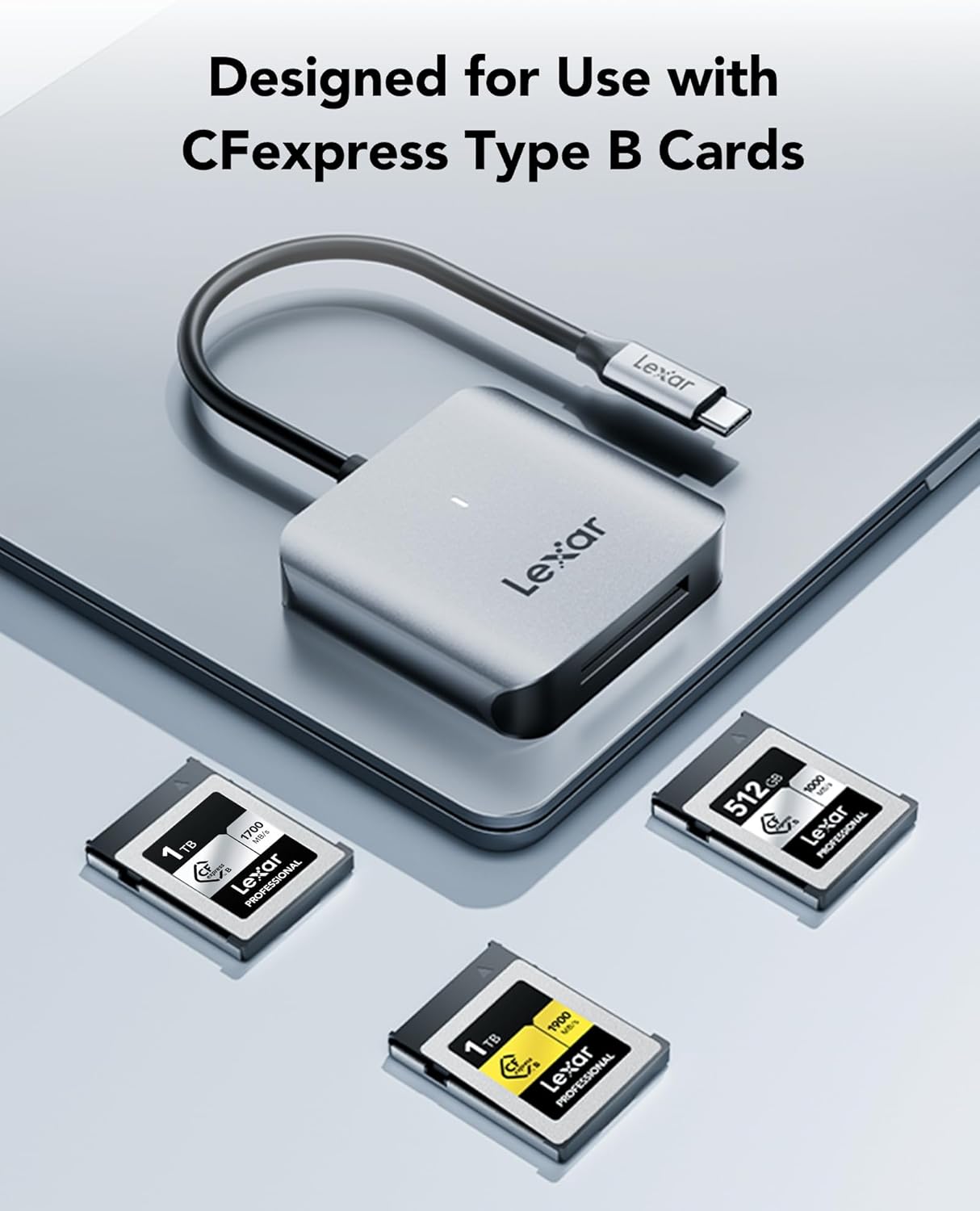
If you shoot with CFexpress Type B cards, waiting for files to copy can quietly ruin the rhythm of a shoot day. The Lexar RW510 is built for CFexpress Type B workflows, aiming to move large photo libraries and 8K RAW video clips quickly once you’re back at your laptop.
On paper, it’s the sort of card reader you buy once and then keep reaching for, because it’s compact, designed around one card type, and includes a built-in USB Type-C cable to avoid the “where did that cable go?” moment. It’s not trying to be everything for everyone—so if your cards are a different type, this won’t be the right route.
The essentials
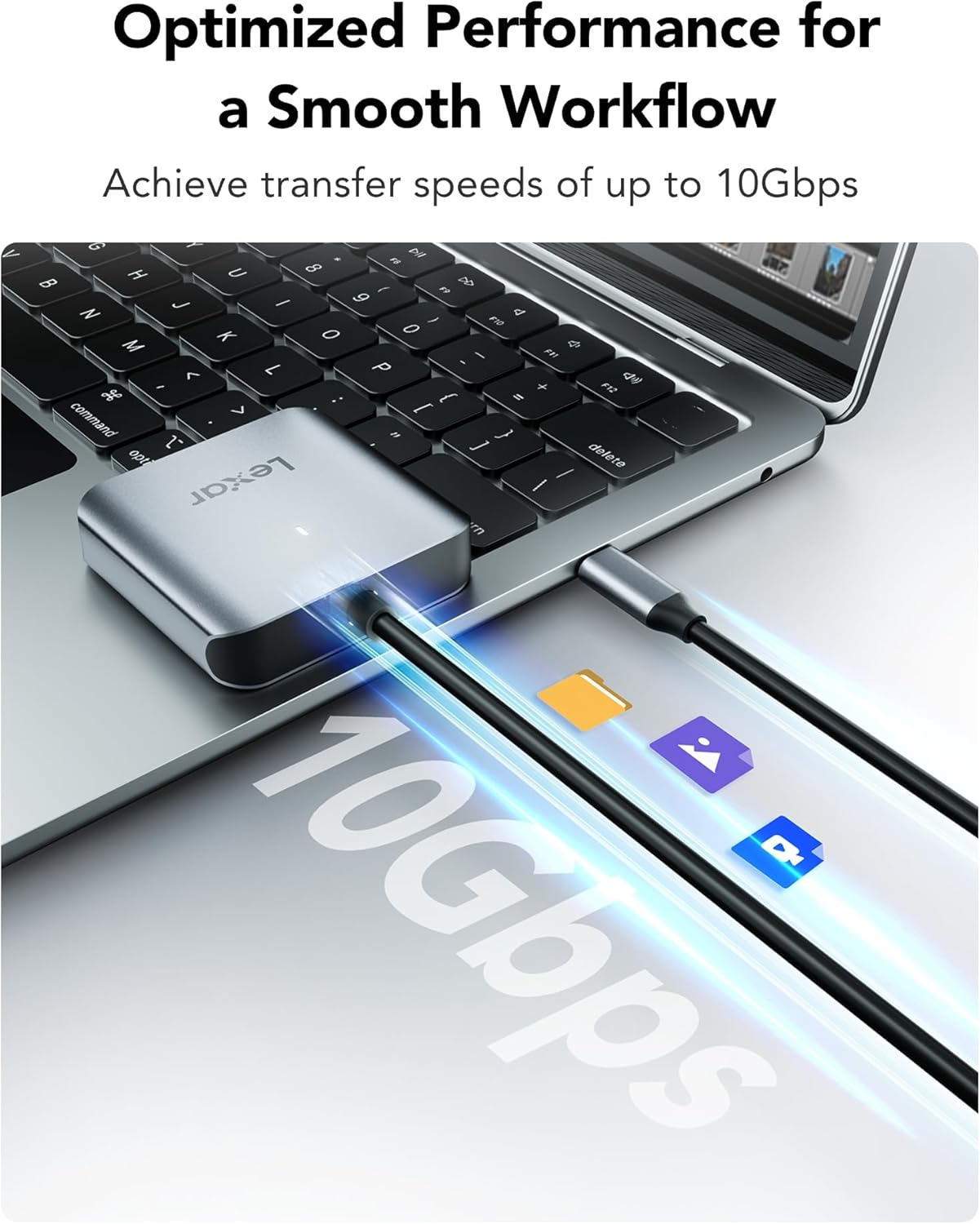
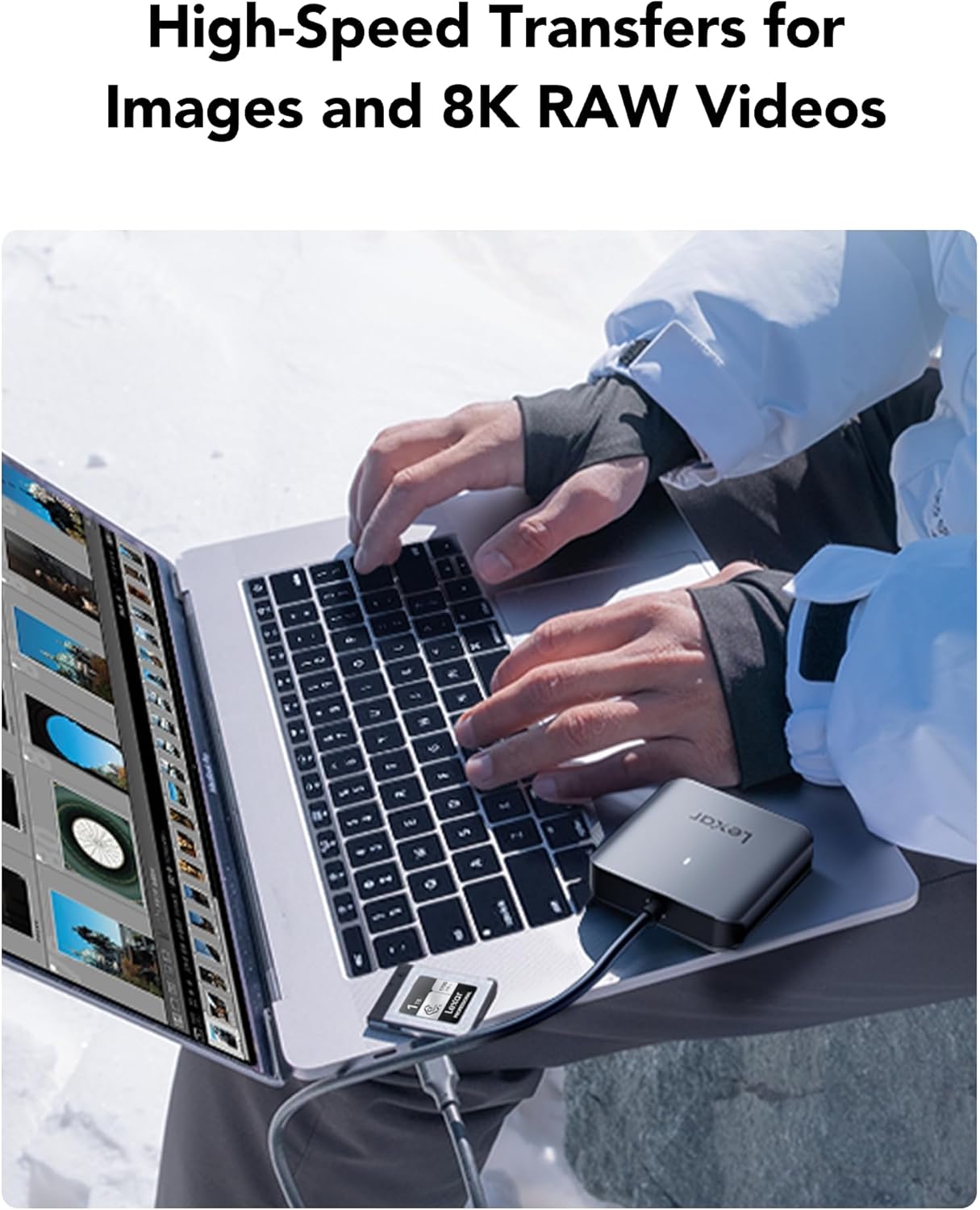
The Lexar RW510 is a CFexpress Type B card reader that supports USB 3.2 Gen 2. Lexar positions it for high-speed transfers (up to 10Gbps), which is particularly relevant for high-data-rate content like high-quality images and 8K RAW video.
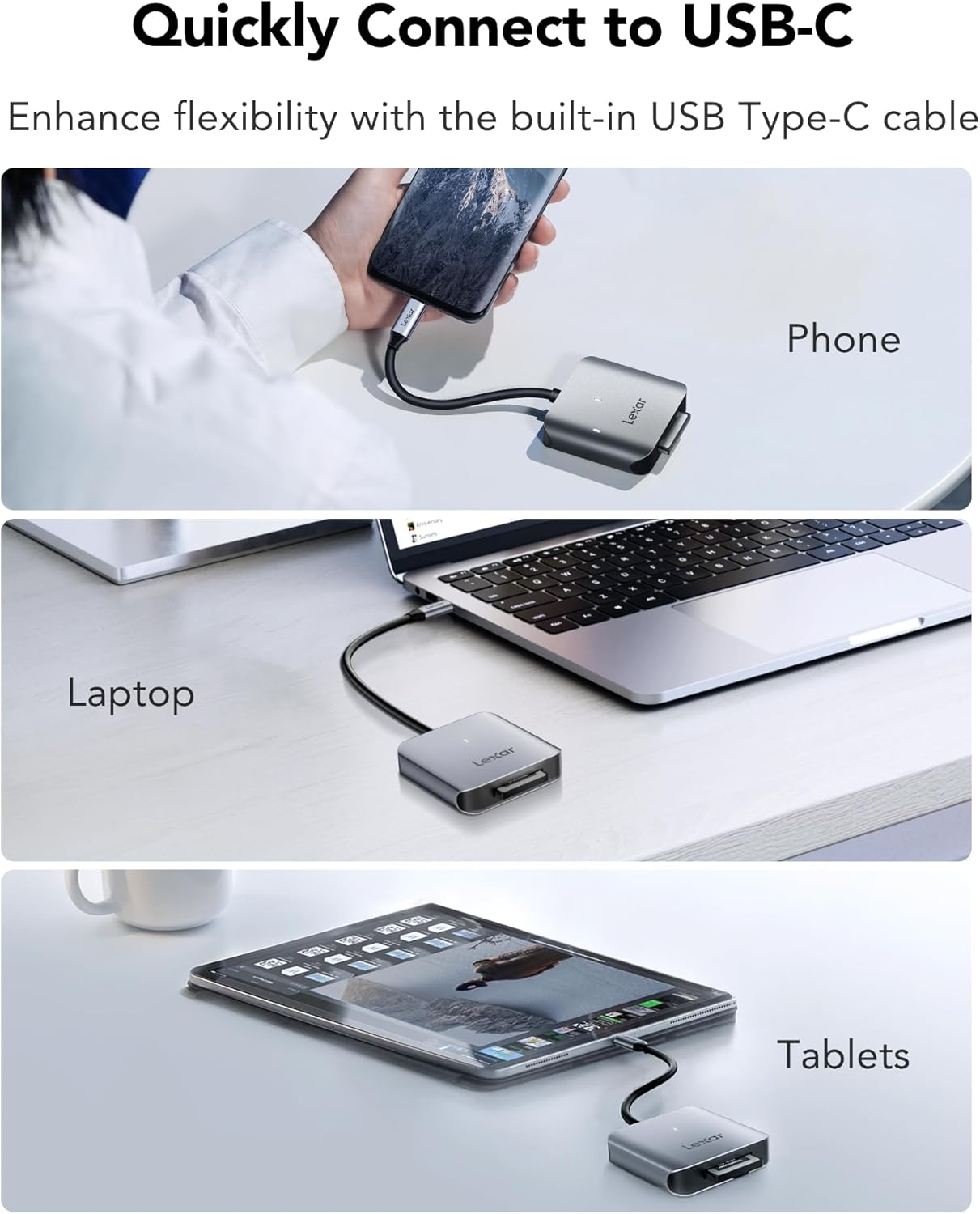
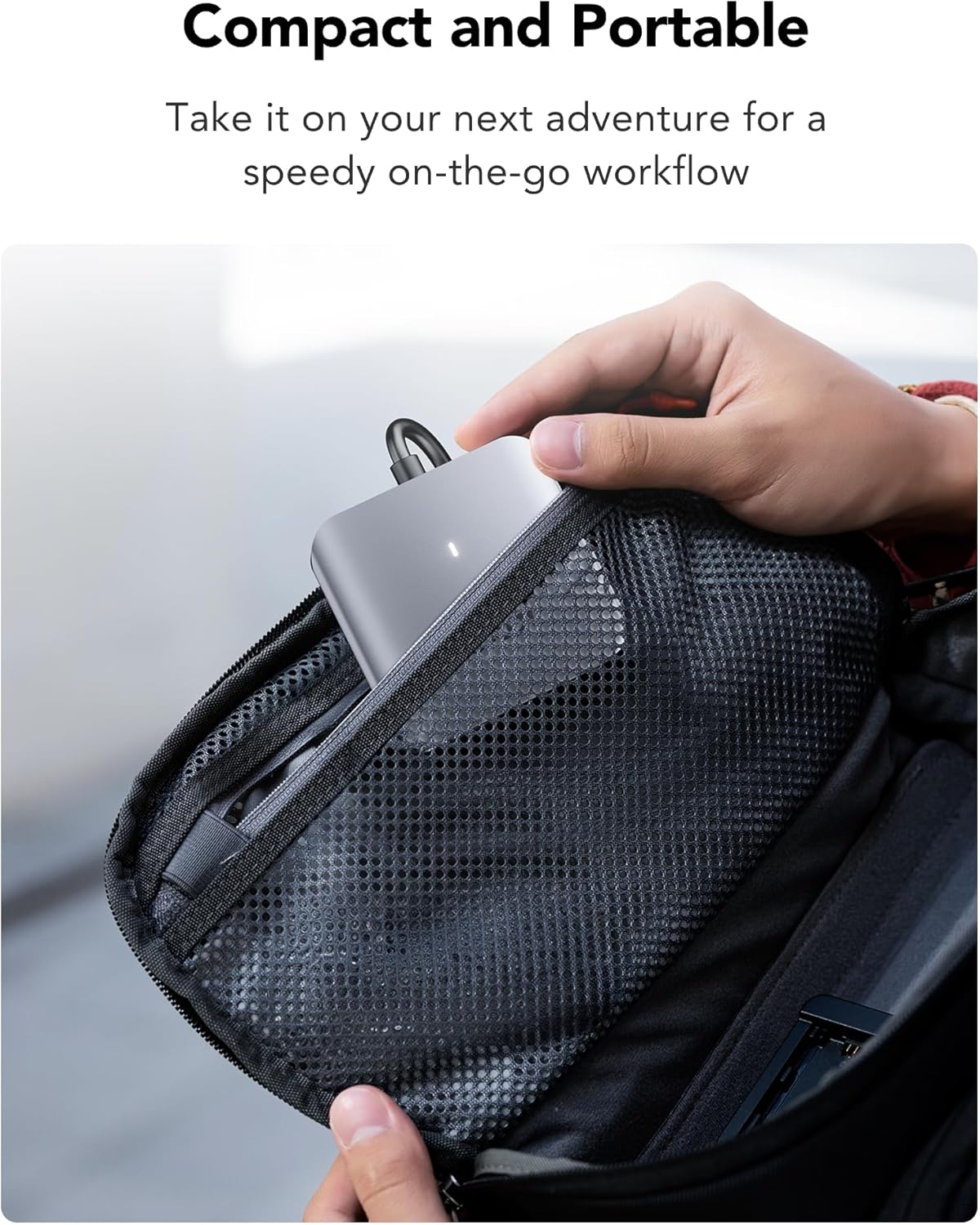
It also uses a built-in USB Type-C cable. That matters more than it sounds: on location or between sets, having the connection already integrated reduces fumbling with adapters and spare leads. The product is described as compact and portable, made to fit easily into a camera bag or backpack—exactly what you want when you’re travelling light.
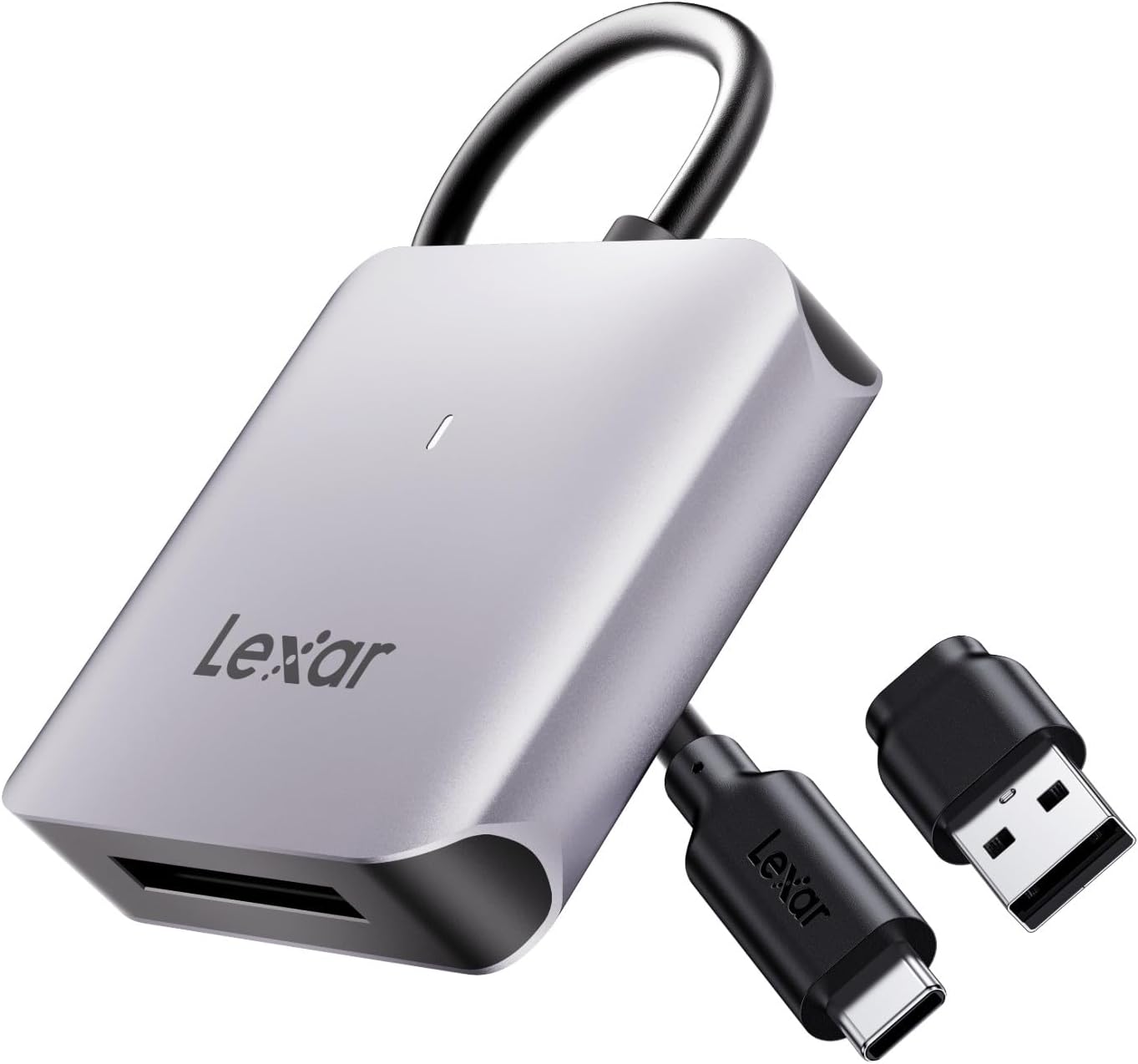
What stands out in day-to-day use
The best thing about the RW510 approach is focus. It’s engineered specifically for CFexpress Type B cards, so you’re not guessing whether it will play nicely with your media.
Where the “fast” claim becomes useful is in real transfer sessions: for example, imagine you’ve shot a short burst of 8K RAW clips during a location shoot. With a fast reader, you’re more likely to spend time editing rather than staring at a progress bar. Of course, real-world speed will depend on your computer and storage, but as a concept it’s aimed at reducing the waiting time between location and post-production.
Key takeaways before you buy
Before committing, there are a couple of practical checks.
First, confirm you actually use CFexpress Type B cards. This reader is built for that specific card type, so if your workflow uses another CFexpress type (or an entirely different format), you’ll be looking at the wrong reader.
Second, think about your transfer setup. USB 3.2 Gen 2 support is part of the spec, but your overall throughput still depends on the laptop/desktop ports and the rest of your chain. The headline speed (up to 10Gbps) is promising, yet it’s not a guarantee that every transfer will hit that ceiling.
The tech in plain English
Lexar’s spec story here is straightforward: CFexpress Type B compatibility, USB 3.2 Gen 2 support, and transfer speeds up to 10Gbps. The built-in USB Type-C cable is also a defining detail, because it changes the “bag contents” equation—fewer loose items, fewer connections to manage.
It’s also positioned as a reader that helps keep your workflow smooth from location to post-production, which lines up with how photographers and videographers typically experience card readers: the bottleneck is rarely the camera, it’s usually the transfer stage after the shoot.
Pros and limits (what you’ll notice)
Pros - Built specifically for CFexpress Type B cards, so compatibility is the main intent. - Up to 10Gbps transfer speed is designed to reduce waiting times. - USB 3.2 Gen 2 support for fast data movement. - Built-in USB Type-C cable helps with portability and convenience.
Limits / worth noting - It’s not a multi-format reader by the description provided, if your cards aren’t Type B, it won’t suit. - “Up to” speeds can be optimistic in everyday conditions, depending on your system.
Compatibility & requirements
This card reader is described as engineered specifically for CFexpress Type B cards. So your setup needs to be CFexpress Type B compatible, and your computer side should offer USB 3.2 Gen 2 support for the intended speed potential.
Is it worth it?
Worth buying if you shoot CFexpress Type B and you want a compact, travel-friendly reader that’s designed around speed and convenience—especially if you regularly move large files such as high-quality images and 8K RAW video clips.
You may want to skip it if you don’t use CFexpress Type B cards, or if your workflow is heavily tied to a different card format. It might also be a bit of a let-down if you expected a universal, all-in-one reader experience, because this one is clearly built for a specific use case.
In short: it fits best when your media matches the design, and when you care about getting from shoot to edit without unnecessary downtime.
Quick FAQ
Is the Lexar RW510 suitable for CFexpress Type B cards?
Yes. It’s engineered specifically for CFexpress Type B cards and is described as guaranteeing maximum compatibility for that card type.
What kind of speeds does it target?
Lexar states transfer speeds up to 10Gbps, with USB 3.2 Gen 2 support.
Does it include a USB cable?
Yes—according to the listing, it includes a USB Type-C cable, and the reader features a built-in USB Type-C cable.
Is it portable?
It’s described as compact and portable, designed to fit into a camera bag or backpack.
Will it suit photographers and videographers?
That’s the intended audience in the description, particularly for high-quality images and 8K RAW video workflows.