

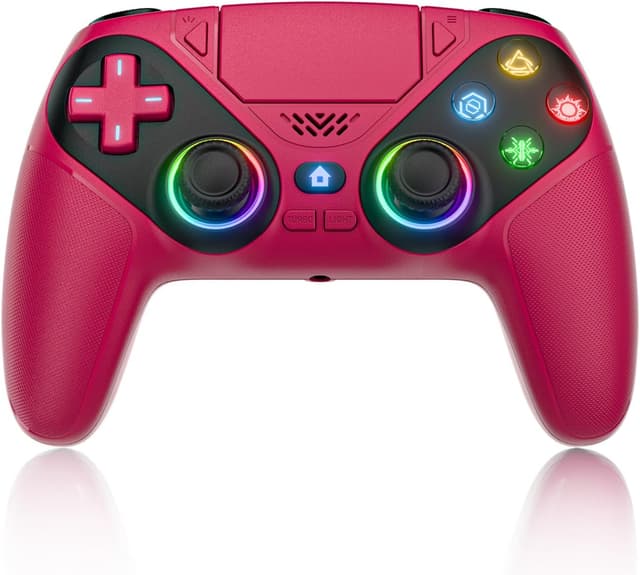
Lapezei Wireless Controller for PS5/Slim/Pro/PC with back paddles, 3.5mm audio jack and dual vibration
Product description
Quick overview
This Lapezei wireless controller is built for players who want more control than a standard pad—back paddles, macro/turbo features, and extra audio options—while still keeping the setup fairly straightforward. On paper, it’s aimed at PS5 and also works on Windows PCs, with Bluetooth for wireless play after an initial USB-C pairing.
That mix can be genuinely useful if you play a lot of FPS or action games and like tweaking your controls. It’s not perfect-for-everyone though: it’s explicitly not compatible with PS4, and some of the “power-user” features are the sort of thing you’ll only feel once you actually map combos and get used to the extra controls.
Key points
The headline here is control. Back paddles give you extra inputs without taking your thumbs off the sticks, and macro/turbo modes can simplify repetitive actions (or make certain combos easier to trigger). If you’re the sort of player who experiments with keybinds, this controller’s feature set is the reason to consider it.
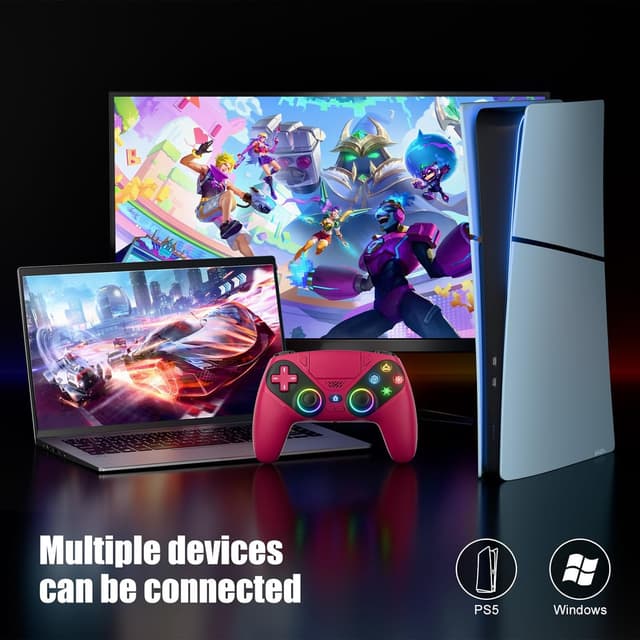
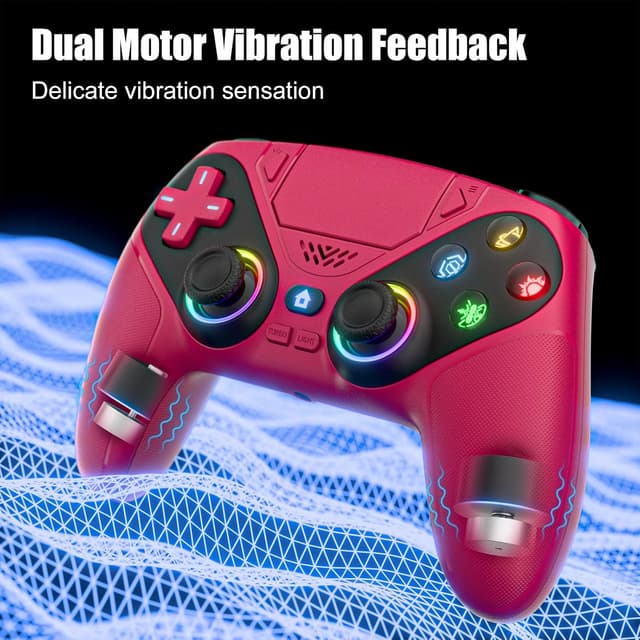
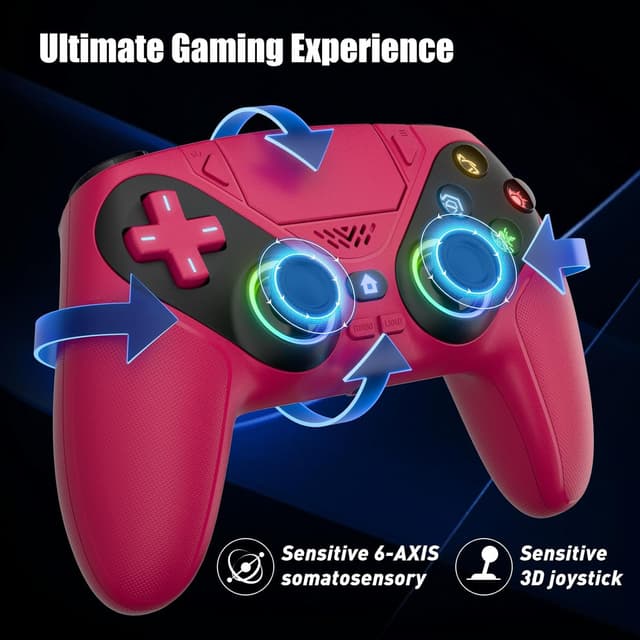
You also get a 3.5mm audio jack alongside built-in speaker support, which is a practical add-on for quick sessions when you don’t want to rely on a headset. Combined with dual vibration and a 6-axis gyroscope, it’s positioned for “feel and aim” styles of play rather than purely casual button-mashing.
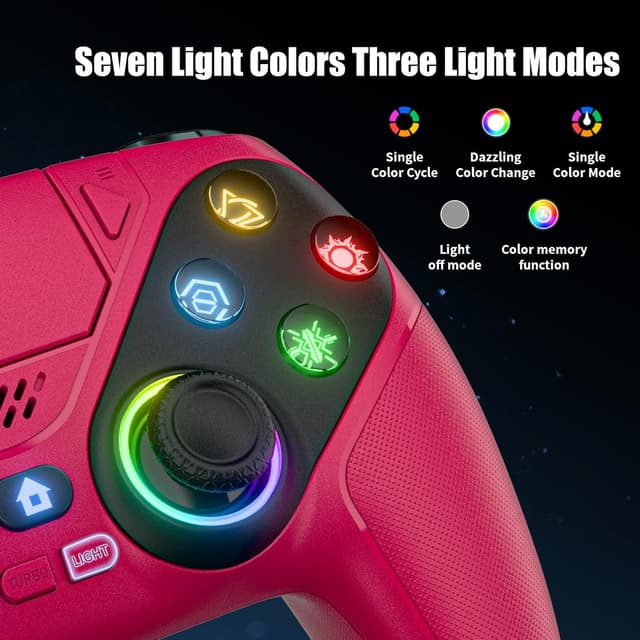
Finally, the RGB lighting is there if you like the aesthetic side—nine modes are switchable and the last mode is saved, so you’re not resetting it every time.
What to know before buying
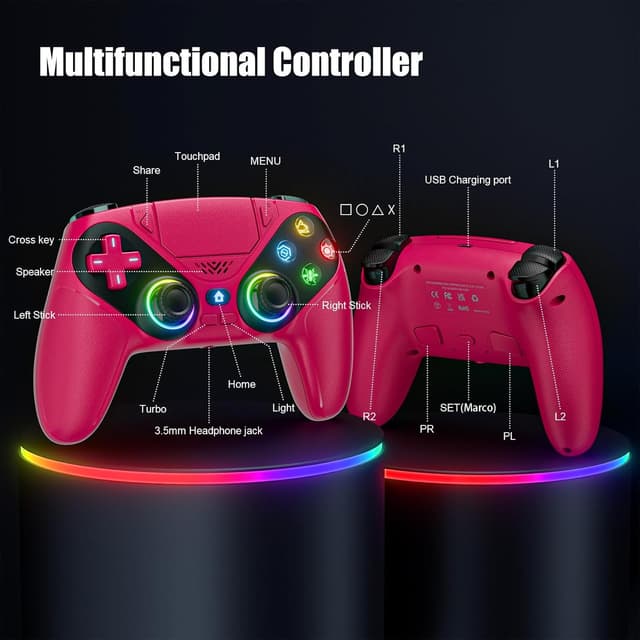
Wireless pairing is described as plug & play on PS5: you press HOME to pair, and the first connection is via an included USB-C cable before moving to Bluetooth. That matters because it keeps the learning curve low—there’s no mention of drivers or complicated software.
One important limitation: the controller is not compatible with PS4. If you’re considering it for a mixed-console household, this is the kind of detail that can save you hassle.
Also, the “stick drift” story is based on claims about Hall sensor technology and wear resistance. It’s encouraging on paper, but it’s still worth being realistic: longevity claims are never a perfect guarantee of your exact experience.
Where it shines (and where it may not)
This controller makes the most sense if you want extra buttons for faster reactions—think jumping, aiming down sights, reloading, or activating abilities—without compromising movement. Back paddles are especially handy for FPS sessions, where small timing differences matter.
The macro and turbo modes are another big part of the appeal. If you’re into games that reward repeated inputs or combo-heavy play, mapping a multi-button sequence to one button can feel like a quality-of-life upgrade. If you’re mostly playing single-player story titles or you prefer straightforward controls with minimal tweaking, these features may go unused and you might wonder what all the extra complexity is for.
It may not be the best match if you specifically want a controller with PS4 compatibility, or if you’re the type who dislikes learning custom mappings and prefers “no setup, just play”.
Tech specs
- Name: Lapezei Wireless Controller for PS5/Slim/Pro/PC
- Type: Wireless gamepad (Bluetooth after initial USB-C connection)
- Features: Back paddles, speaker, 3.5mm audio jack, dual vibration, 6-axis sensor, turbo, macro, touchpad
- Lighting: 9 RGB lighting modes (Breathing, Strobe, Static)
- Joysticks: Hall sensor technology (claimed high wear resistance)
- Motion/aiming: 6-axis gyroscope
- Compatibility note: Not compatible with PS4
Everyday use tips
In a typical PS5 session, you’d connect once using the included USB-C cable, then pair wirelessly via Bluetooth using the HOME button. After that, getting into a game should be quick.
For FPS, try using the back paddles for actions you repeat a lot—reloading, crouching, or interacting—so your thumbs stay on the sticks and face buttons. For combo-heavy moments, set up one macro for a reliable sequence (the example given mentions combining inputs like R2 + Triangle + L3), then practice it for a short while until it becomes muscle memory.
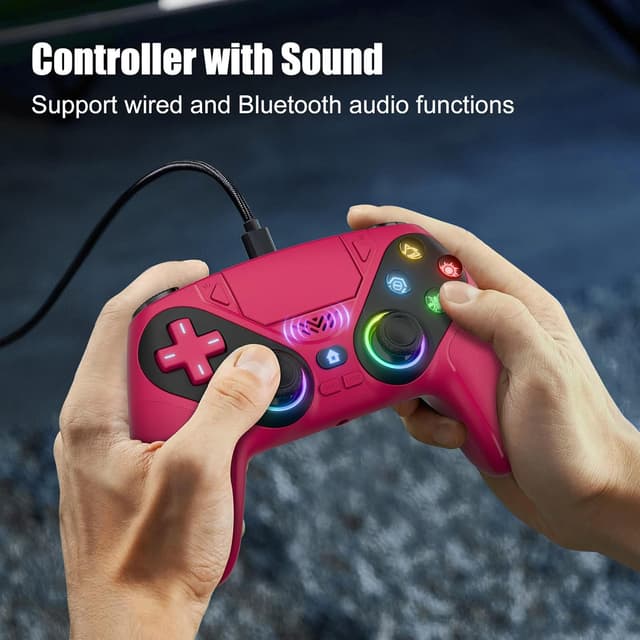
For audio, the 3.5mm jack and the built-in speaker support give you options depending on your room setup. It’s not something you’ll always notice, but in everyday use it can be the difference between “I can play right now” and “I need to find a headset”.
Is it worth it?
A solid buy if you play on PS5 (or PC), want back paddles, and plan to actually use macros/turbo for faster input handling. The combination of dual vibration, a 6-axis gyroscope, wireless Bluetooth setup after initial USB-C pairing, and a 3.5mm audio jack makes it feel more “feature-packed” than a basic controller.
You may want to skip it if you need PS4 compatibility, or if you’re likely to leave advanced settings untouched. In that case, it risks feeling like extra buttons and modes you won’t benefit from.
Mini FAQ
Does it work with PS4?
No. The entry explicitly states the controller is not compatible with PS4.
How do you connect it to PS5?
It’s described as quick pairing: use the HOME button for instant pairing on PS5, with the initial connection via the included USB-C cable before switching to Bluetooth.
Can it be used on Windows PCs?
Yes, the controller is said to work on Windows PCs. The description also notes no drivers and no hassle.
What audio options does it offer?
It includes both a built-in speaker and a 3.5mm audio jack, which can help if you don’t always want to use a headset.
Are the RGB lighting settings saved?
Yes. The last colour/mode is automatically saved, according to the description.