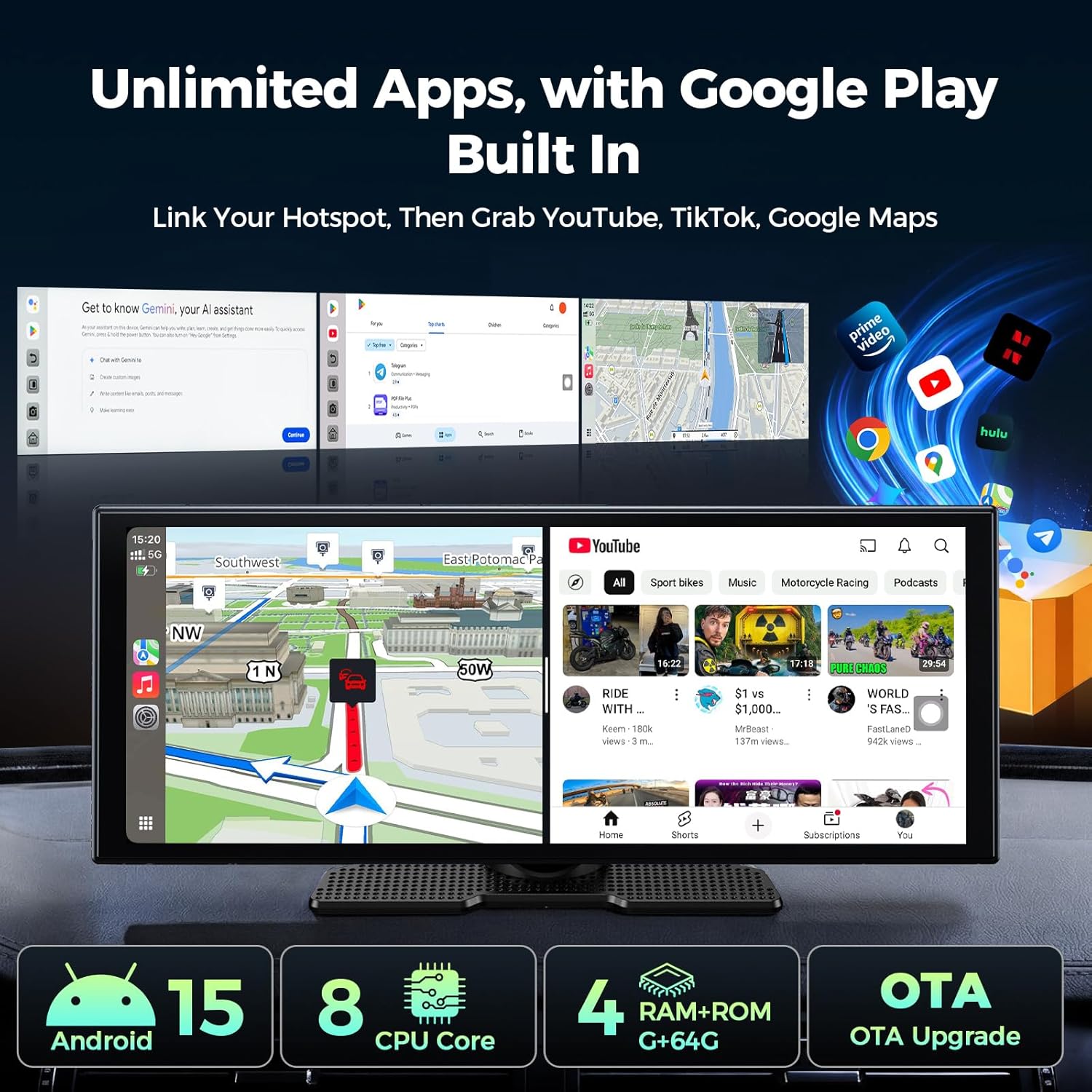
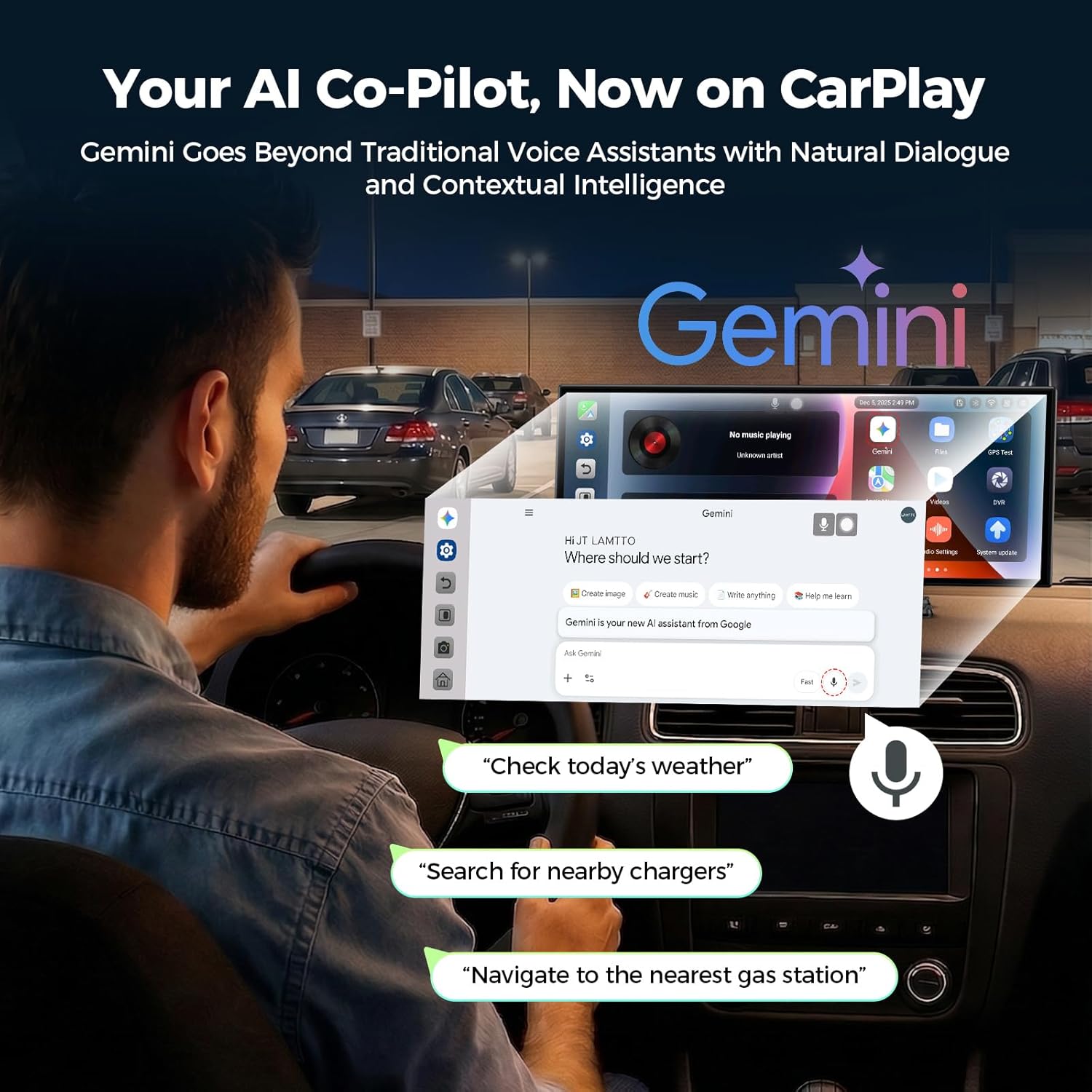
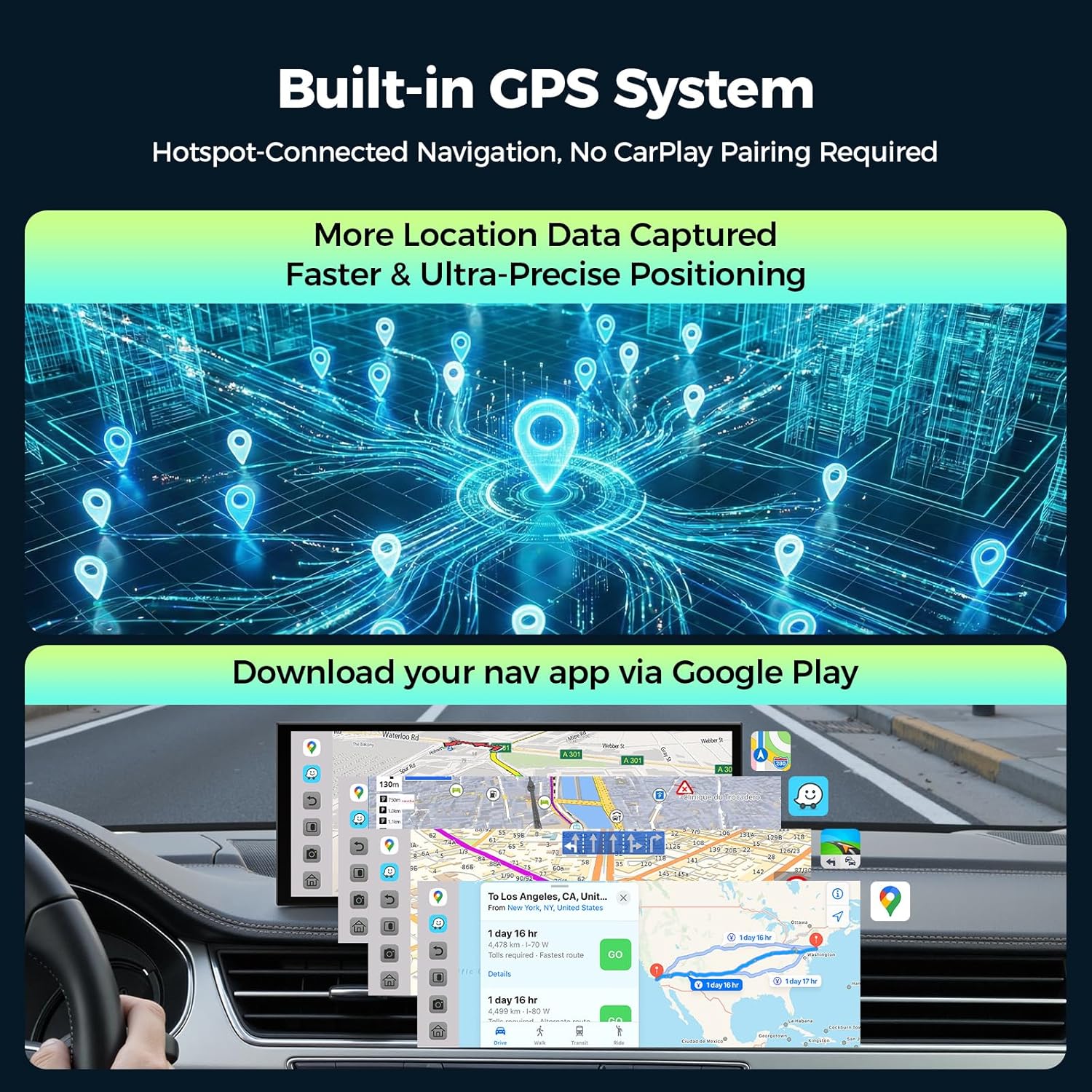
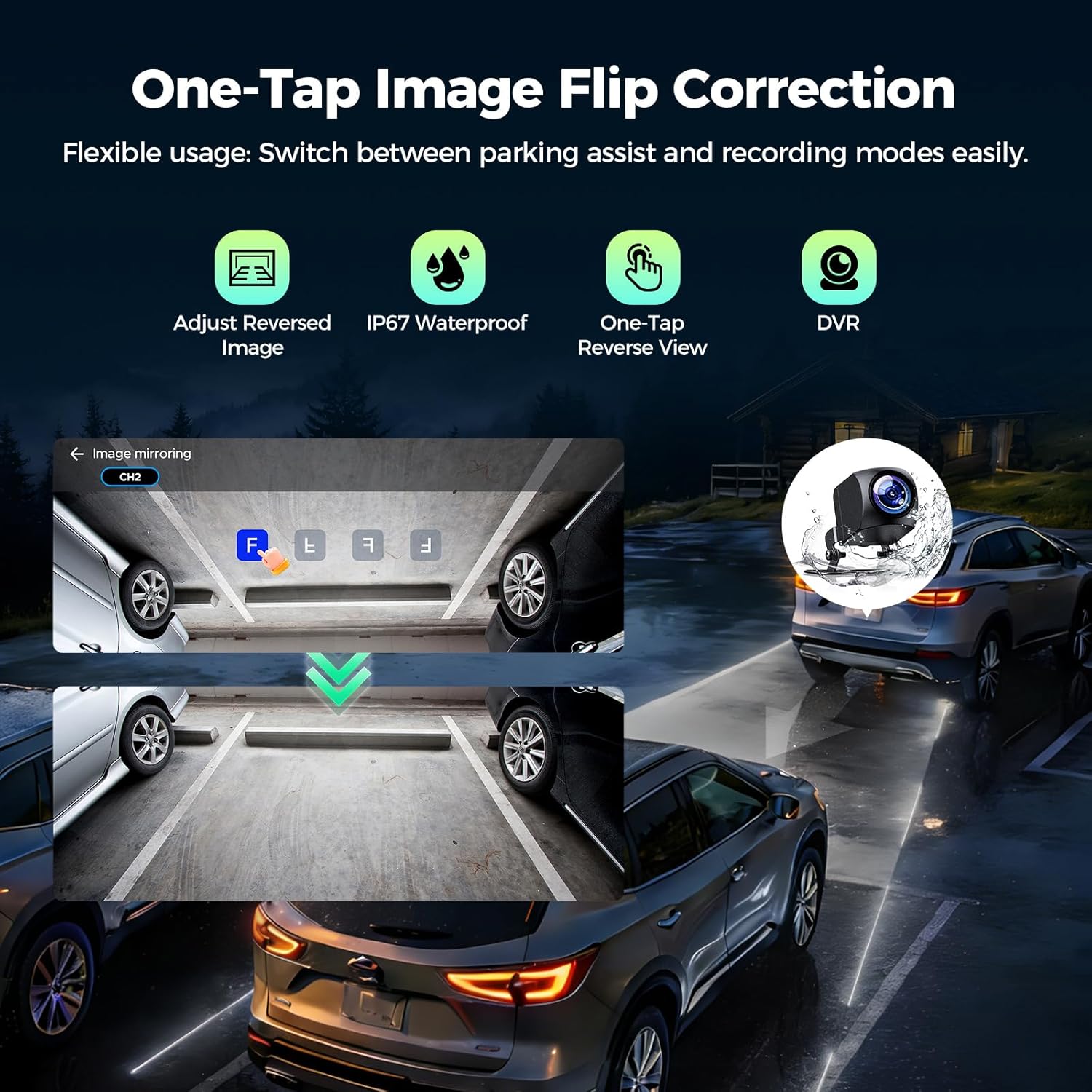
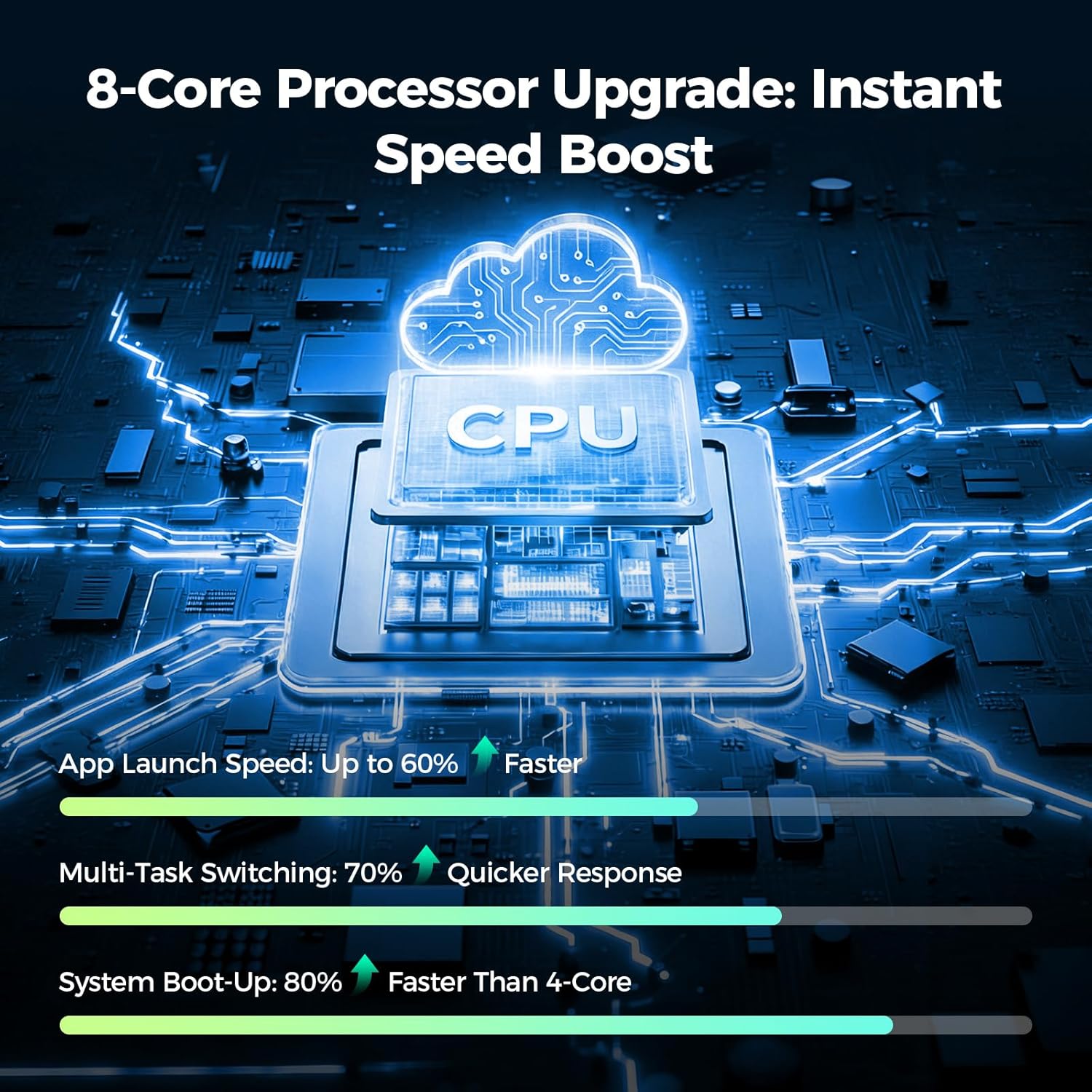
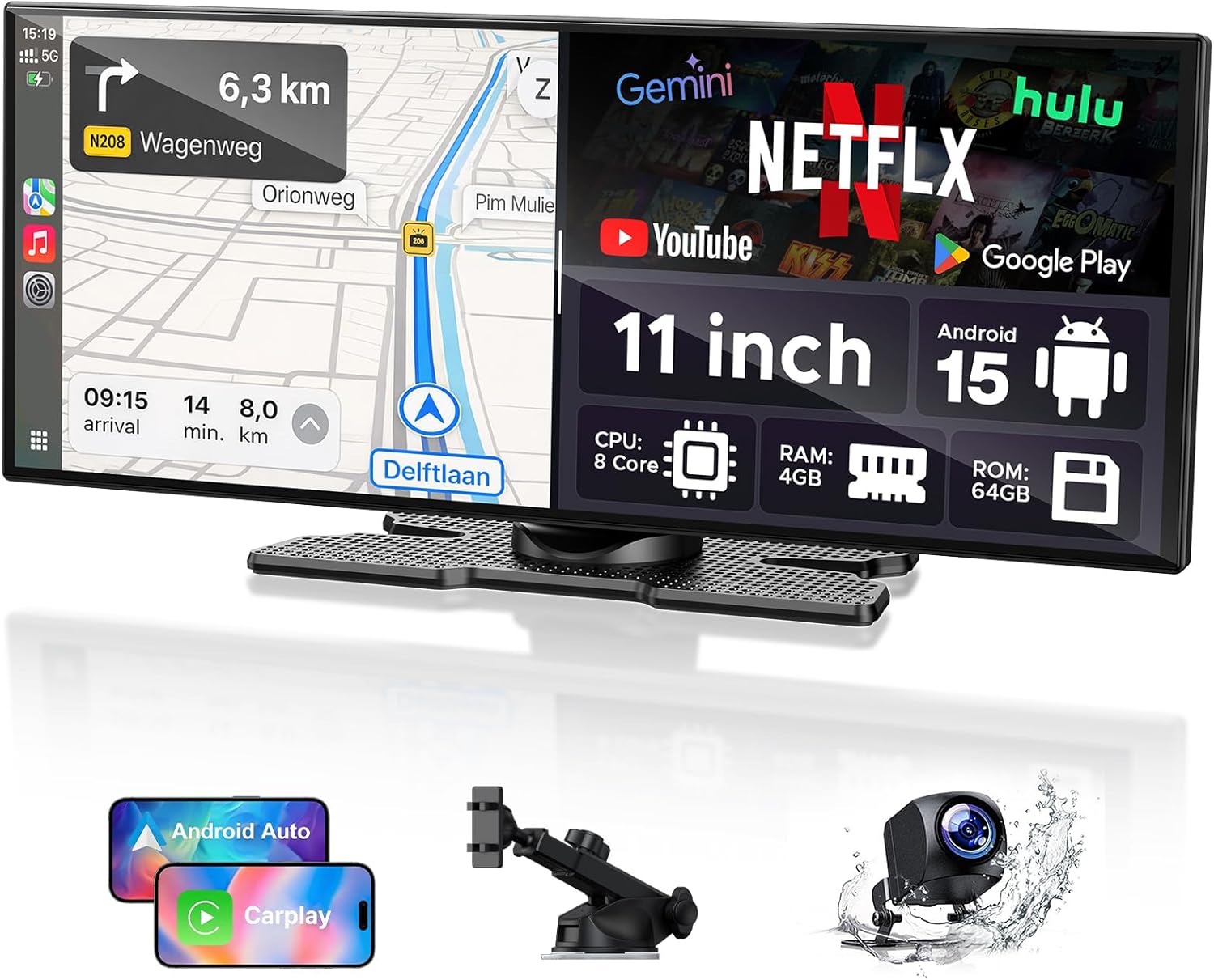
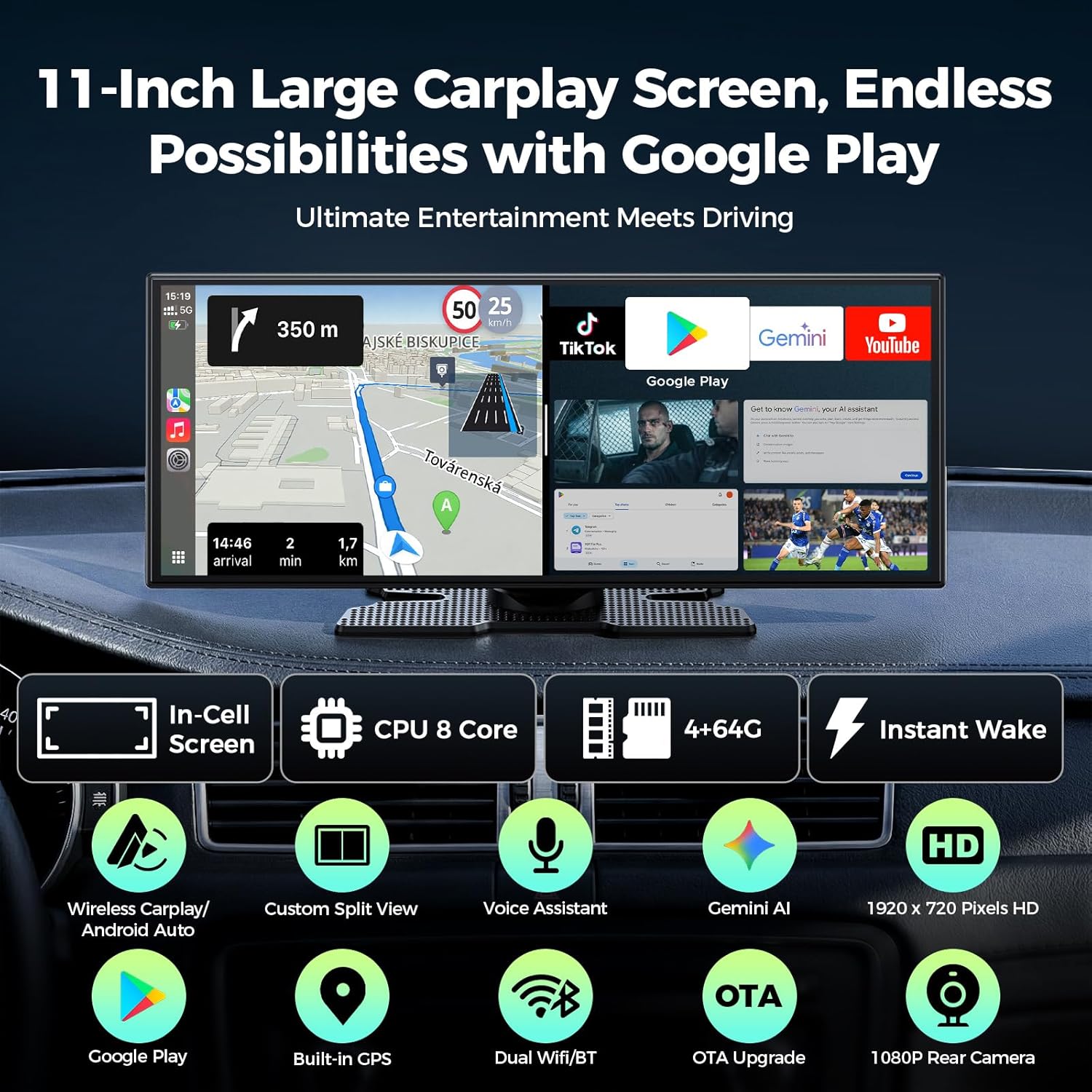
What it is and what it aims to solve\nLAMTTO’s 11-inch CarPlay display is a wireless multimedia head unit that runs Android 15 with 4+64GB, aiming to offer a more flexible in-car infotainment experience than standard factory systems. On paper you get access to Google Play, Gemini AI for voice control, and the ability to run apps offline via a microSD/TF storage option. This setup is designed for multitasking on the go—watching videos, navigating, and listening to music without the usual lag. It’s not a miracle device, but it tries to balance a larger touchscreen with the familiarity of CarPlay and Android Auto.\n\n## How it feels in daily use\nIf you prioritise having a bigger screen and the option to run apps beyond the stock car software, this unit is worth considering. The 60fps, 1920x720 display should deliver crisper visuals than many standard head units, and the option to split the screen means you can keep navigation on the left while using other apps on the right. Gemini AI introduces hands-free convenience, which can reduce distraction—though you might need to experiment with wake phrases and reliability in varying Wi‑Fi conditions. A note on updates: OTA updates are included, so the system can stay reasonably current without manual reflashing.\n\n## What stands out\nOn the positive side, the combination of dual Wi‑Fi and dual Bluetooth aims to improve stability for wireless CarPlay and Android Auto, while still allowing you to maintain original car speakers for sound clarity. The ability to download apps from Google Play opens up use cases a lot of stock units miss, like streaming or offline map downloads via 64GB of storage. The 1080P rear camera integration adds a practical edge for reversing and dash-cam recording through the built-in DVR function (remember a TF card is required for DVR).\n\n## Pros and what may not convince you\n- Pros: larger screen, potential for offline app use, Gemini AI voice control, dual connectivity for smoother wireless CarPlay/Android Auto, split-screen capability, external GPS antenna options.\n- Cons/limitations: you may need to manage cache and storage to keep performance brisk, some features rely on stable Wi‑Fi or hotspot access, DVR requires an additional TF card not included and may affect initial cost. The user experience will depend on your car’s existing setup and how you use apps while driving.\n\n## Who it’s for\nIf you want a more tablet-like experience in the car, enjoy streaming and offline navigation, and value hands-free control with Gemini AI, this device could fit. It’s probably less ideal if you’re looking for a plug‑and‑play replacement with zero extra apps, or if your car’s electrical system or dashboard layout makes installation tricky.\n\n## When it makes sense to buy\n- You want a sizeable, responsive screen for navigation and media.\n- You appreciate having Google Play apps and offline map options.\n- You value hands-free control and a more “copilot-like” driving experience.\n- You don’t mind potentially pairing two wireless connections and occasionally managing cache.\n
What to check before buying\n- Confirm that your vehicle’s dash space can accommodate an 11-inch display and that wiring/installation is feasible for your car model.\n- Note that the DVR function requires a TF card, plan for this extra cost.\n- Consider how important the dual‑WiFi/dual‑Bluetooth setup is for your use, and whether you’ll rely on hotspot connectivity while on the move.\n- Think about how you’ll integrate your existing acoustics with the car’s speakers, since presentation of sound quality can vary by installation.\n
Practical use case\nImagine leaving your phone in the glove compartment, using Gemini AI to ask for live traffic and the best route, while a companion streams a playlist on the left side of the screen and your maps app runs on the right. You can glance up for directions, keep an eye on streaming video in passenger mode, and review a dash-cam recording after a trip—all on a single, larger display.\n
Tech specs\n- Screen: 11'' display, 1920×720, 60FPS.\n- OS/Storage: Android 15, 4+64GB.\n- Connectivity: Dual-WiFi, Dual-Bluetooth.\n- Camera: 1080P rear camera with adjustable lines, DVR via TF card.\n- Navigation: External GPS antenna with two modes (Wi‑Fi/Offline maps or phone-synced maps).\n- Media/Apps: Google Play support for app download.\n- Updates/Customisation: OTA updates, ability to change wallpapers and boot images.\n- Audio: Works with original car speakers, CarPlay/Android Auto support.\n
Is it worth it?\nA solid pick if you want a larger, more flexible head unit with app access and AI voice control, provided you’re comfortable with occasional setup and potential cache management. It may not be for you if you expect plug‑and‑play simplicity without any extra storage considerations or if your priority is a device that requires minimal setup.\n
FAQ (improvised from data)\n- Does it support both CarPlay and Android Auto wirelessly? Yes, via Dual-WiFi and Dual-Bluetooth.\n- Can I use Google Play apps on the display? Yes, Google Play is accessible for app downloads.\n- Is the DVR feature ready out of the box? Not quite, it requires a TF card to enable recording.\n
Final takeaway\nIf the goal is to upgrade to a larger, more capable infotainment hub with app flexibility and AI assistance, and you’re prepared for a bit of setup and occasional maintenance, this device warrants consideration as a value-forward option within its category.