

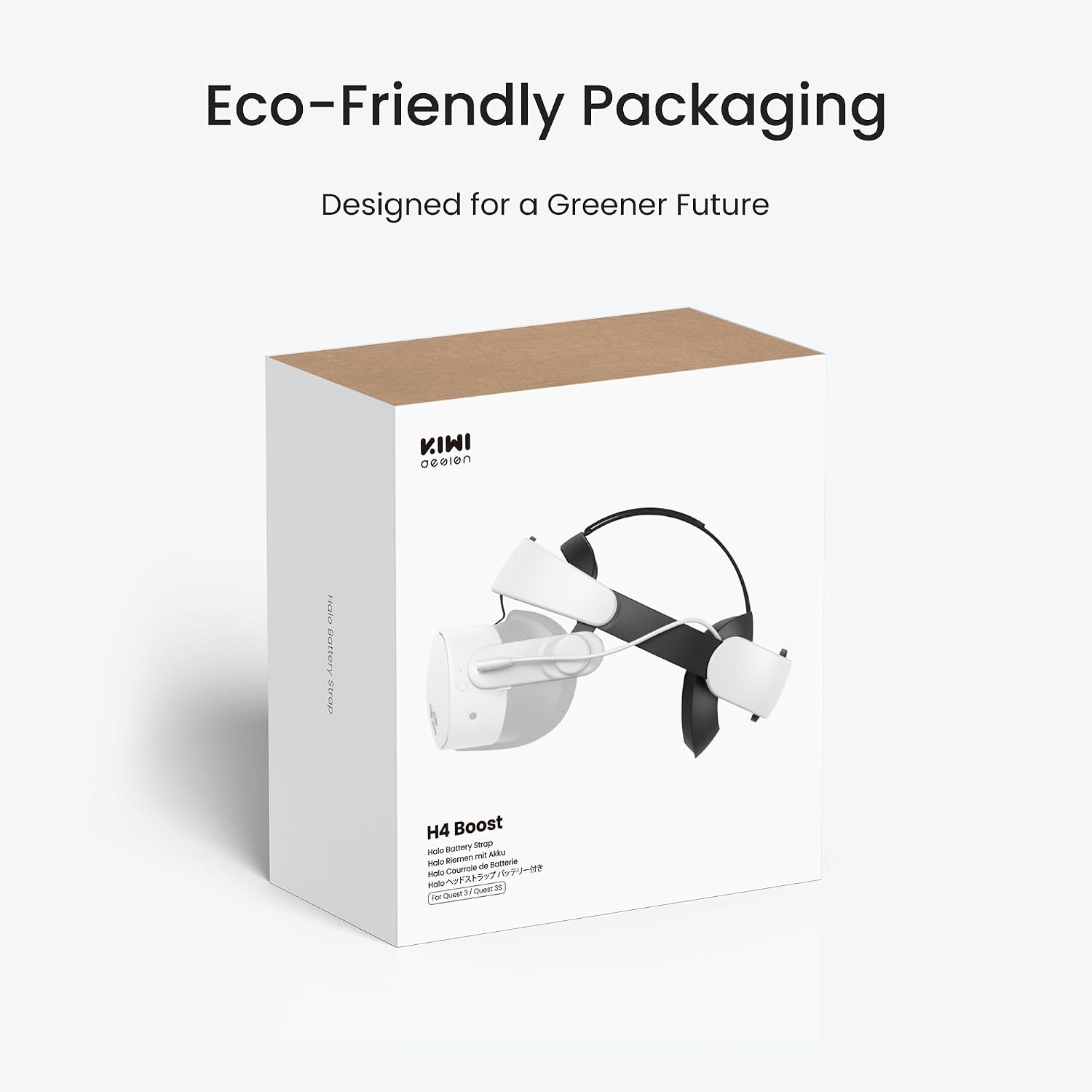
KIWI design H4 Boost Battery Halo Head Strap for Meta Quest 3/3S (DualFast Charging)
Reviews
Price
Product description
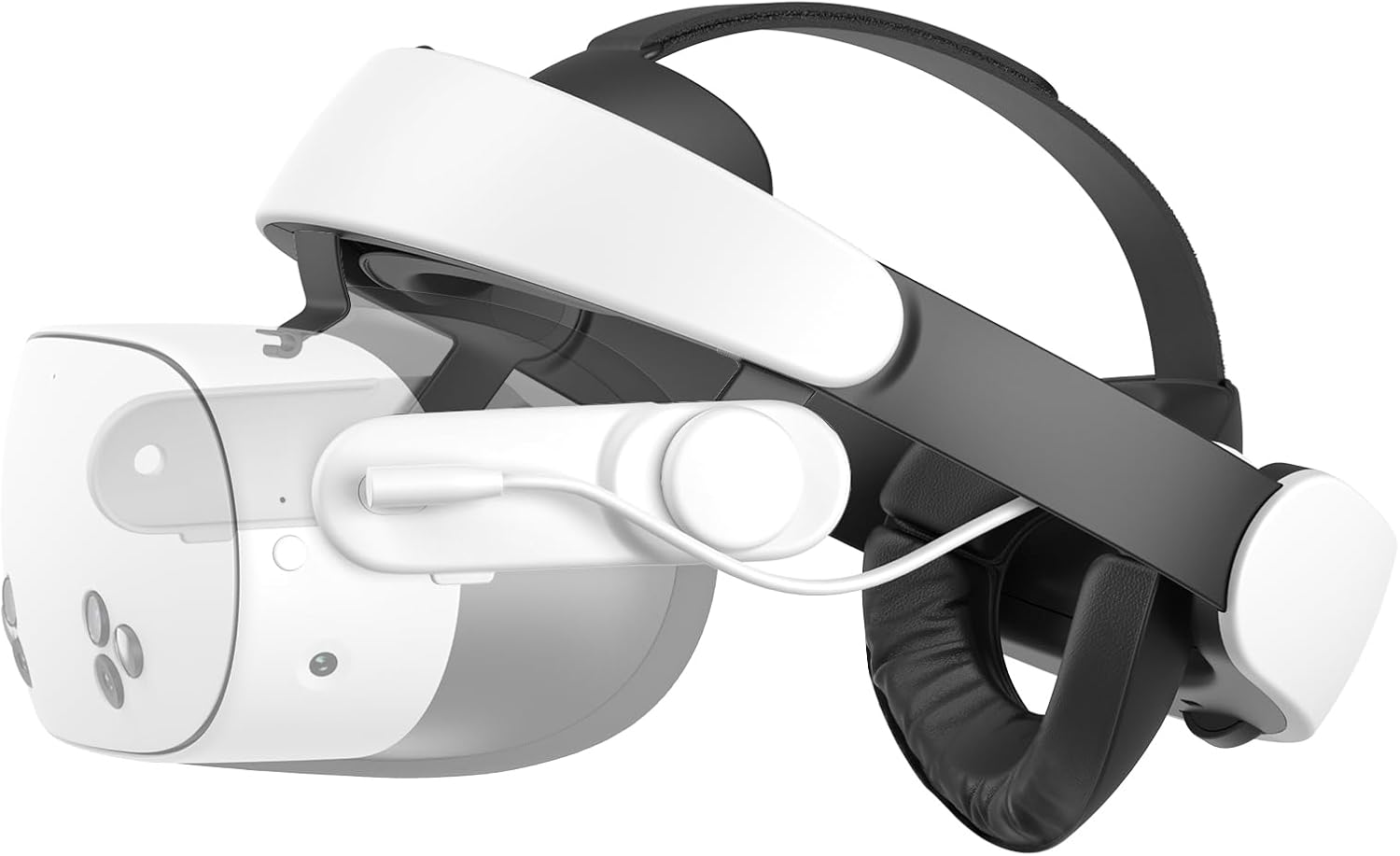
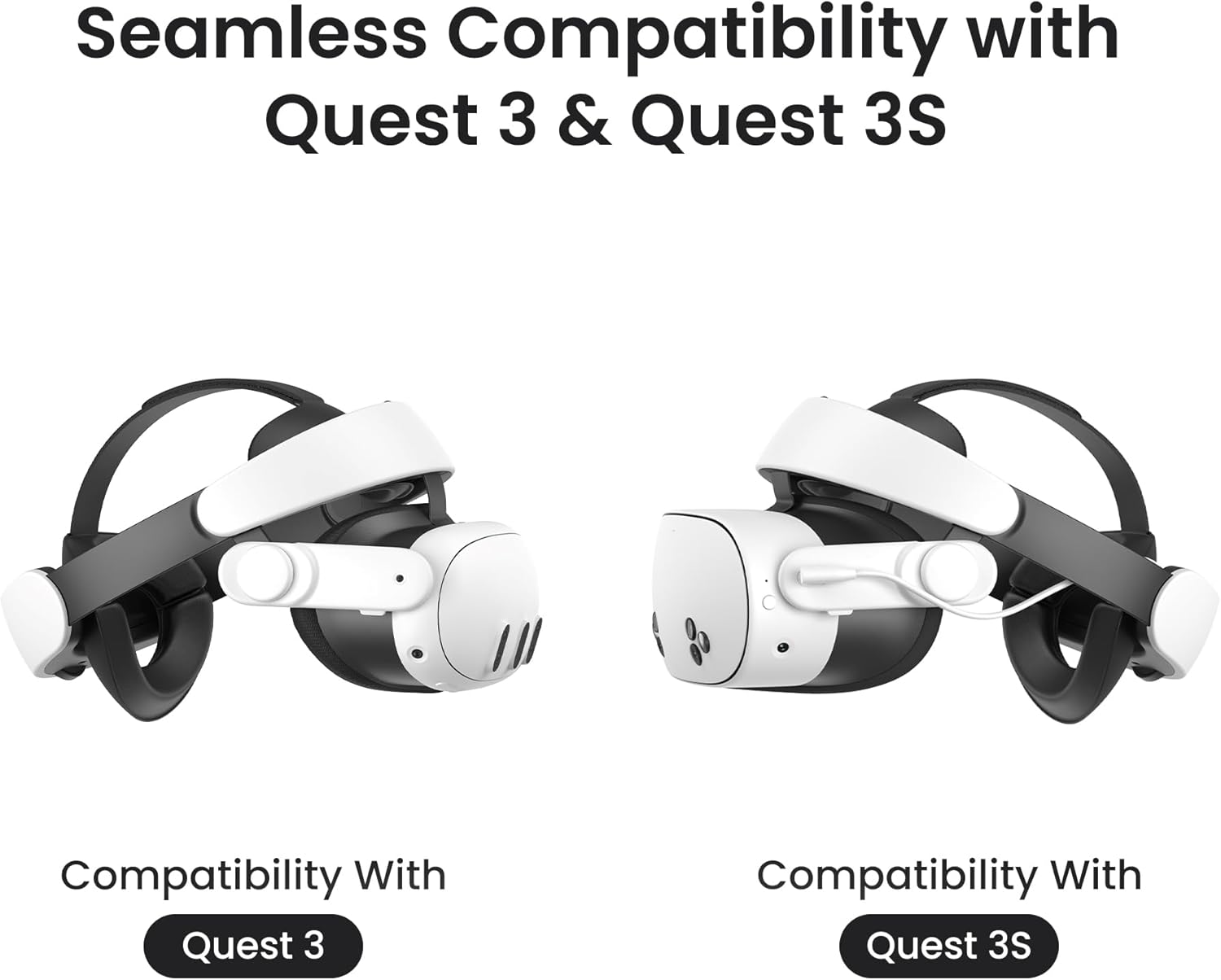
If you’re finding your Meta Quest 3 (or 3S) batteries run out right when a session gets good, the KIWI design H4 Boost Battery Halo Head Strap is built for longer play without having to stop. It’s a halo-style head strap with an integrated boost battery, plus a charging setup designed around faster, dual charging.
The idea is pretty straightforward: keep the headset comfortable for longer sessions, and top up power in a way that suits how people actually use VR at home. That said, it’s still an add-on strap solution—so whether it feels “worth it” will depend on how much you care about comfort, charging speed, and head fit.
The essentials
The H4 Boost strap is made to extend gaming time by adding extra battery capacity to your headset setup, with the manufacturer stating up to 3 hours of additional play time. It also focuses on day-to-day comfort: the front headrest is designed to spread weight more evenly, while elastic side straps, an adjustable top strap, and a soft rear pad are intended to keep the fit secure across different head sizes.
There’s also an emphasis on usability when you’re not sitting upright. The integrated adjustment knob is meant to make on-the-fly adjustments easier, including when you want to lie back on a sofa or bed.
Key features that matter in real use
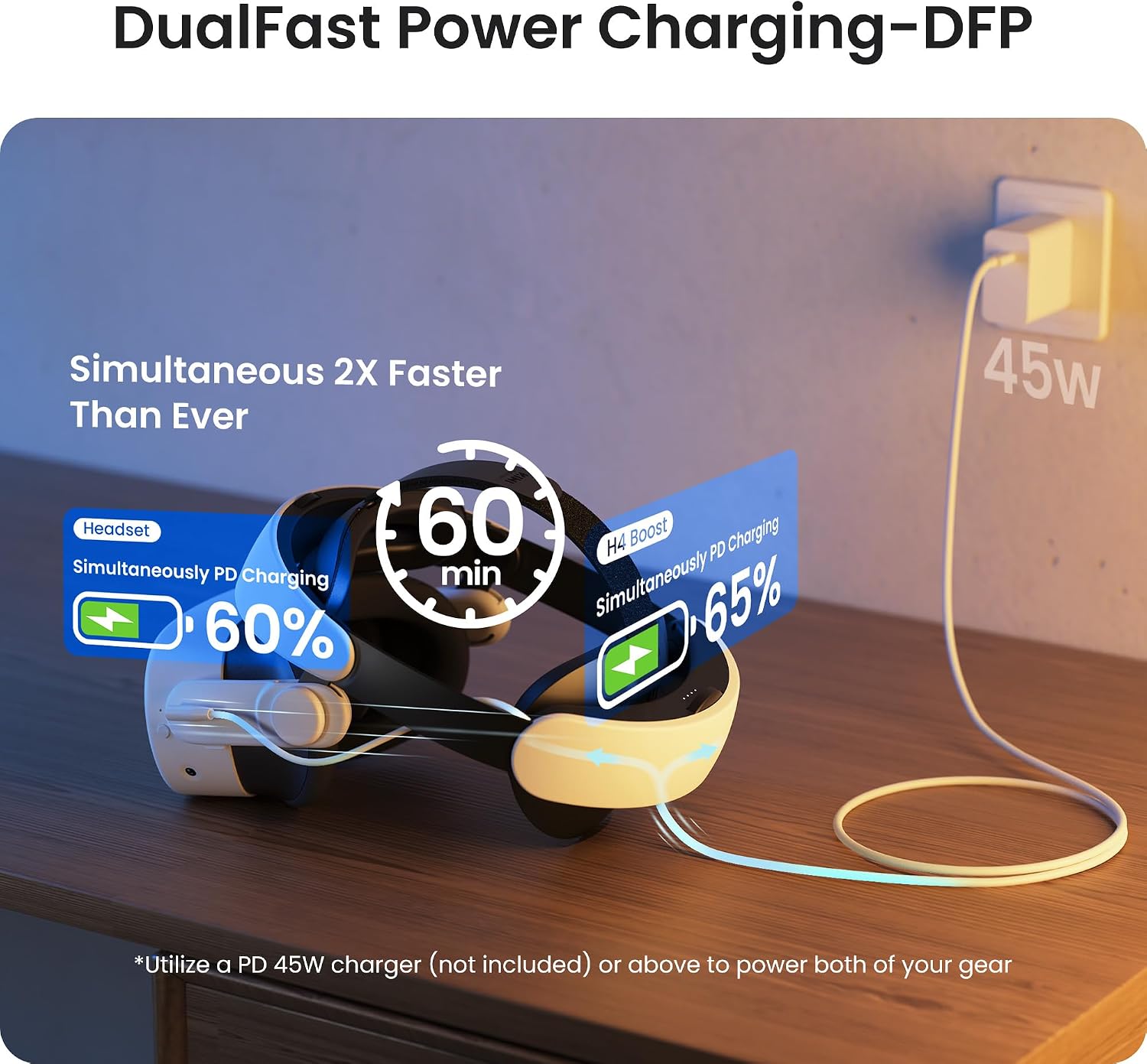
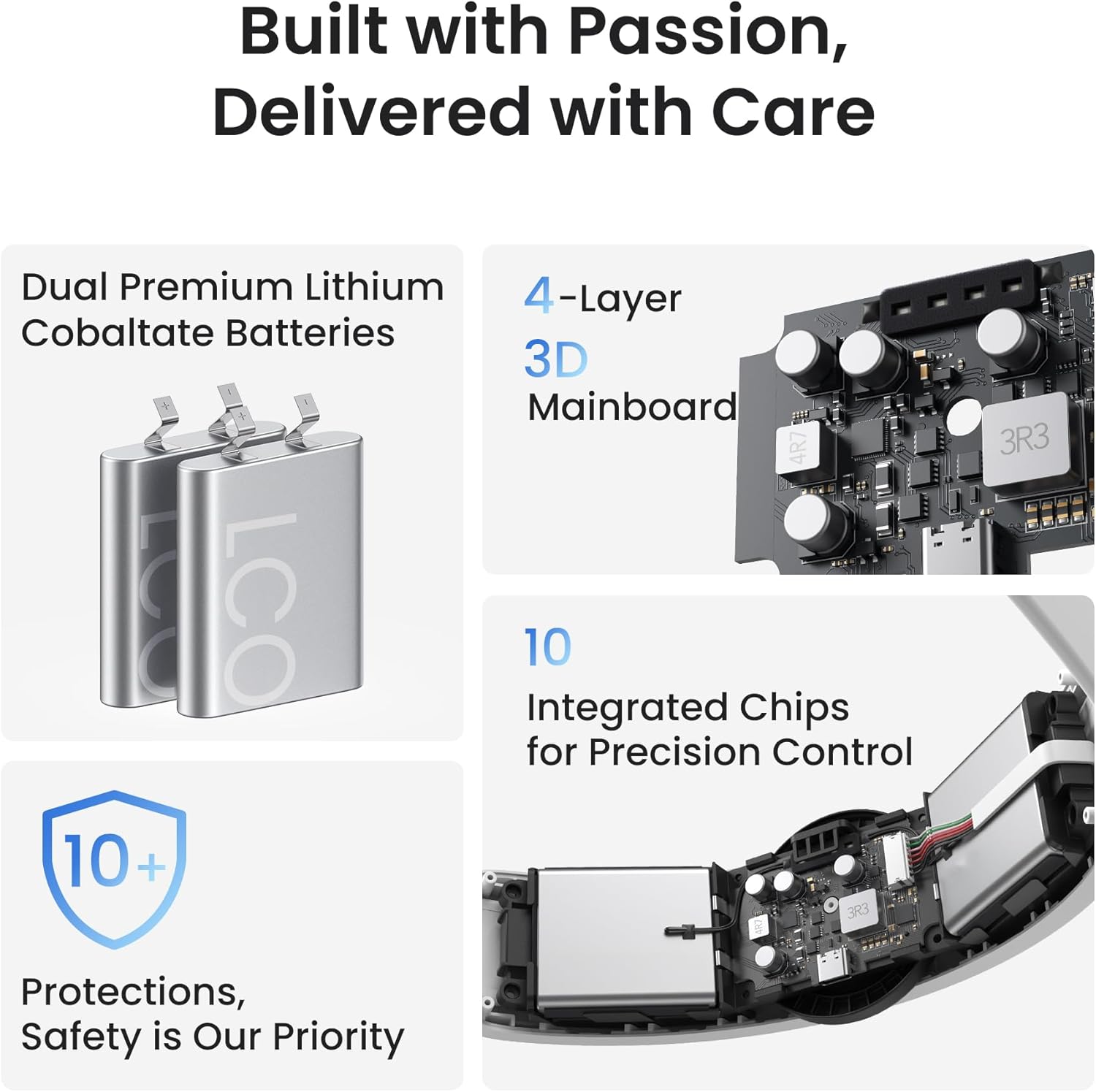
A big part of the H4 Boost pitch is charging—specifically, “DualFast Charging”. On paper, it’s designed to let you power up the H4 Boost battery and the Quest 3/3S at the same time, using a DualBoost charging system.
The base claims include: - Fully charged in about 2.5 hours - The included 45W adapter delivers 25W output to Quest 3/3S - Reaching 50% charge in around 30 minutes to support about 2 hours of play time
This is the kind of spec that can genuinely change your routine if you tend to play in blocks (for example, short weekday sessions that need a quick top-up before you start). If your charging habits are already slow and infrequent, you might not feel the benefit as much.
Comfort and fit: where this strap tries to earn its place
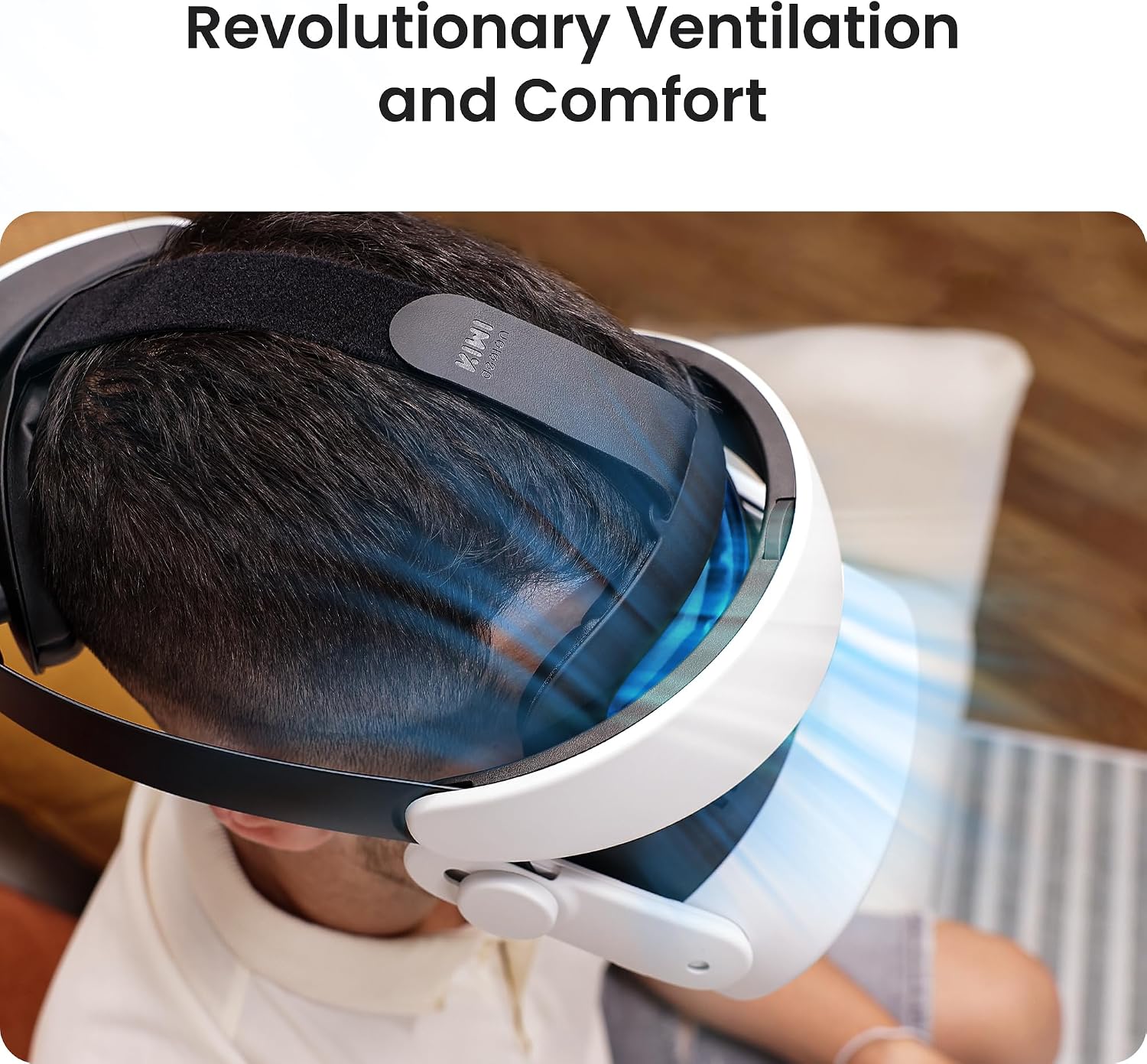
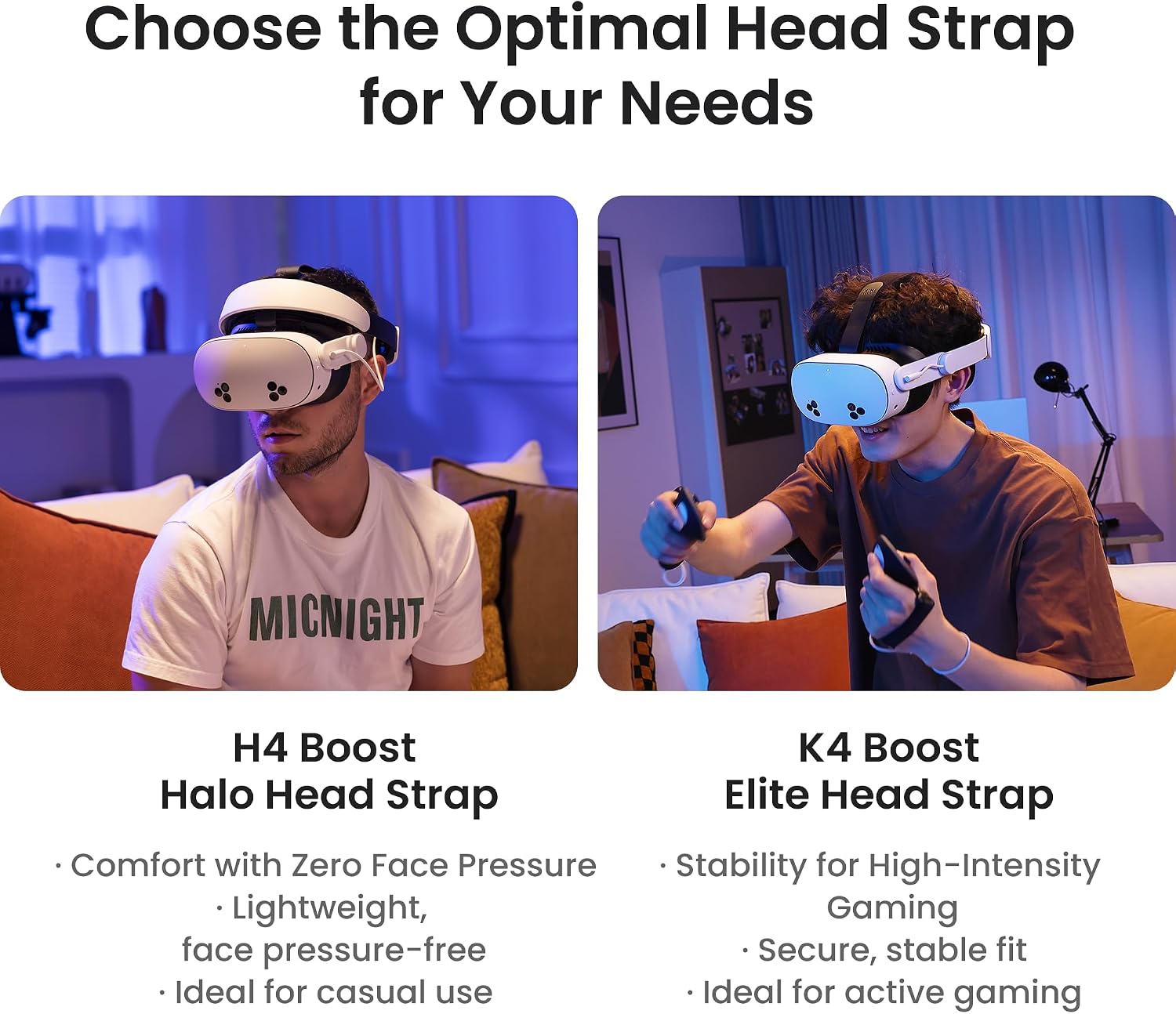
VR straps live or die on comfort, and this one is clearly targeting that. The front headrest design is described as distributing weight to reduce face pressure, which is the thing many people notice during longer gameplay.
It also includes multiple adjustment points: elastic side straps, an adjustable top strap, and a soft rear cushion. There’s mention of FOV adjustment using a damping side component (front-to-back), plus an up-and-down alignment via a headset knob. In plain terms, it’s meant to help you position the headset for a clearer view without constantly re-trying the fit.
A small limitation worth noting: comfort is personal. A strap that’s “secure for all head sizes” can still feel different depending on head shape and how you wear your headset day to day—so if fit is extremely sensitive for you, it’s worth taking care during setup.
Best use cases (and when it may feel unnecessary)
This is a sensible pick if you regularly get interrupted by battery anxiety, or if you want longer, uninterrupted sessions for gaming, watching films, or even productivity-style use. It’s also aimed at people who like adjusting quickly, including switching to a reclined position.
On the other hand, it may not be the best match if: - You rarely play long sessions and can already manage with your usual charging routine - You don’t want extra complexity (more parts to adjust and charge) - You’re happy with your current strap comfort and simply need more power occasionally
In other words, it’s much more compelling as a “set-up upgrade” than as a casual, occasional add-on.
Practical tips to get the most from it
Start by spending a few minutes getting the pressure and alignment right before you jump into a long session. The strap is designed to reduce facial pressure through weight distribution, so it’s worth adjusting so the front headrest is sitting how it’s meant to.
Next, treat the charging system as part of the routine. If DualBoost dual charging is something you’ll use, you’ll likely appreciate the convenience more than the raw numbers. For example: plug in before you sit down to play, and aim to time your session with a partial top-up (the 50% in about 30 minutes claim suggests it’s designed for this kind of “quick start” mentality).
Finally, if you care about field of view positioning, use the front-to-back FOV adjustment and the up-and-down alignment knob to find your clearer line. Small changes can make a noticeable difference in comfort over time.
Is it worth it?
The KIWI design H4 Boost Battery Halo Head Strap makes the most sense if you want longer play time on Meta Quest 3/3S, and you also value comfort for extended sessions. The charging-focused DualFast/DualBoost approach looks well aligned with how people actually fit VR into evenings—especially if you’re the type to play in bursts and need quicker turnaround between sessions.
You may want to skip it if you only play for short periods, already have a strap setup that feels perfect, or you’re wary of adding extra charging and adjustment steps to your routine. It’s a more involved accessory than a basic strap upgrade, so it’s best viewed as a genuine head-strap-and-power upgrade rather than a minor tweak.
FAQ
How does the battery extension work?
It’s designed as an integrated halo head strap with an added battery to extend play time. The manufacturer states up to 3 hours of additional battery life (based on their claim).
Can you charge both the strap and the headset together?
The DualBoost/DualFast charging concept is meant to charge the H4 Boost and Quest 3/3S at the same time. The details provided focus on the included charging arrangement and stated charging times.
Is it comfortable for long VR sessions?
The design aims to reduce facial pressure by distributing weight, and it includes multiple adjustment elements plus a soft rear cushion. Comfort will still depend on your head shape and how you dial in the fit.
Is it suitable if I like watching or working in VR?
The description explicitly frames it as suitable for gaming, watching movies, and productivity-style use, alongside longer, reclined sessions.
Will it work if I mostly play while sitting upright?
It still targets comfort and fit adjustments for general use, but its “recline while lounging” angle suggests it’s especially handy if you switch positions during sessions.