

Kindle Scribe (2022) – 16 GB with 10.2-inch Paperwhite display and built‑in digital notebook
Reviews
Product description
What it is
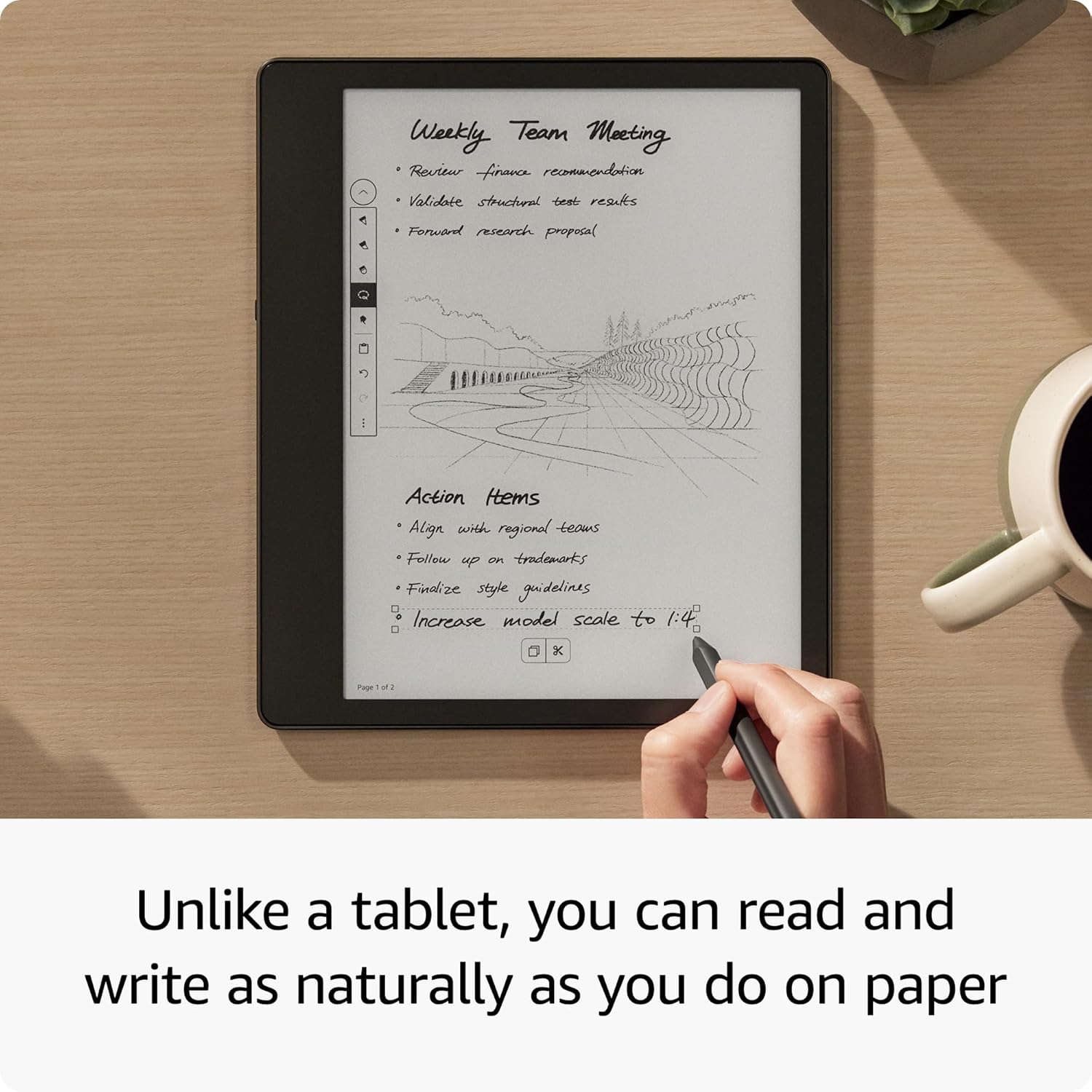
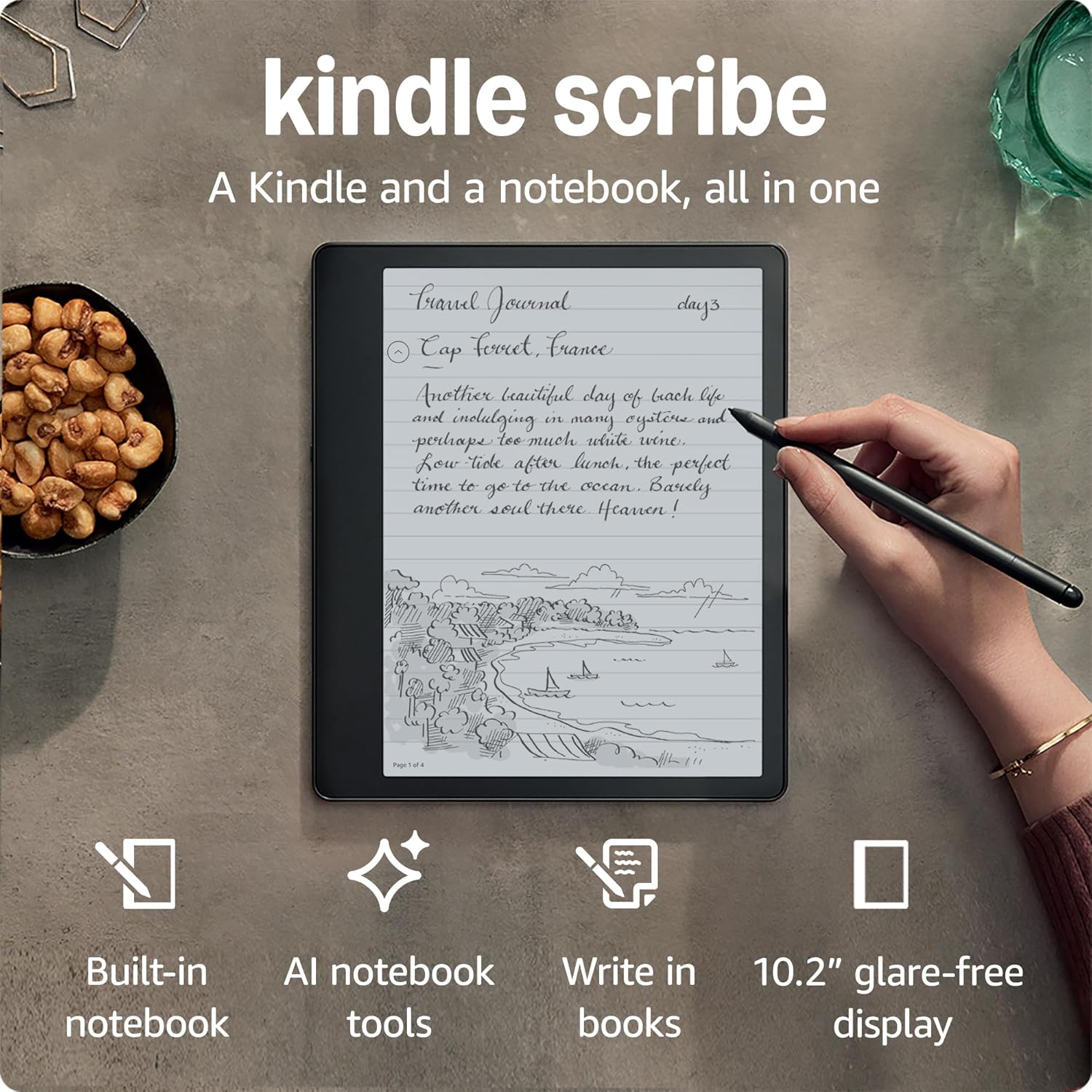
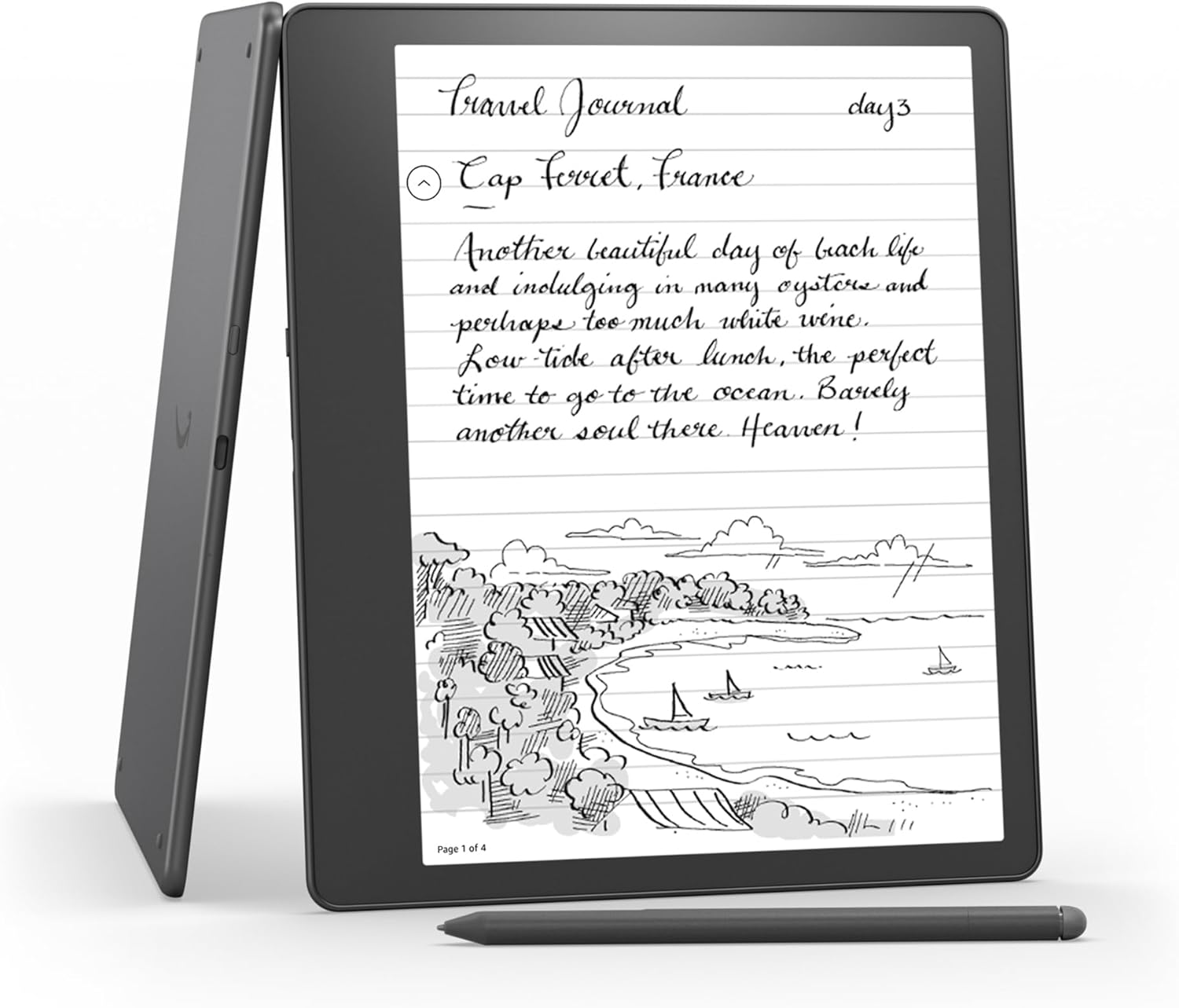
Kindle Scribe is the first Kindle that combines reading with a built‑in digital notebook. It’s designed for anyone who wants to read, take notes and organise thoughts in the same device. The 10.2-inch, 300 ppi glare-free Paperwhite display aims to minimise eye strain, while a Basic Pen is included for writing on pages, notebooks or documents.
What you can do
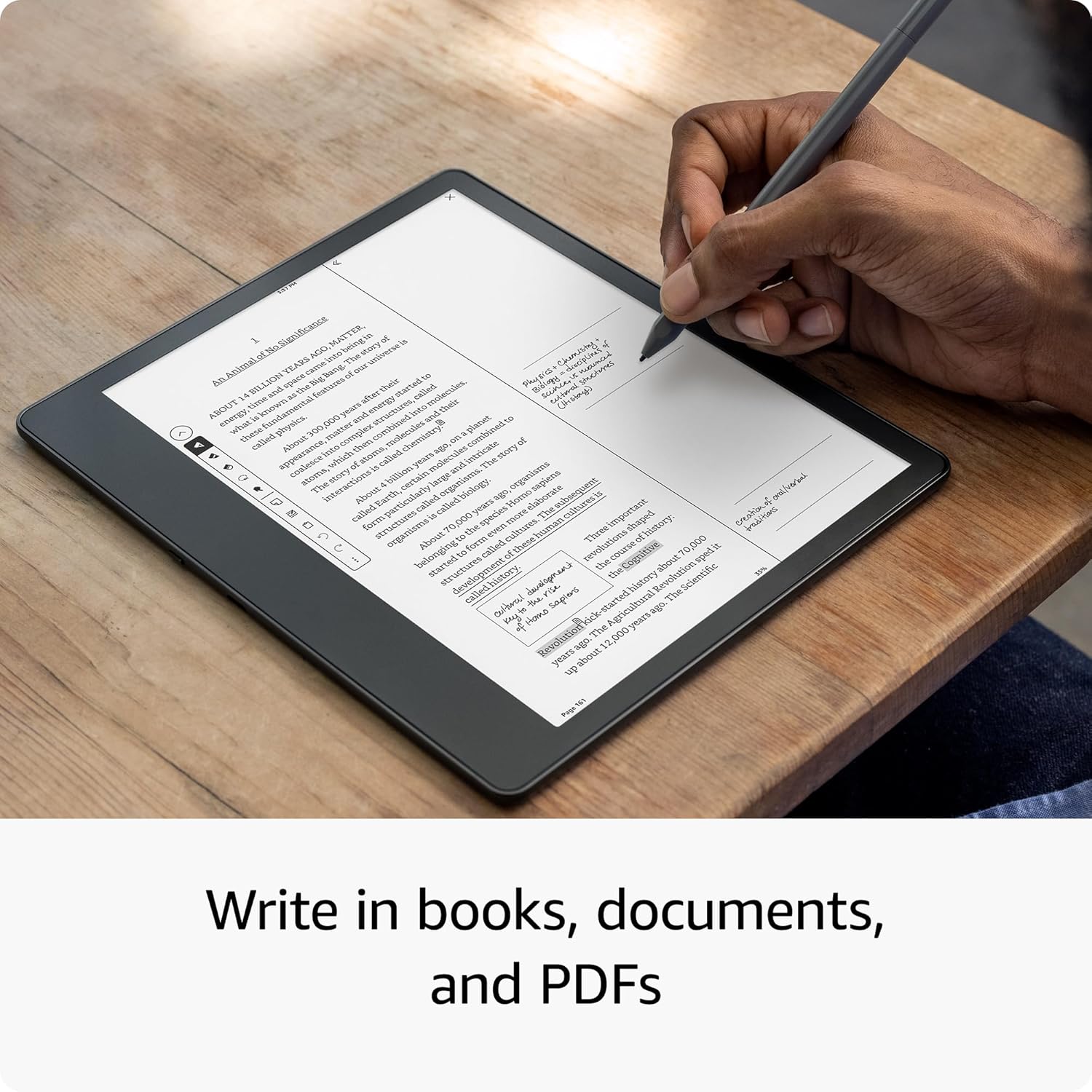
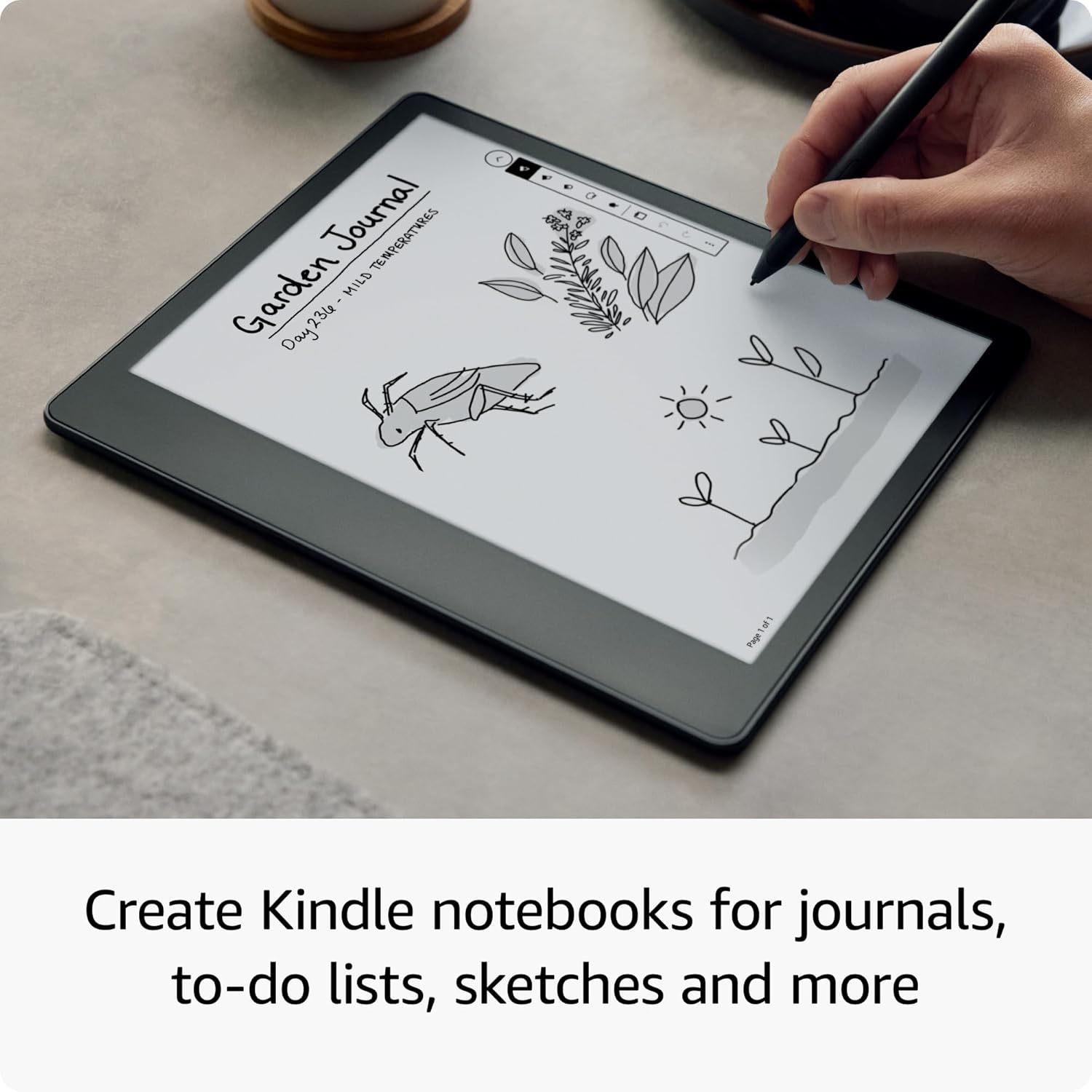
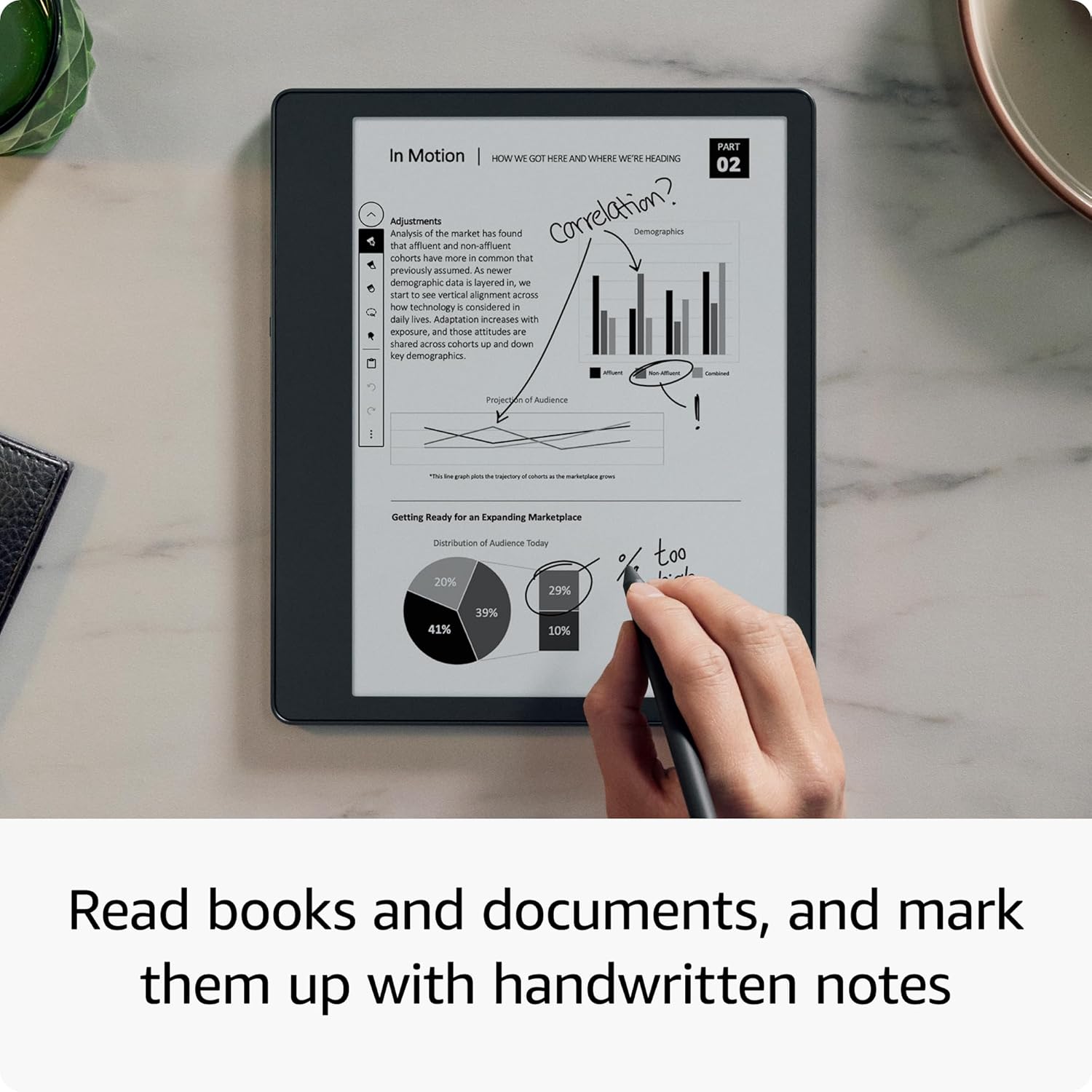
You can create Kindle notebooks to jot down thoughts, journal, take meeting notes, sketch and more. Notebooks can be viewed on the Kindle app, exported to PDF or converted to text and sent to contacts. Active Canvas expands the margins on a page to add notes or collapses them to see the original page, making it easy to integrate writing with reading.
How it feels to use it
Reading and writing should feel natural. The display supports higher font sizes and a warm light that adjusts automatically for day or night use. The device has a larger screen than standard Kindles, which can help when annotating documents or reviewing PDFs.
Notes on capability and limits
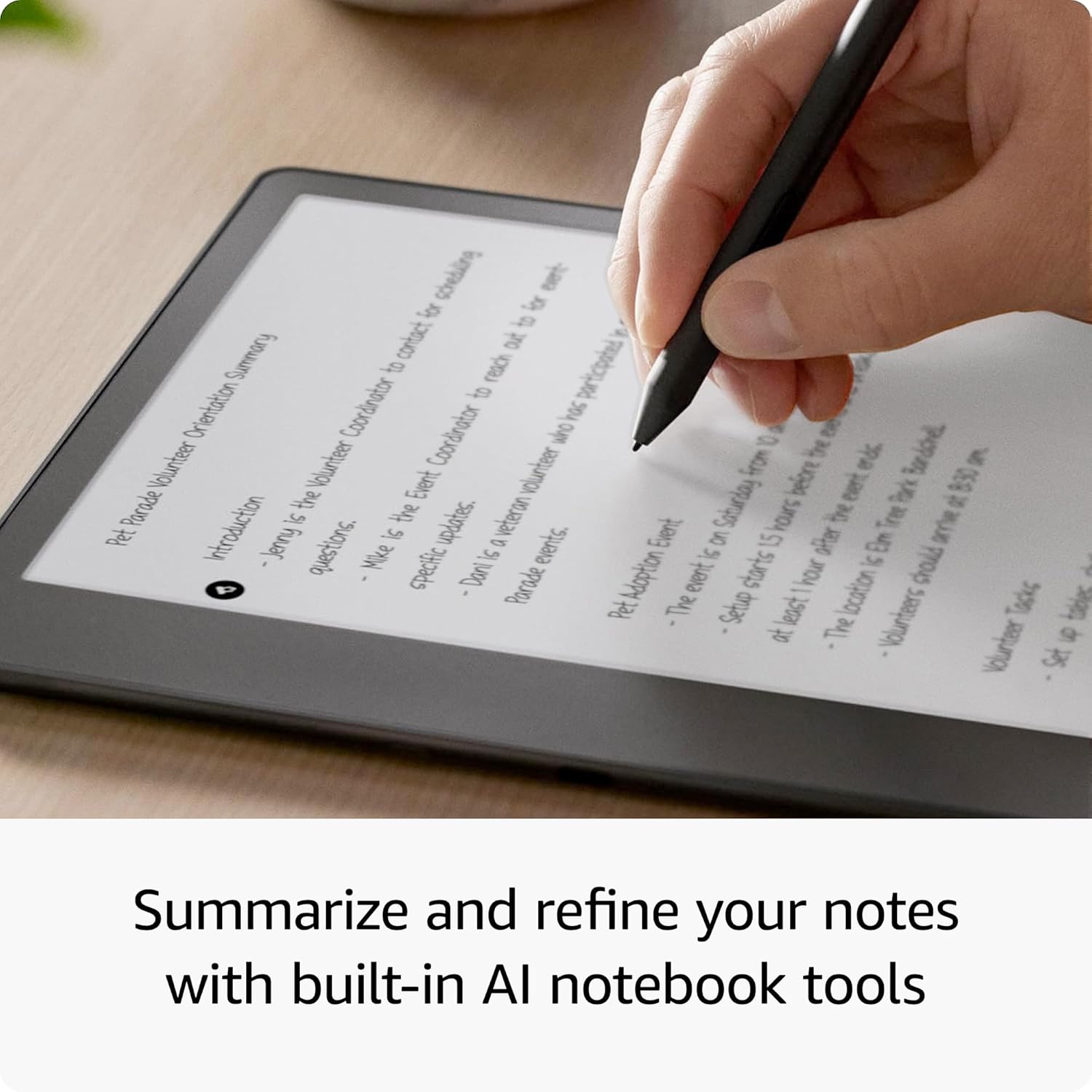
On the software side, there are built‑in AI notebook tools to help summarise and refine notes. You can review PDFs and Word documents, add digital annotations and create sticky notes, which can be useful for study or plan‑ahead tasks. It’s worth noting that the experience of writing with the included pen is designed for a similar cadence to writing on paper, but it isn’t a full substitution for a traditional notebook for everyone.
Practical considerations and who it’s for
If your daily routine includes reading, light note taking or annotating documents, this device can streamline those tasks into a single gadget. It may suit students, professionals who attend meetings, or avid readers who want to capture ideas without switching between devices. If you mainly need a dedicated e-reader with minimal distraction, a standard Kindle might be a cheaper fit. If you prioritise heavy handwriting or advanced graphic sketching, you may notice that the notebook features are helpful but not the same as a dedicated tablet with a stylus.
Before you buy: what to review
Check how you plan to export notes (PDF or text) and whether the built‑in AI summarisation meets your needs. Consider battery life expectations: reading tends to be longer between charges than writing sessions. If your work involves frequent heavy annotation or large document review, ensure the 16 GB storage provides enough room for your documents and notebooks.
How it compares to a traditional reading device
On paper, you gain seamless note‑taking integrated with reading, without needing a separate notebook or app. The trade‑off is that the experience is optimised for reading plus handwriting rather than pure handwriting power or advanced drawing, it sits more in the middle ground between a simple e‑reader and a tablet with note‑taking apps.
Final thoughts: is it worth it?
Is it worth it if you want a single device for reading and light note‑taking? Potentially yes, especially if you value a natural writing feel on a larger display and the convenience of exporting notes. However, if you expect extensive handwriting features or the ability to replace a dedicated notebook or tablet for heavy drafting, you may want to temper expectations.
What to know in use (FAQ)
- How do I export my notes? You can export notebooks as PDFs or convert to text to share with others.
- Will it feel like writing on paper? The combination of a 10.2-inch display, 300 ppi and a Basic Pen aims to provide a natural writing experience, though it may not suit every handwriting style.
- How long does the battery last? The device is designed to offer long battery life for reading and several weeks for writing on a single charge, with USB‑C charging.
Decision point: should you buy it?
It makes sense if you want a single device for reading and basic handwriting, and you value integrated notebooks and summarisation features. It may not be the best option if you rely heavily on advanced drawing or need extensive offline notebook storage for large projects.