

KIMMOO Rechargeable USB Desk Fan (Black) – ultra-quiet 35dB, Turbo airflow, 100 speeds, LED display
Product description
Quick overview
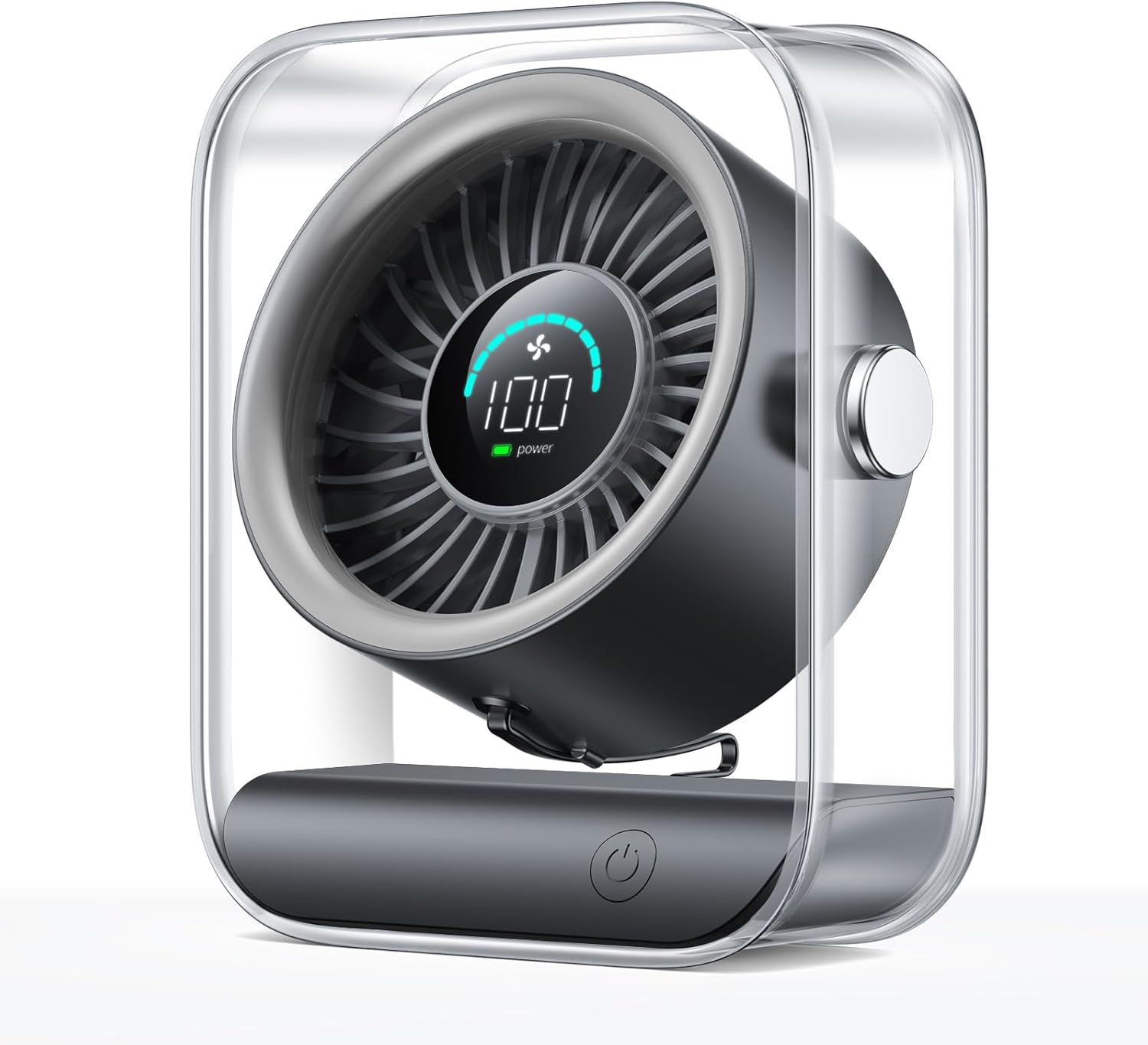
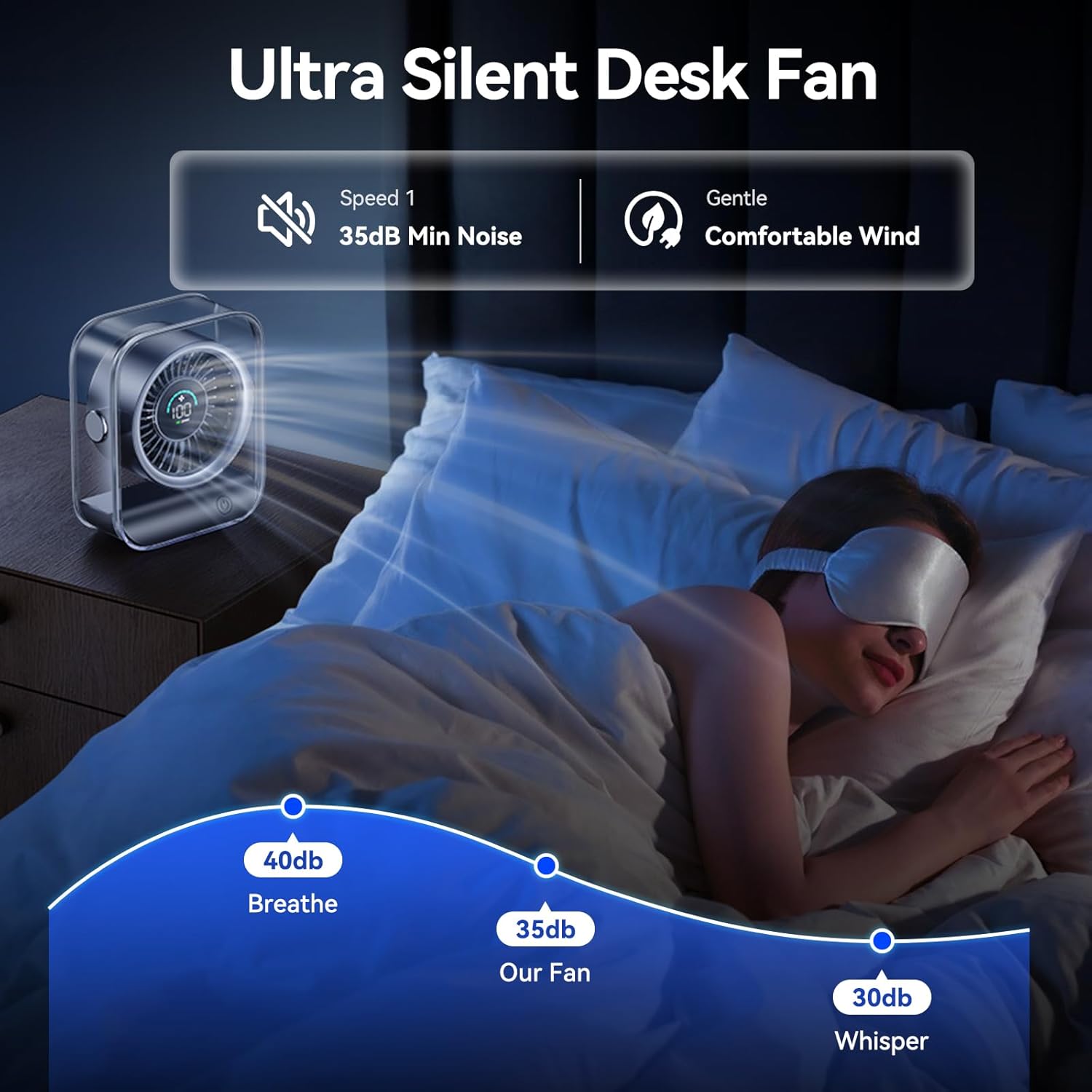
If you’re after a desk fan that you can actually use while you’re working (or sleeping), the KIMMOO Rechargeable USB Desk Fan is built for that kind of day-to-day comfort. On the lowest setting it’s claimed to run at 35dB, which is the sort of noise level you notice far less than many compact fans. It also leans into flexibility: rechargeable power, a digital LED display, and a 90° rotating head so you can aim airflow without dragging a whole fan across the room.
Where it gets interesting is the way it’s positioned between “gentle breeze” and “proper push”. The product description mentions Turbo airflow technology with a “200% power boost” and 100 adjustable speed steps, which should appeal if you like dialling things in rather than using a basic low/medium/high layout.
That said, it’s still a small desktop fan. If your priority is whole-room cooling on hot days, this type of device may feel more like targeted comfort than a substitute for a larger floor fan or air conditioning.
What matters most (and where it fits)
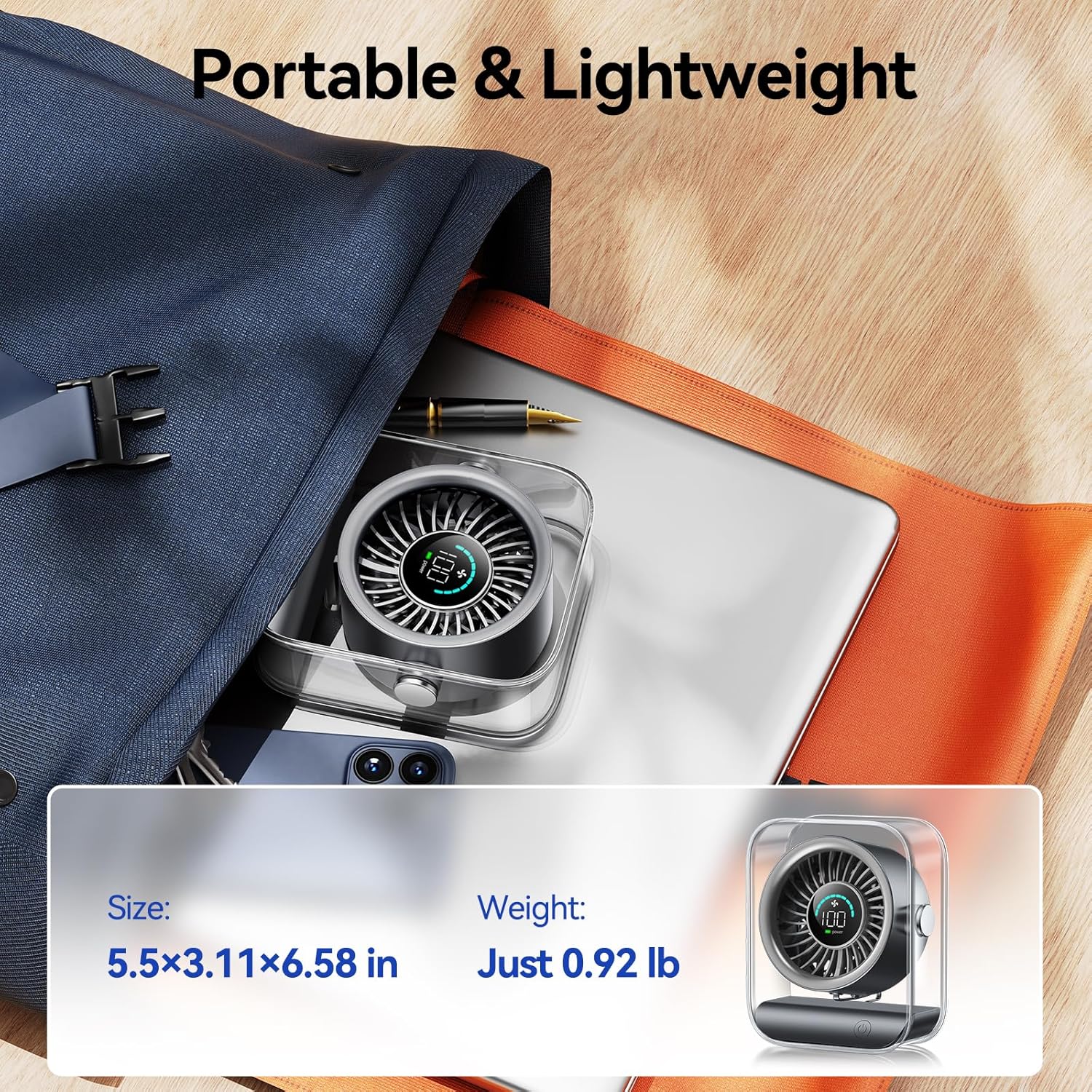
This fan is aimed at people who want quiet, controllable airflow in close range—bedrooms, nurseries, home offices, and travel-friendly setups. The lightweight build (listed at 418g) and compact dimensions make it easy to pack or move between spaces.
A practical way to think about it: imagine setting it by your desk in the morning. You can start at a low speed for background comfort, then nudge the settings up when you’re doing something more intense or when the room feels warmer. The LED digital display is there for quick visibility of battery status and the current wind speed.
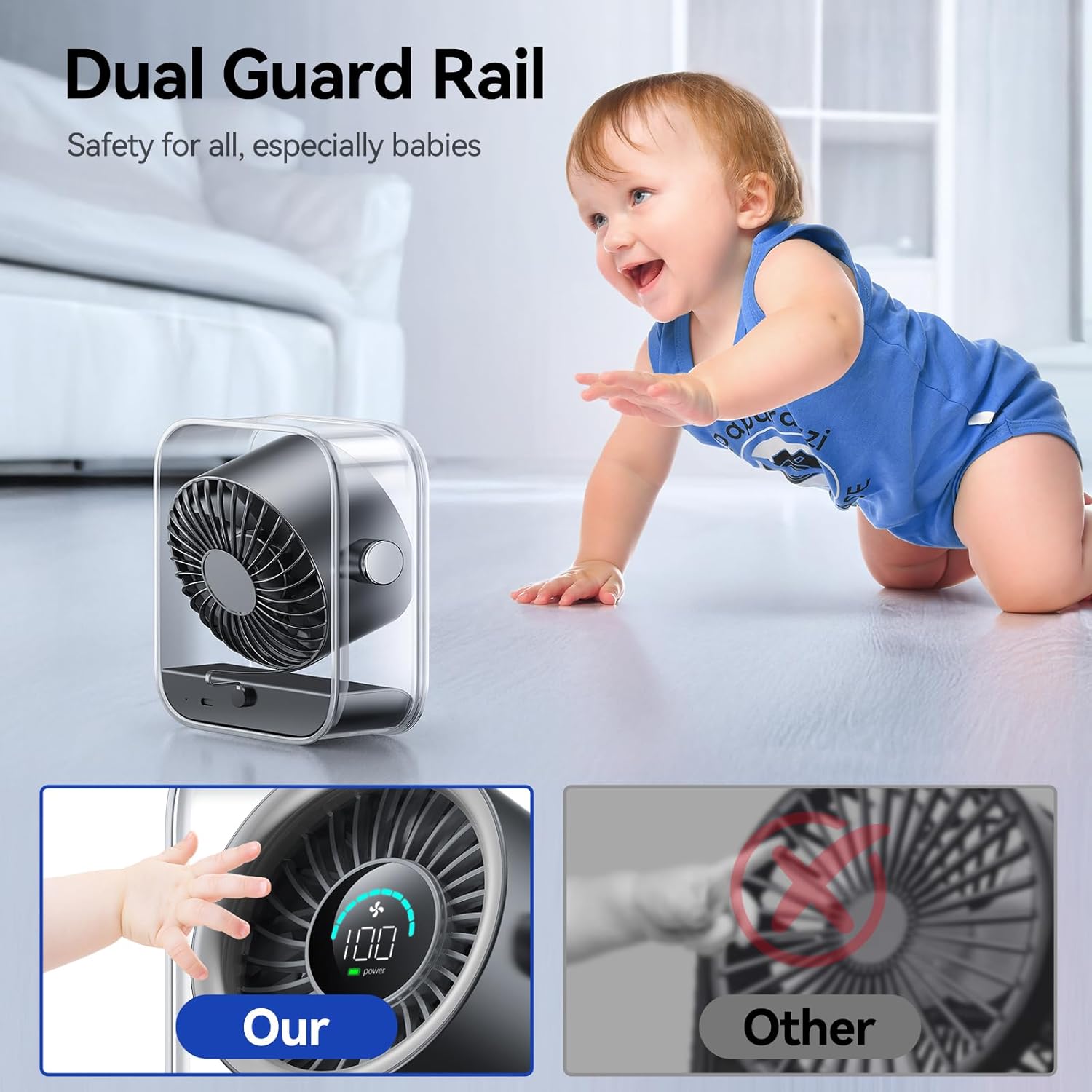
Worth noting that it includes dual guard rails, which is a sensible detail if you’re using it around children or pets. It’s not a substitute for common-sense supervision, but it does address safety concerns that come up with small desk fans.
Key features that you’ll feel
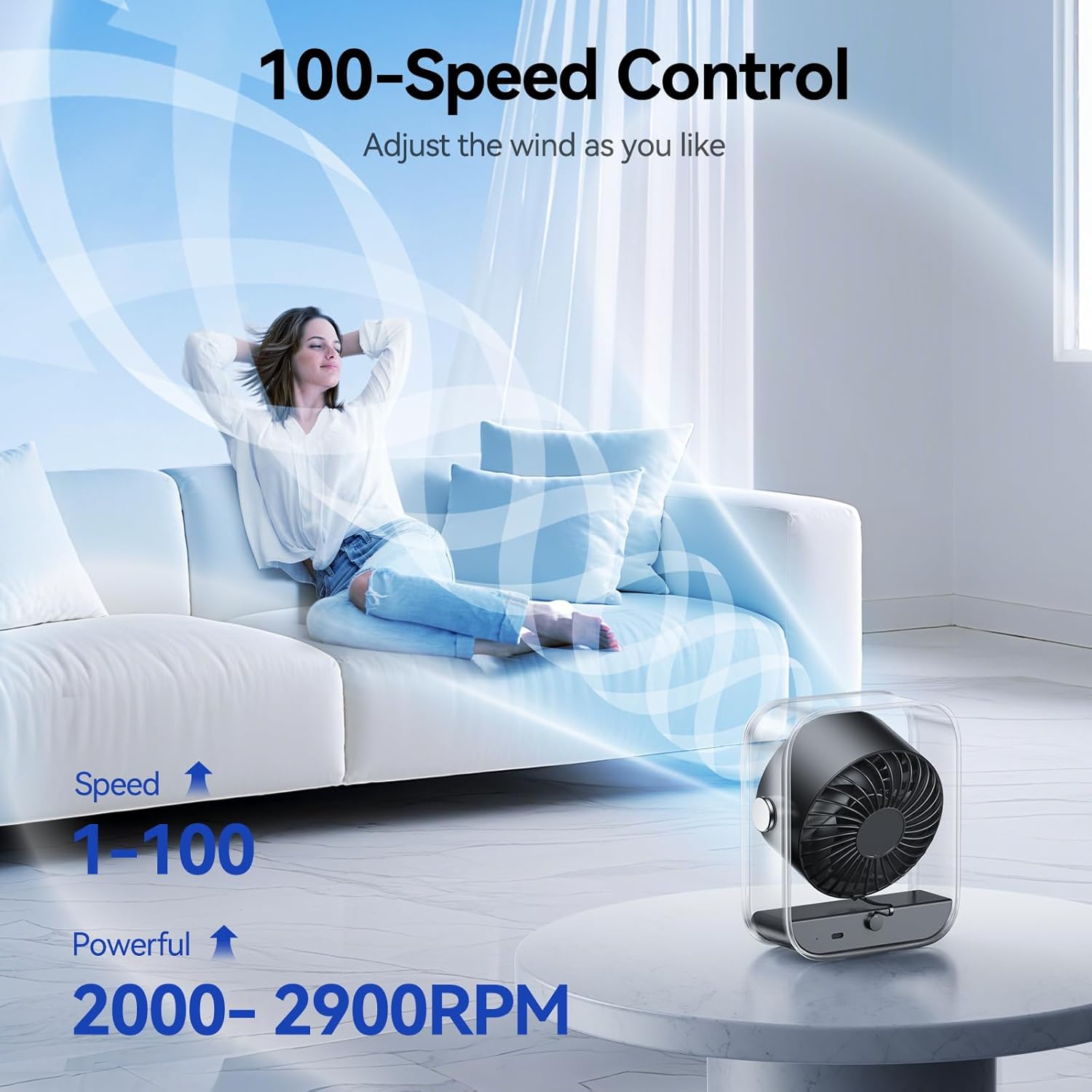
The headline features from the description are straightforward: 35dB ultra-quiet operation on Speed 1, Turbo airflow for a stronger burst, and 100 speed settings for fine-tuning.
In daily use, the difference is mostly about control. With 100 speeds (instead of a handful), you’re more likely to find a setting that feels comfortable without being distracting. The RPM range is given as 2000–2900, so you’re not just choosing between “on” and “strong”—you can move gradually.
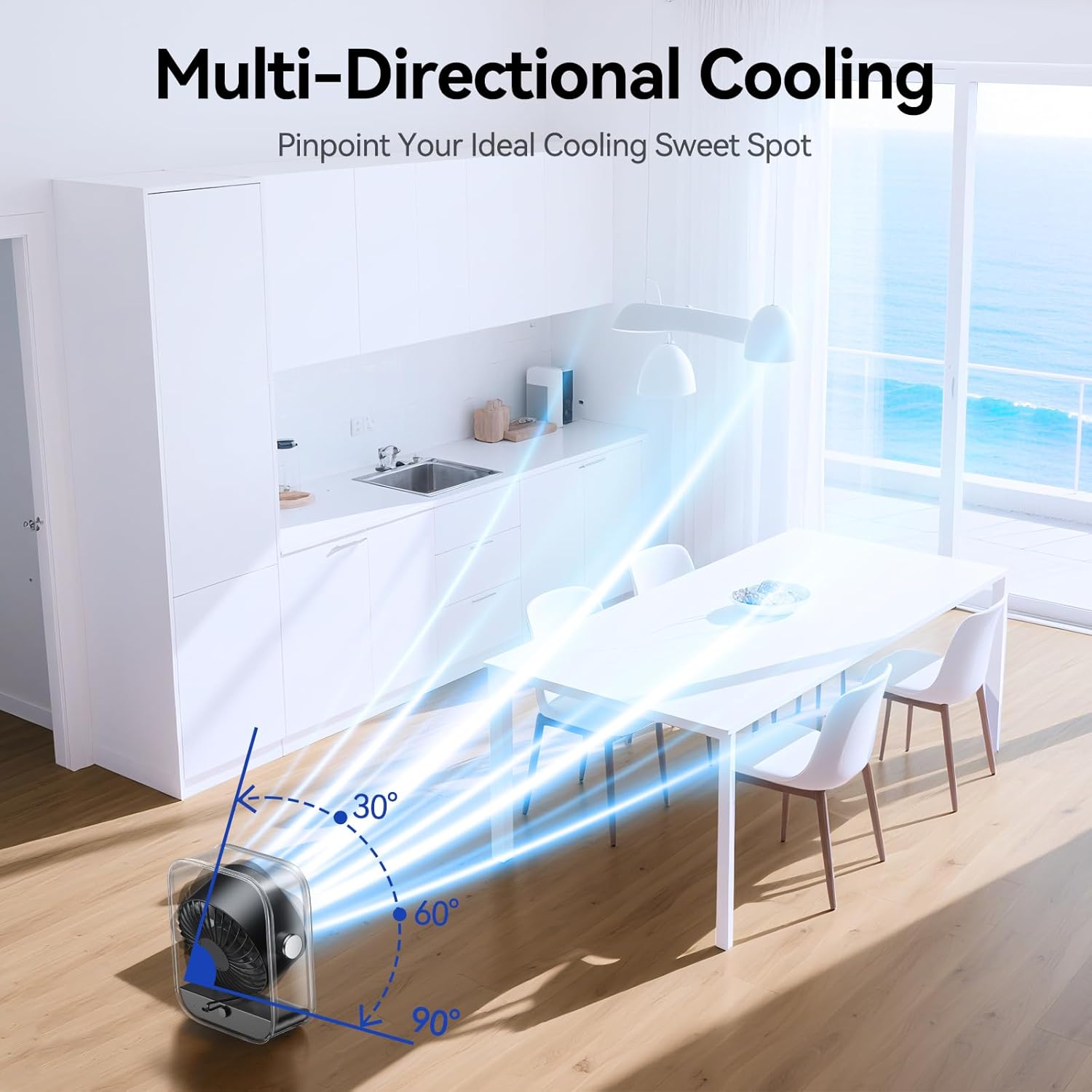
The 90° rotating head also helps you avoid “one fixed direction” frustration. You can aim airflow across your workspace or adjust it when you change your seating position.
Tech specs
- Name: KIMMOO Rechargeable USB Desk Fan (Black)
- Type: Rechargeable USB desk fan / quiet table fan
- Speed settings: 100 speeds (RPM range 2000–2900)
- Noise claim: 35dB on Speed 1
- Rotation: 90° rotating
- Display: LED digital display
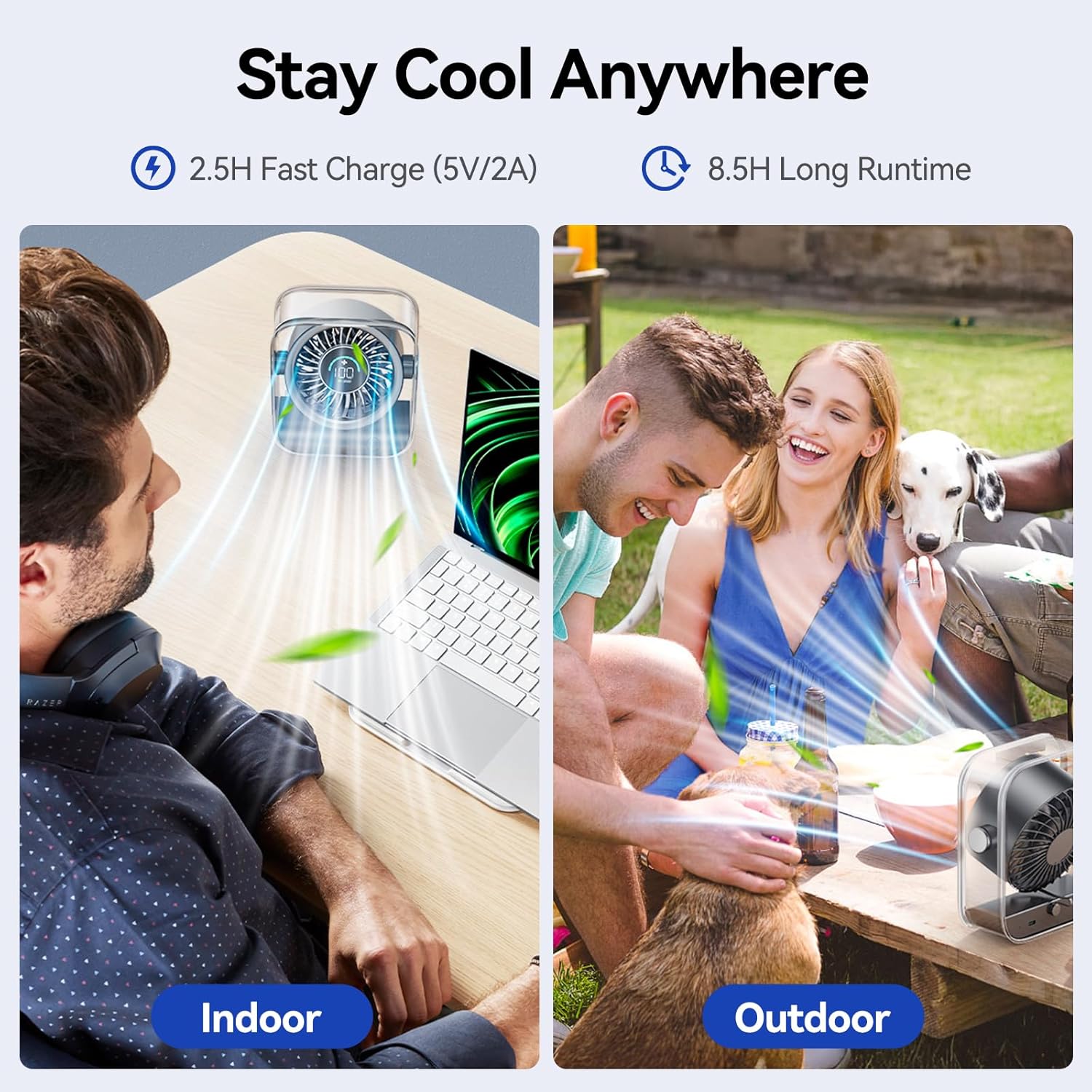
- Battery life claim: up to 8.5 hours continuous cooling (on a single charge)
- Recharge time claim: 2.5 hours
- Recharge adapter mentioned: 5V/2A adapter
- Weight: 418g
- Size: 5.5 x 3.11 x 6.58 inches
- Safety: dual guard rails
Where it shines vs what to be careful about
This is the sort of fan that makes sense if you value quiet operation and adjustable comfort. The “sleep/work/study” use case is baked into the 35dB claim, and the LED display plus battery indicator helps you manage it without guessing.
However, you should keep expectations realistic. Even with Turbo airflow, it’s still a compact desktop model. If you’re expecting wide, room-filling cooling—especially in very warm conditions—it may feel more suited to personal or spot cooling. Also, battery runtime is listed as “up to 8.5 hours”, which likely depends on the speed you use, running closer to Turbo will shorten that window.
Care, charging, and everyday use
Because it’s rechargeable, the workflow is simple: charge it using the mentioned 5V/2A adapter, then place it where you need airflow. The description also points to quick recharging (around 2.5 hours), which is handy if you forget to top it up.
Everyday tip: if you want it to feel “present but not intrusive”, start at Speed 1 or a low speed and then adjust slowly. With 100 settings, tiny changes matter, and it’s easier to settle on a comfortable level rather than leaping straight to Turbo.
Is it worth it?
Buy it if you want a rechargeable desk fan for close-range comfort—bedroom, nursery, home office, study, or travel—and you like having lots of speed steps plus a display for battery and wind speed. The ultra-quiet claim at 35dB on the lowest setting, the 90° rotating head, and the dual guard rails are all details that support everyday use.
Skip it or look elsewhere if your main goal is strong whole-room cooling, or if you tend to run high-speed settings for hours. In those scenarios, a larger fan setup may be a better match, and battery life may not meet your expectations once you move beyond the lower speeds.
Mini FAQ
How quiet is the KIMMOO desk fan on low?
The description states it operates at 35dB at Speed 1.
How long does the battery last?
It’s listed as up to 8.5 hours of continuous cooling on a single charge.
Does it show battery status?
Yes, the fan includes an LED digital display that shows battery status (along with wind speed).
Can you change the fan direction?
The head rotates 90°, so you can aim the airflow more flexibly.
Is it safe for homes with kids or pets?
It has dual guard rails, which is a reassuring safety feature for a desk fan used around children or pets—though normal supervision still applies.