

Kensington 2.4GHz Wireless USB PowerPoint Presentation Clicker With Laser
Reviews
Price
Product description
What it is
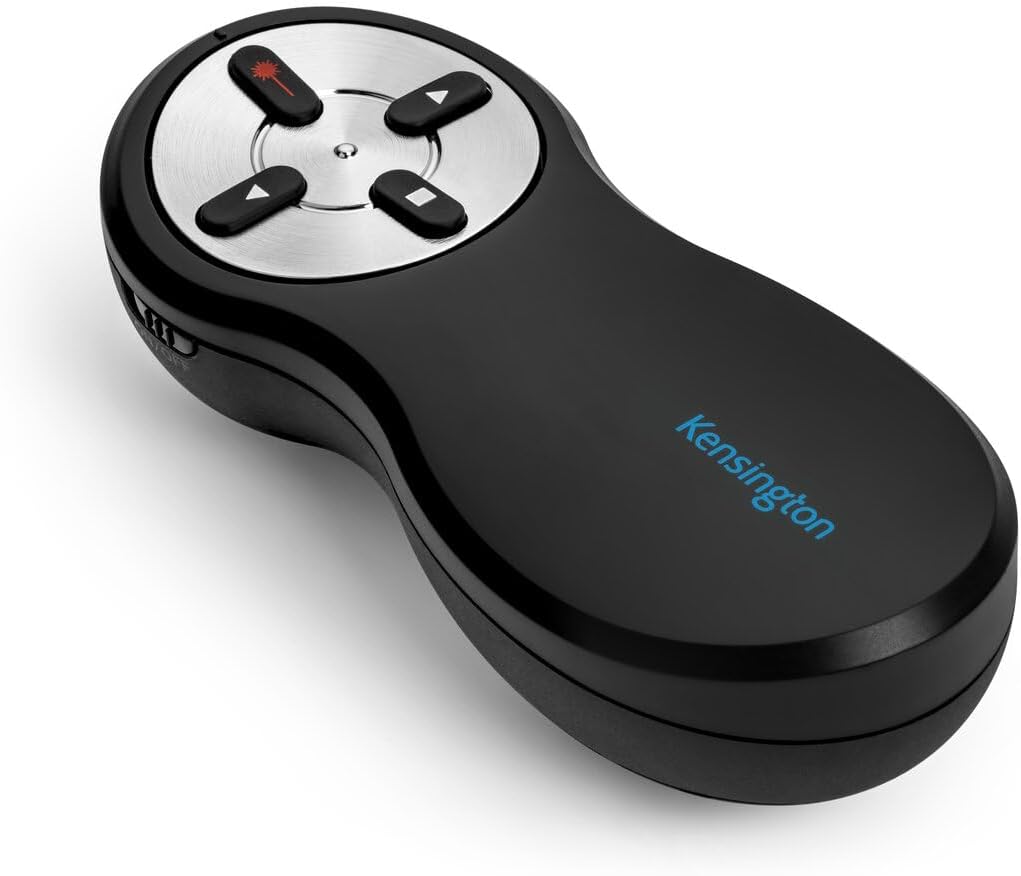
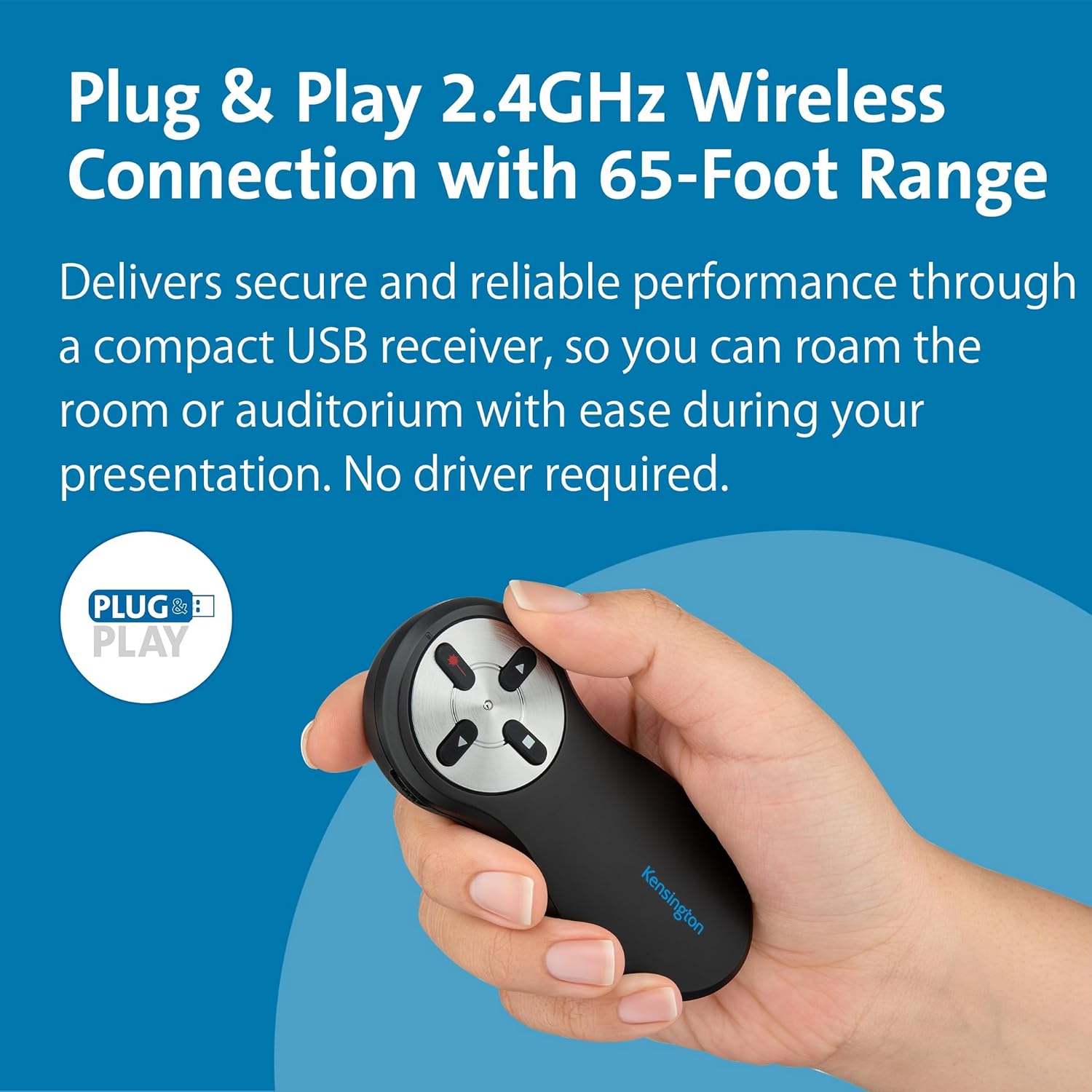
The Kensington 2.4GHz wireless presentation clicker is a plug-and-play device designed to control your slides from a distance. It uses a 2.4 GHz wireless connection, comes with a red laser pointer, and is compatible with Windows, Mac OS, and popular presentation software.
How it works
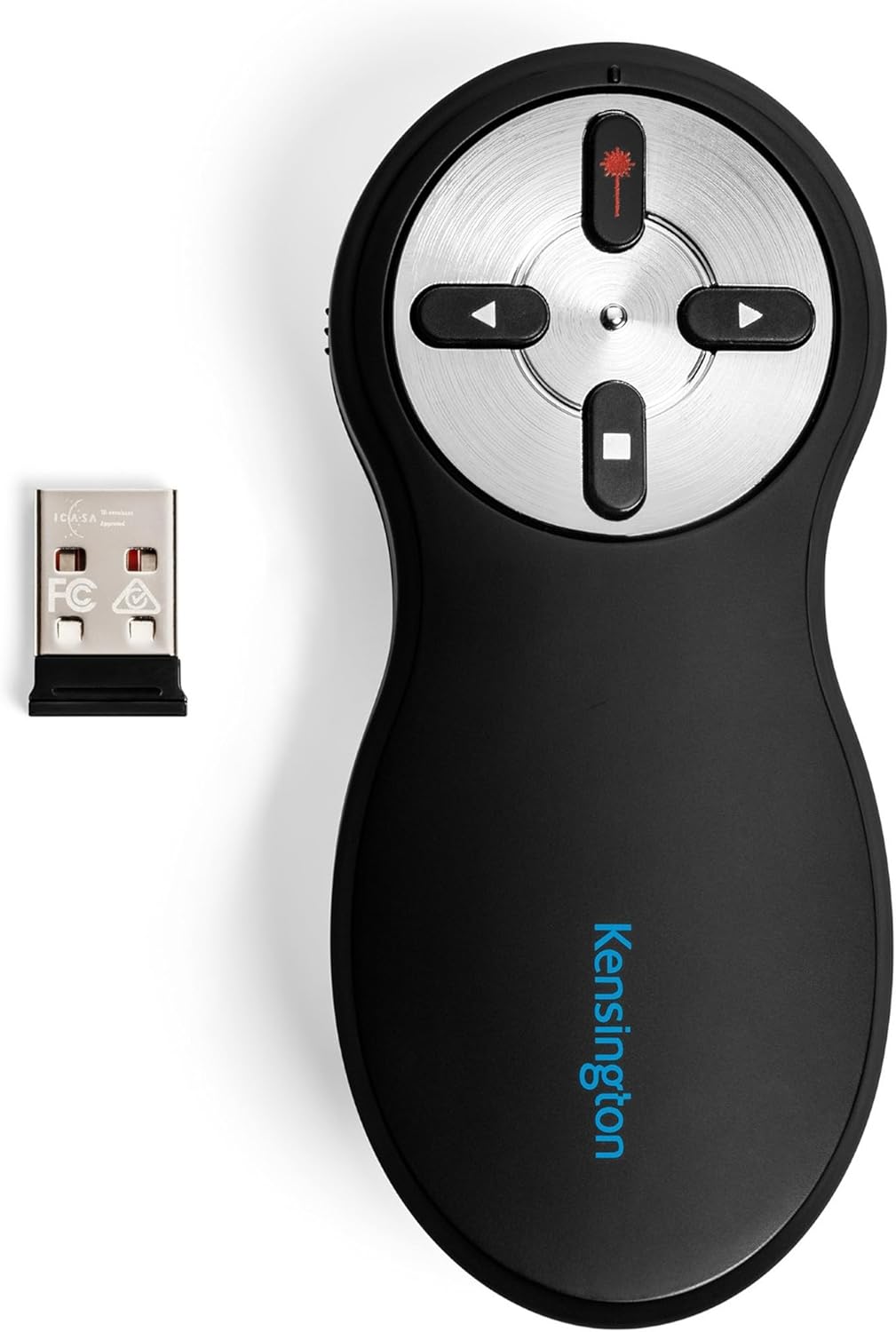
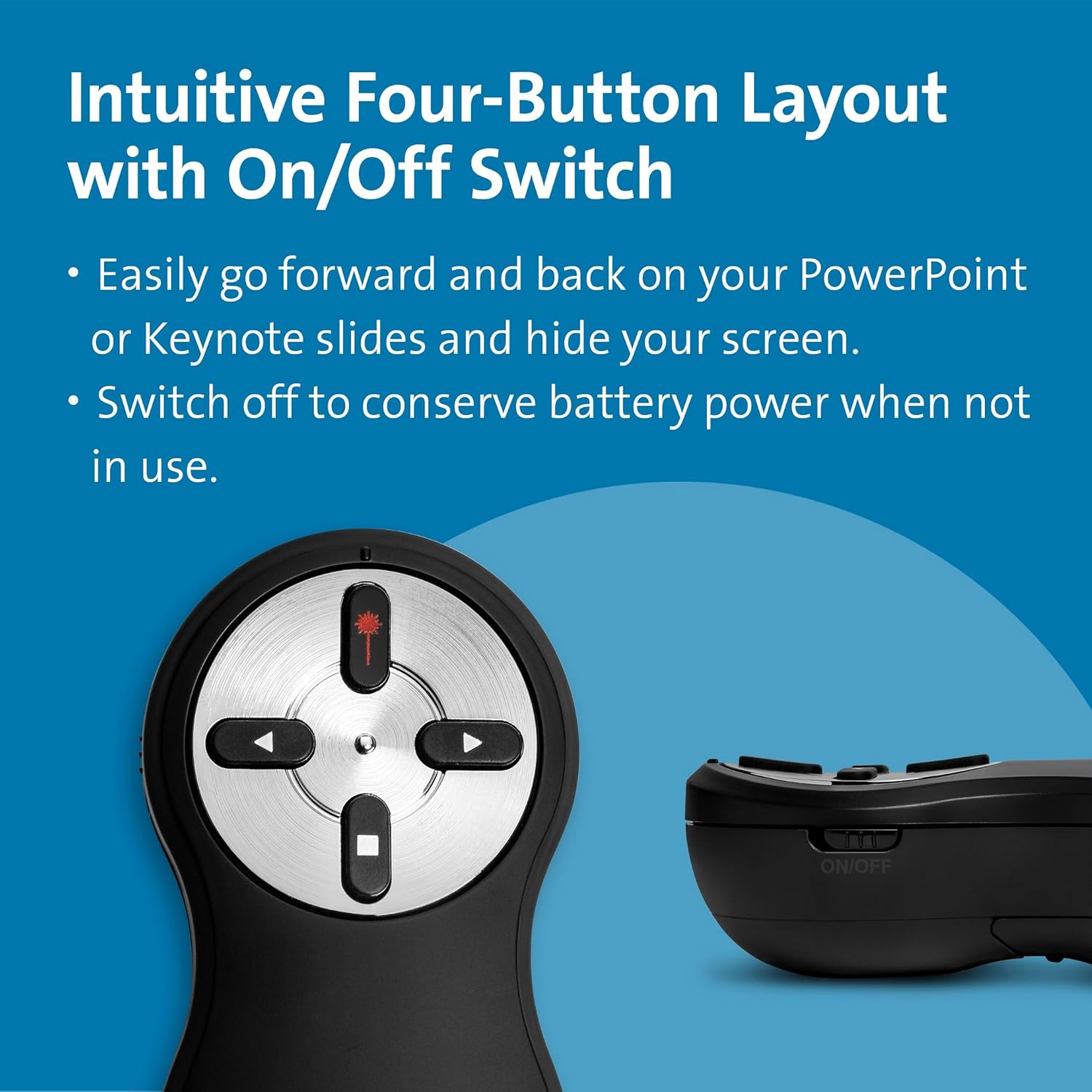
No driver installation is required—just plug in the USB receiver and start presenting. The clicker offers forward and back navigation, a screen blackout button, and a red laser pointer to emphasise key points during a talk. The wireless range is advertised at up to 20 metres, which gives some flexibility for larger rooms.
What stands out in use
If you prioritise a simple setup and quick start, this Kensington model ticks the box. The combination of a practical form factor, intuitive controls, and a visible red laser helps keep audiences focused on your main messages. The device supports PowerPoint, KeyNote, and Google Slides, making it versatile across common presentation platforms.
Strengths you’ll notice day to day
- Easy setup: plug-and-play with no software or drivers to install.
- Broad compatibility: works with Windows and Mac OS and major presentation software.
- Practical control: laser pointer for emphasis plus navigation and screen blackout for smooth delivery.
- Decent wireless range: up to 20 m, which is handy for room-to-audience interactions.
Limitations to consider
- Dependence on a USB receiver means you’ll want to keep the dongle handy and won’t be using Bluetooth.
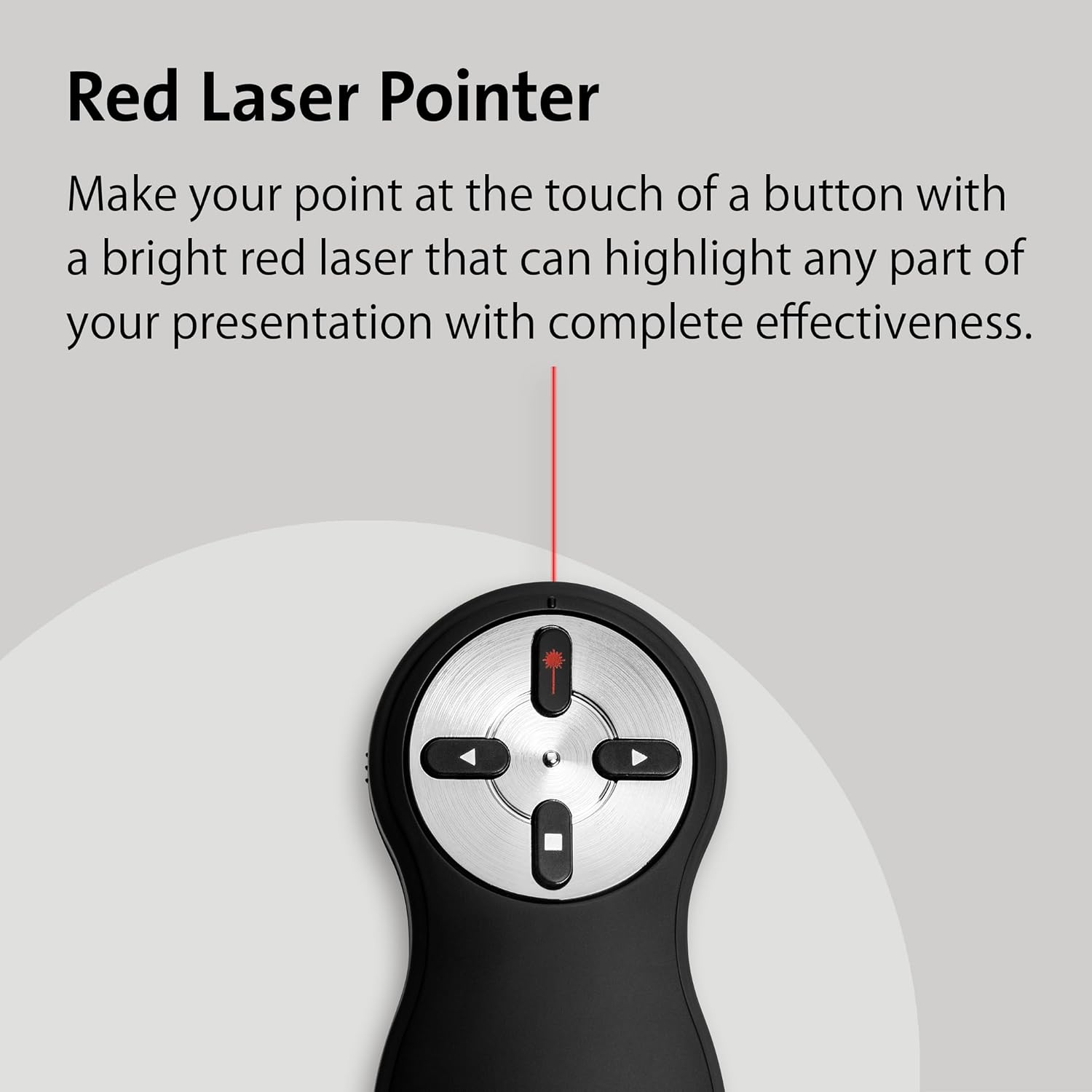
- The red laser pointer is visible in many indoor environments, but its effectiveness can vary in very bright spaces or certain projector setups.
- There is no mention of additional advanced features such as built-in presentation notes or multi-device pairing.
Who this is for
This clicker suits presenters who want a straightforward, reliable controller for everyday meetings, classrooms, or small conferences where quick setup and compatibility with common software are priorities.
Who it isn’t for
If you need advanced presentation features, integration with mobile devices, or programmable macro buttons, this model may feel basic in comparison. It may also be less compelling in highly bright rooms where laser visibility could be affected.
When it makes sense to buy
- You value immediate use out of the box with no software installation.
- You frequently use PowerPoint, KeyNote, or Google Slides and want a simple remote.
- You work in spaces where a 20 m range is sufficient for comfortable movement during delivery.
When you might want to skip it
- You require richer functionality, such as presenter notes on the remote or multi-device pairing.
- You regularly present in very bright environments where laser visibility could be reduced.
What to check before buying
- Ensure your computer’s OS is compatible (Windows or Mac OS as stated).
- Consider the typical room size and whether a 20 m range is adequate for your sessions.
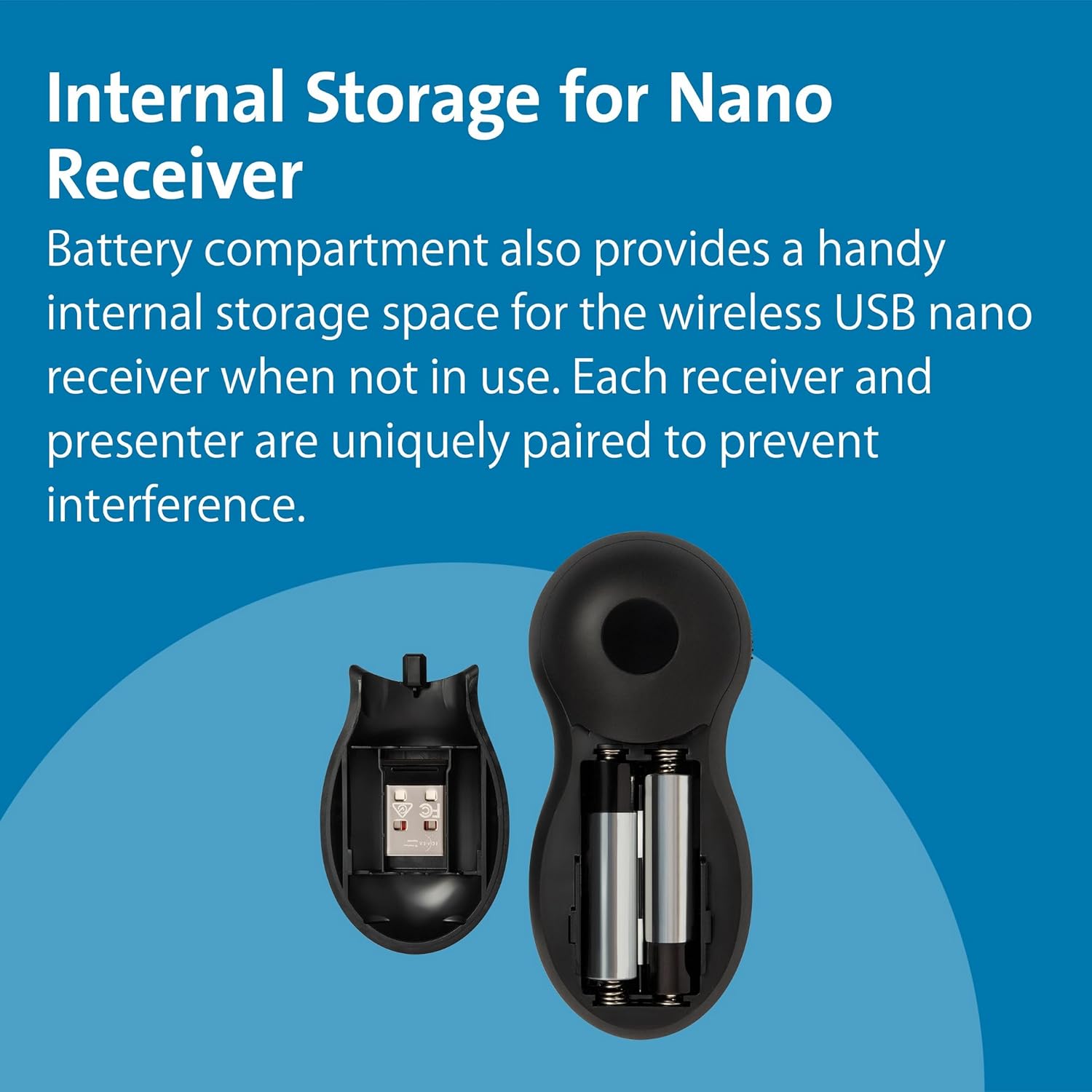
- Think about storage: you’ll need somewhere safe to keep the USB receiver when not in use.
Practical use example
During a training session, you arrive at the front, plug in the receiver, and start with a screen blackout to grab the audience’s attention. You navigate slides with the forward/back buttons, and when you want to highlight a key statistic, you cast a short red laser pointer onto the slide. This keeps the flow steady without rushing through slides to reach the next cue.
The decision in one view
Is it worth it?
It makes sense if you want a dependable, no-fuss presentation remote that works with common software, keeps setup simple, and offers a practical laser pointer for emphasis. It may not be the best choice if you need advanced features or stronger laser performance in very bright rooms.
Quick FAQ
- Do I need software to use it? No, it’s plug-and-play.
- Which platforms are supported? Windows and Mac OS with PowerPoint, KeyNote, and Google Slides.
- What about the laser visibility? It’s a red laser pointer, effectiveness can vary with lighting and projector type.