

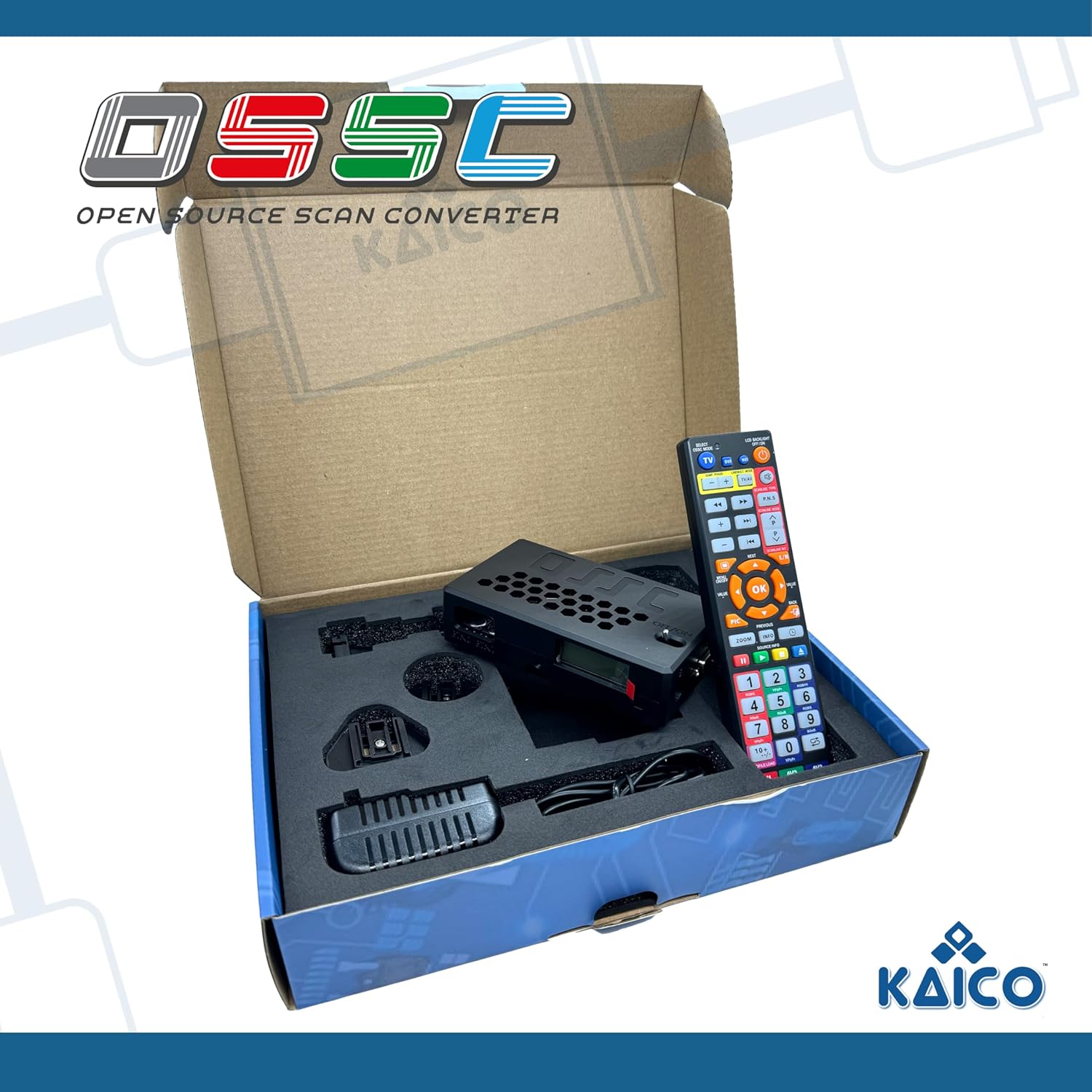
Kaico Edition OSSC 1.8 Open Source Scan Converter with SCART, Component and VGA to HDMI for Retro Gaming
Product description
What it is (and what it isn’t)
The Kaico Edition OSSC Open Source Scan Converter 1.8 is a specialised video converter/upscaler for retro gaming that takes certain analogue retro signals and outputs HDMI for modern displays. The key thing is that this is not a general “plug in anything” box. It’s designed around RGB signals and how they’re handled, which is exactly why the manufacturer-style warning matters: if you don’t understand what it does and how it works, you can easily end up with nothing on screen.
On paper, that may sound a bit fussy. In practice, this sort of OSSC (especially the 1.8 revision mentioned in the info you provided) tends to appeal to people who already care about video chain quality—think RGB SCART from consoles/retro computers, then HDMI into a TV or capture device.
The big practical benefits for retro setups
Where the OSSC approach shines is in the control it gives you over sync and output handling. The description you shared specifically notes an updated 1.xx branch firmware (revision 1.8) aimed at better sync management and stability, plus a new HDR mode. It also mentions a 6X output mode using pixel repetition, and shadow mask emulation/post-processing filters.
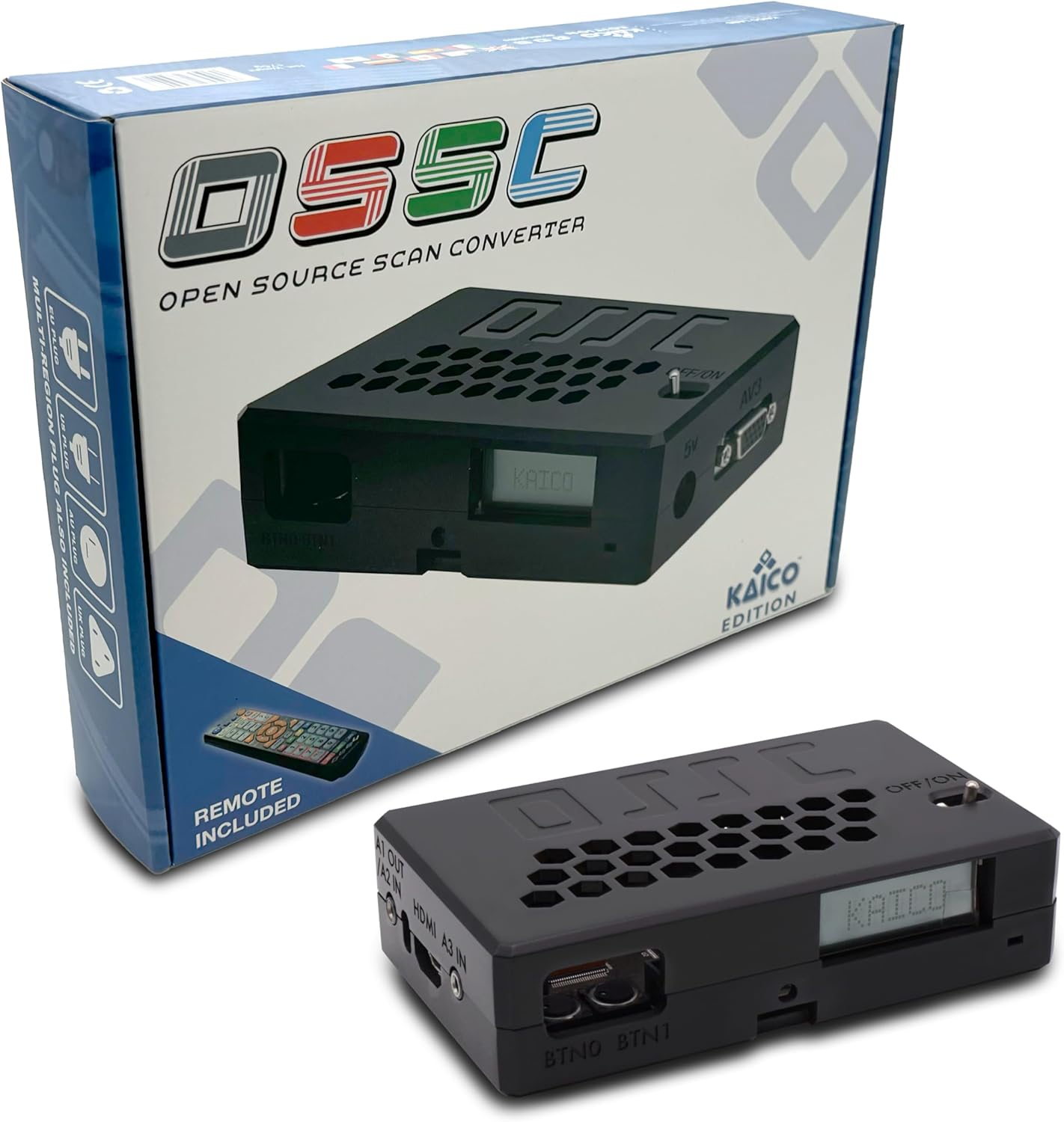
That’s the sort of feature set that retro gamers usually look for when they want a cleaner, more consistent image on modern panels, without relying on a random, consumer upscaler that’s just “auto-detect and hope.” If you’re building a deliberate RGB-to-HDMI pipeline, this is more aligned with that mindset.
A quick micro-example: if you’ve got an RGB SCART output from a retro console and your modern TV only has HDMI, you’d typically connect a suitable RGB SCART cable into the OSSC, then route the HDMI output to your TV. The OSSC’s job is to make that analogue RGB signal usable in an HDMI world—provided your input actually is RGB.
Key points to get right before buying
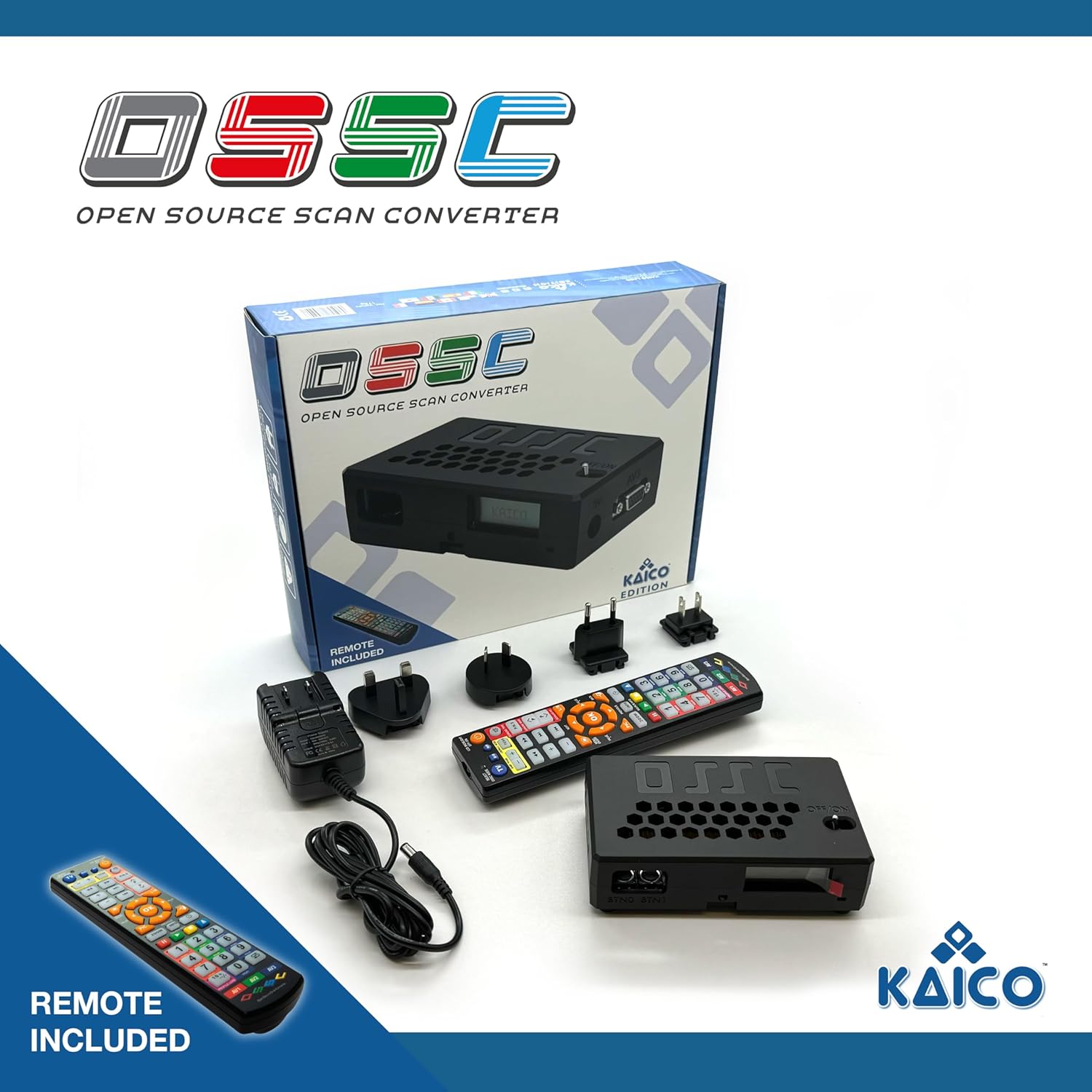
This is the part that will save you frustration.
The description clearly states it will only work with RGB inputs, and it also states specific cases where it won’t work: notably an Nintendo N64, a non-RGB modded Nintendo NES, and an NTSC Gamecube (because those are described as S-Video, not RGB). It also mentions that you’ll need a suitable high quality RGB SCART cable to work.
So if your current retro gear outputs composite/S-Video by default, you may need mods or different cabling before the OSSC can do anything useful. If you’re not ready for that kind of check, it might feel like more hassle than it’s worth.
What you’ll notice in use (and where it can feel limiting)
The 1.8 revision is described as having enhanced sync management and stability, which matters because sync issues are one of the most common “works/not works” problems in retro video conversion. If your source is correctly RGB, that stability-focused angle is exactly what you want.
At the same time, it’s not an all-purpose converter. The “only works with RGB inputs” rule is a real limitation: this stays in the retro RGB lane. You’ll likely see better results when your whole chain is RGB-friendly (for example, RGB SCART leads), rather than trying to force non-RGB devices through it.
It also suggests a level of expectation: this is better suited to people who can be bothered to verify their console’s output type, and who understand that cables and sync handling are part of the deal. If you’re looking for plug-and-play, it may not be the best match.
Technical overview (from the info provided)
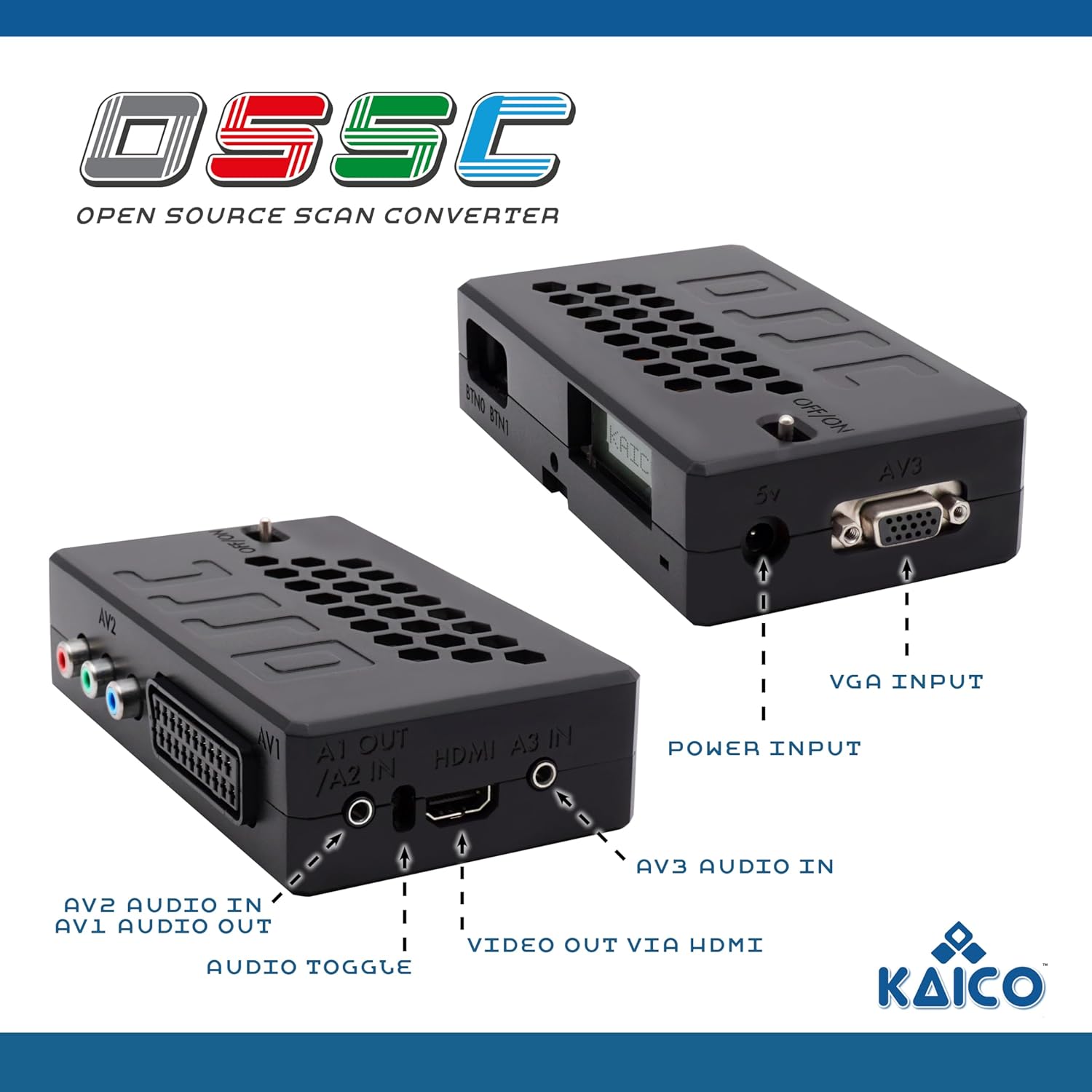
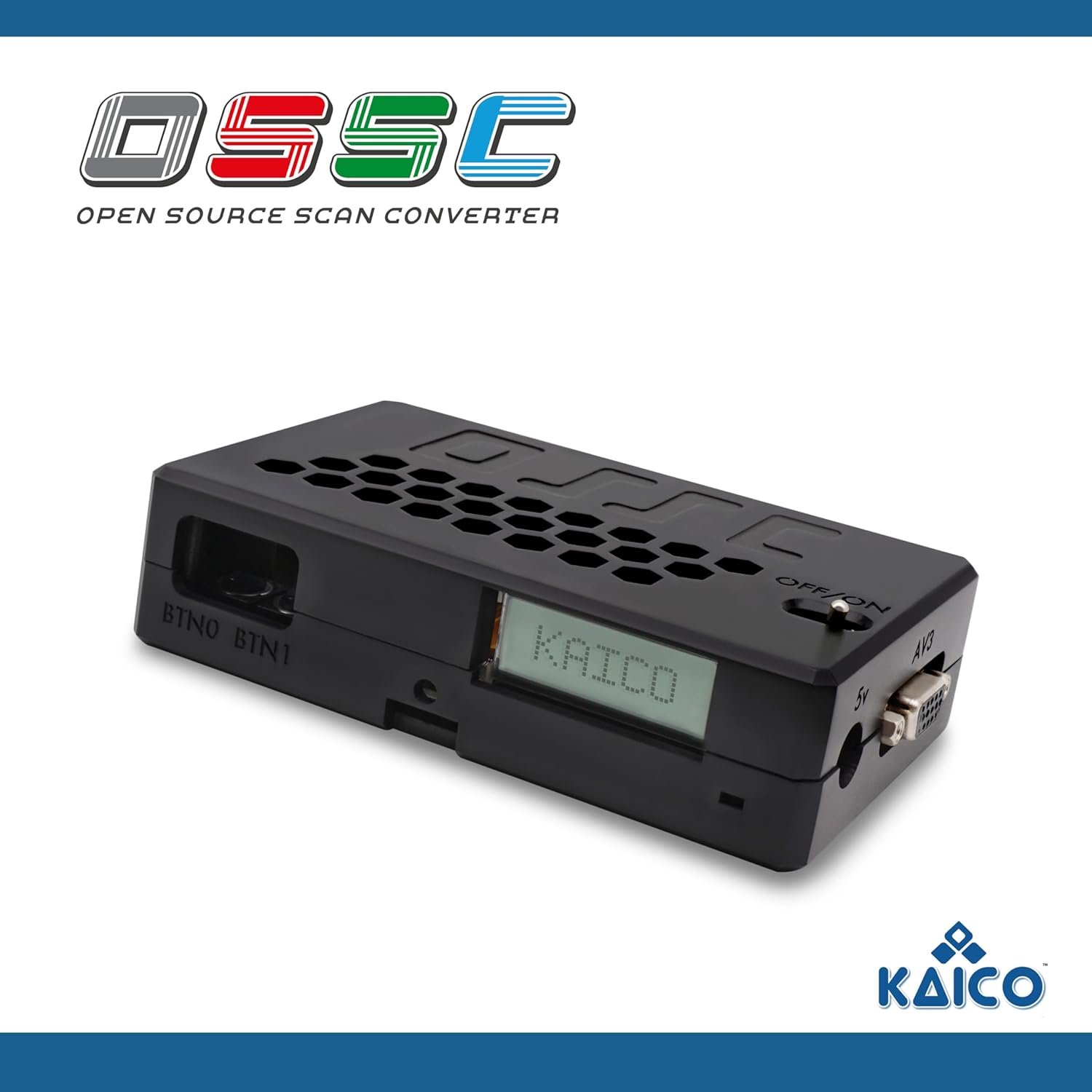
The provided details point to a Kaico Edition OSSC Open Source Scan Converter 1.8 running on an updated 1.xx firmware branch for the features listed below. It includes support for SCART, component and VGA inputs to output HDMI, and it mentions several processing modes/behaviours:
- 1.8 revision on an updated 1.xx firmware branch
- Enhanced sync management and stability
- New HDR mode
- 6X output mode using pixel repetition
- Shadow mask emulation and post-processing filters
In the box / setup considerations you shouldn’t skip
You’ve got enough information here to plan your setup, but you do need to be methodical. The description explicitly warns you to use a suitable high quality RGB SCART cable, so cabling isn’t a minor afterthought.
Before you buy, it’s worth checking three things:
- Does your console/computer output RGB (not just composite or S-Video)?
- Do you have the right connection type for your sources (SCART RGB vs other analogue outputs)?
- Are you prepared for compatibility to be source-dependent, not universal?
If you’re buying for retro gaming specifically, you’ll also want to think about what you’re actually trying to connect—because the warning list includes some popular devices that won’t work if they’re S-Video, not RGB.
Is it worth it?
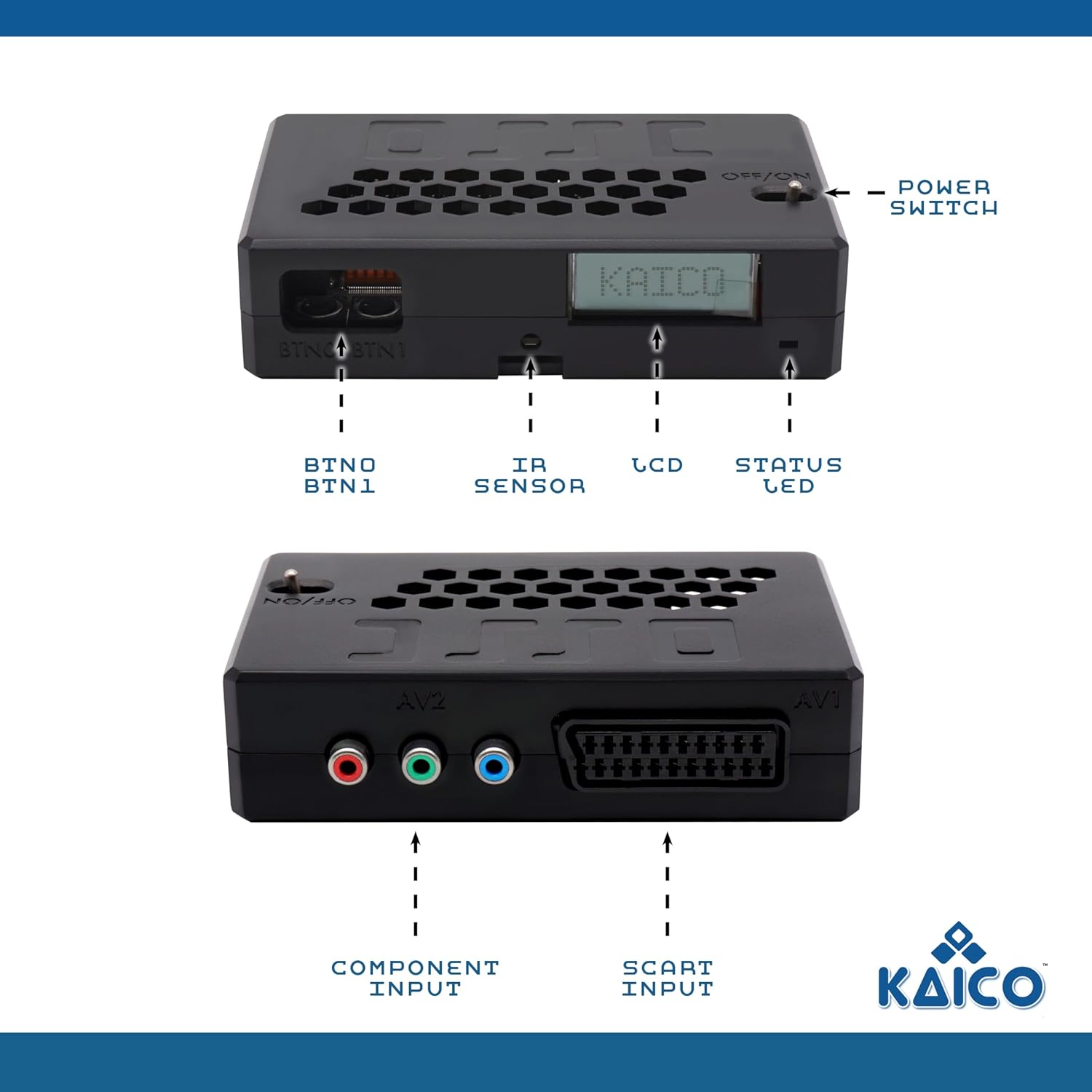
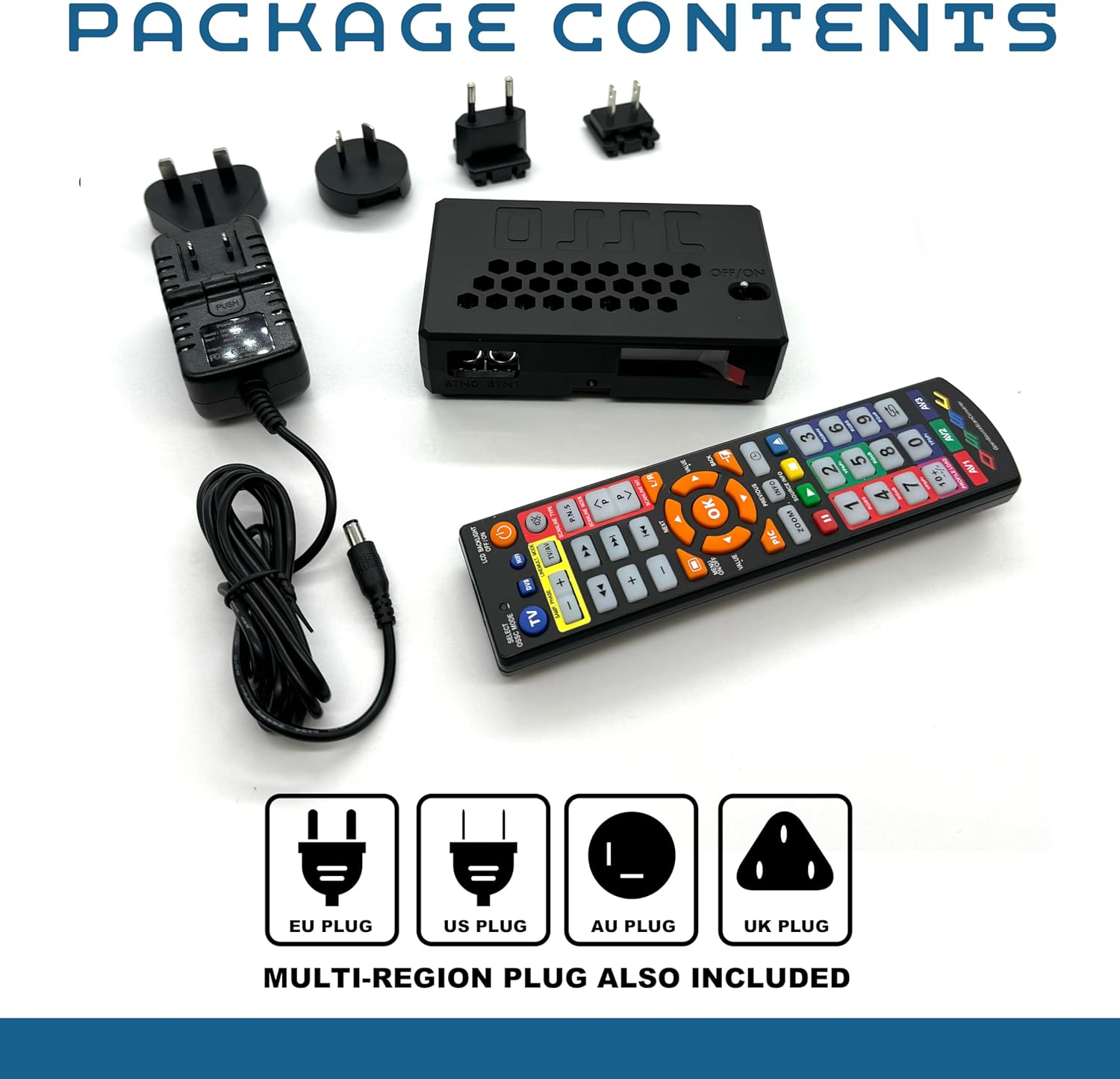
It’s a solid pick if you’ve already got an RGB-focused retro setup (especially RGB SCART), you want HDMI output for a modern TV, and you’re comfortable double-checking that your sources are truly RGB. The 1.8 firmware revision angle—sync management, stability, and the listed output modes—fits that “careful video chain” buyer.
It may not be a great match if you want plug-and-play with non-RGB devices, or if you’re relying on S-Video/composite sources without a way to get RGB. You may want to skip it if you don’t know what your console is outputting, because the description is very direct about compatibility.
Mini FAQ
Does it work with any retro console?
Not on paper. The info you provided says it will only work with RGB inputs, and it lists specific devices that won’t work when they output S-Video instead of RGB.
Do I need a specific SCART cable?
Yes—according to the description, you’ll need a suitable high quality RGB SCART cable to work.
What does the 1.8 revision add?
The description mentions updated 1.xx firmware with enhanced sync management and stability, a new HDR mode, a 6X output mode using pixel repetition, and shadow mask emulation/post-processing filters.
When should I expect it to work best?
If your retro sources are RGB and your cabling is appropriate (particularly for RGB SCART), it’s set up for that kind of chain.