

Jungle Leopard Build Blocks UNI Daisy Chain RGB PC Fan 120mm (Pack of 3) – 2000 RPM, ARGB/PWM, White
Product description
What it is and what it solves
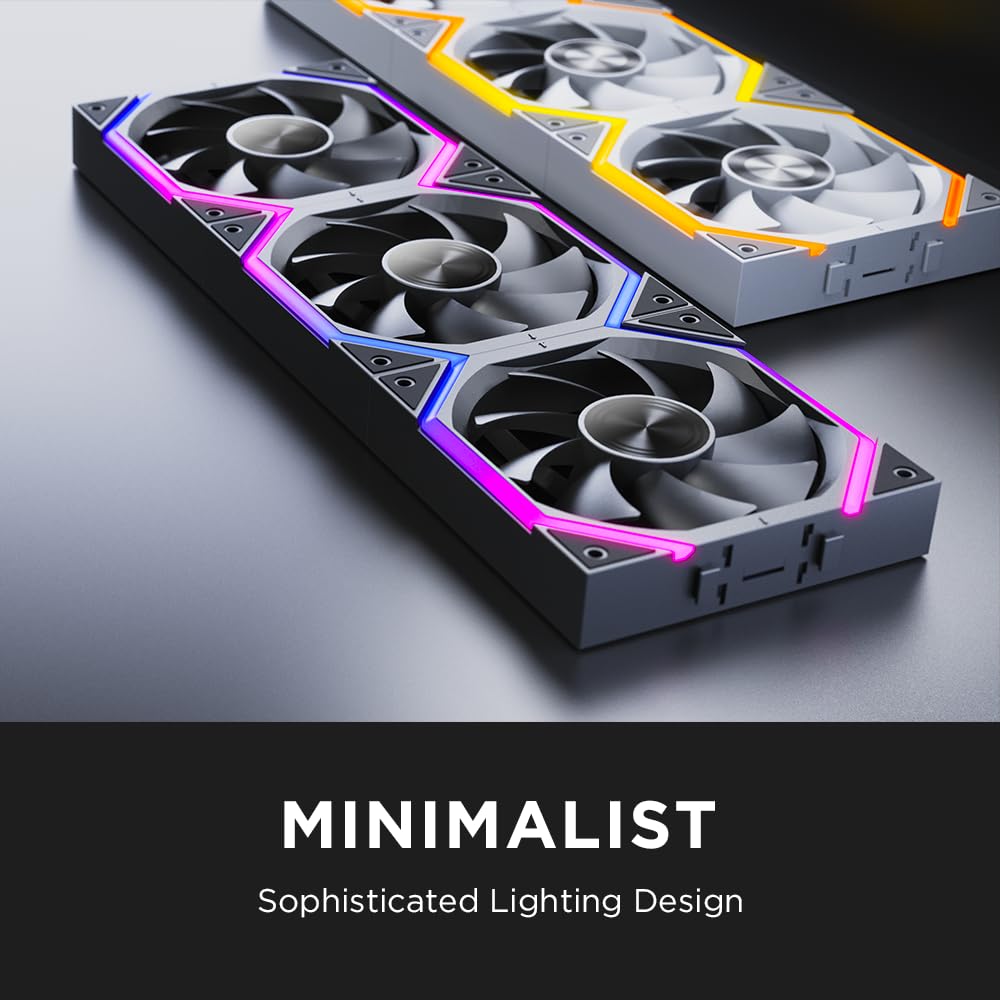
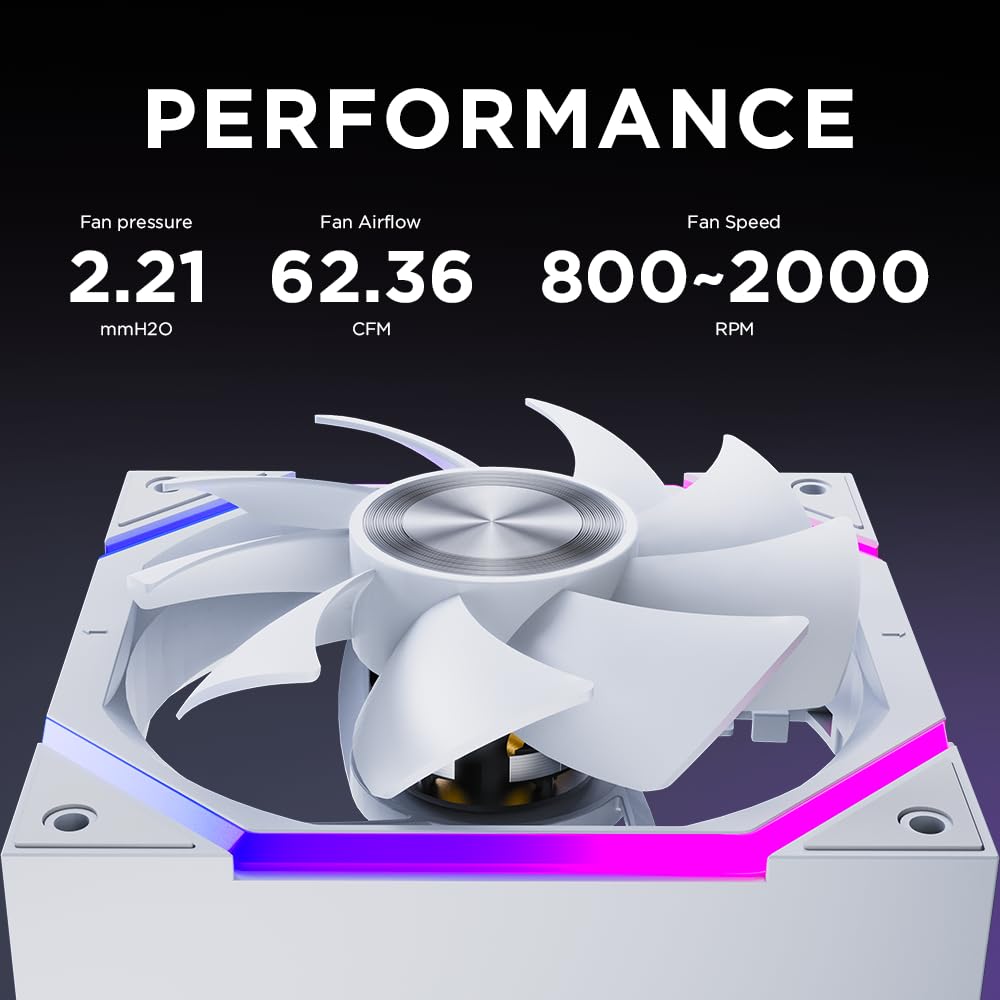
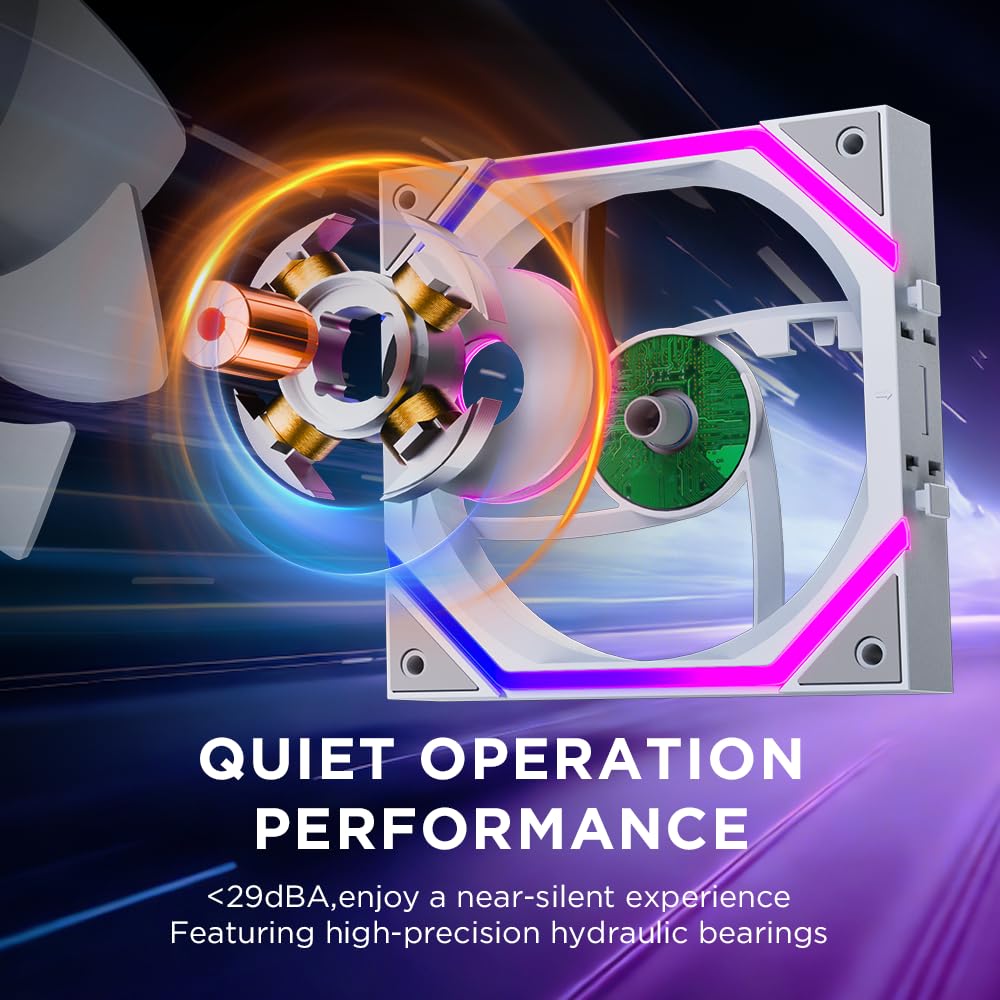
The Jungle Leopard Build Blocks UNI Daisy Chain is a trio of 120 mm PC fans designed to simplify ARGB lighting integration while delivering solid cooling performance. Aimed at builders who want cleaner cable management and a cohesive appearance inside a PC case, this set uses a daisy‑chain connection that hides cables and reduces clutter. On paper, you get three 120×120×2.5 mm fans, each capable of up to 2000 RPM with a claimed airflow around 62.36 CFM and a static pressure of 2.21 mmH2O. Noise is targeted at ≤29 dB(A), which suggests a balance between quiet operation and cooling力 in typical chassis. If you prioritise a tidy interior and dependable airflow for mid‑high workloads, these may be worth considering.
How it’s built and how it works
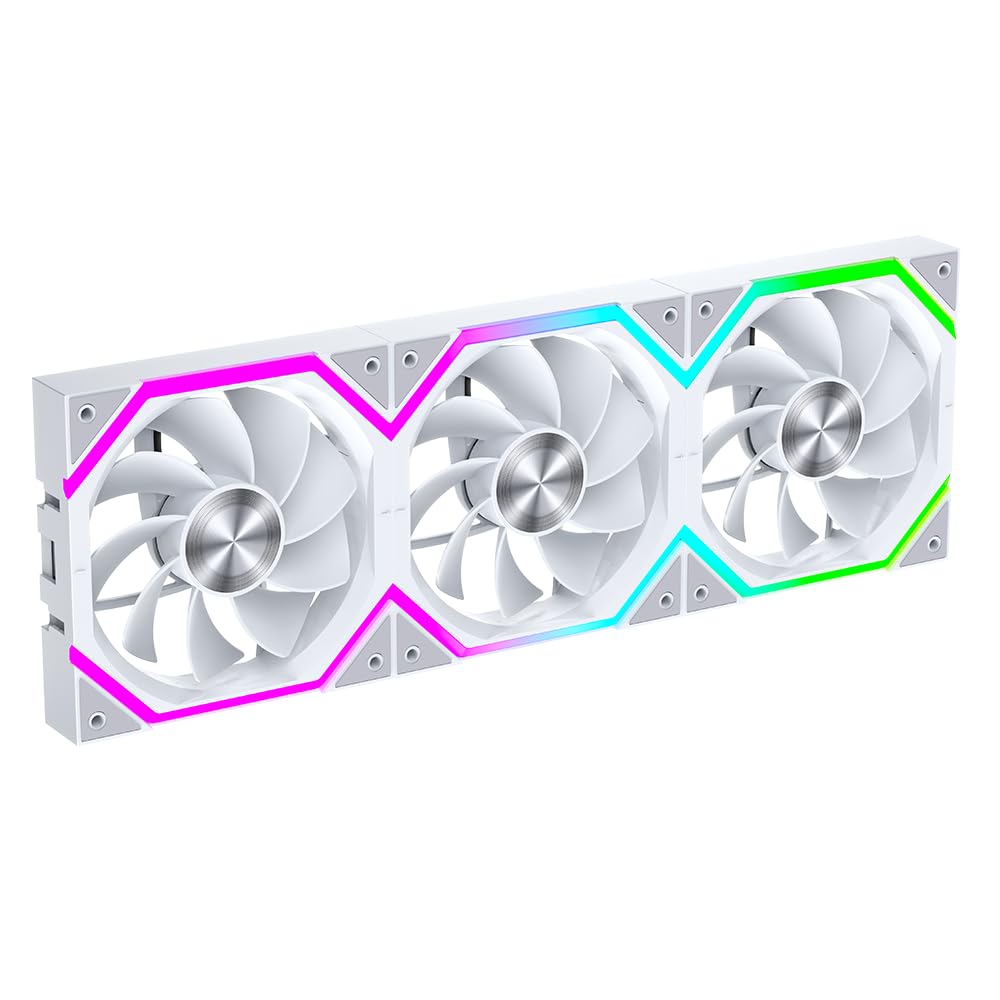
These fans use a 9‑blade design and hydraulic bearings, which are described as offering a longer life through a closed oil path system. The inclusion of ARGB with a daisy chain approach is important: it lets you connect multiple fans in series while keeping the cable routing neater than traditional individual 3‑pin or 4‑pin connections. However, the base data cautions against running four or more fans in a single chain due to potential instability, for larger builds, use a hub for additional fans. The 5V3PIN ARGB control combined with 12V4PIN PWM suggests flexibility for both lighting and speed control in compatible motherboards or controllers. The overall heat dissipation performance is positioned for intensive tasks like gaming or rendering, where keeping the interior of the case cool matters.
What stands out in daily use

On the practical side, the improved 9‑blade design and robust plastics contribute to better airflow with lower wind noise, which can translate into a quieter build under load than a generic 120 mm fan. The high speed of up to 2000 RPM means strong immediate cooling when the system needs it, but you’ll want to balance that with the noise profile in your specific case. The daisy‑chain approach is a win for cable routing inside a tight build, just plan your fan placement and the number of fans in the chain to avoid any stability issues. A minor caveat is that if you need more than three fans in a chain, performance can be unpredictable unless powered via a hub or separate controller.
Who it’s for
This trio is well suited for users designing a clean, visually cohesive build where ARGB lighting matters and airflow is important. It’s appropriate for mid‑range to higher‑end builds, particularly those using 240 mm or 360 mm radiators where additional intake or exhaust fans help maintain temperatures during heavy workloads. It may appeal to hobbyists who want a simple, aesthetically pleasing upgrade without resorting to multiple separate ARGB cables.
Where it might fall short

If your setup requires more than three fans in a single daisy chain, you’ll need a hub or individual connections, which somewhat defeats the purpose of the tidy cable concept. Also, while the spec notes a strong airflow, real‑world cooling depends heavily on the case, fan orientation, and overall PC airflow design. Some users may find the maximum RPM a bit excessive for quiet builds, despite the low reported noise level. And if ARGB lighting is a lower priority than pure cooling, the extra lighting features may not justify the cost in some cases.
When it makes sense to buy
Consider these fans if you value neat cable management, a unified lighting scheme, and solid airflow for a mid‑to‑high performance build. They’re a reasonable choice when you’re assembling or upgrading a case with 120 mm mounts and you want to avoid spaghetti cables from multiple separate fans. If you’re building a compact case with an emphasis on a clean interior, the daisy chain approach is particularly attractive.
What to check before buying
- Confirm your case supports 120 mm fans and that there’s space for a trio of fans with the chosen radiator configuration.
- Plan the daisy chain length and whether you’ll need a hub for additional fans or separate power control.
- Evaluate your motherboard or controller’s ARGB compatibility to ensure 5V addressable RGB control works as expected.
- Consider your noise tolerance and whether you’ll run fans at high speed continuously or ramp up only under load.
How it compares in practice

Compared with separate, non‑daisy‑chain fans, these units offer cleaner cable routing and a unified lighting look. If you prioritise sheer minimalism in cable management, they make sense, if you need maximum expandability beyond three fans in a single chain, a hub setup or different configuration may be preferable. In environments where stability is critical, adhere to the guidance about not chaining more than three fans in series and use a hub for larger builds.
FAQ
- Do these fans require a special controller for ARGB? They use a 5V3PIN ARGB connection, compatibility depends on your motherboard or ARGB controller.
- Can I run all three fans at full speed all the time? You can, but expect higher noise at 2000 RPM, for long gaming sessions, consider PWM control to balance noise and cooling.
- What happens if I need more than three fans? Use a hub for additional fans to avoid instability in the daisy chain.
Final thoughts
If cable clarity and a cohesive lighting scheme are priorities alongside solid cooling, the Jungle Leopard Build Blocks UNI Daisy Chain 120 mm trio offers a practical solution. It’s not the ultimate budget pick, but it does strike a sensible balance between aesthetics, performance and ease of installation for suitably sized builds. If your goal is a simple upgrade that tidy‑fits a clean case interior while delivering reliable airflow, this set deserves consideration, provided you stay within the recommended three‑fan chain and plan power/ARGB control accordingly.
Is it worth it?
Final verdict: Worth considering if you value tidy wiring and integrated ARGB across multiple fans in a compact 120 mm configuration, and you’re building within the three‑fan chain limit. Not the best match if you need extensive expandability beyond three fans in one chain or if ARGB lighting is a minor priority in your build.