

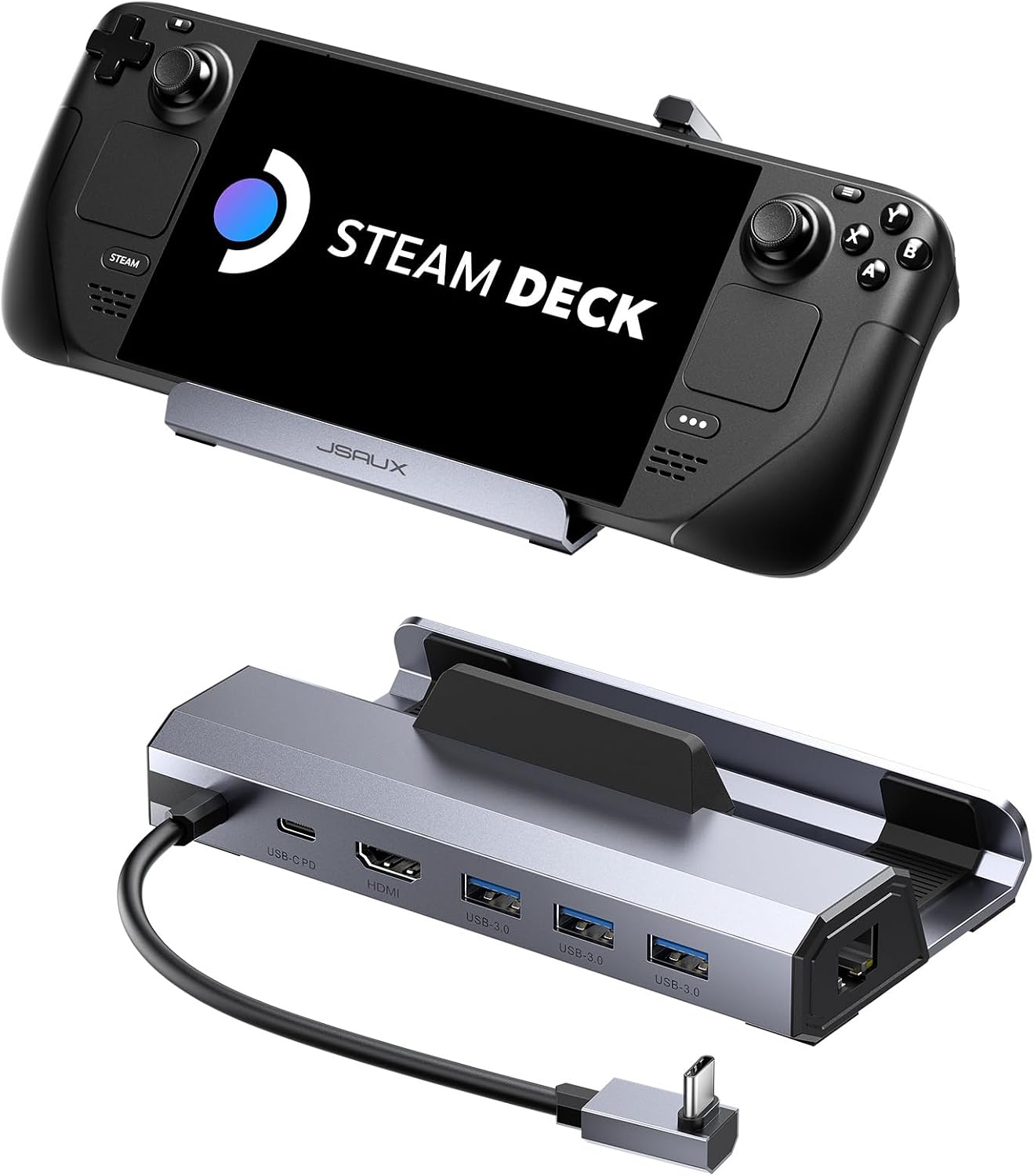
JSAUX 6-in-1 Docking Station with HDMI 2.1 (4K@120Hz) and 100W Charger for ROG Ally X, Steam Deck OLED, Legion Go (S)
Product description
What it is and why people buy a dock
If you’re using a handheld PC for more than just “quick sessions”, a docking station can make it feel like a proper living-room setup. The JSAUX 6-in-1 Docking Station is built around one clear goal: get you a high-refresh external display connection and basic desk-style connectivity in a single, compact hub.
On paper, the headline is HDMI 2.1 output at 4K@120Hz, plus a 100W PD charging feature and several ports for peripherals. The result is aimed at people who want smoother gameplay on a monitor/TV and don’t want to keep moving chargers, cables and adapters around every time they switch between portable and docked play.
Key points
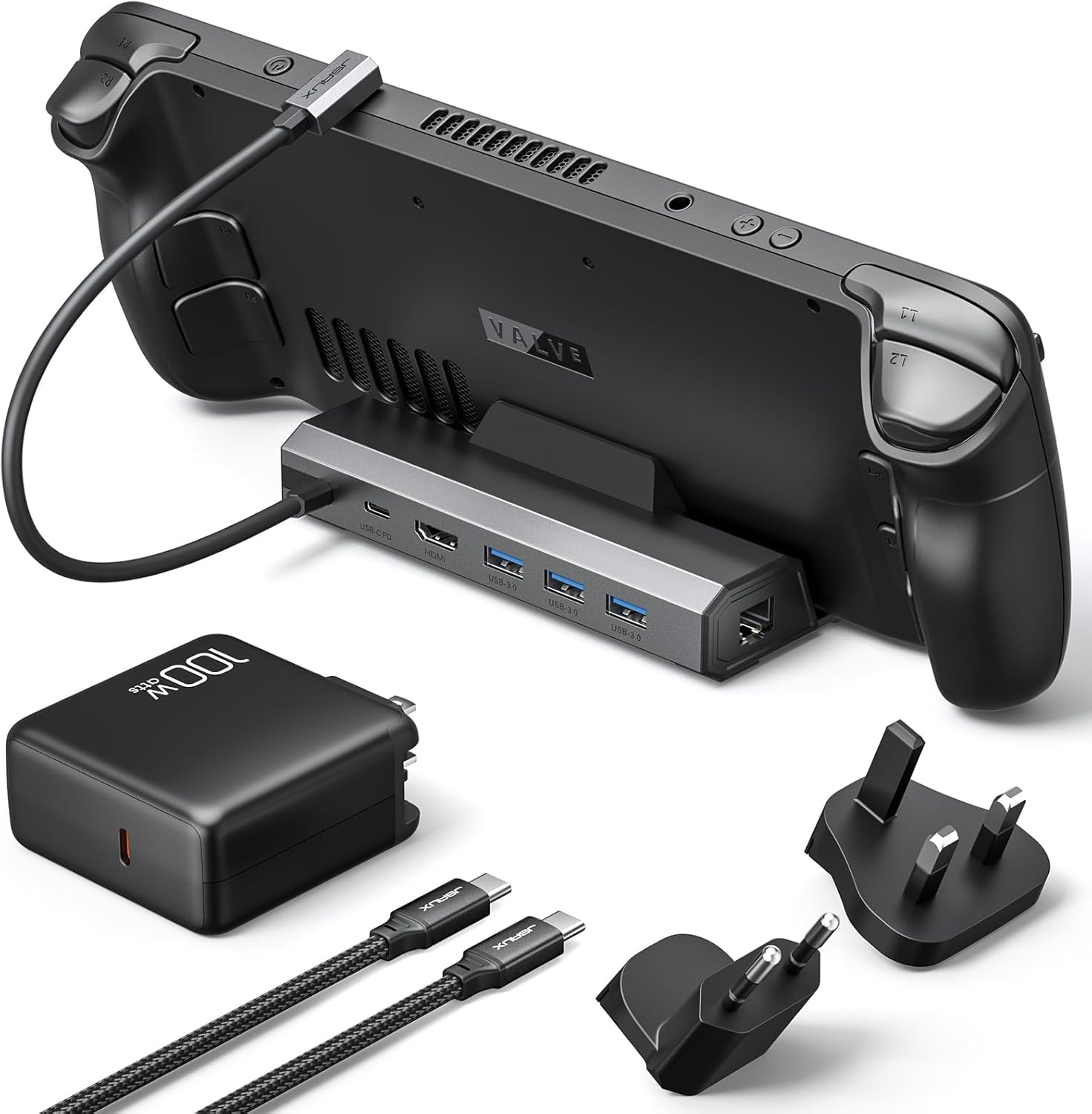
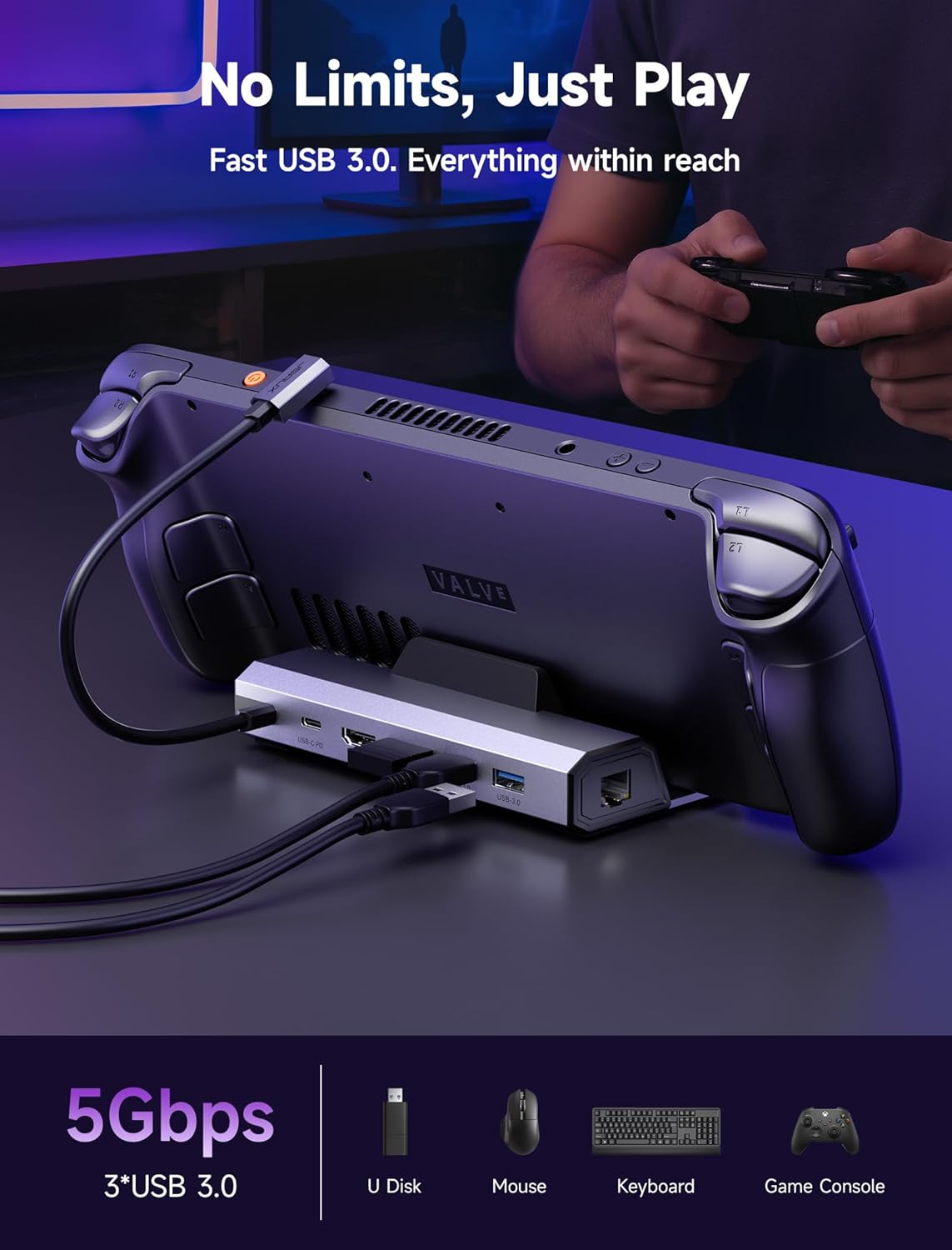
The dock focuses on three practical areas: a smoother external video signal (4K@120Hz over HDMI 2.1), charging power (up to 100W PD), and everyday connectivity (HDMI, Gigabit Ethernet and three USB-A 3.0 ports). It’s also pitched as compatible with several popular handheld gaming PCs, including ROG Ally X, Steam Deck LCD/OLED, and Legion Go / Go S.
That “6-in-1” framing is useful if your current setup is a tangle of separate adapters. Here, you’re consolidating charging and connections into one cable path, which is exactly the sort of improvement that’s noticeable over time—even if you’re not chasing esports-level performance.
Where it shines in everyday use
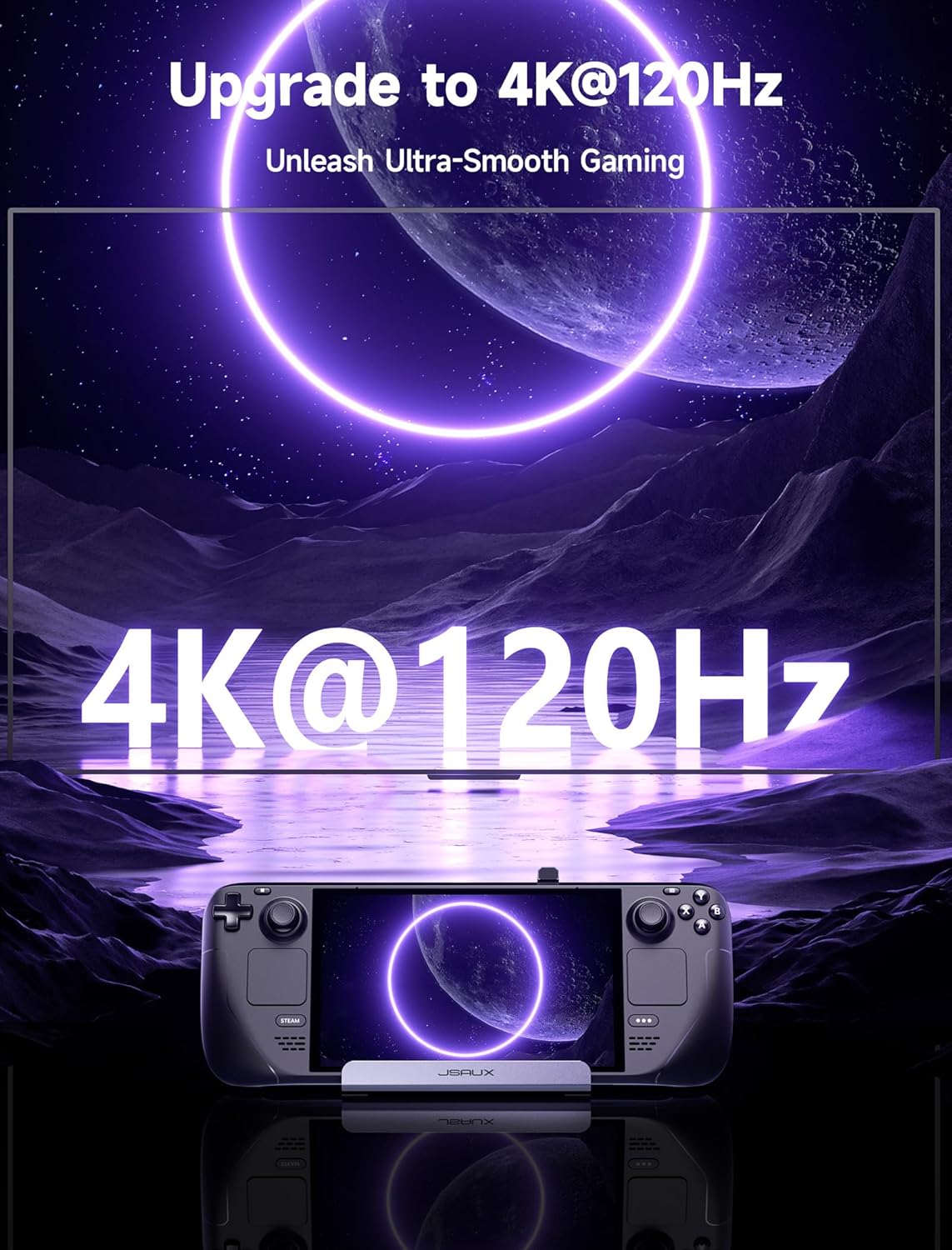
The most obvious benefit is the HDMI output. By targeting 4K@120Hz (HDMI 2.1), it’s designed for ultra-smooth motion and less screen tearing on external displays compared with a lower refresh option. In practical terms, that means games you play docked—especially fast-moving titles—can feel more fluid when your external screen supports the relevant refresh settings.
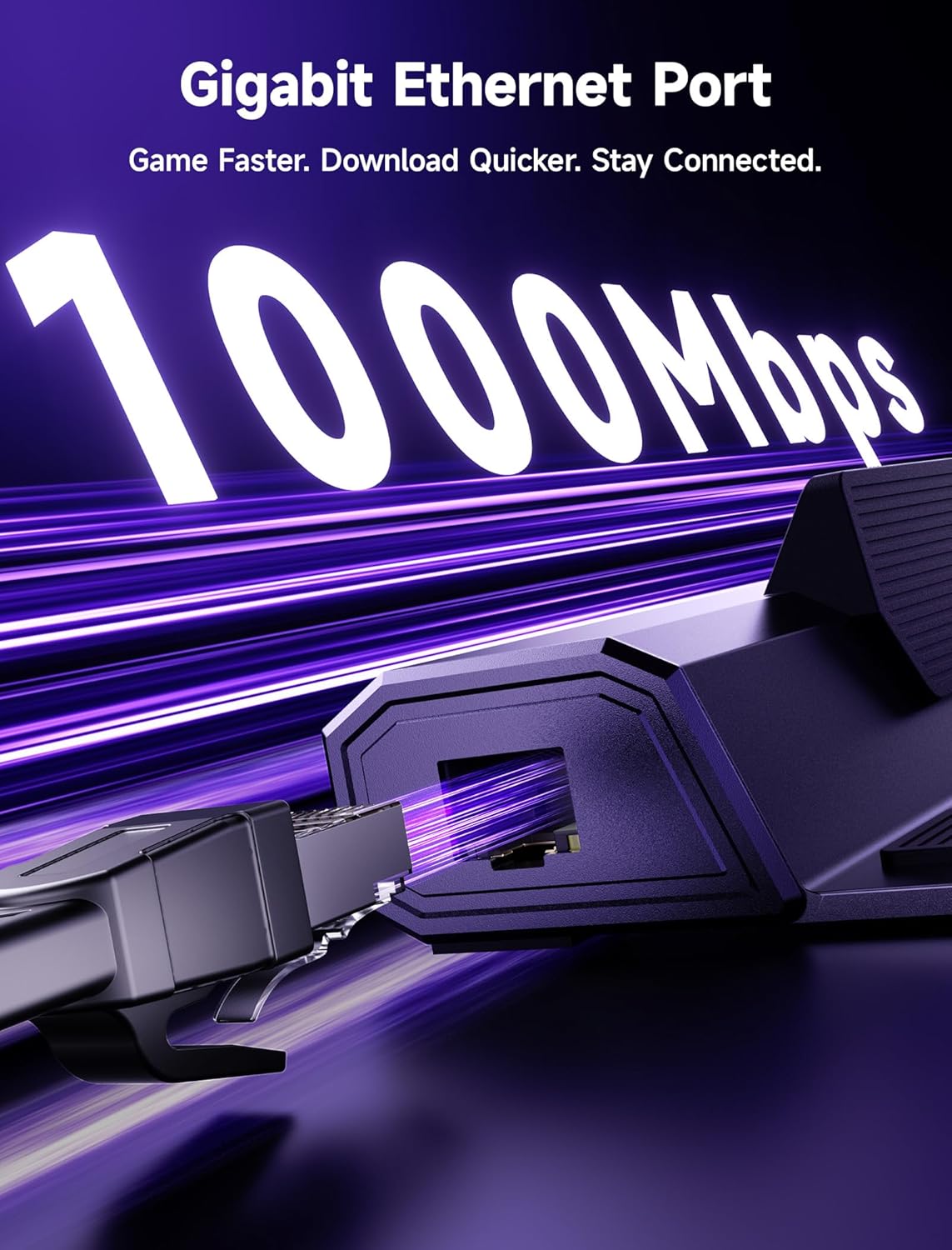
You also get a Gigabit Ethernet connection and three USB 3.0 USB-A ports. If you use wired internet, a wired controller, a mouse/keyboard, or a USB headset/dongle, it’s the kind of “plug in and go” setup that reduces friction. One micro-example: you set the handheld on your desk, connect the dock to the monitor, plug in Ethernet and a USB mouse, then you’re back in a match without reconfiguring anything.
Tech specs
- Name: JSAUX 6-in-1 Docking Station and 100W Charger (HB0603JSAUX)
- Type: Docking station
- Format: Dock with HDMI output, Gigabit Ethernet and USB-A 3.0 ports
- Display: HDMI 2.1 up to 4K@120Hz
- Charge: PD charging up to 100W
- Ports: 3 x USB 3.0 (USB-A)
- Network: Gigabit Ethernet
Compatibility and a couple of limitations to note
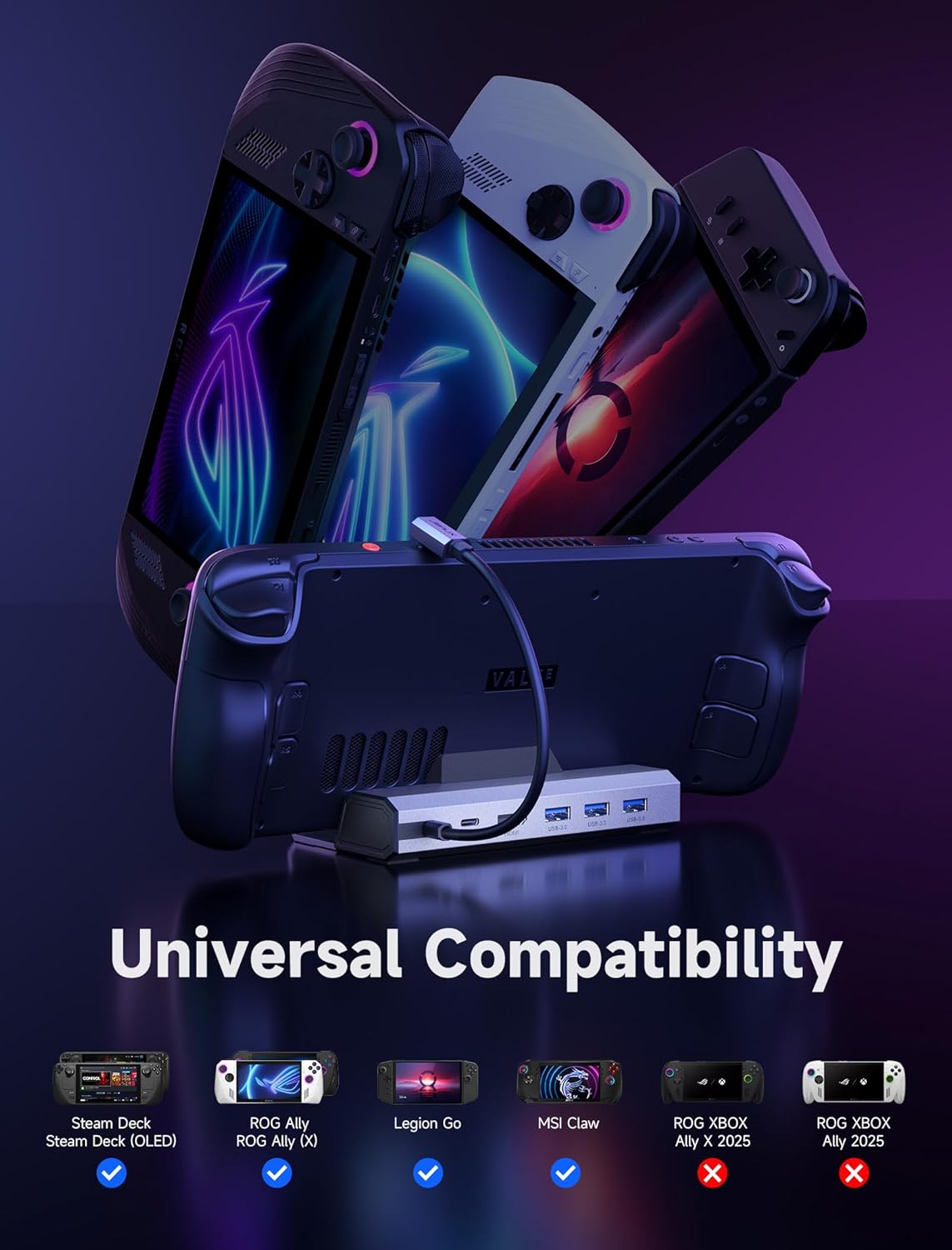
Compatibility is one of the biggest “make or break” items with docks like this, and the information here is fairly specific.
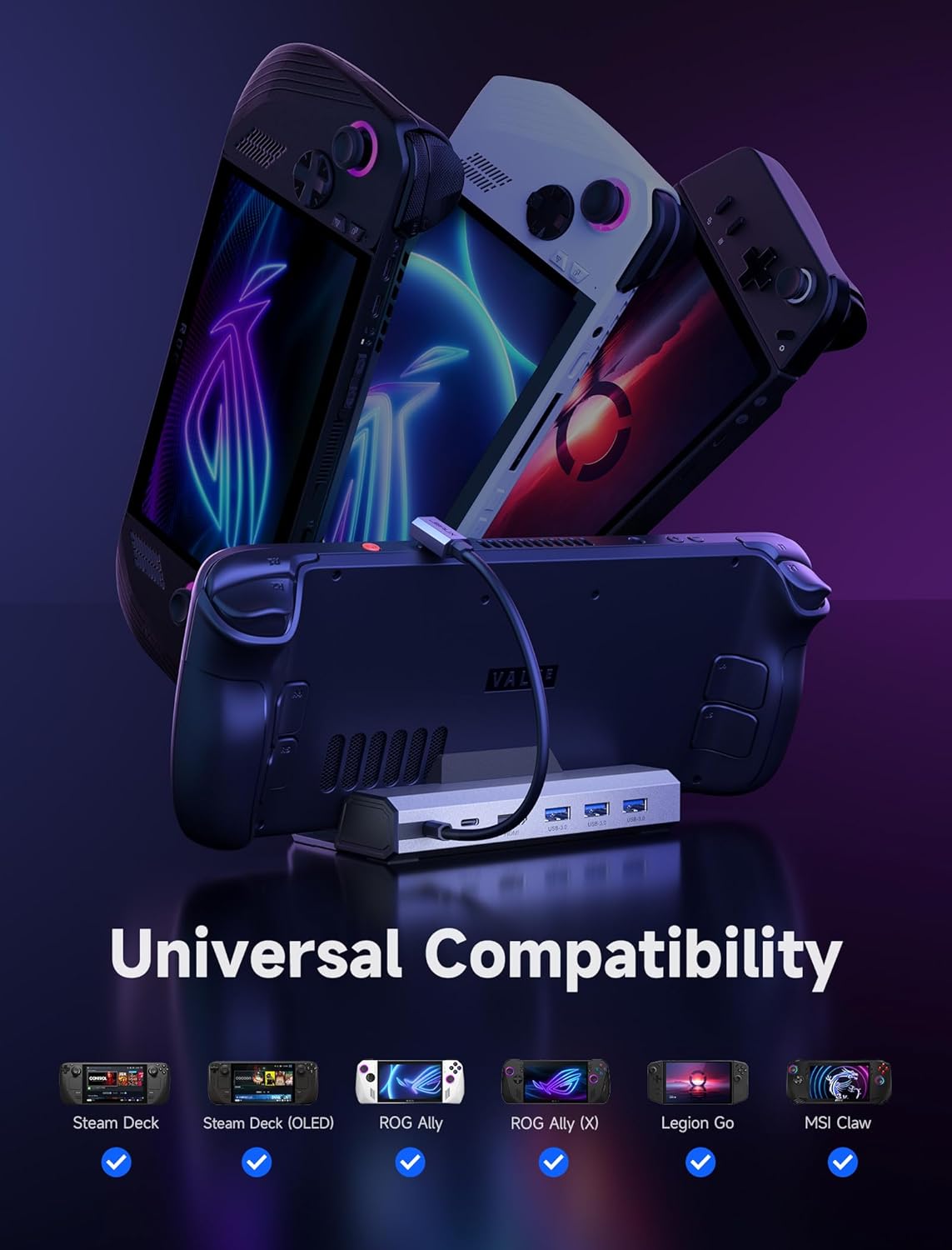
It’s stated as compatible with ROG Ally and Ally X, Legion Go and Go S, Steam Deck LCD/OLED, and MSI Claw. It also comes with an important note: it’s not compatible with ROG XBOX Ally or XBOX Ally X.
For charging, there’s a nuance worth taking seriously. The dock’s 100W PD charging is described as ideal for ROG Ally/Ally X and Legion Go/Go S. For Steam Deck, it specifically says a 65W PD charger is a more economical choice. In other words, don’t assume “more watts” is always the best value for every device—you might not need the full 100W depending on your handheld.
Should you buy it?
It’s a solid pick if you want one dock to handle external monitor output, wired Ethernet, and a few USB-A devices, and your handheld is one of the listed compatible models. The 4K@120Hz HDMI 2.1 focus makes it particularly appealing if you care about smoother image output when docked and your monitor/TV can support the settings.
You may want to skip it if your handheld is specifically one of the “not compatible” models mentioned, or if you already have a simpler charging approach and you mainly need basic connectivity rather than a high-refresh HDMI setup. Also, keep the Steam Deck charging note in mind: if you’re using Steam Deck, the dock’s 100W angle may not be the most cost-efficient route if a lower-watt charger would do the job.
If you prioritise clean, repeatable desk-to-lounge use (monitor + Ethernet + peripherals), this dock makes practical sense. If you’re expecting it to work across every handheld PC variant without checking compatibility first, it might not be the right match.
Mini FAQ
Is the HDMI output really 4K@120Hz?
The product information states HDMI 2.1 output up to 4K@120Hz, designed to support smoother external gameplay on compatible displays.
Does it include the charger?
Yes. The package contents list a 100W charger along with the 6-in-1 dock.
How many USB ports does it have?
It includes three USB-A 3.0 ports.
Is it compatible with Steam Deck?
Yes, it’s stated to work with Steam Deck LCD/OLED. It also notes that a 65W PD charger is a more economical choice for Steam Deck.
Which devices is it not compatible with?
The information provided states it’s not compatible with ROG XBOX Ally or XBOX Ally X.