

JIELISI Rotary Paper Trimmer 12-inch cut
Product description
This compact rotary trimmer brings controlled, repeatable cuts for office and craft projects, making it easy to trim photos, labels and printed sheets. The 12 inch rotary paper trimmer suits tasks that need straight edges and moderate volume, and its automatic press function helps keep multiple sheets aligned for neater results.
Key Points
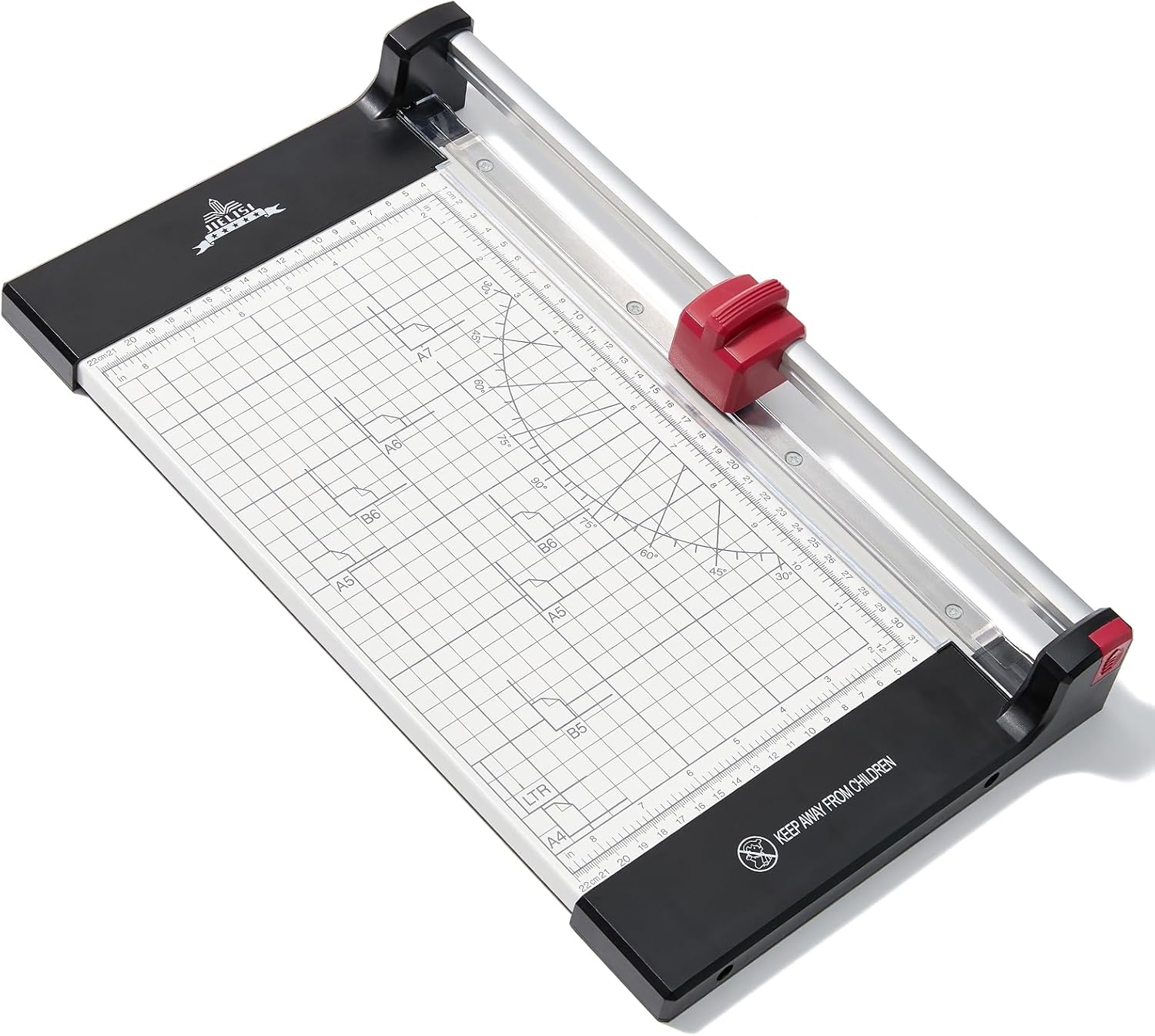
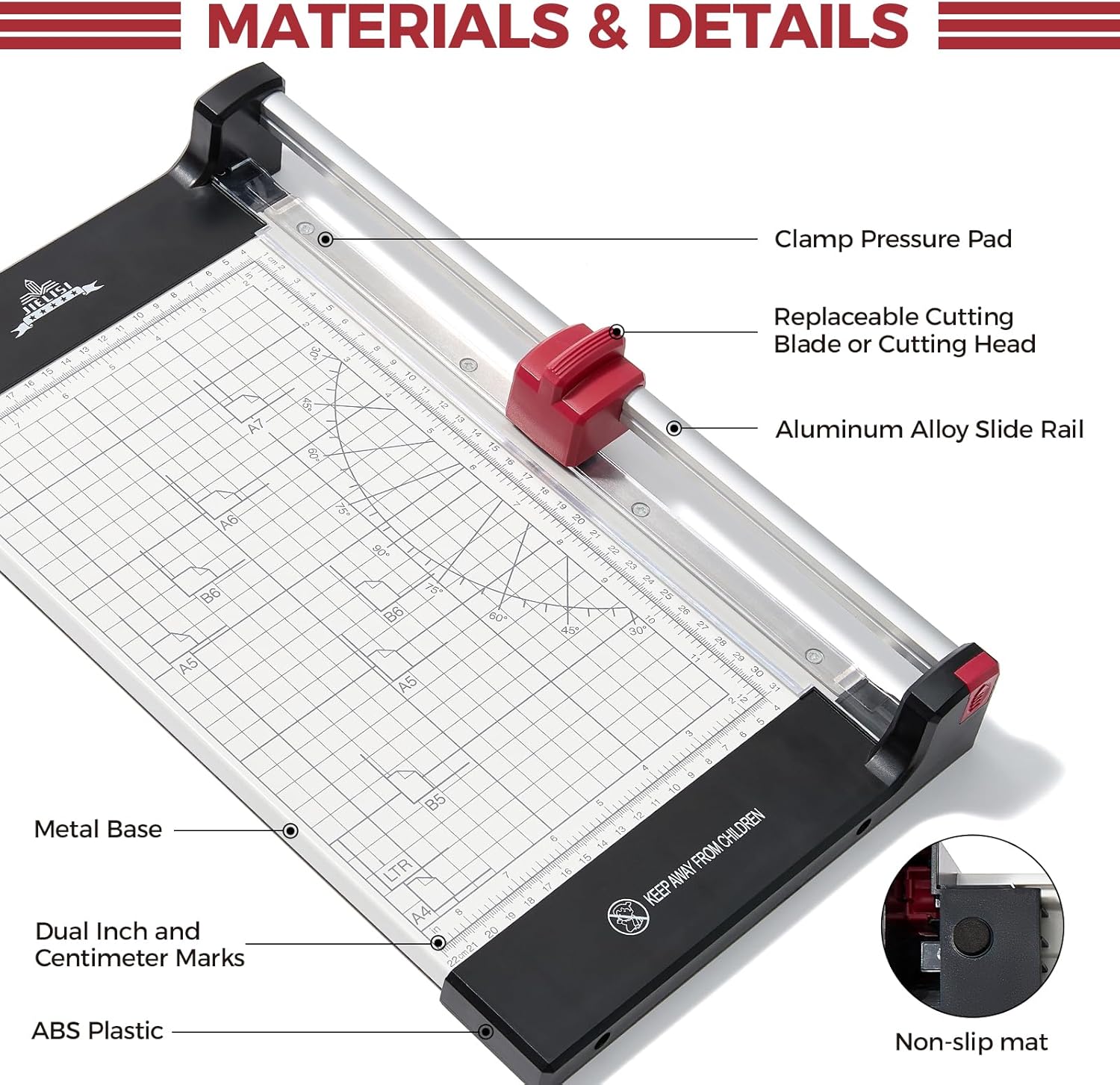
The cutter uses a circular blade that turns as it slices, which reduces snagging on thin paper and helps maintain a clean edge. It can handle up to 10 sheets of 20 lb paper in a single pass according to the manufacturer, and the top plate includes printed angle guides and a ruler for quick alignment. For craft use, the unit supports a range of standard sizes including A4, A5 and B5, and it is described as stable thanks to a metal work surface. ✂️
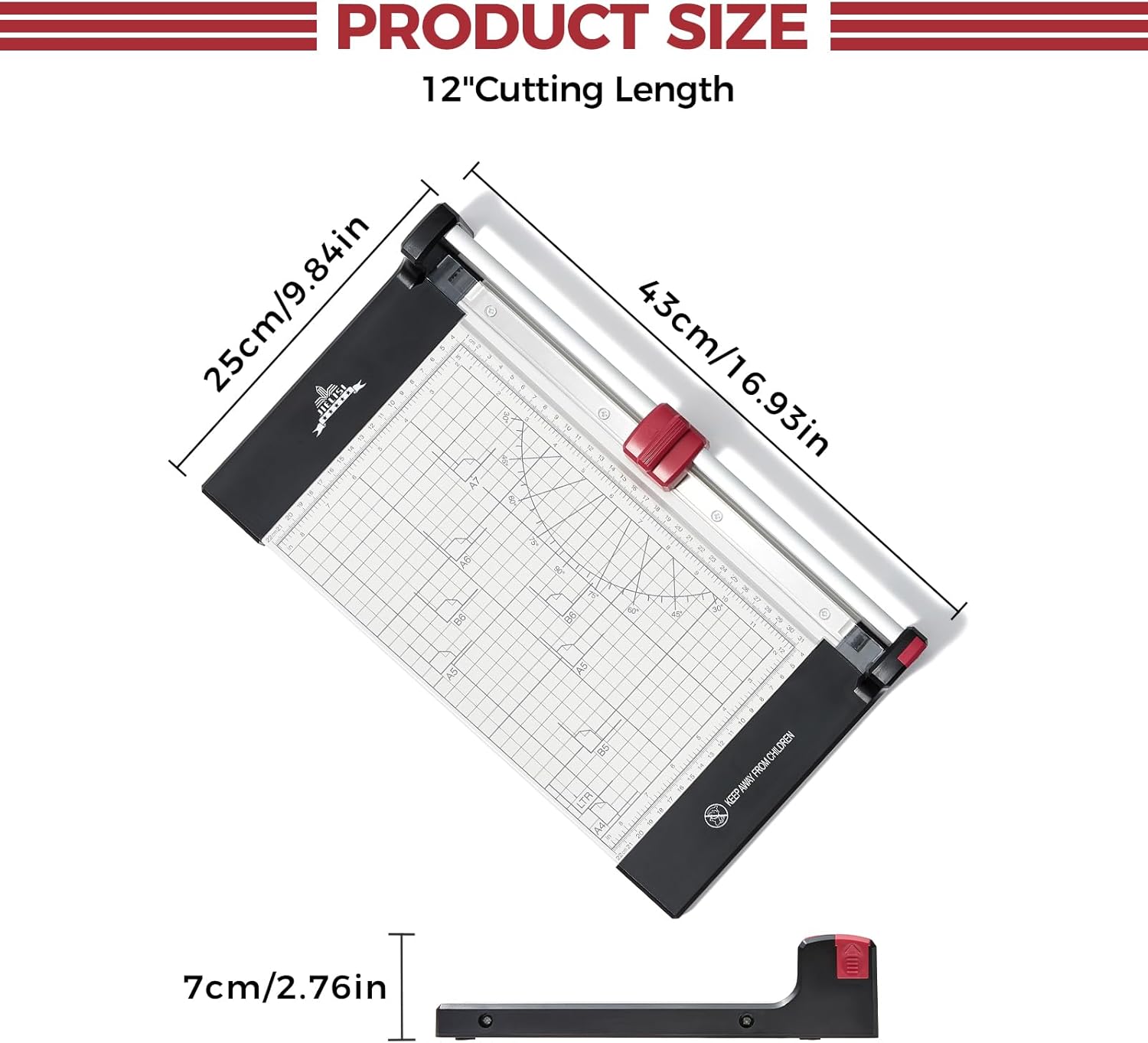
Technical Specifications
- Name: JIELISI Rotary Paper Trimmer Cutting Performance up to 10 Sheets,12 Inch Cut Length A4 Manual Guillotine Paper Cutter Scrapbooking Tool with Automatic Paper Press Function
- Blade type: 360° rotary blade
- Maximum cut length: 12 inch cut length
- Cutting capacity: Up to 10 sheets of 20 lb A4 paper
- Surface material: Metal panel
- Scales: Centimetres and inches printed, with angle auxiliary lines
Benefits
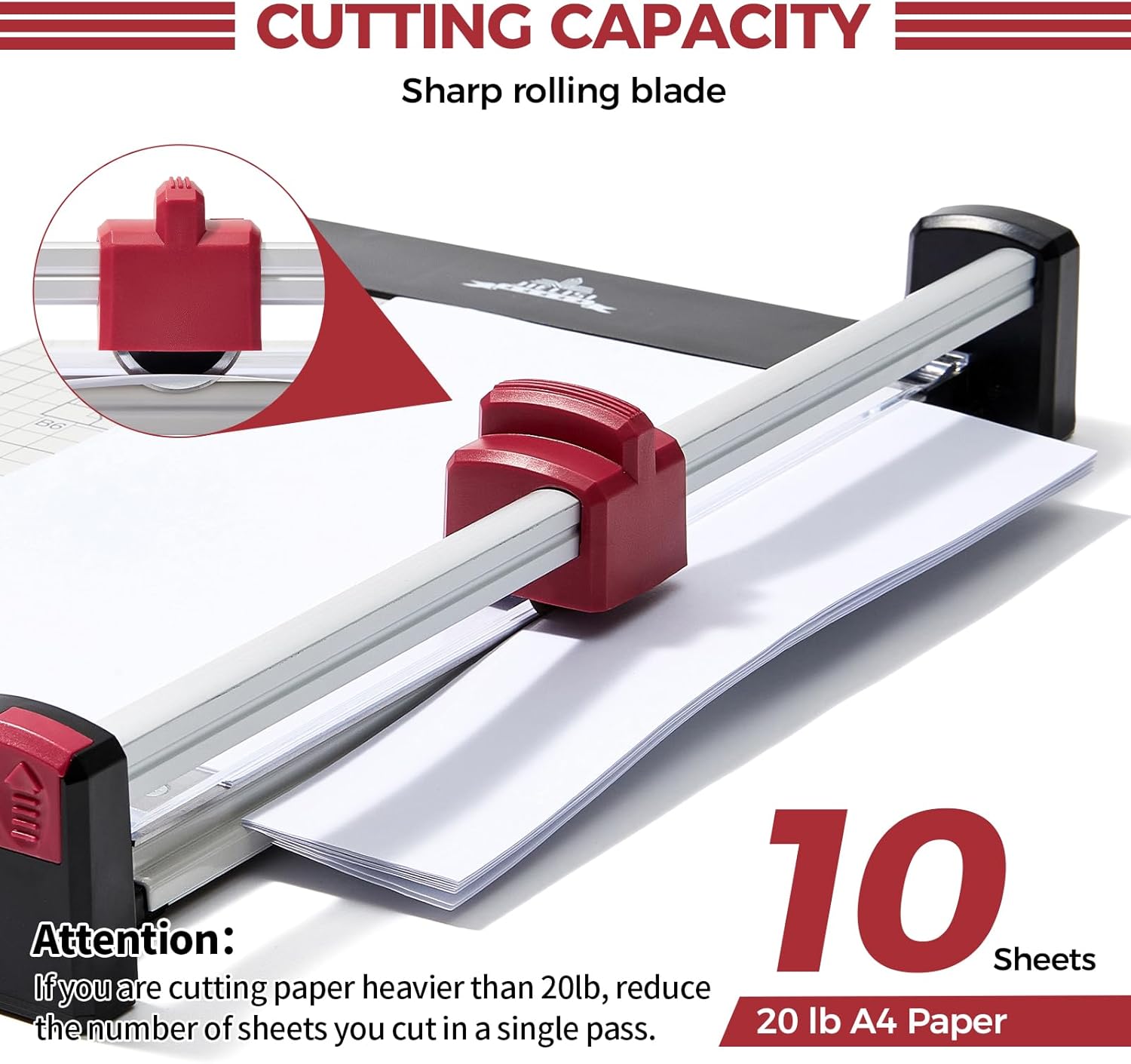
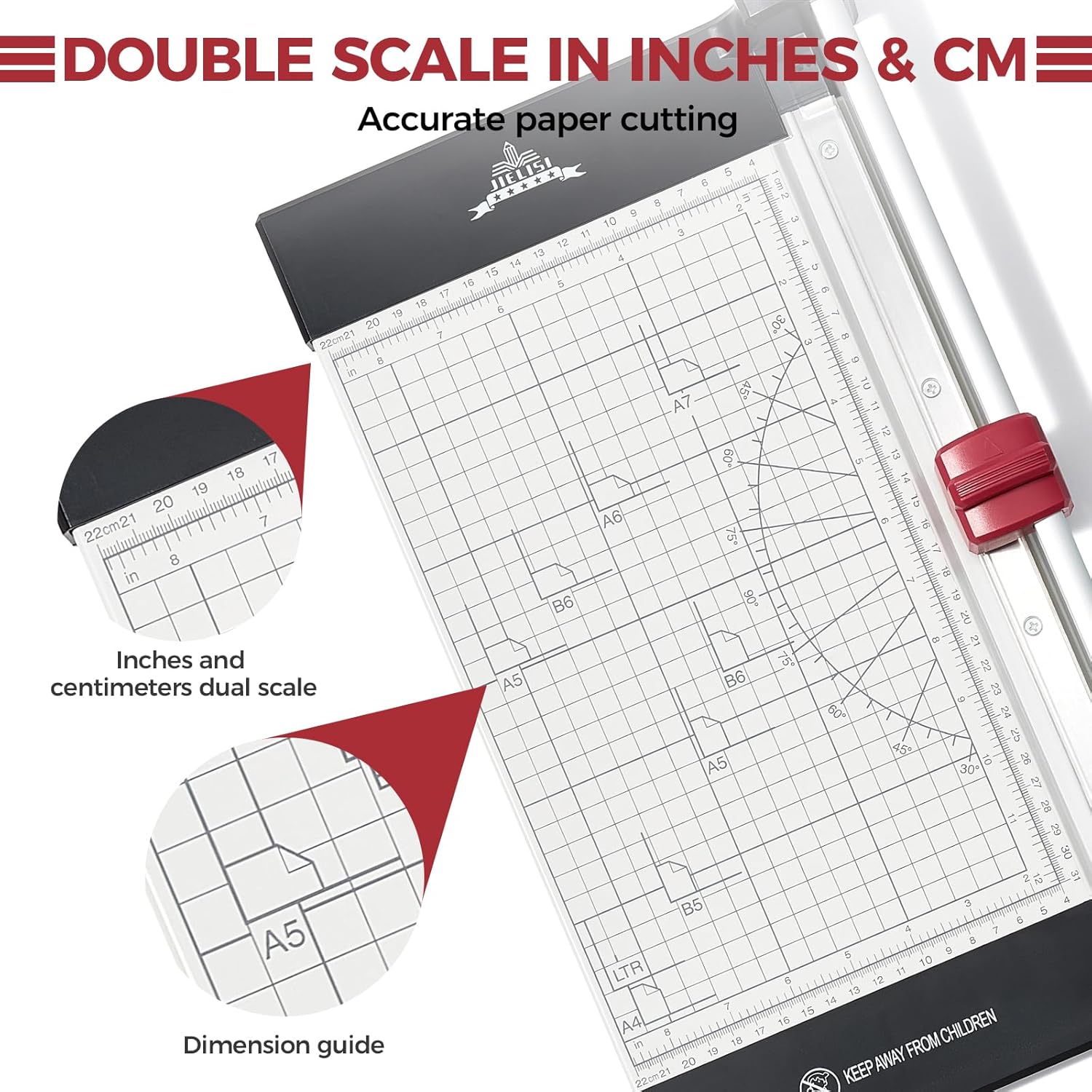
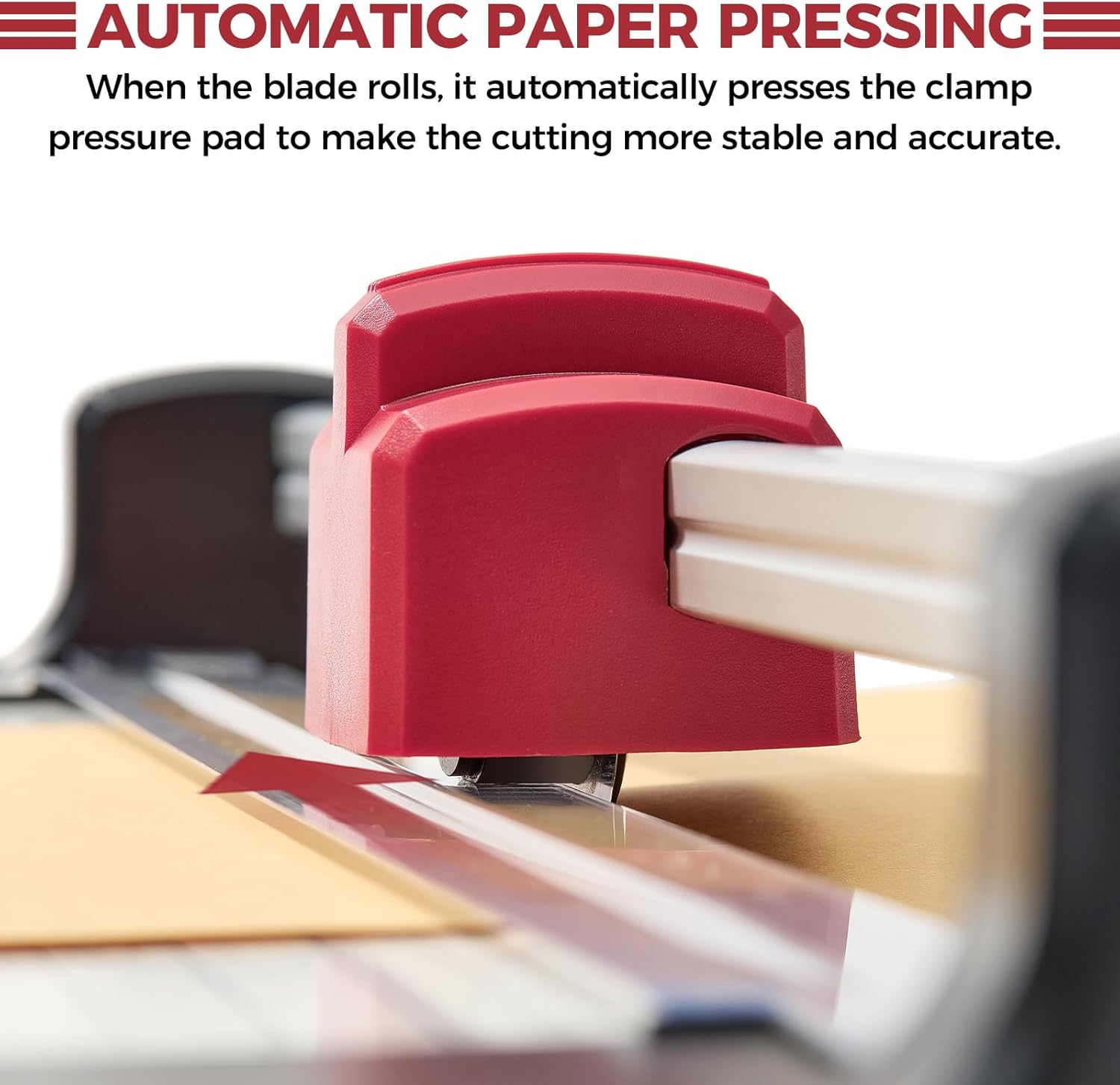
The circular blade design tends to give smoother cuts on thin paper and light cardstock, which is useful when preparing presentation materials or trimming photographs. The automatic clamp activates as the blade moves, so pressure is applied evenly without a separate lever to operate. This feature can improve repeatability when making multiple identical cuts. The printed grid reduces measuring errors and speeds up alignment, especially for repetitive jobs. 📝
Practical Tips
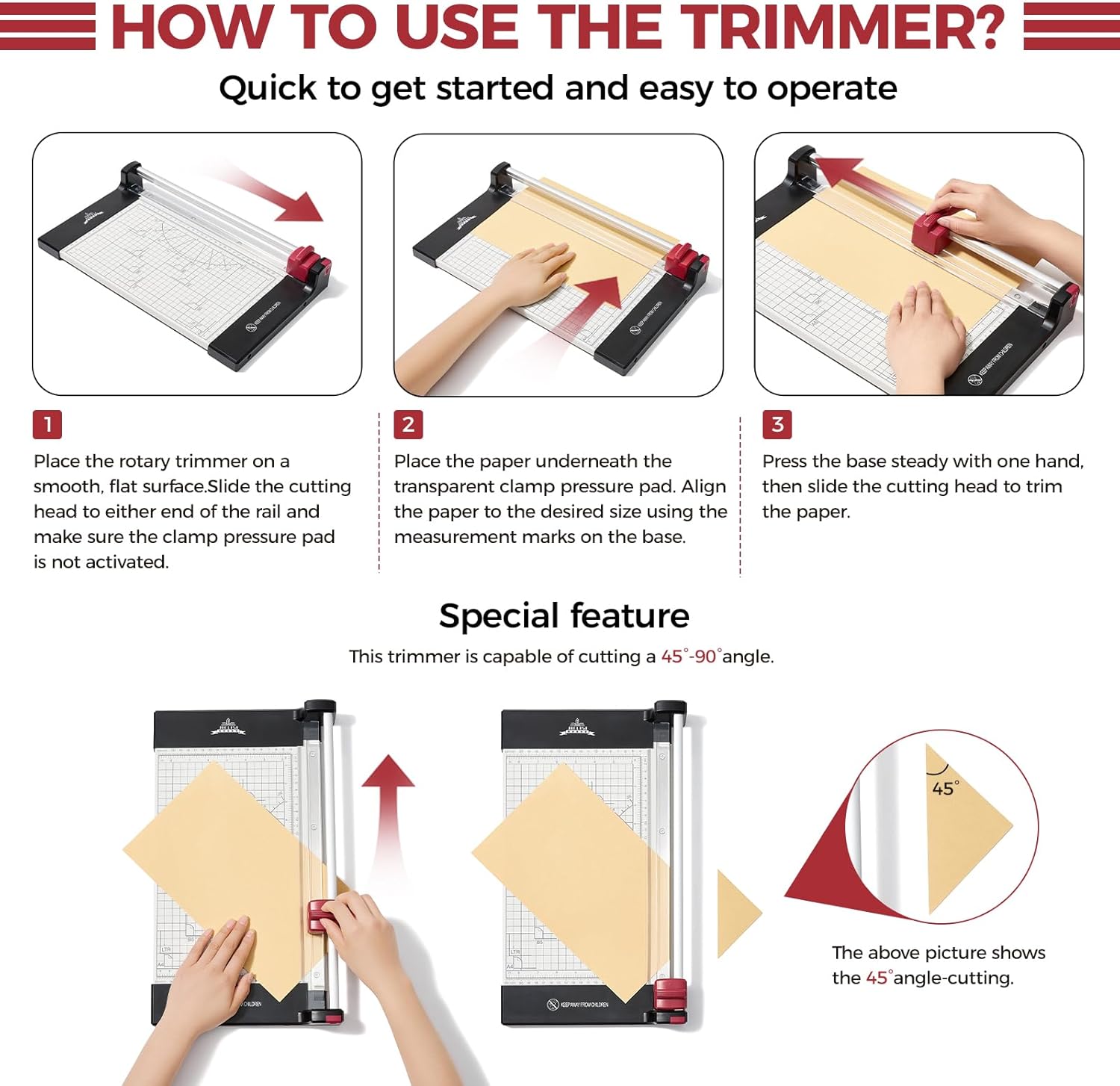
For best results, align the paper with the printed centimetre or inch scale and use the angle guides for slanted cuts. When cutting thicker cardstock or coated photo paper, work with fewer sheets at a time to maintain clean edges, because the stated capacity refers to 20 lb paper and performance may vary with heavier media. Handle the rotary blade carefully during cleaning and blade changes, and keep the surface free of adhesive residue if you trim labels or sticky-backed materials. 📸