

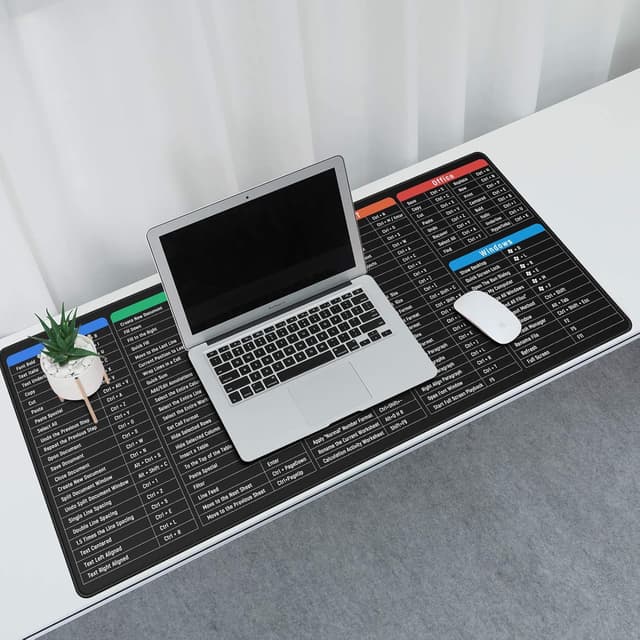
JIALONG Gaming Mouse Mat Large Excel Shortcuts XXL (900x400mm) Thick Extended Desk Mat
Product description
At a glance
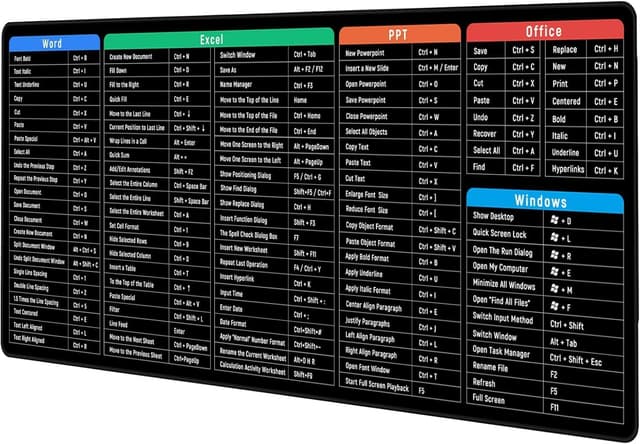
A large desk mat can be the difference between your mouse feeling “floaty” and feeling controlled. This JIALONG XXL mouse mat focuses on a broad working area, plus an Excel shortcuts cheat sheet style layout, so it’s aimed at people who spend serious time at a laptop or PC doing spreadsheets, admin work, or desk-based gaming.
The pitch is pretty clear: a big surface (900x400mm) to keep your wrist and mouse movements comfortable, with a textured cloth control layer and a non-slip rubber base. It’s not trying to be a specialist desk mat for professional esports budgets, it’s more in the “get comfortable, stay put, and keep working” category.
It does lean into the Excel angle, so if you don’t use spreadsheets much, you may end up paying for a feature you won’t really take advantage of. Still, the underlying mouse pad design is the main thing you’ll feel every day.
What it’s for (and what you’ll notice)
On paper, the main benefits come down to three things: control surface, stability, and coverage.
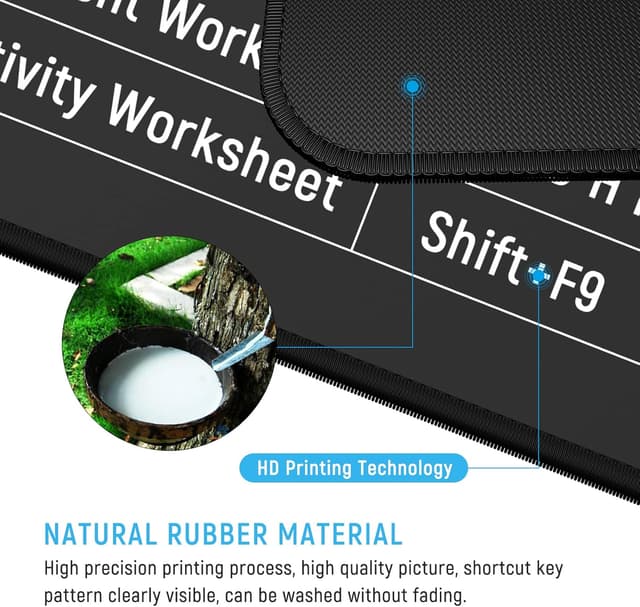
First, the surface uses a textured micro-weave cloth. That matters because it’s designed to support accurate tracking for both optical and laser sensors. In plain terms, it should help your cursor movements feel more consistent rather than sliding around.
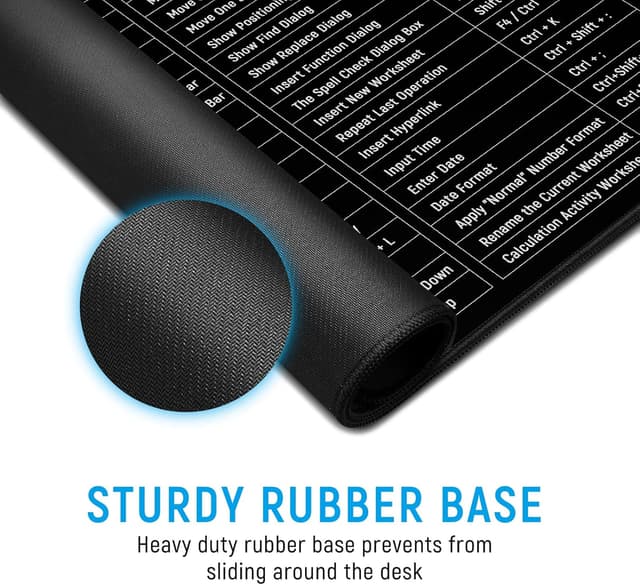
Second, the rubber base is described as soft, dense, and non-skid. If you’ve used thin desk pads that creep during fast mouse movements, you’ll appreciate having something that stays where you put it.
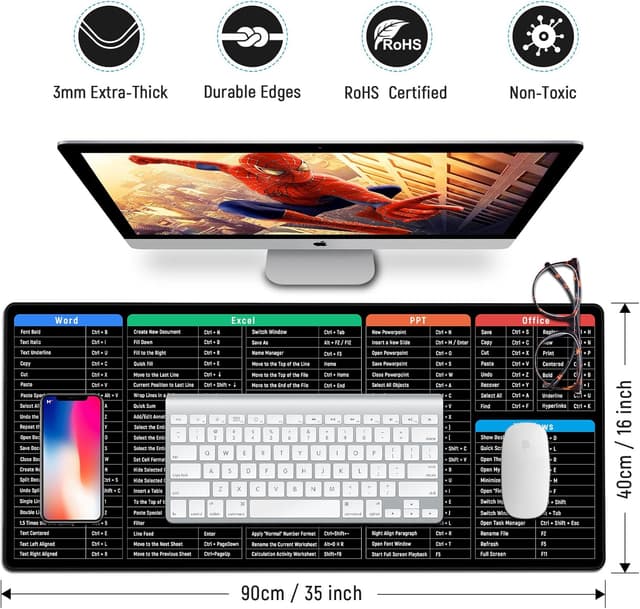
Third, the size is genuinely meant for an extended desk setup. With a 900x400mm footprint, you’re getting a wide zone for mouse movement across most typical desk arrangements, which can reduce how often you “hit the edge” of the pad.
A quick example of how this plays out in real use: if you’re working on a large spreadsheet and you constantly move between cells while also using a mouse for selections and resizing, a wider mat can help you keep the same flow—no frantic repositioning every time you reach the boundary.
Key features that matter
What stands out is the combination of an “Excel shortcuts” desk mat concept with an everyday control surface.
- Excel shortcuts cheat sheet concept: The mat includes an Excel cheat sheet/shortcut style layout. That’s great if you learn by referencing shortcuts while you work, or if you’re trying to speed up routine tasks without constantly switching tabs.
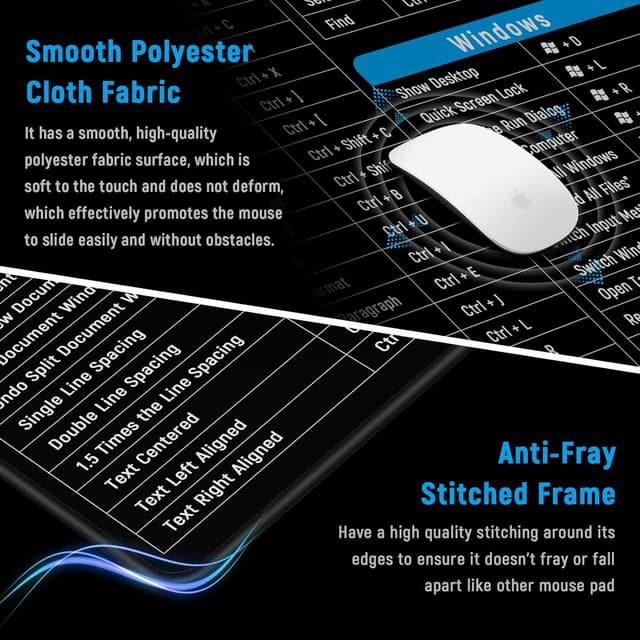
- Anti-wear approach for durability: It specifically calls out frayed edges and low-quality materials as common issues, and mentions an advanced fabric chosen after testing hours. There’s also a sewing approach along the edge intended to prevent curling and the pad falling apart over time.
- Non-slip base: The rubber base is meant to keep the mat firmly in place so you can focus on the work or game, not on repositioning the pad.
- Easy cleaning: It suggests wiping with a wet cloth if liquid spills or the surface gets dirty.
Worth noting: “Excel shortcuts” is clearly part of the design, but the input doesn’t confirm how visible or readable the cheat sheet remains in different lighting, or whether it suits all users’ preferred workflow.
Tech details
- Type: Extended desk mat / mouse pad with Excel shortcuts cheat sheet design
- Size: 900x400mm
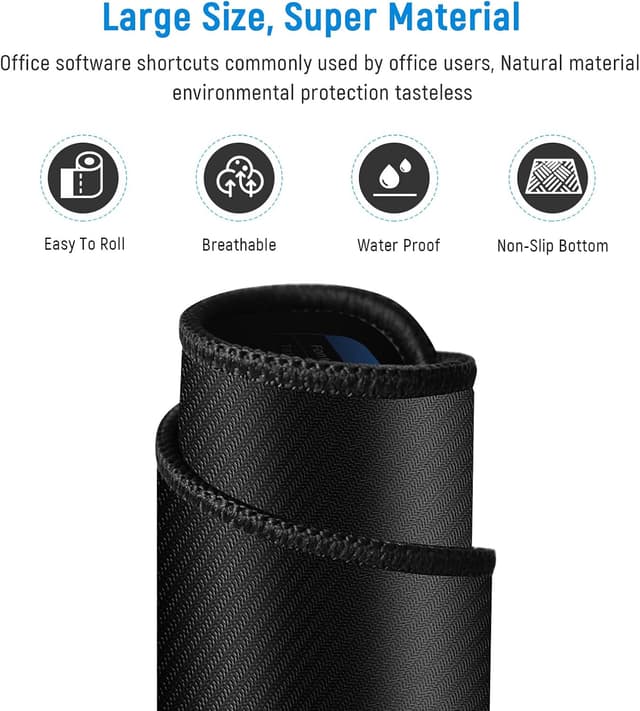
- Surface: Textured micro-weave cloth
- Base: Soft dense non-skid rubber base
- Use with sensors: Designed for optical and laser mouse sensors
- Edge construction: Frayed-edge issue addressed with sewn edge along the surface
- Cleaning: Wipe with a wet cloth if the surface gets dirty or liquid splashes
Who it suits (and who should skip it)
It makes sense if you want one mat that covers a big chunk of your desk area, stays put, and supports consistent tracking—especially if your day-to-day involves spreadsheets.
You may want to skip it if: - you don’t use Excel or shortcuts as part of your workflow (the cheat sheet element may feel wasted) - your desk is very small and you need a more compact mouse pad, because 900x400mm takes up space - you’re after a very minimal, low-profile mat and don’t want a thicker extended feel (the description mentions thick, but details are limited)
Care & maintenance
Keeping it in good shape should be straightforward. The product is positioned as easy to clean—wipe with a wet cloth if liquid splashes on the coating surface or if it gets dirty.
For longevity, the stitched edge design is meant to help with curling and fraying, but it’s still wise to treat it like a desk accessory that lives flat and doesn’t get repeatedly folded or forced into weird positions.
Is it worth it?
If you spend a lot of time at a PC or laptop—particularly in Excel—this JIALONG XXL desk mat looks like a sensible, practical buy. The big coverage, non-slip base, and textured control surface are the core reasons it should feel better than basic pads, and the stitched edge idea is aimed directly at a common failure point.
It’s not the most compelling choice if spreadsheets aren’t part of your routine, or if you simply want the smallest pad possible. Also, because the information provided doesn’t include specifics like thickness measurement, exact readability of the cheat sheet, or long-term user testing, you’ll want to rely on the basics: your desk size, your need for a wider area, and whether the Excel shortcuts design genuinely helps you.
Mini FAQ
Is it suitable for both optical and laser mice? The product description says it’s designed for both optical and laser sensors.
How do you clean it if you spill something? You can wipe it with a wet cloth if liquid splashes or the surface gets dirty.
Will it slide around on my desk? The rubber base is described as non-skid, intended to keep the mat firmly in place.
Is the Excel cheat sheet actually useful? It’s included by design for Excel shortcuts, but whether it helps depends on how you work and whether you use those shortcuts often.
Is it too large for small desks? At 900x400mm, it’s an extended size, so on a compact desk it could be more than you need.