

IPROKKO 360° Magnetic Privacy Screen for MacBook Air 13.6" (2022–2026) with 4-Way Privacy and Removable Matte Anti-Glare Filter
Product description
What matters most
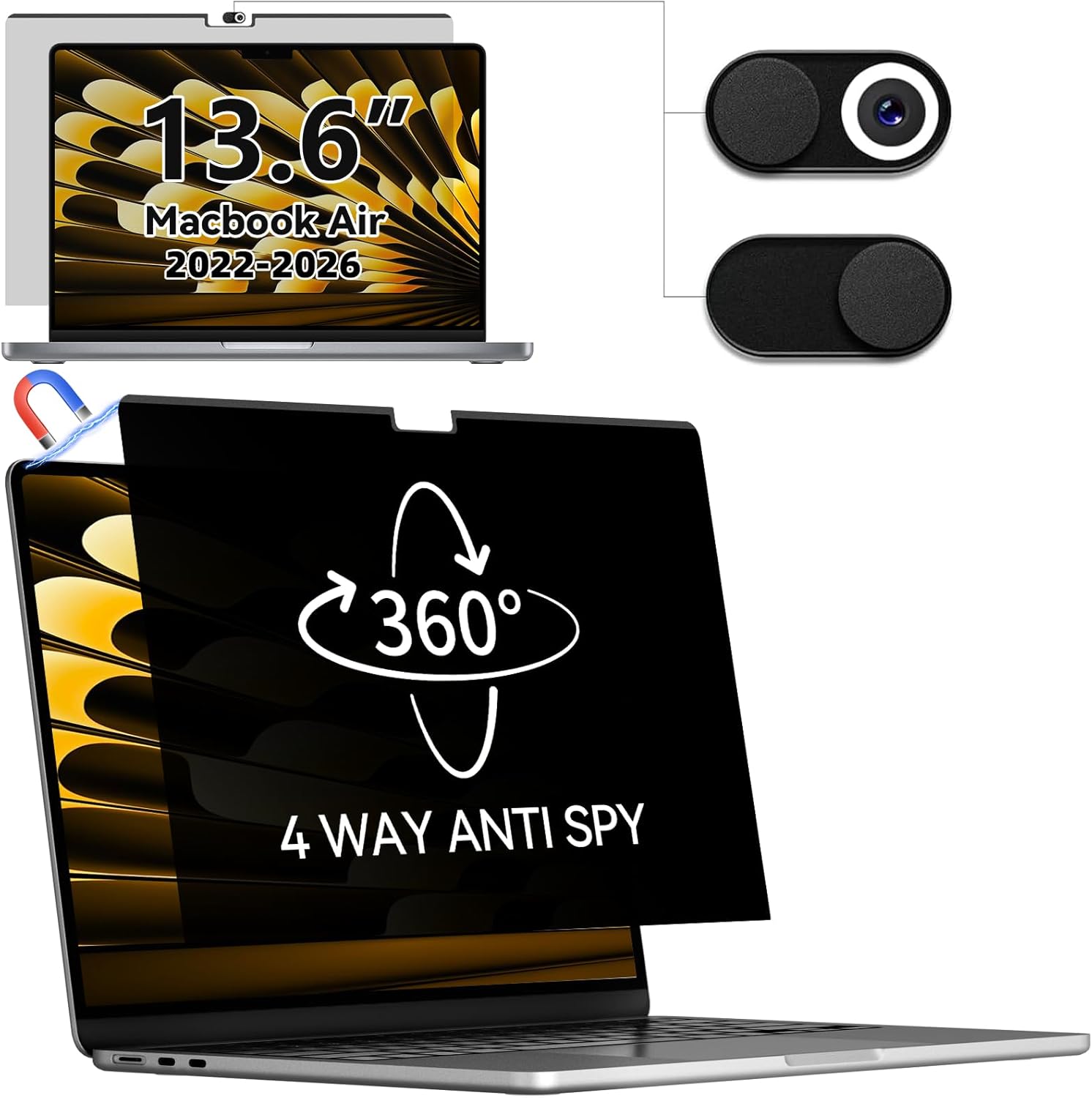
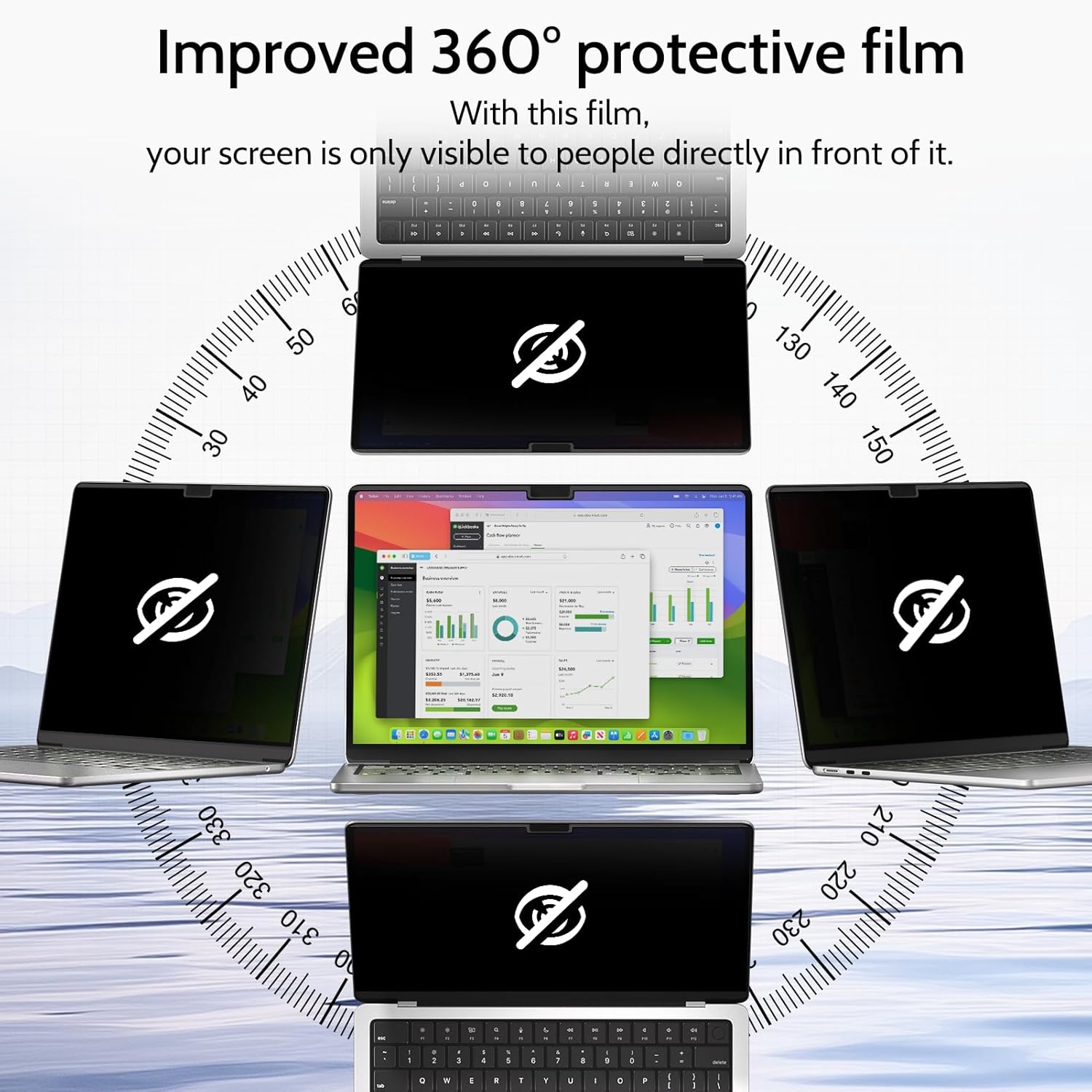
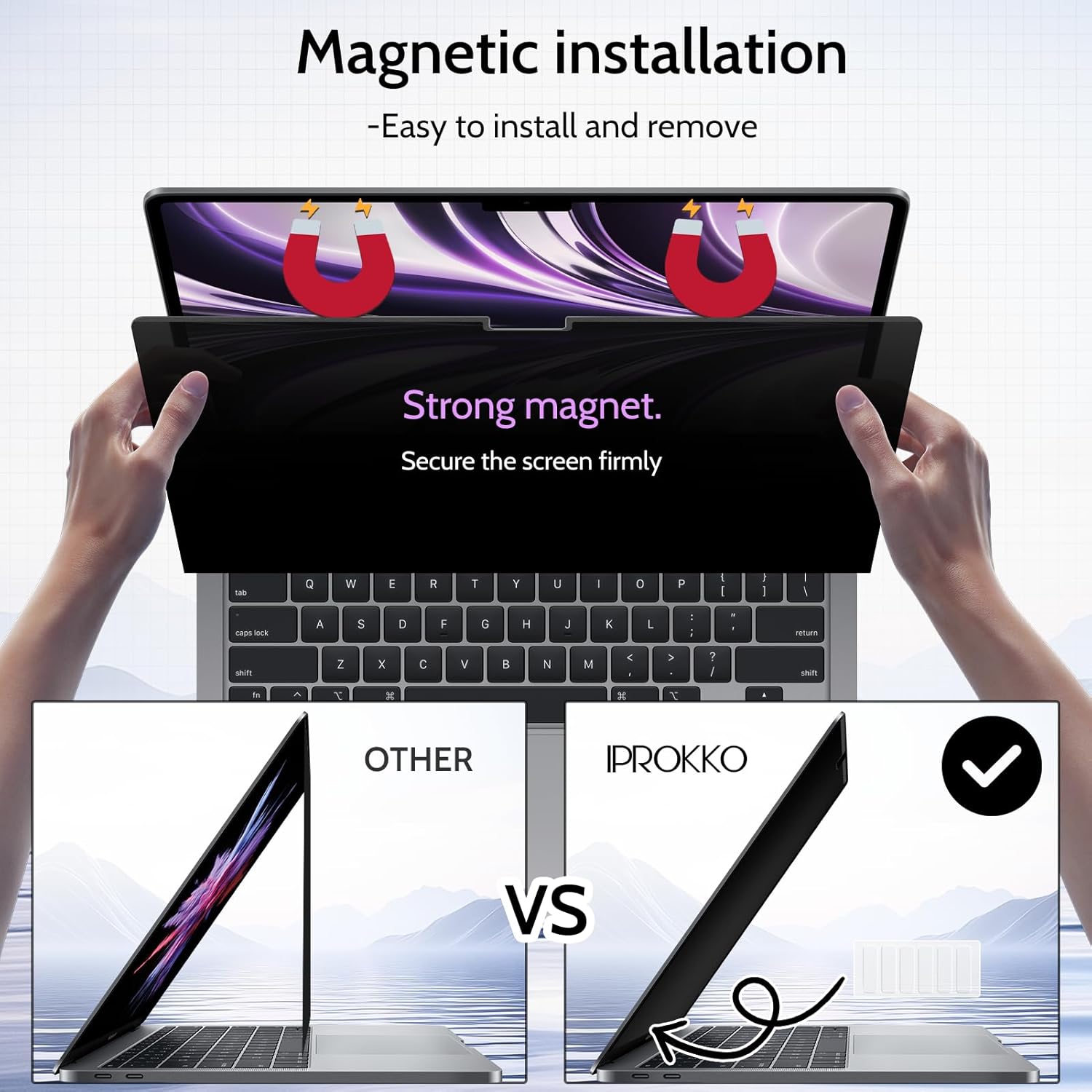
If you value keeping sensitive information private in public spaces, the IPROKKO 360° privacy screen for MacBook Air 13.6" aims to deliver. It uses a 360° privacy design to limit viewing angles from the top, bottom and sides, so only the person directly in front sees the screen clearly. The magnetic installation promises quick, bubble-free attachment that won’t leave sticky residue when removed, which is handy for switching between work and travel without hassle.
How it works
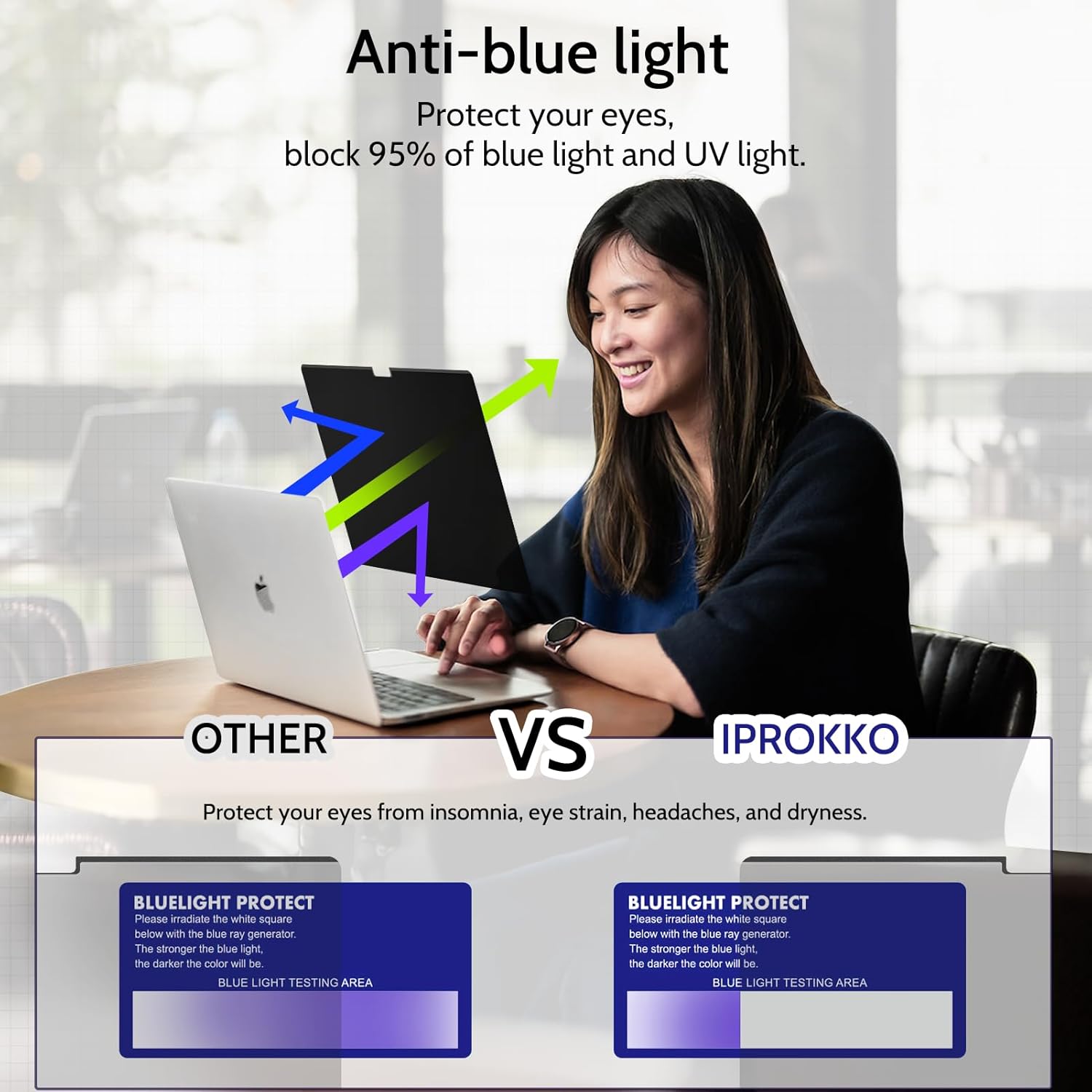
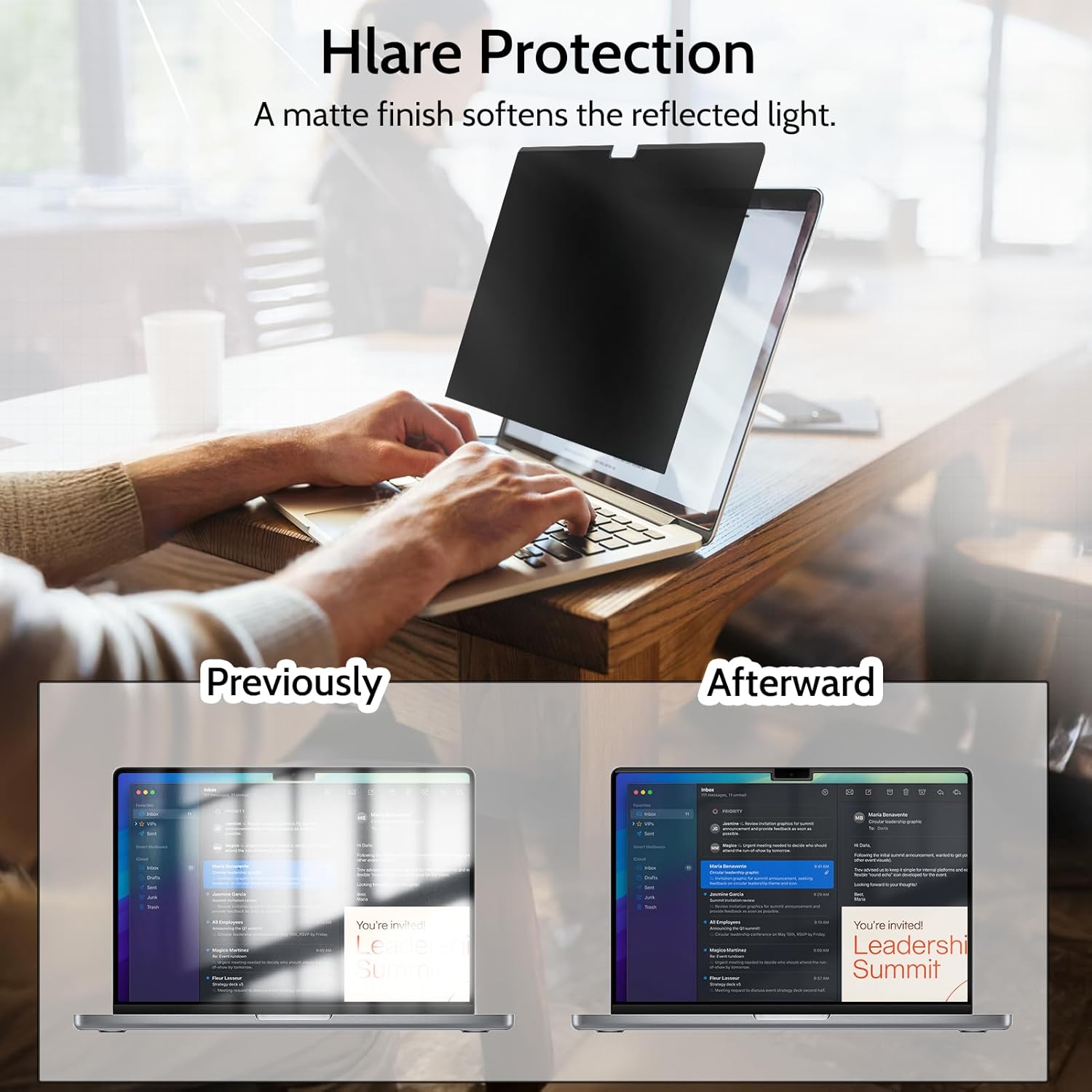
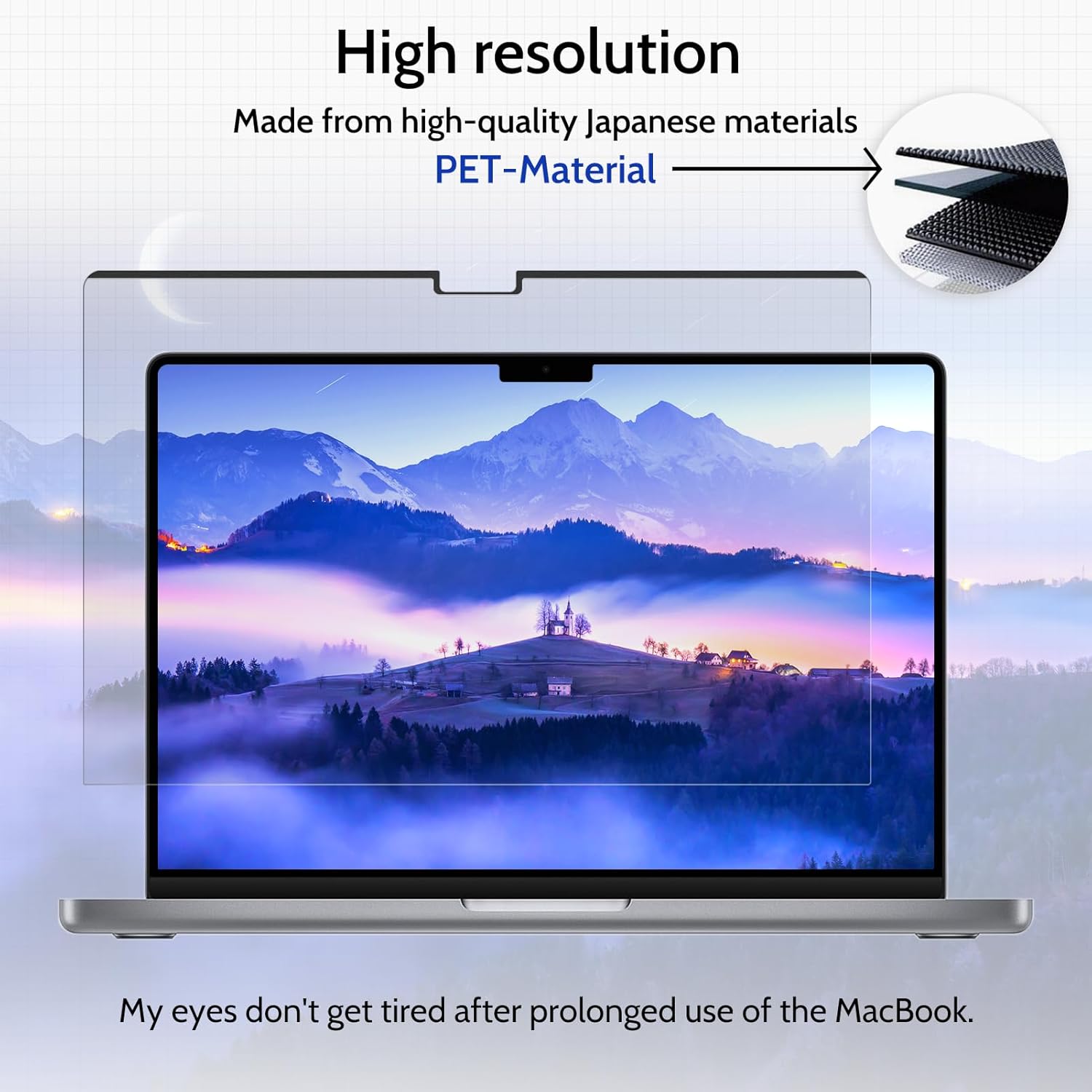
This is a four-way privacy solution designed to reduce shoulder surfing. By restricting visibility to a narrow front view, it helps protect confidential documents and emails when you’re in open offices, cafes or on public transport. The screen protector is built in six layers, including a blue-light/UV protection layer and a glare-reducing layer. In practice, this can lessen eye strain during long sessions and help keep your content legible in varied lighting. The layer stack also offers scratch and fingerprint resistance to keep the surface clean between cleanings.
Fit and compatibility
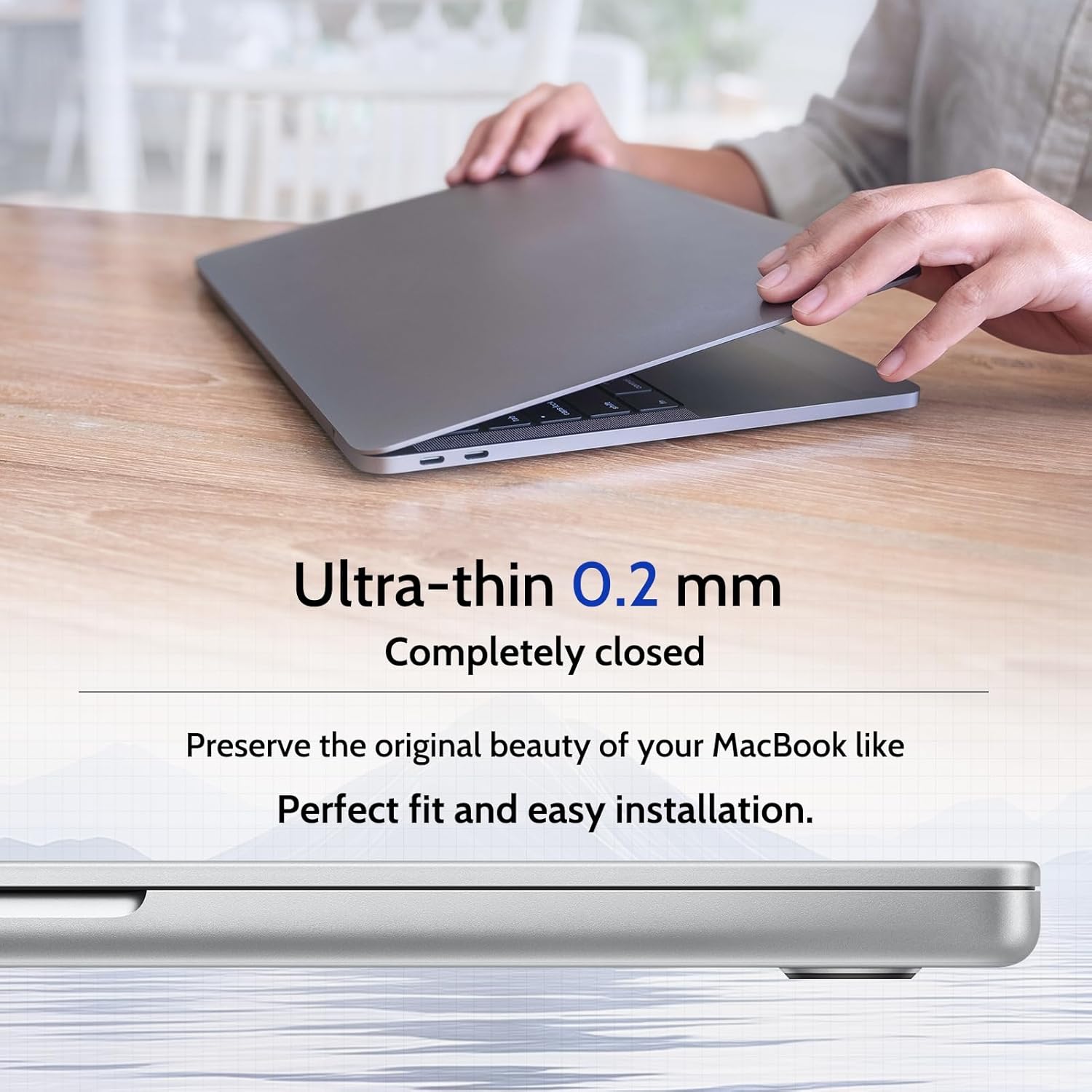
The filter is designed for MacBook Air 13.6" models spanning 2022–2026 with M2, M3, M4, M5, and the 13" MacBook Air (2018–2021, M1). Model references include A2681, A3113, A3240 and A3449. Note that some retailers advertise the 13.6" as the 13" MacBook Air, but the product targets the 13.6" form factor. The protectors are 0.3mm thick and claim a 1:1 match with the 13.6" screen, so you should not experience gaps when closing the lid.
Practical use cases
This privacy screen is intended for contexts where screen privacy matters: offices, airports, cafés or trains. If you frequently work with confidential content in shared spaces, this product can help reduce distractions for others and protect sensitive information from casual onlookers. The magnetic mount makes it convenient to attach or remove depending on whether you need privacy at that moment.
What to watch out for
On the downside, privacy screens that reduce viewing angles tend to dim the screen slightly and may affect brightness perception. Real-world experiences vary with ambient light and screen brightness. If you rely on true colour accuracy or maximum brightness for photo or video work, you may notice a difference when the privacy filter is in place. Also, the compatibility notes are specific to certain MacBook Air models, if your device falls outside the listed ranges, it may not align perfectly.
What to compare it with (context of choice)
If privacy is a priority but you don’t want a fixed, non-removable piece, a magnetic privacy screen like this can be preferable to bulkier overlays. For light privacy needs or for devices outside the supported model range, you might consider others with looser fitting designs or different opacity levels. If you ever need to travel light, the removable design adds convenience versus permanent glass privacy solutions.
What to check before you buy
- Confirm your MacBook Air model and year to ensure compatibility with the 13.6" form factor.
- Consider how much you value blue-light filtering in addition to privacy.
- Be aware that the privacy effect may slightly reduce perceived screen brightness, test in a bright environment if that matters for you.
- Check that you’re comfortable with the magnetic attachment and its ability to detach cleanly without residue after many uses.
Is it worth it?
It makes sense if you work in public or semi-public spaces and want an extra layer of privacy with a quick-attach solution. If privacy is important but you don’t mind a potential light brightness trade-off, this could be a sensible addition to your setup. It might not be the best match if you require pixel-perfect colour accuracy or if your device model isn’t listed in the compatibility notes.
FAQ
- How easy is the installation? It claims a 5-second alignment and a bubble-free attachment via magnets.
- Will it affect screen brightness or colour? Some users notice a slight dimming, expectations should be adjusted accordingly.
- Can I use it on a laptop while closing the lid? Yes, the product is designed to be a 1:1 fit with no gaps when closed, according to the manufacturer.