

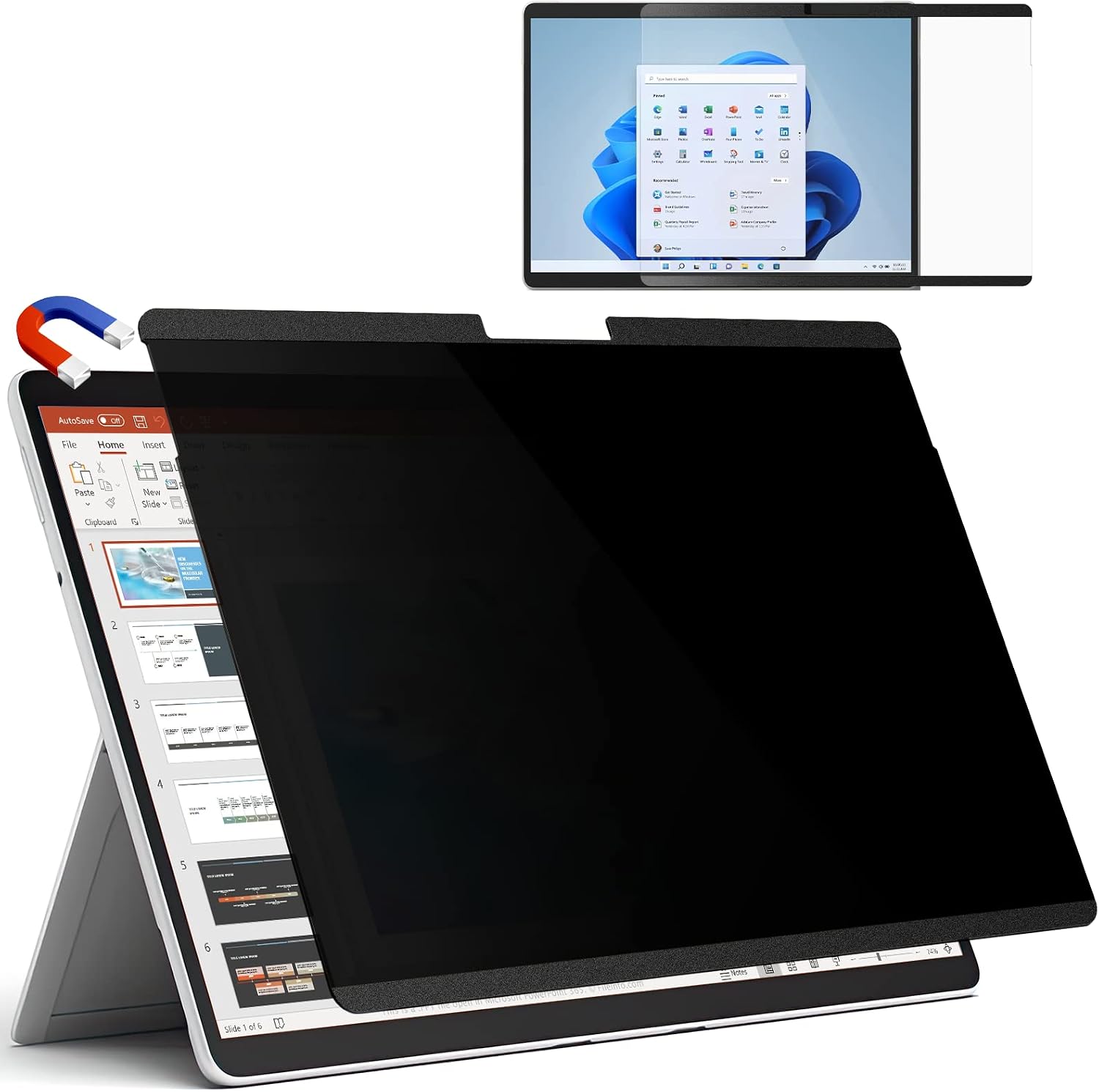
IPROKKO Magnetic Privacy Screen for Microsoft Surface Pro 9/8/X (13 Inch) – Privacy Filter with Magnetic Attachment
Product description
What it is and what it solves
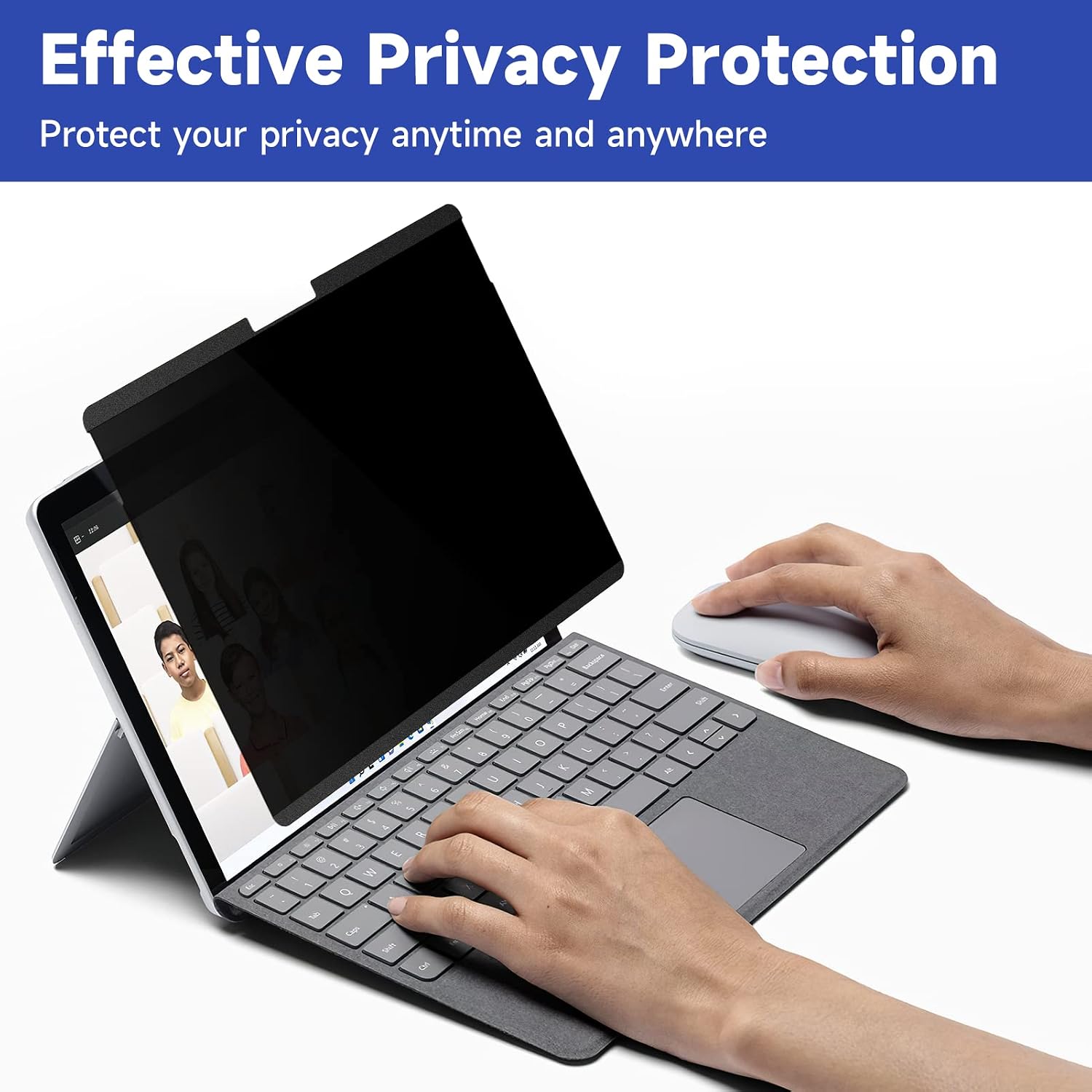
The IPROKKO Magnetic Privacy Screen is a 13-inch privacy filter designed for Microsoft Surface Pro 9 (2022), Surface Pro 8 (2021) and Surface Pro X. It aims to reduce visual distractions in public spaces by narrowing the viewing angle, while also blocking blue light and glare. If you often work in shared environments or travel with a Surface Pro, this accessory addresses two common concerns: maintaining privacy and protecting eyes during long sessions.
How it attaches and aligns
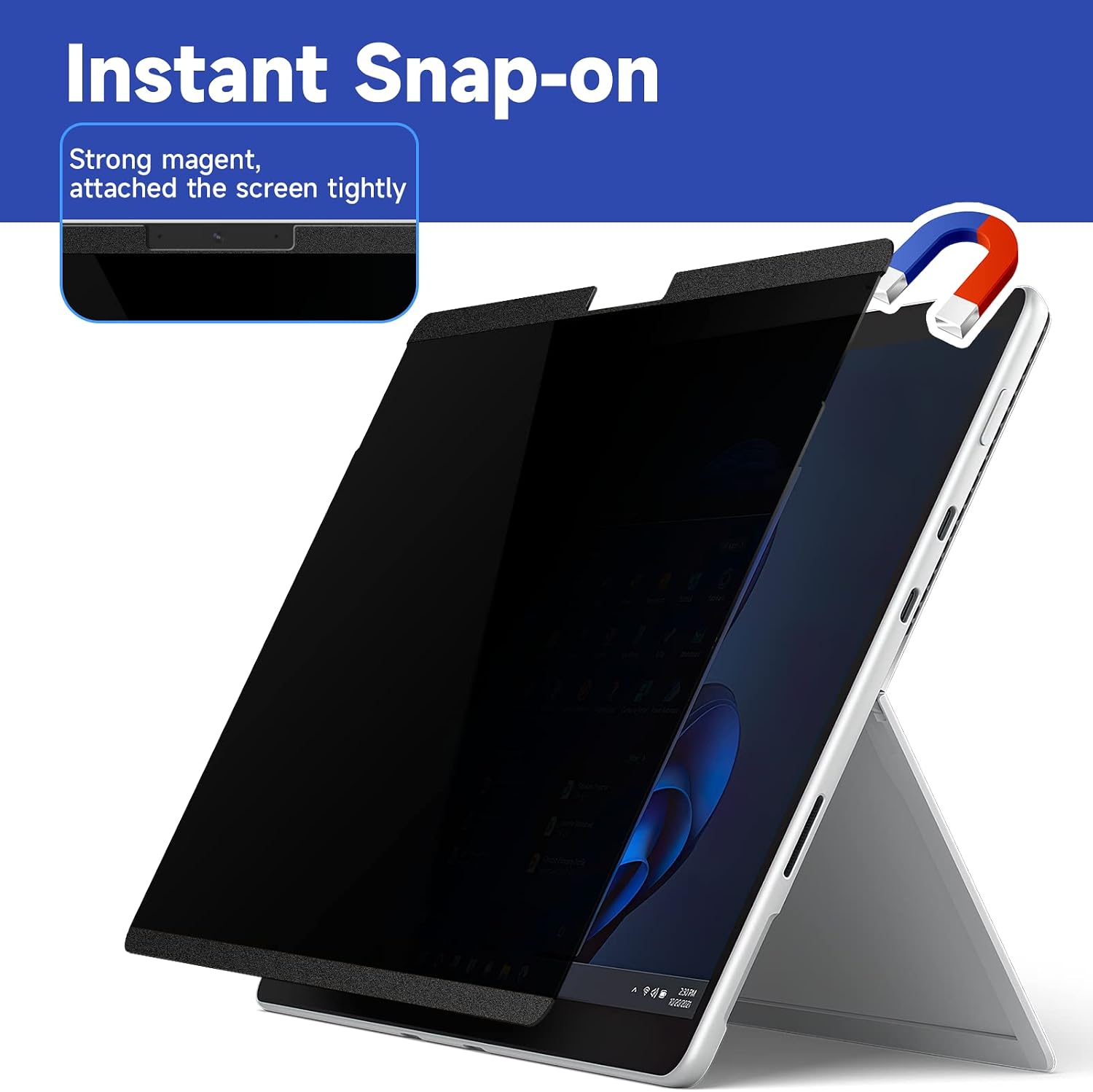
This privacy filter uses NdFeB magnets for a quick, tool-free attachment. It should align with the screen and attach smoothly in about five seconds. When you want to remove it, it comes away cleanly, leaving no bubbles or sticky residue. The magnetic design is intended to keep touch responsiveness intact, and it works with stylus pens. If you value a fast, reversible fit, this method is a practical plus point.
Eye comfort and screen clarity
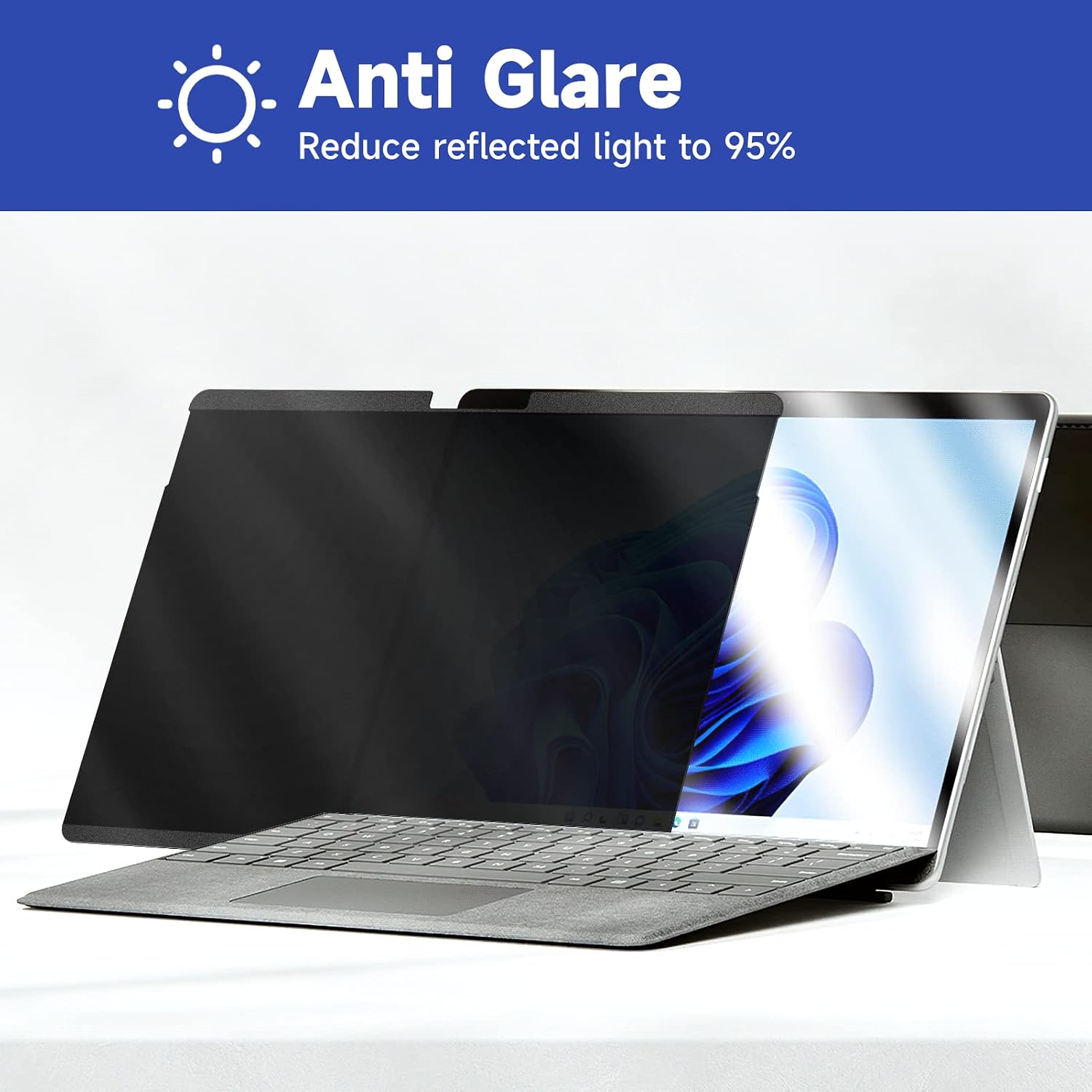
On the eye‑care front, the IPROKKO filter claims to block 95% of blue light and UV rays, and its matte surface reduces glare by about 98%. In practice, that combination can help reduce eye strain in bright environments and make the display easier to read in peripherals lighting. Of course, shielding privacy can slightly soften the apparent brightness and colour accuracy, but the design seeks to keep around 90% transparency while narrowing the viewing angle to roughly ±30 degrees.
Privacy, what you get
The core idea is to keep sensitive information out of sight to passers‑by. If privacy in public places is a priority, this filter offers a straightforward approach without special software or complex installation. It’s positioned as an accessory that complements the Surface Pro, rather than a replacement for a more robust workflow security approach.
What could be stronger
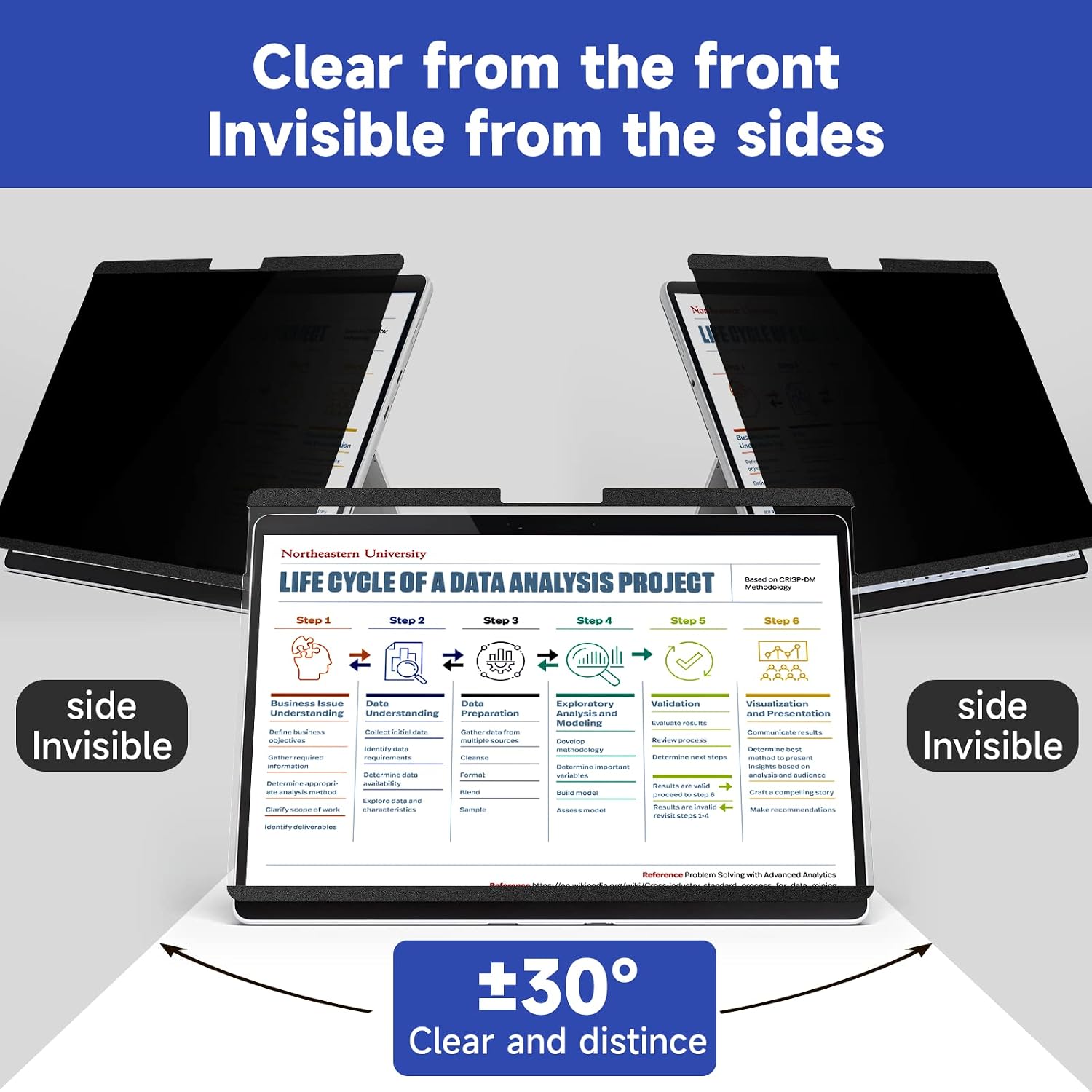
On paper, this is a practical option, but it isn’t a universal fix. Privacy filters can affect perceived brightness and colour reproduction, and the level of privacy can feel variable depending on ambient light and viewing distance. Also, the effectiveness of the privacy angle is limited to roughly ±30 degrees, so someone perfectly alongside your screen may still see some content at certain angles. If you rely on crystal‑clear colour accuracy for design work, you may notice a subtle shift.
Who it’s best for
This product suits Surface Pro owners who frequently work in shared spaces—cafe desks, libraries, classrooms, or offices—and want a simple, non‑permanent privacy solution that’s fast to attach and remove. It’s also helpful for those who want to reduce blue light exposure during late sessions or screen glare when working outdoors or near bright windows.
When it may not be the best option
If you require near‑infinite privacy or perfectly preserved colour fidelity for professional photo or video work, a privacy filter with stricter viewing controls or higher transparency might be preferable. If you rarely work in public or prioritise screen brightness and accuracy above all, you could prioritise other forms of eye care and glare management.
Before you buy: quick checks
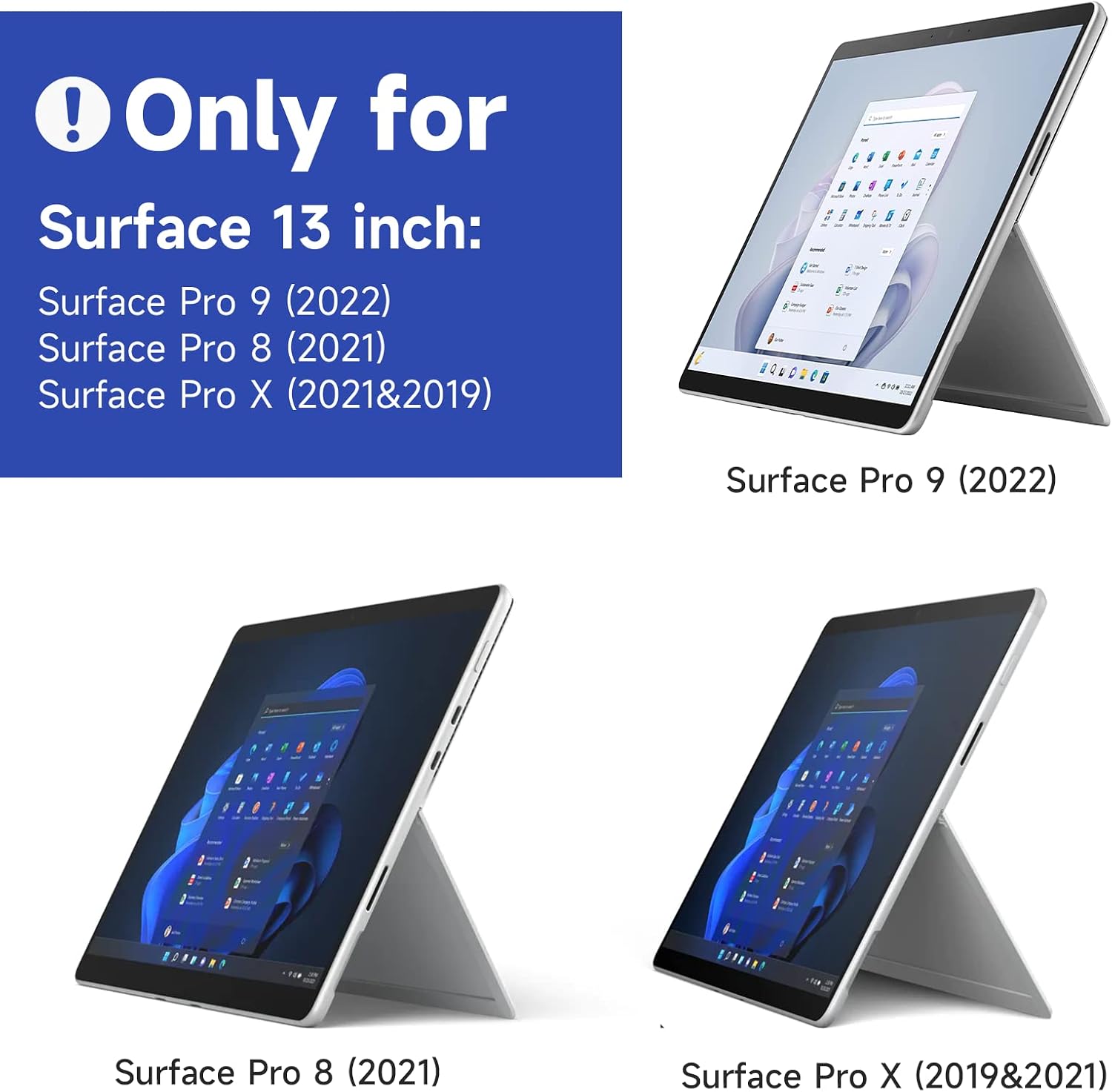
- Make sure your Surface Pro model is one of the supported versions (9 2022, 8 2021, or X 2021/2019). 13‑inch compatibility is specific, so confirm the display size.
- Consider how you use your device in public spaces. If privacy is a daily need, this filter offers a straightforward trade‑off between privacy and image brightestness.
- If you depend on exact colour rendering for design tasks, allow for minor shifts in colour and brightness on the filtered display.
- Remember magnetic attachment is convenient, but you’ll want to ensure the screen surface remains clean for a secure grip.
Practical example in use
Picture typing on a desk in a busy shared office. The filter snaps on in a few seconds, cutting glare from a large window and subtly darkening the sides so a passer‑by can’t easily read the screen while you review documents. When you step away, you simply lift it off and drop it into your bag without leaving sticky residue behind.
FAQs
- How easy is it to remove and reattach? Very easy, the magnets hold it securely yet release cleanly when you want to detach.
- Does it interfere with using the Surface Pro’s touch and pen? It’s designed to maintain touchscreen sensitivity and is compatible with stylus pens.
- Will it significantly affect screen brightness or colour accuracy? It aims to keep about 90% transparency, but some users may notice a mild shift in brightness or colour, this varies with lighting.
Is it worth it?
Final verdict: Worth considering if privacy in public and reduced eye strain are priorities and you don’t need exact colour fidelity for critical work. If you mostly work solo or in low‑traffic environments, you might decide it isn’t essential. It’s a pragmatic add‑on for everyday use and travel, rather than a must‑have for every Surface Pro owner.