

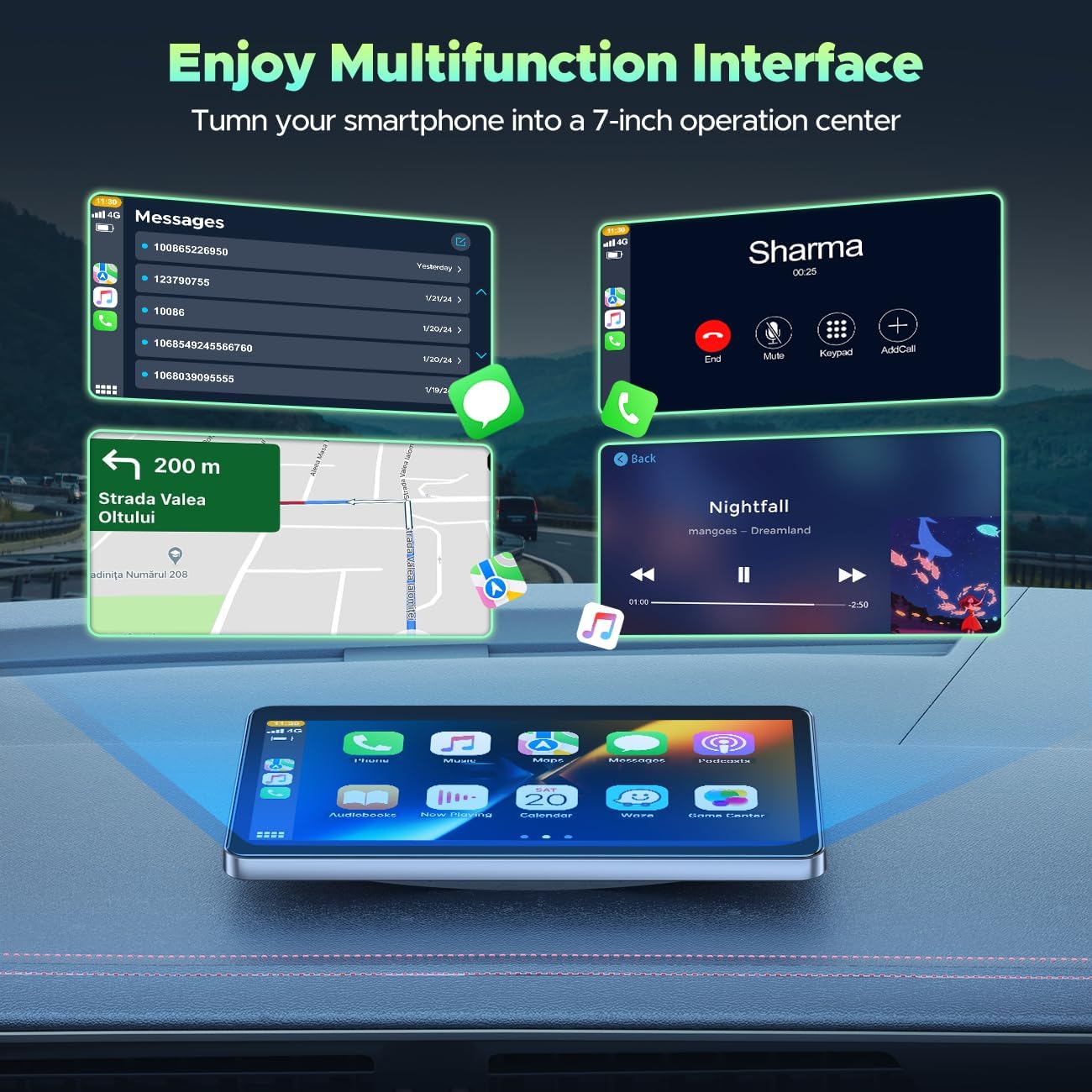
HOTPEAK Wireless Car Stereo 7" for Carplay
Product description
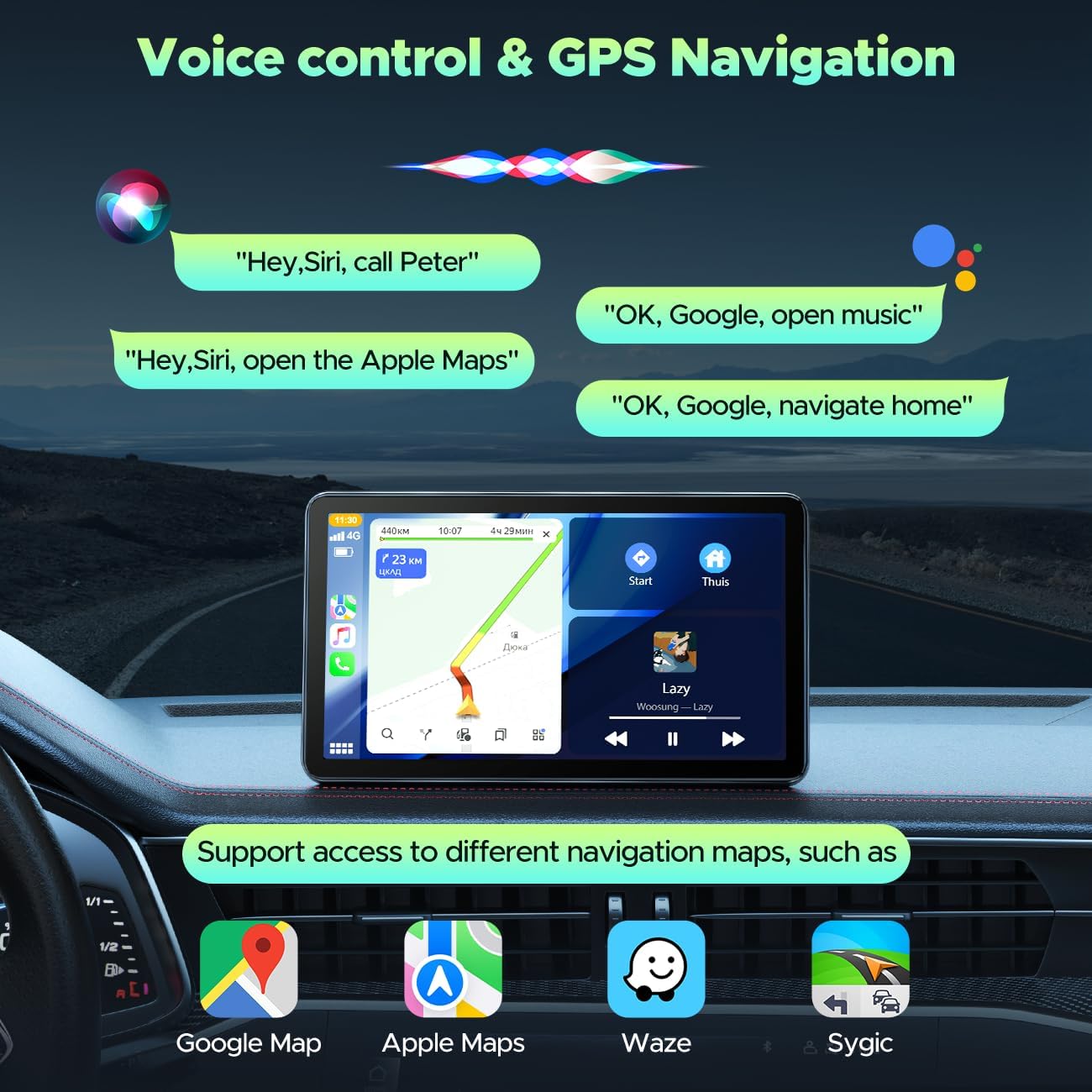
This portable car stereo brings wireless smartphone integration to vehicles without built-in screens, letting drivers access navigation and media while on the move. It pairs a 7-inch touch display with wireless Apple CarPlay and Android Auto for hands-free calls, music streaming and map navigation, helping reduce distractions on journeys.
Key Points
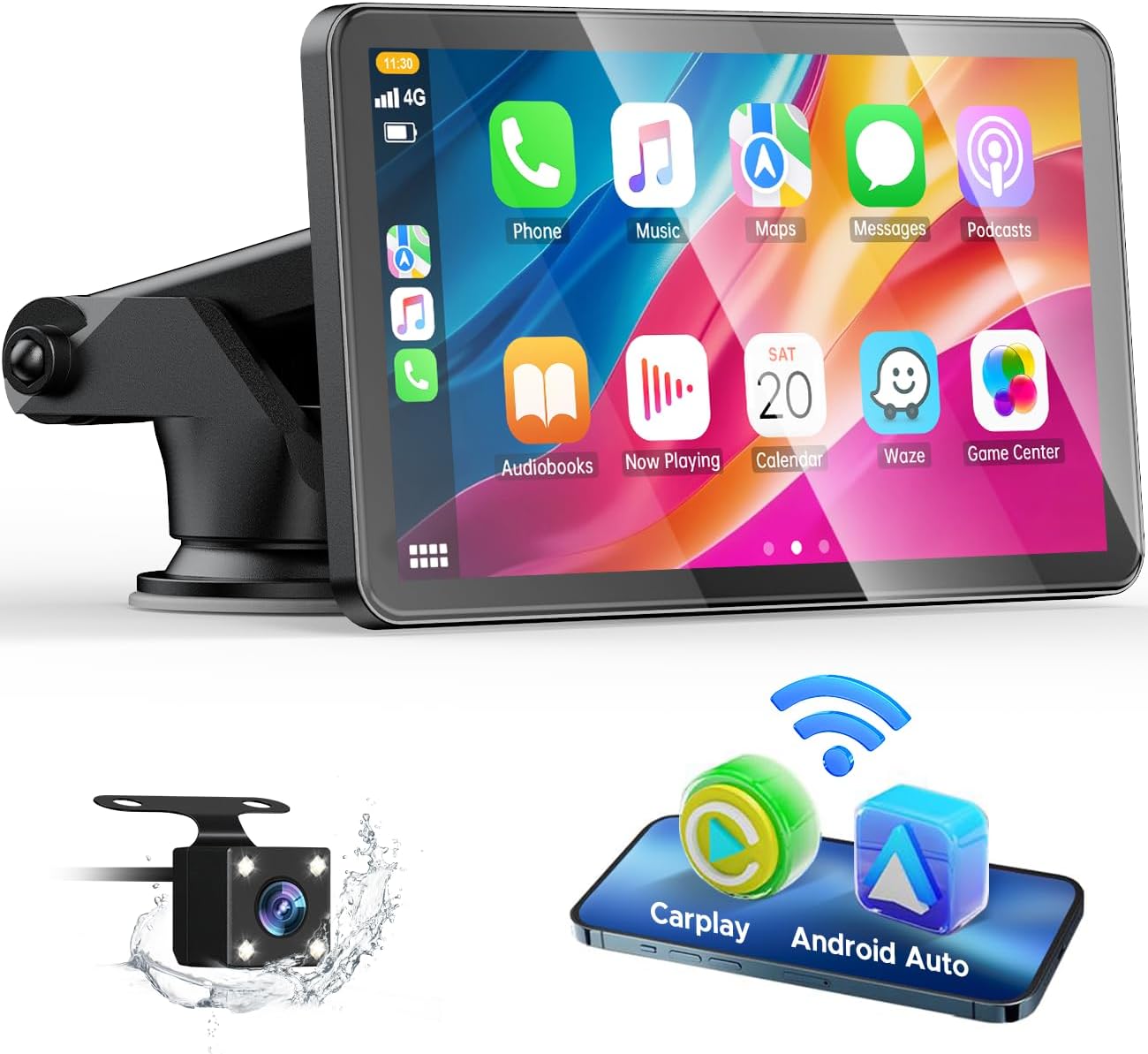
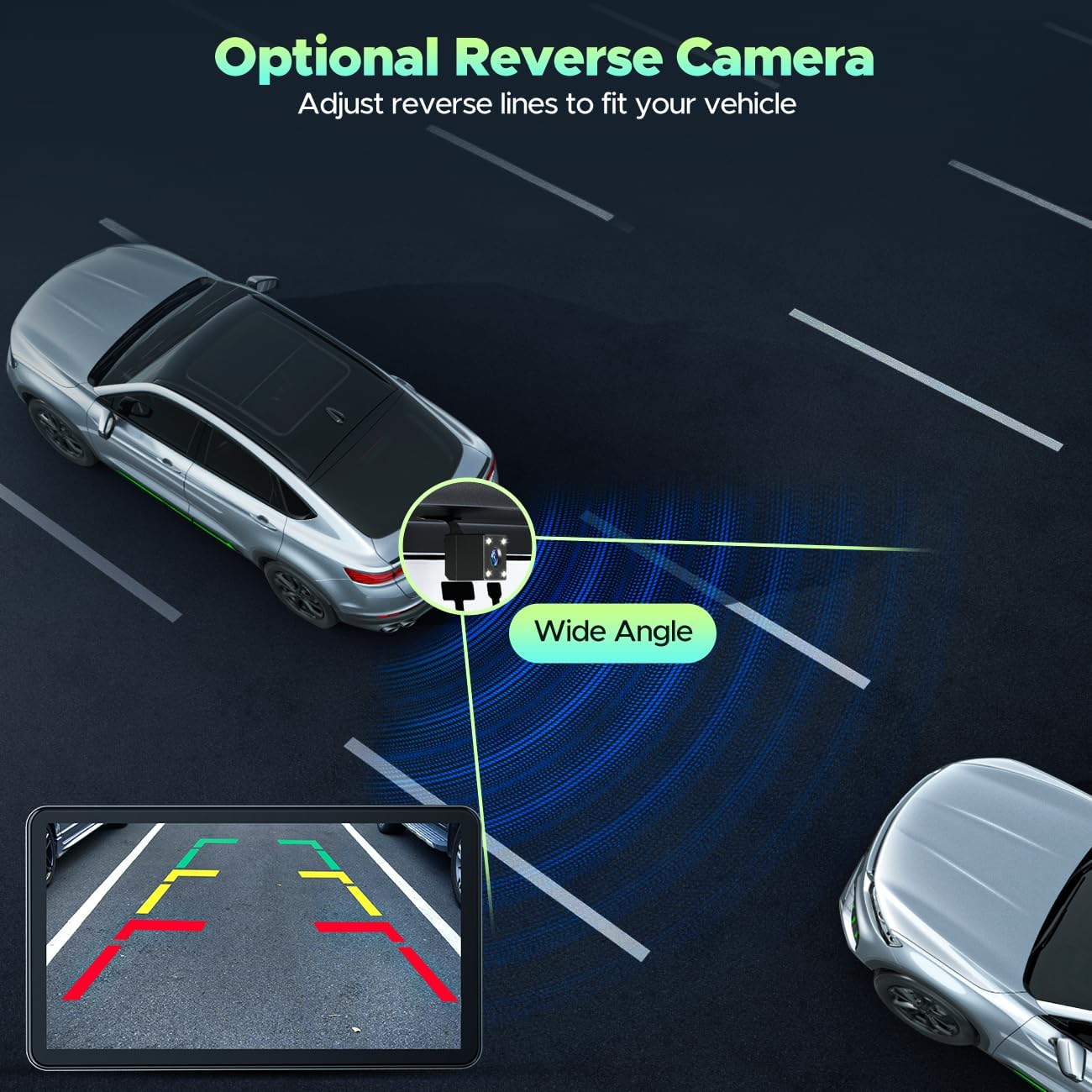
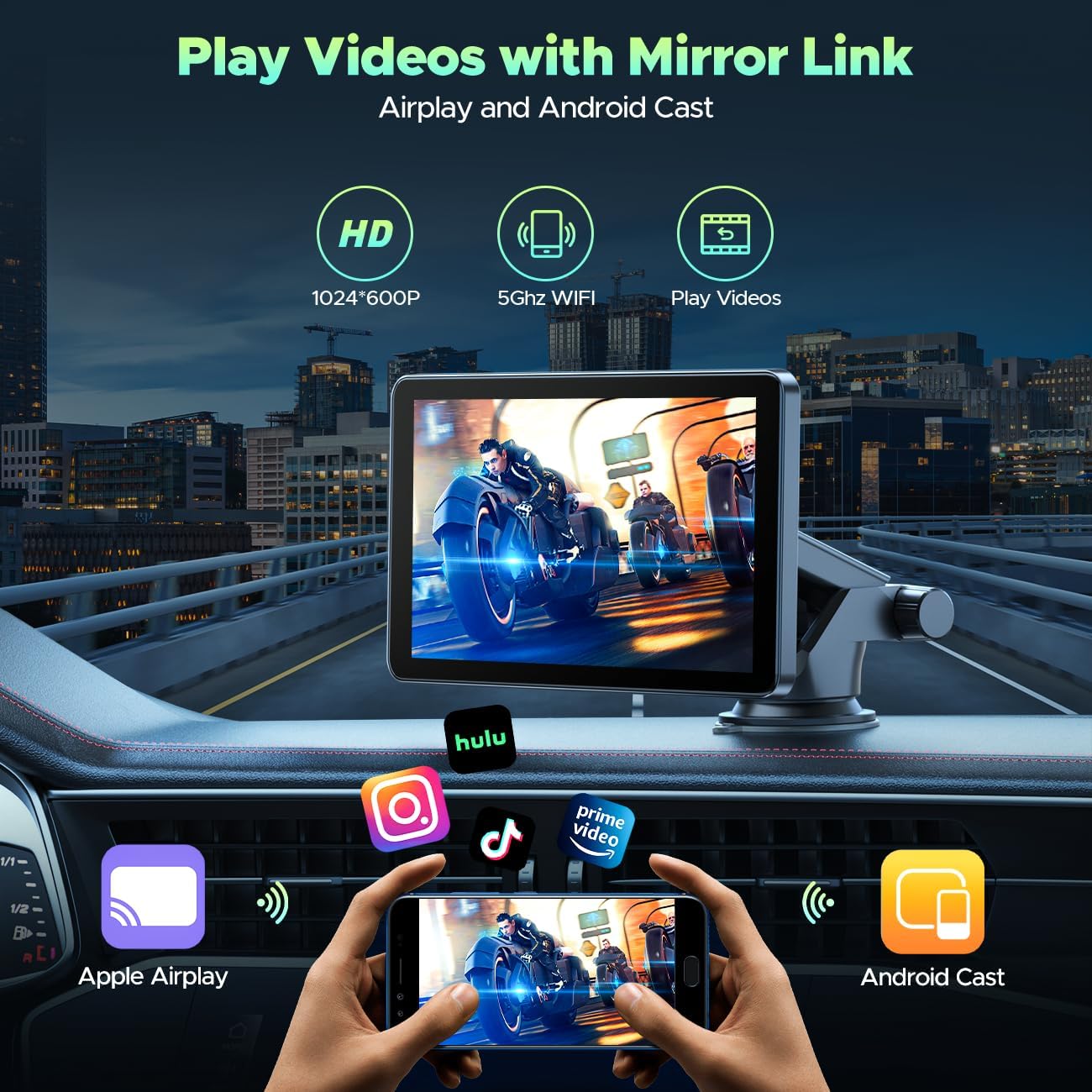
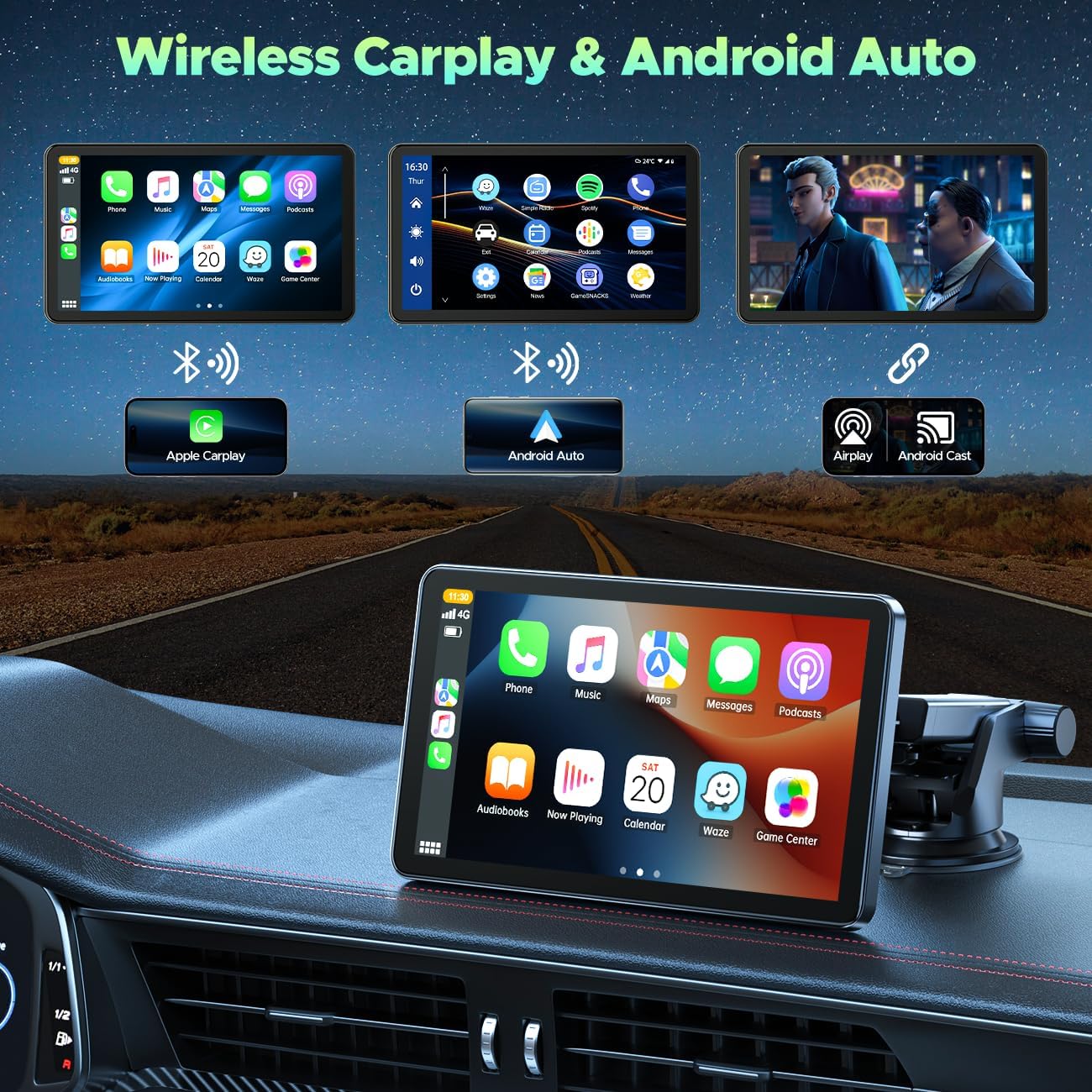
The unit allows wireless connection to iPhones and compatible Android phones, offering map navigation and voice control through Siri or Google Assistant. The 7-inch HD IPS screen is responsive to touch and mirrors selected apps for clearer directions and media playback. For parking and reversing, the bundle includes a high-definition rear camera that displays a wide field of view on the screen, making manoeuvres easier and more visible. The system supports AirPlay mirroring for iPhone and uses SuperLink for Android phones to stream video and navigation, which adds flexibility when an in-dash system is not available. Note that streaming services such as Netflix and amazon Prime Video are not supported, according to the manufacturer. 📱🚗
Technical Specifications
- Name: HOTPEAK Wireless Car Stereo
- Screen size: 7-inch HD IPS
- Camera: Reversing camera included, wide field of view
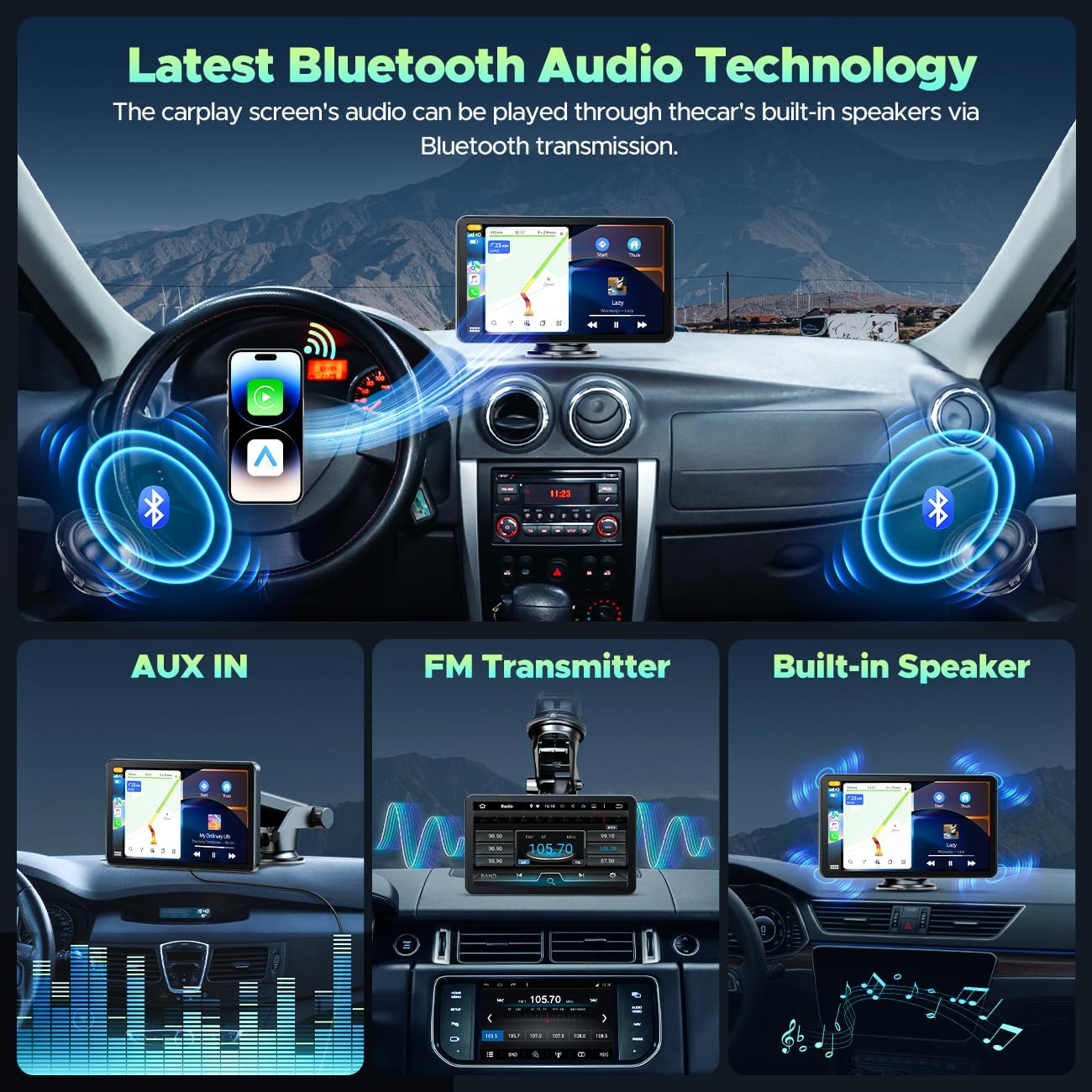
- Connectivity: Wireless Apple CarPlay, Android Auto, Bluetooth, Wi-Fi, AUX, FM
- Compatibility: iOS 7 and above, Android 11 and above, Google version 8 and above
Usage Recommendations
Place the portable screen where it does not obstruct the driver's view and connect the reversing camera according to the wiring note, making sure the camera’s red wire is attached to the reversing light positive pole for correct activation. Use voice commands to reduce manual interaction while driving and rely on the car’s speaker output for spoken navigation guidance. For Android phones, follow the on-screen SuperLink QR code process to download the required app and keep the screen firmware updated via the Evelink app to maintain compatibility. Consider that some smartphone models or older OS versions may not support every function, and wireless performance can vary with vehicle environment and phone model.