

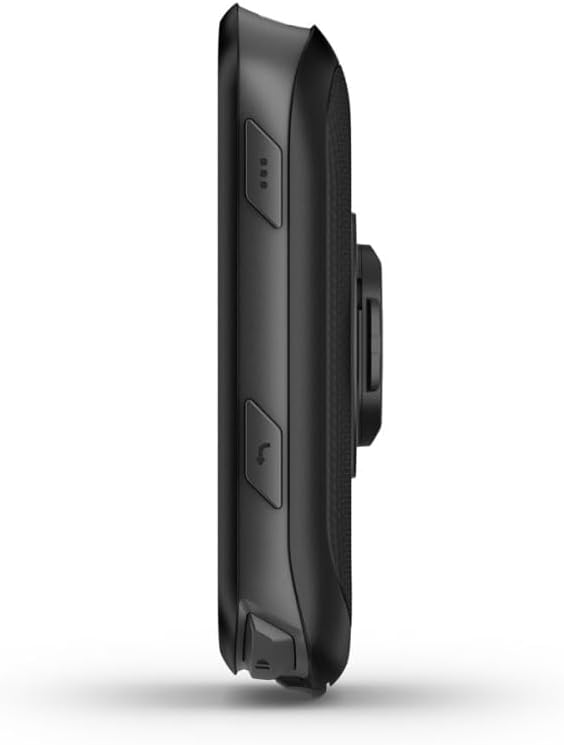
Garmin Edge 540 (Central and East EU maps only) cycling GPS computer with button controls
Reviews
Price
Product description
The essentials
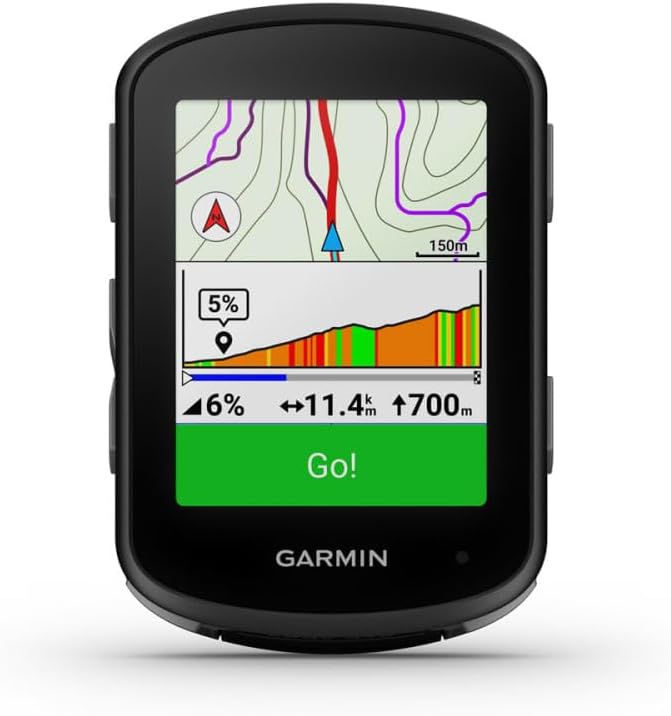
If you’re shopping for a cycling GPS, the Garmin Edge 540 is aimed at riders who want proper navigation and coaching-style guidance without relying on touch controls. The big detail in the name here is the “Central and East EU maps only” part, which means map coverage is a key thing to get right before you commit.
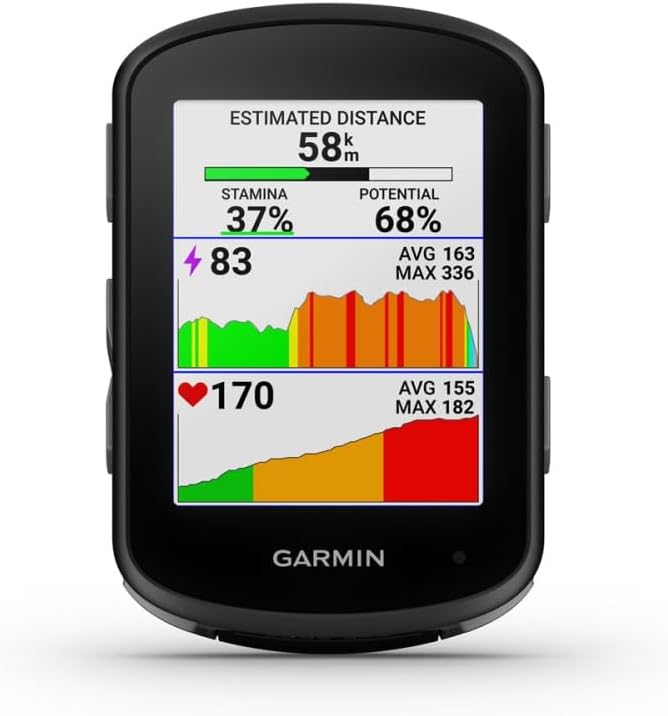
On paper, the Edge 540 positions itself as a more grown-up option than basic bike computers: it’s built around advanced navigation and “targeted adaptive coaching”, so it’s designed for training and structured rides, not just showing speed and a track.
What it’s for (and what you’ll notice on the bike)
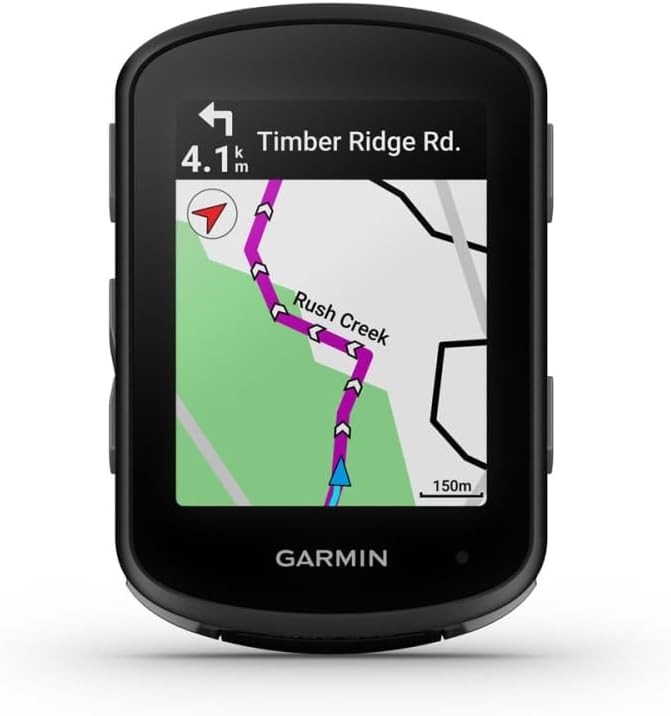
This is a compact GPS cycling computer for people who ride enough to care about routes and training signals. In everyday use, that typically translates to planning a ride, following turn-by-turn guidance, and getting coaching prompts that are intended to adapt to you.
One practical way to think about it: imagine you’ve got a favourite loop but want a slightly different route for a training day. With a device like this, you’re not just looking at a breadcrumb line—you’re more likely to be relying on navigation to keep you on track while you focus on pacing.
Key points to check before buying
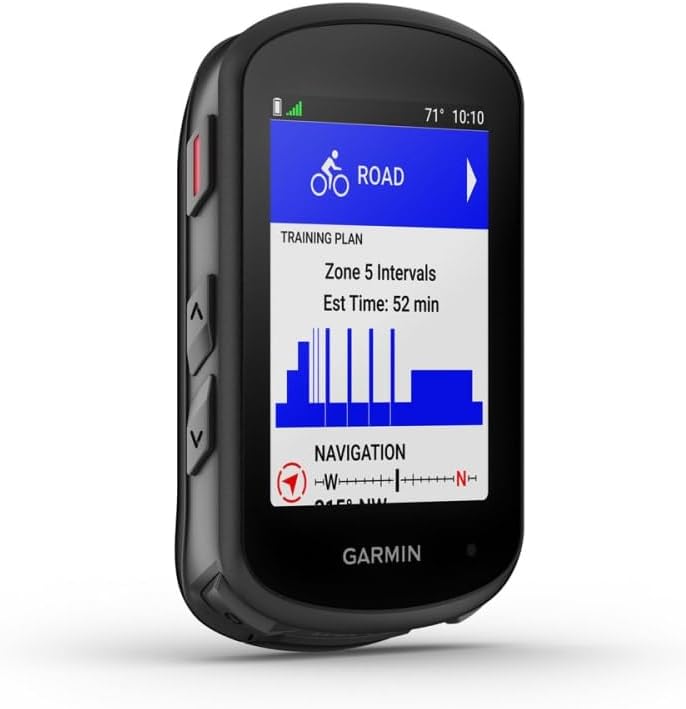
Garmin says this unit is “Central and East EU maps only”, so it’s worth confirming whether your typical riding areas are covered. If you regularly travel outside that region, you may find yourself disappointed—this isn’t the kind of purchase that you want to make “assuming it’ll be fine”.
Also, the listing description indicates that it requires installation. That’s normal for cycling accessories that need setup, but it’s still a reminder to consider whether you’re comfortable fitting it and getting it ready for use straight away.
And while the description mentions “button controls”, if you strongly prefer touchscreen-first interfaces, it may feel more “traditional” than some newer touchscreen-heavy competitors.
What to like about the Edge 540 setup
The appeal here is fairly clear: you get a compact GPS computer from Garmin with advanced navigation, plus coaching-style features described as targeted adaptive coaching. For riders who want their device to do more than record a ride, that combination tends to be the difference between “nice to have” and “actually useful”.
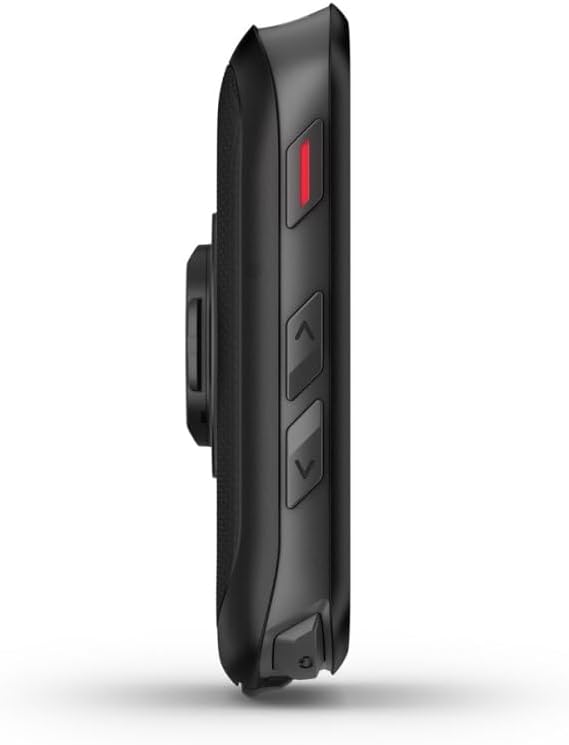
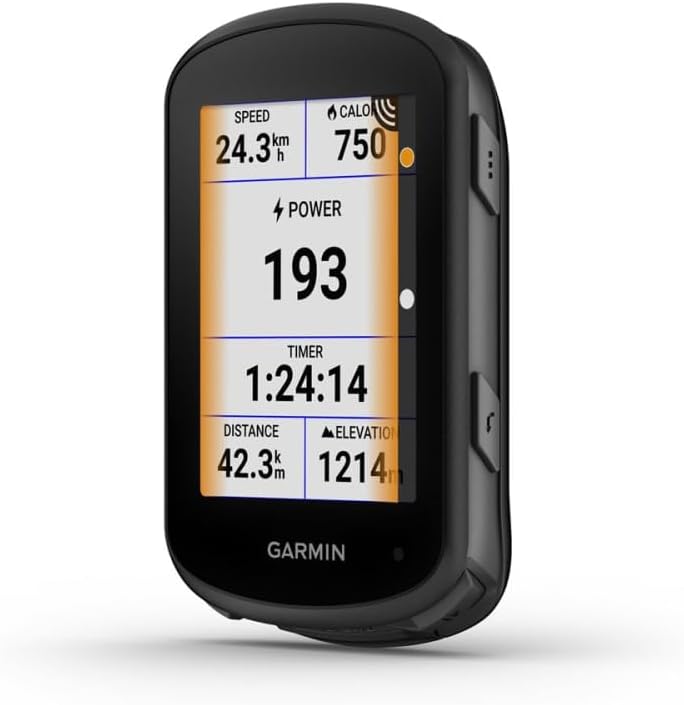
The button-control approach is also a sensible detail for cycling. On the move, buttons are often easier to use without smearing a screen or needing precise taps.
Limits and who should avoid it
It may not be a great match if your priority is maximum map flexibility across many countries. “Central and East EU maps only” suggests you’ll need to be confident about coverage.
It may also feel like overkill if you only ride casually and want a simple display for speed/distance. In those cases, you could end up paying for navigation/coaching features you don’t really use.
Technical overview
- Name: Garmin Edge 540, Central and East EU maps only
- Type: Compact GPS cycling computer with button controls
- Maps coverage: Central and East EU maps only
Is it worth it?
It’s worth considering the Garmin Edge 540 if you ride with purpose—following routes, wanting advanced navigation, and using coaching-style guidance—while you’re comfortable with the idea that map coverage is limited to Central and East EU.
You may want to skip it if you regularly ride outside that map region or if you’re looking for a simple starter computer. Also factor in the fact it requires installation, so it helps if you know what setup involves.
For the right rider, this Garmin looks like a solid step up: less “toy GPS”, more training-minded cycling computer, with the comfort of button controls for on-bike use.
Mini FAQ
Does the Edge 540 include Central and East EU maps only?
Yes—the product name specifies “Central and East EU maps only”, so you should double-check whether your usual routes are inside that region.
Is it easy to get started?
The listing notes that it requires installation. If you’re not keen on setup, that’s something to account for before buying.
Are there button controls rather than touch?
The description highlights button controls, so it’s designed for operation without relying on touch input.
What kind of rider is it best suited to?
It suits riders who want advanced navigation and targeted adaptive coaching, rather than purely basic ride recording.